Articles
Plain answers, built-in way first.
Everyday Windows questions, answered step by step. Each article shows what Windows already does, then how a small Tidy Button app makes it quicker.
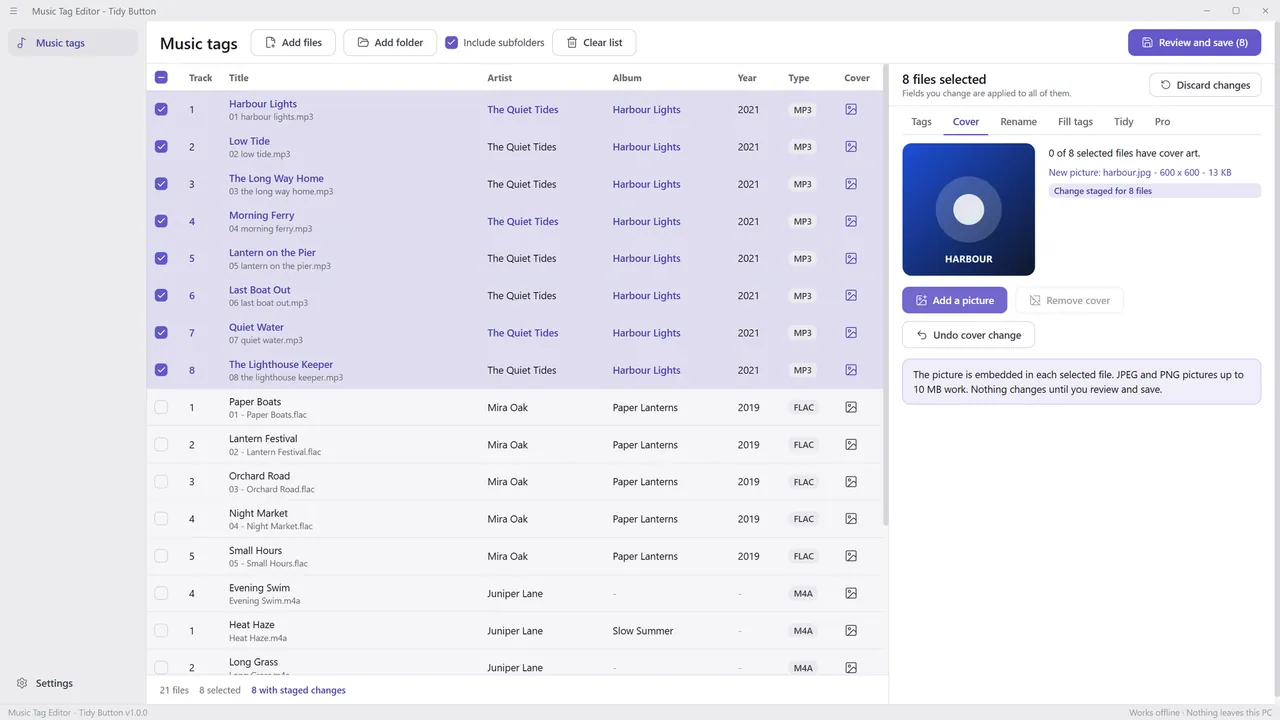
Music Tag Editor
How to add album art to MP3 files on Windows 11
How to add album art to MP3 files on Windows 11: edit text tags in File Explorer, then add a cover picture to a whole album at once with a free tag editor.
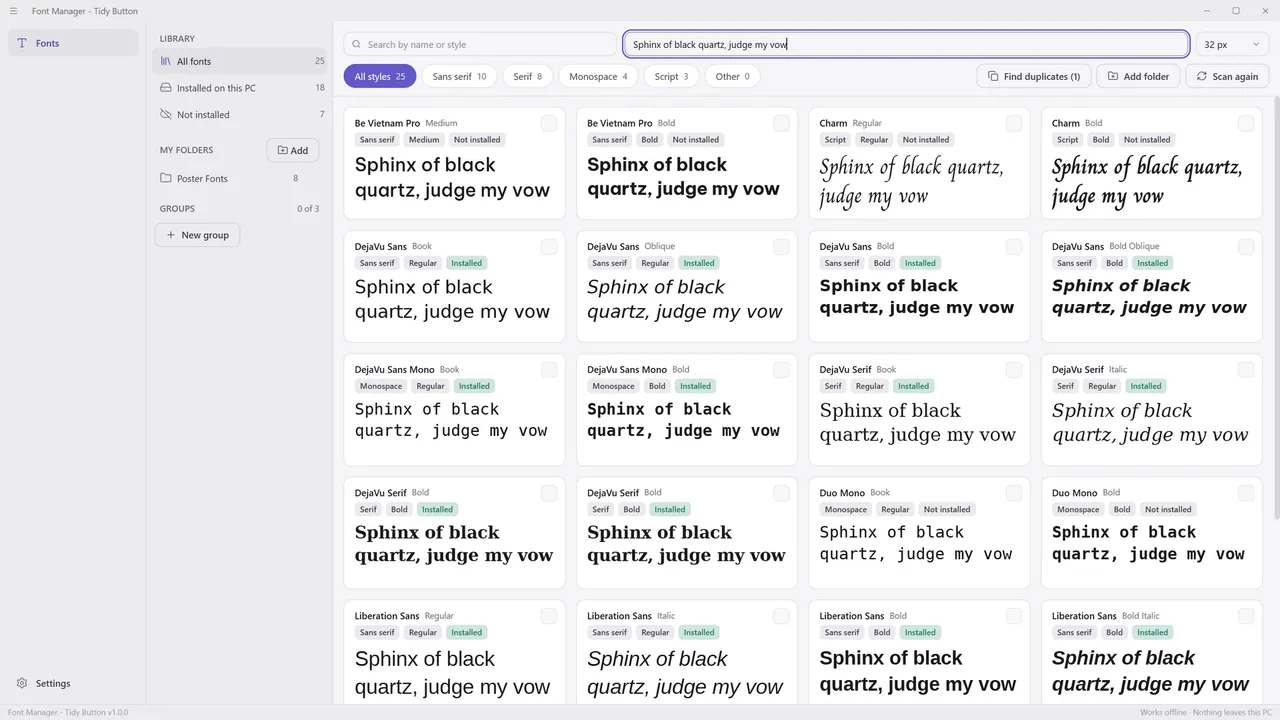
Font Manager
How to install fonts on Windows 11, and preview them first
How to install fonts on Windows 11 with the built-in steps, plus a free offline way to preview a folder of fonts before you install any of them.
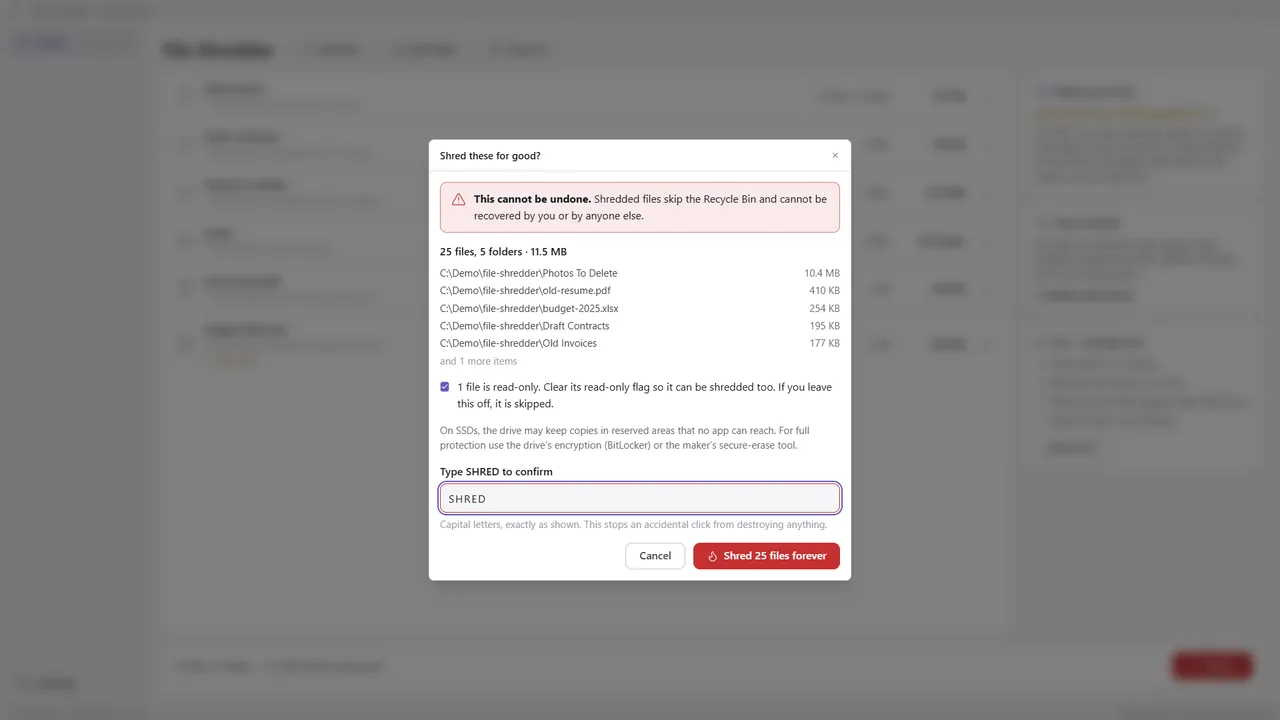
File Shredder
Permanently deleted files: can recovery tools find them?
Can recovery tools find permanently deleted files? Learn what deleting does, what overwriting changes, and where it does not help, including on SSDs.
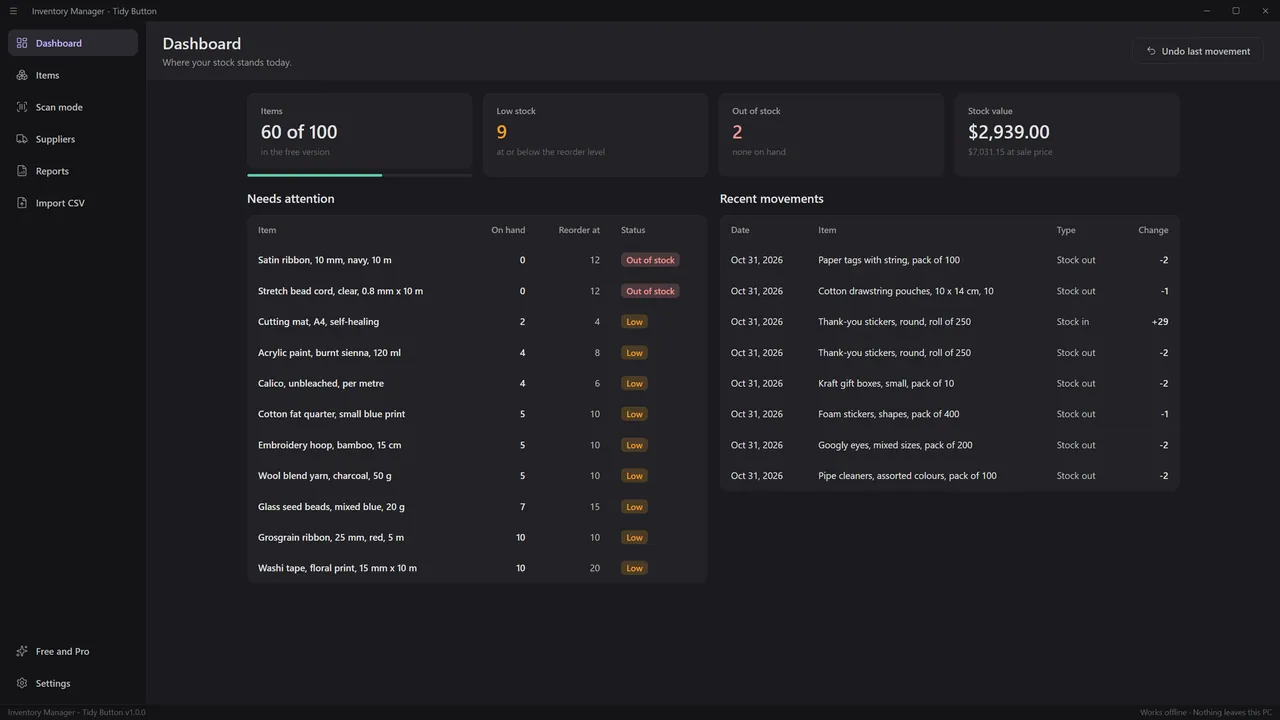
Inventory Manager
Simple inventory software for small business, offline
Simple inventory software for small business that runs offline: track stock in and out, see what is low and export reports. Free for up to 100 items.
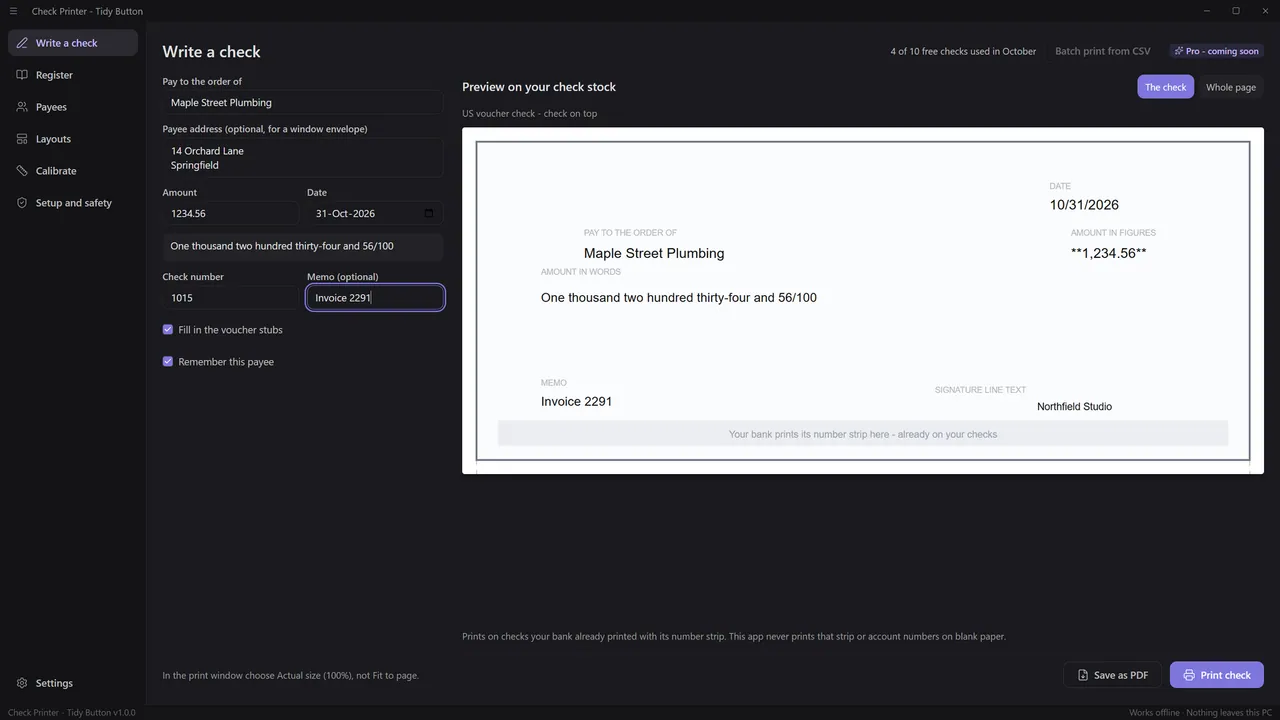
Check Printer
Check printing software for a small business: free options
Looking for check printing software for a small business? See the free options, how to line up pre-printed check stock, and what the free limit is.
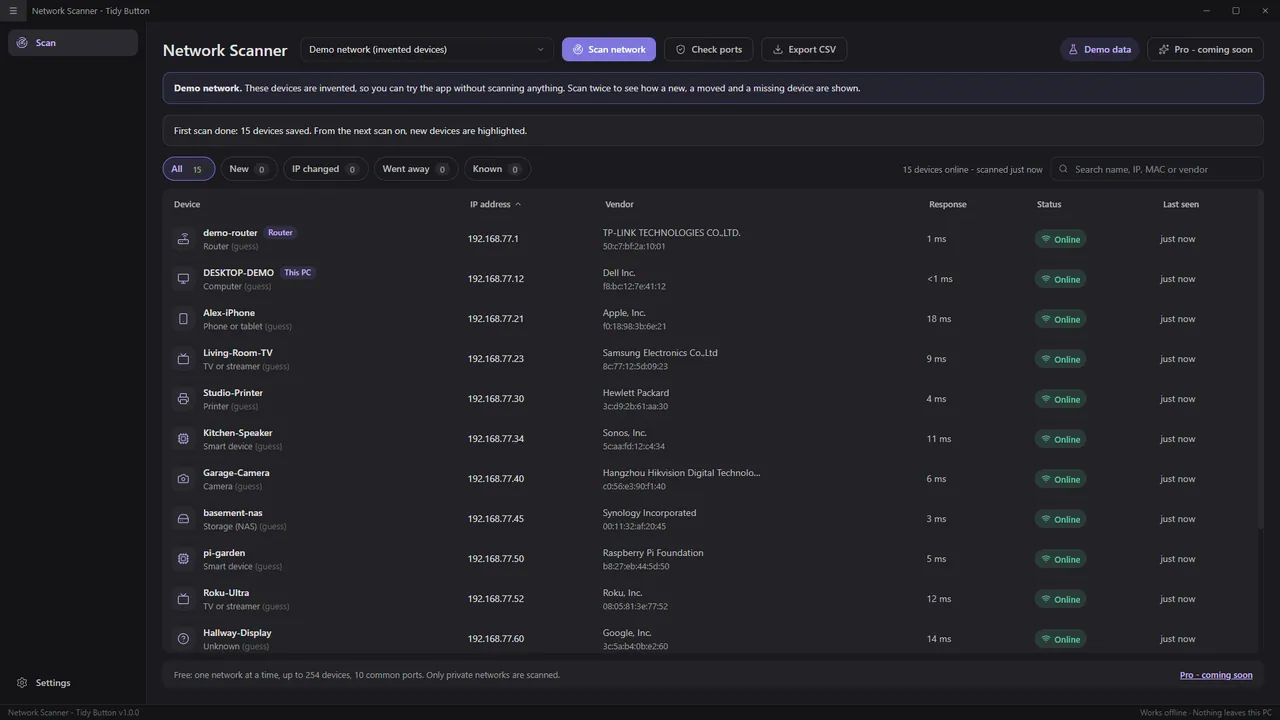
Network Scanner
IP scanner for Windows 11: find every device on your network
Need an IP scanner for Windows 11? See what Windows shows on its own, then list every device on your network with its IP address, name and maker.

Family Tree
Family tree software for Windows 11: free and offline
Family tree software for Windows 11 that works offline: what to look for, how GEDCOM import works, and a free private option that keeps your tree on your PC.
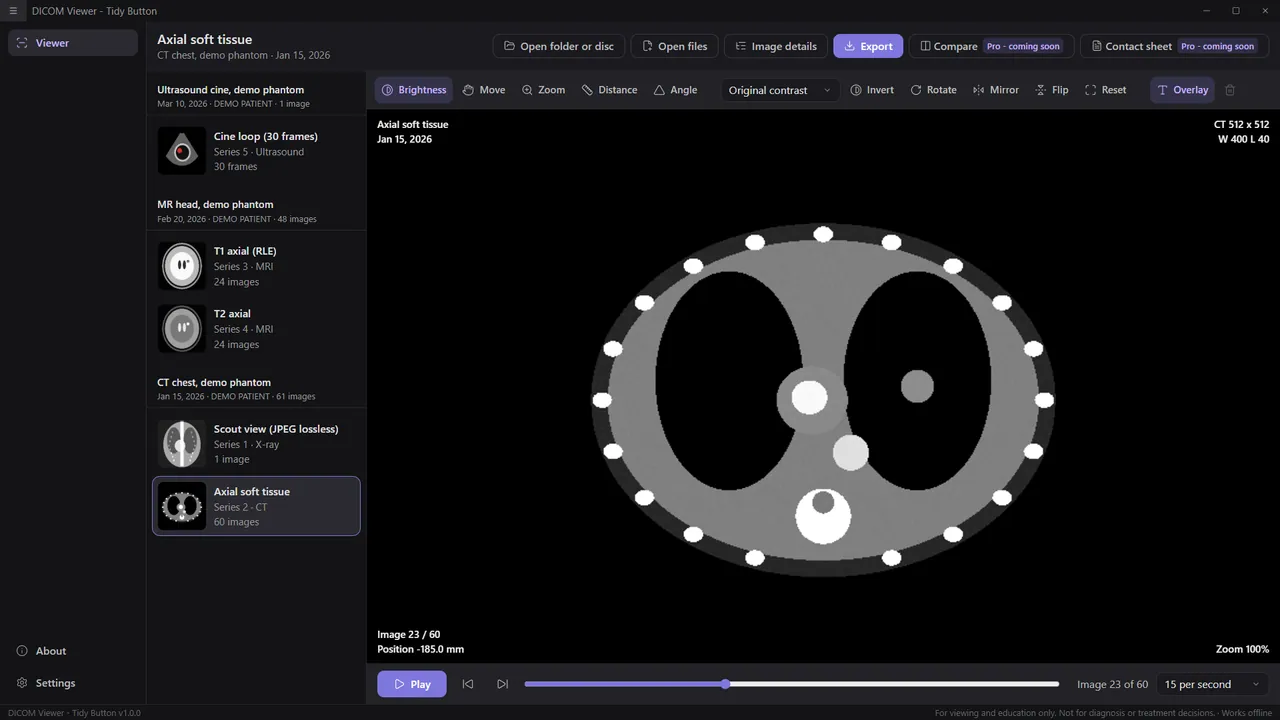
DICOM Viewer
How to open DICOM files on Windows from a disc or USB
How to open DICOM files on Windows from a scan disc, USB stick or folder, and scroll, measure and save the pictures. For viewing only, not for diagnosis.
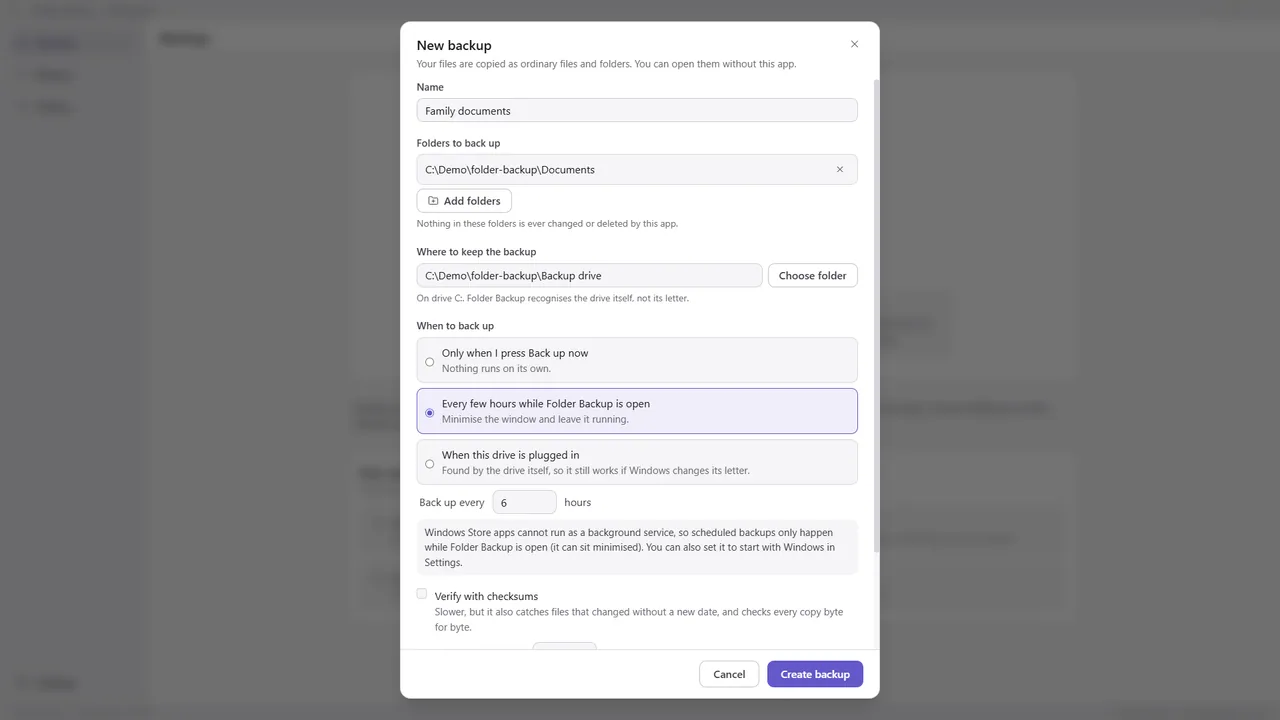
Folder Backup
Automatic backup on Windows 11 to a USB or external drive
Set up an automatic backup on Windows 11 for your folders: preview first, keep older versions, and run it every few hours or when your drive is plugged in.
File Compare
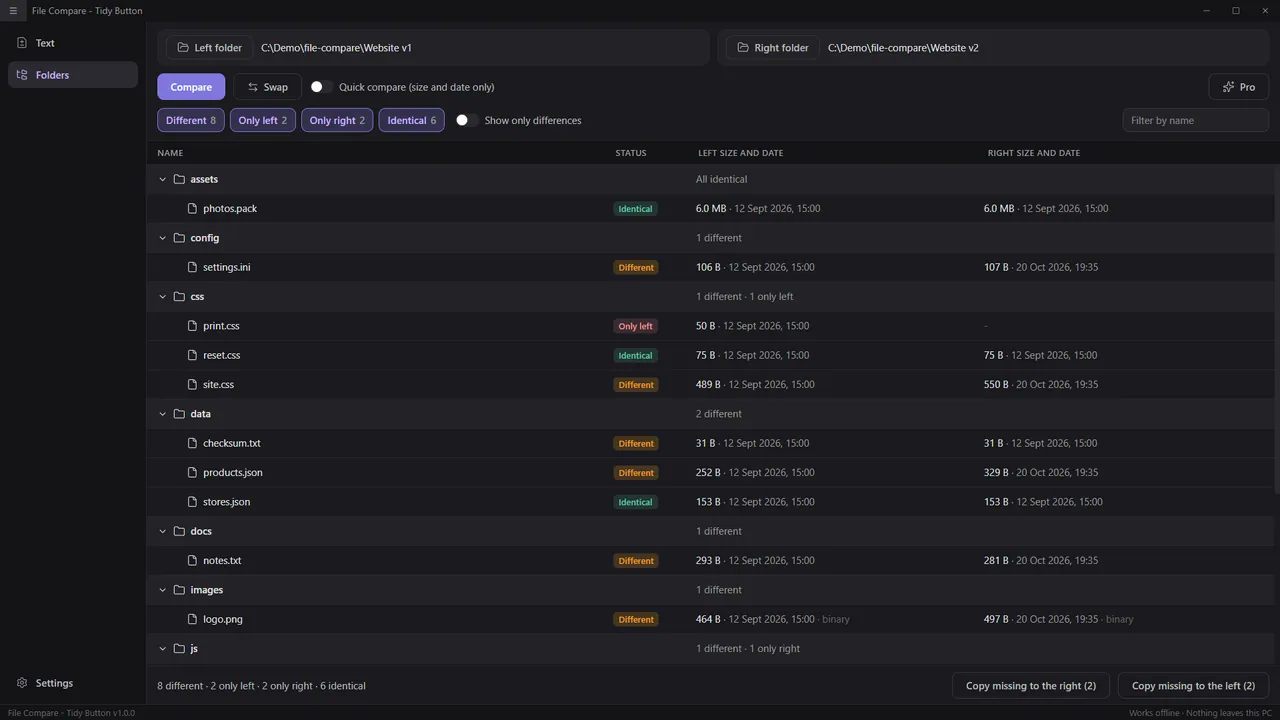
Compare two folders in Windows 11 and find what changed
How to compare two folders in Windows 11 and see which files are missing or different, by hand, with a short command, or with a free offline app.
Offline OCR
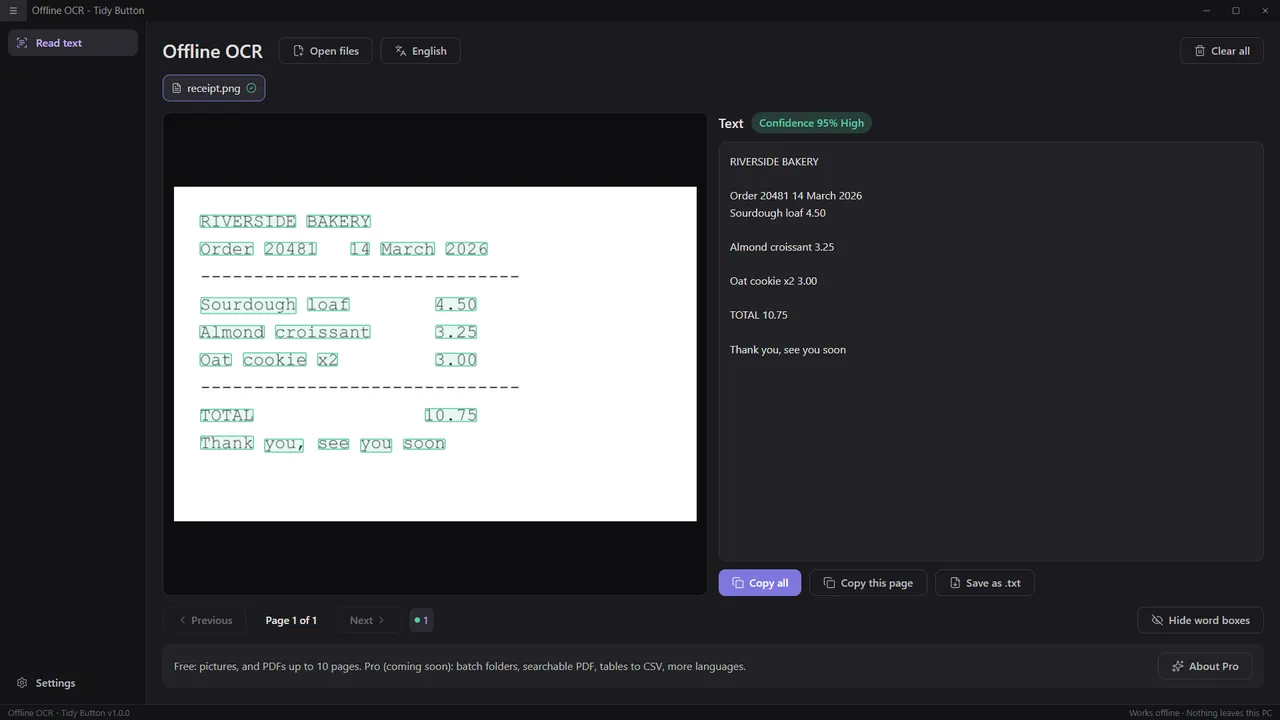
Extract text from a screenshot on Windows 11
How to extract text from a screenshot on Windows 11: take the screenshot, paste it into a free offline reader, then copy, edit or save the text as a file.
Log Viewer
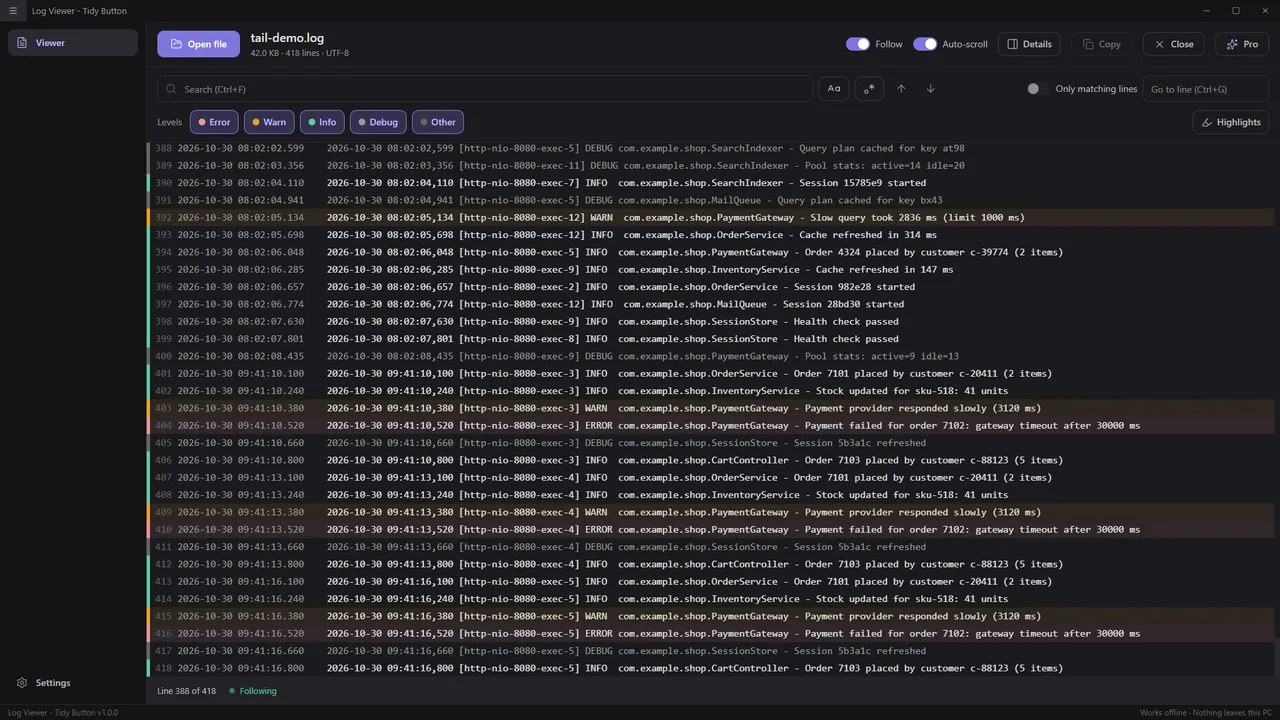
How to follow a live log file (tail) on Windows
How to tail a log file on Windows: follow new lines live with a PowerShell command, or use a viewer with search, level filters and auto-scroll.
HEIC Converter
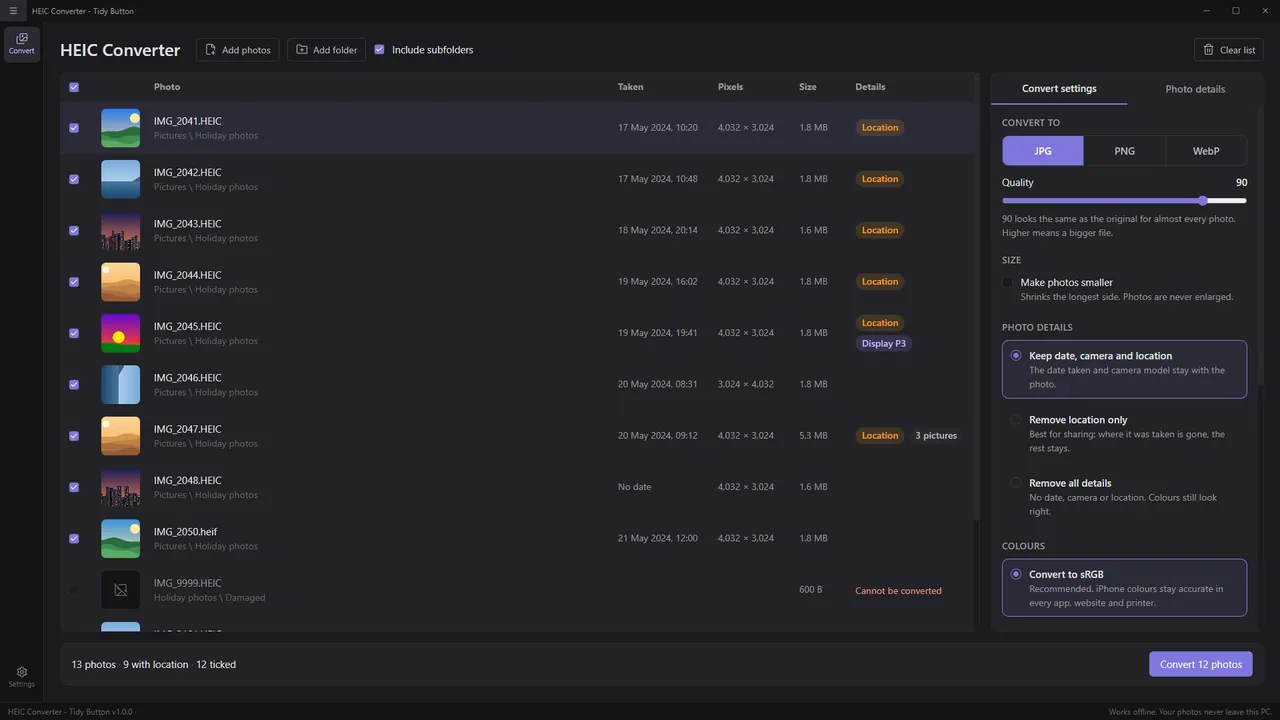
How to open HEIC files on Windows 11 for free
How to open HEIC files on Windows 11 for free: add the image extension from the Microsoft Store, or convert HEIC photos to JPG that open anywhere.
Metadata Remover
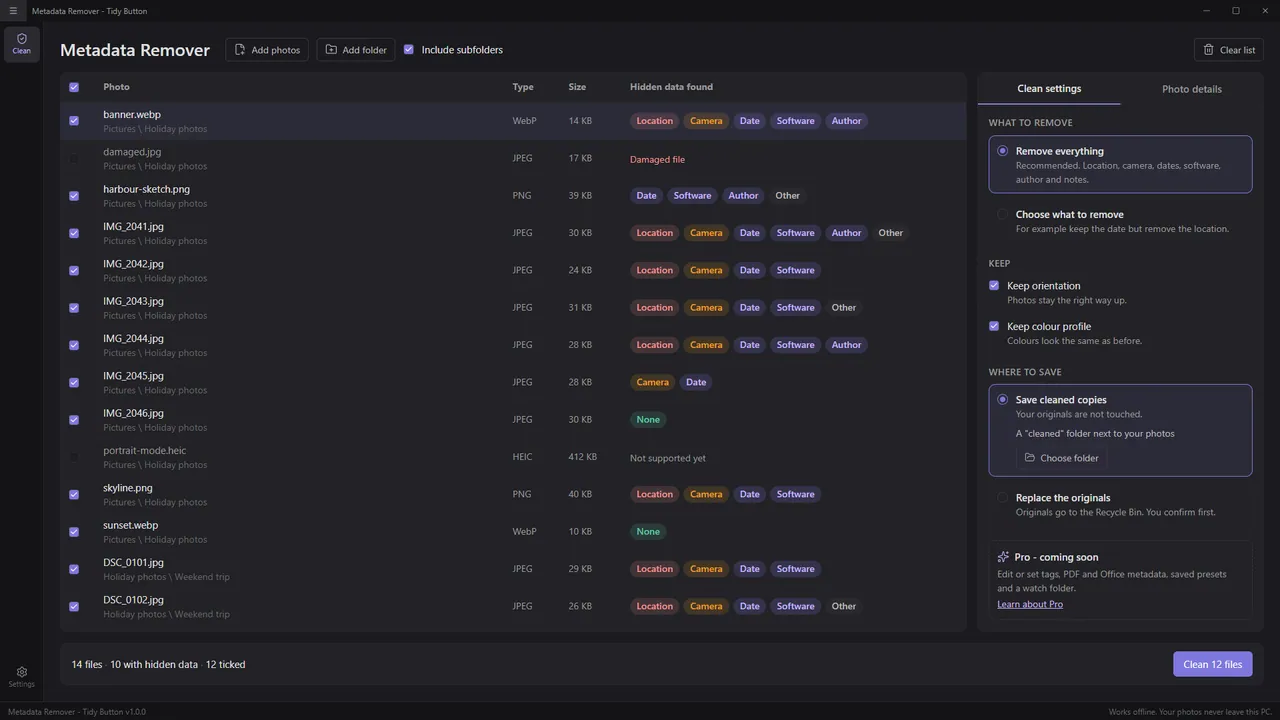
Remove GPS location from a photo before you post it
Remove GPS location from a photo before you post it. See what a photo reveals, then strip it with Windows Properties or clean many photos at once.
Disk Space Analyzer
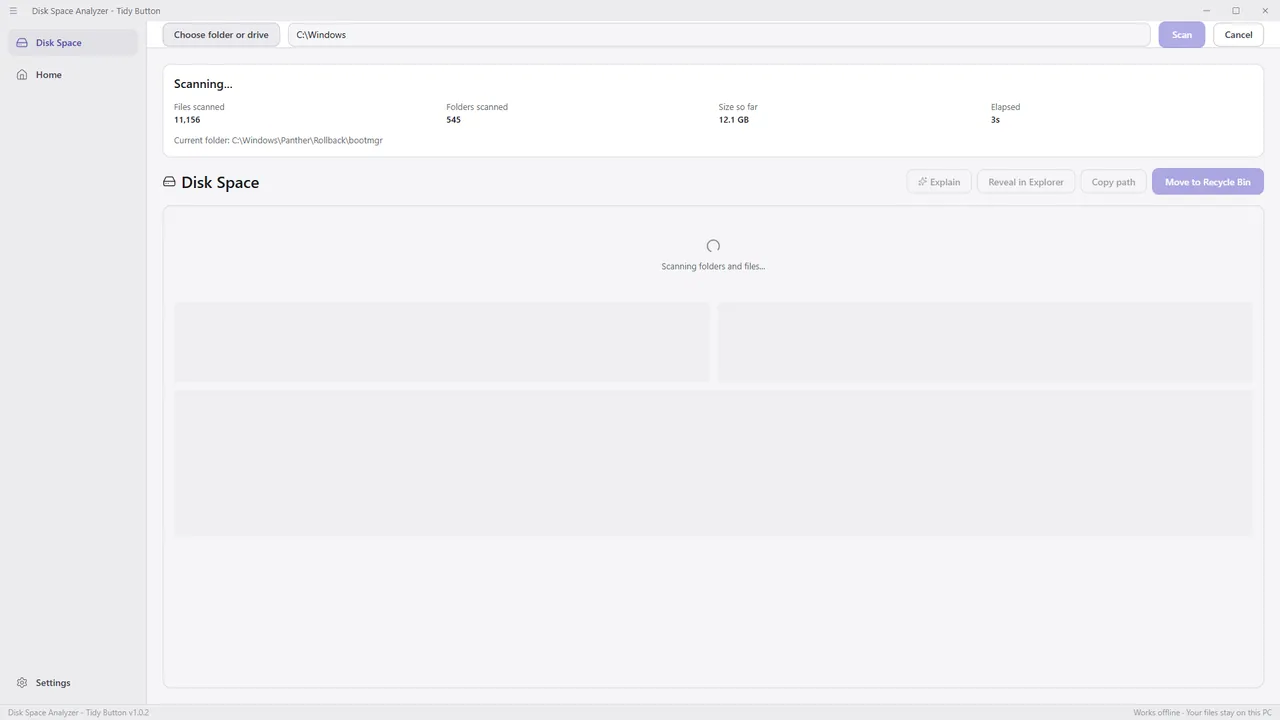
C drive full for no reason? Find what is using the space
C drive full for no reason? Follow this step-by-step guide to scan the drive, read the map, find the biggest files and clear space safely.
Bulk File Renamer
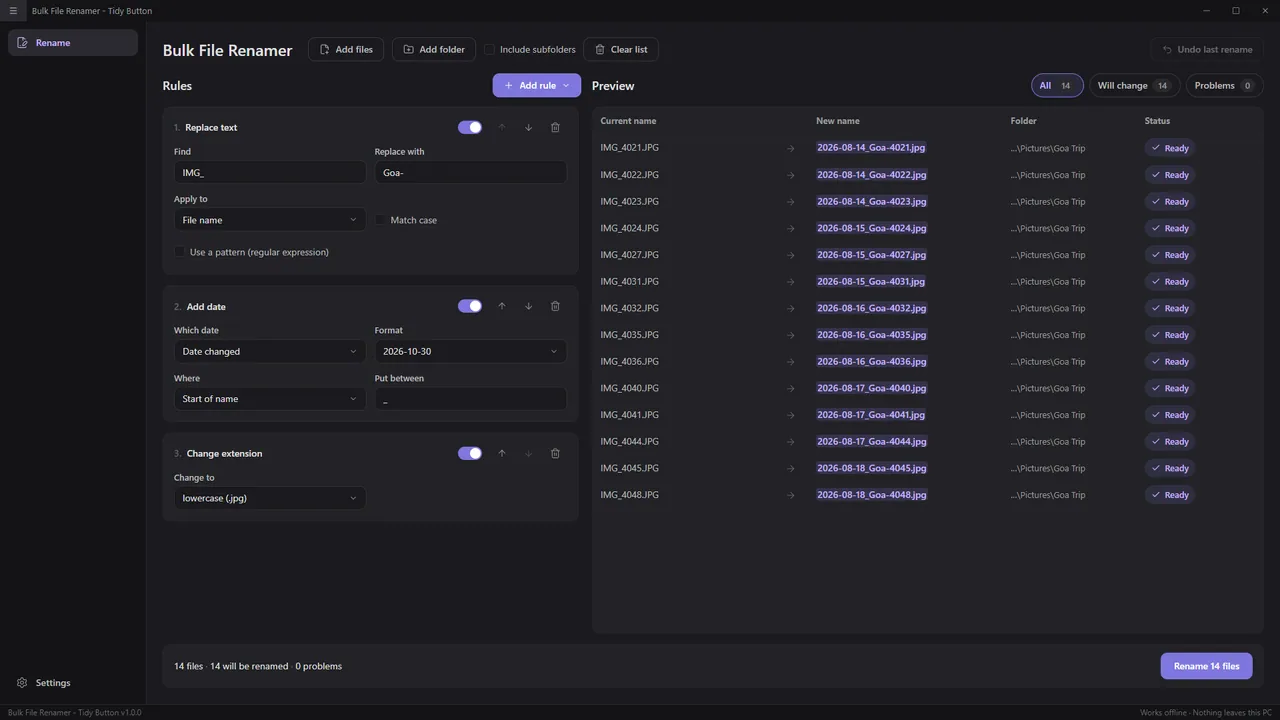
Rename photos by date taken on Windows 11: what works
Rename photos by date taken on Windows 11: what File Explorer can and cannot do, and how to add a file date to many names at once with a preview.