Pro keys go on sale when this app's Pro update reaches the Microsoft Store.
One key for this app. Free to use without it. See all pricing
Prefer the command line? winget install 9PDTCQS0XBM0 --source msstore
Real app, reading a sample receipt.
Works offline
No account, no ads, no tracking
11 languages built in
Free
See it
Nine views. One page, readable.
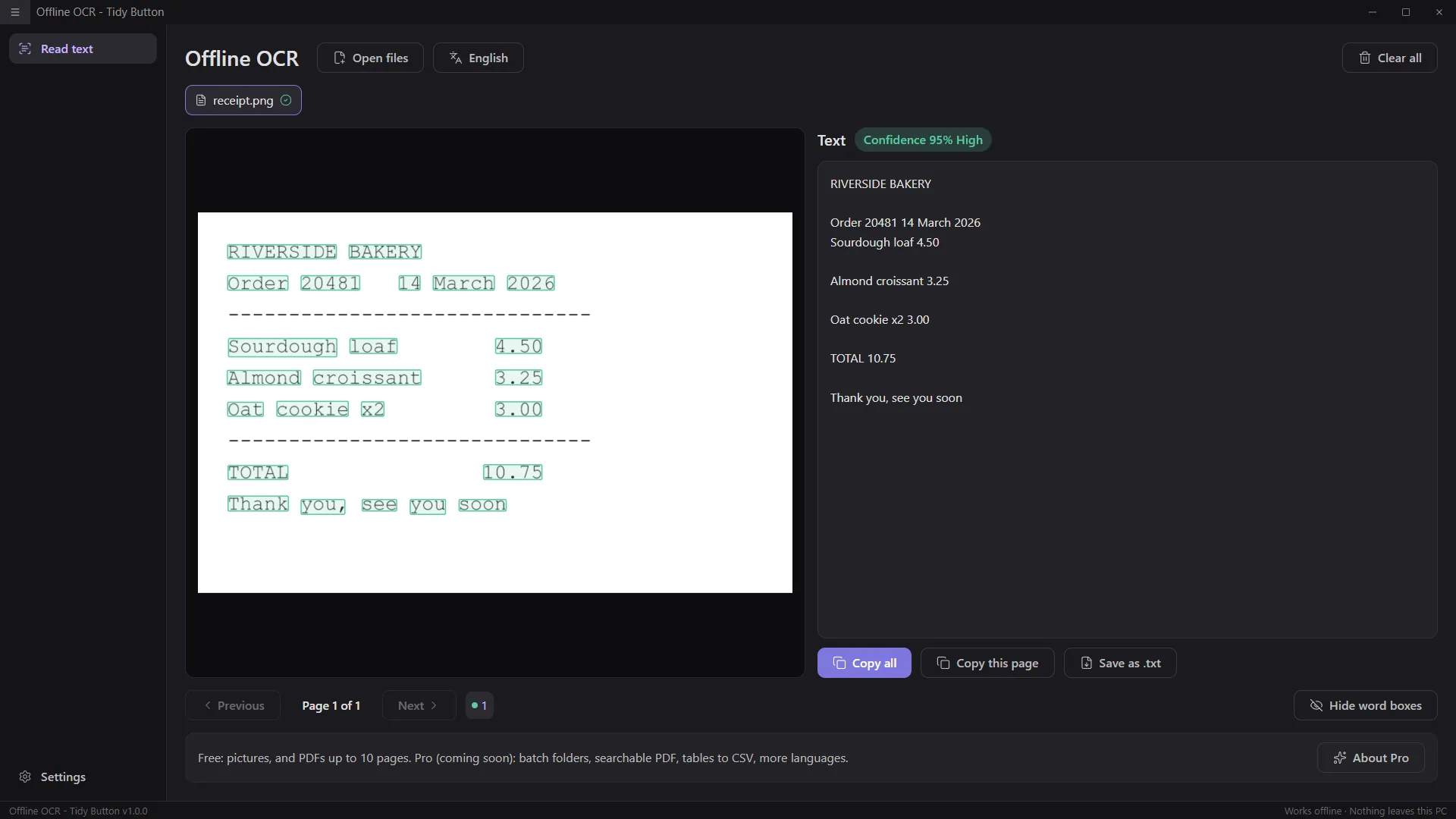
Receipt
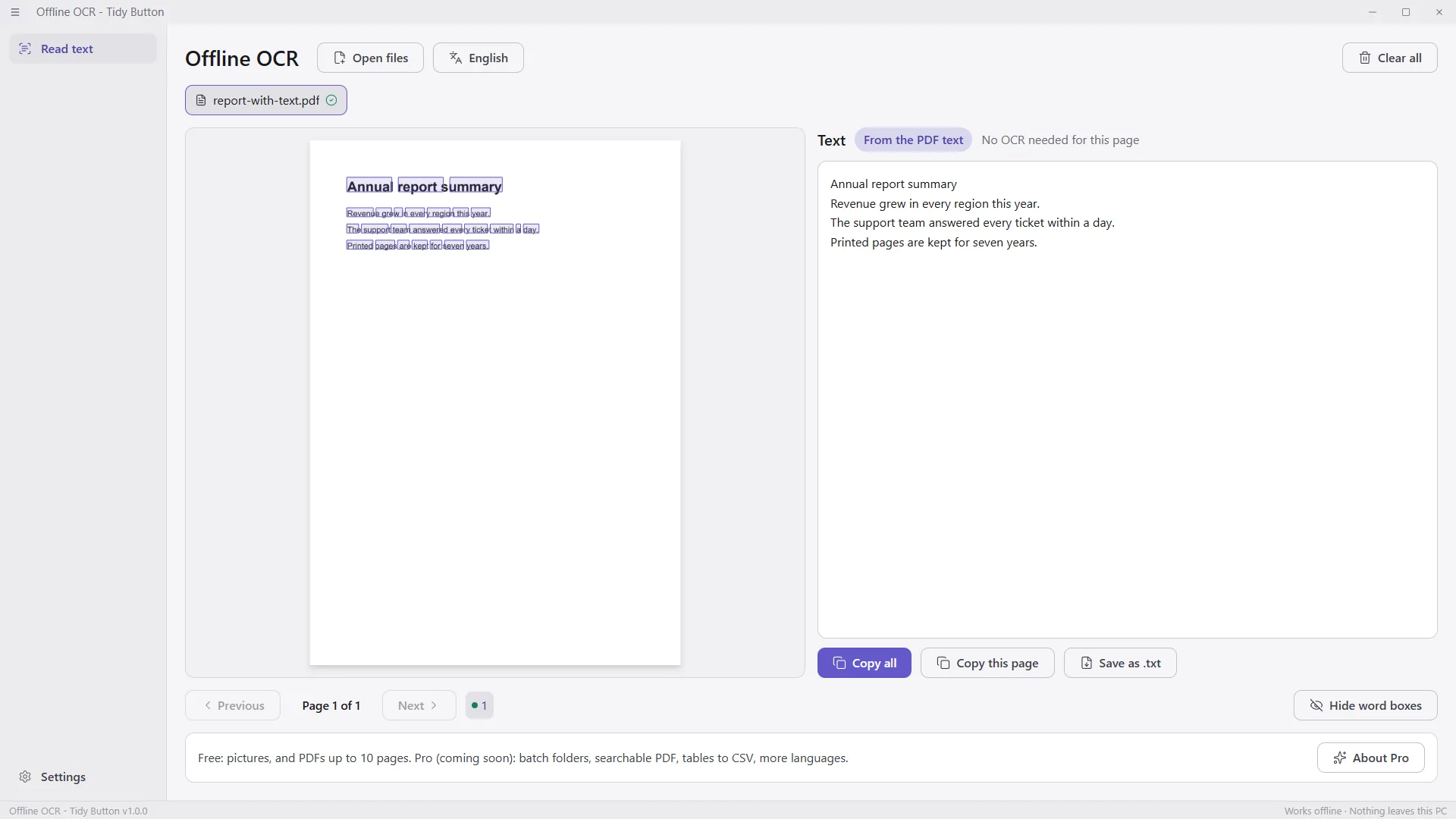
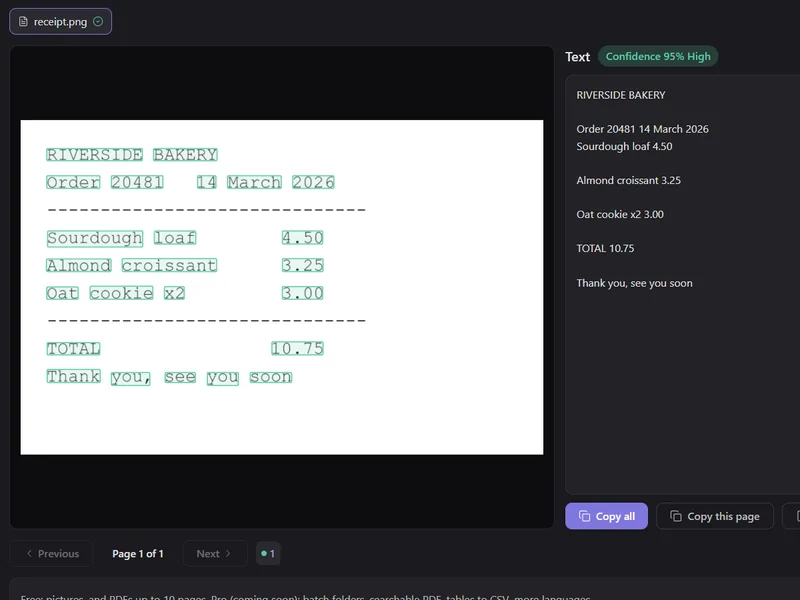
Every word it found is boxed on the page, with the text beside it ready to copy, edit or save
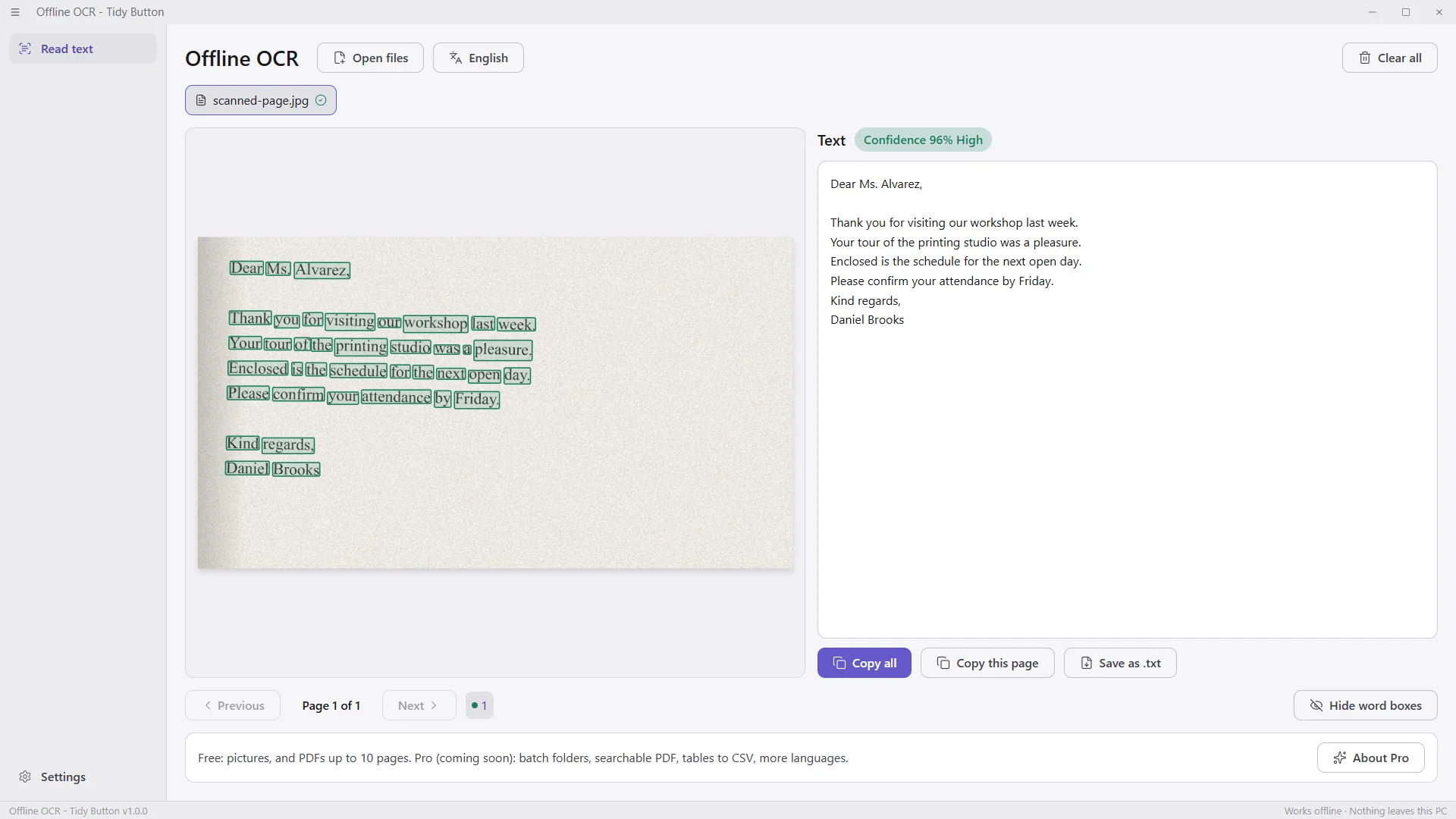
Scanned letter
Tilted, grainy scans are read too, with a plain-words confidence label
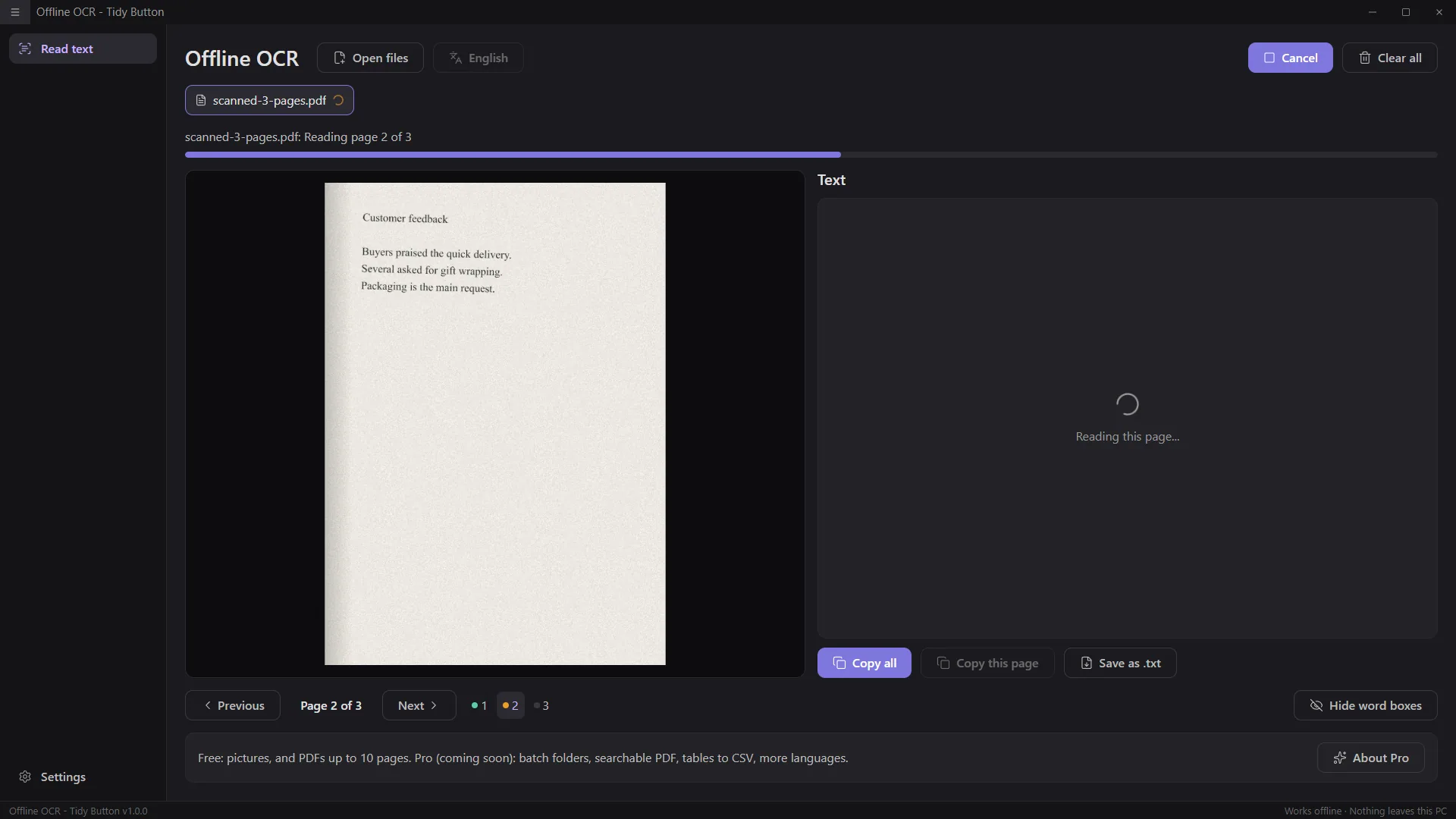
Reading
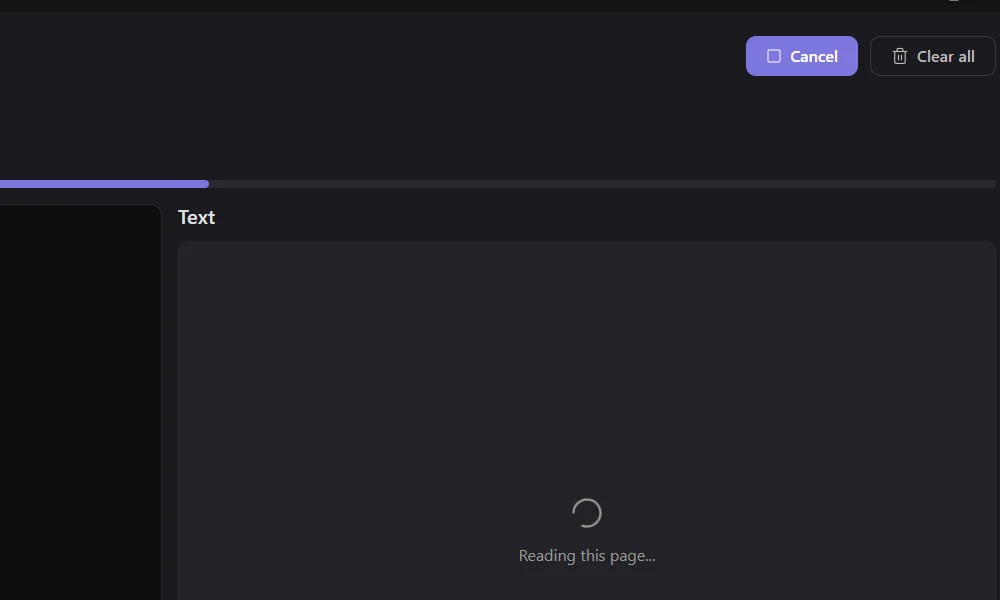
Scanned PDFs are read page by page with a progress bar, and Cancel stops the work
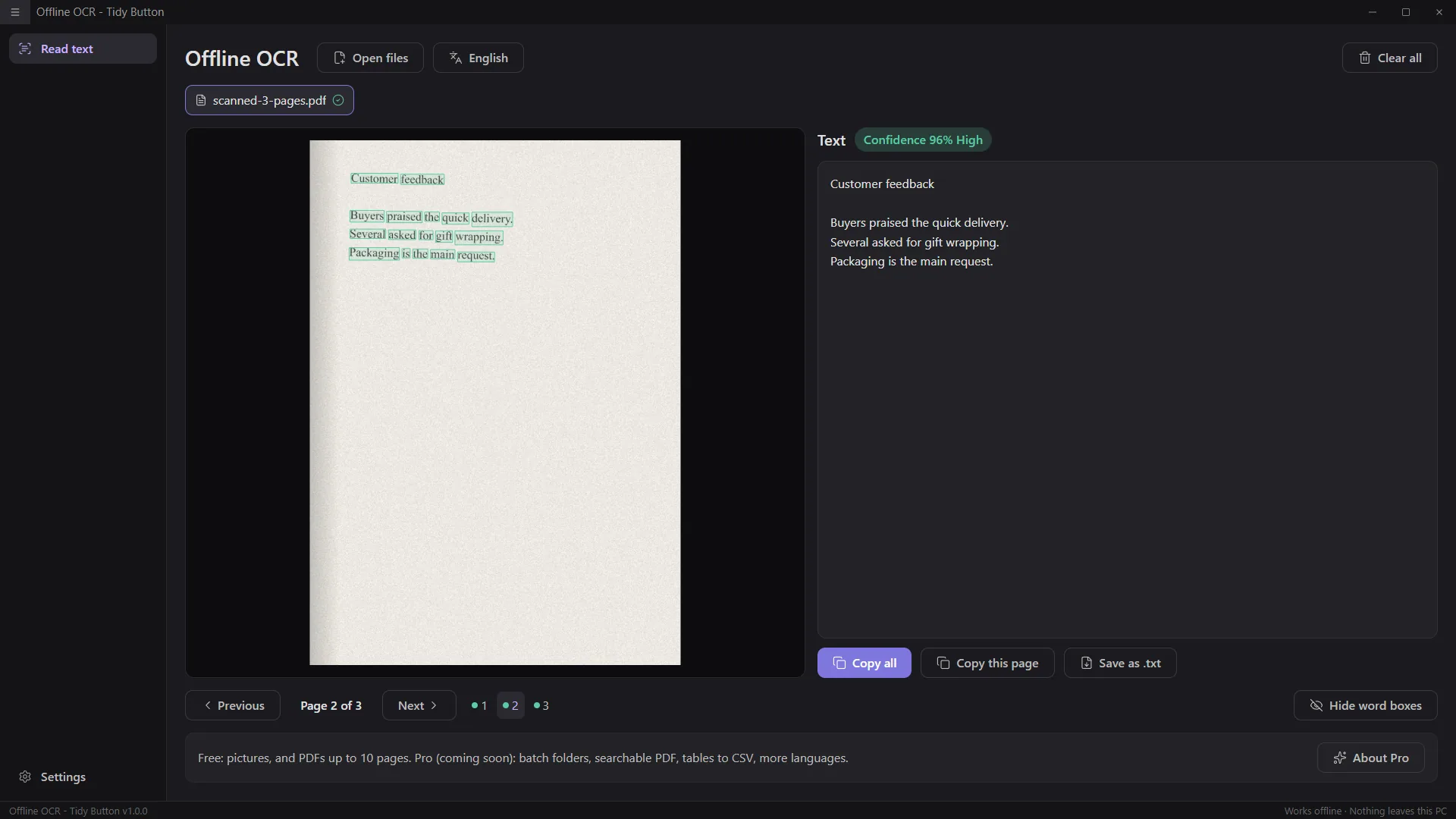
PDF pages
Move between pages with Previous and Next. Each page has its own text
PDF text
PDFs that already contain text are read exactly, with no text recognition needed
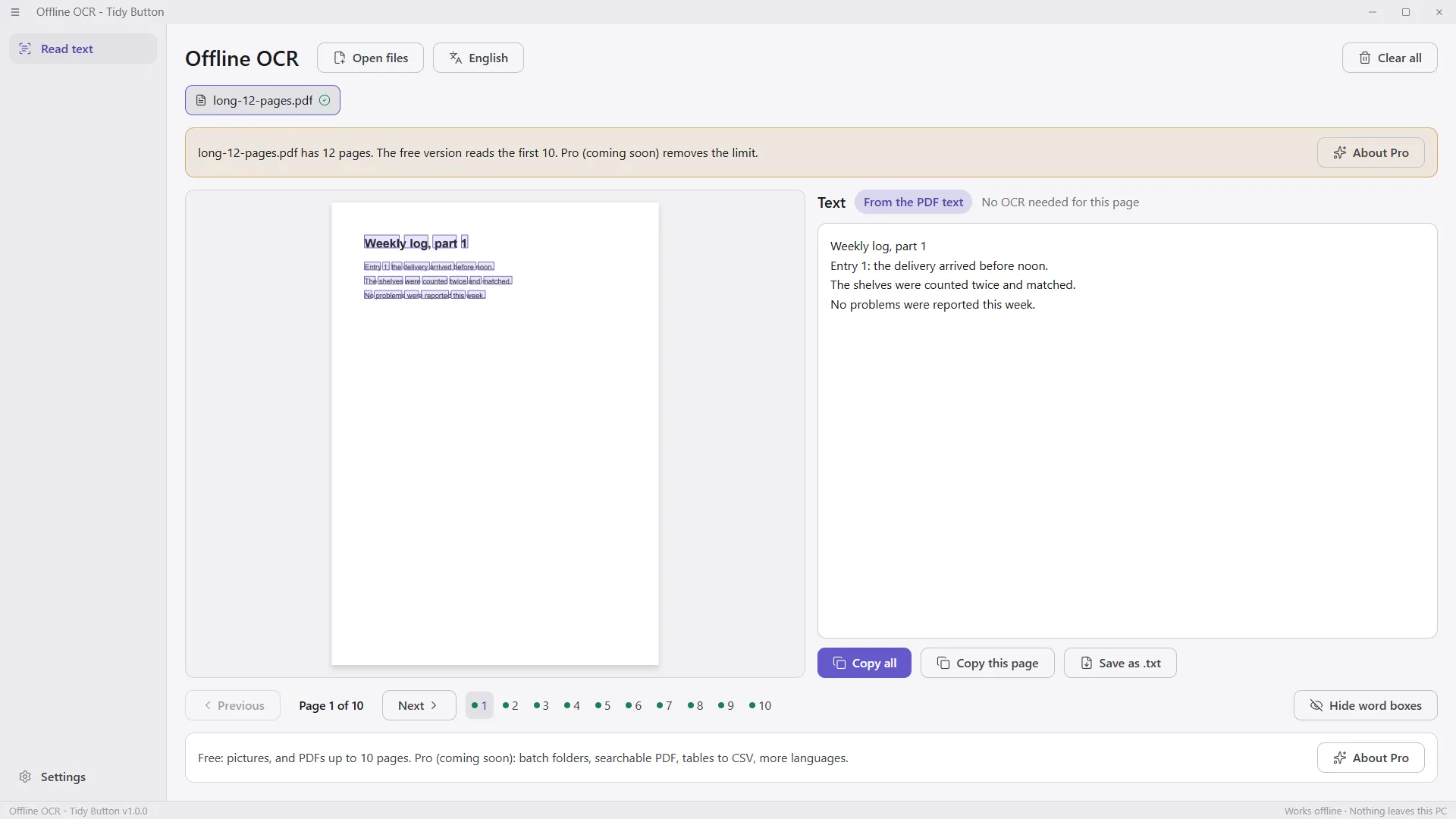
Free limit
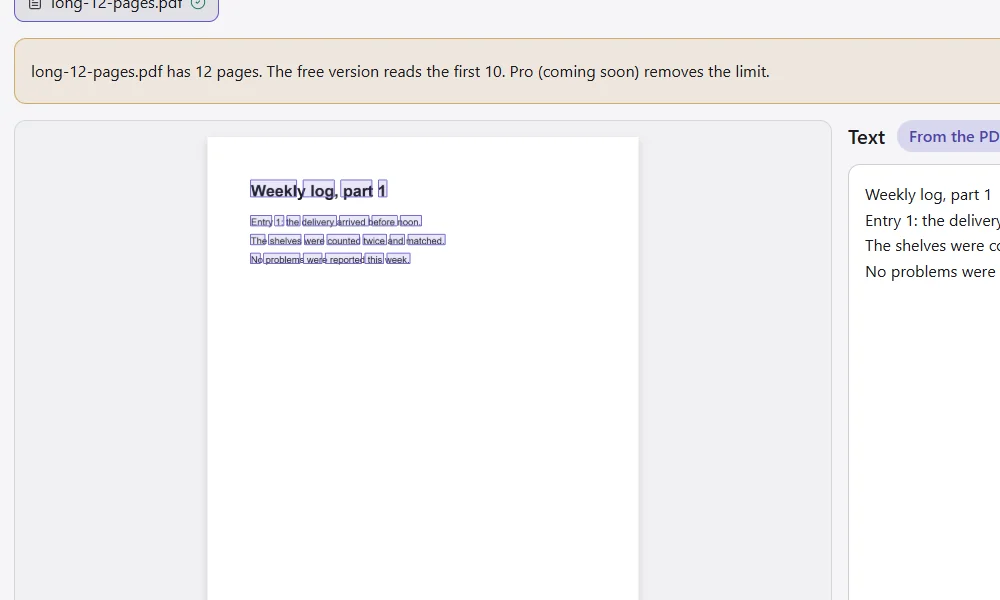
The free version reads PDFs up to 10 pages per file and says so plainly
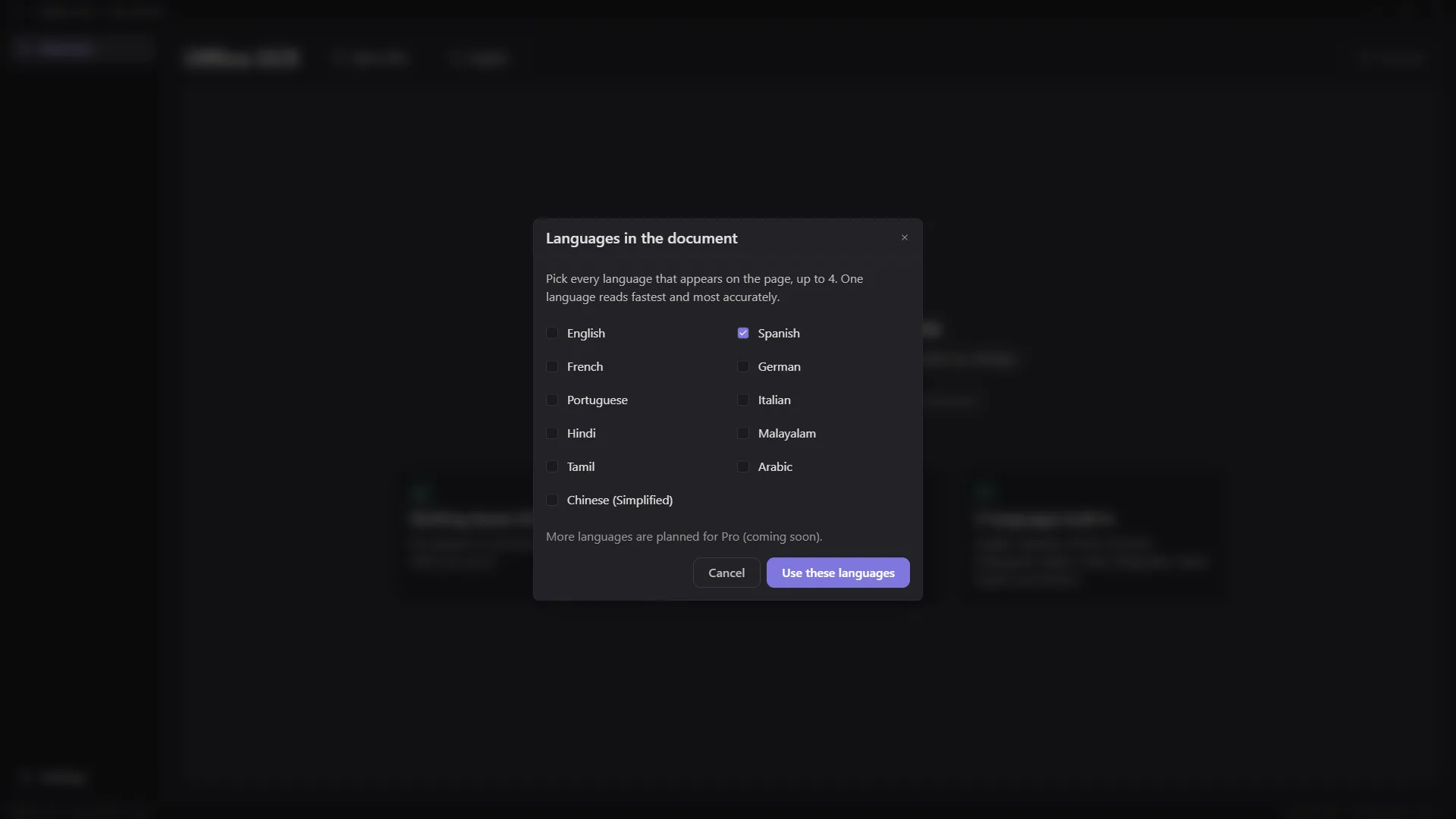
Languages
Pick up to four languages at once
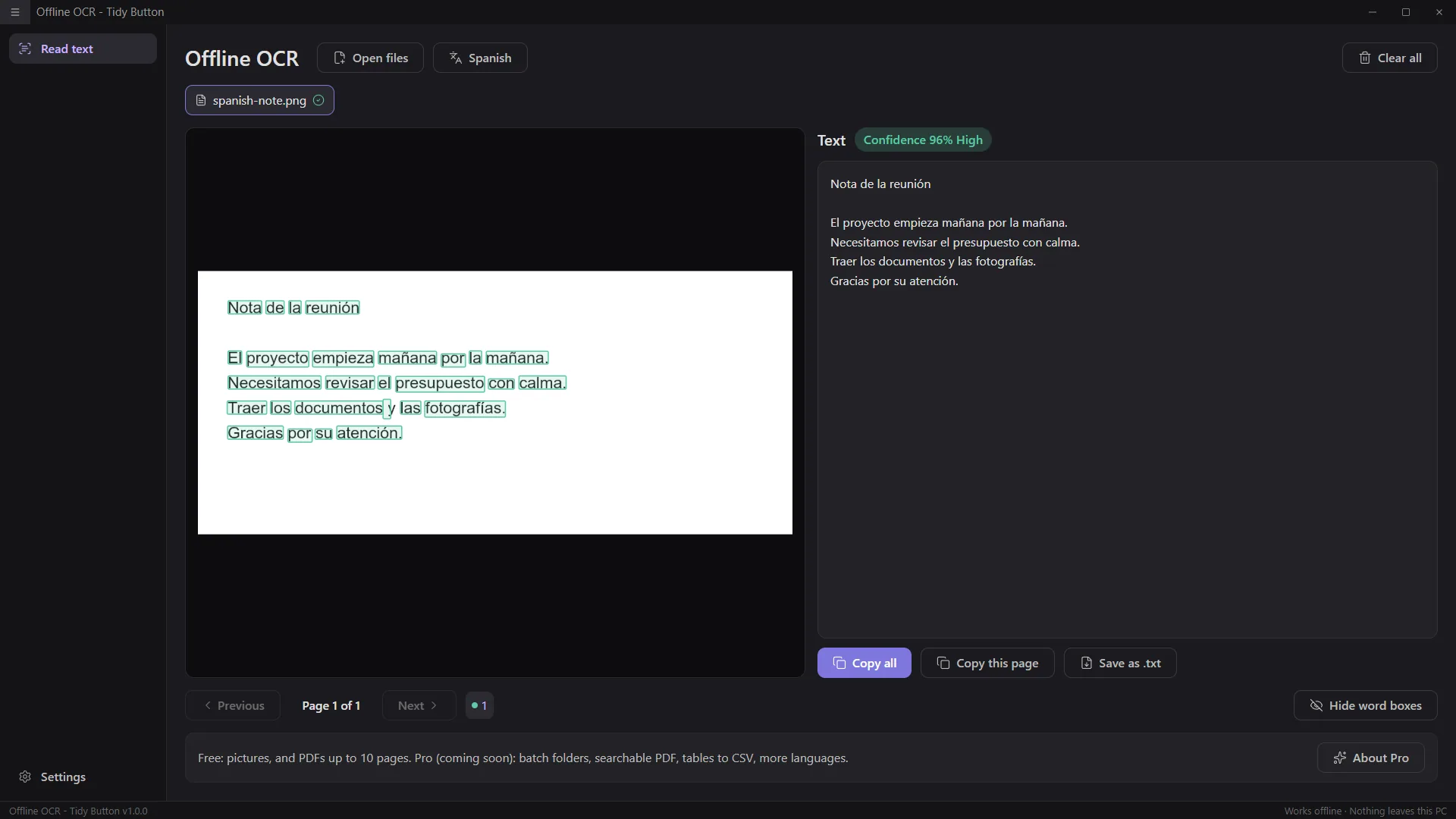
Spanish
Accents and special characters come through, here in Spanish
Pro, planned
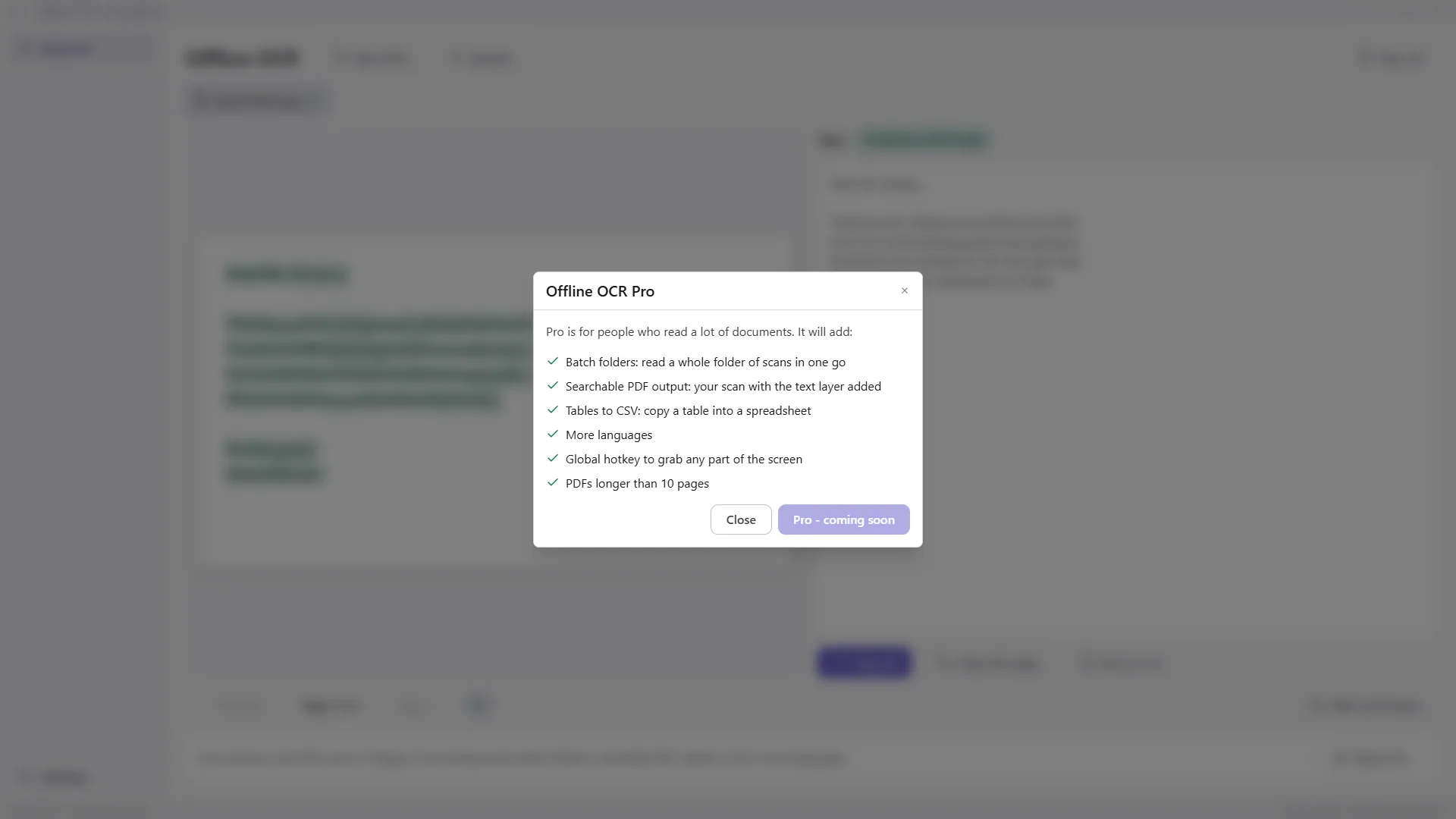
Planned for Pro (coming soon): batch folders, searchable PDF, tables to CSV and more
Screens show sample documents, not real ones. The app has light and dark themes.
How it works
Three steps. No manual.
01
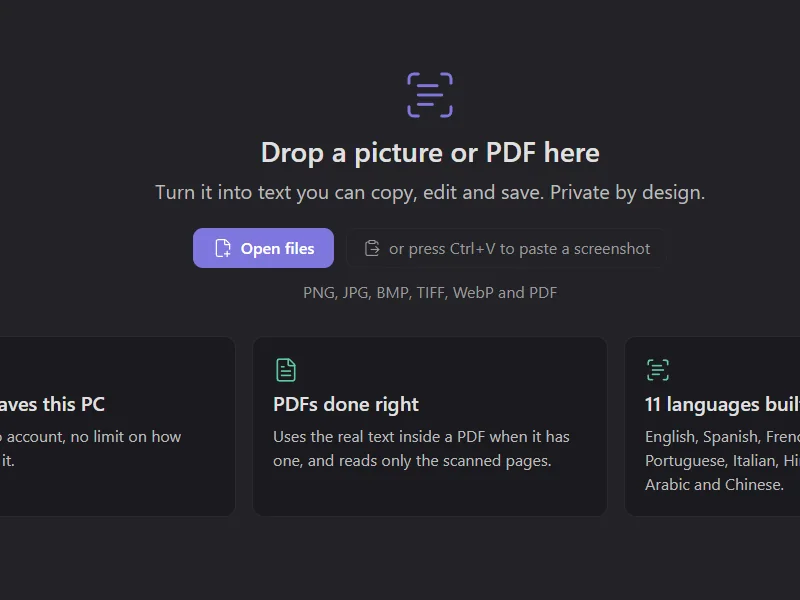
Drop a picture or PDF
Drag it onto the window, press Open files, or paste a screenshot with Ctrl+V.
02
Check the words
The page is on the left with a box around every word. The text is on the right with a confidence label.
03
Edit, copy or save
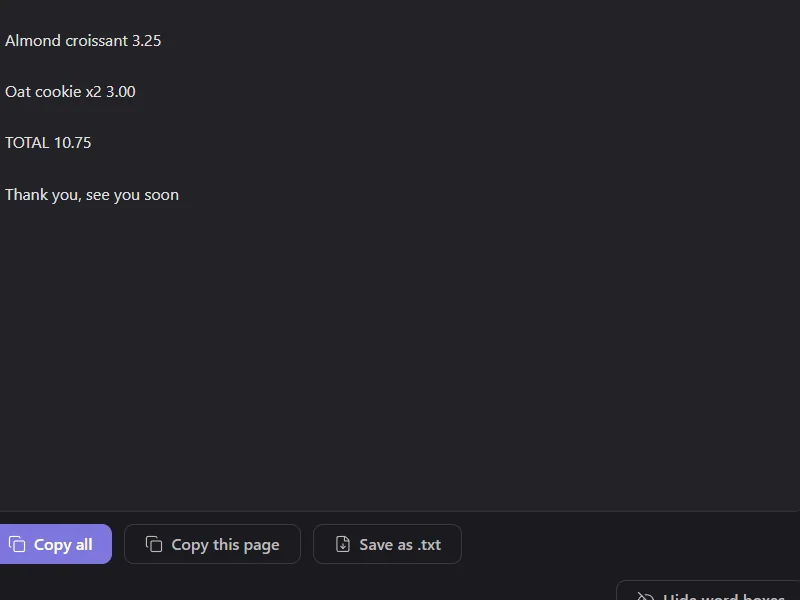
Fix anything you like, then Copy all, Copy this page or Save as .txt.
What it does
What it does.
Drag a picture or PDF onto the window, press Open files, or paste a screenshot with Ctrl+V. The text appears next to the page, with a box around every word it found so you can check it at a glance. Everything runs on your PC. The language data and the text engine are part of the app, so it works with the internet turned off.
Pictures and PDFs
Reads PNG, JPG, BMP, TIFF and WebP pictures and PDF files, including scanned and mixed PDFs.
Uses a PDF's real text
When a PDF page already has text inside it, the app uses that text directly. Only the pages that are really pictures are read with text recognition.
Paste a screenshot
Press Ctrl+V to read a screenshot you have just copied, or drag files onto the window.
11 languages built in
English, Spanish, French, German, Portuguese, Italian, Hindi, Malayalam, Tamil, Arabic and Chinese (Simplified). Choose up to four at once for mixed-language pages.
Word boxes
A box around every word it found, which you can switch on or off, so you can see what was read where.
Confidence in plain words
Each page gets a short label saying how sure the engine is, so you know when to check the text.
Edit, copy, save
Edit the text in the app, then Copy all, Copy this page or Save as a .txt file.
Progress and Cancel
Scanned PDFs are read page by page with a progress bar, and Cancel stops the work straight away.
The small print, in plain English
Safe by design.
Cancel stops a slow page straight away. Nothing is left running.
If a PDF is longer than the free limit, the app says so plainly and reads the first 10 pages.
Nothing is uploaded. The text engine and language data are part of the app.
It never changes or deletes the files you open.
The free version reads PDFs up to 10 pages per file and tells you plainly when a file is longer.
There is no limit on how often you use it.
Works offline. No account. No ads. No tracking.
What it reads
Pictures, PDFs, screenshots.
Anything with words in it, in 11 languages, without leaving your PC.
Choose up to four languages at once.
Pictures
PNG, JPG, BMP, TIFF, WebP
Photos of pages, scans and screenshots.
PDF with text
Read exactly
If a page already has real text, the app uses it and skips text recognition.
Scanned PDF
Read page by page
A progress bar shows each page, and Cancel stops the work at once.
Screenshot
Paste with Ctrl+V
Copy part of the screen, paste it in and read it.
Mixed pages
Up to four languages
Tick every language that appears on the page.
The result
Edit, copy, save
Copy all, copy one page, or save everything as a .txt file.
Languages: English, Spanish, French, German, Portuguese, Italian, Hindi, Malayalam, Tamil, Arabic and Chinese (Simplified).
Good for
Handy when you cannot copy it.
Scanned letters and receipts
Screenshots you want to quote
Old PDFs you cannot select text from
Documents you would rather not upload anywhere
Pages in Hindi, Malayalam, Tamil, Arabic or Chinese
Questions
Plain answers.
Is anything uploaded?
No. The language data and the text engine are part of the app, it makes no network calls and it works with the internet turned off.
What files can it read?
PNG, JPG, BMP, TIFF and WebP pictures and PDF files. You can also paste a screenshot with Ctrl+V.
What about PDFs that already have text?
If a PDF page already has real text inside it, the app uses that text directly, which is exact. Only the pages that are really pictures are read with text recognition.
Which languages are built in?
English, Spanish, French, German, Portuguese, Italian, Hindi, Malayalam, Tamil, Arabic and Chinese (Simplified). Choose up to four at once for pages that mix languages.
How do I know the text is right?
Each page shows a confidence label in plain words, and word boxes show what was read where. You can edit the text in the app before you copy or save it.
Is there a limit in the free version?
The free version reads PDFs up to 10 pages per file and tells you when a file is longer. There is no limit on how often you use it. A Pro add-on is planned (coming soon) for batch folders, searchable PDF output, tables to CSV, more languages and a global hotkey.
Why is the first read a little slower?
The first read in a session starts the text engine, which takes a few extra seconds.