We will link the Store listing here the day it is live. Until then there is nothing to download.
Real app, with invented sample weather.
No ads
No account, no tracking
United States only
Free for one place
See it
Seven views. One town, explained.
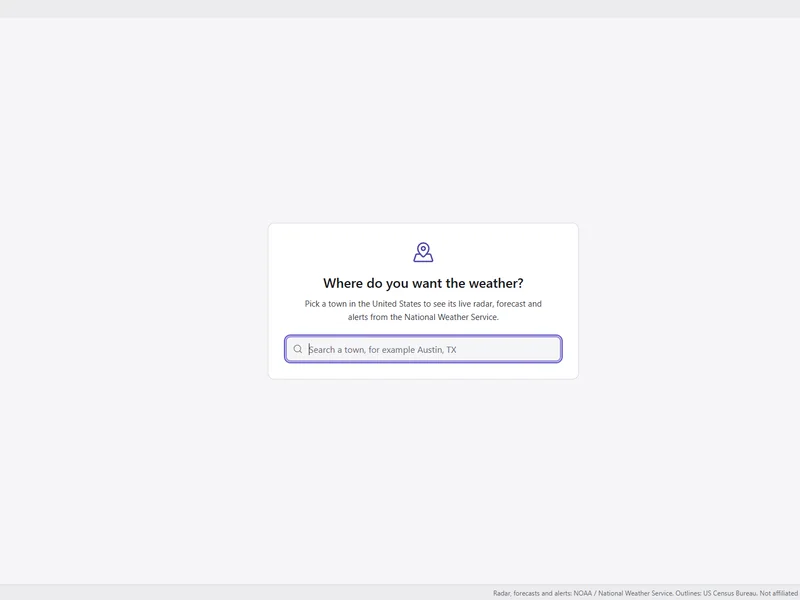
Start
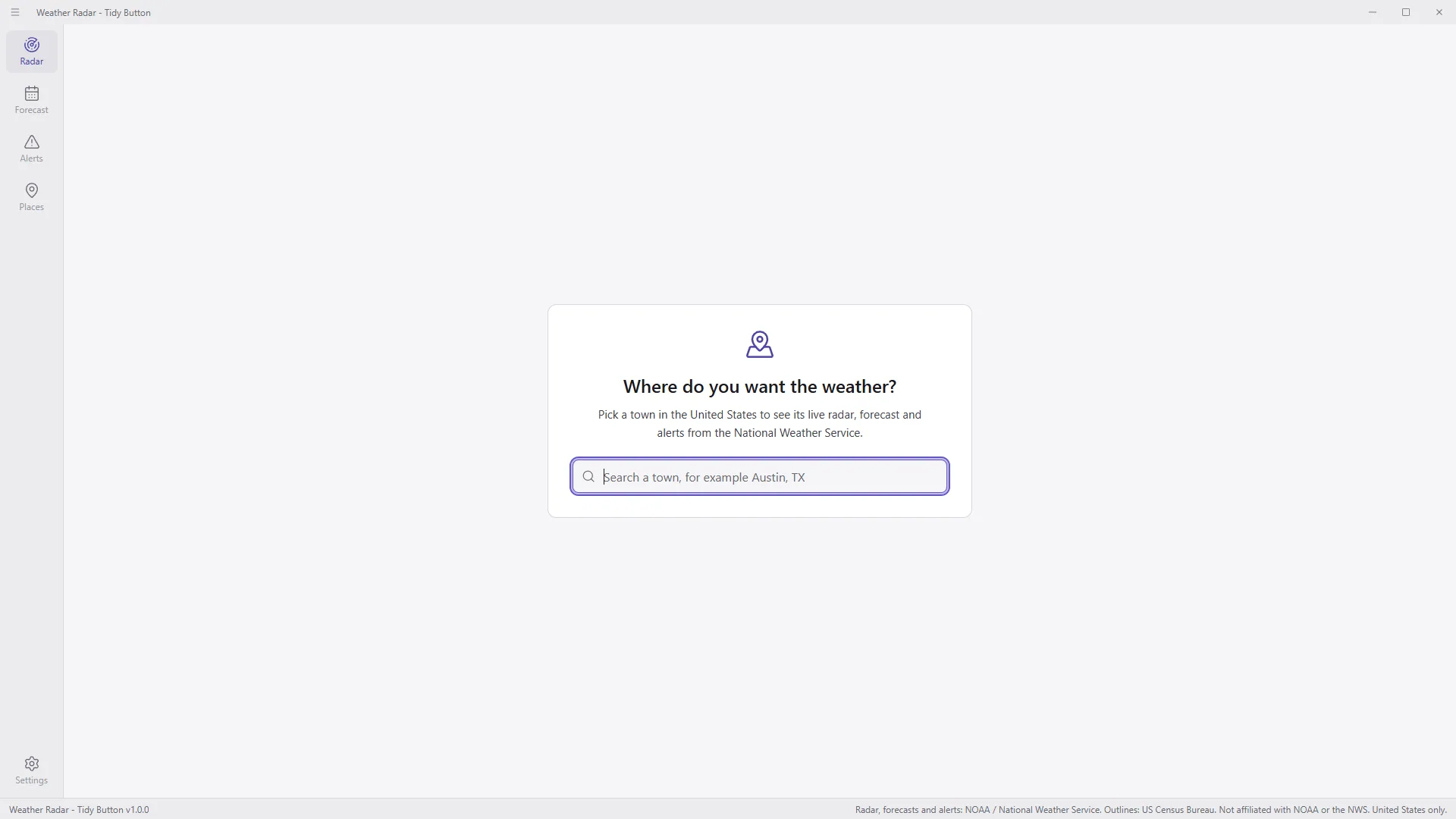
Pick a town in the United States to see its radar, forecast and alerts
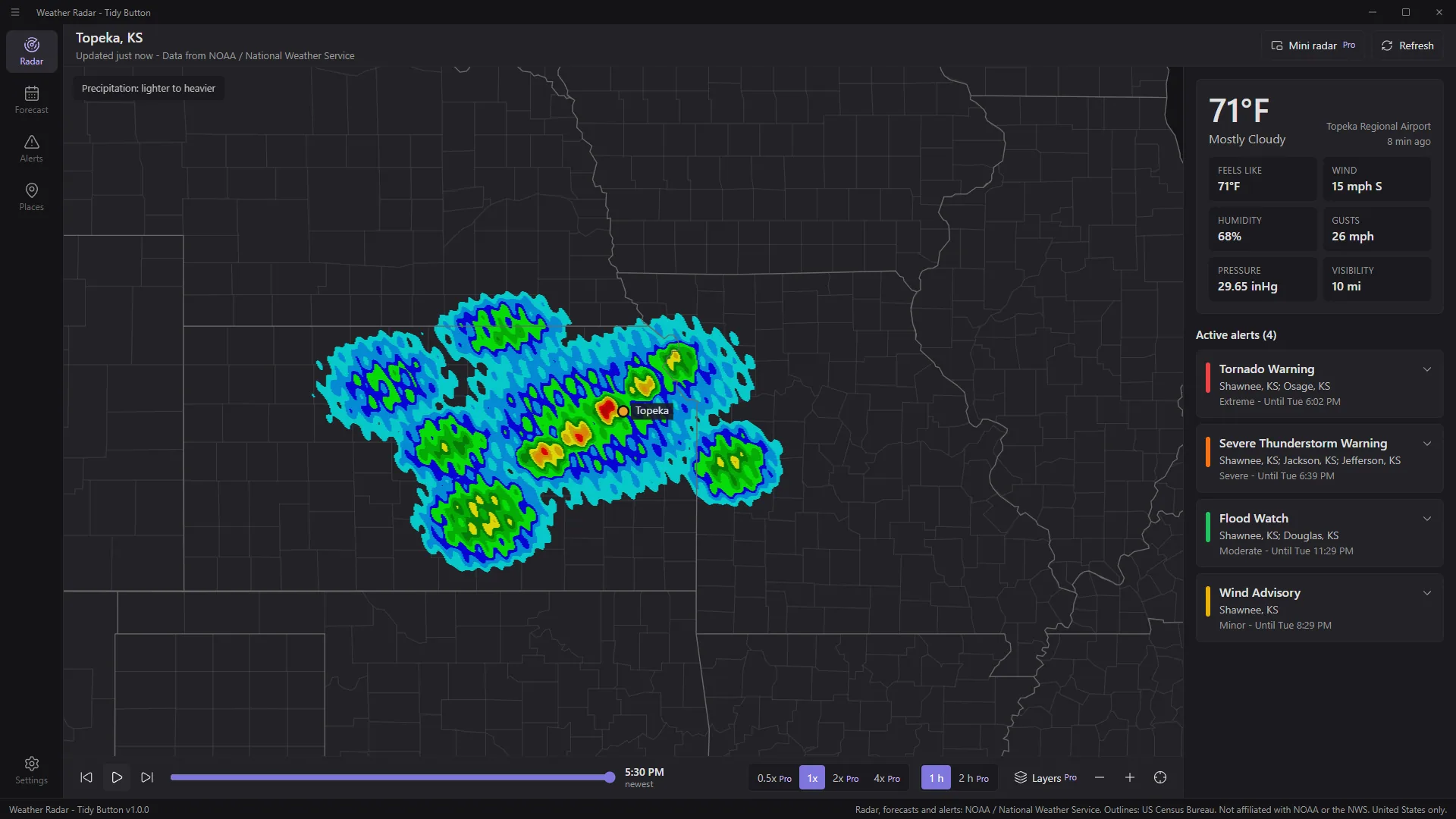
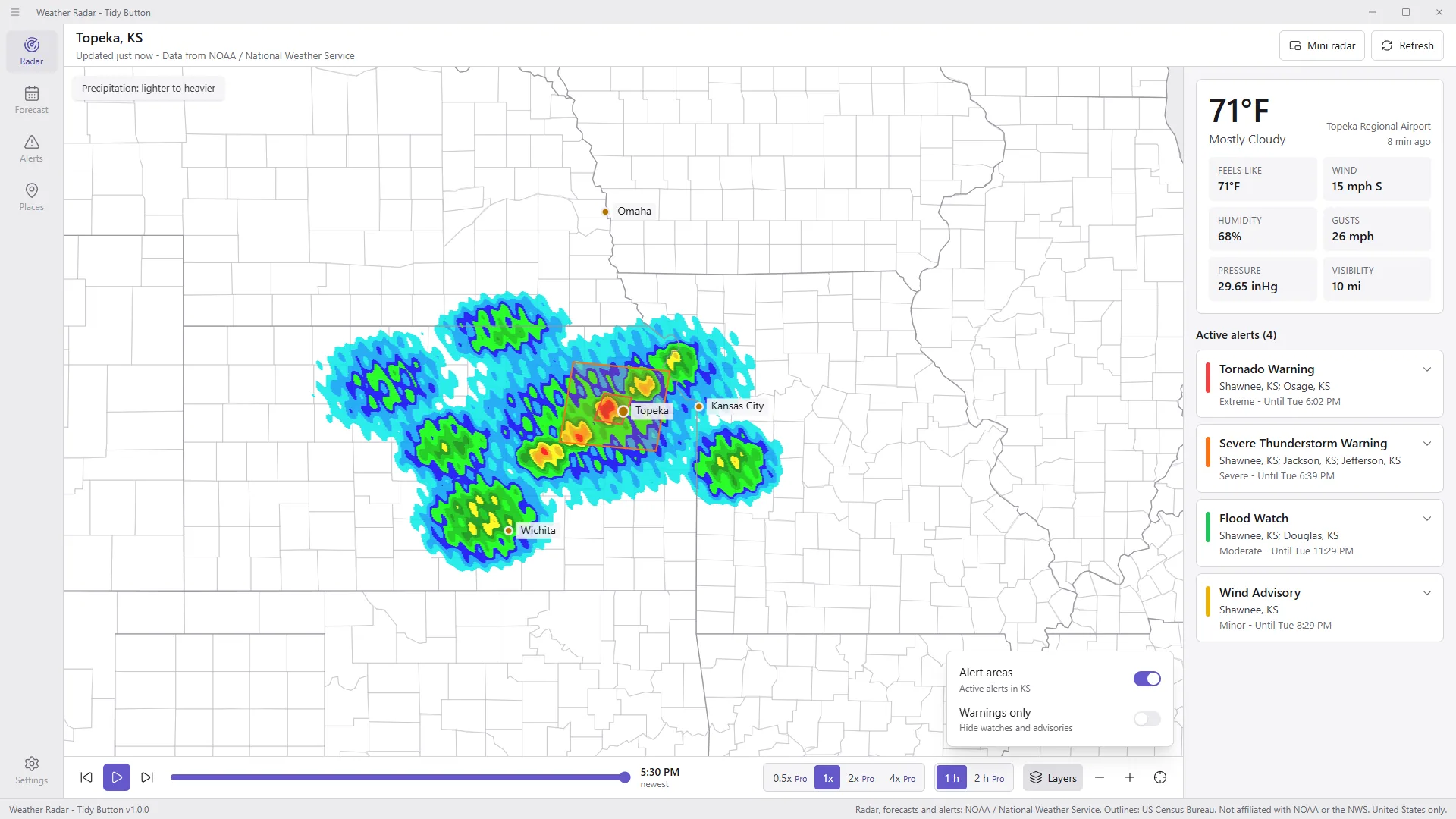
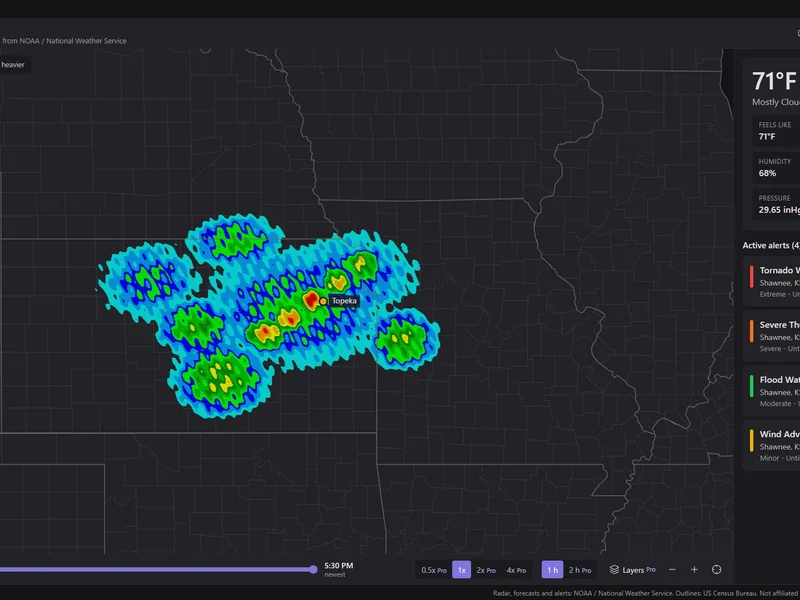
Radar
An animated radar loop over state and county lines, with conditions and alerts beside it
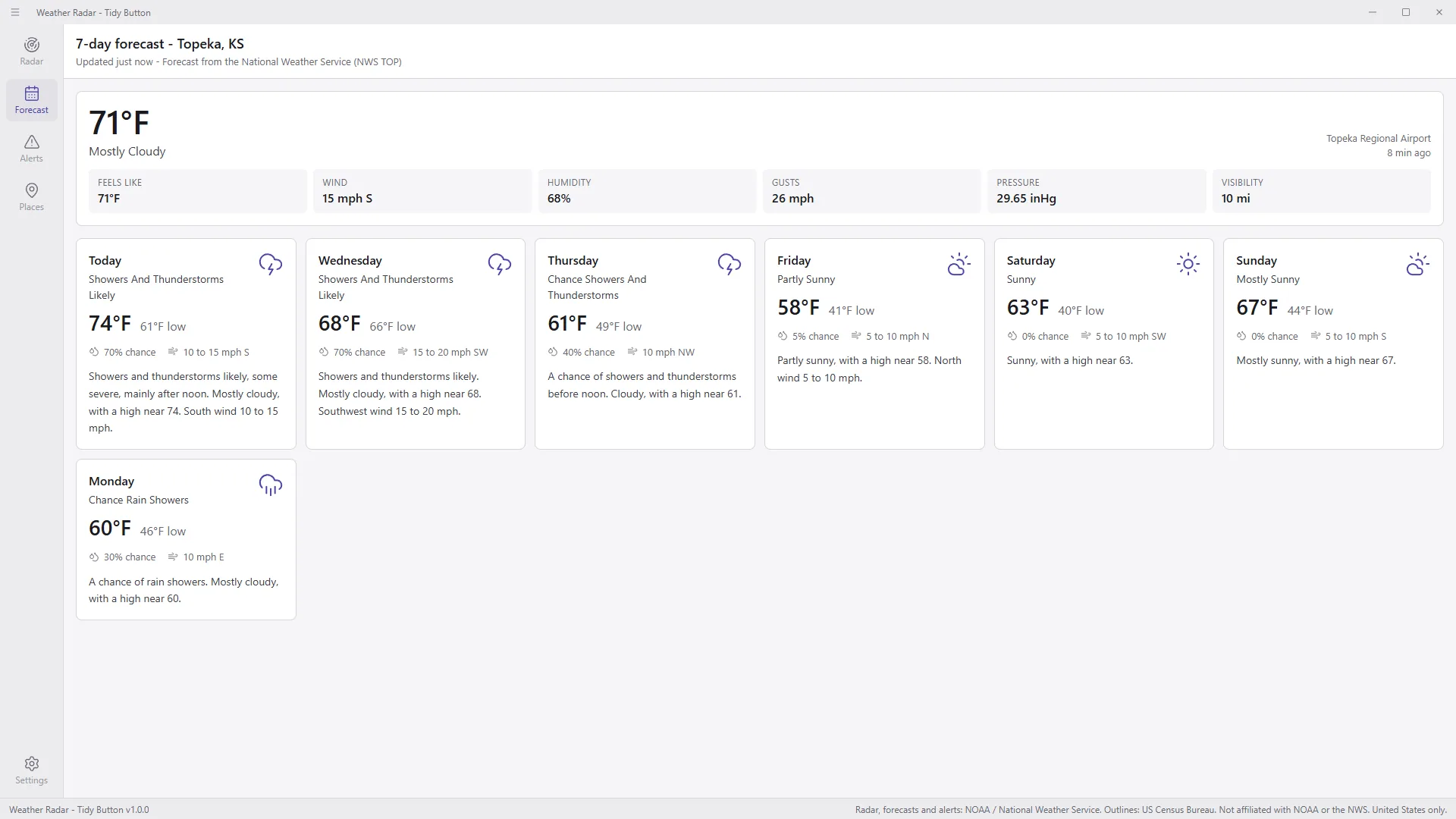
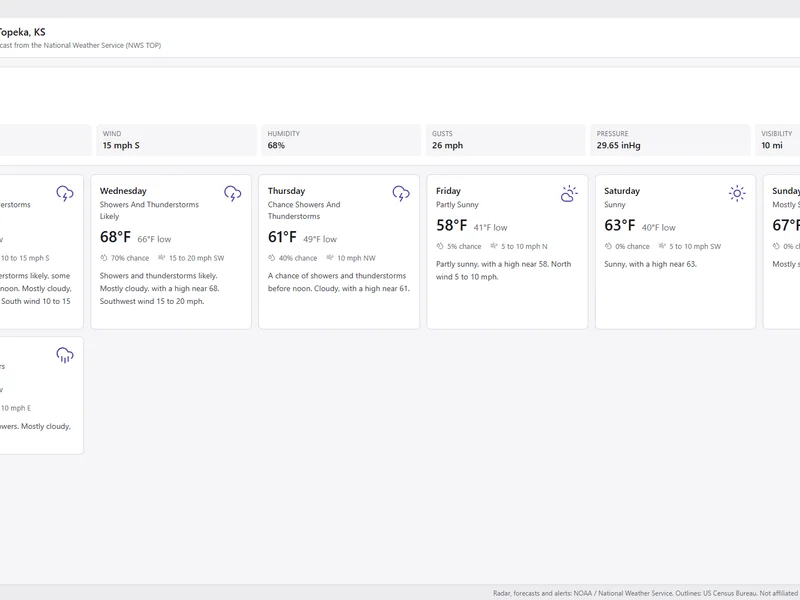
Forecast
Current conditions and a 7-day forecast with highs, lows, chance of rain and wind
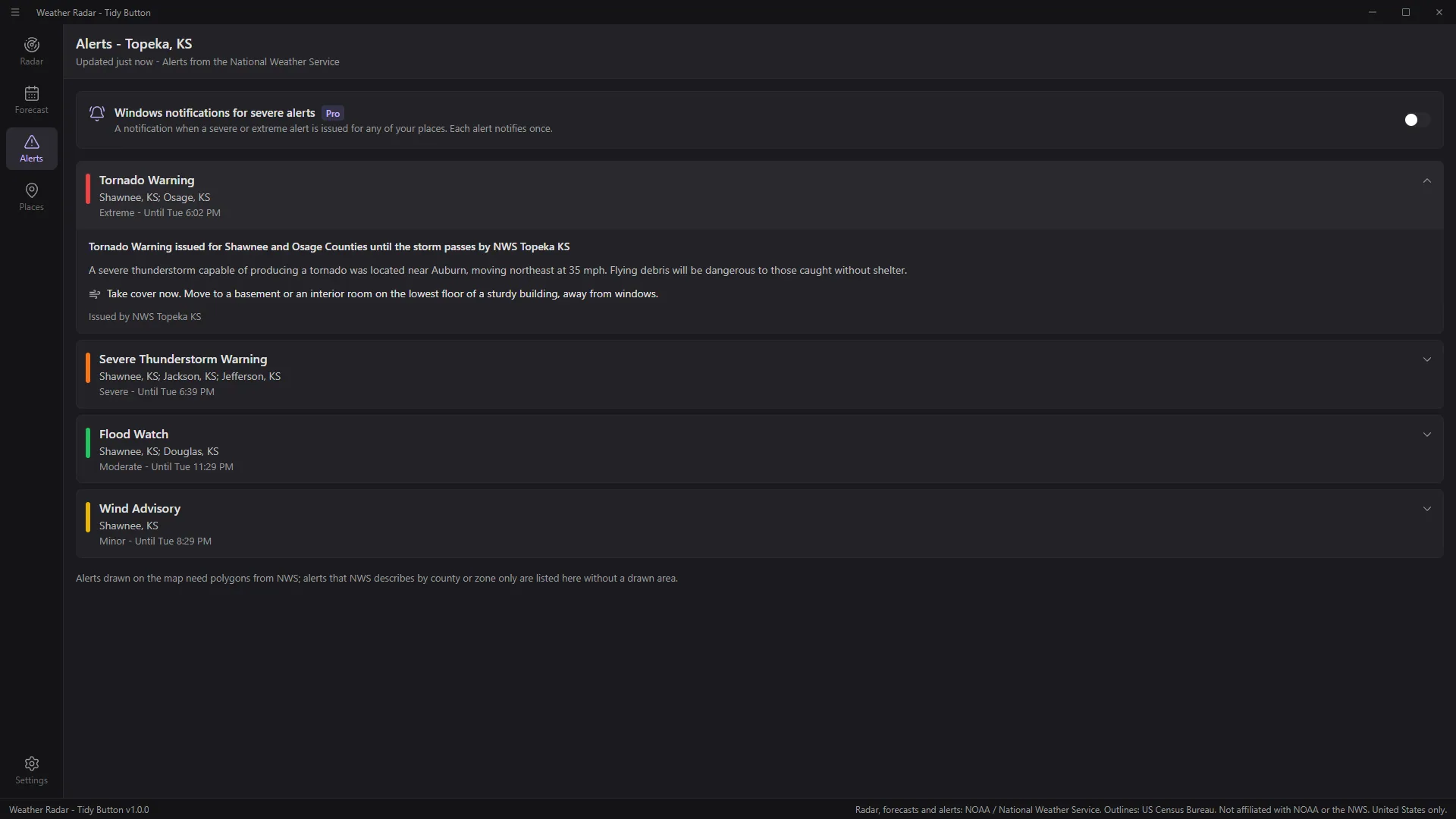
Alerts
Active alerts for your place. Open one to read the full text and what to do.
Alert areas
Pro: draw alert areas on the radar map, with a warnings-only filter
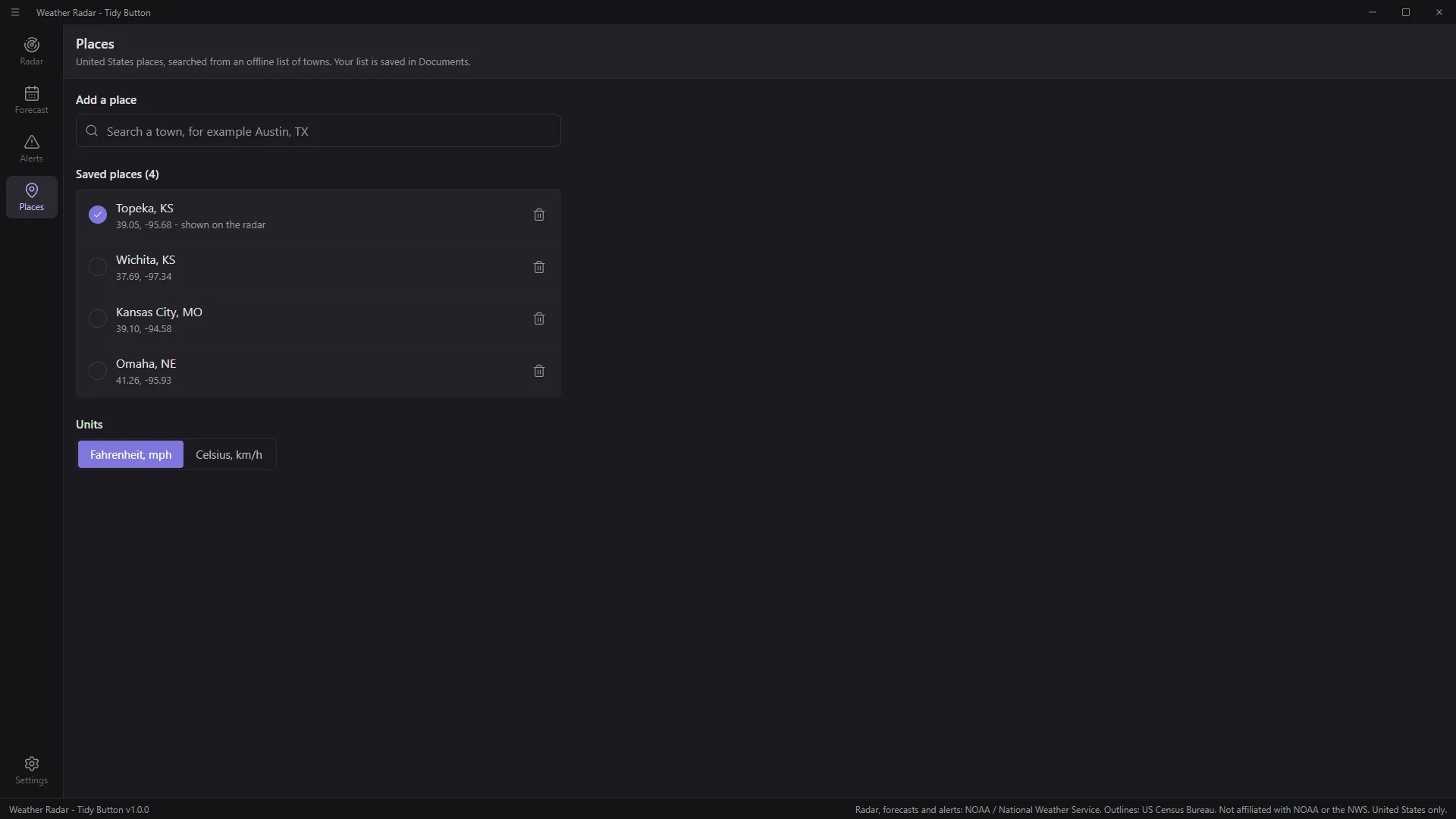
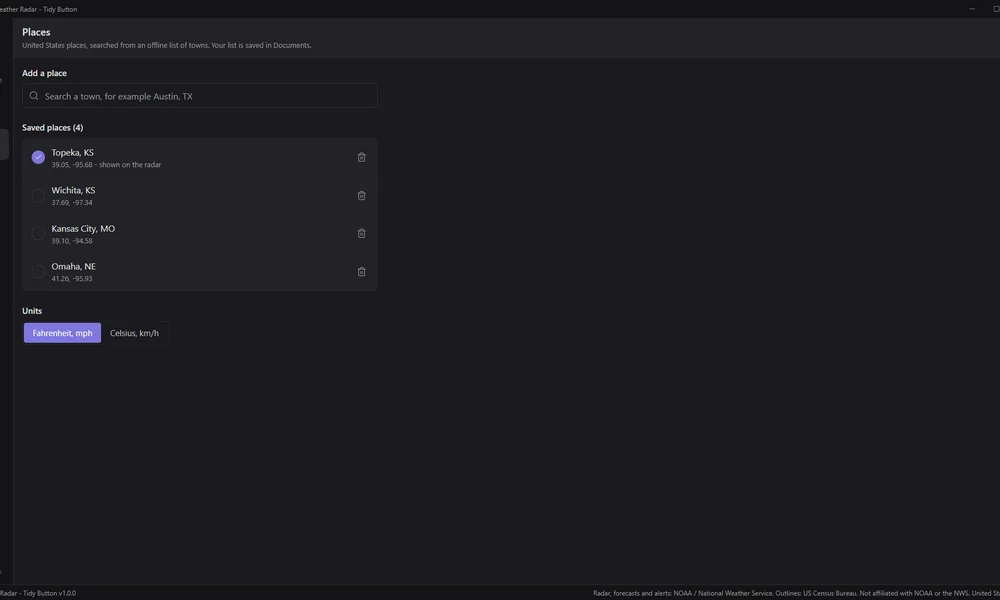
Places
Pro: save as many places as you like and switch between them
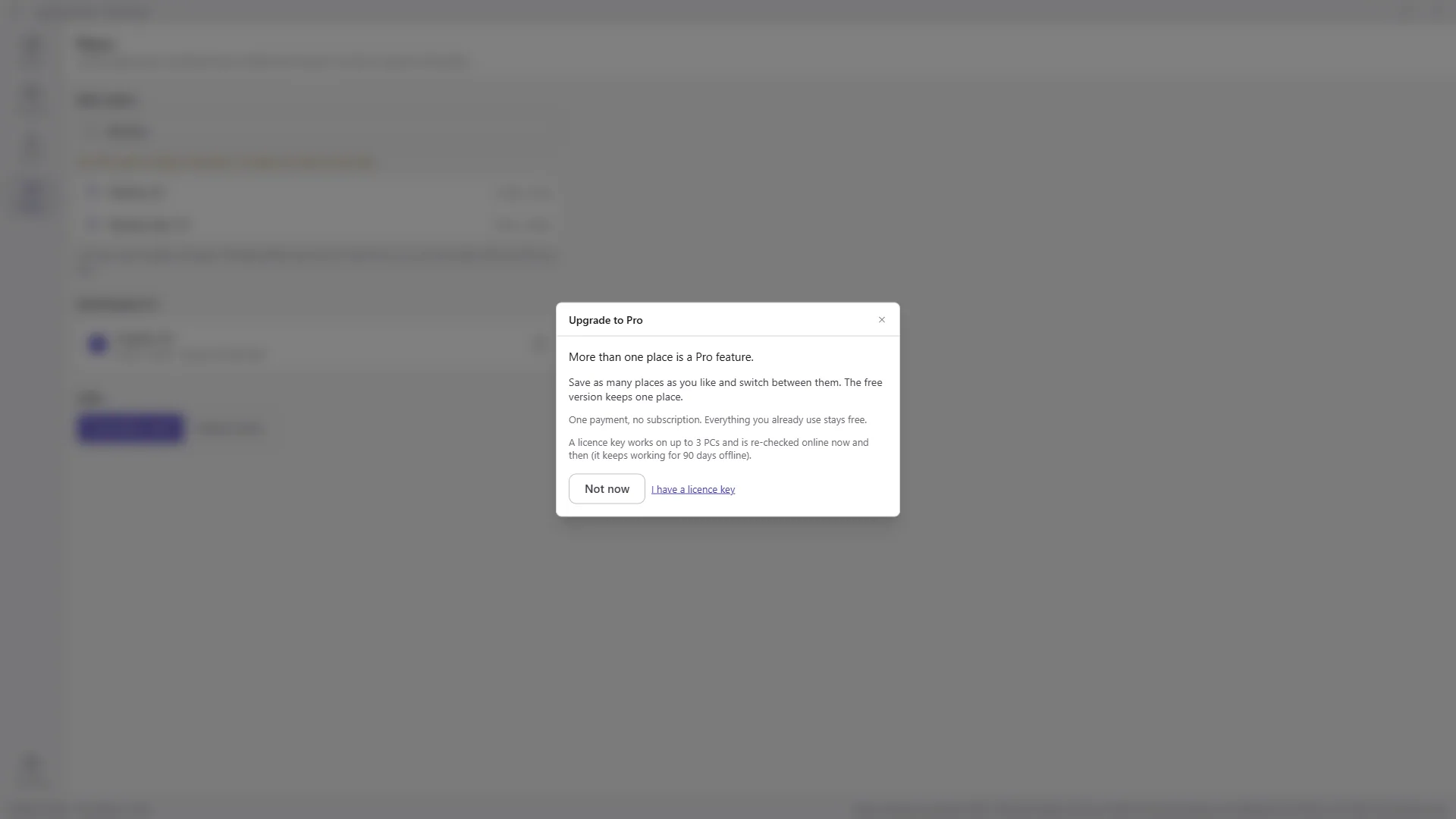
Pro
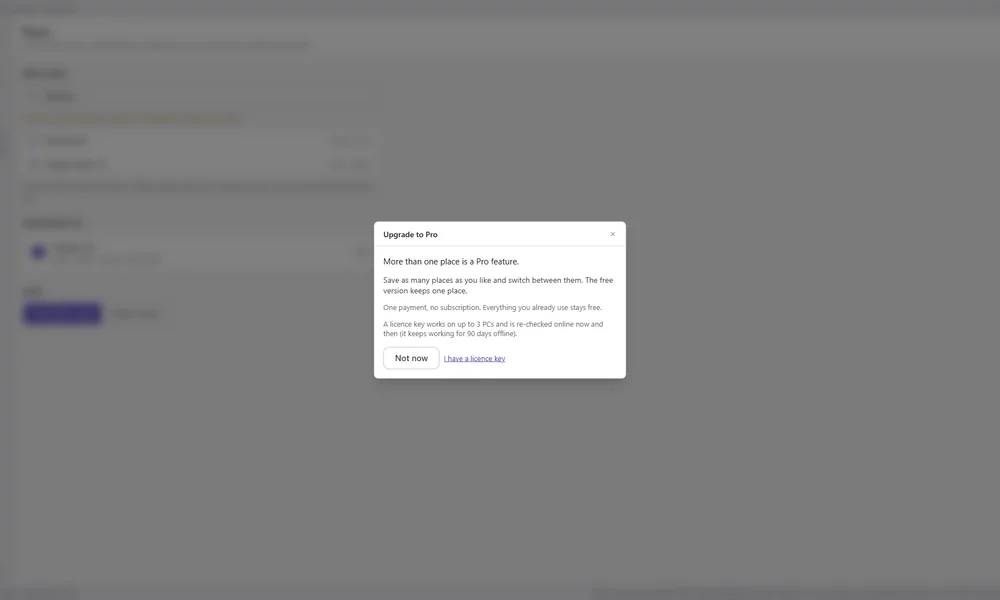
The free version keeps one place. Adding another asks first.
Screens show invented sample weather. The app has light and dark themes.
How it works
Three steps. No manual.
01
Pick a town
Type a town and state, or coordinates, and choose it from the list.
02
Watch the radar
See the animated loop, the current conditions and the active alerts for your place.
03
Plan the week
Open the 7-day forecast and the full text of any alert.
What it does
What it does.
Weather Radar shows you whether rain or a storm is heading for your town. Search for a town in the United States and see an animated radar loop over a map with state and county lines, the current conditions, a 7-day forecast and the alerts in force for that place. The free app is complete for one place and never expires. It works for the United States only. The radar covers the contiguous United States; Alaska, Hawaii, Puerto Rico and Guam have forecasts and alerts but no radar picture in this version, and the app says so on screen.
Animated radar loop
The last hour of radar over state and county lines, with a scrub bar that shows the real time of every picture.
Search by town
Type a town and state or coordinates. The list of towns is built in, so searching works without a connection.
Conditions and forecast
Temperature, feels-like, wind, gusts, humidity, pressure and visibility, then a 7-day forecast with highs, lows and the chance of rain.
Active alerts
See the alerts in force for your place, from advisory to warning, and open one to read the full text and what to do.
Honest when offline
If the connection drops, the last good data stays on screen with a banner that says how old it is.
More places and a longer loop
Pro: save as many places as you like, play a two-hour loop and change the playback speed.
Alerts on the map
Pro: draw alert areas on the radar and show warnings only, and get a Windows notification for severe alerts.
Mini radar
Pro: a compact radar window that stays on top of other windows only when you press its pin button.
The small print, in plain English
Safe by design.
The free version keeps one place. Adding another asks first.
Pro: save as many places as you like and switch between them.
No ads, no account, no tracking.
Only the coordinates of your saved places are sent, to the weather services.
The free app is complete for one place and never expires. Pro is optional and one payment.
United States only, and the app says so.
What it shows
Every detail, shown plainly.
From one radar picture to a week ahead.
Pro: alert areas drawn on the radar map, with a warnings-only filter.
Radar
Free
An animated loop of the last hour over state and county lines, with the real time of each picture.
Now
Free
Temperature, feels-like, wind, gusts, humidity, pressure and visibility from the nearest station.
Week
Free
Seven days with highs, lows, the chance of rain, the wind and a plain-words summary.
Alerts
Free
The list of active alerts for your place, with the full text and what to do.
Places
Pro
Any number of saved places, a two-hour loop and playback speed.
Warnings
Pro
Alert areas on the map, a warnings-only filter, Windows notifications and a mini radar window.
United States only. The app is not an official government product; for your safety, follow official warnings and local advice.
Good for
Handy when the sky looks wrong.
Checking whether rain is coming before you leave
Watching a storm approach on a second monitor
Planning gardening, events and outdoor work
Keeping an eye on several towns where family live
Seeing which alerts are active for your town
Questions
Plain answers.
Does it work outside the United States?
No. It covers the United States only. The radar covers the contiguous United States, and forecasts and alerts cover US places.
Where does the weather come from?
From US government weather data. The app is not affiliated with any government agency and is not an official product.
Is anything sent anywhere?
The coordinates of the places you save are sent to the weather services to get their weather. Nothing else leaves your PC. There is no account and no tracking.
Is the free version limited?
It keeps one place and shows the last hour of radar at normal speed, the conditions, the 7-day forecast and the list of alerts. It has no ads and never expires.
What does Pro add?
One payment, no subscription. Pro adds any number of places, a two-hour loop with playback speed, alert areas on the map with a warnings-only filter, Windows notifications for severe alerts and a mini radar window.
Does it work offline?
Searching for a town works offline, but weather needs a connection. If it drops, the app keeps the last good data on screen with a banner that says how old it is.
Where are my places kept?
In a folder called Weather Radar - Tidy Button inside your Documents folder, so they survive an uninstall.