We will link the Store listing here the day it is live. Until then there is nothing to download.
Real app, showing a sample design.
Works offline
No account, no ads, no tracking
No watermark
Free to start
See it
Seven views. One finished thumbnail.
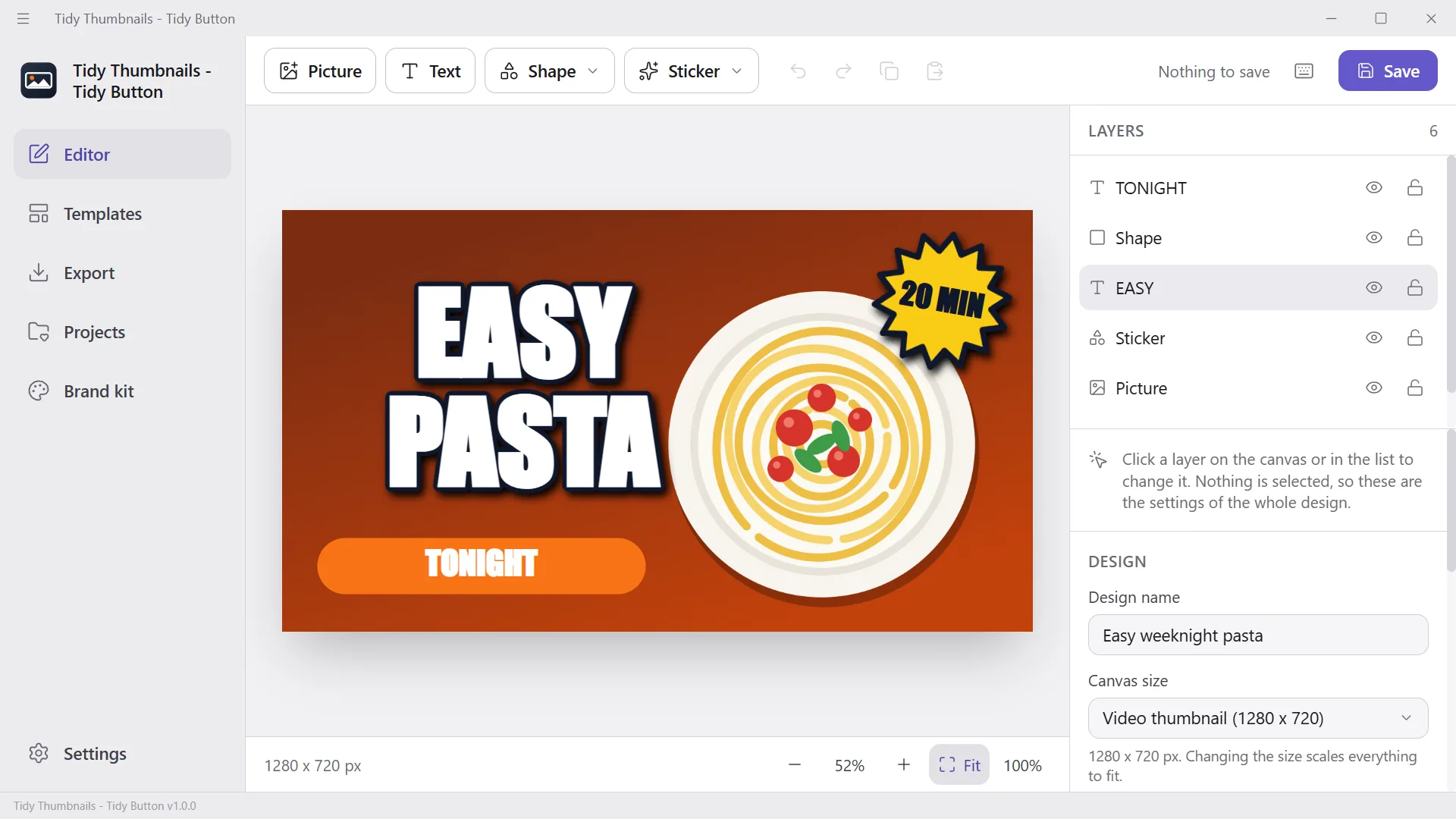
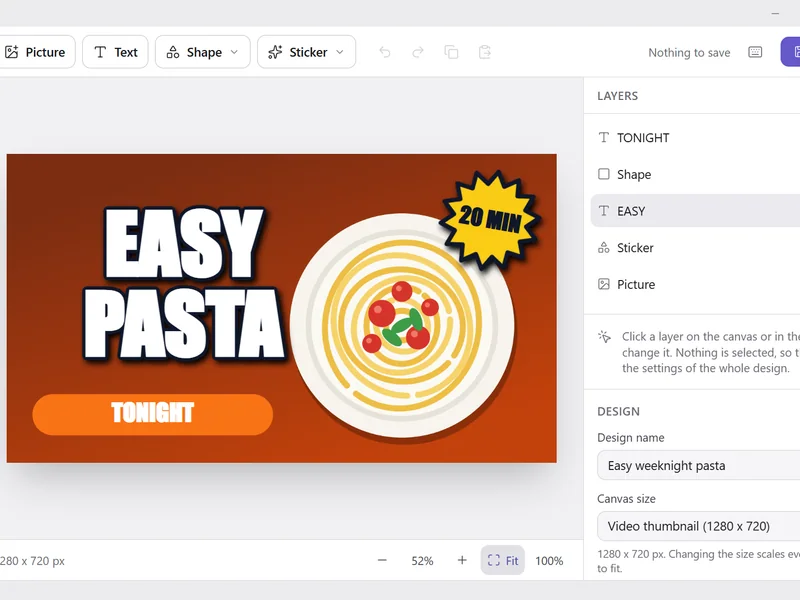
Editor
Change the words, add a picture and a sticker, and see the finished thumbnail at its exact size
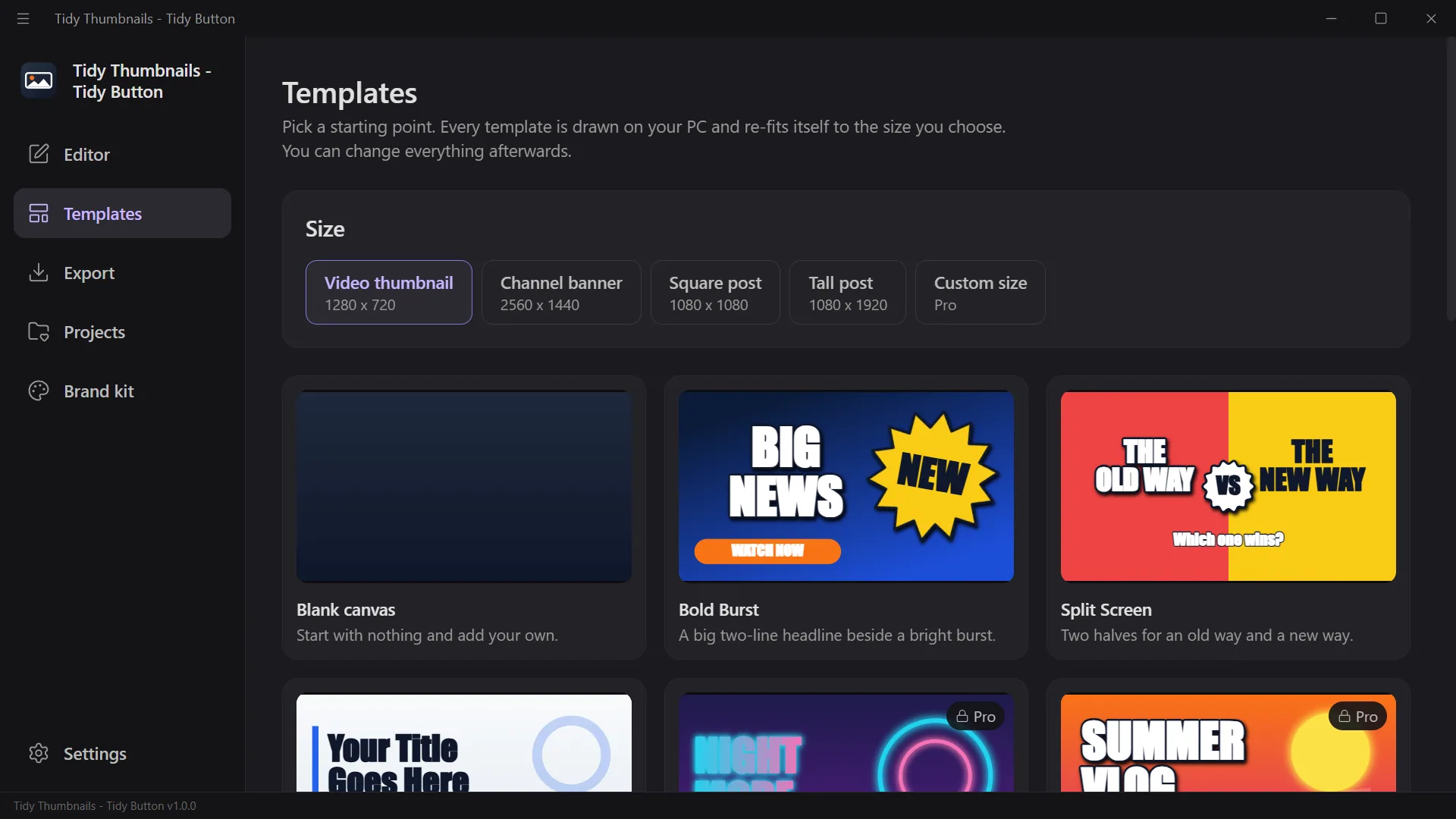
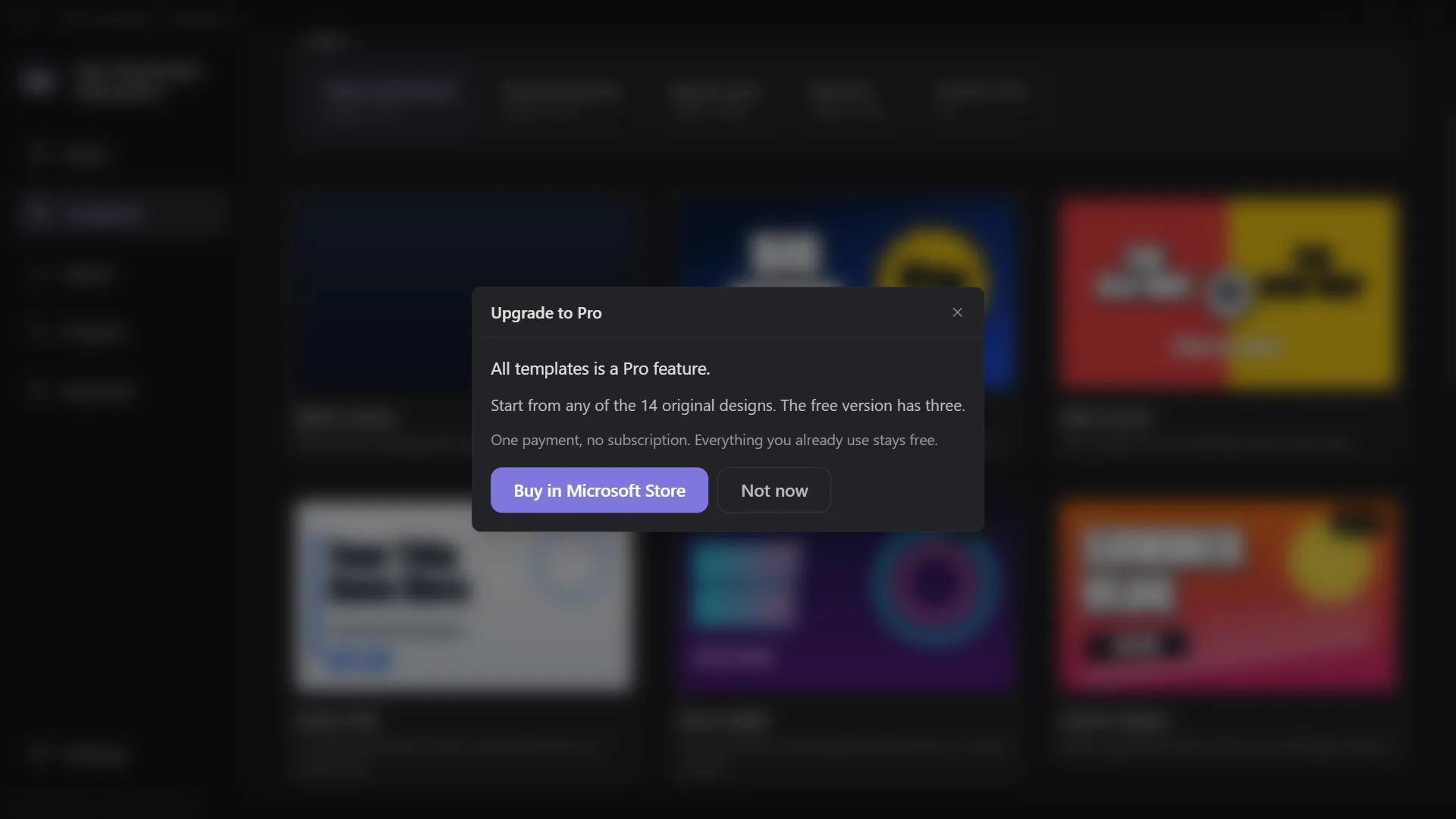
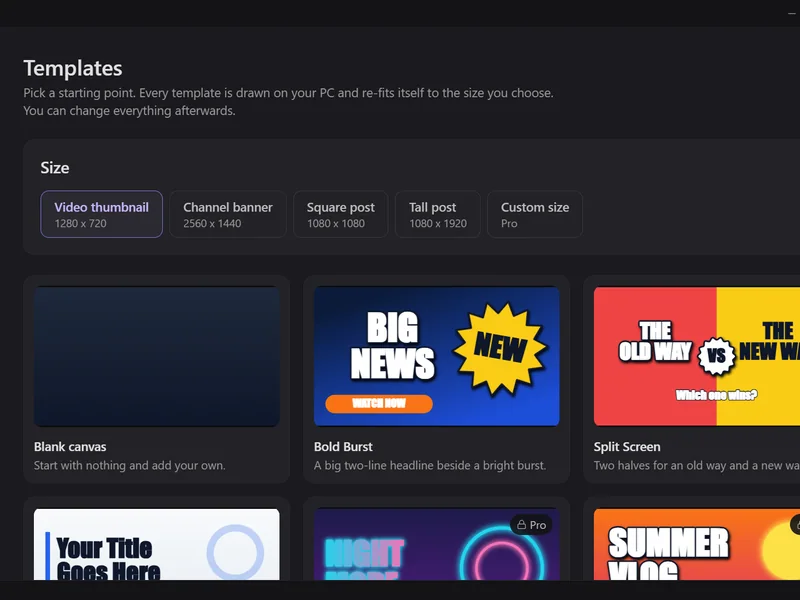
Templates
Pick a size, then a template that re-fits itself
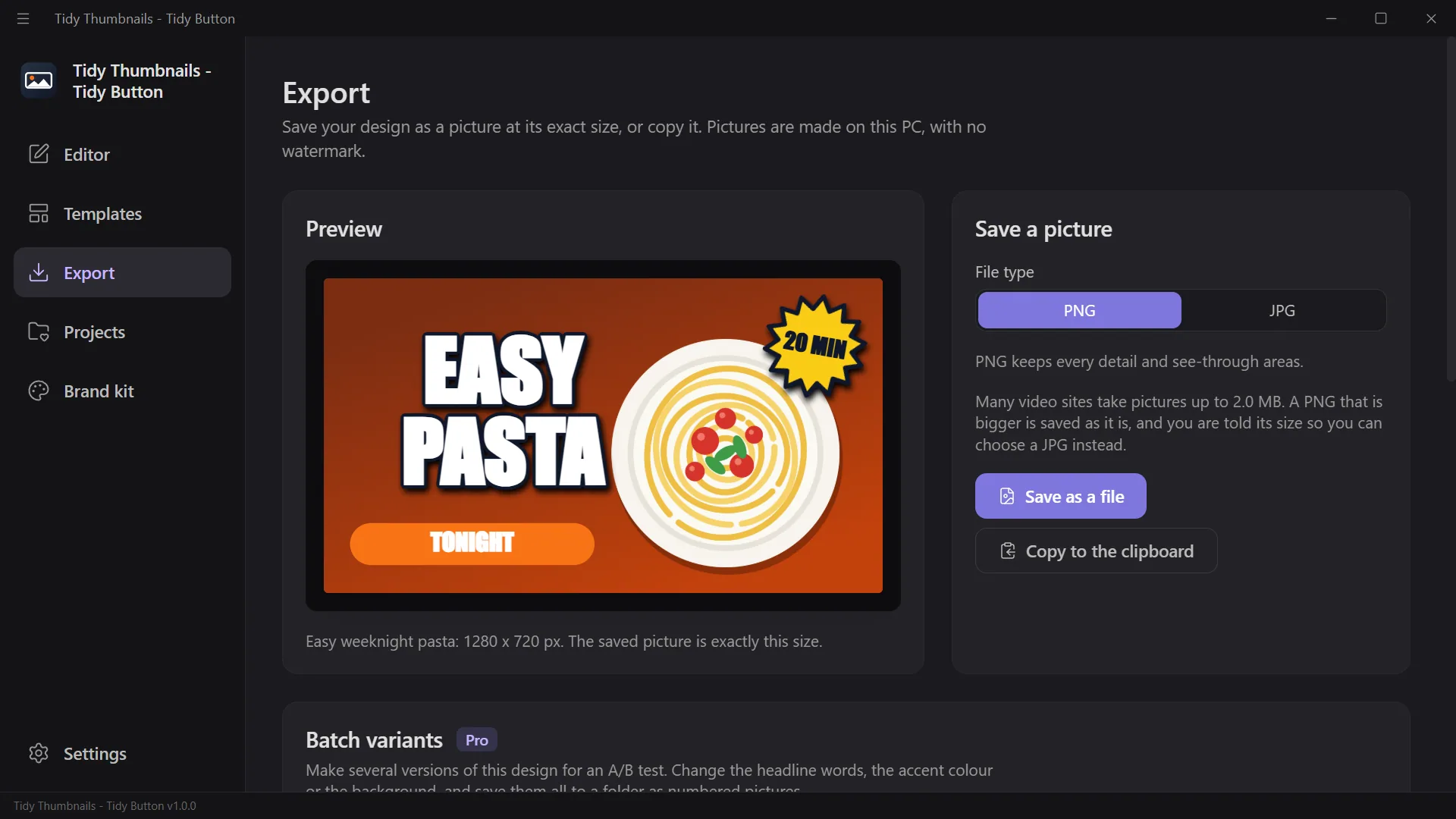
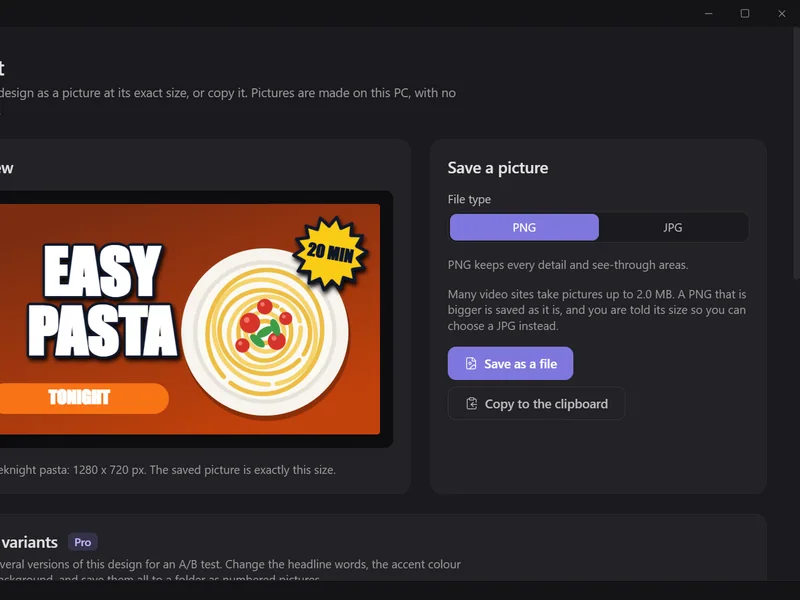
Export
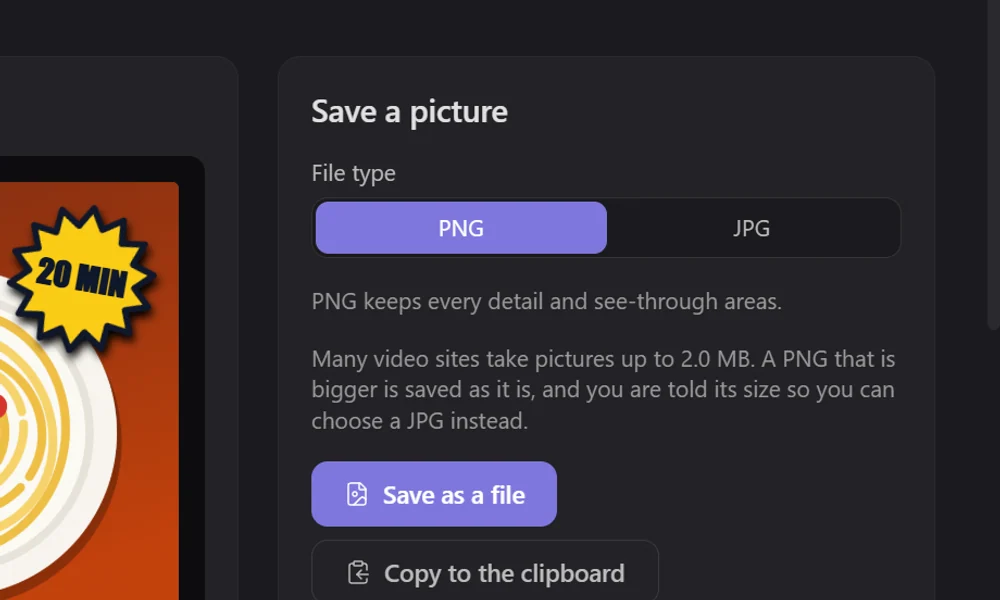
Save a PNG or JPG at the exact size, or copy it
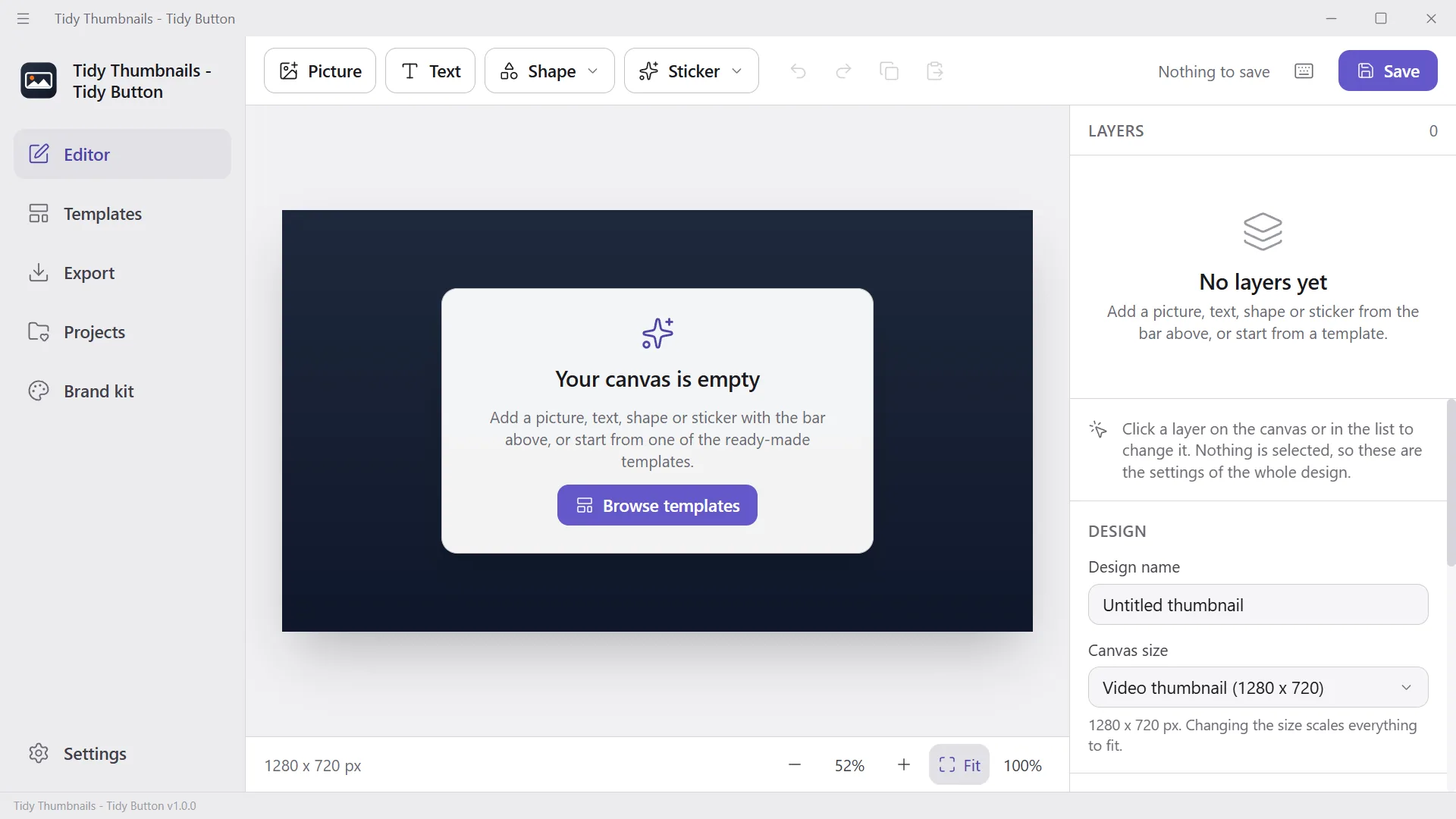
Start
Start from a blank canvas or browse the templates
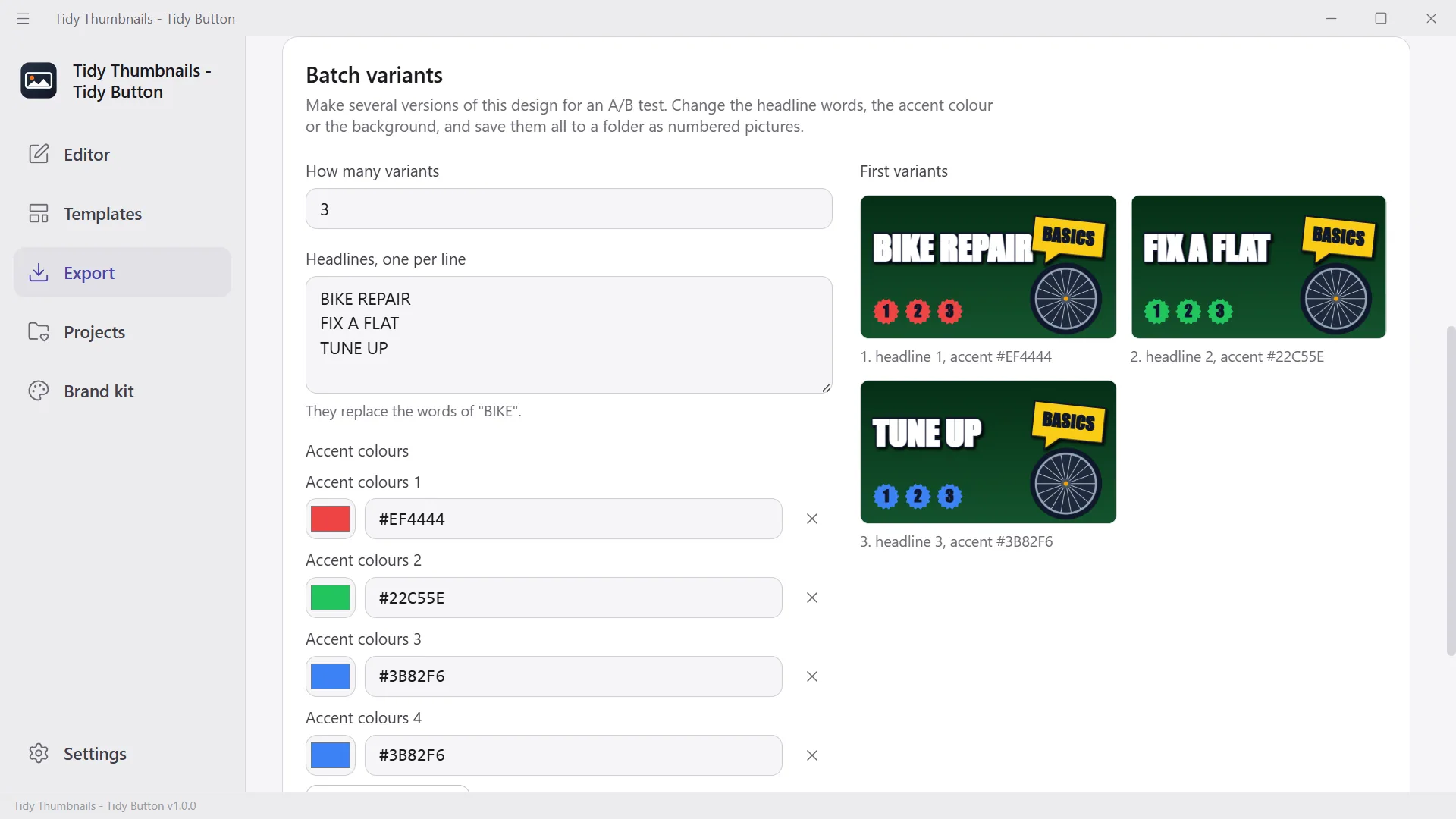
Variants
Pro: make several versions of one design for an A/B test
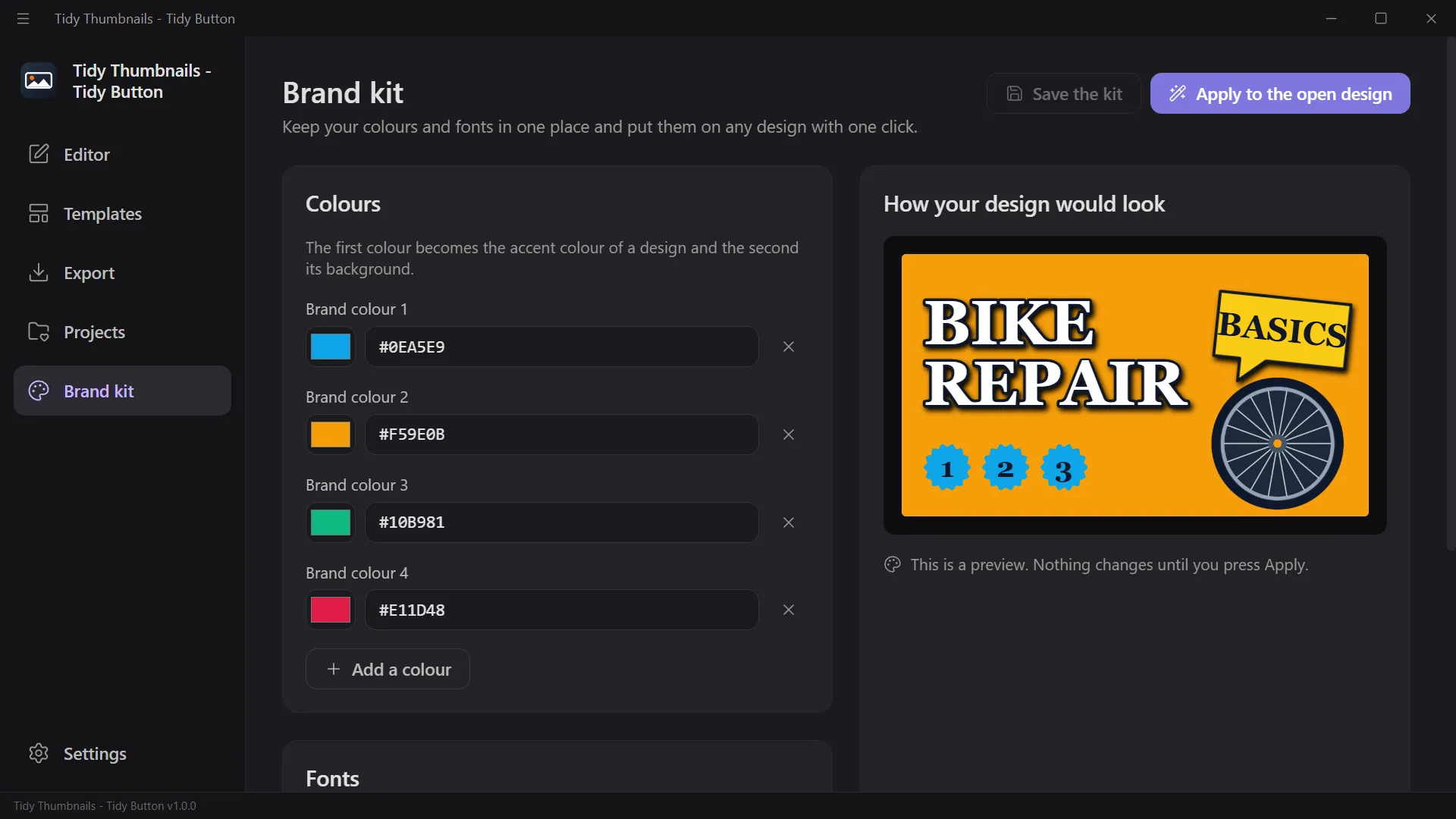
Brand kit
Pro: keep your colours and fonts and apply them in one click
Free limit
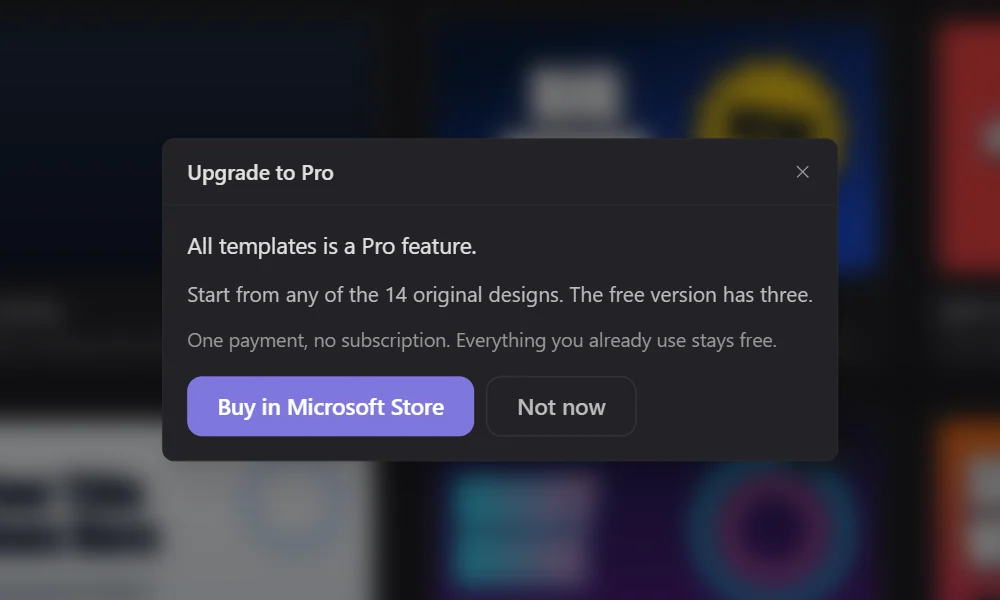
Pro features say so plainly, with one message and a one-time price
Screens show sample designs made with the app. The app has light and dark themes.
How it works
Three steps. No manual.
01
Pick a size and a template
Choose a video thumbnail, channel banner, square or tall post, then a template that re-fits itself to that size.
02
Change the words and pictures
Edit the text, add a picture or a sticker, and see the finished thumbnail at its exact size.
03
Save the picture
Save a PNG or JPG at the exact size, or copy it to the clipboard. No watermark.
What it does
What it does.
Tidy Thumbnails makes video thumbnails, channel banners and square or tall cover images. Choose a size, start from a template, change the headline, add a picture or a sticker and export. Everything is drawn on your PC. The free app works with the internet turned off.
Four exact sizes
Video thumbnail 1280 x 720, channel banner 2560 x 1440, square post 1080 x 1080 and tall post 1080 x 1920.
Layers you control
Add pictures (PNG, JPG or WebP), text, shapes and stickers. Move, resize, turn, fade and stack them, with undo and redo.
Templates that re-fit
Three templates are free and 14 original templates come with Pro. Each one re-fits itself to the size you choose.
Banner safe area
An outline shows the part of a channel banner that appears on every screen, so your title is never cut off.
Text with style
Outline, shadow, glow and gradient fills, in fonts already on your PC. Nothing to download.
Picture tools
Remove one colour from a picture, trim its edges, and adjust brightness, contrast and saturation.
The 2 MB check
Many video sites take pictures up to 2 MB. A JPG that is bigger has its quality lowered step by step until it fits, and you are told.
Pro: variants and brand kit
Batch variants for A/B tests, custom canvas sizes, unlimited saved projects and a brand kit with your colours and fonts.
The small print, in plain English
Safe by design.
A JPG that is too big for a site limit has its quality lowered step by step, and you are told.
Pro features say so plainly, with one message and a one-time price.
Your designs and pictures stay on your PC. Nothing is uploaded.
Exports are exactly the size you chose, with no watermark.
A replaced or deleted project keeps its last saved copy in a Backups folder.
The free version is complete for everyday use. Pro is a one-time unlock, never a subscription.
Works offline. No account. No ads. No tracking.
Good for
Handy for covers and banners.
Video thumbnails
Channel banners
Recipe and how-to cover images
Square and tall social posts
A/B testing headlines
Questions
Plain answers.
Is anything uploaded?
No. Your designs and pictures are made on your PC and never leave it. The free app works with the internet turned off.
Is there a watermark?
No. Exports are exactly the size you chose, with no watermark, in the free app and in Pro.
Which sizes can I make?
Video thumbnail 1280 x 720, channel banner 2560 x 1440 with a safe area, square post 1080 x 1080 and tall post 1080 x 1920. Pro adds a custom size.
What is the 2 MB check?
Many video sites accept pictures up to 2 MB. If a JPG is bigger, its quality is lowered step by step until it fits, and you are told. A PNG that is bigger is saved as it is, and you are told its size.
Which pictures can I add?
PNG, JPG and WebP files from your PC.
What is free and what is Pro?
Free has three templates, every size and layer type, PNG and JPG export and one saved project. A one-time Pro unlock adds all 14 templates, unlimited saved projects, batch variants, custom sizes and the brand kit.