Coming to the Microsoft Store
Text Expander Type less, say more.
Save the text you type again and again. Type a short code such as ;sig in any program and it becomes your full text, with fields for dates, the clipboard and the cursor. Works offline, no account, no ads.
Not on sale yet. The app is still being built.
We will link the Store listing here the day it is live. Until then there is nothing to download.
- Works offline
- No account, no ads, no tracking
- Typing never saved or sent
- Free
See it
Ten views. From a code to a paragraph.
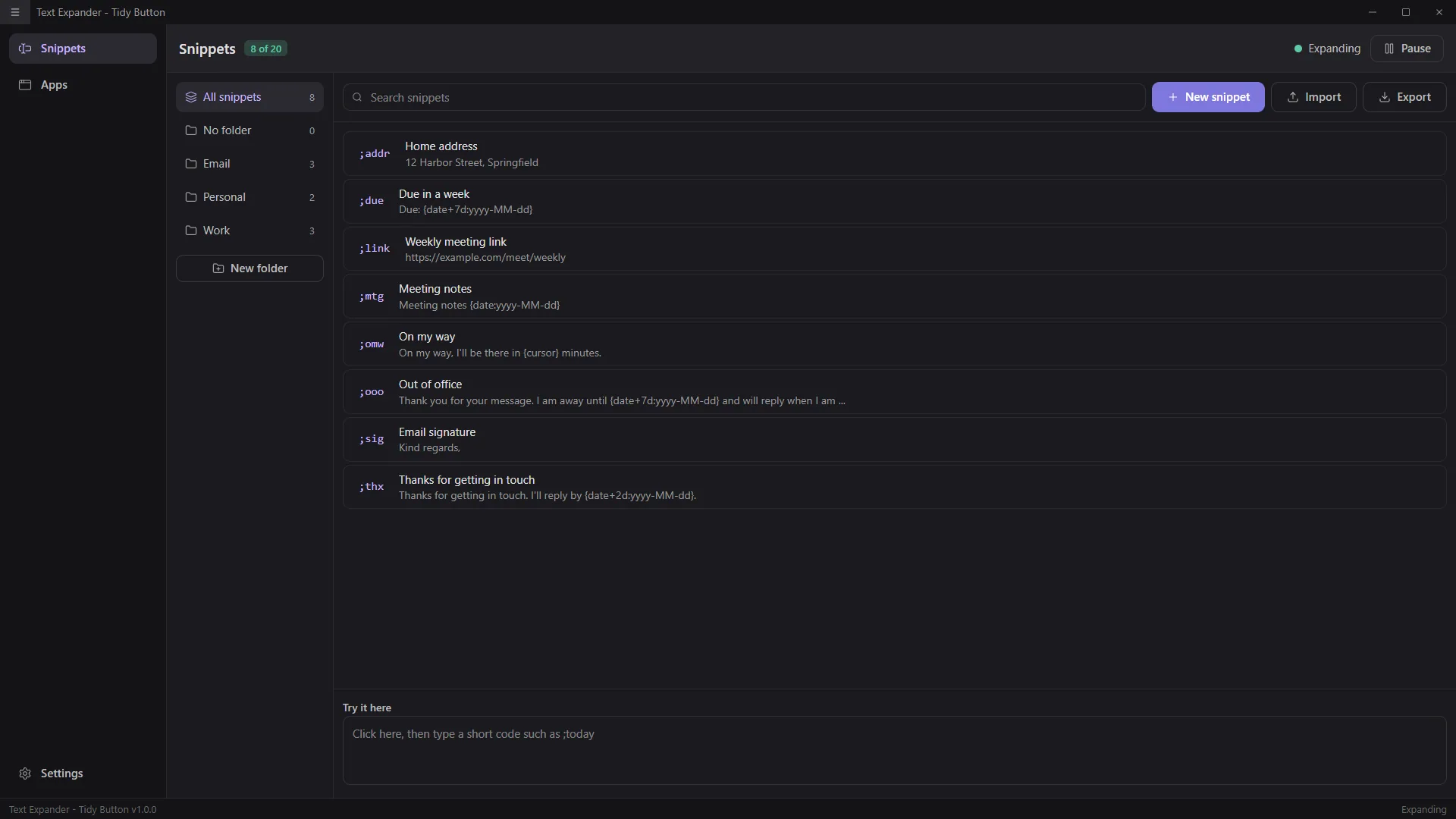
Snippets
Your snippets in folders, with a preview of each
Editor
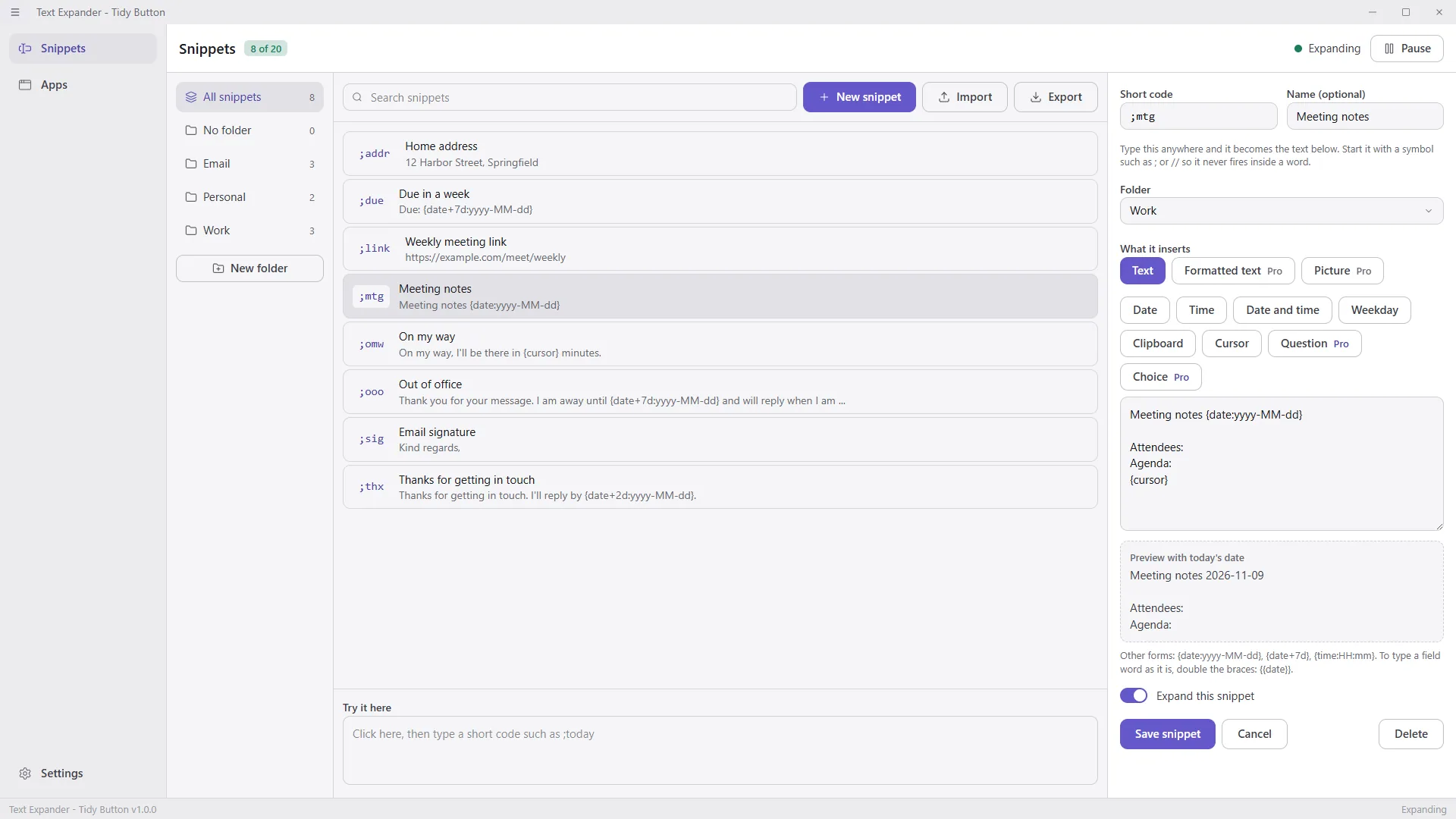
Add fields for the date, clipboard and cursor, and see a preview
Try it
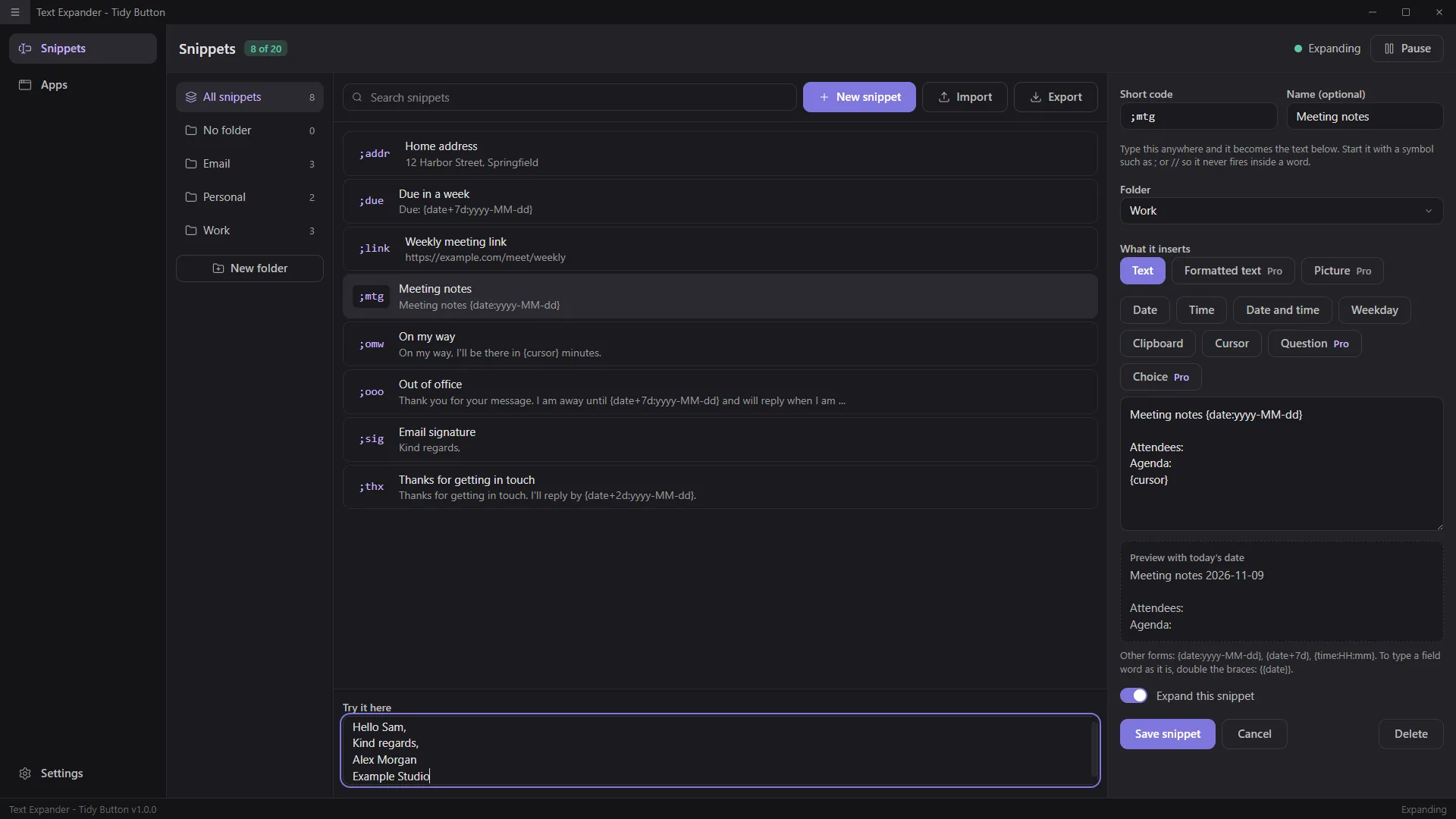
Test a snippet in the Try it here box
Free limit
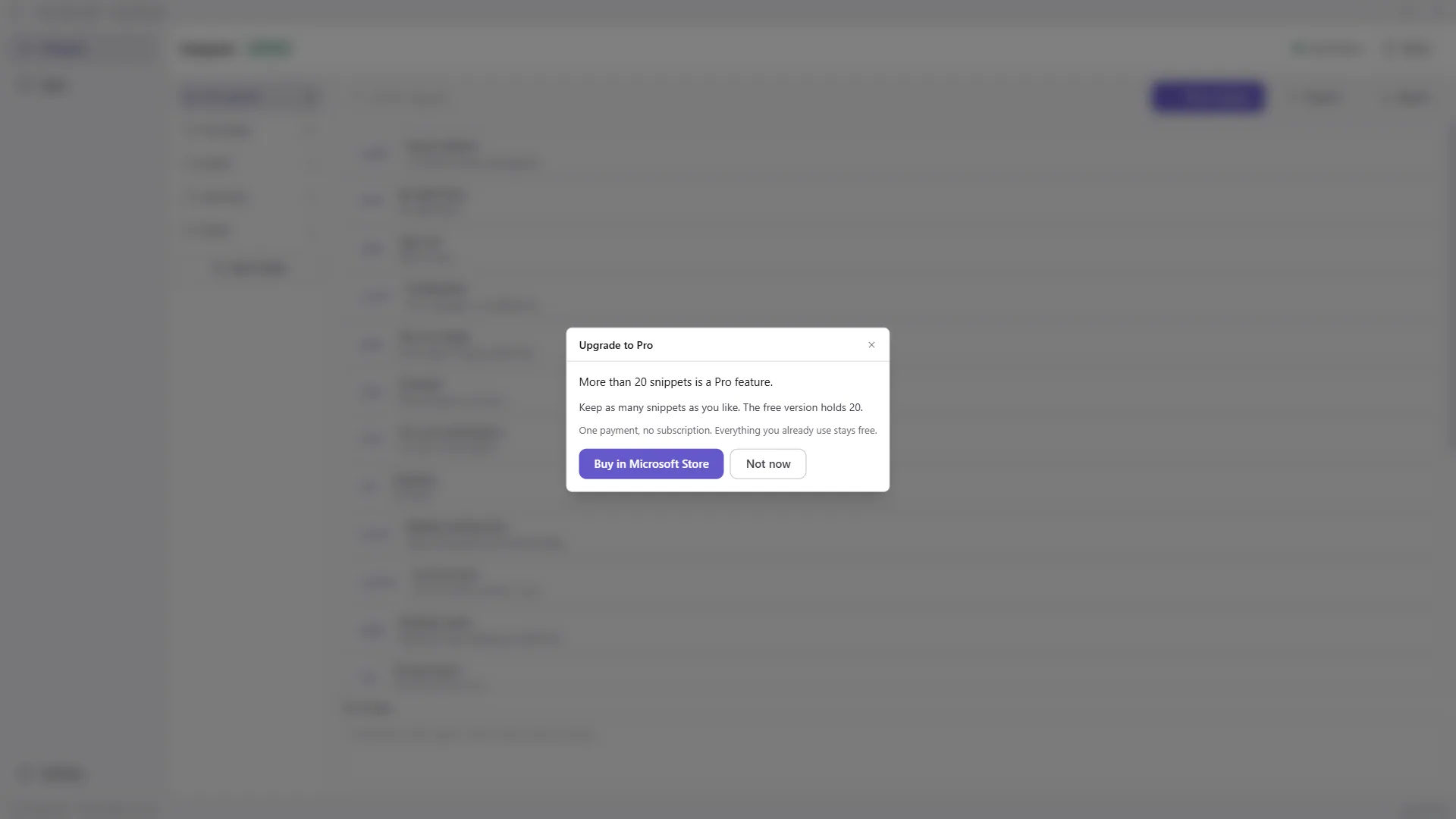
The free version keeps 20 snippets
Screens show invented sample snippets. The app has several themes, including light and dark.
What it does
What it does.
Write less. Make a snippet, type its short code anywhere, and Text Expander types the full text for you. The app keeps the last few characters you type in memory only, to spot a short code. Nothing is written to disk or sent anywhere.
Short codes that expand anywhere
Type the code in any program. It expands as soon as you finish it, or when you press Space.
Fields
Insert today's date, the time, the weekday, the clipboard and where the cursor should land, with formats and date offsets.
Folders and search
Keep a big library of snippets tidy and find one fast.
Try it here
A box inside the app lets you test a snippet before you use it anywhere else.
Import and export
Move your snippets in and out as JSON or CSV.
Pause hotkey
Pause and resume expansion from any program, with a tray icon to match.
Optional Pro
Unlimited snippets, fill-in forms, per-program rules, formatted text and pictures, and backup and sync. The free version keeps 20 snippets.
The small print, in plain English
Safe by design.
- Typed characters are kept in memory only, to spot a short code. Nothing is saved or sent.
- Your snippets are kept in a file in your Documents folder.
- Nothing you made is deleted if you do not buy Pro.
- No account. No ads. No tracking.
Good for
Handy when you type the same thing daily.
- Email replies and support answers
- Addresses, links and meeting notes
- Anyone who types the same thing every day
Questions
Plain answers.
Does it record what I type?
No. It keeps the last 64 characters in memory only, to spot a short code, and clears them when you click, press Enter or change program. Nothing is saved or sent.
Does it work in every program?
It works in most programs. It cannot type into programs that run as administrator, and some programs ignore typed keys.
Where are my snippets stored?
In a file in your Documents folder, so they survive an uninstall.
Is there a limit in the free version?
The free version keeps 20 snippets. Pro is an optional one-time add-on for more.