We will link the Store listing here the day it is live. Until then there is nothing to download.
Real app, with invented sample networks.
Works offline
No account, no ads, no tracking
Never scans your network
Free calculator
See it
Seven views. One address, explained.
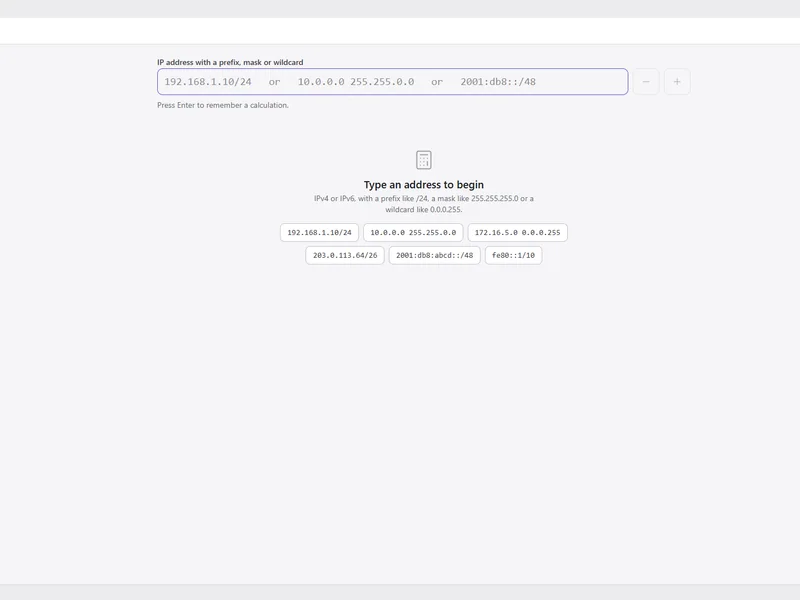
Start
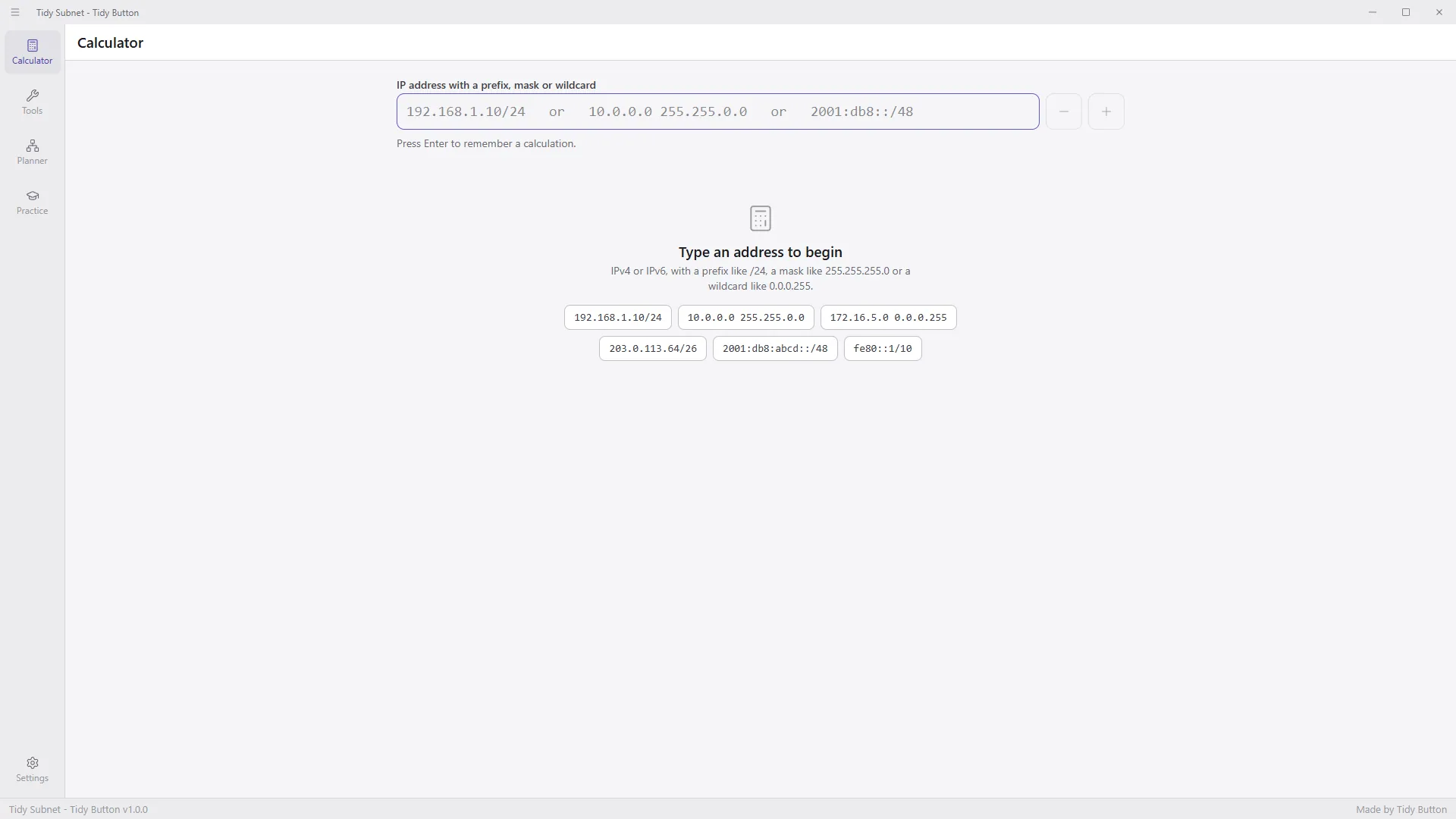
Type an address with a prefix, mask or wildcard, or tap an example to begin
Result
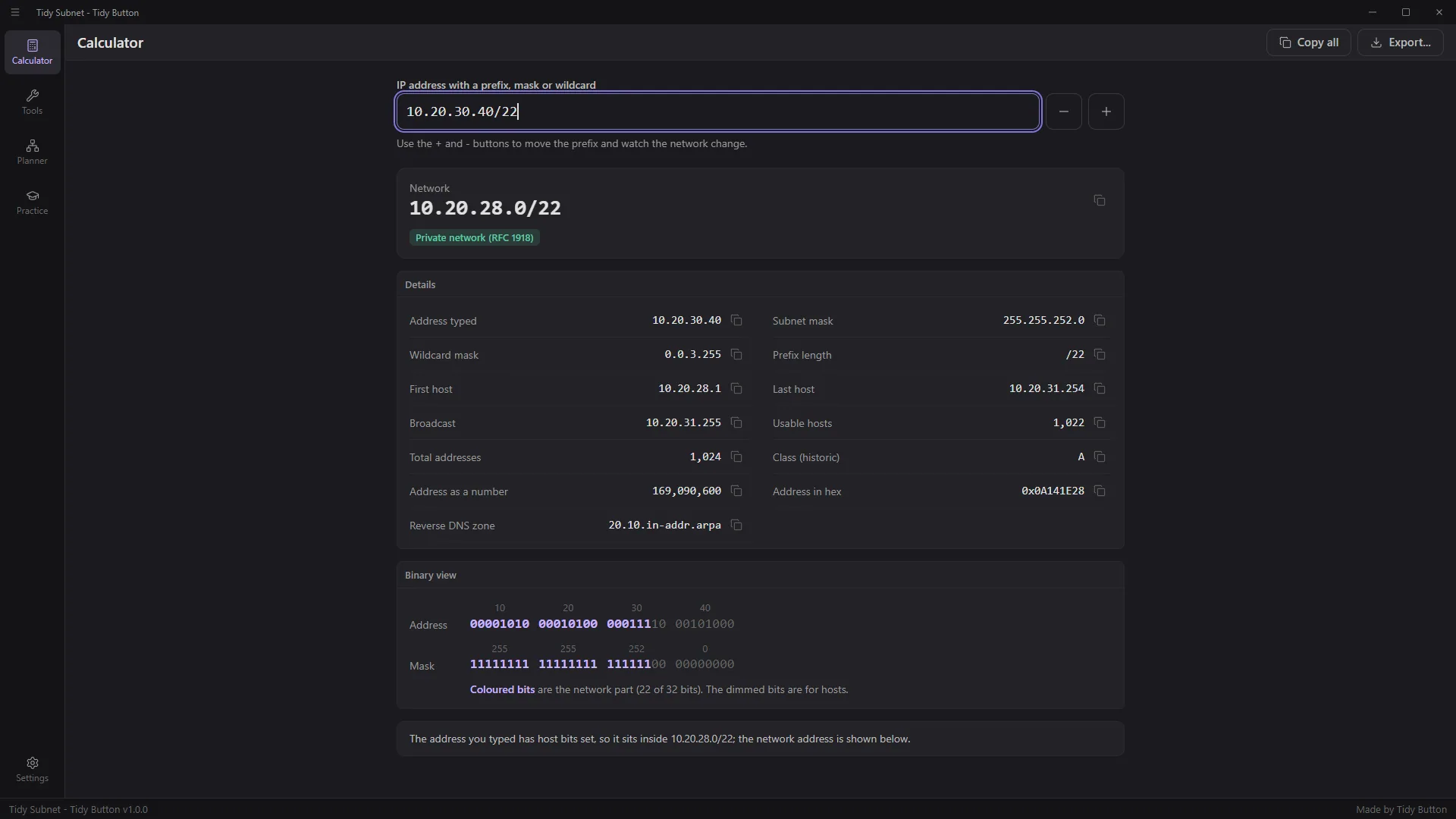
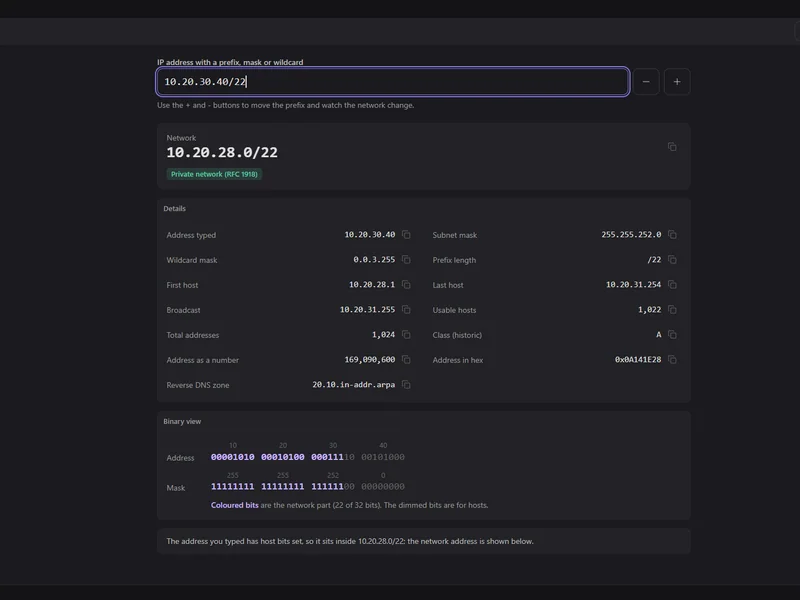
Network, hosts, masks and a binary view with the network bits highlighted
Split
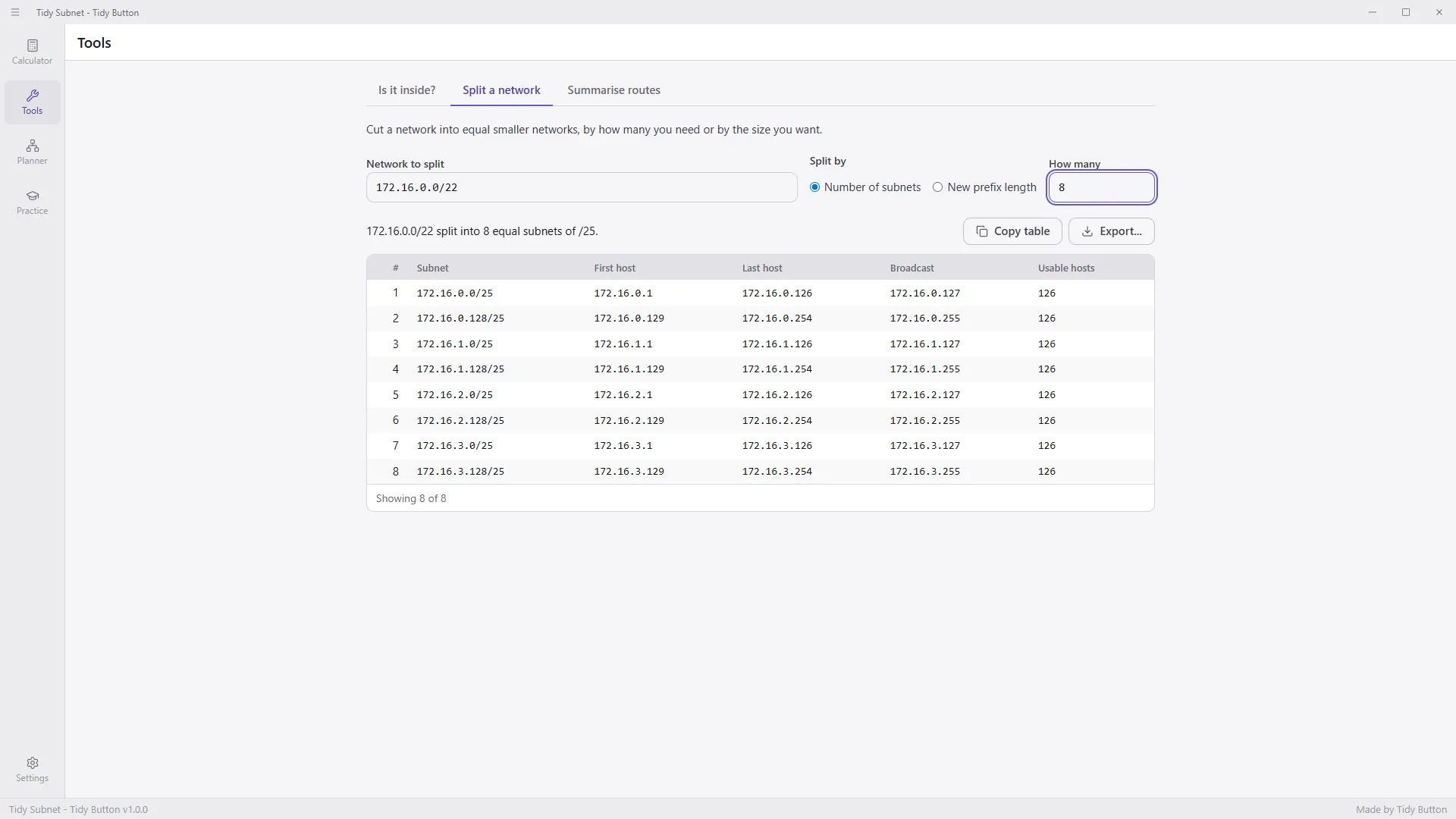
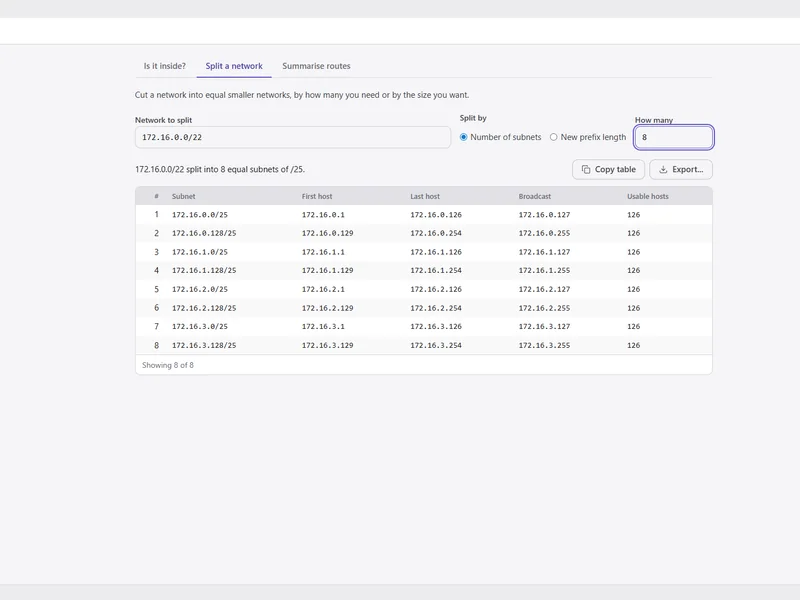
Split a network into equal subnets and copy or export the table
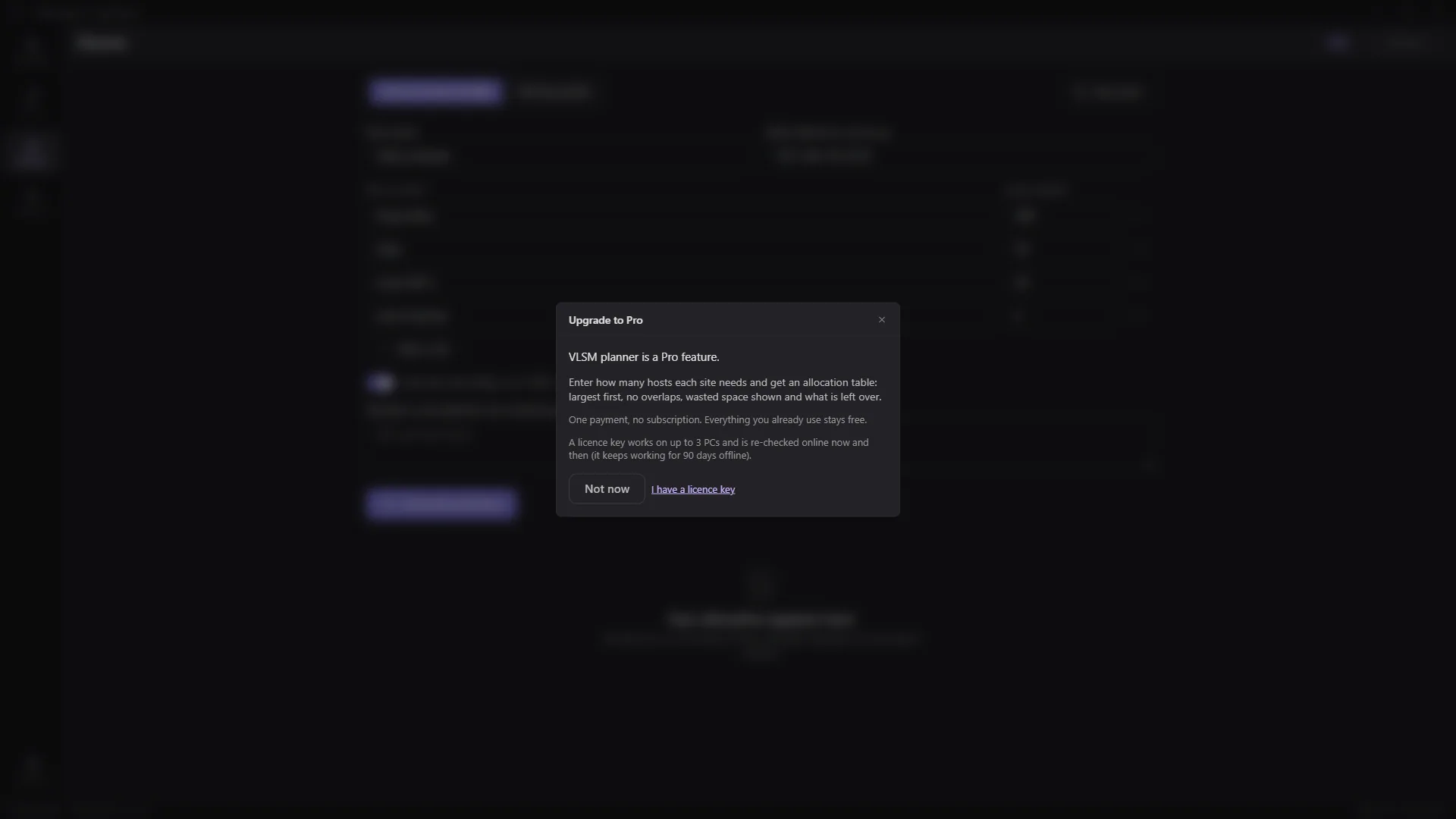
Planner
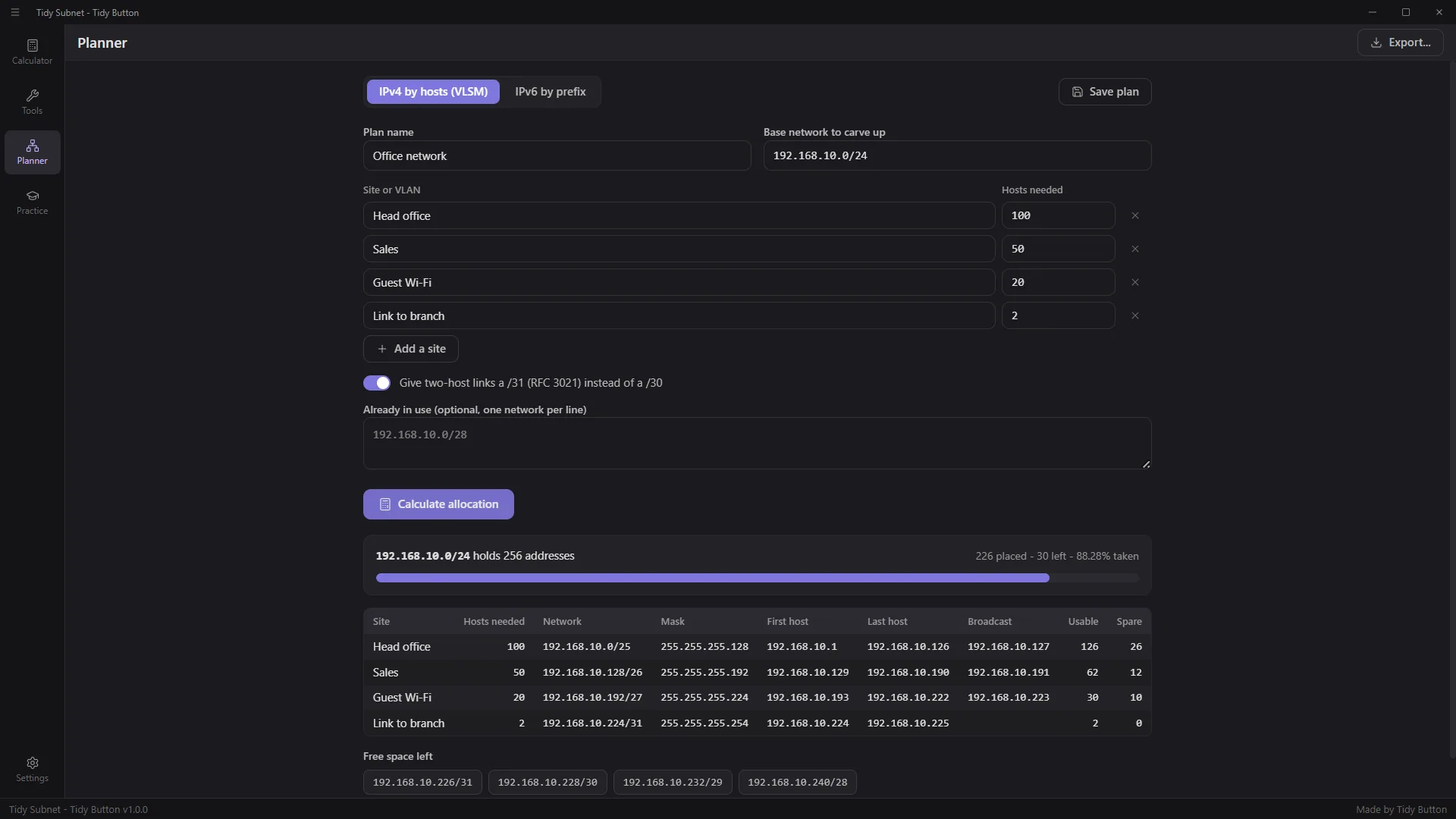
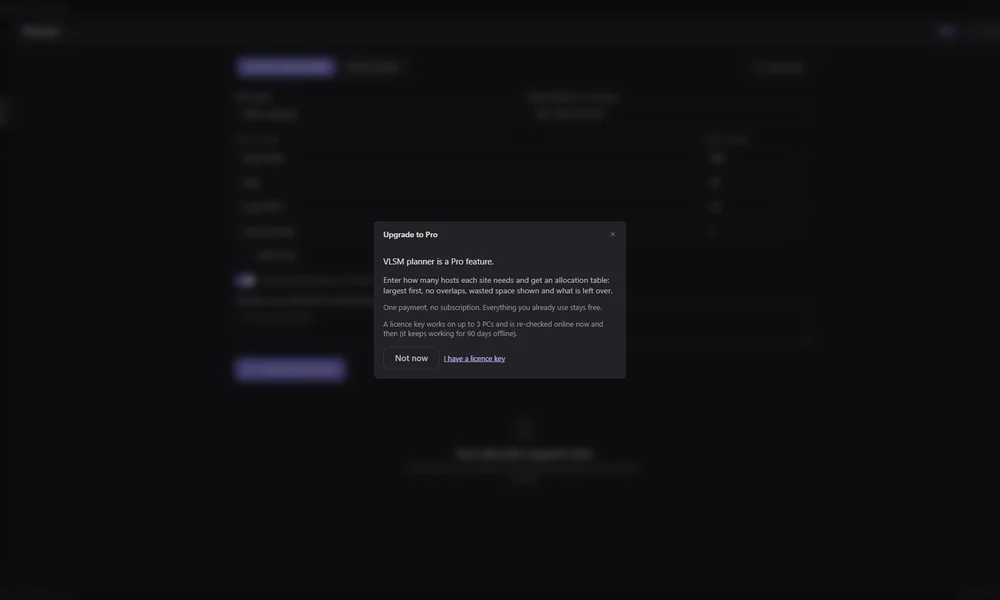
Pro: give each site its host count and get a largest-first allocation with the free space left
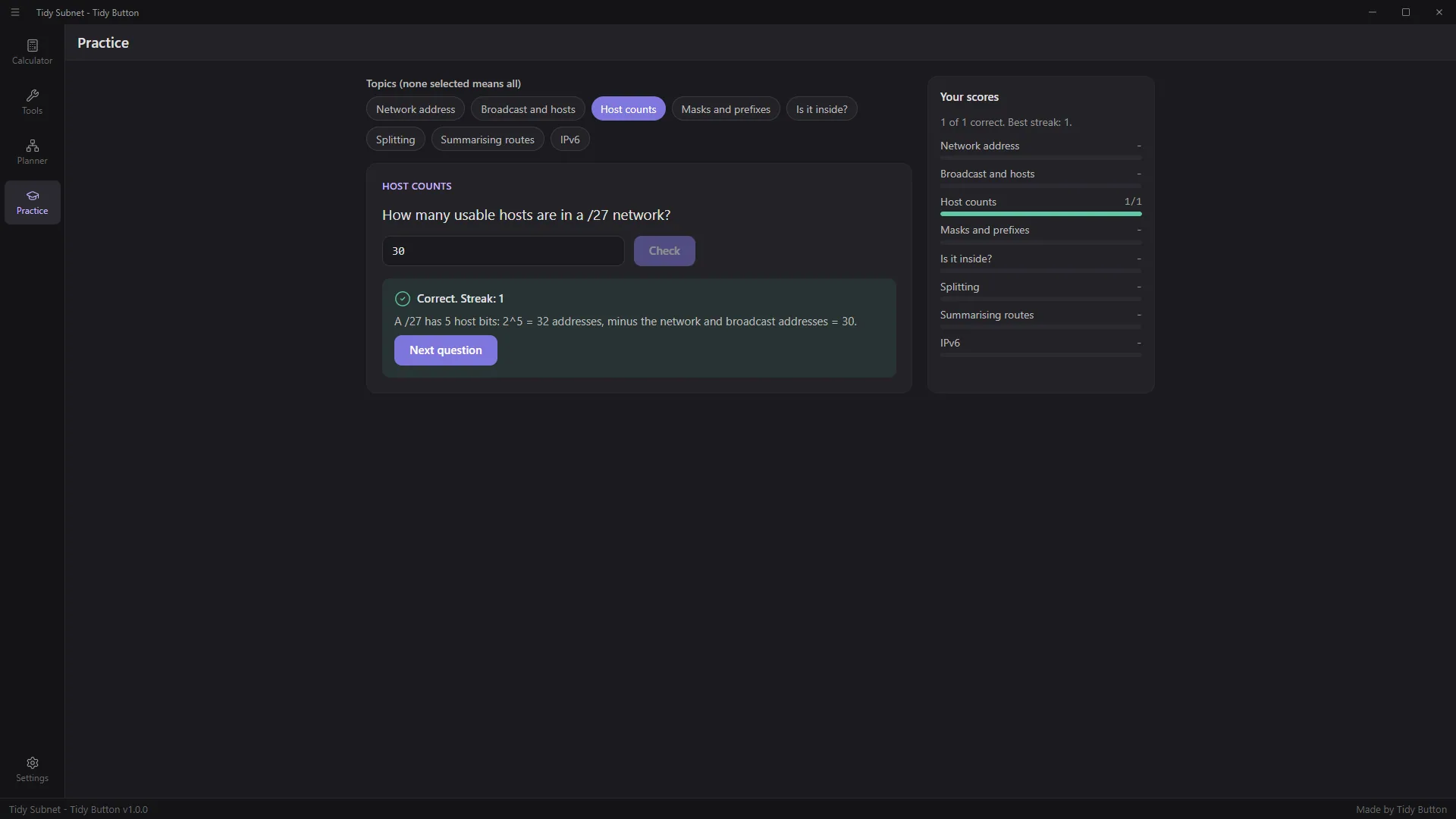
Practice
Pro: practise exam-style questions and see the working after each answer
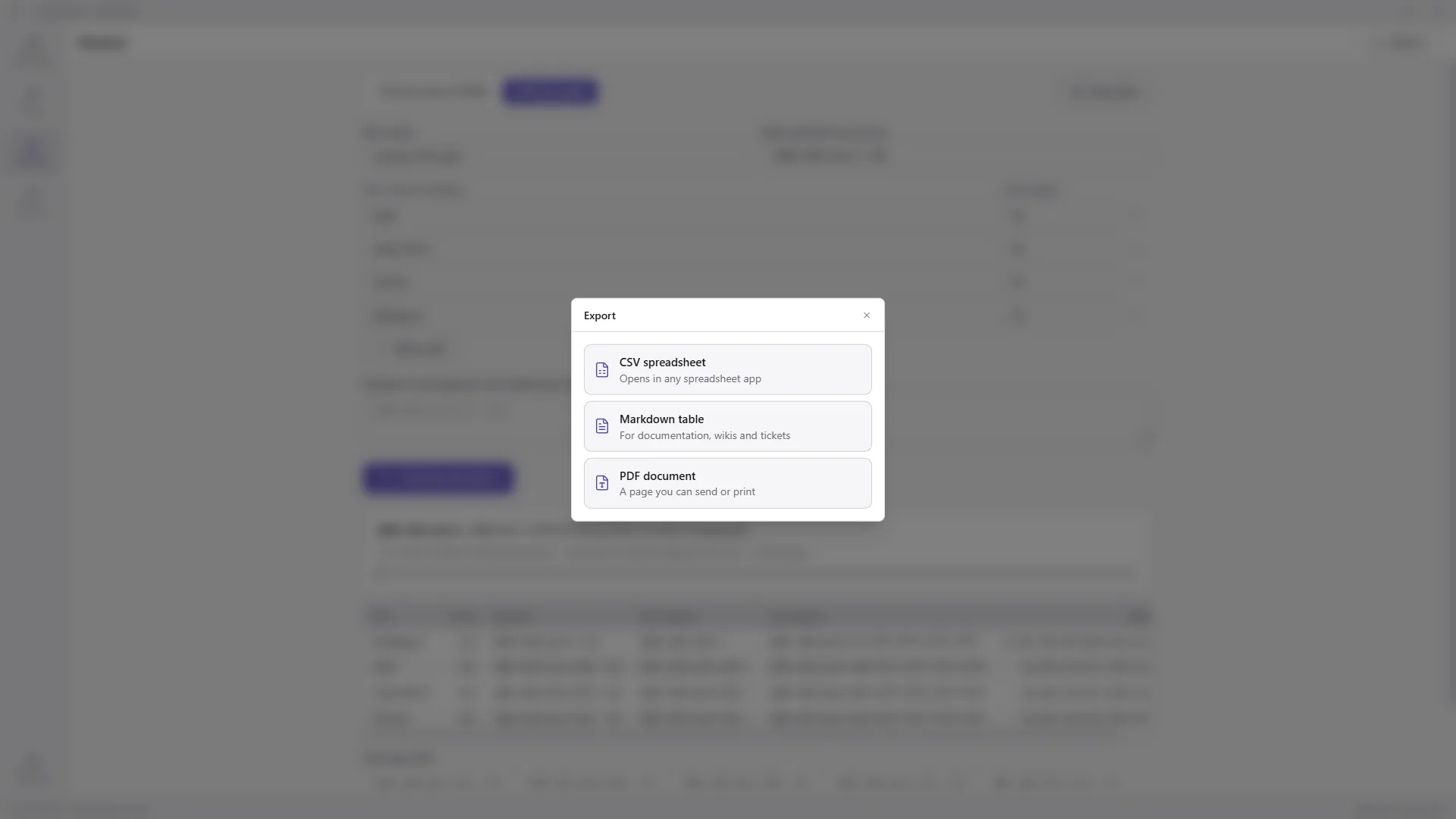
Export
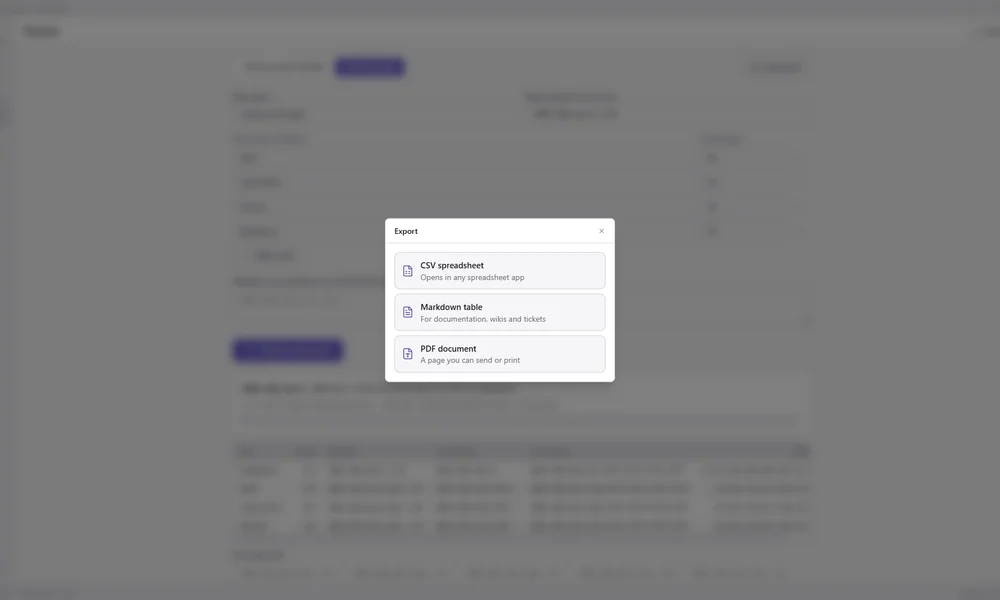
Pro: export a result or plan as a CSV spreadsheet, Markdown table or PDF
Pro
Pro features ask first. The free calculator has no limit and never expires.
Screens show invented sample networks. The app has light and dark themes.
How it works
Three steps. No manual.
01
Type an address
Enter an address with a prefix, a subnet mask or a wildcard mask, or tap one of the examples.
02
Read the result
See the network, hosts, masks and a binary view that shows which bits belong to the network.
03
Split or plan
Split a network into equal subnets, summarise routes, or plan addresses for your sites.
What it does
What it does.
Tidy Subnet answers subnet questions in seconds. Type an address with a prefix, a subnet mask or a wildcard mask, and the result appears as you type: network, broadcast, first and last host, usable hosts, mask, wildcard, class, the address as a number and in hex, and the reverse DNS zone. IPv6 works the same way, including very large networks. The calculator is free and complete, with no time limit and no cap on how many calculations you run. The app never scans or probes your network and makes no network calls while you calculate.
One input box
Reads CIDR, a dotted mask, a wildcard mask, a bare address and IPv6. The result updates as you type.
Binary view
The network bits are coloured and the mask sits underneath, so you can see why the answer is what it is.
Ranges named
Private, loopback, link-local, shared, documentation, multicast, unique local and other reserved ranges are labelled.
Edge cases handled
/31 links, /32 hosts, /0, and IPv6 /127 and /128 are all worked out correctly.
Split and summarise
Check whether an address is inside a network, split a network into equal subnets, or summarise a list of routes into the fewest networks.
VLSM planner
Pro: enter the hosts each site needs and get an allocation table, largest first, with wasted space and the free blocks left over.
IPv6 planning
Pro: plan IPv6 by prefix length for sites, VLANs and buildings, and keep saved plans backed up in Documents\Tidy Subnet.
Export and practice
Pro: export a result or plan to CSV, Markdown or PDF, and practise with exam-style questions on eight topics with scores for each.
The small print, in plain English
Safe by design.
Pro features ask first. The free calculator has no limit and never expires.
Pro: export a result or plan as a CSV spreadsheet, Markdown table or PDF.
Your addresses and plans stay on your PC.
The app never scans or probes any network.
Works offline. No account. No ads. No tracking.
The calculator has no limit and never expires. Pro is optional and one payment.
What it works out
Every detail, shown plainly.
From a single address to a whole site plan.
Pro: a VLSM plan lists each site largest first, with the free space left.
Input
One box
CIDR, a dotted mask, a wildcard mask, a bare address or IPv6, in one box.
Binary
See the bits
The network bits are coloured and the mask is shown underneath.
Ranges
Named for you
Private, loopback, link-local, shared, documentation, multicast and unique local ranges are labelled.
Edge cases
Handled
/31 links, /32 hosts, /0, and IPv6 /127 and /128.
Tools
Free
Is an address inside a network, split into equal subnets, and summarise a list of routes.
Planner
Pro
VLSM by hosts for IPv4 and planning by prefix length for IPv6, with saved plans and export.
The app never scans or probes your network. It only works out the numbers you type.
Good for
Handy when you plan a network.
Working out a subnet while you configure a router
Planning addresses for sites, VLANs and offices
Studying for a networking exam
Documenting a network in a ticket or a wiki
Checking an IPv6 prefix
Questions
Plain answers.
Does it scan my network?
No. It never scans, pings or probes any network. It only works out the addresses you type.
Is anything sent anywhere?
No. Your addresses and plans stay on your PC. The only network use is the check of a Pro licence.
What can I type in?
An address with a prefix like /24, a dotted subnet mask, a wildcard mask, a bare address, or an IPv6 address with a prefix.
Is the calculator limited in the free version?
No. The calculator, binary view, range labels, split and summarise tools are free, with no time limit and no cap on calculations.
What does Pro add?
One payment, no subscription. Pro adds the VLSM planner, IPv6 planning by prefix length, saved plans, export to CSV, Markdown or PDF, and practice mode.
Where are saved plans kept?
On your PC, with a backup in a folder called Tidy Subnet inside your Documents folder, so they survive an uninstall.
Does it need an account or an internet connection?
Neither. There is no account, no ads and no tracking, and everything works offline.