How to plan a sermon outline with timings that add up
This guide shows how to write a sermon outline on your PC, give each part its minutes, check the total against your target length, and print the outline. Your sermons stay on your computer.
This app is not on the Microsoft Store yet. This guide is ready for the day it arrives.
Start a new sermon
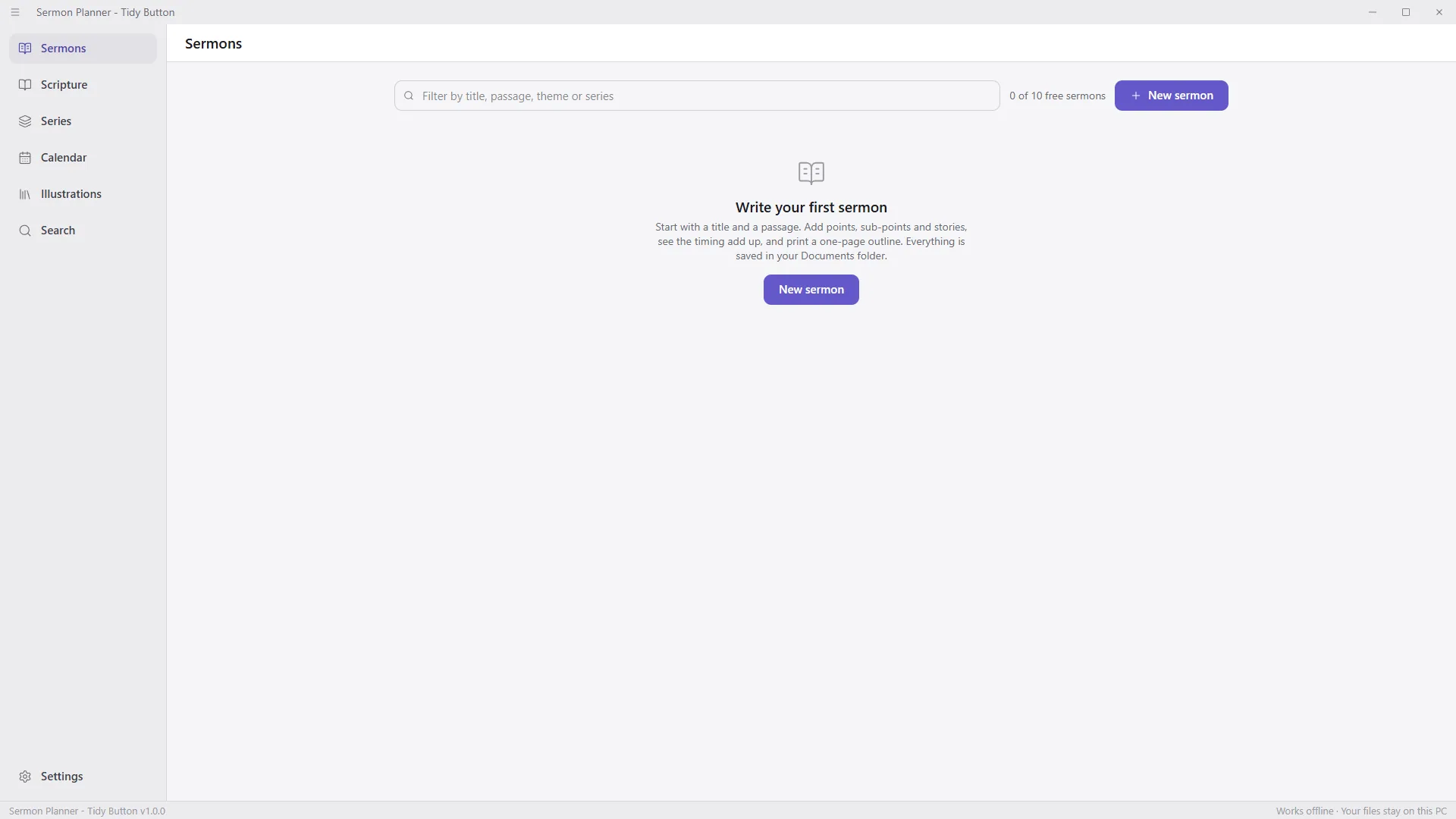
- Open Sermons in the left menu.
- Press New sermon.
- Type the Title. Add a Main passage (optional), for example John 3:16-21.
- Press Create sermon. The sermon opens for editing.
- Fill in Themes (separate with commas), the Date, and the Big idea if you want them.
Press Save when the button is active. It reads Saved when your changes are stored.
Add points and timings
- In the sermon, type the minutes for the introduction in Introduction minutes.
- Press Add a point. Type a Heading, a Scripture reference and the Minutes for that point.
- Press Add sub-point to break the point into smaller parts.
- Press Add illustration to add a story or example, and fill in its title and text.
- Type the minutes for the ending in Conclusion minutes.
- Set Aim for in the Timing card to your target length. The card lists every part with its minutes and where each part ends.
The Timing card changes colour when you are on target, under it or over it.
Look up scripture without internet
- Open Scripture in the left menu.
- Type a passage in Reference, for example John 3:16-18 or 1 Cor 13.
- Choose the text in Bible text: the World English Bible or the King James Version.
- Press Look up.
- Press Copy to copy the passage, or choose a place in Insert into and press Insert.
After you insert text into a sermon, press Save to keep it.
Print a one-page outline
- Open the sermon from Sermons.
- Press Save if the button is active.
- Press One-page outline to save the outline as a PDF, or press Print to open the Windows print box.
- Choose where to save the file or pick your printer.
Record where you preached a sermon
- Open the sermon and find the card Preached where and when.
- Pick the date in Date.
- Type the church or place in Church or place.
- Press Add.
Use Duplicate at the top of a sermon to make a copy before you change it for a new church.
If something goes wrong
Where are my sermons saved?
On your PC, in a folder inside your Documents folder. Open Settings to see the exact folder. The app does not send your sermons to a server.
I left a sermon and my changes are gone. Can I stop that?
The app asks Leave without saving? when there are unsaved changes. Choose Keep editing, then press Save.
The scripture lookup says it cannot find my passage. What can I try?
Write the reference the way you would in your notes, such as Jn 3:16 or Ps 23:1-4. Check the book name and the numbers.
Can I look up other translations?
The World English Bible and the King James Version are built in. For another translation, paste its text into your notes yourself.
Good to know
- Scripture lookup only offers the World English Bible and the King James Version.
Still stuck? Support is by email, and a person reads it.