Coming to the Microsoft Store
Tidy Ruler A real ruler for your screen.
Floating rulers in real pixels, inches or centimetres, and a rectangle measure with a pixel loupe. Offline, no account.
We will link the Store listing here the day it is live. Until then there is nothing to download.
- Works offline
- No account, no ads, no tracking
- Nothing uploaded
- Free
See it
Nine views. One screen, measured.
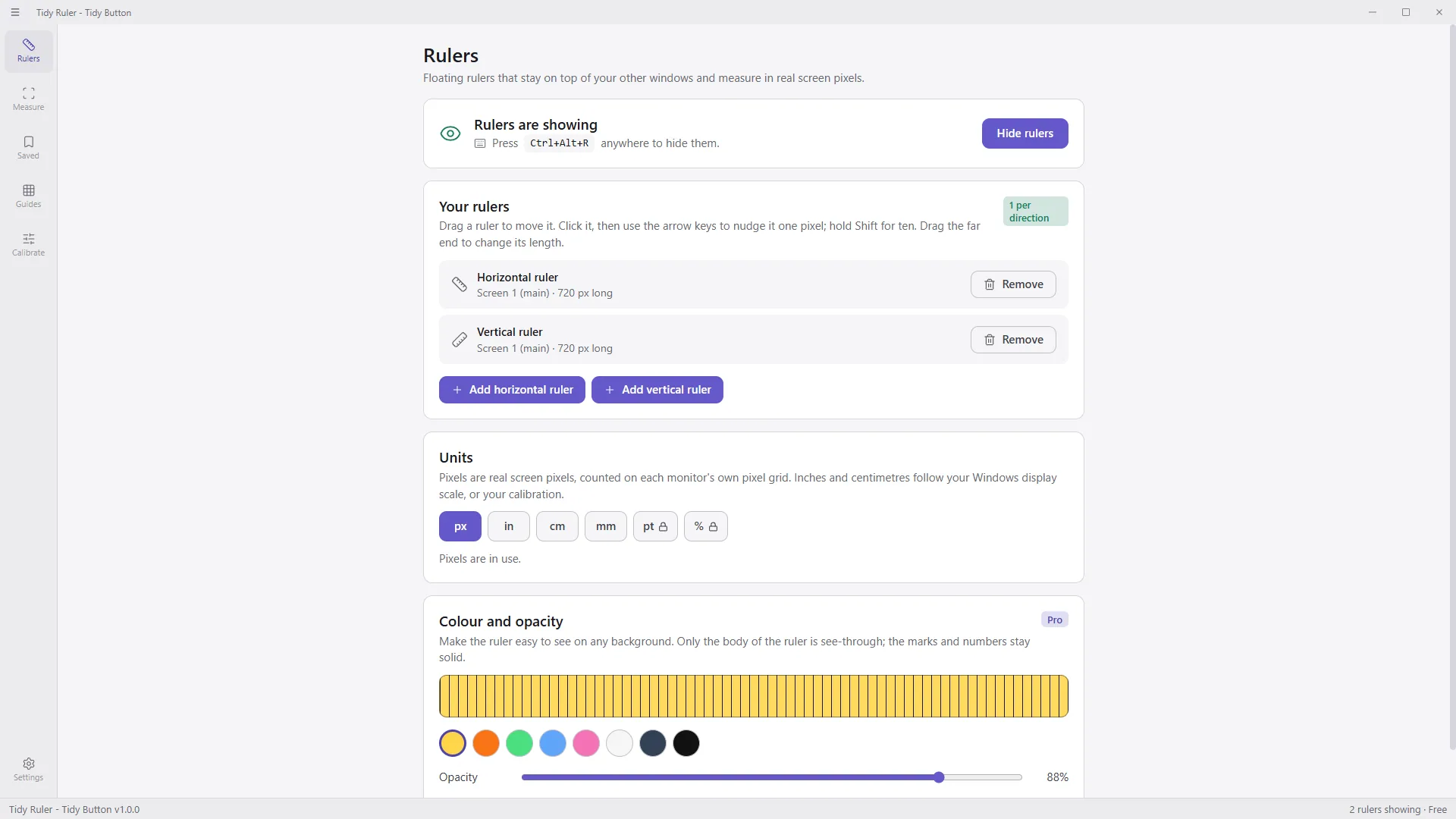
Rulers
Floating rulers sit above your other windows. Move them, nudge them a pixel at a time, and press one shortcut to hide or show them
Units
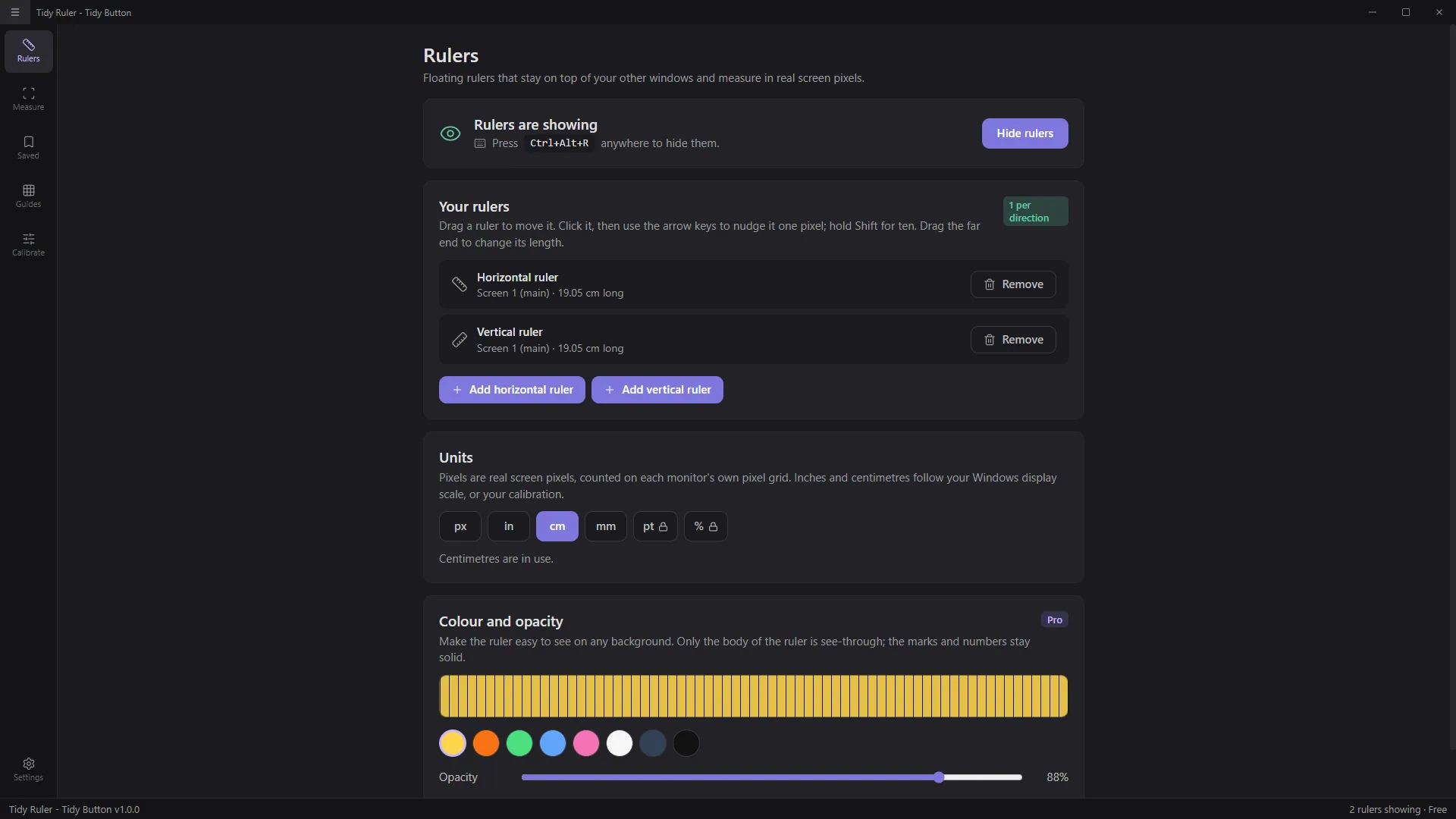
Switch between pixels, inches, centimetres and millimetres. Every ruler follows the unit you choose and each monitor keeps its own pixel grid
Measure
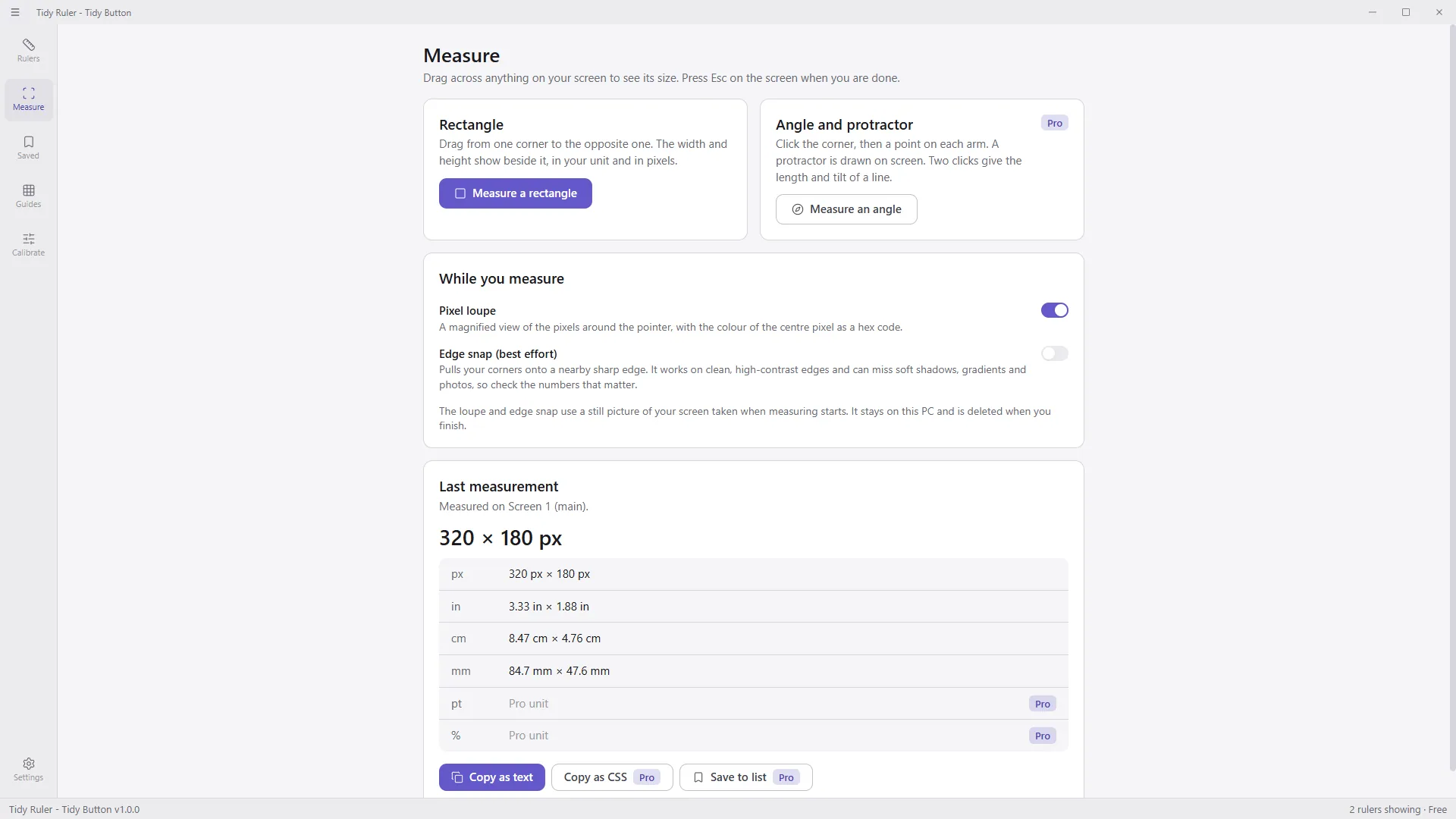
Drag across anything on screen to measure it. The size shows in pixels, inches, centimetres and millimetres at once, ready to copy
Free limit
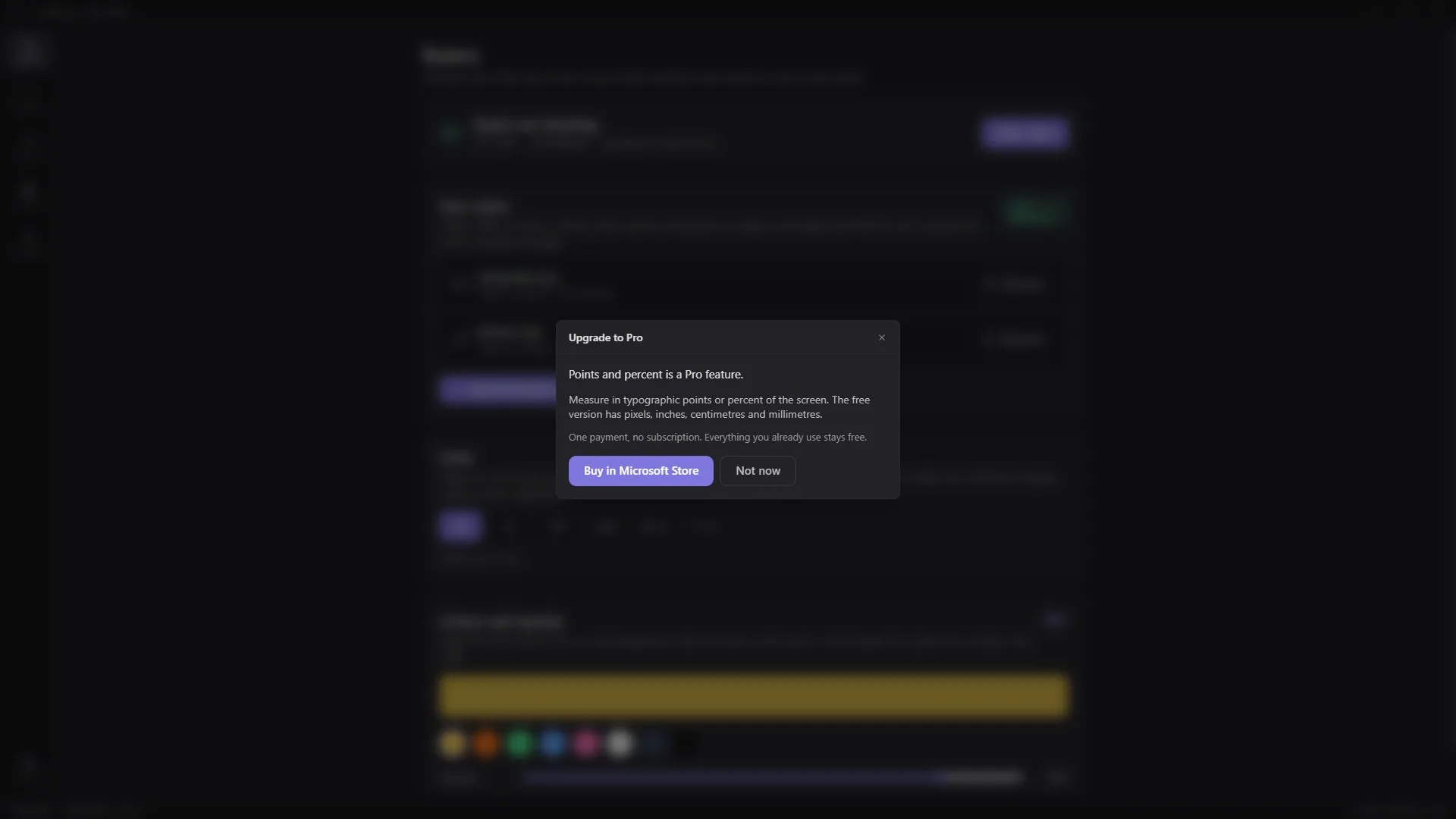
The free version covers pixels, inches, centimetres and millimetres. Points and percent are part of the optional one-time Pro add-on
Saved list
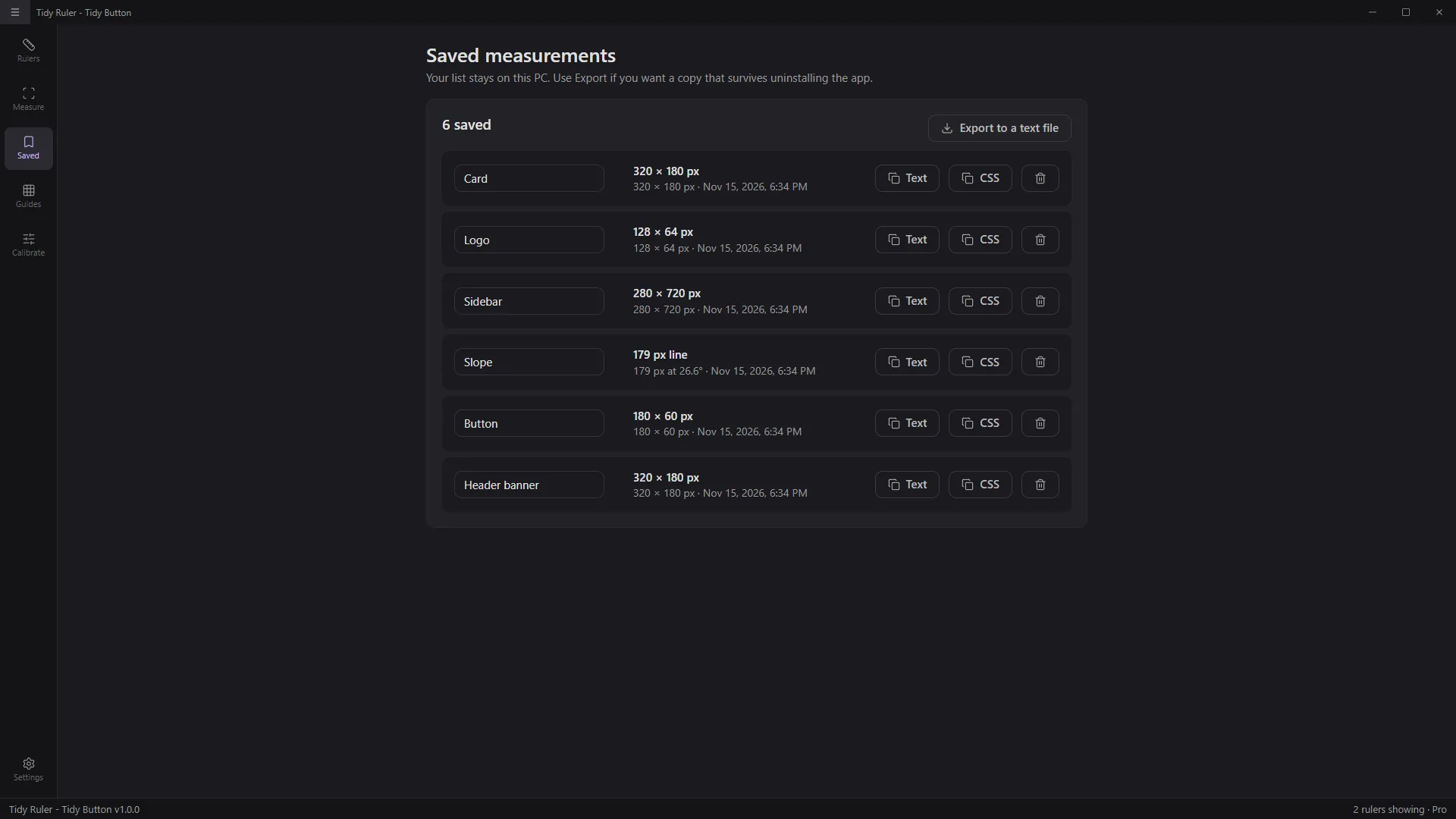
Pro keeps a list of the measurements you save. Name them, copy each as text or as CSS, or export the whole list to a text file
Guides
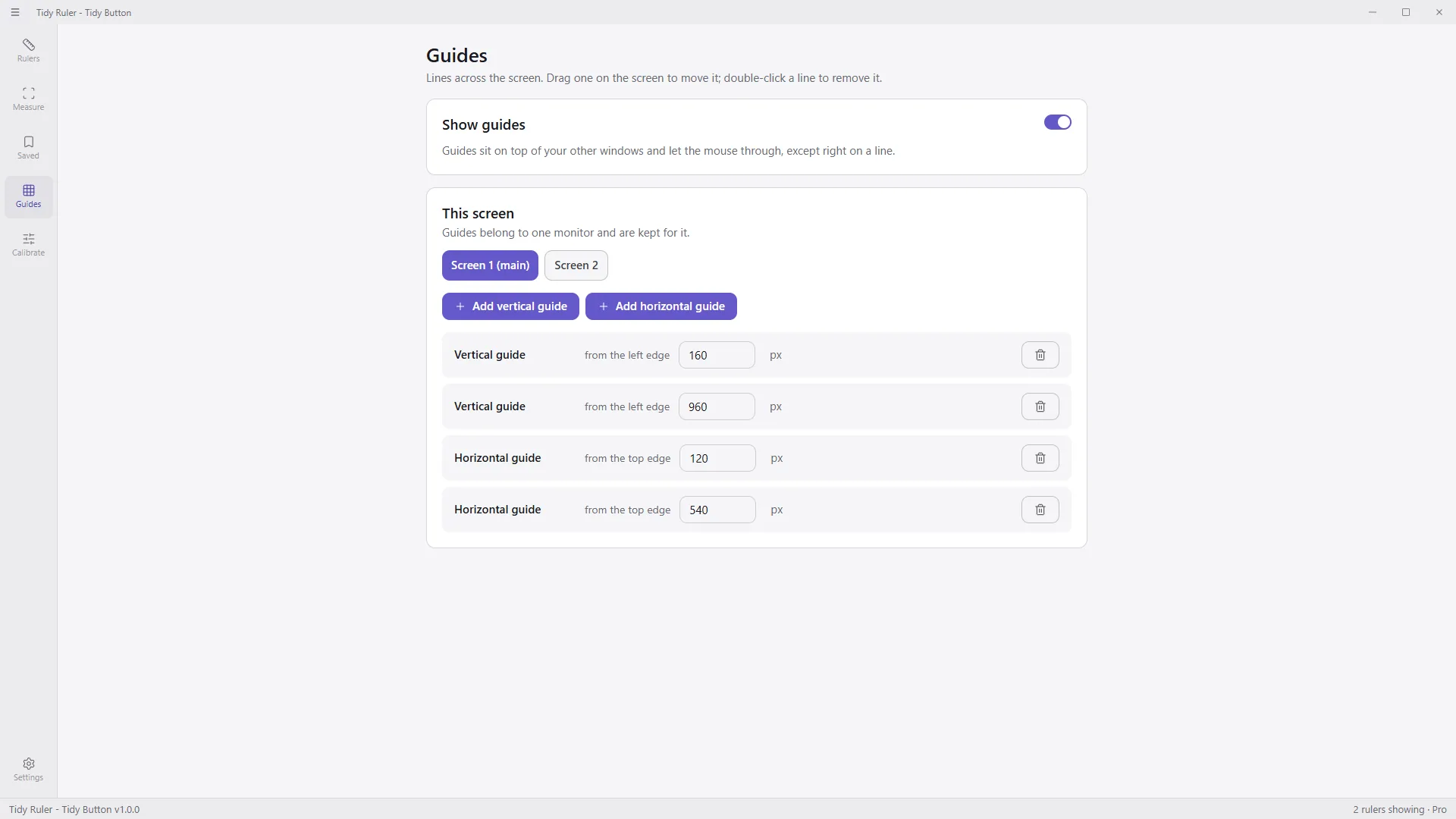
Pro guides are lines across your screen. Drag one into place or type its position in pixels, separately for each monitor
Calibrate
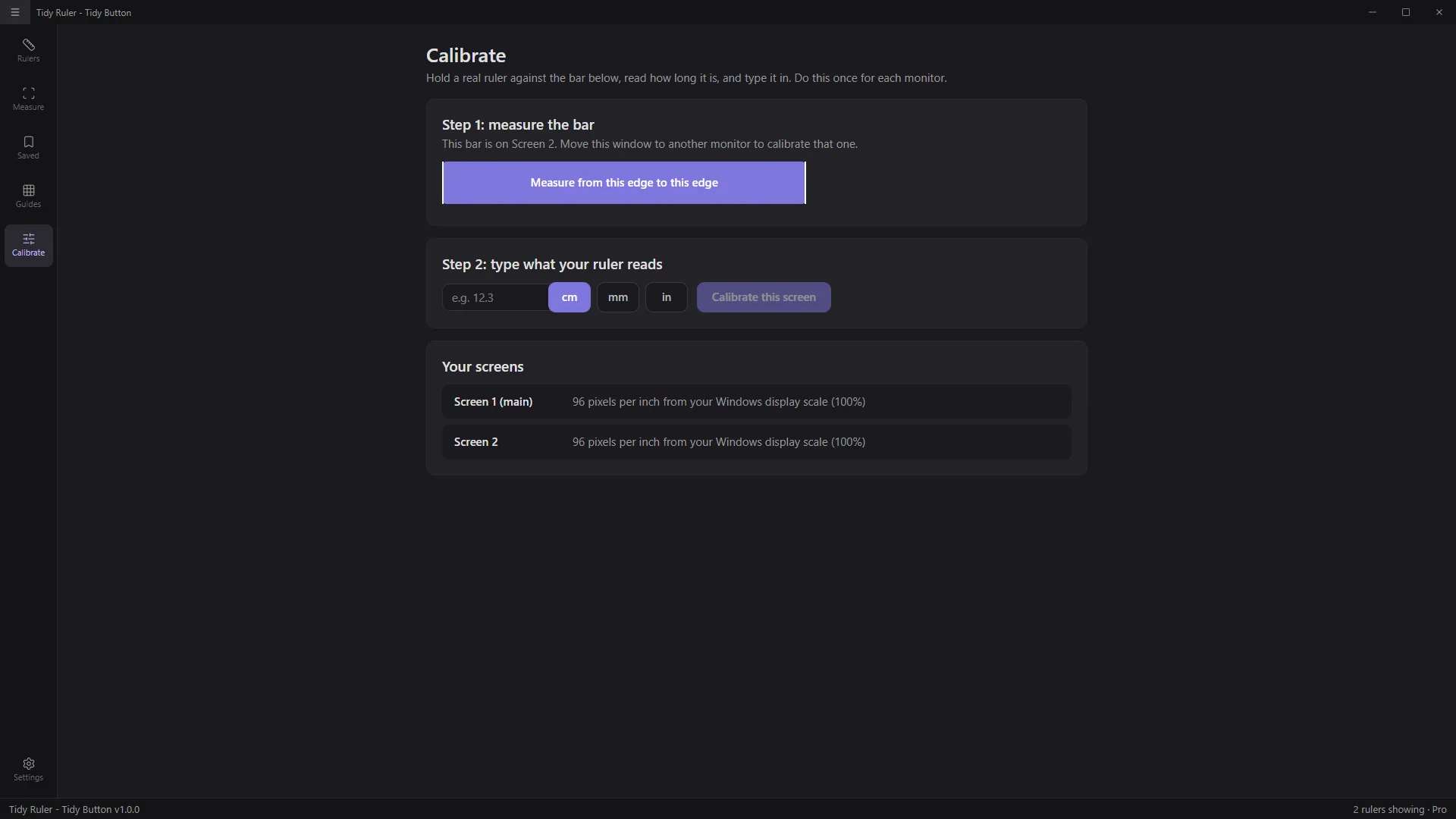
Pro calibration: hold a real ruler against the bar, type what it reads, and inches and centimetres become true to your monitor
Pro look
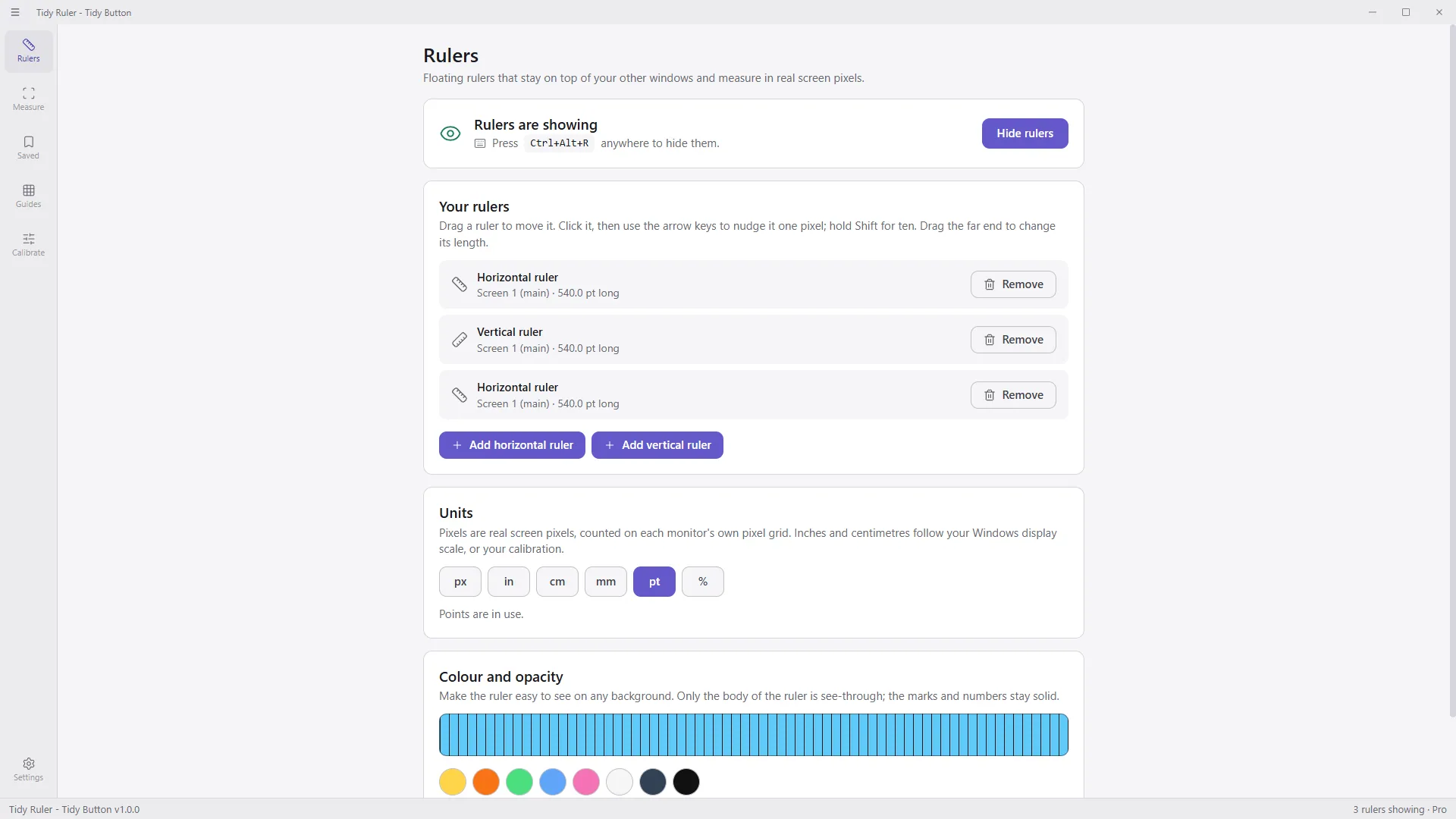
Pro lets you add up to 8 rulers, use points, and pick your own ruler colour and opacity so it stands out on any background
Settings
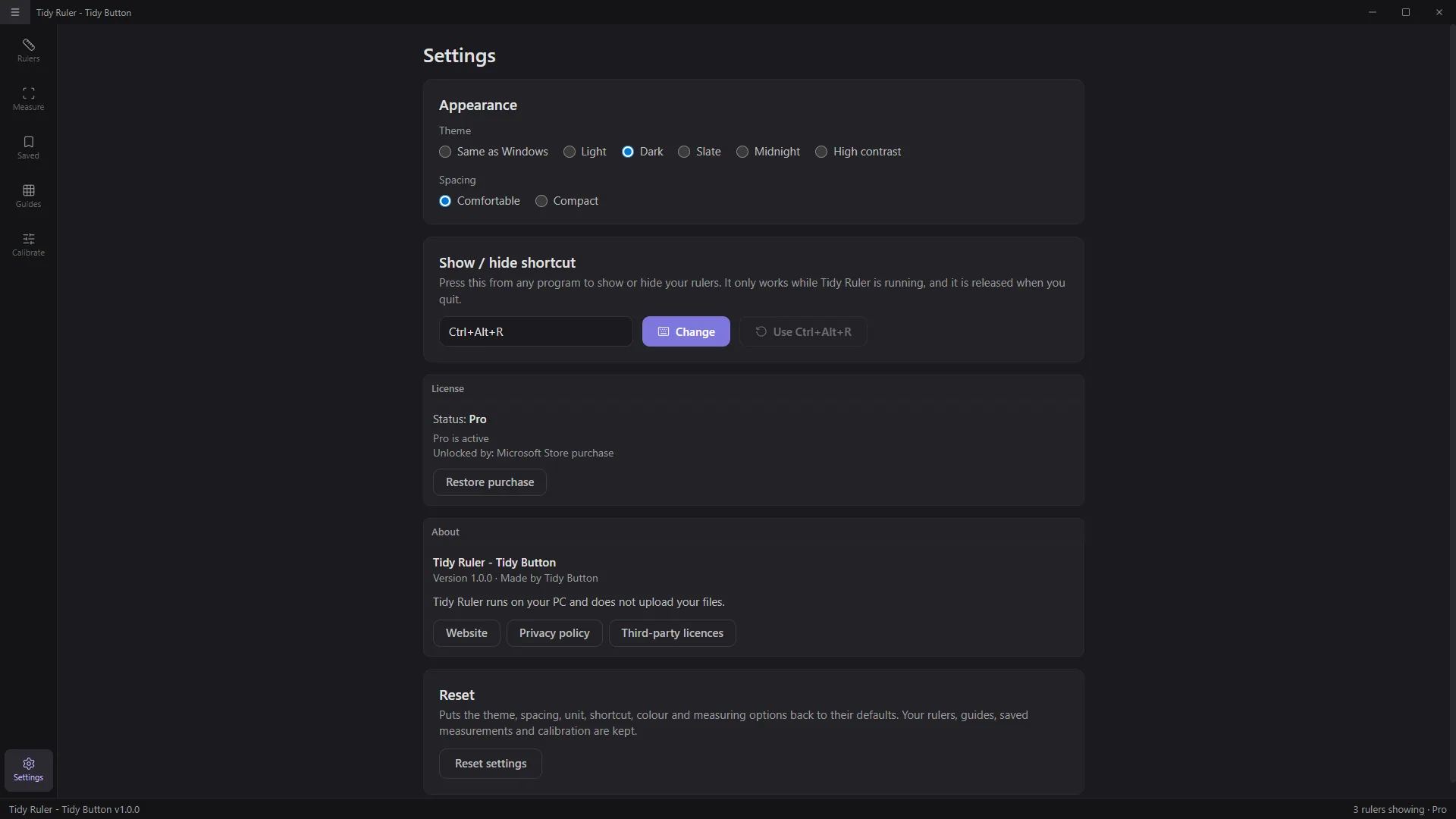
Choose a theme, change the show and hide shortcut, and see your licence. The app never uploads anything
Screens show a demo folder, not a real PC. The app has light and dark themes.
What it does
What it does.
Tidy Ruler puts a ruler on your screen, above all your other windows, and measures in the real pixels of each monitor. Lay it over a design, a photo or a web page and read the size straight off the screen. Drag across anything to measure a rectangle, with a pixel loupe that shows the colour of the centre pixel. Everything happens on your PC, so it works with the internet turned off.
Real screen pixels
Pixels are counted on each monitor's own pixel grid, so a ruler stays exact on a mixed-scale, multi-monitor set-up.
Four free units
Pixels, inches, centimetres and millimetres. Points and percent come with Pro.
Measure a rectangle
Drag across the screen and read the width and height in every unit at once. Copy it as text.
Pixel loupe
Magnifies the pixels around the pointer and shows the centre pixel's colour as a hex code.
Edge snap
Optional. Pulls a corner onto a nearby sharp edge on clean, high-contrast edges.
Hotkey and tray
Press Ctrl+Alt+R from any program to hide or show the rulers. Change the shortcut if you like.
Angles and guides (Pro)
An angle tool with a protractor, and guide lines across the screen that you drag or type in pixels.
Saved list (Pro)
Name your measurements, copy each as text or CSS, and export the list to a text file.
The small print, in plain English
Safe by design.
- Nothing is uploaded. The screen picture the loupe uses stays on your PC and is deleted when you finish.
- Free: a ruler in each direction, four units, rectangle measuring, the loupe and edge snap.
- Pro is one payment, no subscription. Everything free stays free.
- Works offline. No account. No ads. No tracking.
Good for
Handy when size matters.
- Checking sizes in a design
- Lining up a web page layout
- Measuring a picture or window on screen
- A real ruler on a real monitor
Questions
Plain answers.
Is anything uploaded?
No. The app never sends your screen anywhere. The still picture used by the loupe stays on your PC and is deleted when you finish measuring.
Will it be exact on two monitors with different scaling?
Yes. Pixels are counted on each monitor's own pixel grid, and inches and centimetres follow that monitor's Windows display scale or your calibration.
What does Pro add?
Up to 8 rulers, points and percent, an angle tool with a protractor, guides, a saved list with copy as CSS and export, calibration, and your own ruler colour and opacity. It is one payment of $4.99.
Which versions of Windows does it run on?
Windows 10 and Windows 11.