Coming to the Microsoft Store
Screen Recorder Record it. Keep it.
Record the whole screen, one window or a part of it, with your voice and your PC sound. Every video is saved as an MP4 with no watermark. It works offline with no account.
Not on sale yet. The app is still being built.
We will link the Store listing here the day it is live. Until then there is nothing to download.
- Works offline
- No account, no ads, no tracking
- No watermark
- Free
See it
Four views. One recorder, clear.
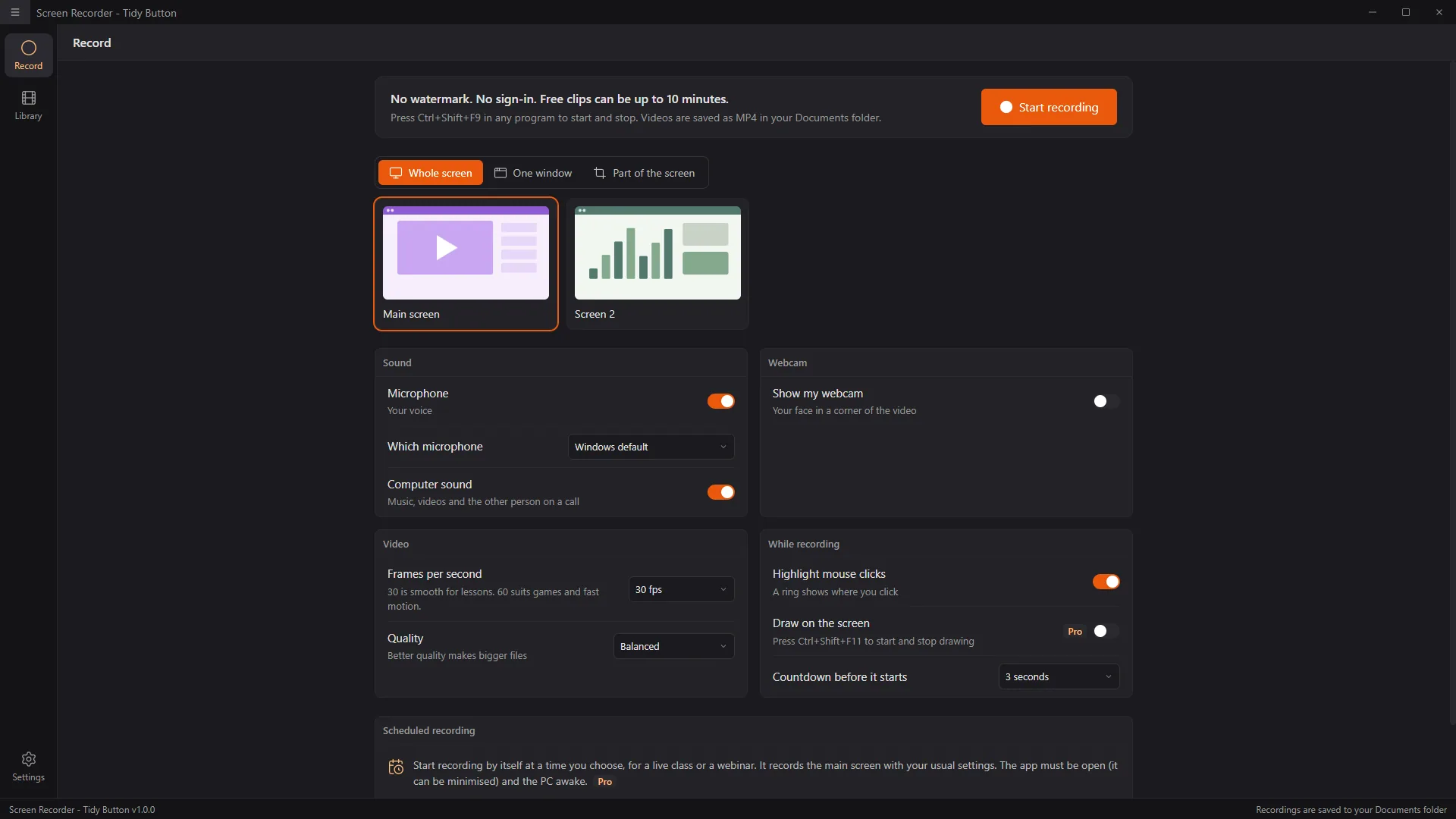
Record
Choose the screen, a window or an area, set sound and webcam, then press Start recording
Recording
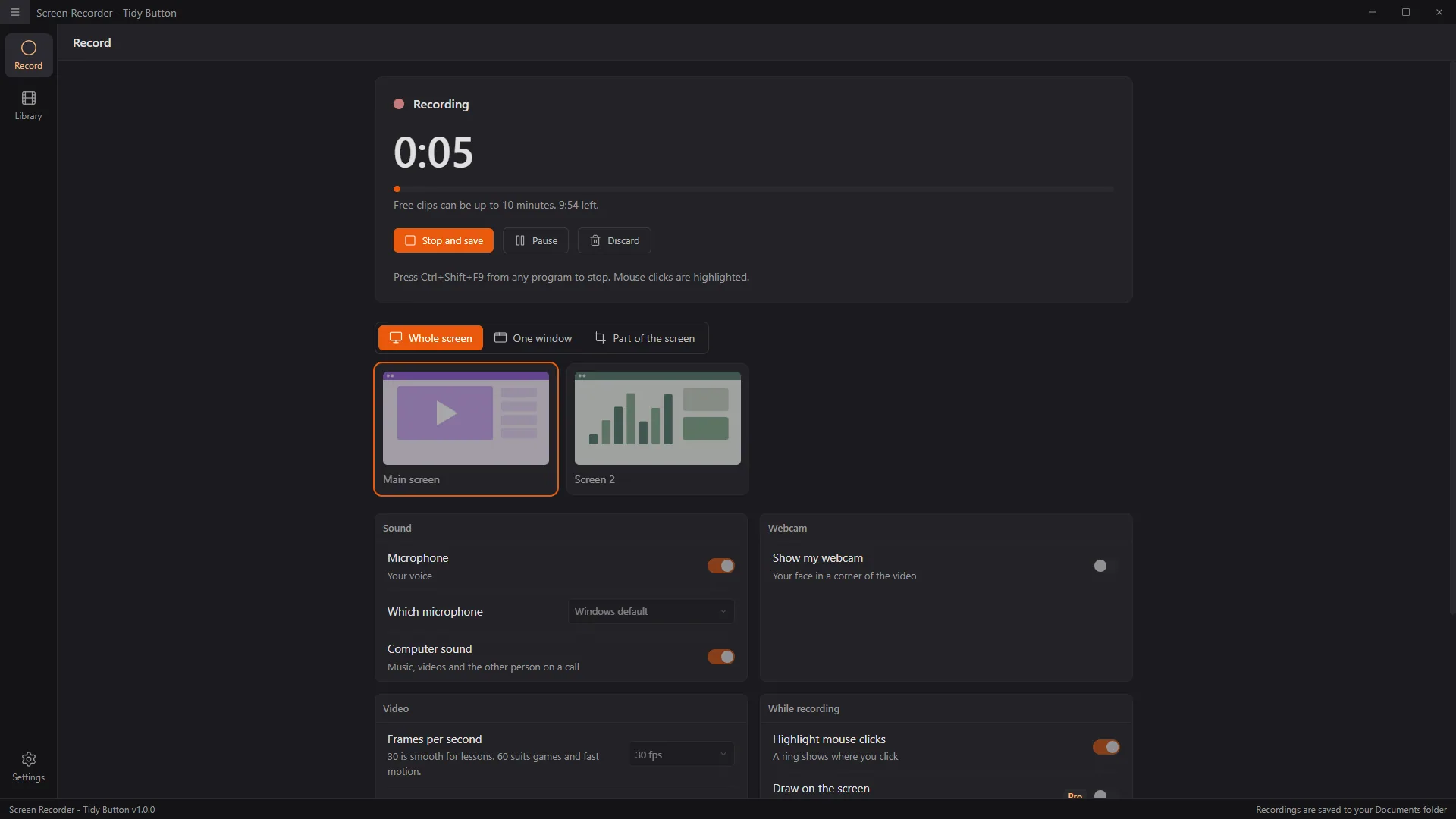
A clock, Pause, and Stop and save while you record
Library
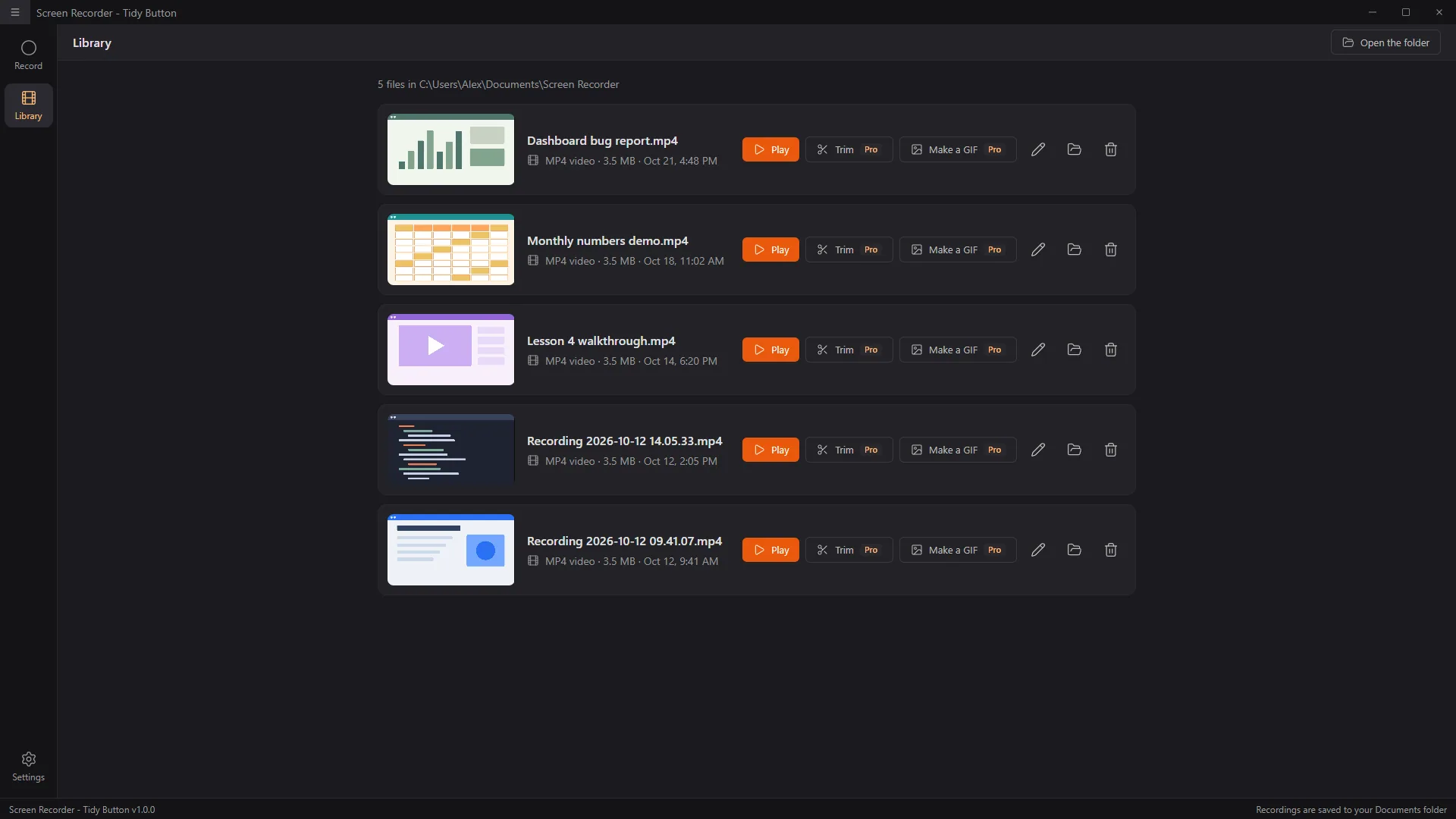
Every recording in one list, with a preview picture
Shortcuts
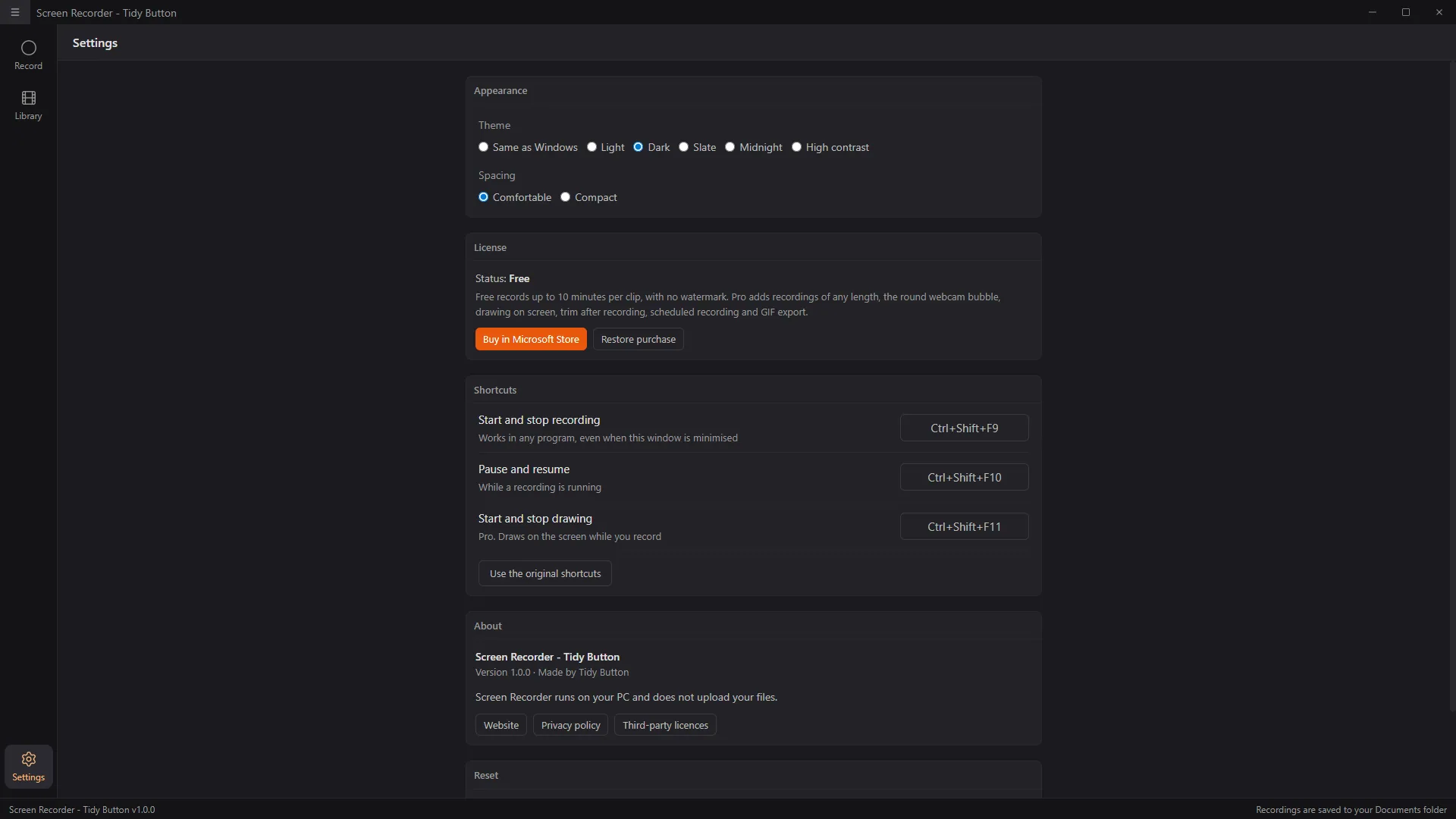
Choose your own keys to start, stop and pause
Screens show a made-up desktop with drawn pictures and sample recordings. The app has light, dark and other themes.
What it does
What it does.
Screen Recorder records what is on your screen, together with your microphone and the sound your PC plays. Press Start recording, or a shortcut in any program, and press it again to stop. Videos are saved as MP4 in a Screen Recorder folder in your Documents, with no watermark and no sign-in. The Library inside the app lists them with a preview picture, so you can play, rename or remove them.
Screen, window or area
Record the whole screen, one window, or a part of the screen that you drag out.
Your voice and your PC sound
Switch the microphone and computer sound on or off, and choose which microphone. Both are mixed into one track.
Webcam in a corner
Show your webcam as a square picture in the corner you choose, in three sizes.
Frame rate and quality
Pick 15, 24, 30 or 60 frames per second and a quality from Smaller file to Best quality.
Shortcuts that work anywhere
Start, stop and pause from any program, even when the app is minimised. Choose your own keys.
Click highlights and a countdown
A ring shows where you click, and a countdown gives you time to get ready.
A Library of your videos
Preview pictures, play, rename, show in folder, and move to the Recycle Bin after the app asks you.
Light and dark themes
Choose light, dark and other colour themes, and comfortable or compact spacing.
The small print, in plain English
Safe by design.
- Your recordings are saved only on your PC, in a Screen Recorder folder in your Documents. The app does not upload them.
- The free app works offline. The only network use is the optional Pro licence check.
- A free clip that reaches 10 minutes stops and is saved. Nothing is thrown away or hidden.
- No account. No ads. No tracking. No watermark.
Good for
Handy when you need to show it.
- Lessons, tutorials and how-to videos
- Bug reports and support clips
- Game clips and showing a colleague how to do something
Questions
Plain answers.
Where are my videos saved?
In a folder named Screen Recorder inside your Documents. The app never sends them anywhere, and the folder stays if you uninstall the app.
Does it put a watermark on my videos?
No. There is no watermark in the free app or in Pro.
Does it need an internet connection?
No. Everything in the free app works offline. The only network use is the optional Pro licence check.
How long can a free recording be?
Up to 10 minutes per clip, and you can make as many clips as you like. If a recording reaches 10 minutes it stops and is saved, never discarded. Pro removes the limit.
Can it record the sound my PC plays?
Yes. Switch on Computer sound to record music, videos or the other person on a call, together with your microphone, in one track.
Does it record my webcam?
Only if you switch Show my webcam on. The free app shows it as a square picture in a corner. The round bubble is part of Pro.
What does Pro add?
A one-time Pro add-on removes the 10-minute limit and adds the round webcam bubble, drawing on the screen while you record, trim after recording, scheduled recording and GIF export.
Which versions of Windows does it run on?
Windows 10 and Windows 11.