Coming to the Microsoft Store
Scoreboard Score it on the big screen.
Two teams, a game clock, periods and a buzzer, with a display window for the TV. No account.
Not on sale yet. The app is still being built.
We will link the Store listing here the day it is live. Until then there is nothing to download.
- Works offline
- No account, no ads, no tracking
- Display for a TV
- Free
See it
Four views. One match, shown big.
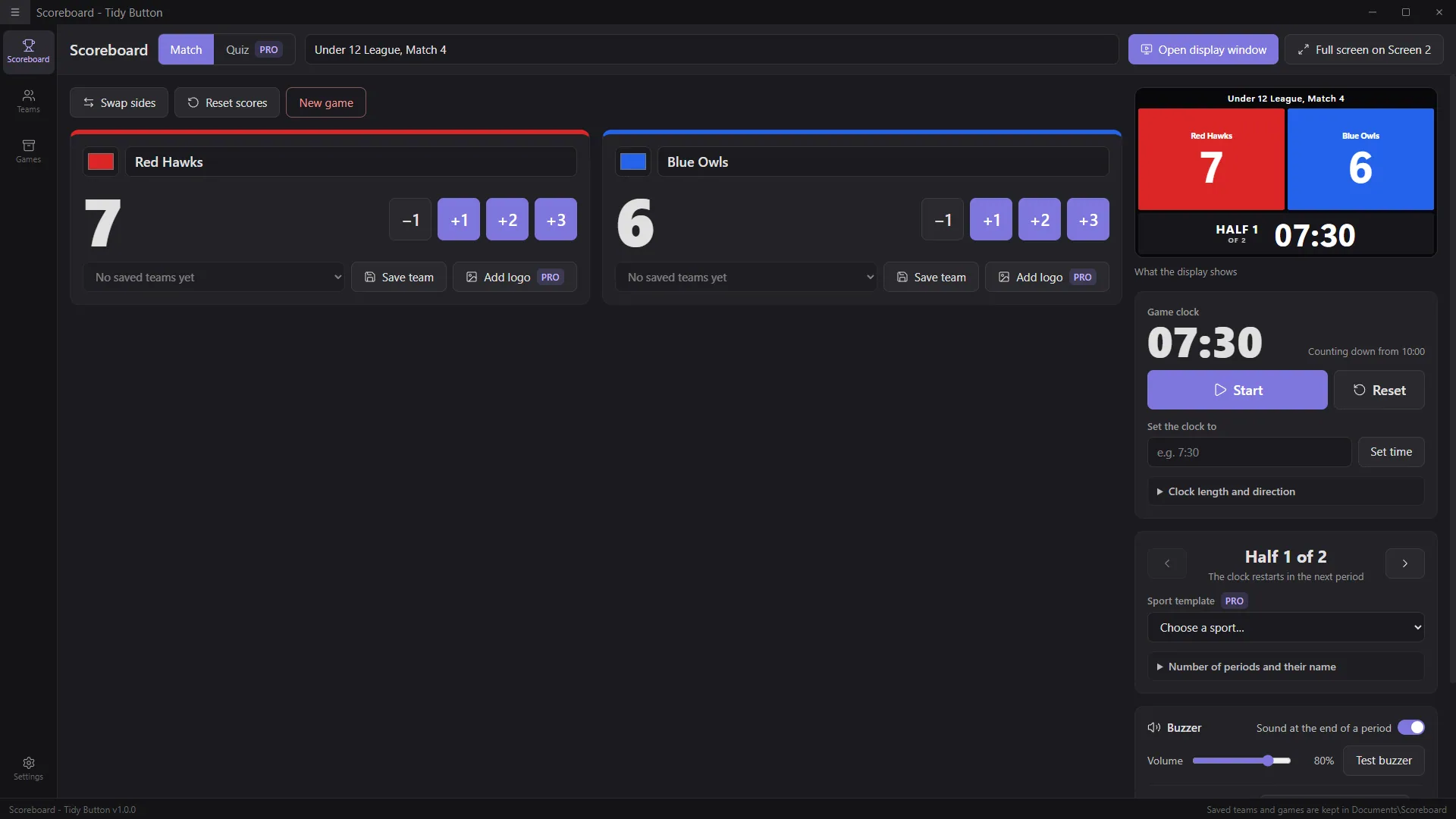
Controller
Score, clock, periods and buzzer in one window
Display
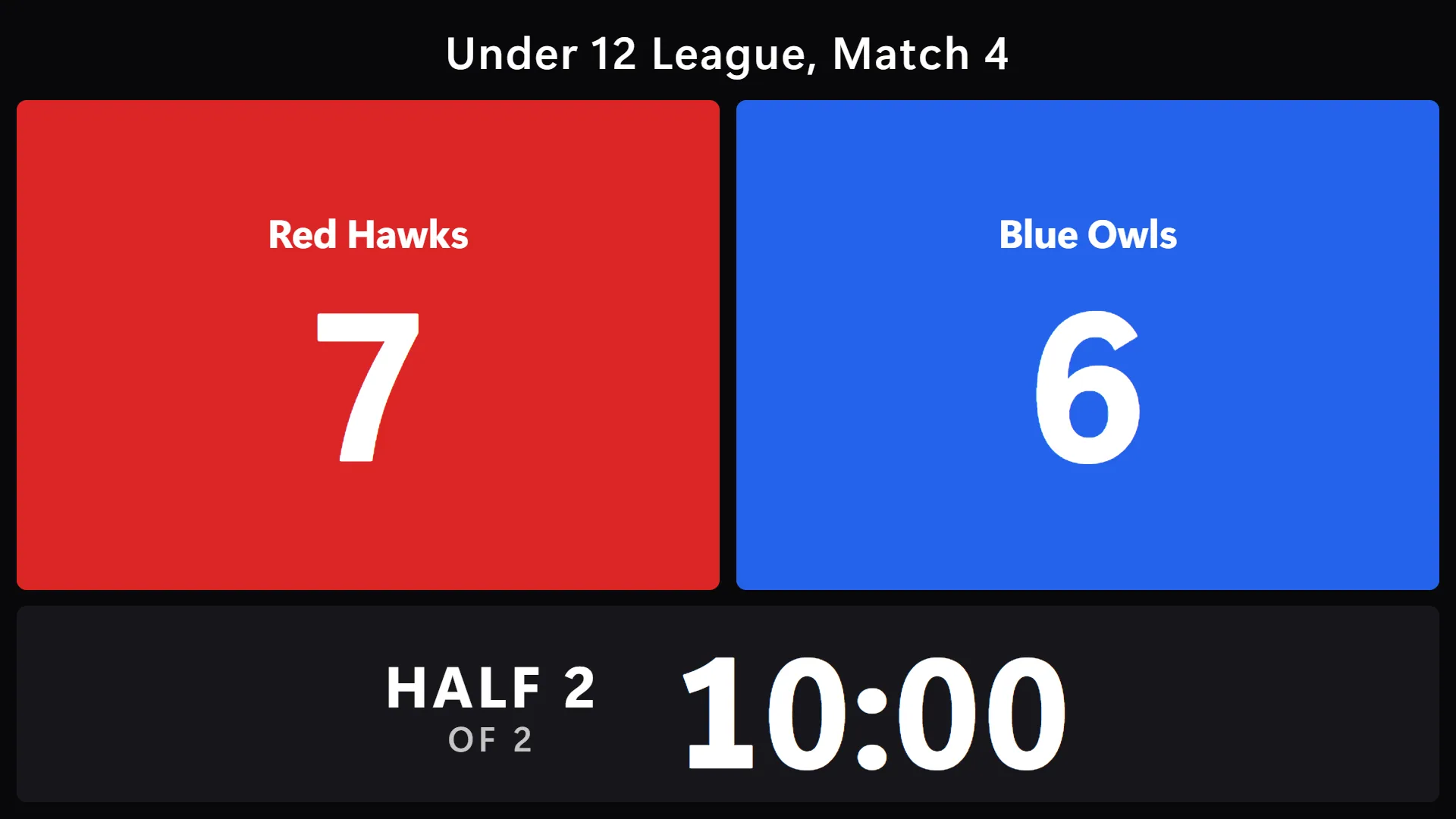
A big display for the TV or projector
Light theme
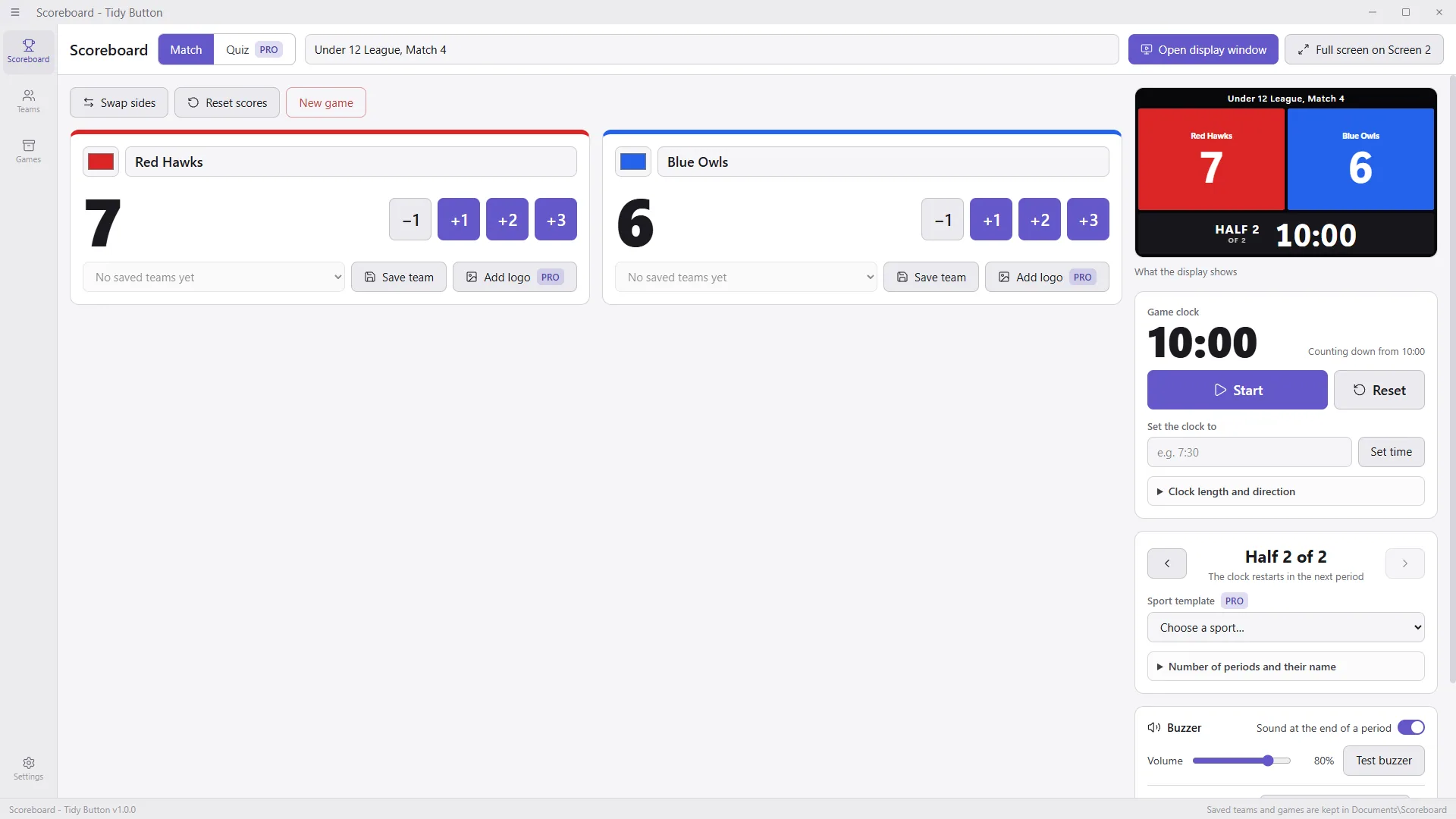
The controller in the light theme
Saved teams
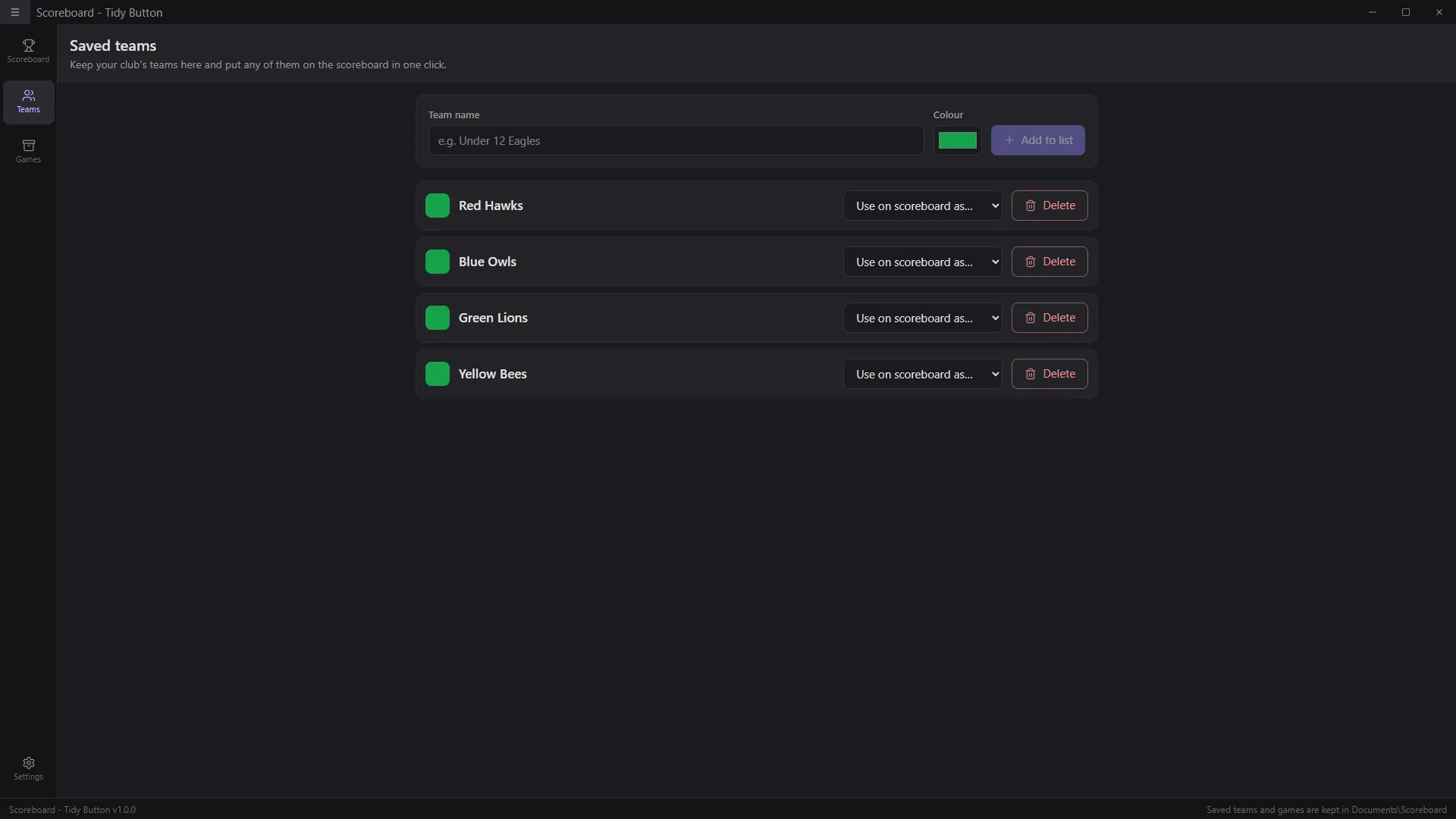
Keep your club's teams ready
Screens show a demo folder, not a real PC. The app has light and dark themes.
What it does
What it does.
Scoreboard has two windows. The controller is where you keep score and run the clock. The display window shows team names, big scores, the period and the clock, and can be sent to a TV or projector. Add points with the buttons or the keyboard, count the clock down or up, and move through periods called whatever you like. A buzzer sounds at the end of each period.
Two teams
Names, colours and an event title, with point buttons and keyboard keys for fast scoring.
Game clock
Counts down or up for any length, with a Set time box and a Start and Pause button.
Periods and buzzer
Halves, quarters or your own names, and a buzzer with volume and a test button.
Display window
A large display for a TV or projector, with full screen on a second monitor.
Saved teams
Keep a list of your teams and put one on the scoreboard in one click.
Remembers the game
The last game is still on screen after a restart.
The small print, in plain English
Safe by design.
- Nothing leaves your PC.
- Reset scores and New game ask first.
- The last game survives a restart.
- Works offline. No account. No ads. No tracking.
Good for
Handy for match day.
- School and club matches
- Youth sports and tournaments
- Classroom games
- Events with a TV or projector
- Scoring without a paper pad
Questions
Plain answers.
How do I show it on a TV?
Press Open display window, then drag that window to the TV or use the full screen button to fill the other screen.
Can I use the keyboard?
Yes. For example Q, W and E add points for the home team, I, O and P for the away team, Space starts or pauses the clock and N moves to the next period.
Is the game saved if I close the app?
Yes. The last game is still on screen when you open the app again.
How many teams can I score?
The free version has two teams. An optional one-time Pro unlock adds quiz mode with up to 12 teams, team logos, sport templates, your own buzzer sound and saved games.
Does it need the internet?
No. It works fully offline.