We will link the Store listing here the day it is live. Until then there is nothing to download.
Real app, with made-up sample feeds.
No account
No cloud, no ads, no tracking
Pictures blocked until you click
Free for 15 feeds
See it
Seven views. One quiet reader.
Start
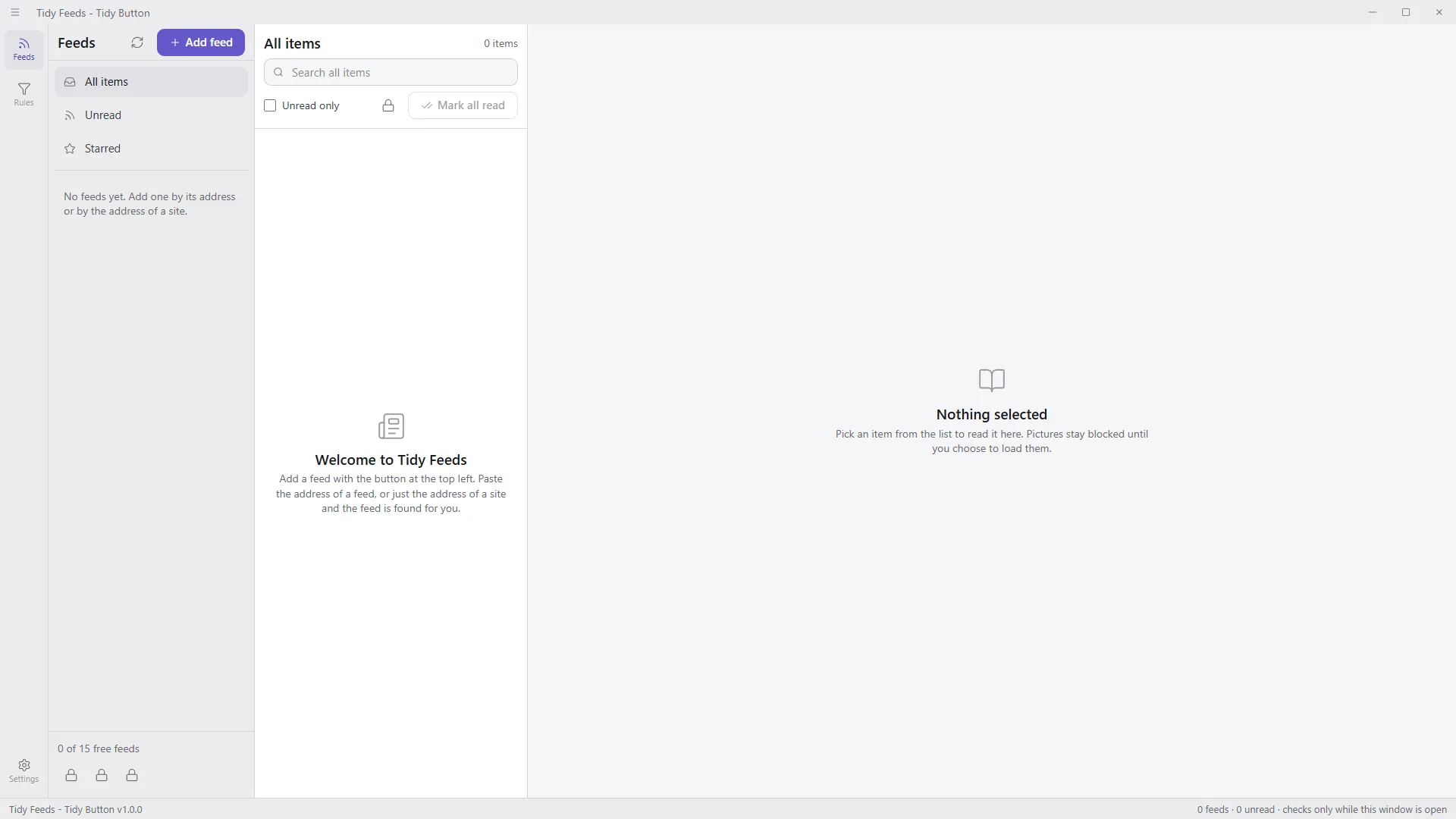
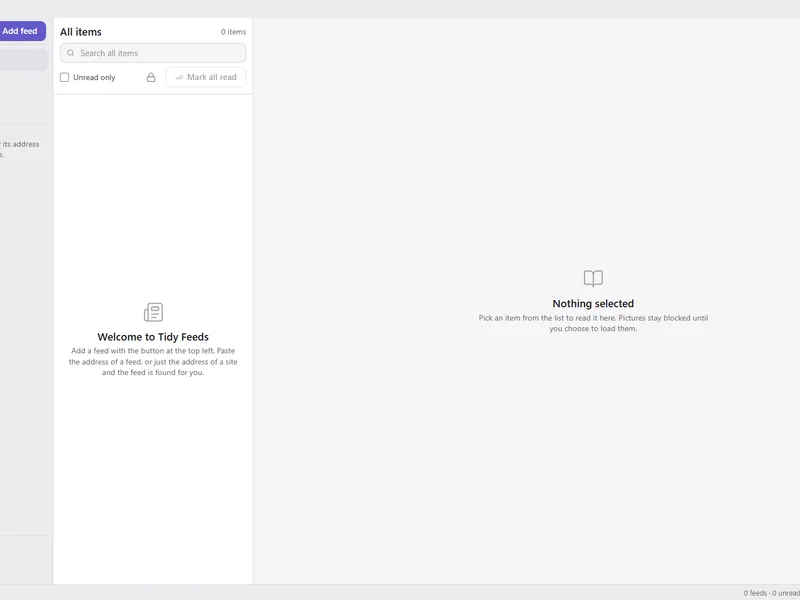
Paste the address of a feed or of a site and the feed is found for you
Reading
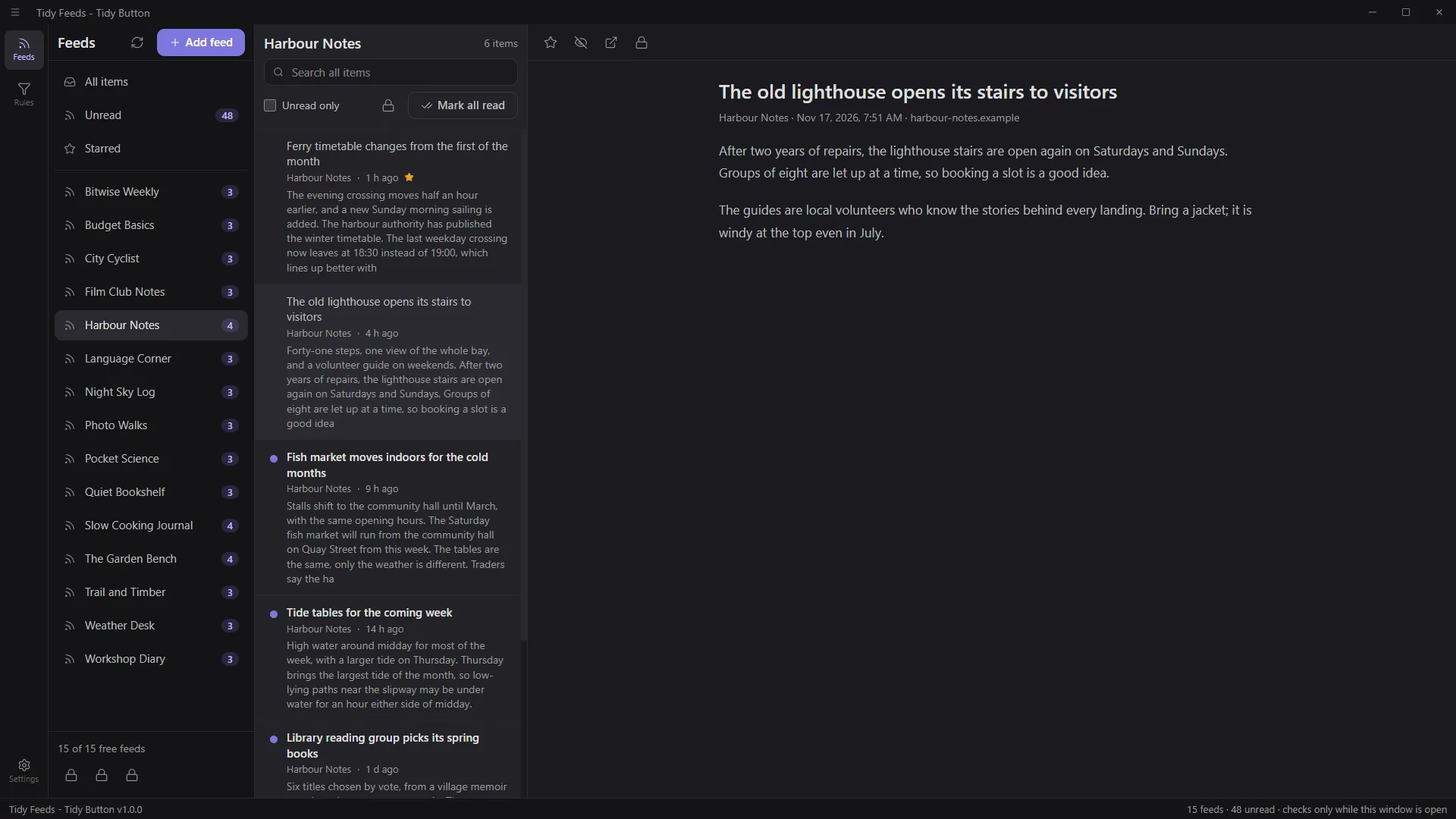
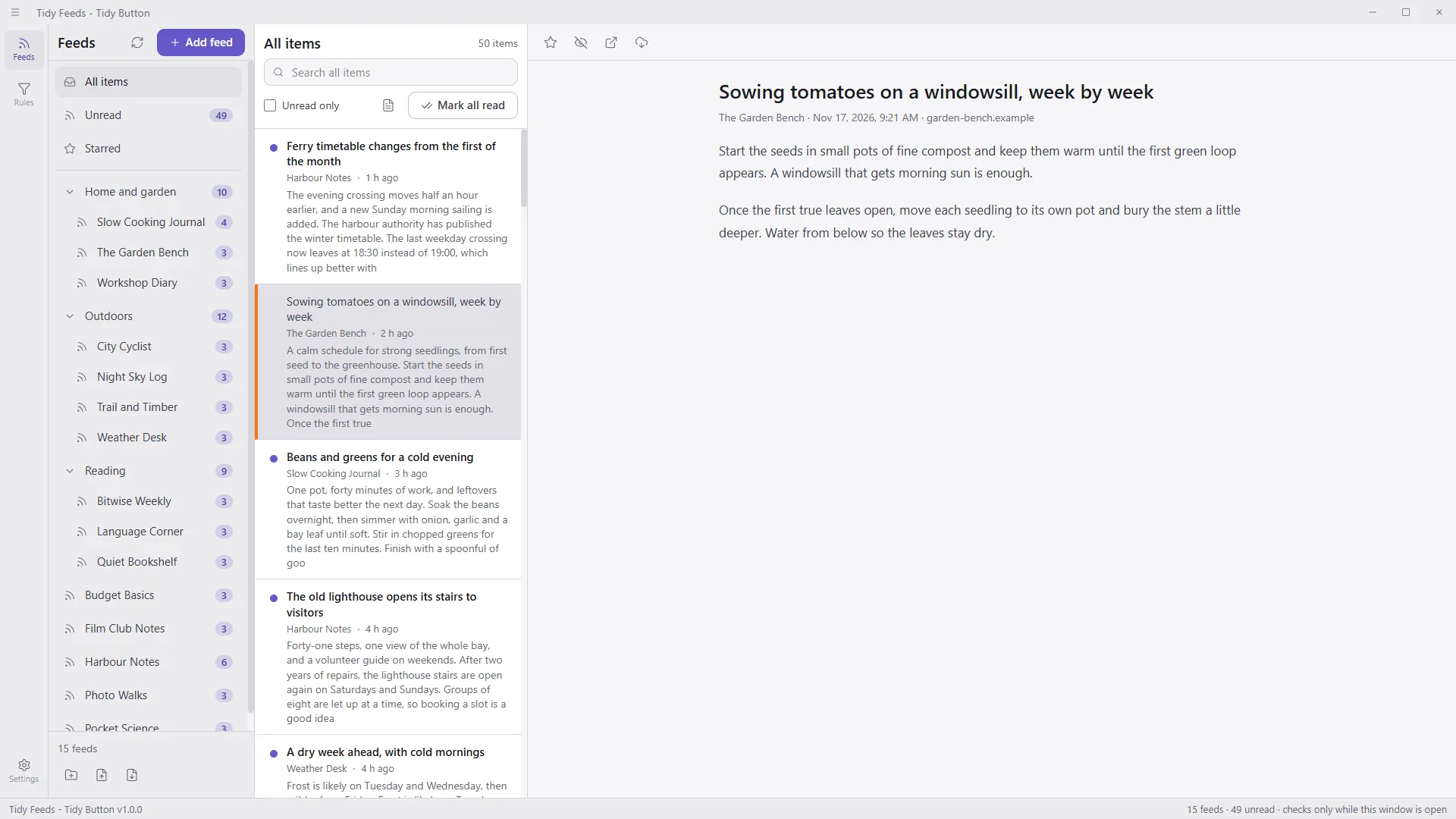
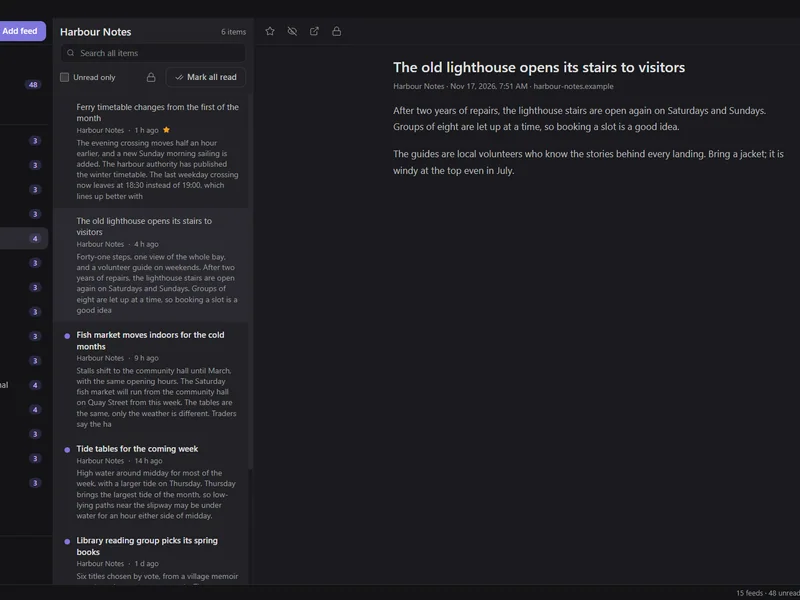
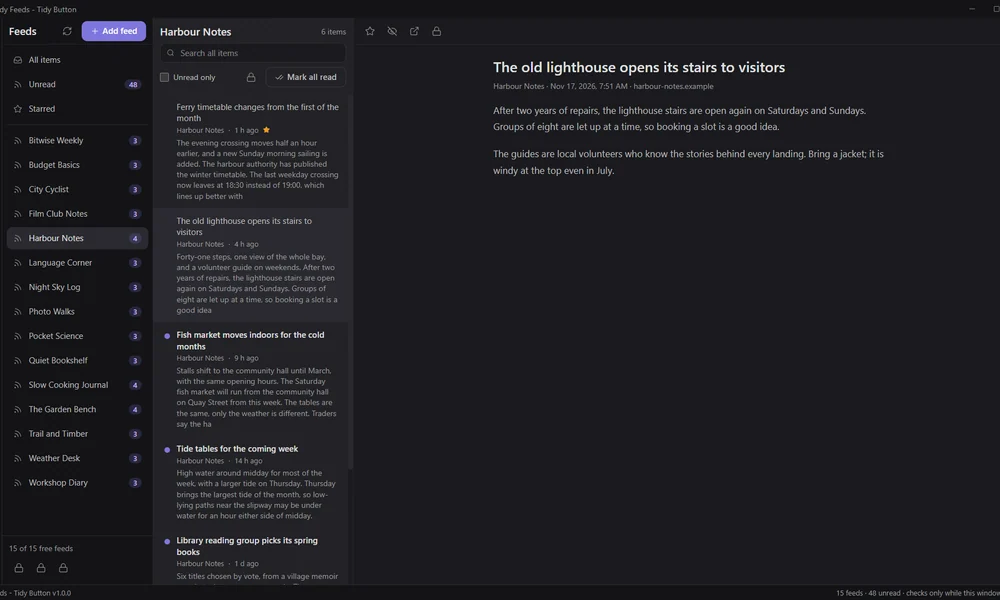
Feeds, items and a clean reader in three panes
Search
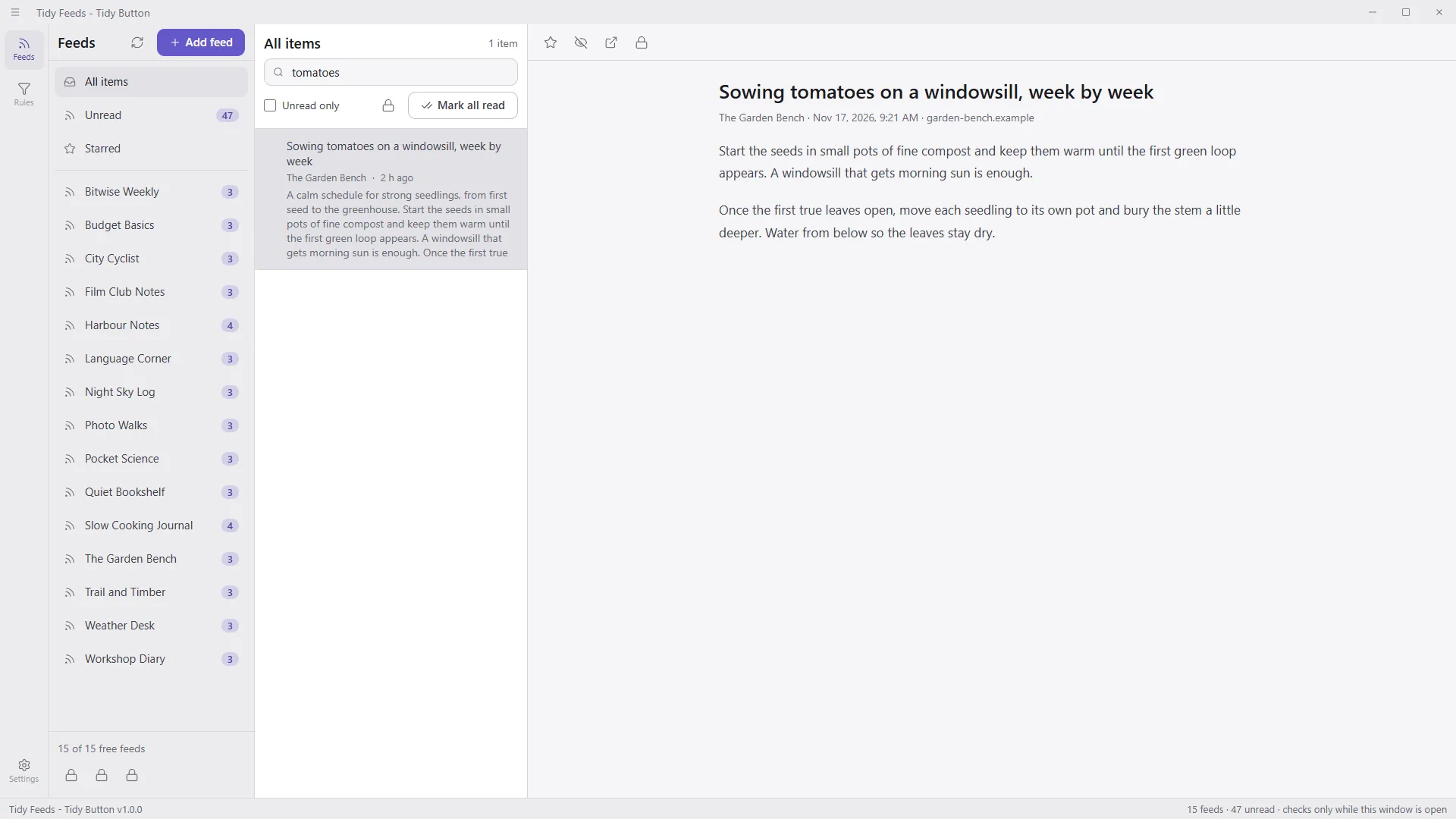
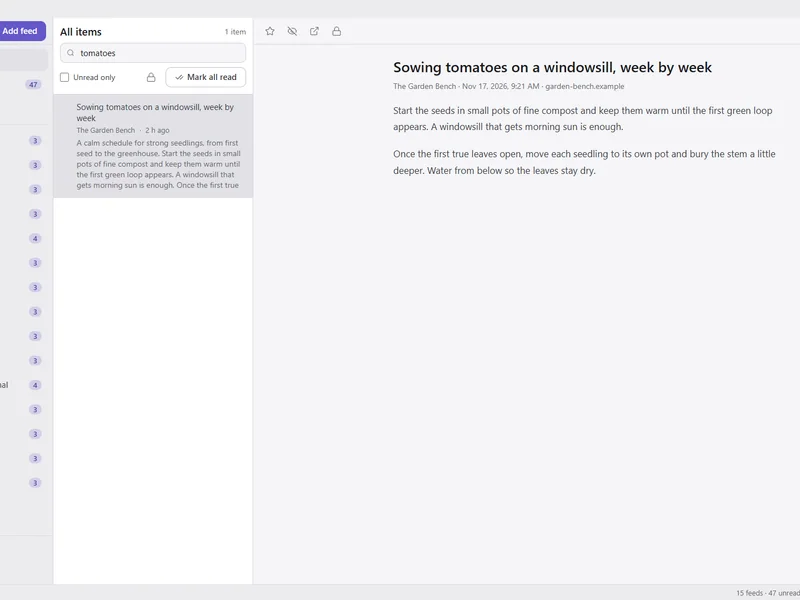
Search the titles, authors and text of every item
Free limit
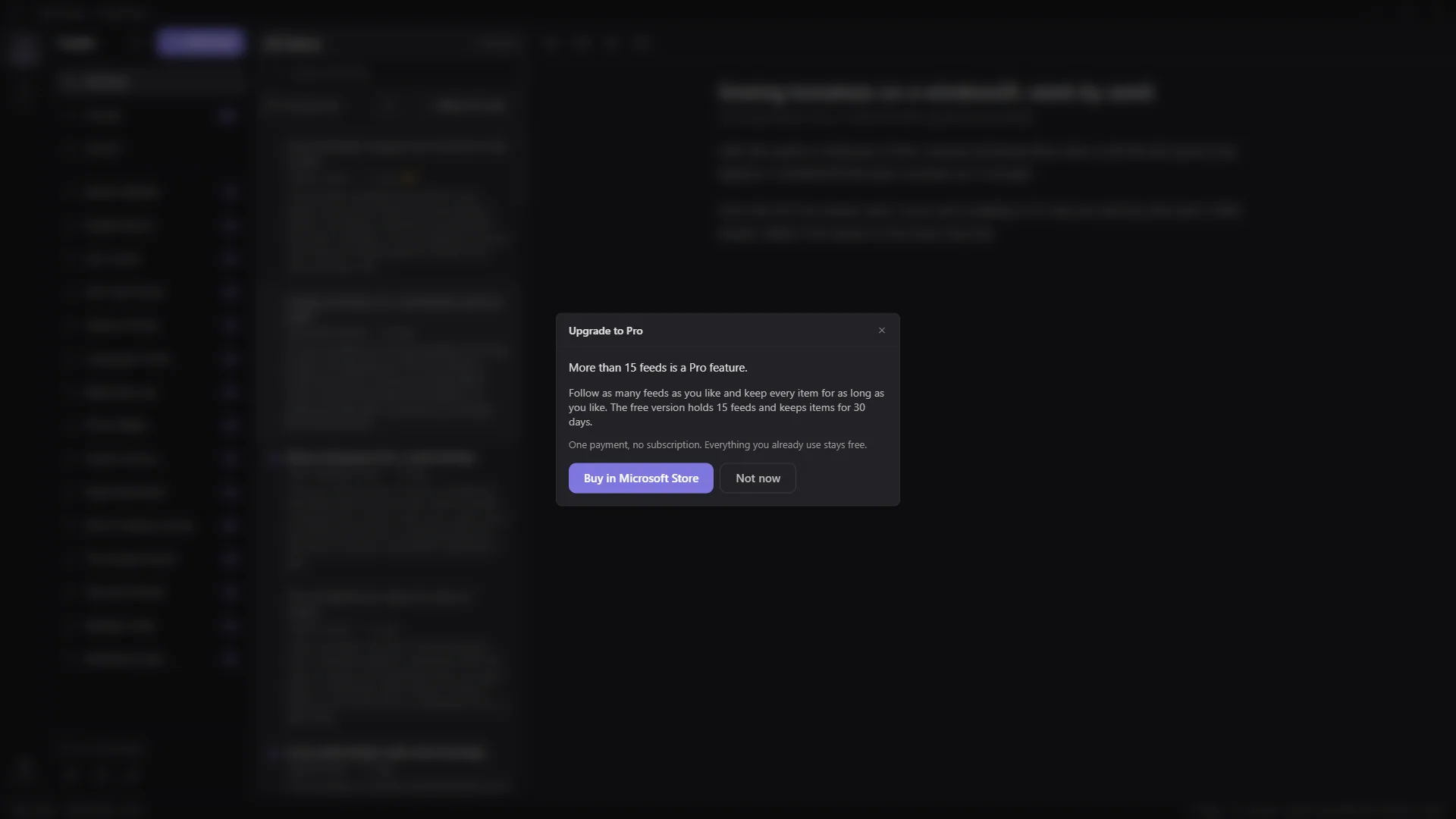
The free version follows up to 15 feeds and says so plainly
Folders
Pro: folders with unread counts and highlighted items
Rules
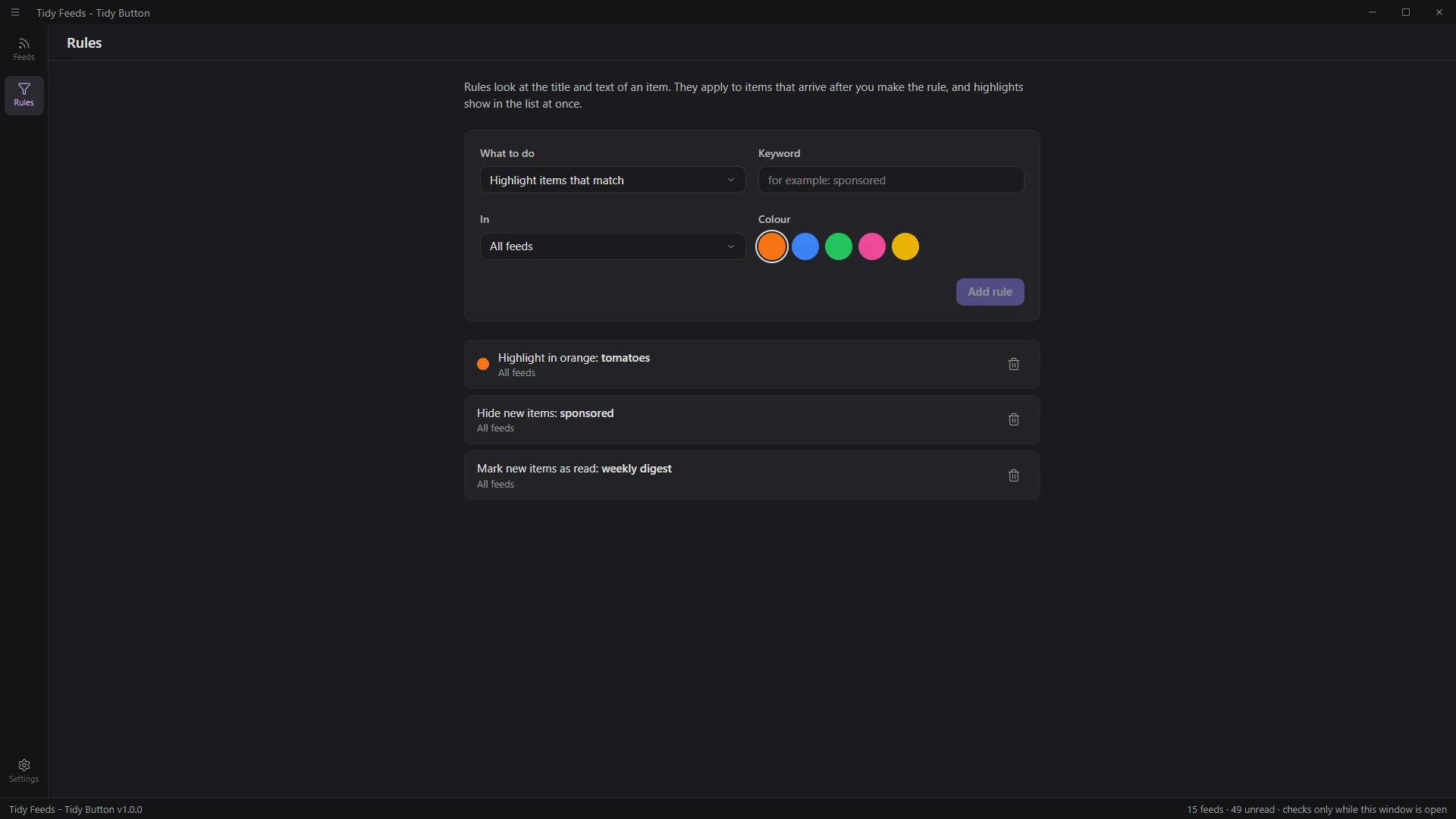
Pro: rules that hide, mark as read or highlight items
Settings
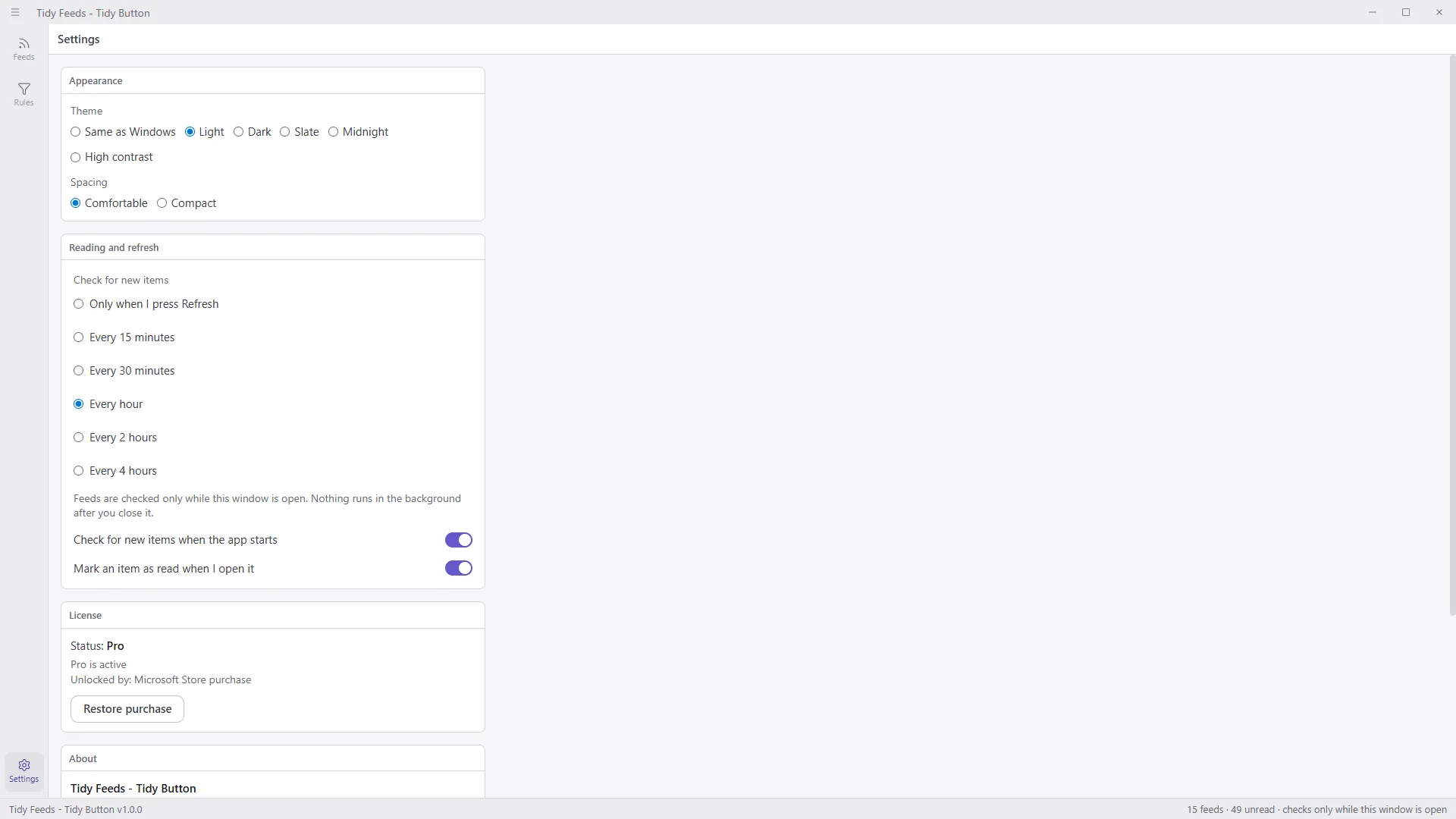
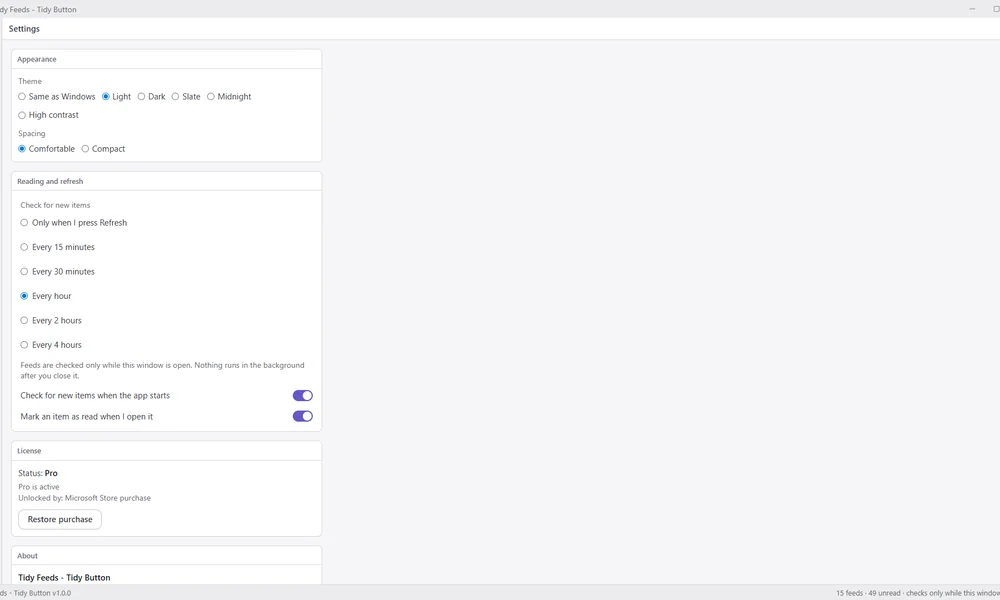
Choose a theme and how often feeds are checked
Screens show made-up sample feeds and articles. The app has light and dark themes.
How it works
Three steps. No manual.
01
Add a feed
Paste the address of a feed, or just the address of a site.
02
Read
Pick an item to read it. Unread counts update as you go.
03
Find and keep
Star items to keep them and search everything you have.
What it does
What it does.
Tidy Feeds reads the feeds that blogs, news sites and forums publish. Paste the address of a feed, or just the address of a site, and the feed is found for you. Everything is saved on your PC. There is no account and no cloud sync, and the app contacts only the feeds you add.
RSS, Atom and JSON Feed
Add a feed by its address, or paste a site address and the feed is found for you.
Three clear panes
Your feeds and folders, the list of items, and a clean reader, with unread counts for each feed, folder and overall.
Read, star and search
Mark items read or unread, star the ones you want to keep, and search titles, authors and text.
Pictures stay blocked
Remote pictures load only when you press Load pictures, so an item cannot tell the sender that you opened it.
Cleaned before shown
Scripts, frames, forms and inline styles are removed from feed content, and links open in your own browser.
You choose when it refreshes
Every 15 minutes up to every 4 hours while the window is open, or only when you press Refresh.
Light and dark themes
Light, dark, slate, midnight and high contrast, with comfortable or compact spacing.
Pro, one payment
Unlimited feeds, folders, OPML import and export, offline articles, keyword rules, unlimited history and read-later export.
The small print, in plain English
Safe by design.
Pictures stay blocked until you choose to load them.
You decide when feeds are checked, and nothing runs after you close the window.
No account and no cloud. Your feeds and items are saved on your PC.
Nothing is deleted when you reach the free limit of 15 feeds.
Pictures stay blocked until you press Load pictures.
Works with no ads and no tracking.
Pro is one payment, not a subscription.
What Pro adds
Your feeds, your rules.
Keep the free reader as it is, or add Pro once.
Hide, mark as read or highlight items by keyword.
Feeds
No limit
Follow as many feeds as you like. The free version holds 15.
Folders
Tidy lists
Group your feeds and see unread counts for each folder.
OPML
Take them with you
Import and export your subscriptions to move between readers.
Offline
Read anywhere
Save the full article and open the saved copy any time.
Rules
Less noise
Hide items, mark them as read or highlight them by keyword.
History
Nothing expires
Keep items for as long as you like. Free keeps 30 days, and starred items are always kept.
Pro is a one-time payment of $6.99, not a subscription. Everything in the free version stays free.
Good for
Handy when you follow blogs.
Following blogs and news without an account
Moving your subscriptions from another reader with an OPML file
Reading without ads or trackers
Keeping articles to read offline
Questions
Plain answers.
Do I need an account?
No. There is no account, no cloud sync, no ads and no tracking.
Where are my feeds kept?
On your PC, in the app's own data folder. The app contacts only the feeds you add.
Can I just paste a website address?
Yes. The app looks for the feed on that page and adds it for you.
Why are the pictures blocked?
A picture can tell its sender that you opened an item. They load only after you press Load pictures.
What is the free limit?
The free version follows up to 15 feeds and keeps items for 30 days, and starred items are kept. Nothing is deleted when you reach the limit.
What does Pro add?
Unlimited feeds, folders, OPML import and export, offline copies of full articles, keyword rules, unlimited history and read-later export, for one payment of $6.99.