We will link the Store listing here the day it is live. Until then there is nothing to download.
Real app, with an invented example resume.
Works offline
No account, no ads, no tracking
No watermark
Free
See it
Seven views. One clean resume.
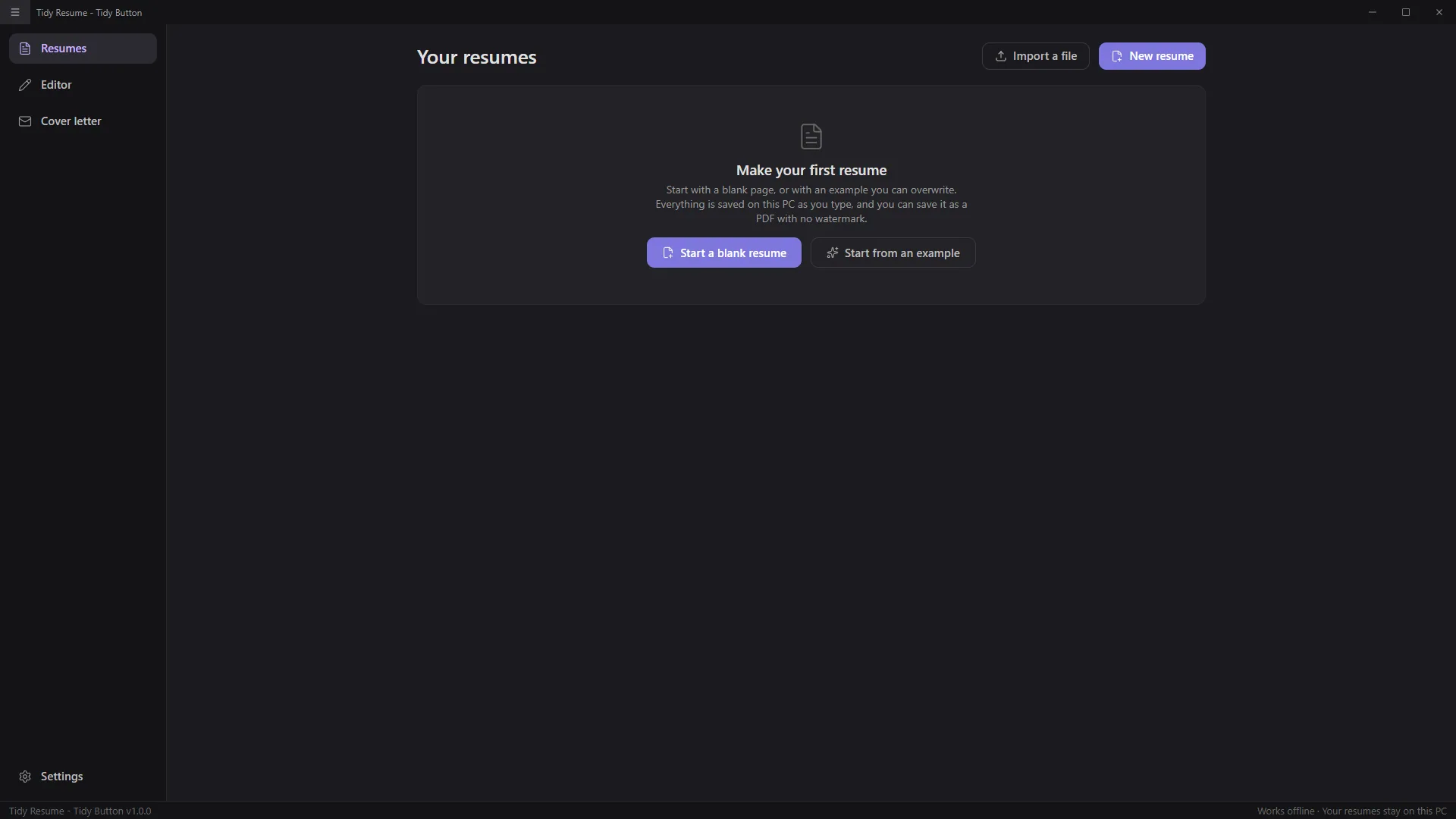
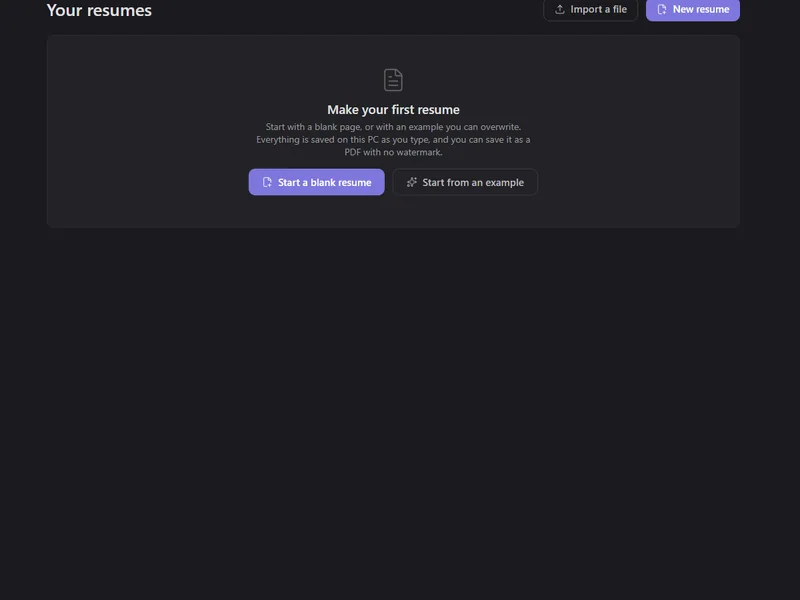
Start
Start with a blank page or an example you can overwrite
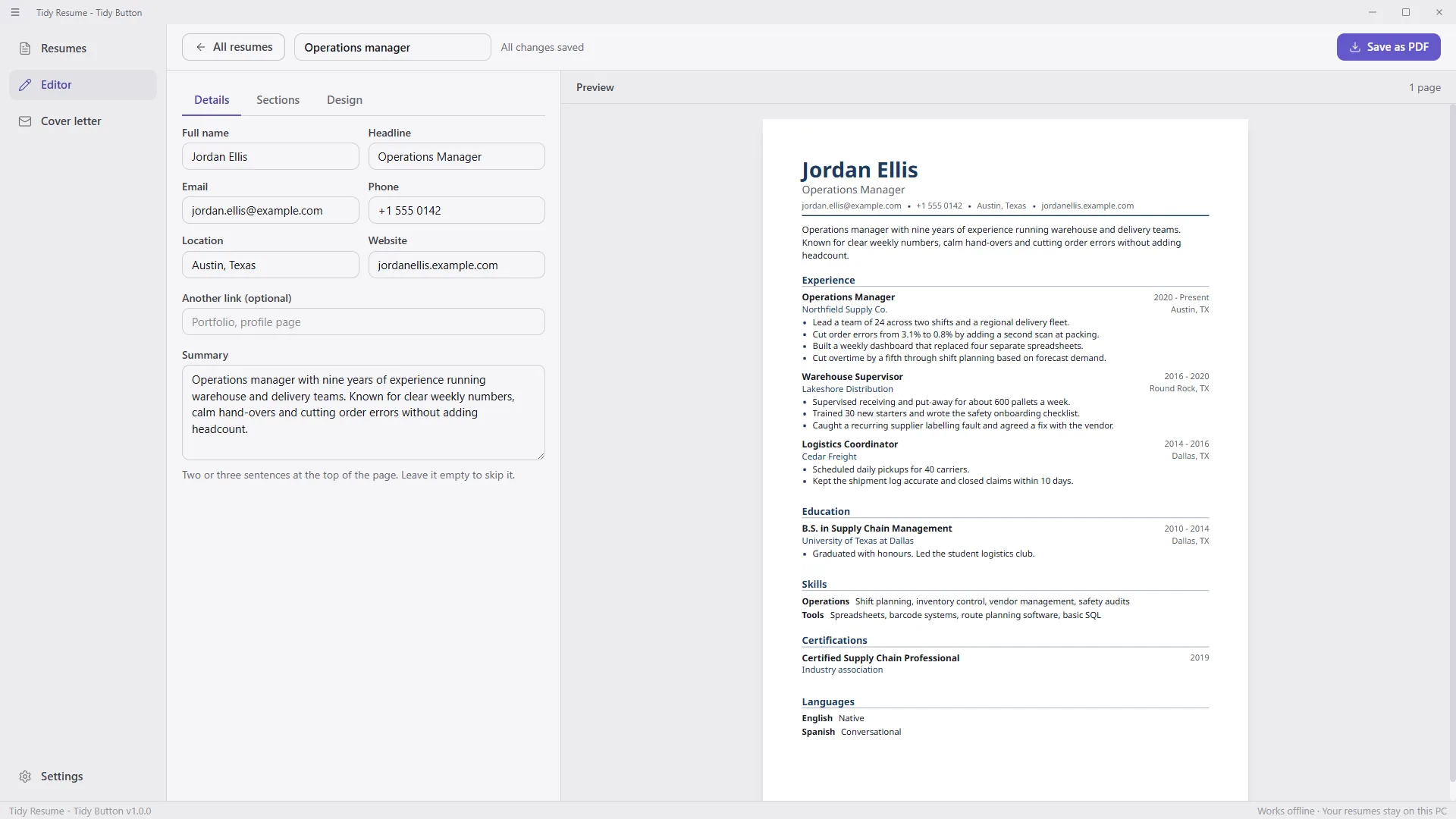
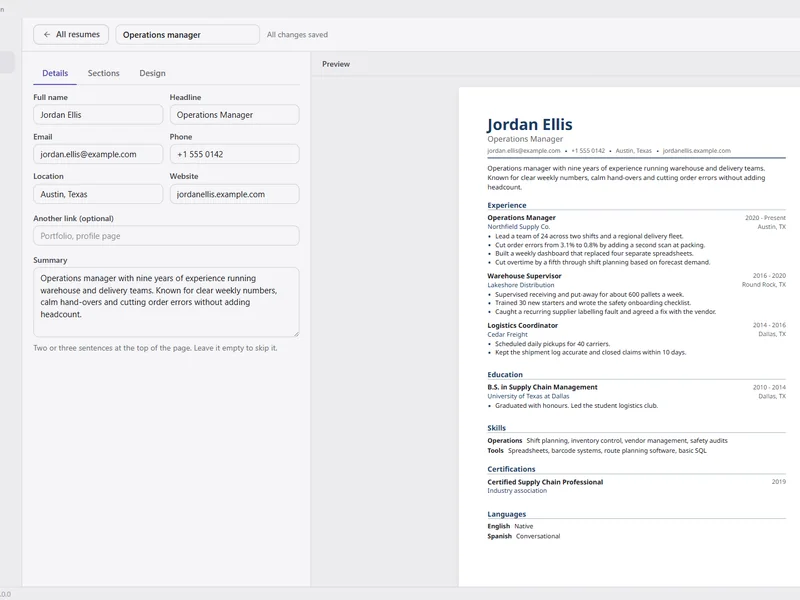
Details
Fill in your details and see the page as you type
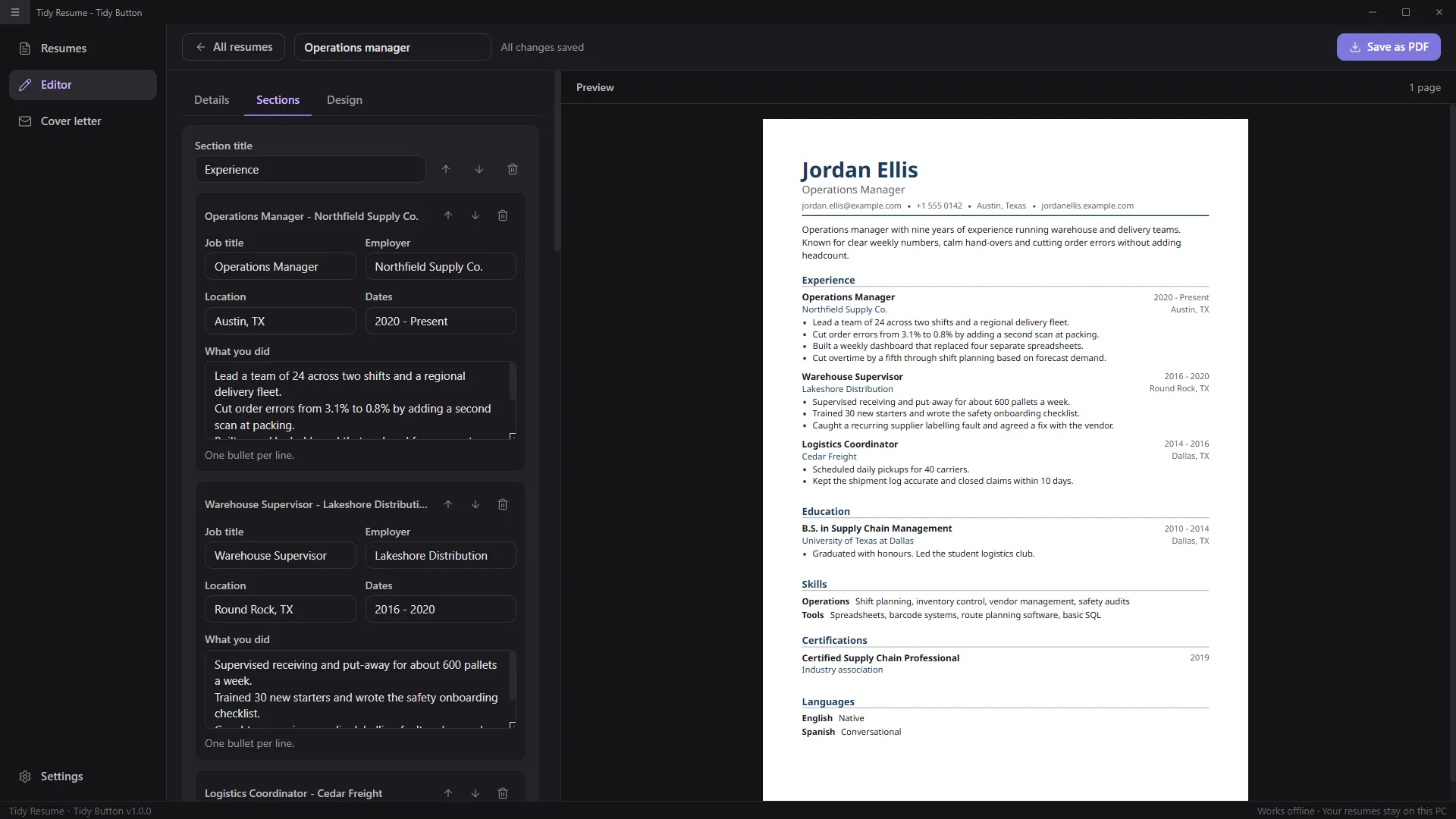
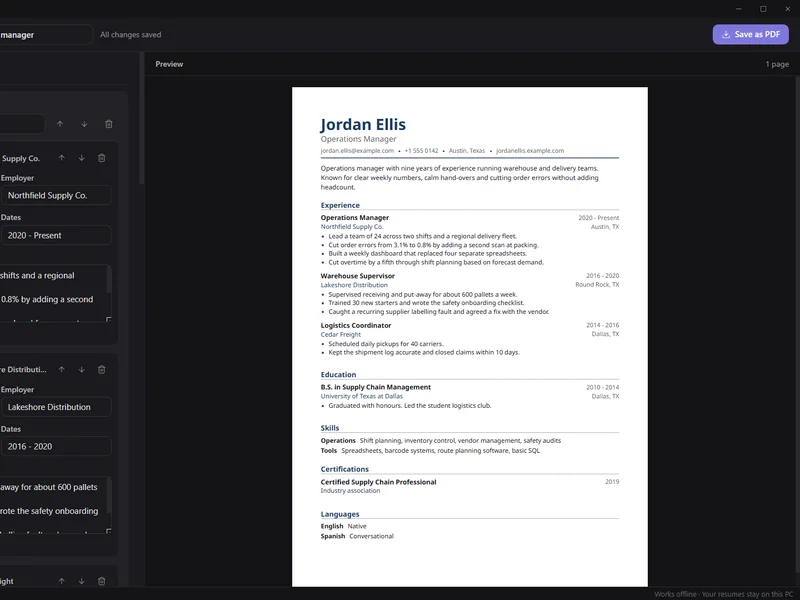
Sections
Add jobs, education and skills, one bullet per line
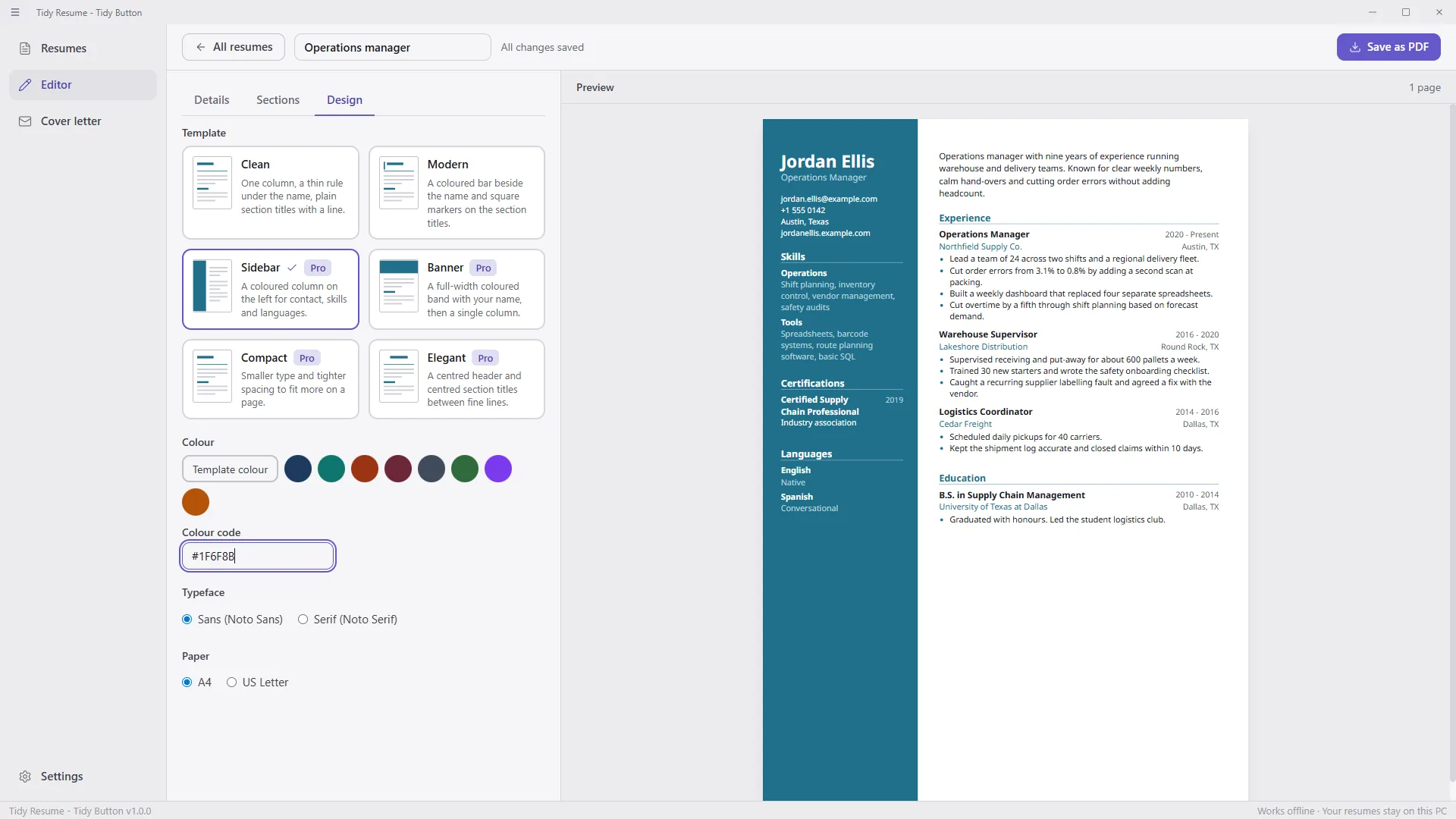
Design
Pro adds four more designs and your own colours
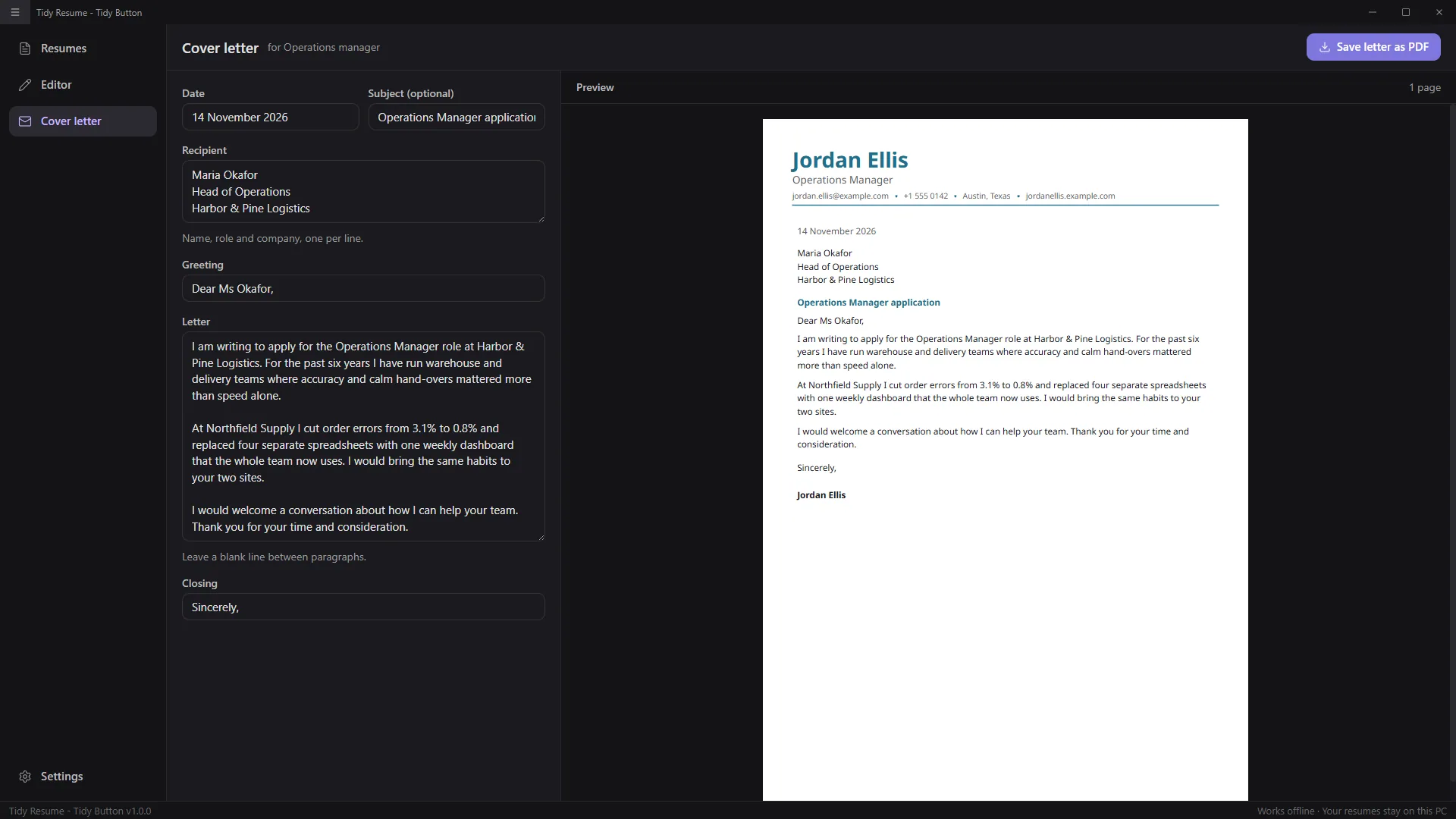
Cover letter
Pro: a cover letter for each resume, with its own PDF
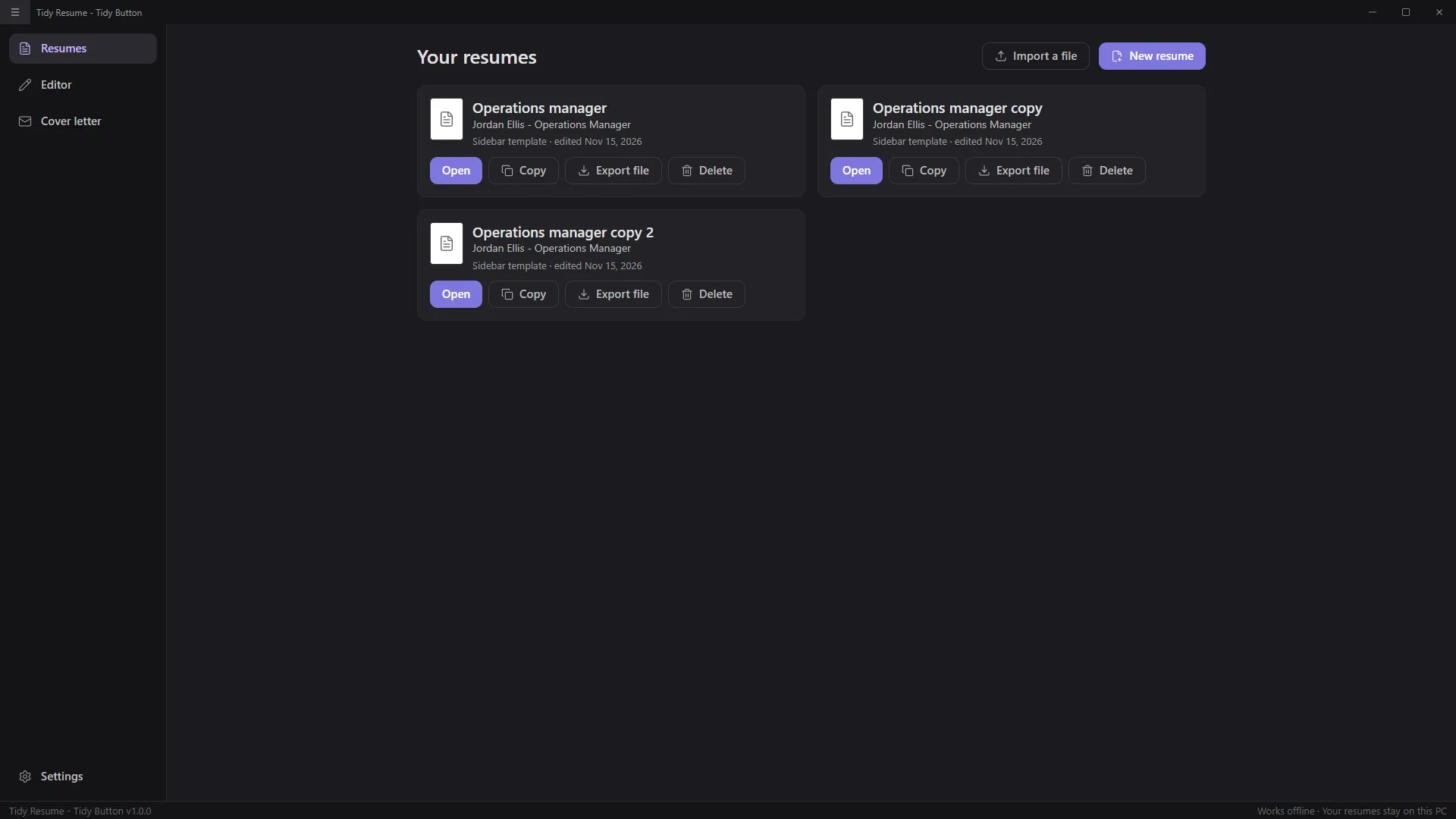
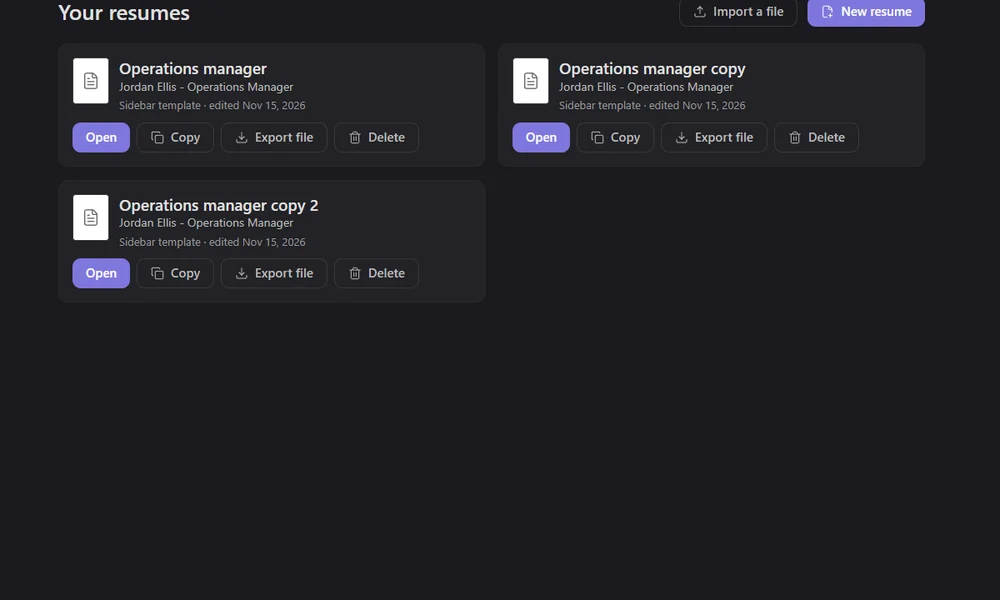
Resumes
Pro: keep as many resumes as you like
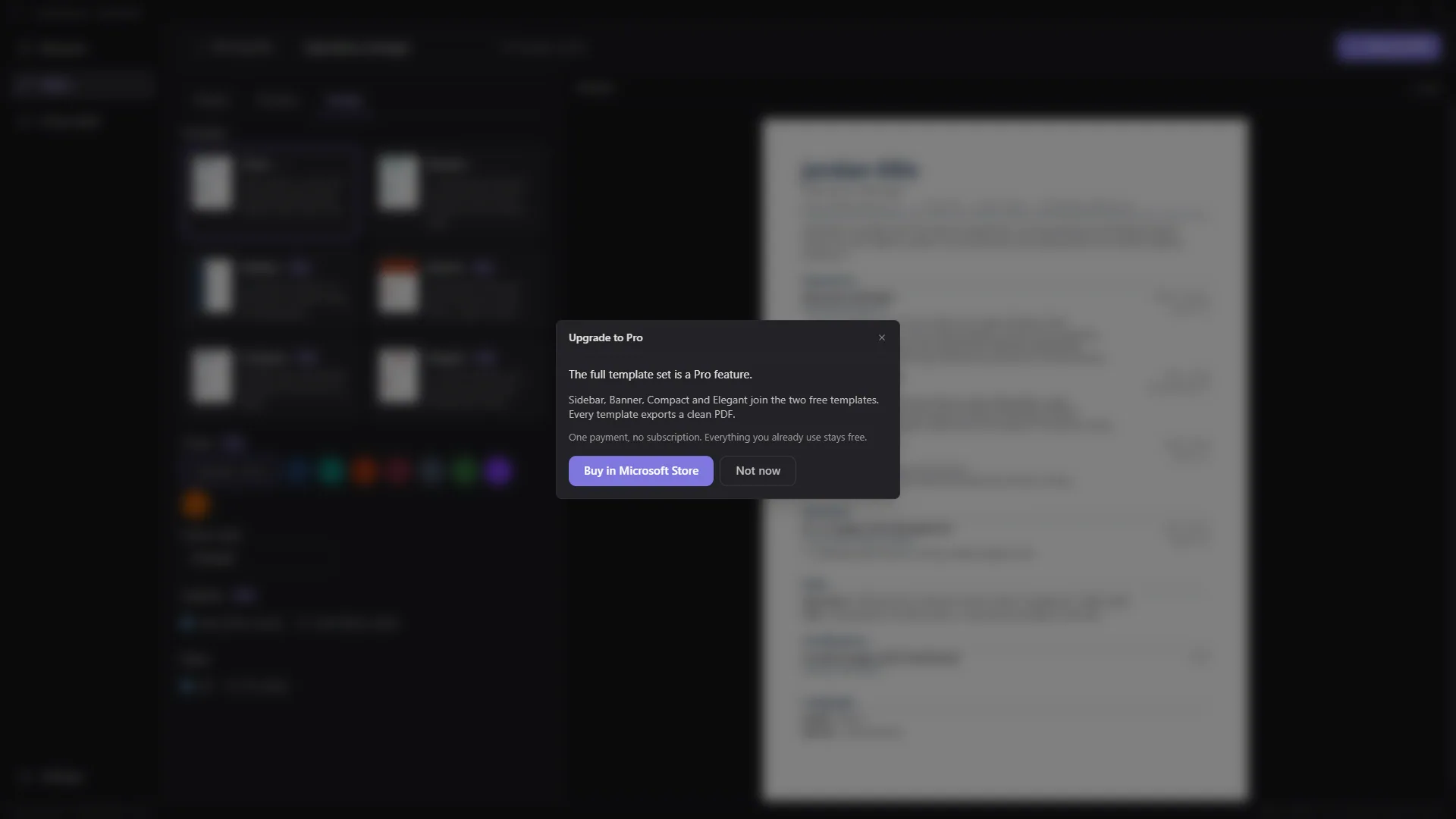
Free limit
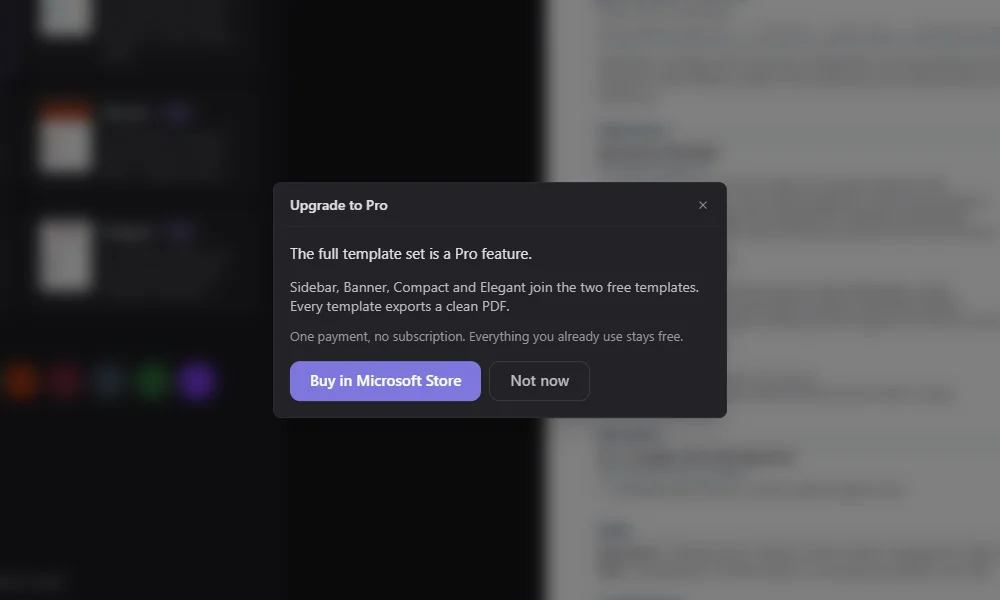
Choosing a Pro design shows a calm prompt, and the free features stay free
Screens show an invented person. The app has light and dark themes.
How it works
Three steps. No manual.
01
Start a page
Start from a blank page or an example you can overwrite. Your resume is saved on this PC as you type.
02
Fill in your details
Type your name, contact details and summary, and watch the page change beside you.
03
Save as PDF
Add jobs, education and skills, one bullet per line, then press Save as PDF. The PDF has no watermark.
What it does
What it does.
Tidy Resume helps you write a resume and a cover letter and save them as a PDF. Start from a blank page or an example, fill in your details, add your jobs and skills, pick a design and press Save as PDF. Everything stays on your PC and the free app works offline. The text in the PDF can be selected and copied.
Every section you need
Details, summary, experience, education, skills, projects, certifications and languages, plus sections of your own. Move entries and sections up or down.
See the page as you type
The live preview is drawn the same way as the PDF, so what you see is what you save.
A PDF with no watermark
Selectable text, no footer and no watermark, on A4 or US Letter paper. Noto Sans or Noto Serif is built into the file.
Six designs
Clean and Modern are free. Pro adds Sidebar, Banner, Compact and Elegant, your own colour and a serif typeface.
Cover letter (Pro)
Write a cover letter for each resume in the same design, with its own PDF.
Your data, your files
Save a resume to a file and open it again, back up everything and restore it. A dated copy is kept each day for two weeks.
Never loses work
Edits are saved as you type, and a resume is never deleted without asking first.
The small print, in plain English
Safe by design.
Choosing a Pro design shows a calm prompt, and the free features stay free.
Each resume can be copied, saved to a file or deleted from its own card.
Everything you type stays on your PC. Nothing is uploaded.
The PDF has no watermark and no footer.
A resume is never deleted without asking first.
The free version makes one resume with the Clean and Modern designs.
Works offline. No account. No ads. No tracking.
Good for
Handy for your next application.
A first resume
A quick update before an application
Keeping a few versions for different jobs
A cover letter in the same design
Questions
Plain answers.
Does the PDF have a watermark?
No. The free version saves a clean PDF with no watermark and no footer.
Is anything uploaded?
No. Everything you type stays on your PC. The free app works with the internet turned off.
Can I select the text in the PDF?
Yes. The PDF holds real text, so it can be selected and copied.
Where are my resumes saved?
In a Tidy Resume folder inside your Documents folder, saved as you type. A dated copy is kept each day for two weeks.
What is free and what is Pro?
Free: one resume with every section, the Clean and Modern designs, the live preview, PDF export, saving to a file and backups. An optional one-time Pro unlock adds unlimited resumes, all six designs, your own colours and the serif typeface, and a cover letter for each resume.
Does it work with every writing system?
Not yet. Text in scripts such as Indic, Arabic, Hebrew or Thai prints as a question mark in this version, and the app tells you on screen when your resume contains it. The rest of the page is unaffected.
Does it need an account?
No. There is no account, no ads, no tracking and no watermark.