How to track rent payments and tenants as a small landlord
This guide shows how to keep your rent records on your own PC. You add a property, add a lease, record the rent when it arrives and save a receipt.
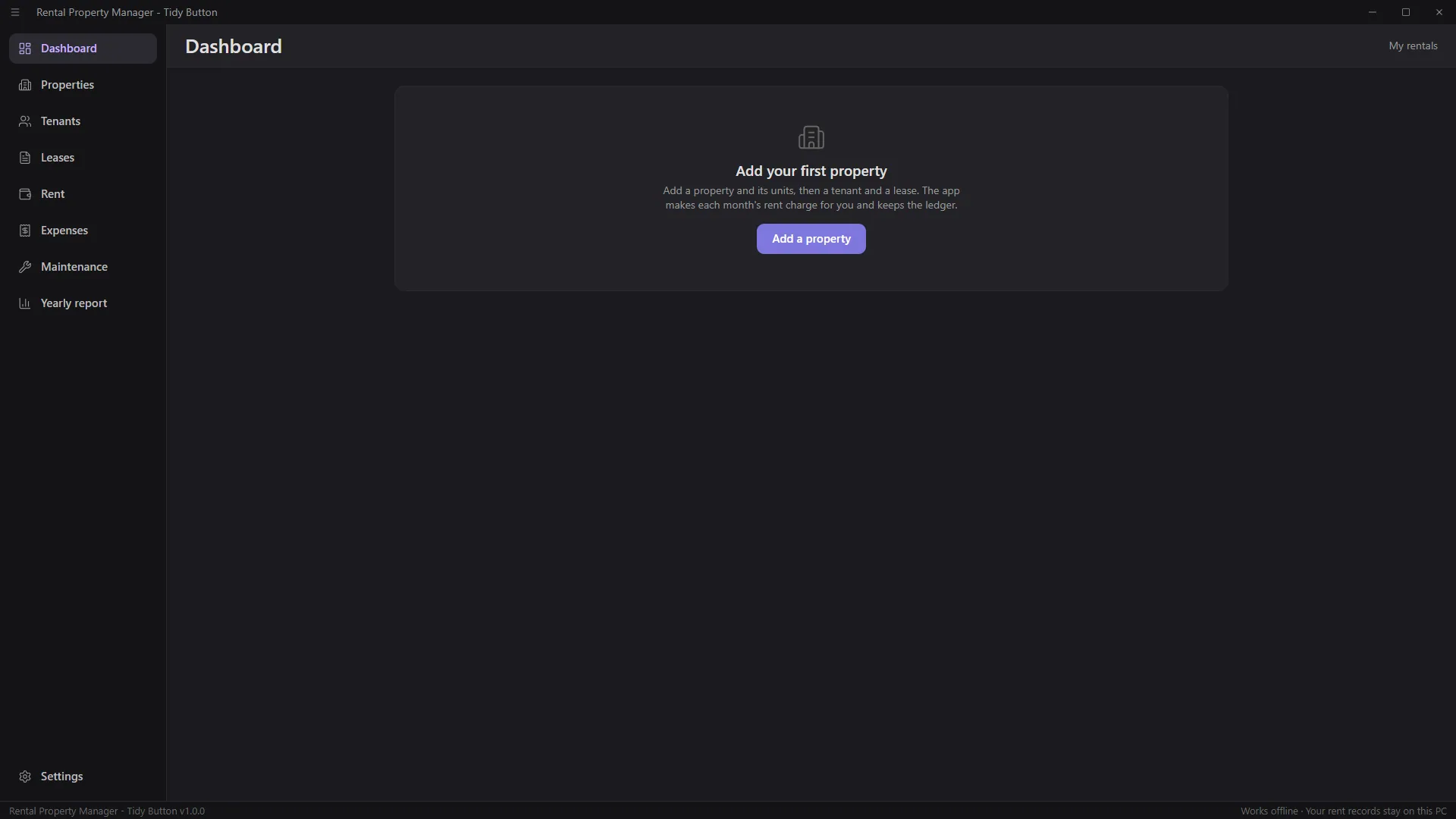
This app is not on the Microsoft Store yet. This guide is ready for the day it arrives.
Add a property and a unit
A unit is the part you rent out, such as a flat or the whole house.
- Open Properties in the left menu.
- Press Add property.
- Type the Property name and the Address, then press Save.
- Press Add unit on the property.
- Type a Unit name and the Usual monthly rent, then press Save.
The address is printed on receipts and ledgers.
Add a lease for a tenant
- Open Leases in the left menu and press Add lease.
- Choose the Unit.
- In Tenant, pick a tenant you added before, or choose + New tenant and type the Tenant name.
- Set the Starts date, and the Ends date or No end date (month to month).
- Fill in Monthly rent, Due on day and Grace days.
- Choose a Late fee if you charge one. Press Save.
Each month's rent charge is made for you once the lease has started.
Record a rent payment and save a receipt
- Open Rent in the left menu. Use the arrows to pick the month.
- Press Record payment.
- Choose the Tenant, the Date received and the Amount received.
- Choose how they paid in Paid by, then press Record payment.
- In the list of payments received, press Save PDF to keep the receipt, or Receipt to open it.
A part payment is applied to the oldest charge first.
See who is behind on rent
- Open Dashboard in the left menu.
- Read Collected this month and Overdue at the top.
- Look under Overdue rent to see each tenant who is behind.
- Press Record payment beside a tenant when they pay.
Record an expense and keep the receipt
- Open Expenses in the left menu and press Add expense.
- Choose the Property, the Date paid, the Category and the Amount.
- Type who you paid in Paid to, and what it was for in What for.
- Press Save and attach receipt and choose the receipt file. Or press Save now, then open the expense with Edit later and press Attach receipt.
The receipt file is copied into the Rental Property Manager folder inside your Documents folder, so it stays with your records.
If something goes wrong
A tenant moved out. How do I end the lease?
Open Leases and press End on that lease. Type the last day in Last day of the lease and press End lease.
I recorded a payment for the wrong tenant. What can I do?
Open Rent, find the payment in the list of payments received, and press Delete. The charges it paid become unpaid again. Then record it again for the right tenant.
This month's rent was not charged. Why?
Charges appear once a lease has started. Check the Starts date on the lease in Leases, and use the arrows on Rent to look at the right month.
How do I charge something besides rent, such as a pet fee?
Open Rent and press Add charge. Choose the tenant, type what it is for, set the due date and the amount.
Where are my records saved?
On your PC, in your Documents folder. Nothing is uploaded.
Good to know
- The yearly report is a summary of your own records. It is not tax advice.
Still stuck? Support is by email, and a person reads it.