We will link the Store listing here the day it is live. Until then there is nothing to download.
Real app, with invented sample text.
Works offline
No account, no ads, no tracking
Does not freeze on bad patterns
Free tester
See it
Eight views. One pattern, explained.
Start
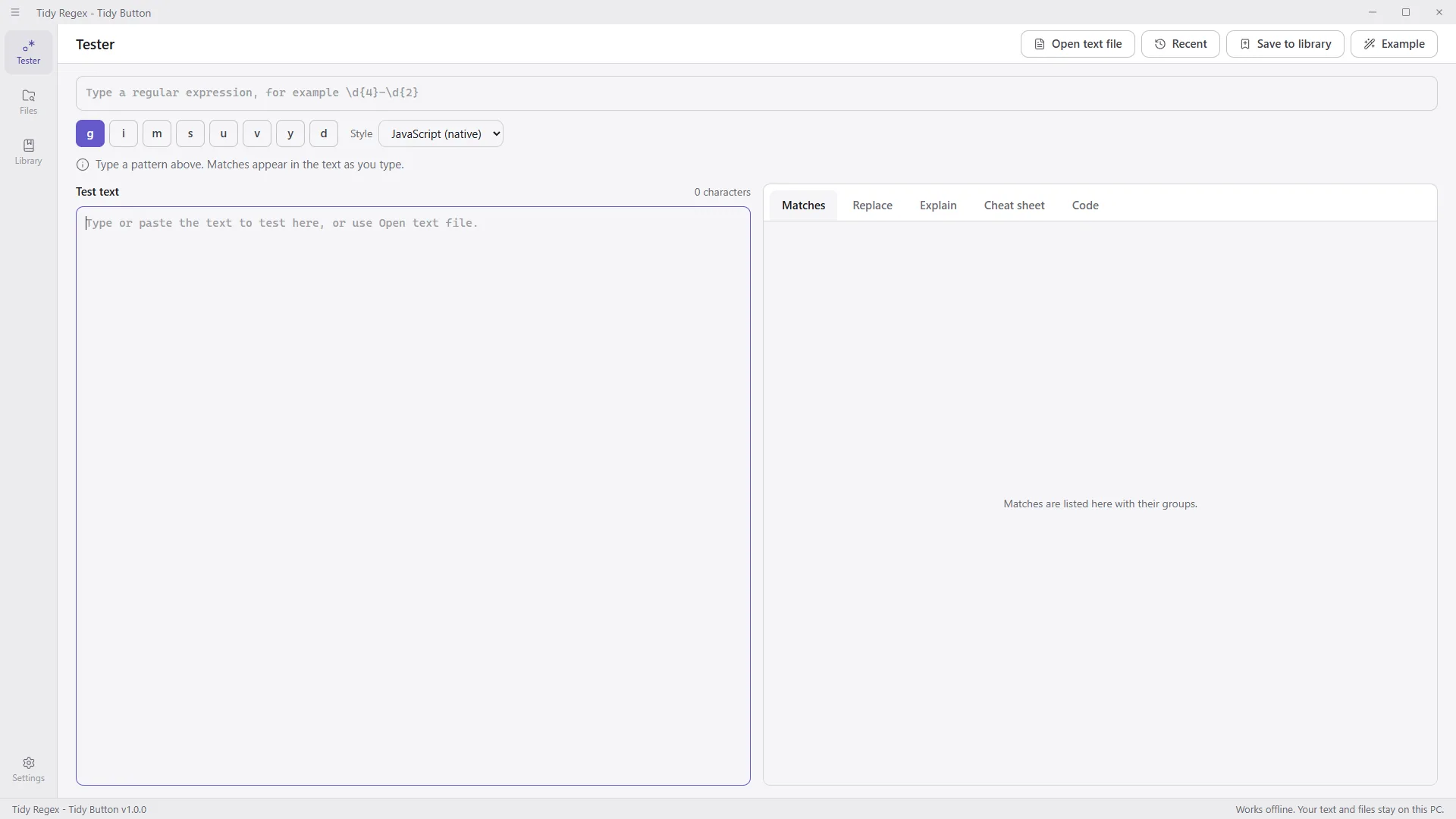
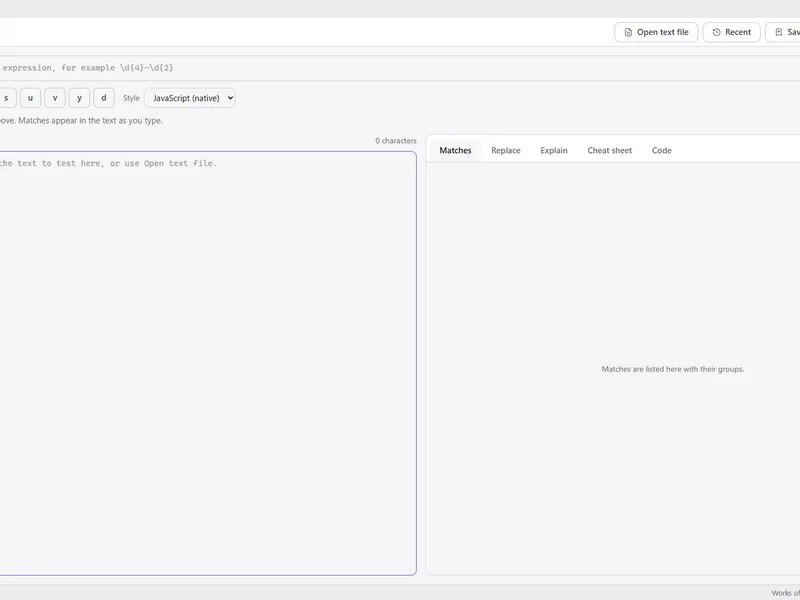
A clean start. Type a pattern, paste text, and matches appear as you type. Works offline.
Matches
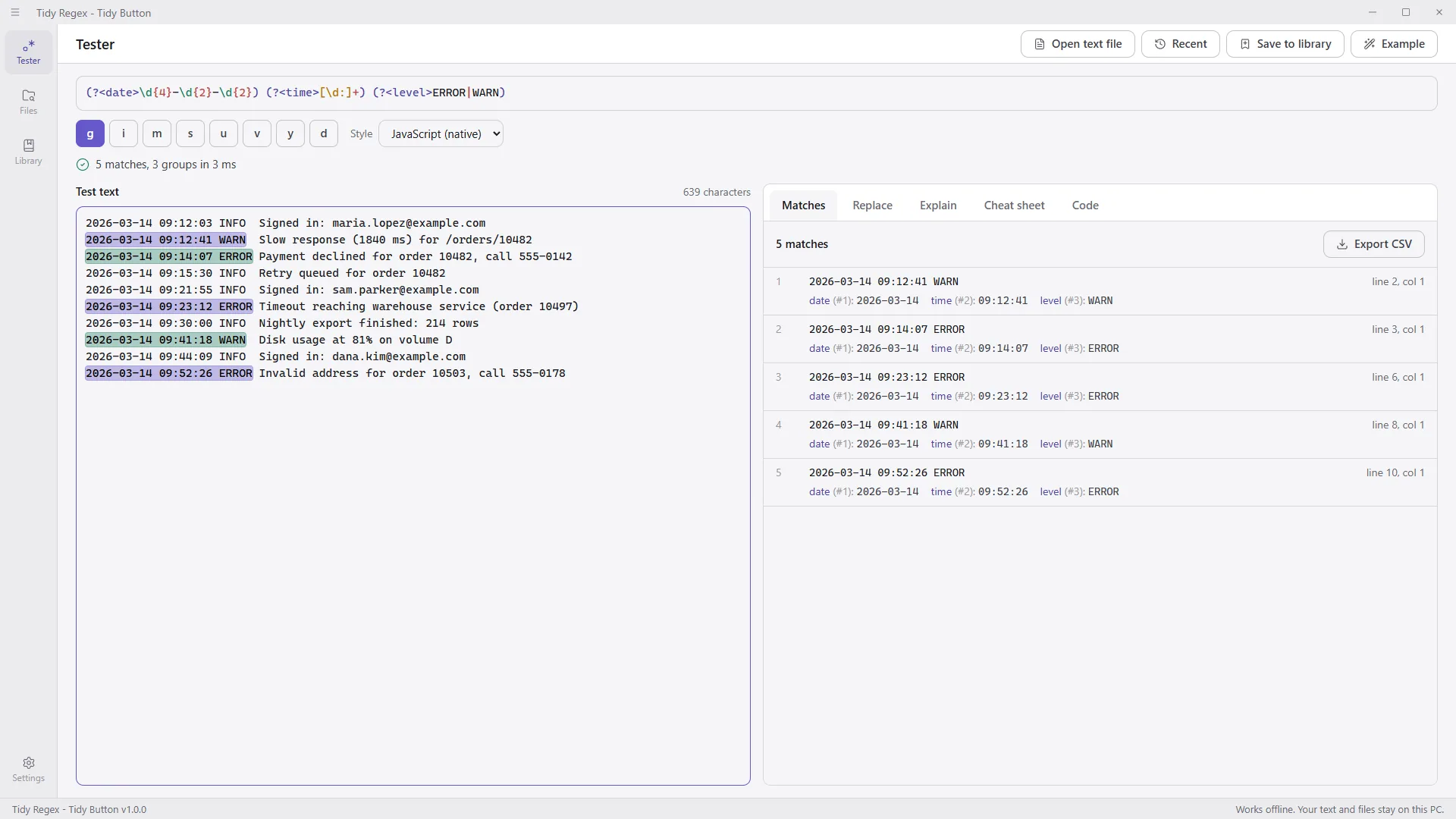
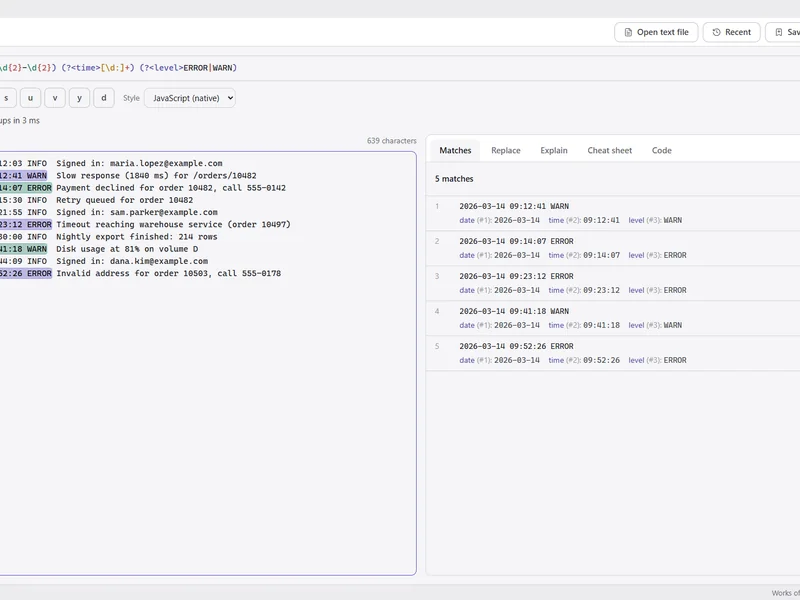
Every match is highlighted in the text and listed with its line, column and named groups.
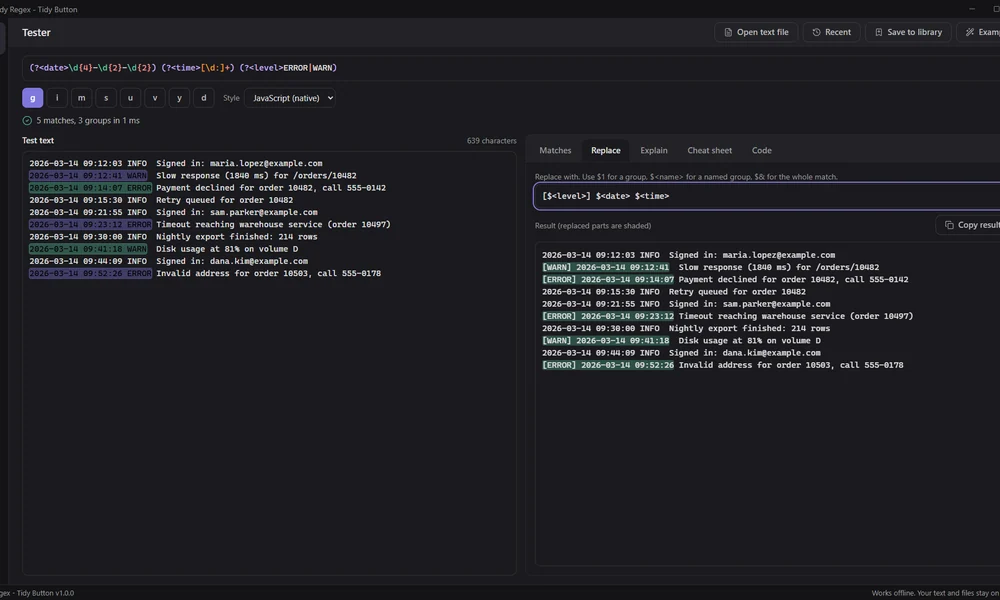
Replace
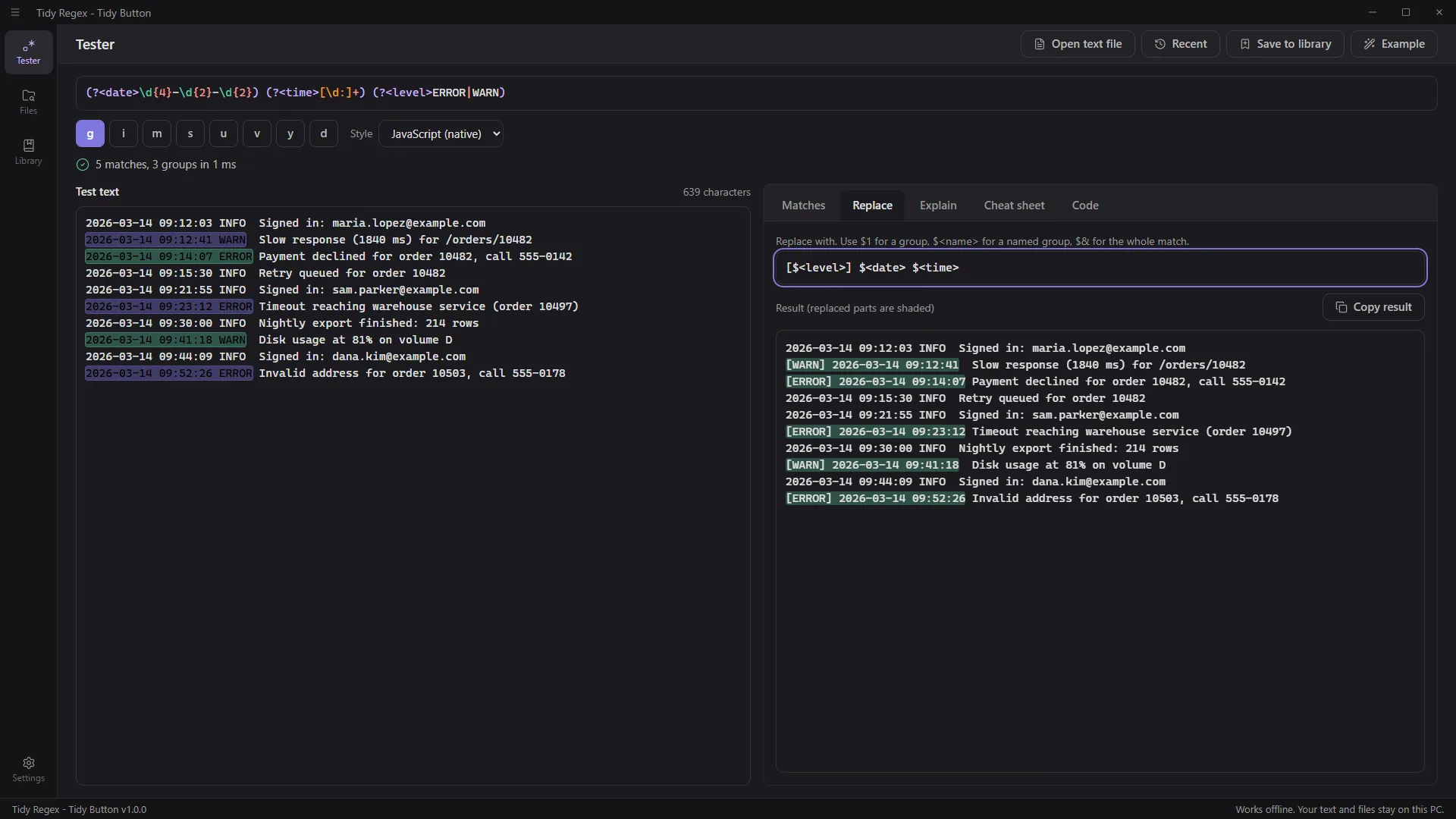
The replace preview shows the result with the replaced parts shaded, using $1, $<name> and $&.
Explain
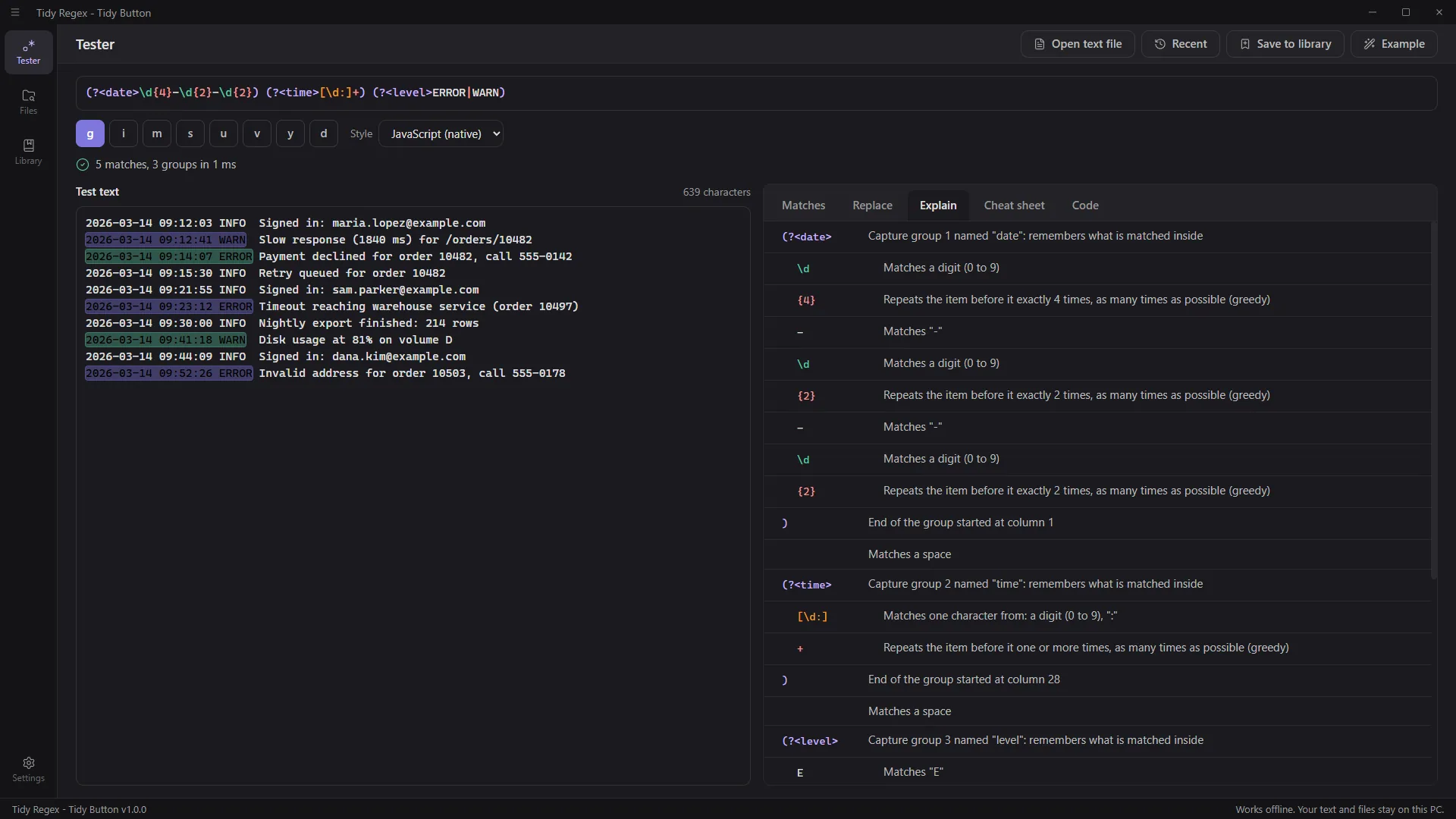
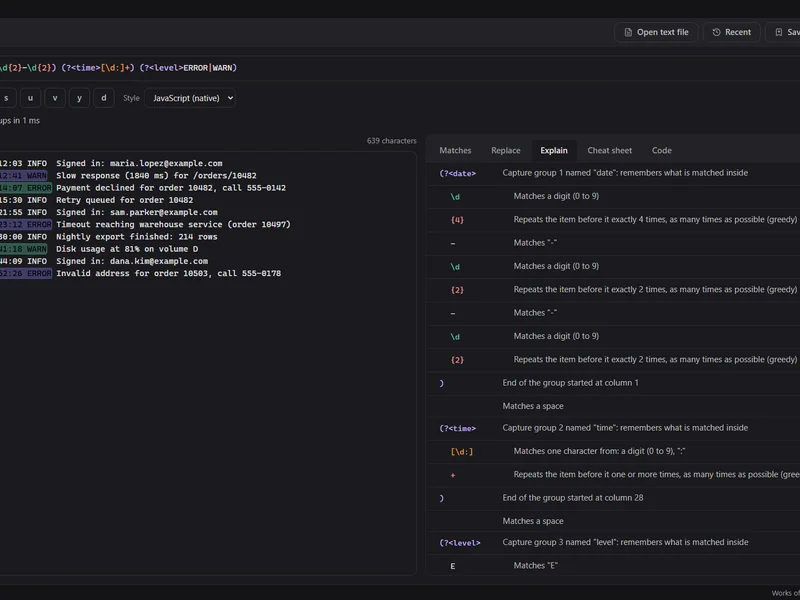
A plain-English explanation of the pattern, token by token, in the dark theme.
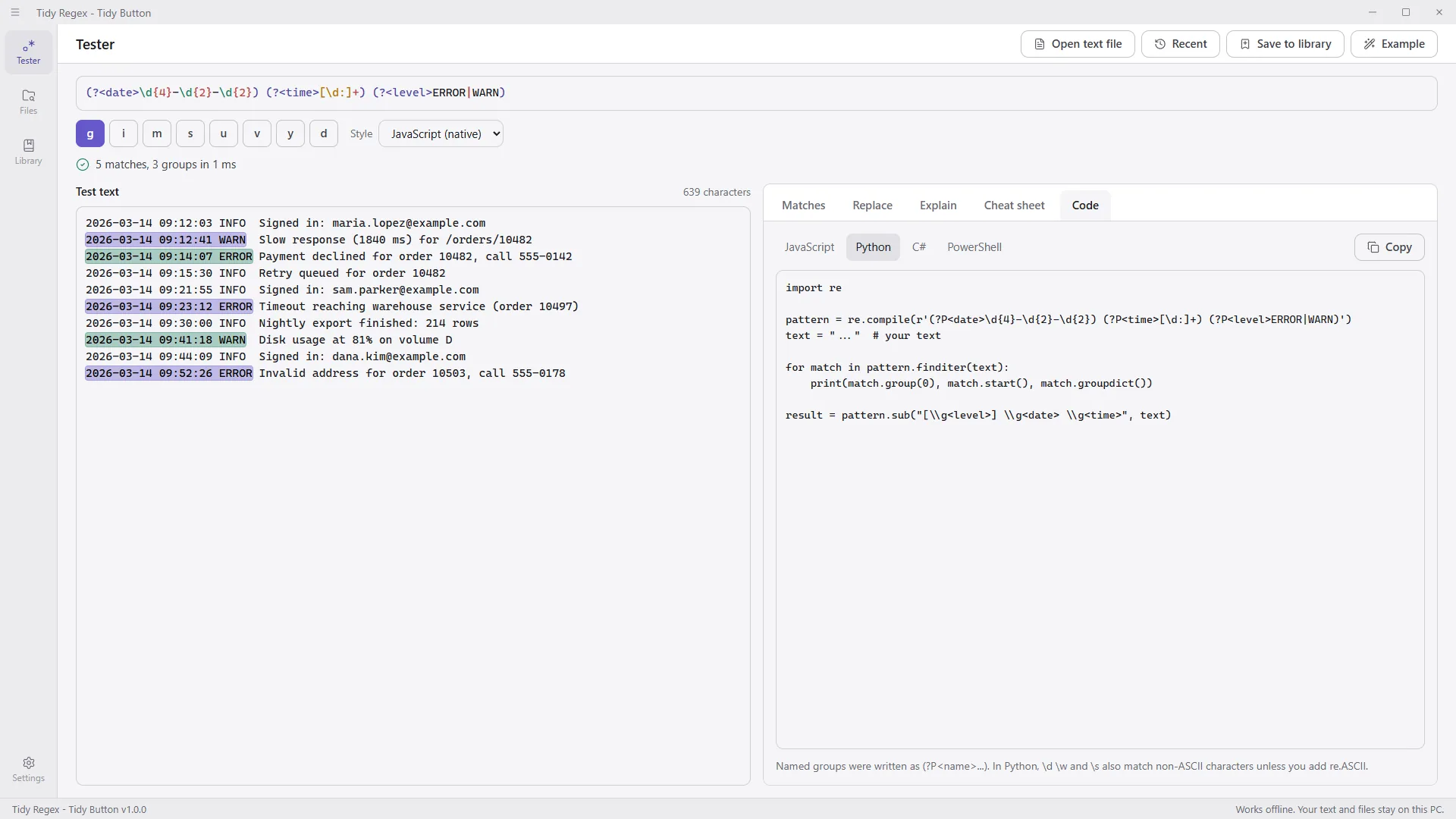
Code
Pro: copy ready-to-run code for the pattern in JavaScript, Python, C# or PowerShell.
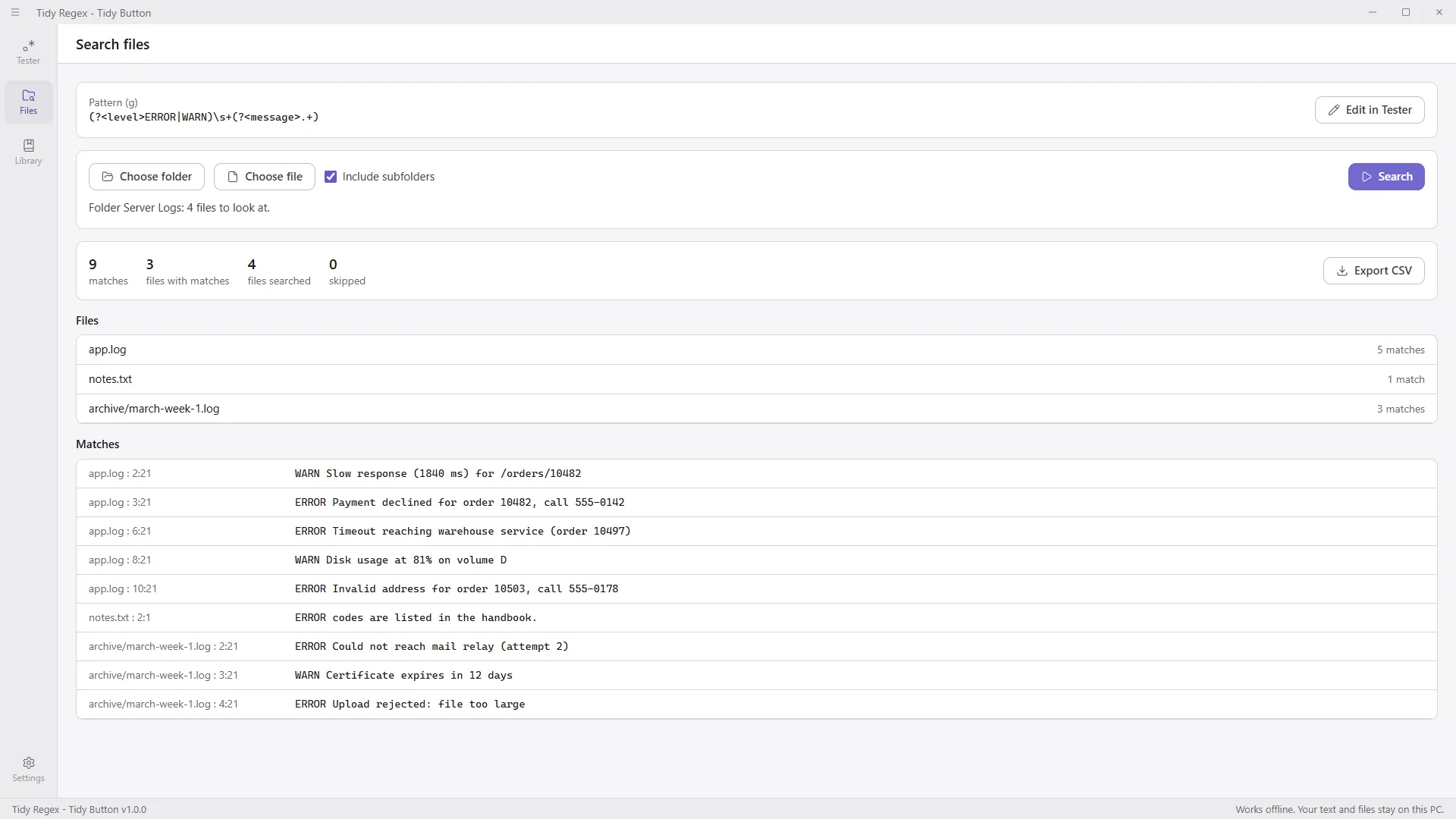
Files
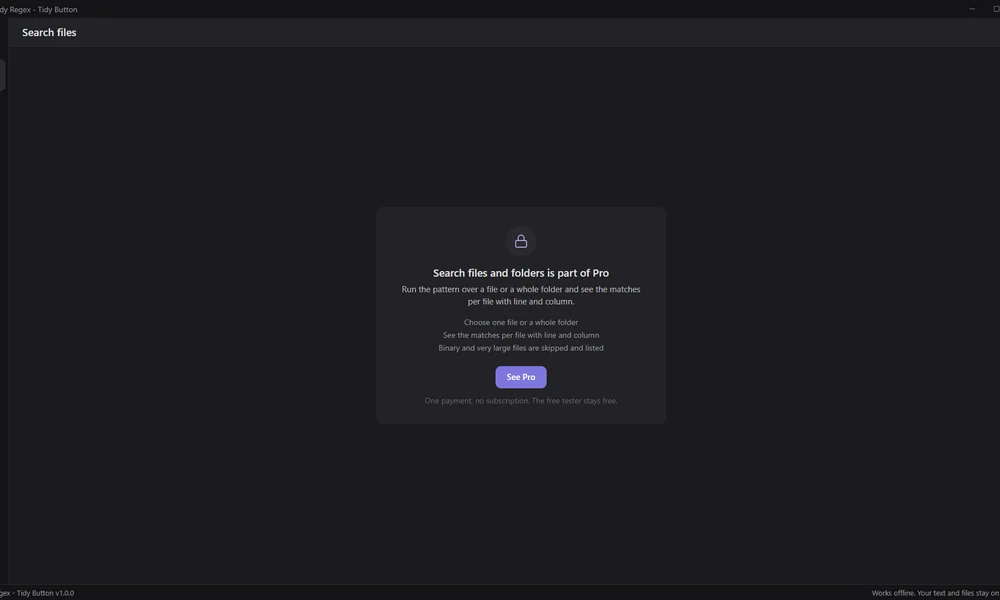
Pro: search a whole folder and see the matches per file with line and column.
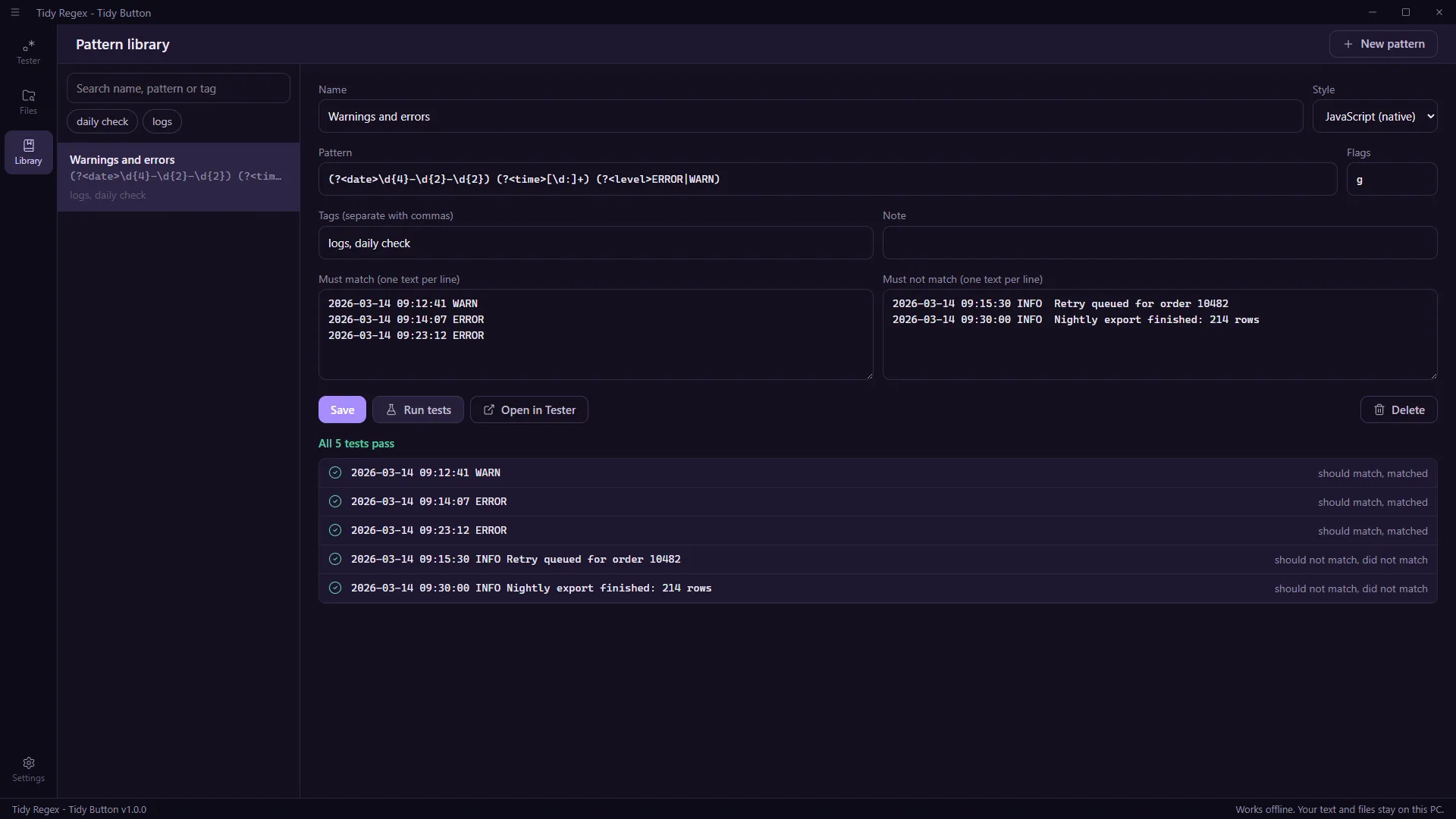
Library
Pro: save patterns with sample texts that must and must not match, and run them like tests.
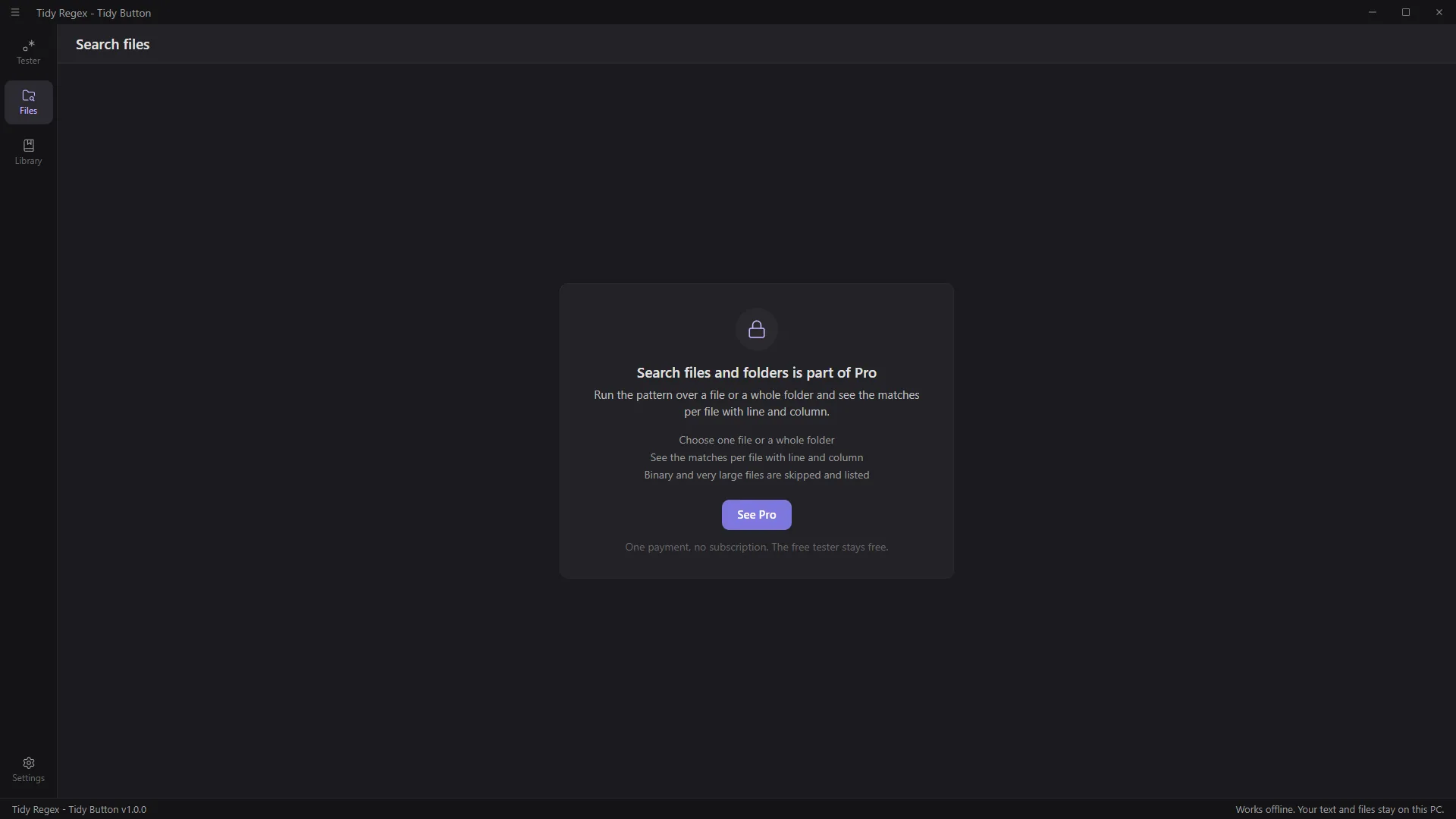
Locked
Pro features show a calm locked panel with one button. The free tester stays free, with no ads.
Screens show invented sample text. The app has light, dark and midnight themes.
How it works
Three steps. No manual.
01
Type and paste
Type a pattern and paste some text. Matches are highlighted as you type.
02
Read the matches
Each match is listed with its line, column and groups. Click one to select it in the text.
03
Replace or explain
Preview a replacement, or read the pattern explained in plain English.
What it does
What it does.
Tidy Regex is a regular expression tester that works offline and does not freeze. Type a pattern and paste some text. Matches are highlighted as you type, and every match is listed with its line, its column and its numbered and named groups. When a pattern is wrong, the message tells you the column where it goes wrong. When a pattern backtracks without end, the tester stops it after a short time limit and keeps working. The free tester is complete: flags, replace preview, a plain-English explanation, a cheat sheet, recent patterns and text files up to 12 million characters. Pro adds a saved pattern library, searching files and folders, CSV export and code snippets. Your text and files stay on your PC.
Live matches
Matches are highlighted as you type. Click a match in the list to select it in the text.
Line, column and groups
Every match is listed with its line, column and numbered and named groups.
Helpful errors
A wrong pattern shows the column where it goes wrong, and runaway patterns are stopped so you never lose your text.
Replace preview
Use $1, $<name>, $& and $$ and see the result with the replaced parts shaded.
Plain-English explanation
The pattern explained token by token, with a cheat sheet that inserts tokens at the cursor.
Big text, remembered
Open a text file or paste up to 12 million characters. Recent patterns and your test text are remembered.
Pattern library
Pro: save patterns with must-match and must-not-match samples that run like tests.
Files, CSV and code
Pro: search a file or a whole folder, export matches to CSV and copy code for JavaScript, Python, C# and PowerShell.
The small print, in plain English
Safe by design.
Pro features show a calm locked panel with one button. The free tester stays free.
The replace preview shows the result with the replaced parts shaded.
Your text and files stay on your PC.
No ads, no pop-ups and no waiting screens.
Works offline. No account. No tracking.
The tester is complete and free. Pro is optional and one payment.
What it does
Every pattern, checked and explained.
From a quick test to a folder search.
Pro: patterns with samples that run like tests.
Matches
Free
Highlighted as you type, with line, column and groups.
Flags
Free
g, i, m, s, u, v, y and d as one-click buttons.
Replace
Free
A preview with $1, $<name>, $& and $$.
Explain
Free
A plain-English explanation, token by token, and a cheat sheet.
Safe
Always
Runaway patterns are stopped after a short time limit and the tester keeps working.
Pro
Pro
A pattern library, .NET and PCRE styles, file and folder search, CSV export and code snippets.
The free tester is complete. Pro adds the library, file search, CSV export and code snippets.
Good for
Handy when a pattern will not match.
Trying a pattern before it goes into code
Finding out why a pattern does not match
Previewing a find and replace
Understanding a pattern someone else wrote
Searching a folder of text files
Questions
Plain answers.
Does it work offline?
Yes. Matching runs on your PC and nothing is sent anywhere.
What happens with a pattern that never finishes?
The tester stops it after a short time limit and keeps working, so you never lose your text.
How large can the text be?
Text files up to 12 million characters. Very large text switches highlighting off, with a visible note.
Is anything sent anywhere?
No. Your text, patterns and files stay on your PC. The only network use is the check of a Pro licence.
What does the free version include?
Flags, matches with line, column and groups, replace preview, a plain-English explanation, a cheat sheet, recent patterns and text files, with no ads.
What does Pro add?
One payment, no subscription. Pro adds a saved pattern library, .NET and PCRE styles, file and folder search, CSV export and code snippets for JavaScript, Python, C# and PowerShell.
Do I need an account or an internet connection?
Neither. There is no account, no ads and no tracking, and everything works offline.