How to scale a recipe and make a shopping list on Windows
This guide shows how to save a recipe, change how many people it feeds, and turn a few recipes into a single shopping list.
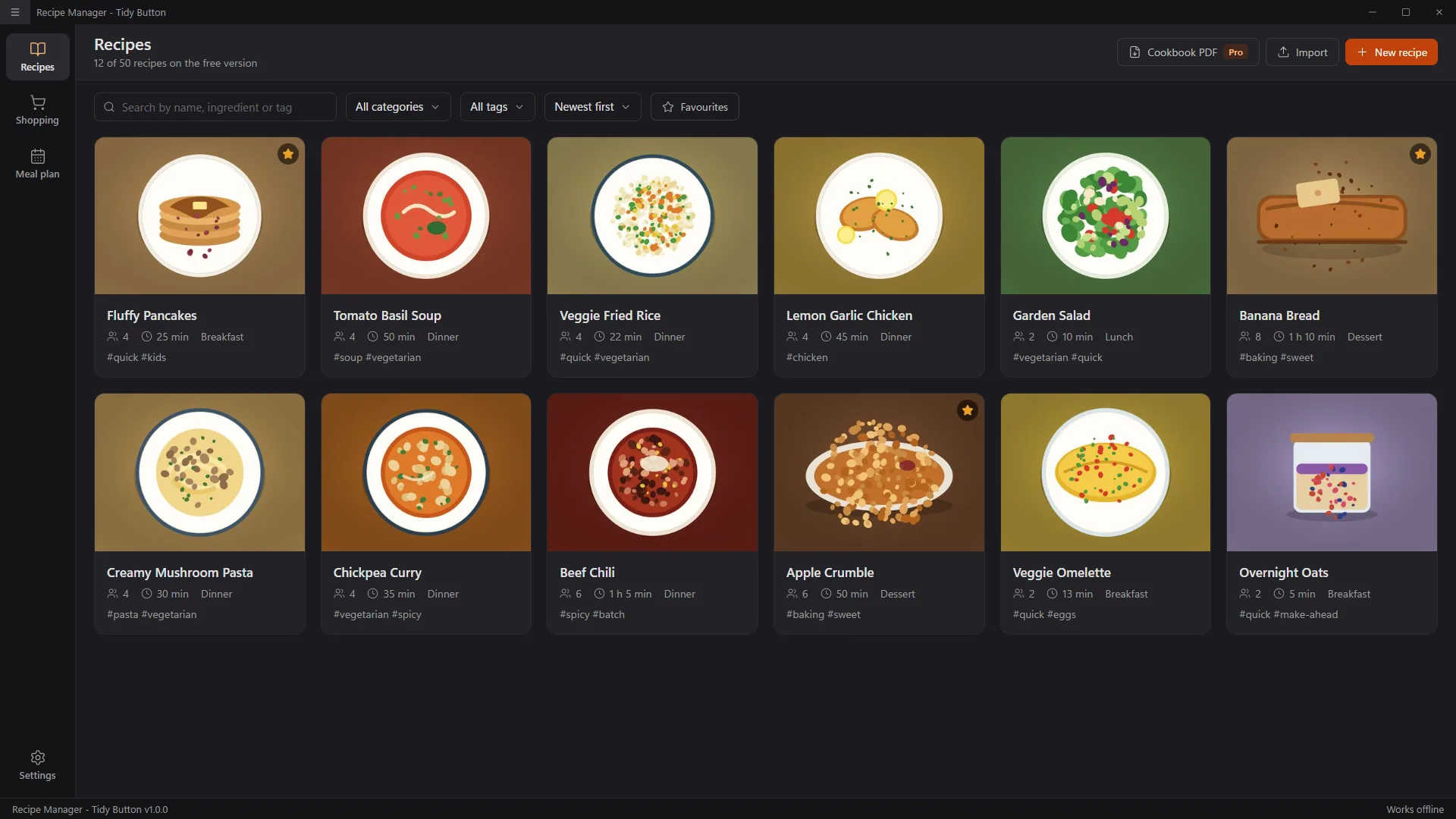
This app is not on the Microsoft Store yet. This guide is ready for the day it arrives.
Save a recipe
Only the name is needed. Add as much or as little as you like.
- Open Recipe Manager and press New recipe.
- Type the name in Name and the number of people it feeds in Servings.
- Write the ingredients in Ingredients, one per line, like 1 1/2 cups flour.
- Write the steps in Method, one step per line.
- Press Choose photo if you want a picture of the dish.
- Press Save recipe.
Nothing is saved until you press Save recipe.
Change the servings of a recipe
- On the Recipes screen, click the recipe you want to open.
- Press Double or Halve, or use the plus and minus buttons to pick any number.
- Read the new amounts in the ingredient list. The note under the buttons says what the recipe was written for.
- Press the underlined link next to the buttons to return to the number the recipe was written for.
- Press Print to print the recipe card at the servings you chose.
Build a shopping list from your recipes
- Press Shopping in the bar on the left.
- Tick the recipes you plan to cook under Choose recipes.
- Use the plus and minus buttons next to a ticked recipe to change how many servings you shop for.
- Read the list on the right. The same ingredient from two recipes is one line.
- Tick each item as you put it in your basket.
- Type something extra in Add your own item and press Add.
- Press Print to print the list.
Press New list when you want to start again. Your recipes are not touched.
Add a recipe from text you already have
- Press Import on the Recipes screen.
- Paste the recipe into Paste the recipe.
- Press Read this recipe.
- Check the name, ingredients and steps, and fix anything that looks wrong.
- Press Save recipe.
A recipe works best with a name, an Ingredients heading and a Method heading.
If something goes wrong
I cannot find a recipe. How do I search?
Type in Search recipes at the top of the Recipes screen. It looks at names, ingredients and tags. If nothing shows, press Clear filters, because a category, a tag or Favourites may still be switched on.
The imported recipe has the wrong ingredients. What now?
After you press Read this recipe the app opens the recipe so you can check it. Edit the text in Ingredients and Method, then press Save recipe. A recipe with an Ingredients heading and a Method heading is read most accurately.
Where are my recipes kept?
In a folder named Recipe Manager inside your Documents. Open Settings and press Open the recipe folder to see it. You can copy the files to back them up.
I changed my mind while writing a recipe. Can I leave without saving?
Yes. Press Cancel. The app asks you to confirm, and Leave without saving drops the changes.
Good to know
- The app keeps and scales the recipes you enter. It does not look up nutrition facts or suggest recipes.
Still stuck? Support is by email, and a person reads it.