Coming to the Microsoft Store
Recipe Manager Your recipes, in order.
Save the recipes you actually cook, with photos, tags, ingredients and steps. Change the servings, build a shopping list from the ones you pick and print a card for the kitchen. It works offline with no account.
Not on sale yet. The app is still being built.
We will link the Store listing here the day it is live. Until then there is nothing to download.
- Works offline
- No account, no ads, no tracking
- Scale servings and shop
- Free
See it
Four views. One recipe box.
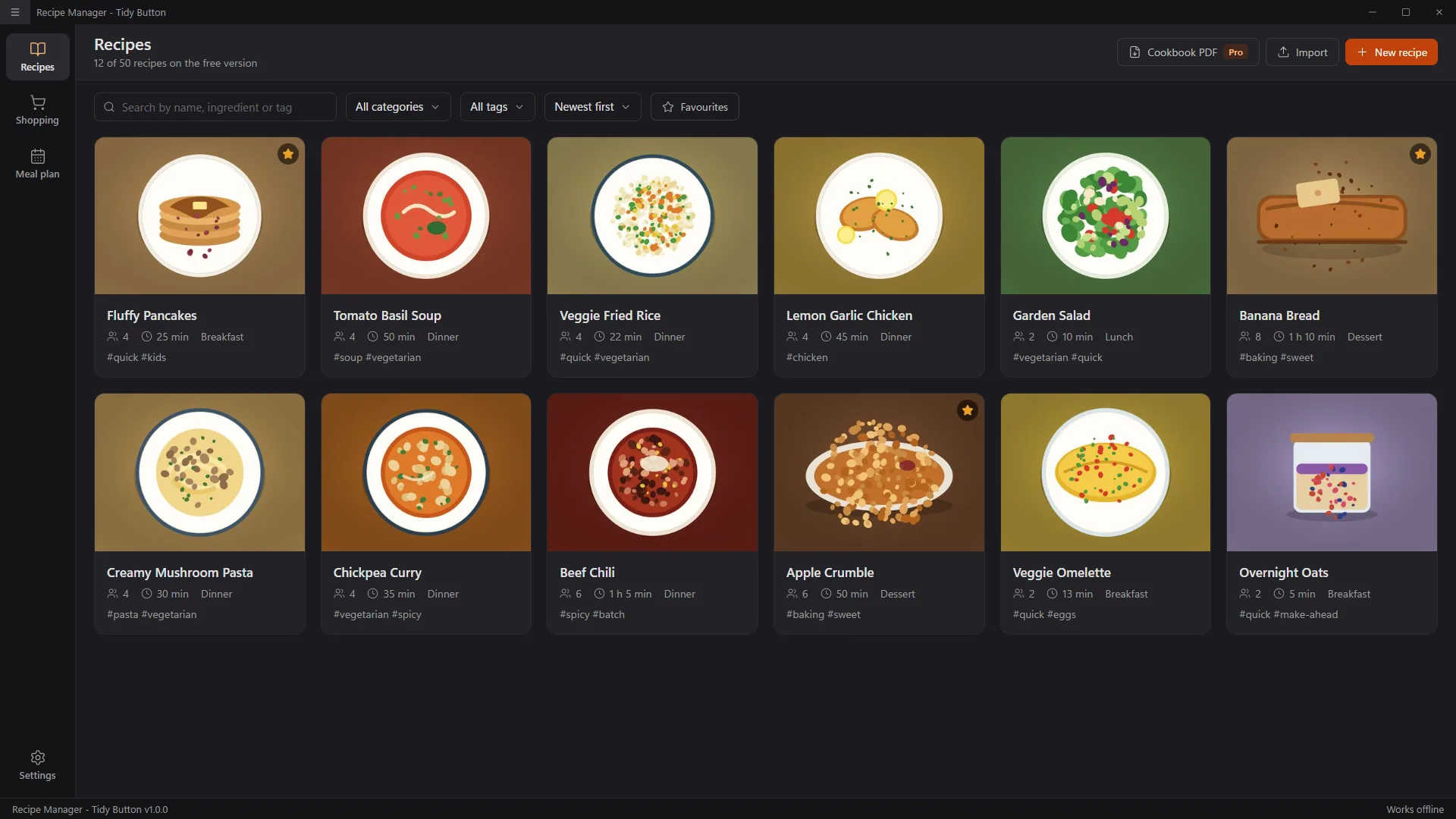
Recipes
Every recipe in one box, with its photo, time and tags
Scale servings
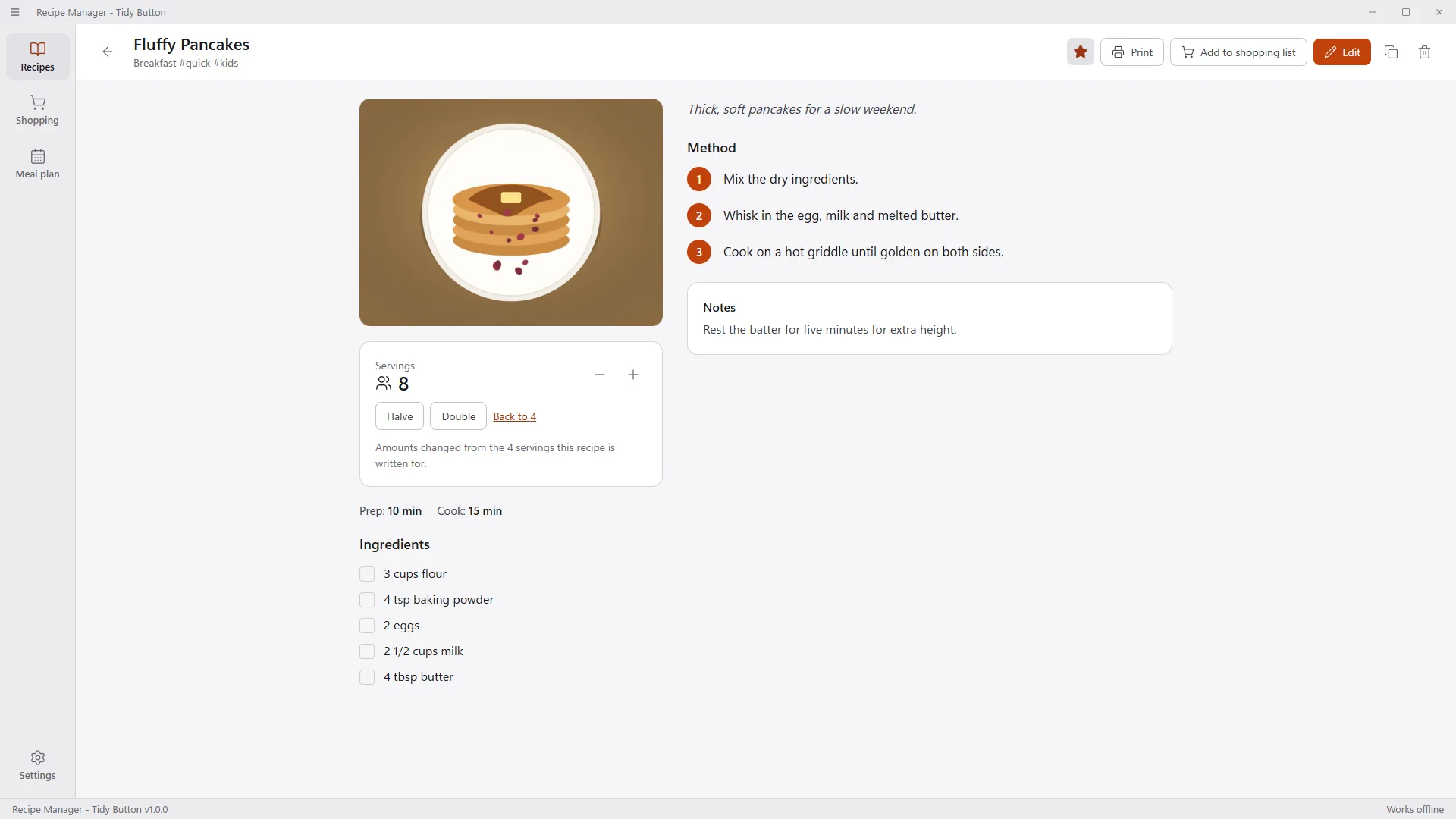
Double a recipe and every amount follows
Import
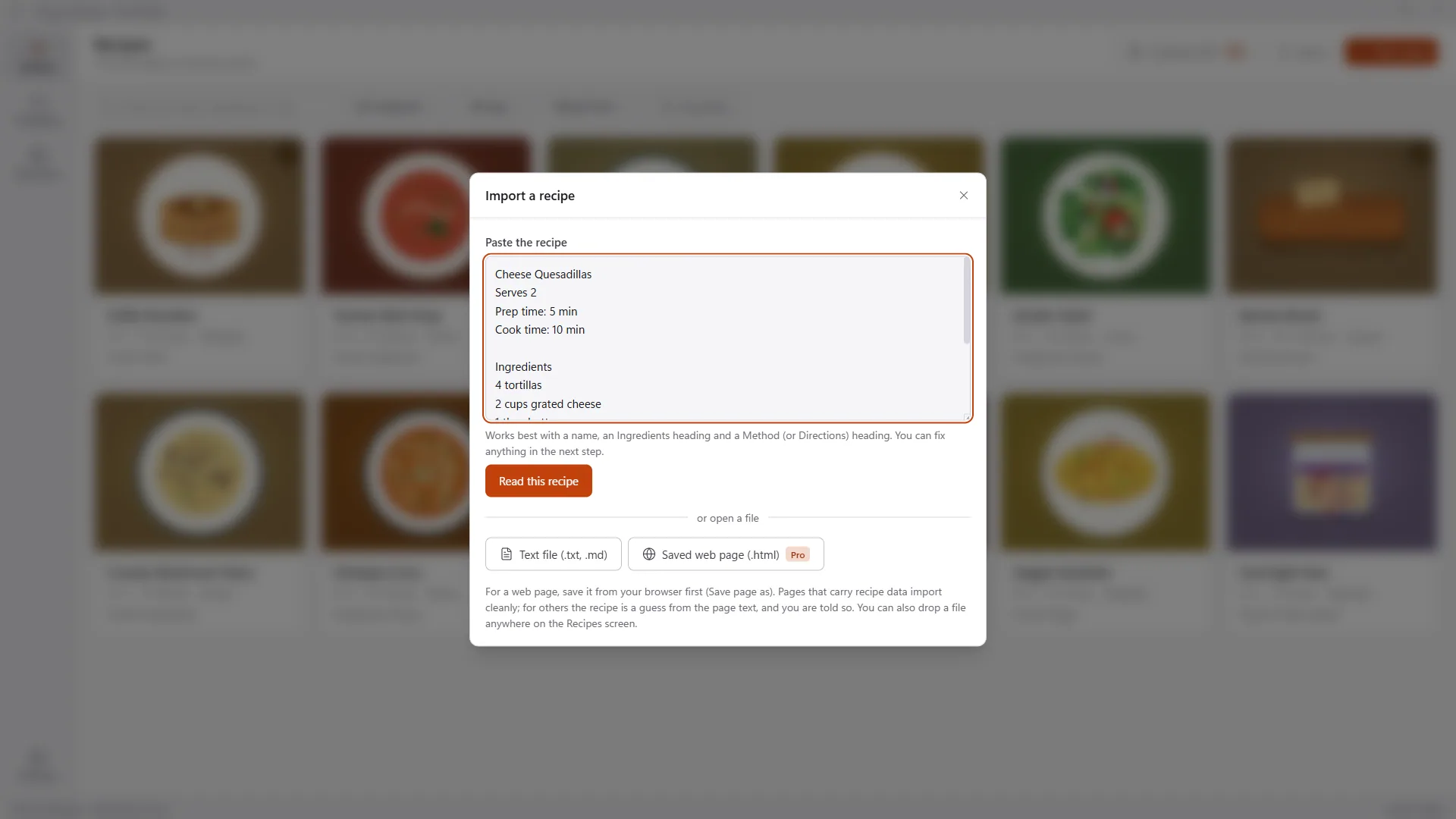
Paste a recipe and check it before you save
Shopping list
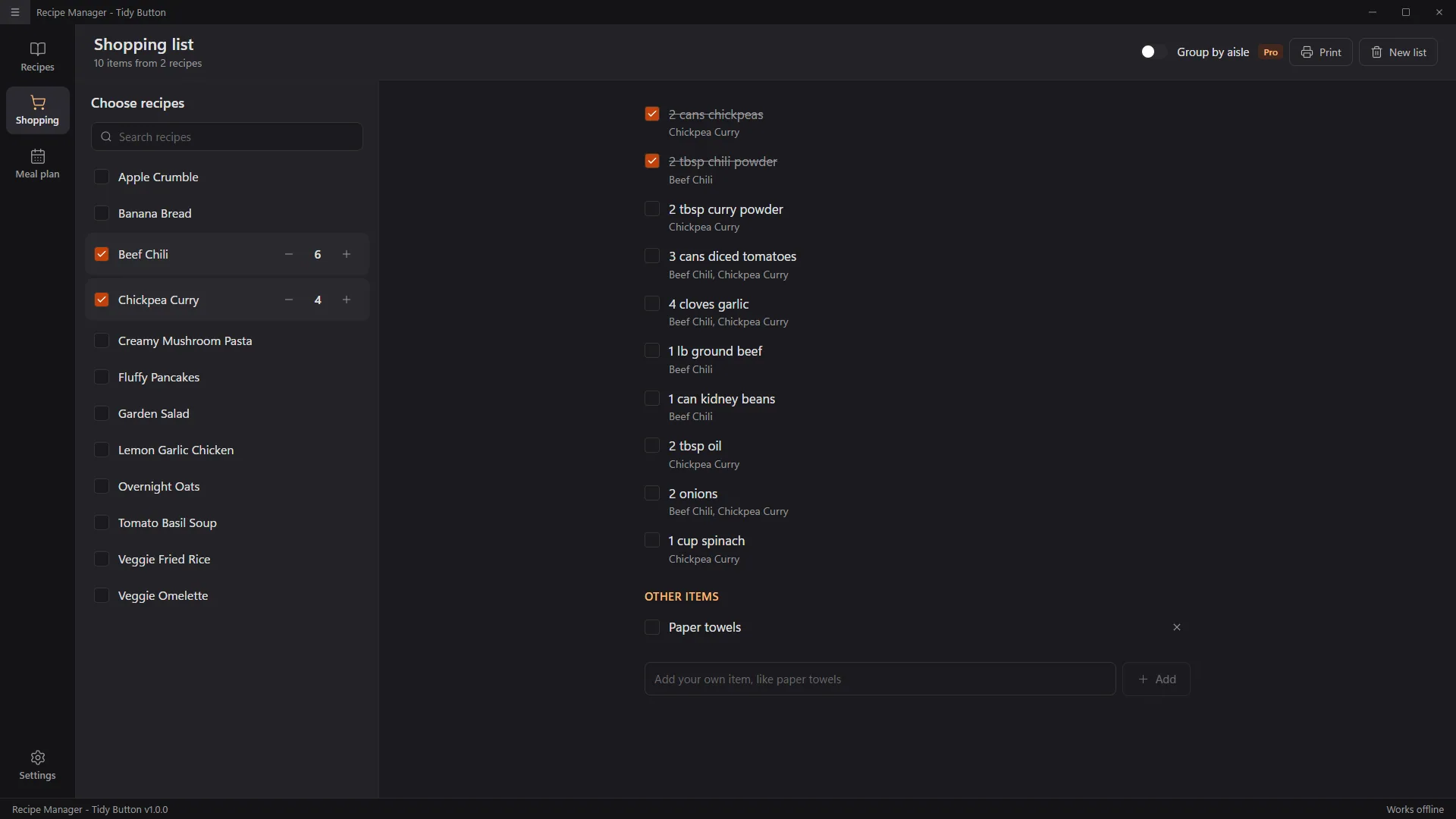
One list from the recipes you pick, with amounts added up
Screens show made-up recipes with drawn pictures. The app has light, dark and other themes.
What it does
What it does.
Recipe Manager is a tidy box for your own recipes. Type one in, or paste one from an email or a note, and keep it with a photo, a category and tags. When you cook, change the servings and every amount follows. Pick a few recipes and the app adds up one shopping list, with the same ingredient from two recipes on a single line. Your recipes are plain files in a Recipe Manager folder in your Documents, so they stay yours.
Scale any recipe
Halve, double or pick any number of servings. Amounts show in kitchen fractions, with the right singular and plural.
Find it fast
Search by name, ingredient or tag. Filter by category or tag, sort, and show favourites only.
Shopping list from recipes
Pick recipes and their ingredients are added up. The same ingredient from two recipes is one line. Tick items off, add your own and print the list.
Print a recipe card
Print a recipe at the servings you chose, ready for the kitchen counter.
Paste a recipe in
Import from pasted text or a text file (.txt or .md), then check and fix it before you save.
Photos and notes
Add a photo of the finished dish, a short description, notes and where the recipe came from.
Cook along
Cross off ingredients as you use them, and make a copy of a recipe to try a variation.
Your folder, your themes
Recipes live in a Recipe Manager folder in Documents. Choose from light, dark and other themes.
The small print, in plain English
Safe by design.
- Your recipes and photos stay in a Recipe Manager folder in your Documents. The app does not send them anywhere.
- The free app works offline. The only network use is the optional Pro licence check.
- Nothing is hidden or deleted if you go over the free limit. Your recipes stay and you can still edit, scale, print and delete them.
- No account. No ads. No tracking.
Good for
Handy when dinner needs a plan.
- A family recipe collection
- Cooking for more or fewer people
- Planning one shop from a few recipes
Questions
Plain answers.
Where are my recipes stored?
In a folder named Recipe Manager inside your Documents. It holds your recipes, photos and shopping list as plain files. The app never sends them anywhere, and the folder stays if you uninstall the app.
Does it need an internet connection?
No. Everything in the free app works offline. The only network use is the optional Pro licence check.
How many recipes can I add for free?
Up to 50. If you reach the limit, your recipes stay and you can still search, edit, scale, print and delete them. Pro removes the limit.
Can I get my recipes out?
Yes. Open the recipe folder from Settings and copy the files, or print a recipe or your shopping list.
Can it import a recipe from a website?
The free app imports from pasted text or a text file (.txt or .md). Importing from a web page you saved as a file is part of Pro.
What does Pro add?
A one-time Pro add-on removes the 50-recipe limit and adds a weekly meal plan, a shopping list grouped by aisle, import from a saved web page and a cookbook PDF with a cover, contents list and page numbers.
Which versions of Windows does it run on?
Windows 10 and Windows 11.