Coming to the Microsoft Store
Photo Organizer by Date Sort by date, safely.
Choose a messy folder and see a full preview of how it will be sorted into year and month folders, named by the date and time taken. Nothing moves until you confirm, and the latest run can be undone. Works offline, no account, no ads.
Not on sale yet. The app is still being built.
We will link the Store listing here the day it is live. Until then there is nothing to download.
- Works offline
- No account, no ads, no tracking
- Preview and undo
- Free
See it
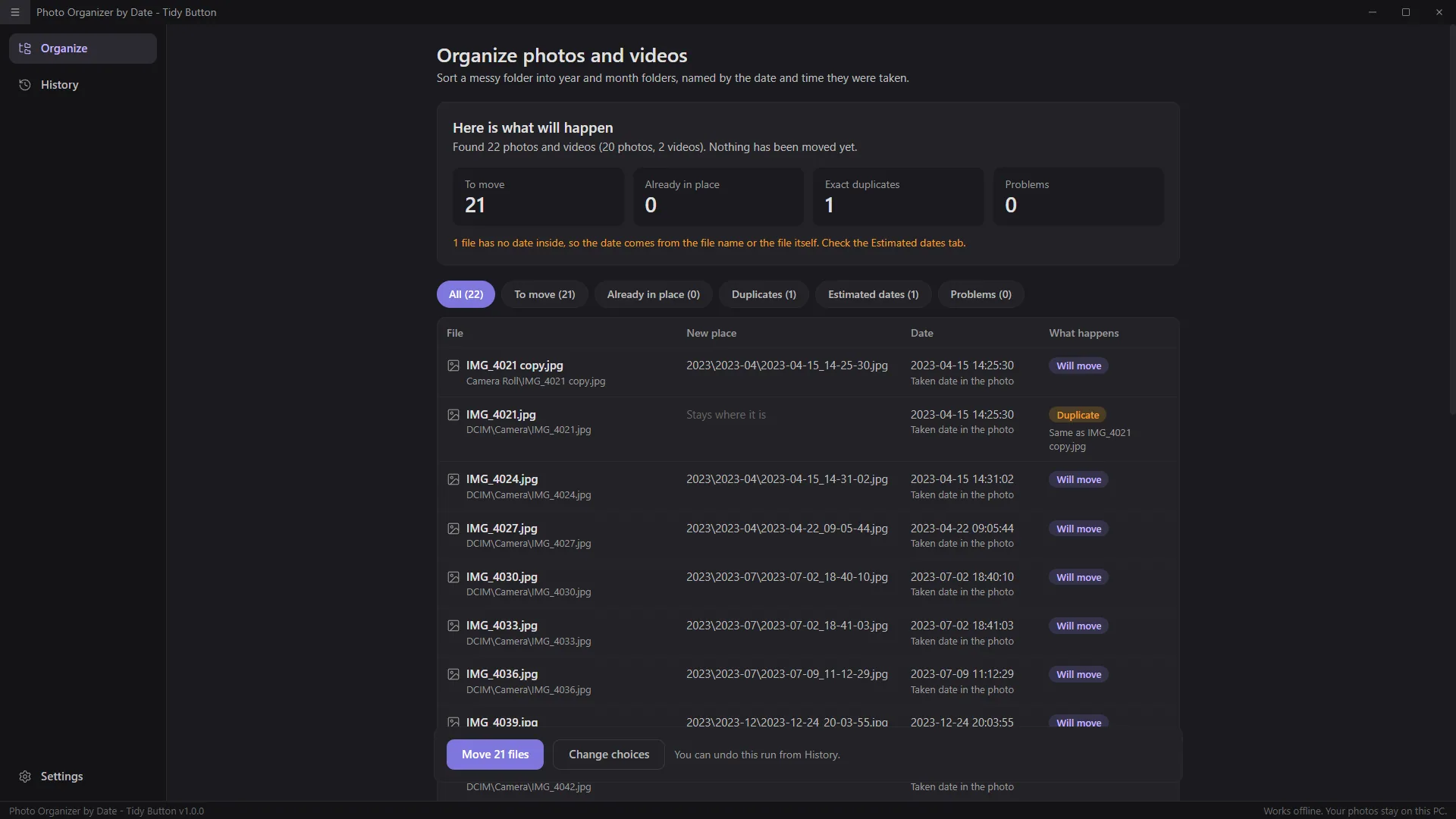
Eight views. From a mess to a library.
Preview
A full preview first, with the date and where it came from
Confirm
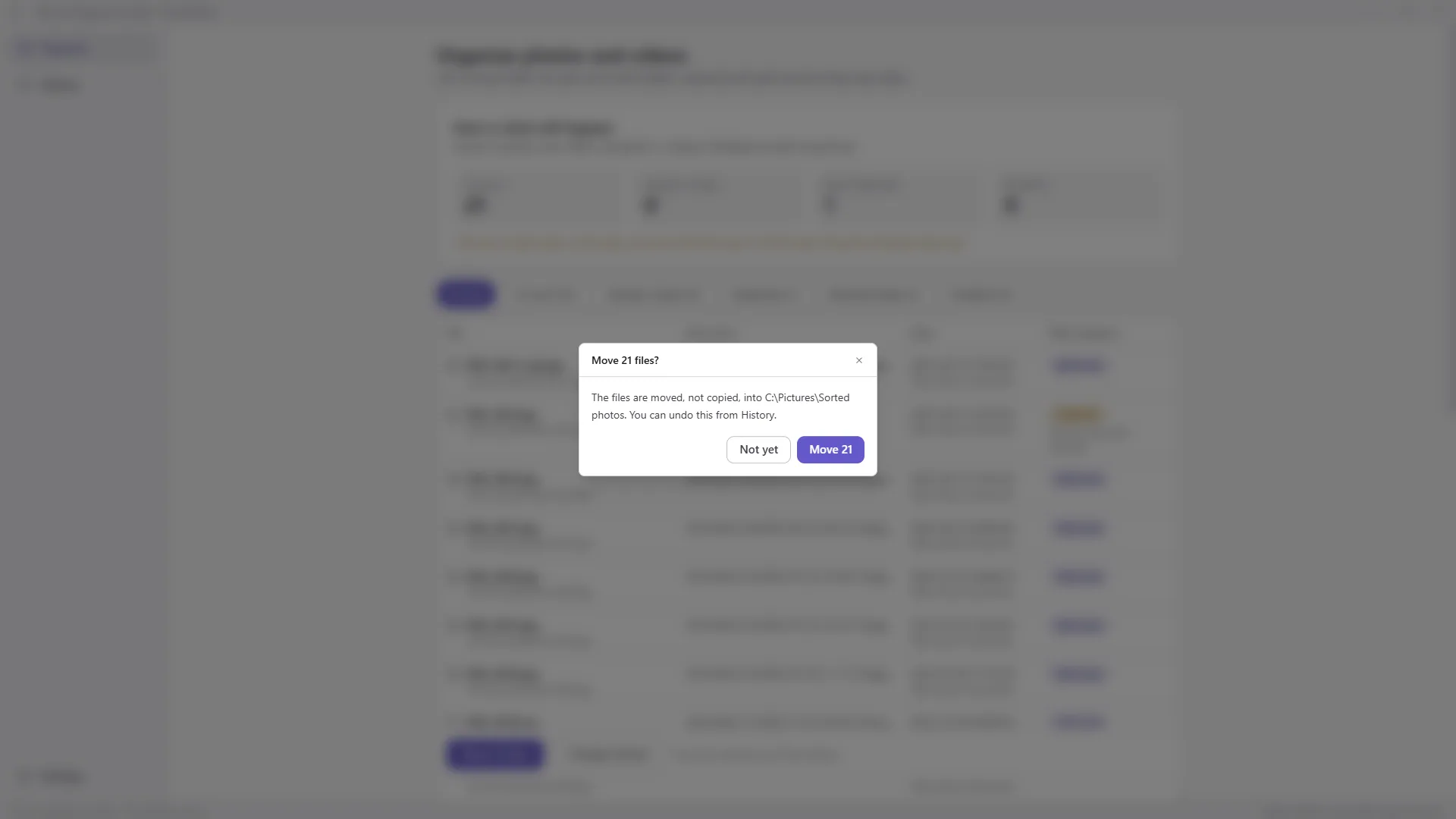
Moving needs your confirmation, and the run can be undone
History
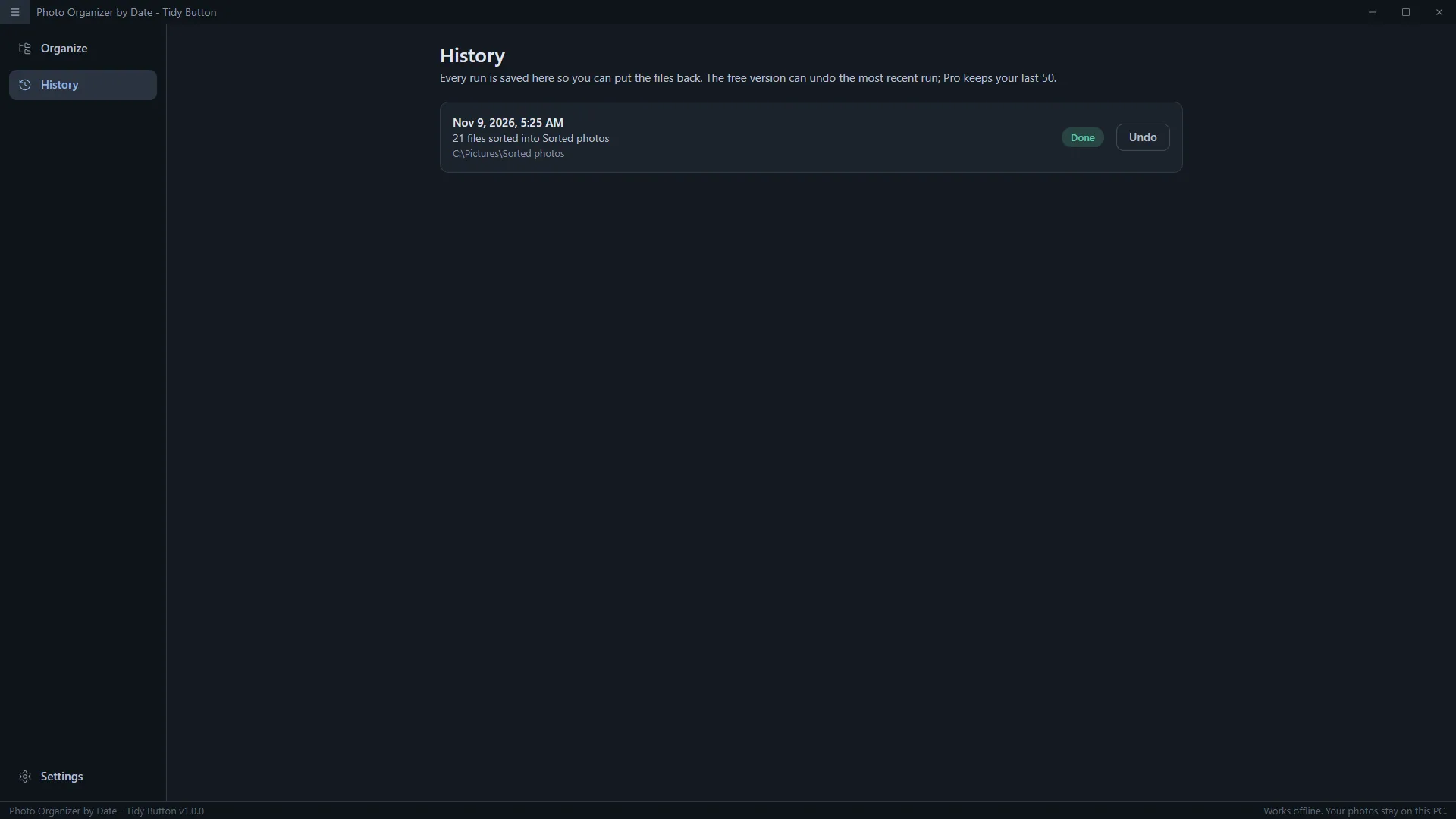
Every run is saved in History, and the latest can be undone
Free limit
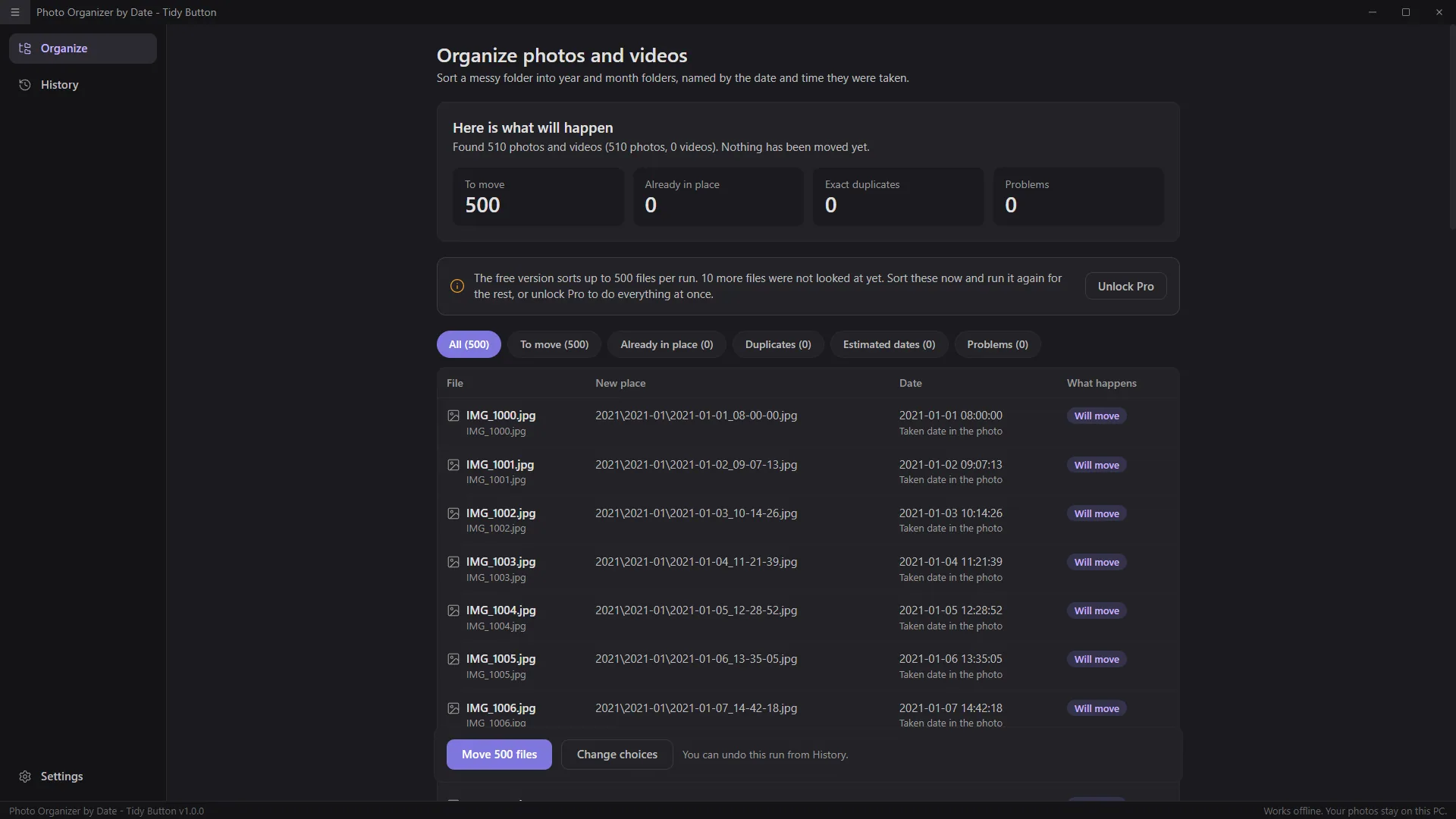
The free version sorts up to 500 files per run
Screens show invented photo files in a sample folder. The app has several themes, including light and dark.
What it does
What it does.
Sort a phone dump or a camera card into tidy folders. The app reads the date inside each photo or video, shows you the plan, and only then moves the files. Exact duplicates are left alone, name clashes are numbered and nothing is overwritten.
A preview before anything moves
Every file shows its new place, its date and where the date came from. Tabs show duplicates, estimated dates and problems.
Year and month folders
Sort into Year and Year-Month folders, and name files by date and time or keep the original names.
Reads the real date
Dates come from a photo's EXIF data or a video's movie header, with fallbacks for files that have none.
Duplicates left alone
Exact copies are found by content and stay where they are. Name clashes are numbered.
Undo the latest run
Every run is saved in History, and the most recent one can be undone with a click.
Themes
Dark, light, Slate, Midnight, High contrast or the same as Windows.
Optional Pro
No file limit, merging several folders, custom layouts and names, duplicate handling and an undo history. The free version sorts up to 500 files per run.
The small print, in plain English
Safe by design.
- Nothing moves until you confirm.
- Nothing is ever overwritten.
- Your photos stay on your PC and are never uploaded.
- No account. No ads. No tracking.
Good for
Handy when a folder is a mess.
- A phone dump or a camera card
- Years of unsorted downloads
- Photos from two phones that belong in one library
Questions
Plain answers.
Does it move my files without asking?
No. It shows a full preview first, and nothing moves until you press the Move button and confirm.
Can I undo a run?
Yes. The free version can undo the most recent run from History.
What if a photo has no date inside?
The app uses the date in the file name, then the file's own date, or puts it in an Unknown date folder. These show as estimated dates in the preview.
Is there a limit in the free version?
The free version sorts up to 500 files per run. The rest wait, and running it again takes the next batch. Pro is an optional one-time add-on.