Coming to the Microsoft Store
Passport Photo Maker Your photo, the right size.
Pick a document size, line the face up with the guide lines and save the photo or print a sheet of copies. 11 built-in sizes. Your photos stay on your PC and the original is never changed. Works offline, no account, no ads.
Not on sale yet. The app is still being built.
We will link the Store listing here the day it is live. Until then there is nothing to download.
- Works offline
- No account, no ads, no tracking
- Photos stay on your PC
- Free
See it
Nine views. From selfie to sheet.
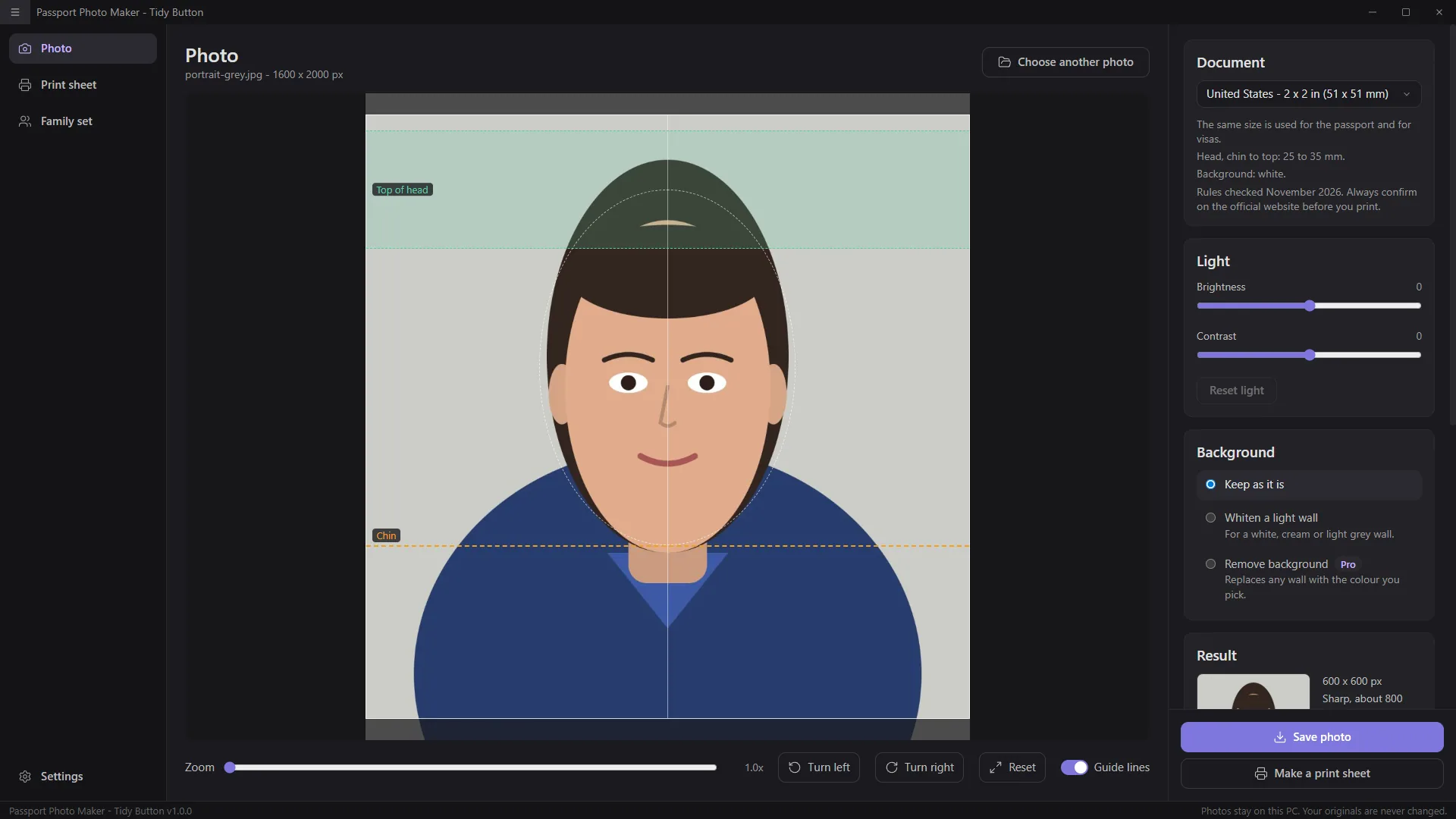
Guide lines
Line up the face with the chin line and the crown band
Document size
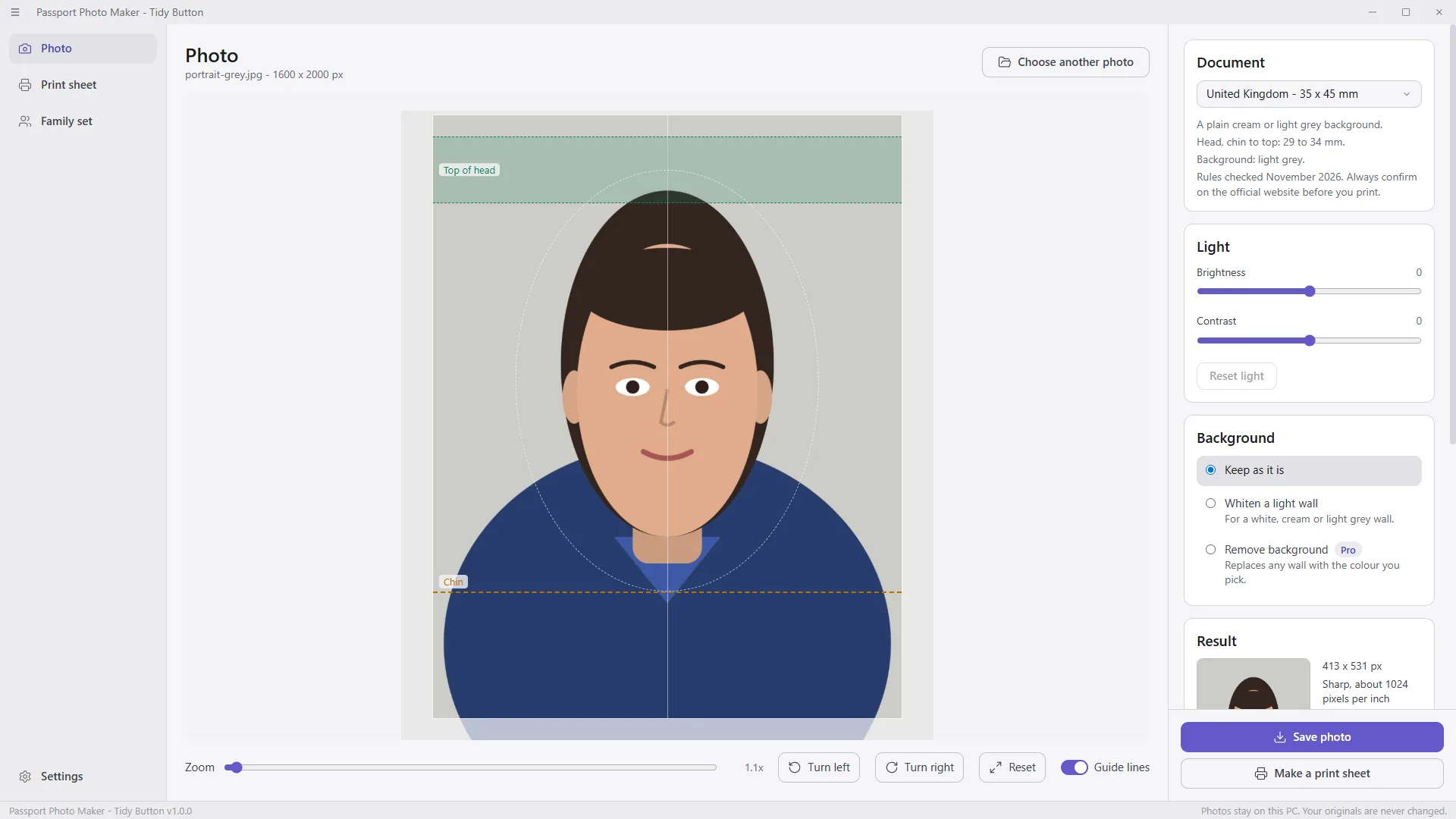
Pick the document and the crop changes to its size
Whiten a wall
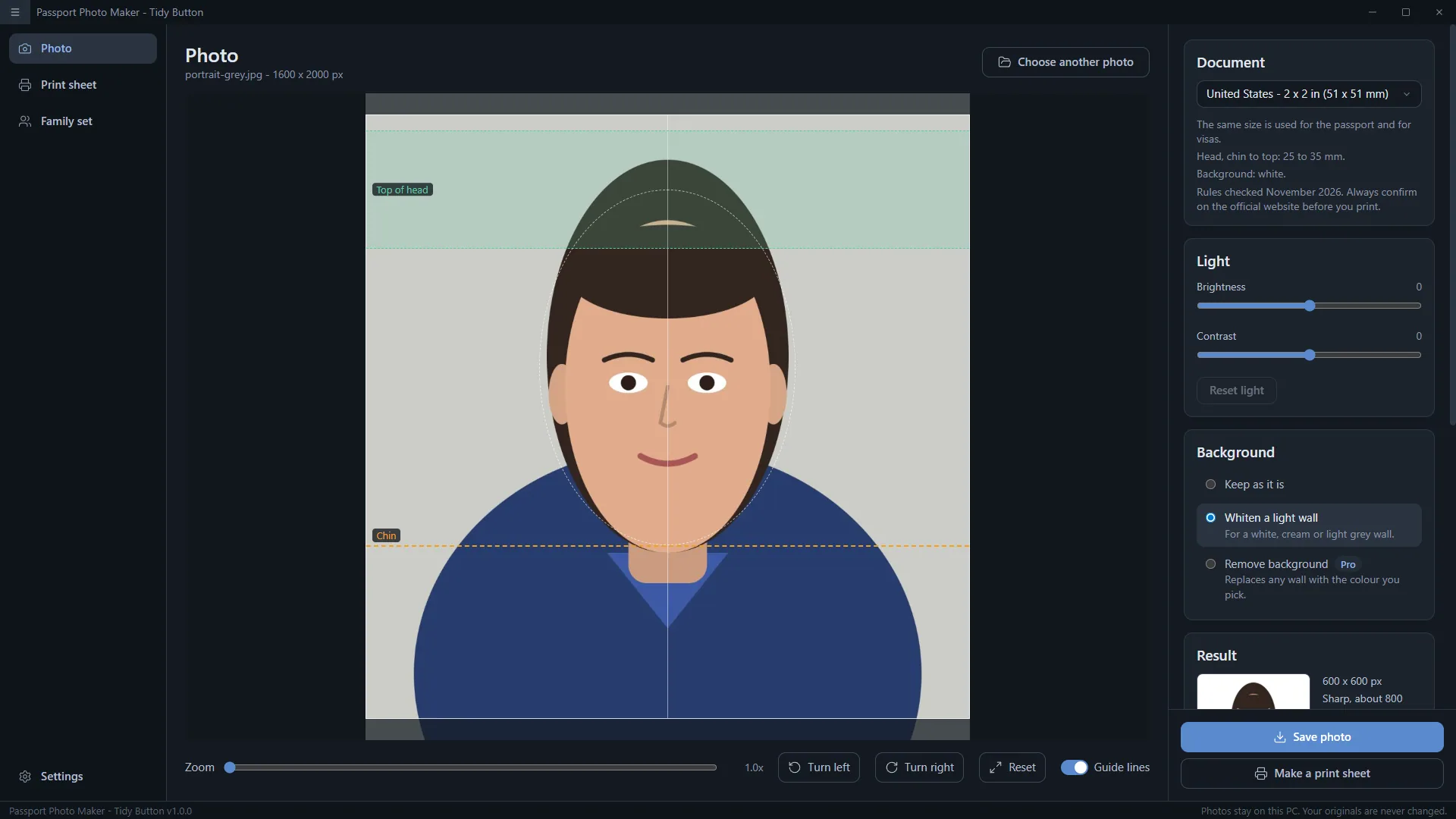
Turn a light wall white, free in every version
Print sheet
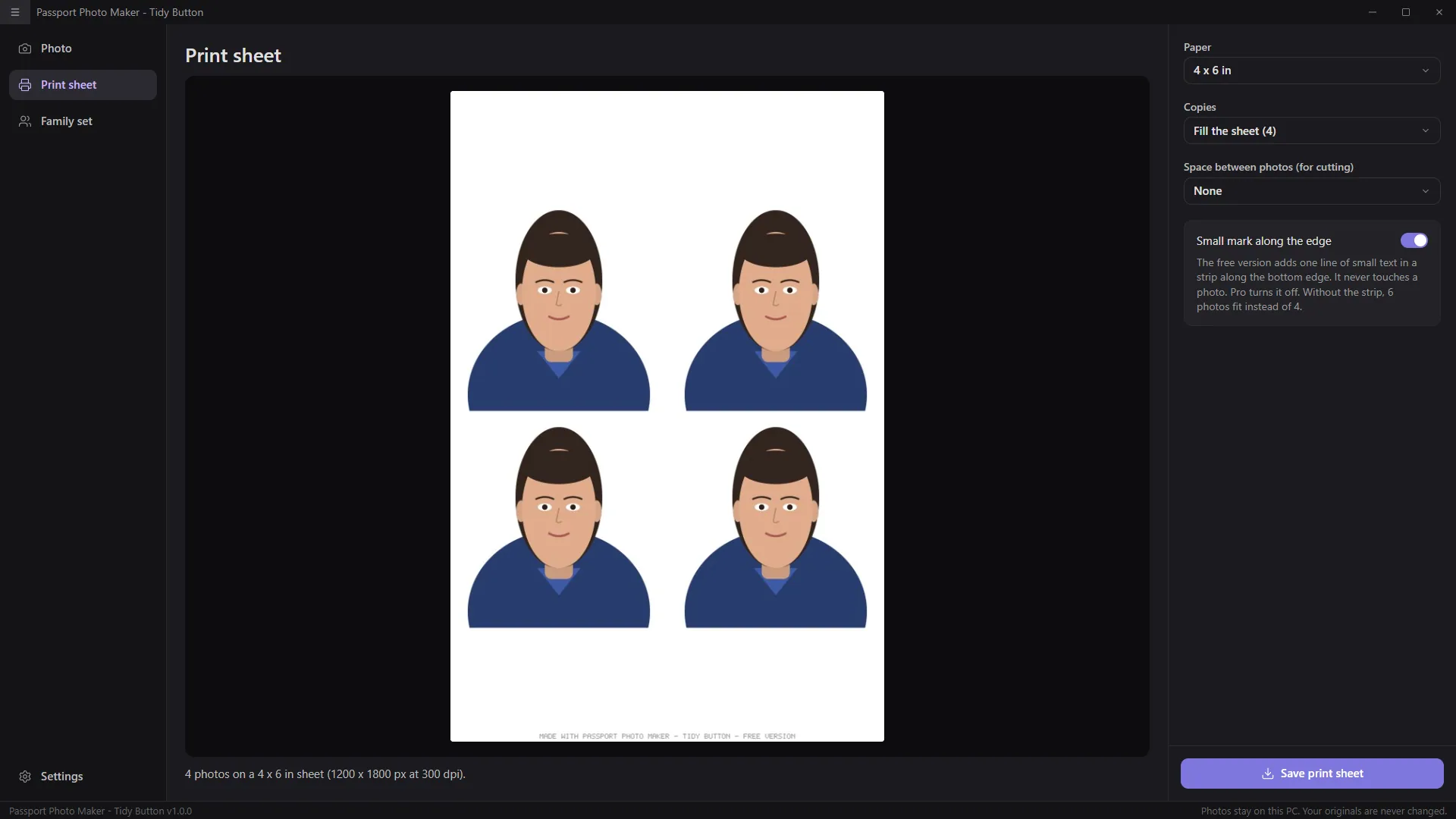
Print sheets in four paper sizes
Screens show portraits drawn as flat illustrations, not real people. The app has several themes, including light and dark.
What it does
What it does.
Turn a photo you already have into one of the right size for a passport, visa or ID. The guide lines show where the chin and the top of the head should sit. Photos are read and saved on your PC only, and every photo you save is free of watermarks.
11 document sizes
United States, Canada, United Kingdom, Schengen visa, India, China, Japan, Australia, South Korea, Singapore and an international 35 x 45 mm size.
Face guide lines
A chin line, a crown band and a centre line, drawn from each document's head-size rule.
Light and wall
Brightness and contrast, and a free option that turns a white, cream or light grey wall white.
Save as JPG or PNG
At 300 or 600 dpi, with the print resolution written into the file and no watermark.
Print sheets
4 x 6 in, 10 x 15 cm, 5 x 7 in or A4. A small mark along the bottom edge never touches a photo.
Original untouched
Your original photo is never changed, and nothing is uploaded.
Optional Pro
Background removal, clean print sheets, custom sizes, family sets and a rules check with an online upload save. The free version has no limit on photos saved.
The small print, in plain English
Safe by design.
- Your photos stay on your PC and are never uploaded.
- Your original photo is never changed.
- Every photo you save is free of watermarks, and the sheet mark never touches a photo.
- No account. No ads. No tracking.
Good for
Handy when an office wants a photo.
- A passport renewal or a visa application
- A school or work ID
- Printing a family's photos in one go
Questions
Plain answers.
Will my photo be accepted?
The app shows the rules it was built from and asks you to confirm them on the official website. It cannot promise that an office will accept a photo.
Are my photos uploaded?
No. Photos are read and saved on your PC only, and your original is never changed.
Is there a watermark?
No. Every photo you save is free of watermarks. On print sheets, a small mark runs along the bottom edge and never touches a photo.
Is there a limit in the free version?
No limit on photos saved. Pro is an optional one-time add-on for background removal, clean sheets, custom sizes, family sets and the rules check.