Coming to the Microsoft Store
Text to Speech Reader Let your PC read it to you.
Highlighted sentences, adjustable speed and MP3 export. Offline, no account.
Not on sale yet. The app is still being built.
We will link the Store listing here the day it is live. Until then there is nothing to download.
- Works offline
- No account, no ads, no tracking
- Highlighted sentences
- Free
See it
Four views. One calm reader.
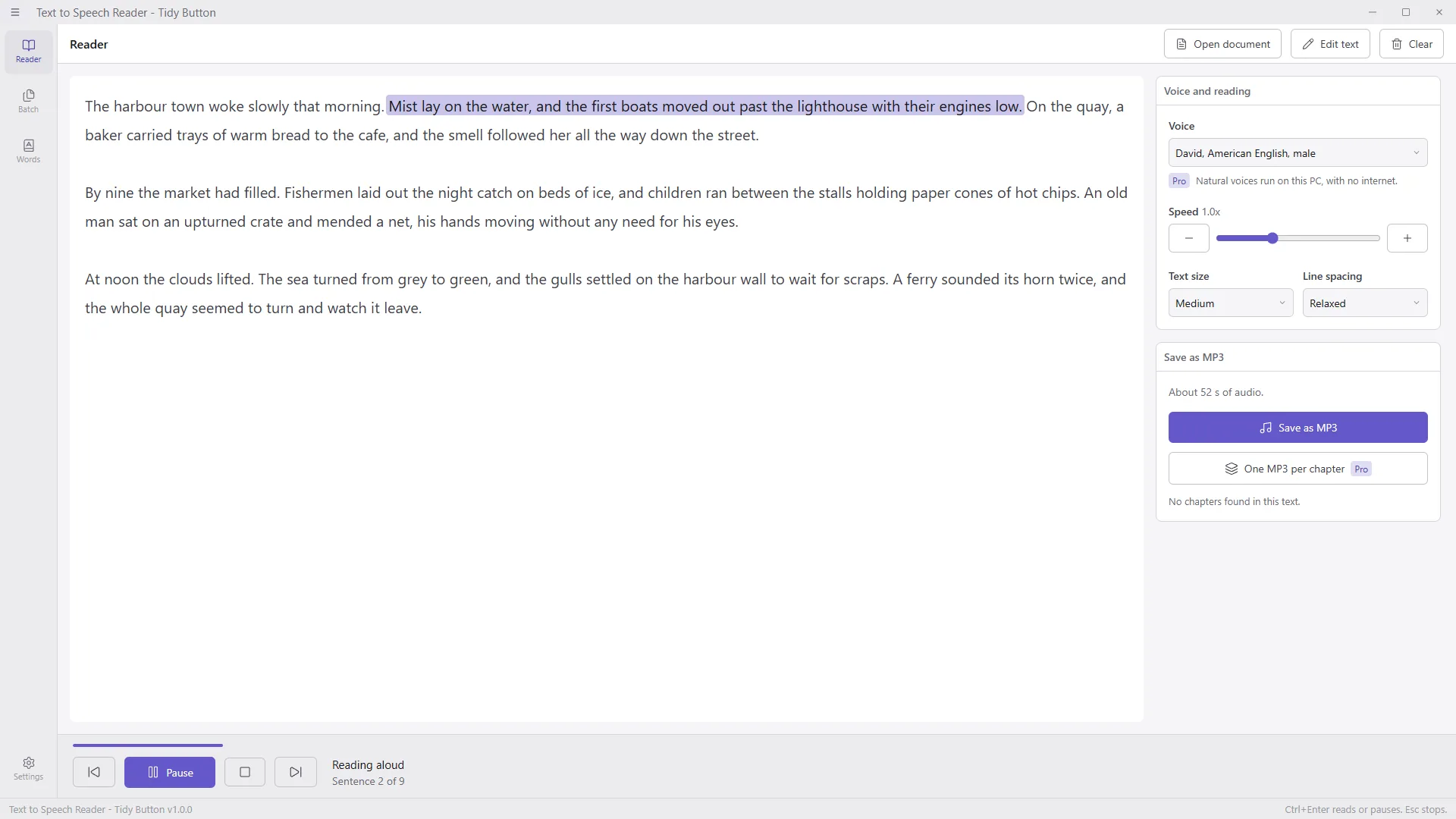
Reading
The sentence being read is highlighted
Ready
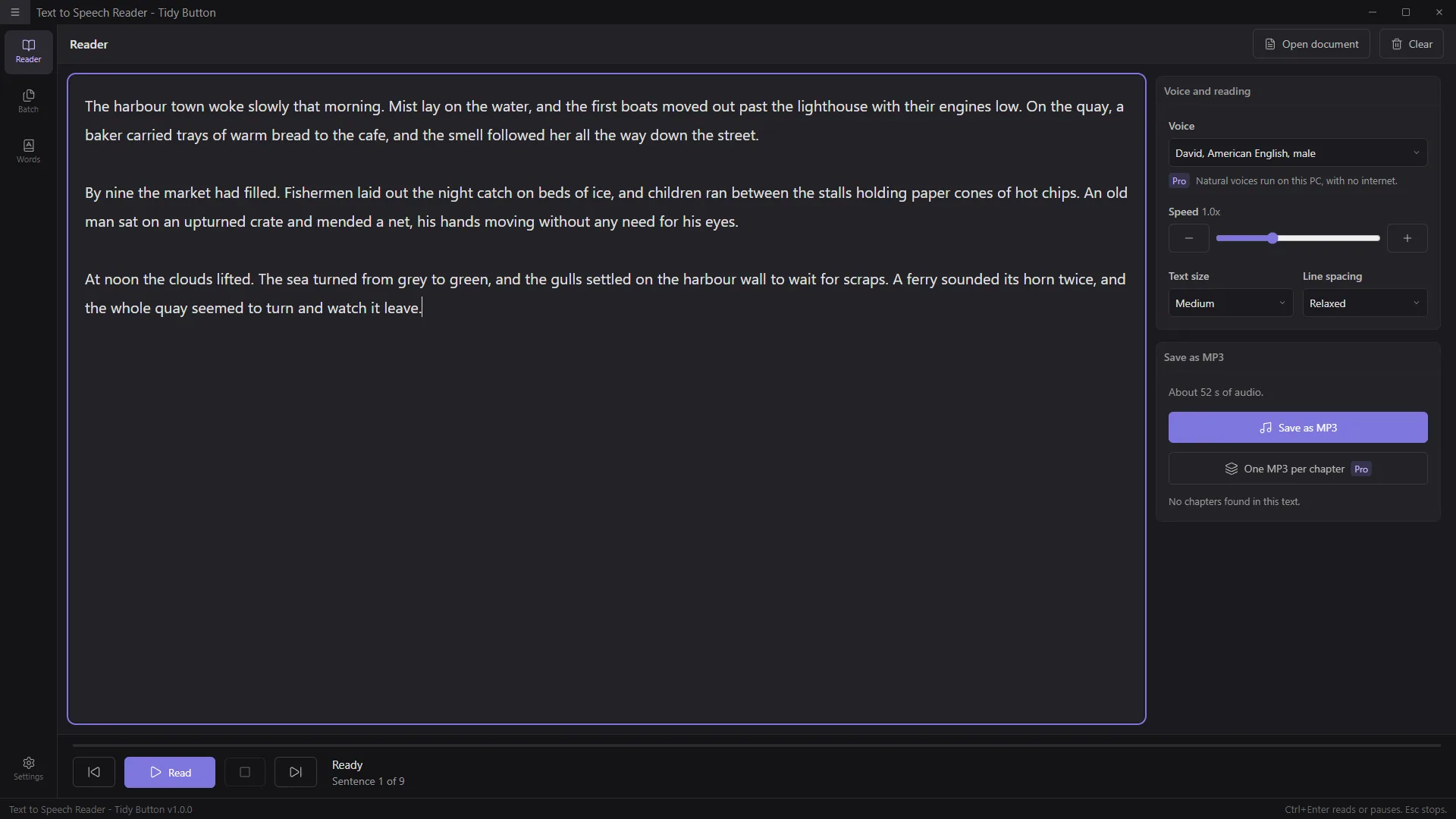
Pick a voice and speed, then press Read
Voices
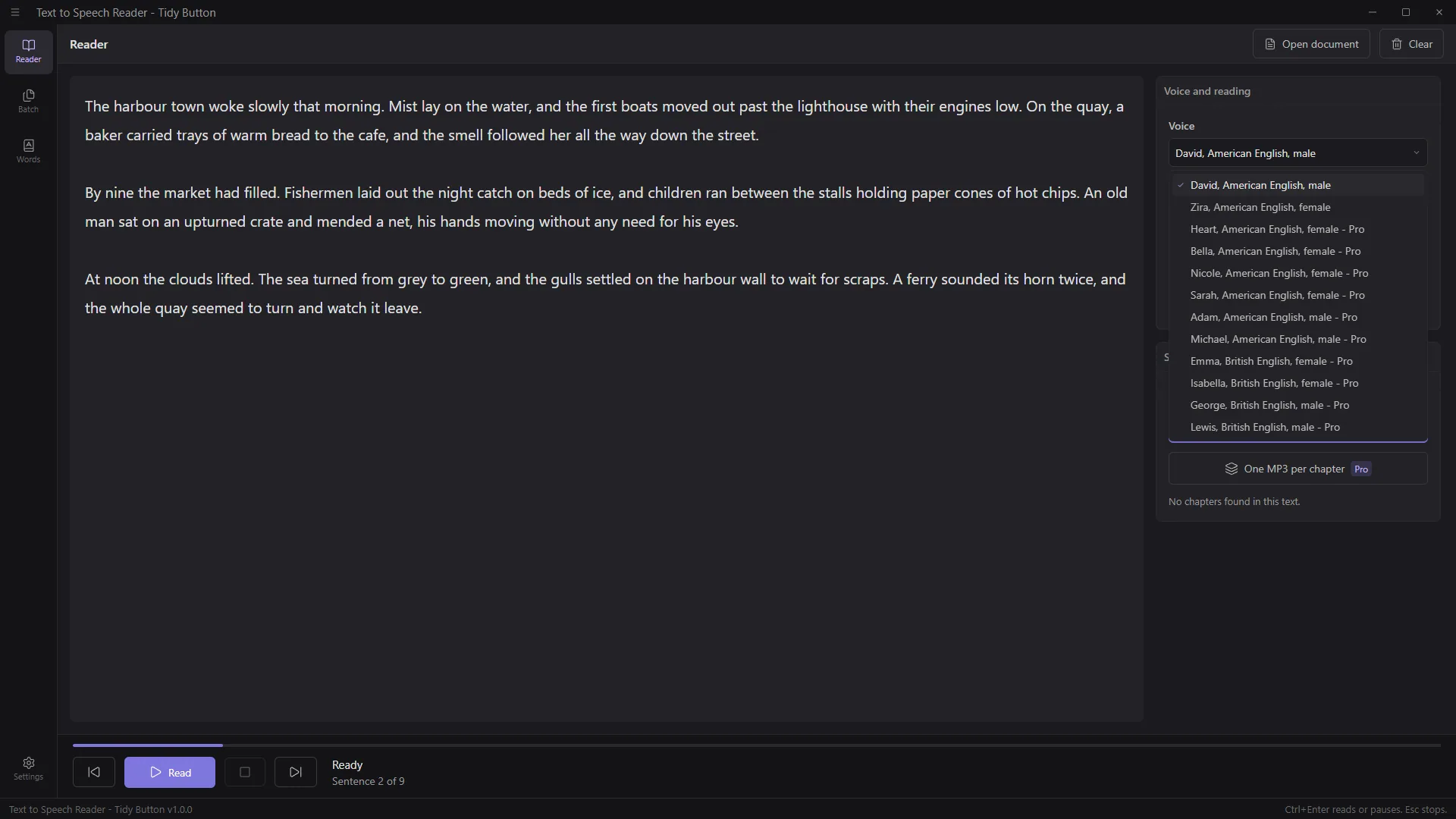
Choose a voice
Save as MP3
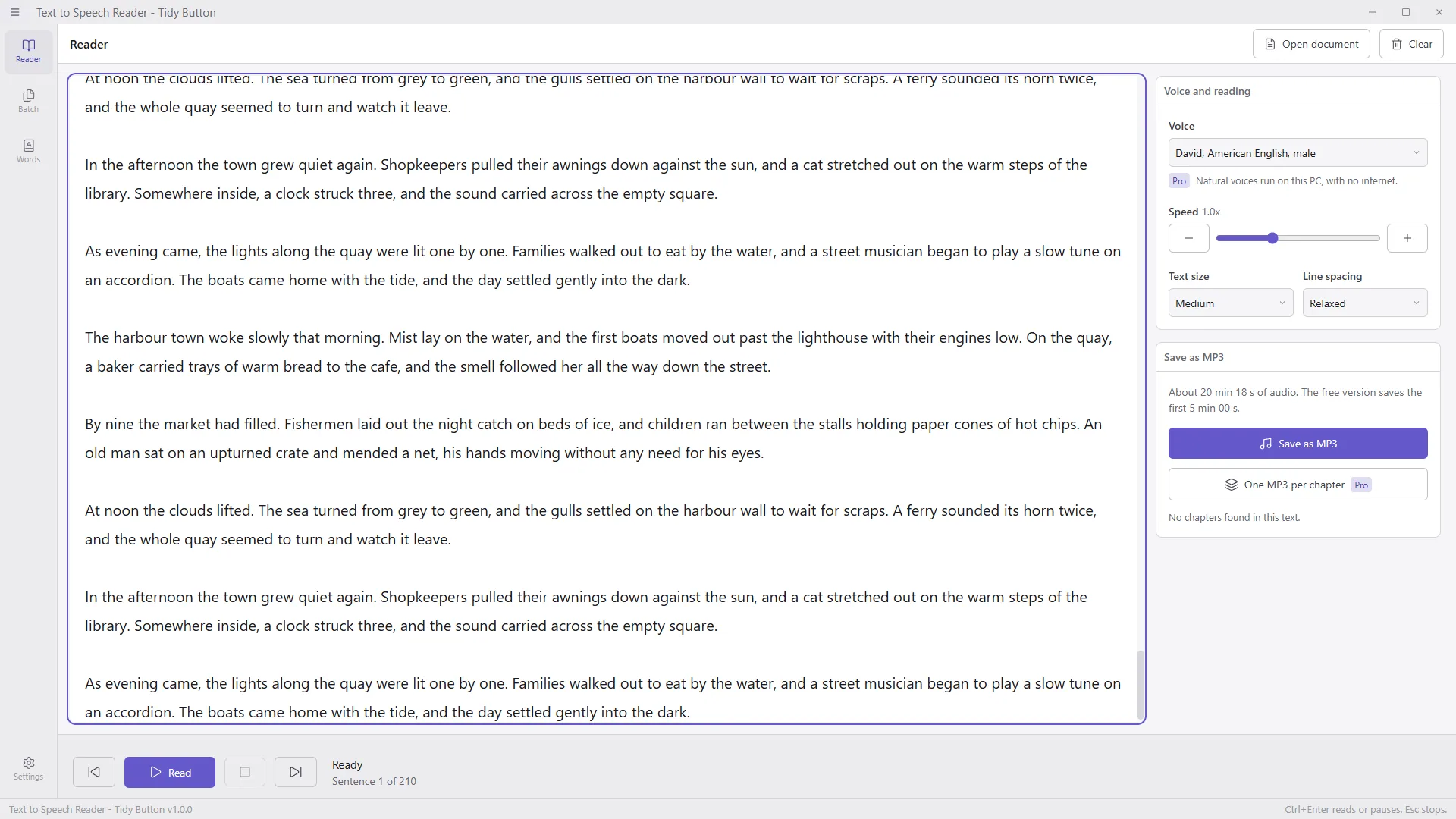
See the length of the audio before you save
Screens show a demo folder, not a real PC. The app has light and dark themes.
What it does
What it does.
Text to Speech Reader speaks your text with the standard voices that come with Windows. There is no limit on how much text you can read aloud. The current sentence is highlighted, so you can follow along, and you can click any sentence to start from it. Save the reading as an MP3 file when you want to listen elsewhere.
Read any text aloud
Paste or type text, or open a PDF, Word (.docx) or text file.
Follow the sentence
The current sentence is highlighted. Click a sentence to start reading there.
Speed and voice
Choose a Windows voice and a speed from 0.5x to 2x.
Save as MP3
The screen shows the length first. The free version saves up to 5 minutes at a time.
Keyboard friendly
Ctrl+Enter pauses or resumes, Esc stops, Ctrl and the arrow keys move between sentences.
Easy on the eyes
Choose a text size and line spacing, and a light or dark theme.
The small print, in plain English
Safe by design.
- Your text and documents are read on your PC and never sent anywhere.
- No length limit on reading aloud.
- Works offline. No account. No ads. No tracking.
Good for
Handy for listening instead.
- Students who prefer to listen
- Proofreading your own writing
- Turning an article into audio
- Resting your eyes
- Documents that are tiring to read on screen
Questions
Plain answers.
Does it need the internet?
No. The voices run on your PC, and your text is never sent anywhere.
Which files can it open?
PDF files that contain text, Word (.docx) files and text files. You can also paste text.
Is there a length limit?
No limit on reading aloud. The free version saves up to 5 minutes of MP3 at a time and shows the length before you start.
Which voices are free?
The standard Windows voices installed on your PC. An optional one-time Pro unlock adds ten natural neural voices that also run on your PC.
Can I click a sentence to start there?
Yes. Click any sentence in the reading view and it starts from there.