We will link the Store listing here the day it is live. Until then there is nothing to download.
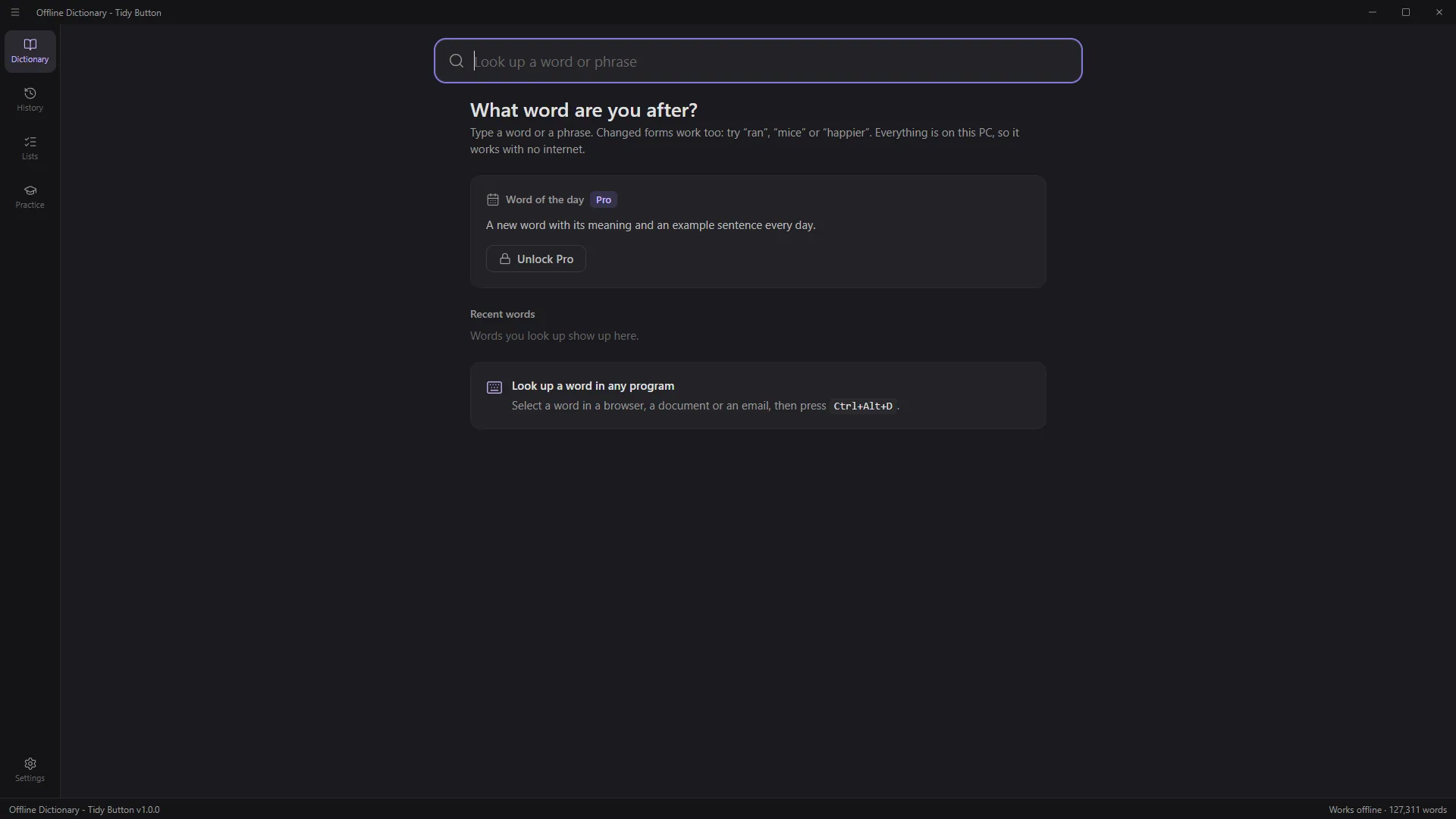
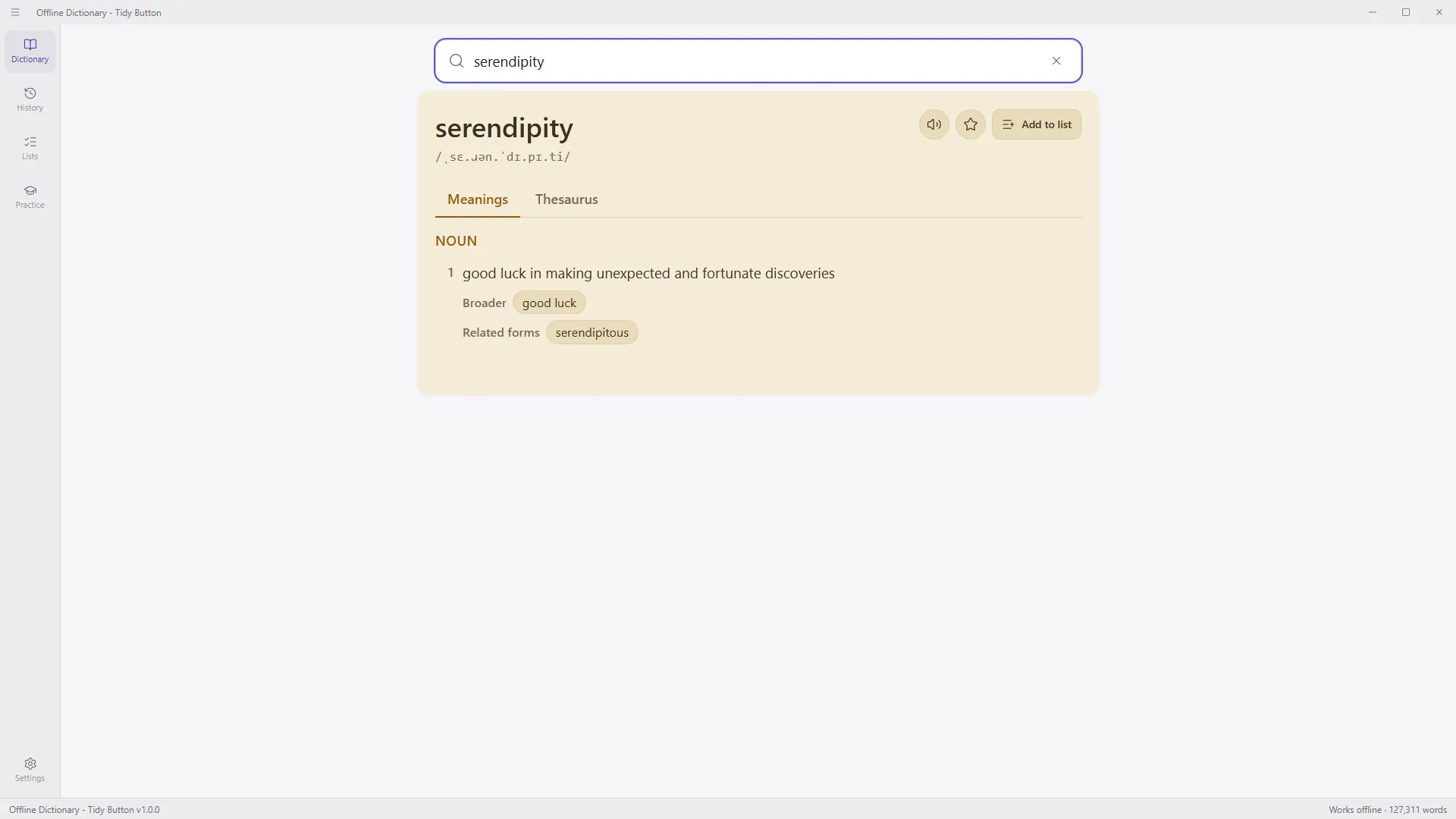
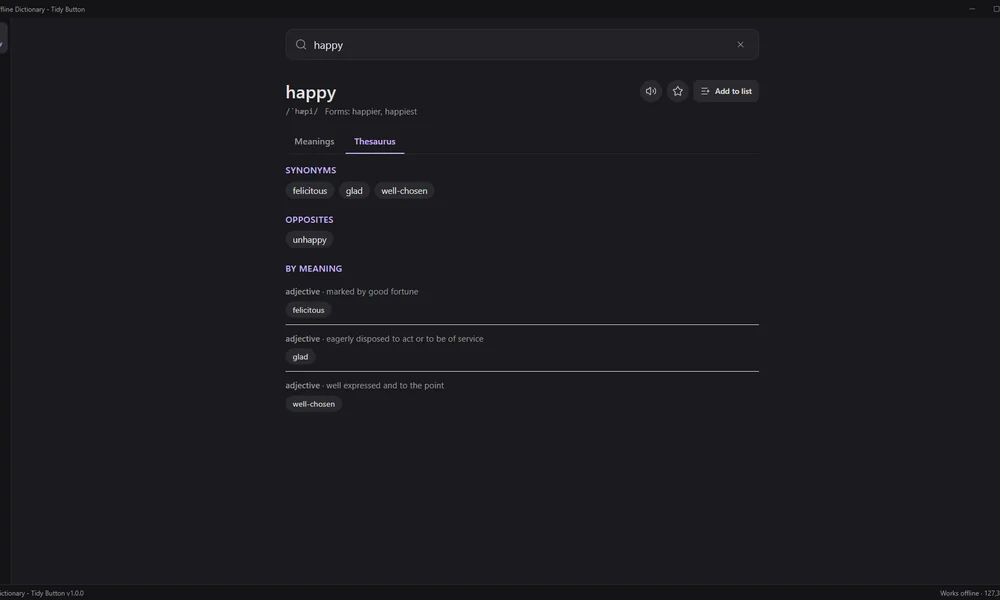
Real app, looking up a word.
Works offline
No account, no ads, no tracking
Free
See it
Eight views. One dictionary.
Start
Start with a clean search box. Everything is on your PC, so it works with no internet
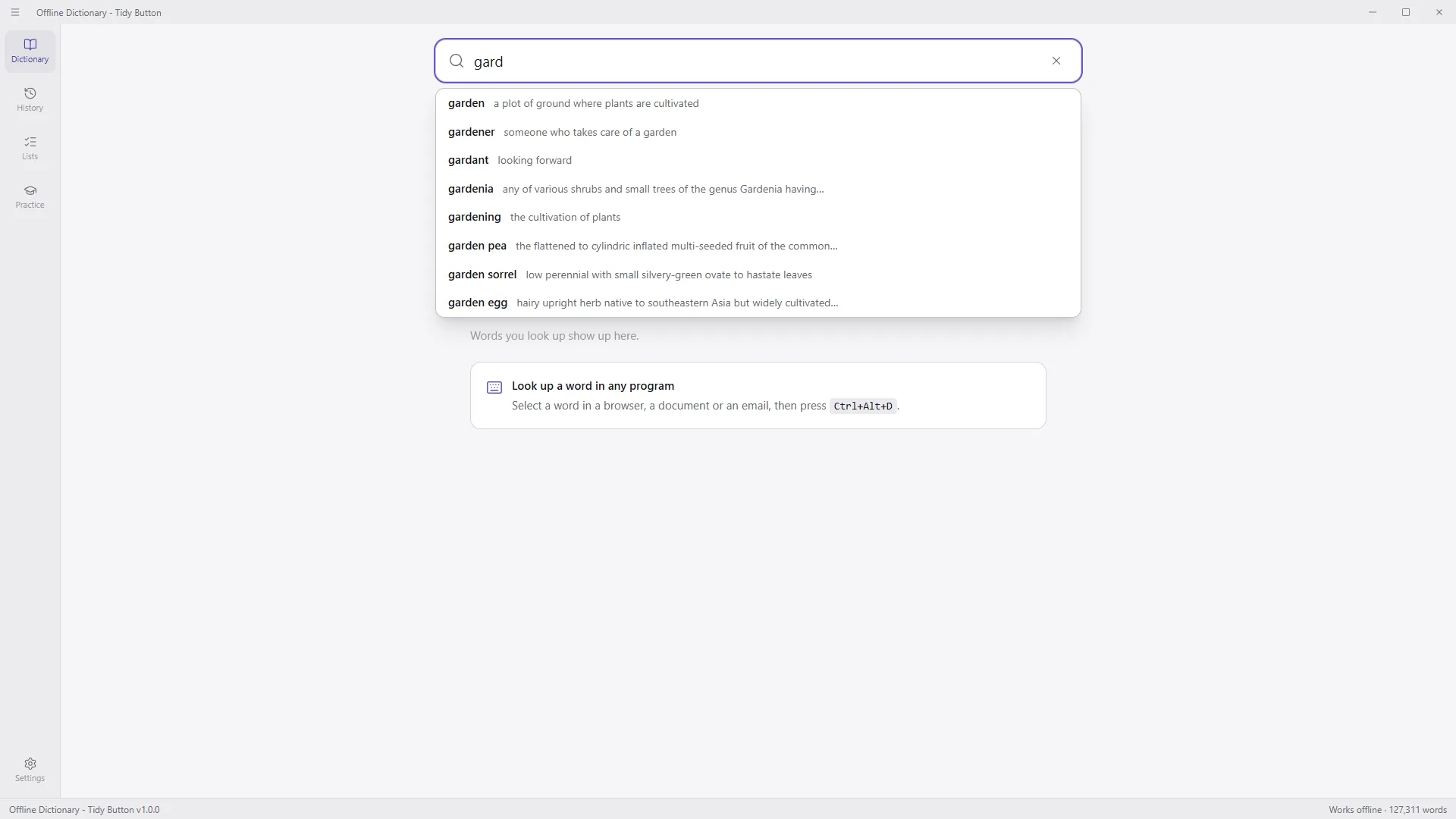
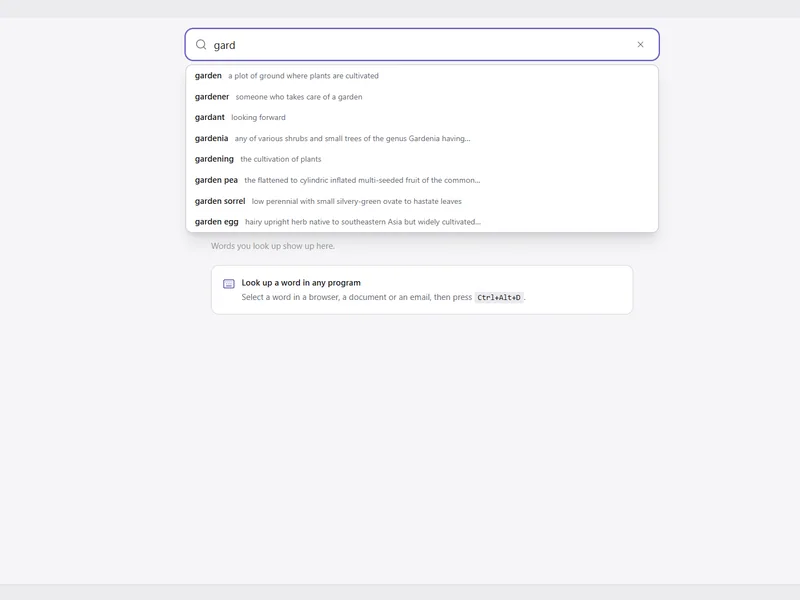
Suggestions
Suggestions appear as you type, common words first, each with a short meaning
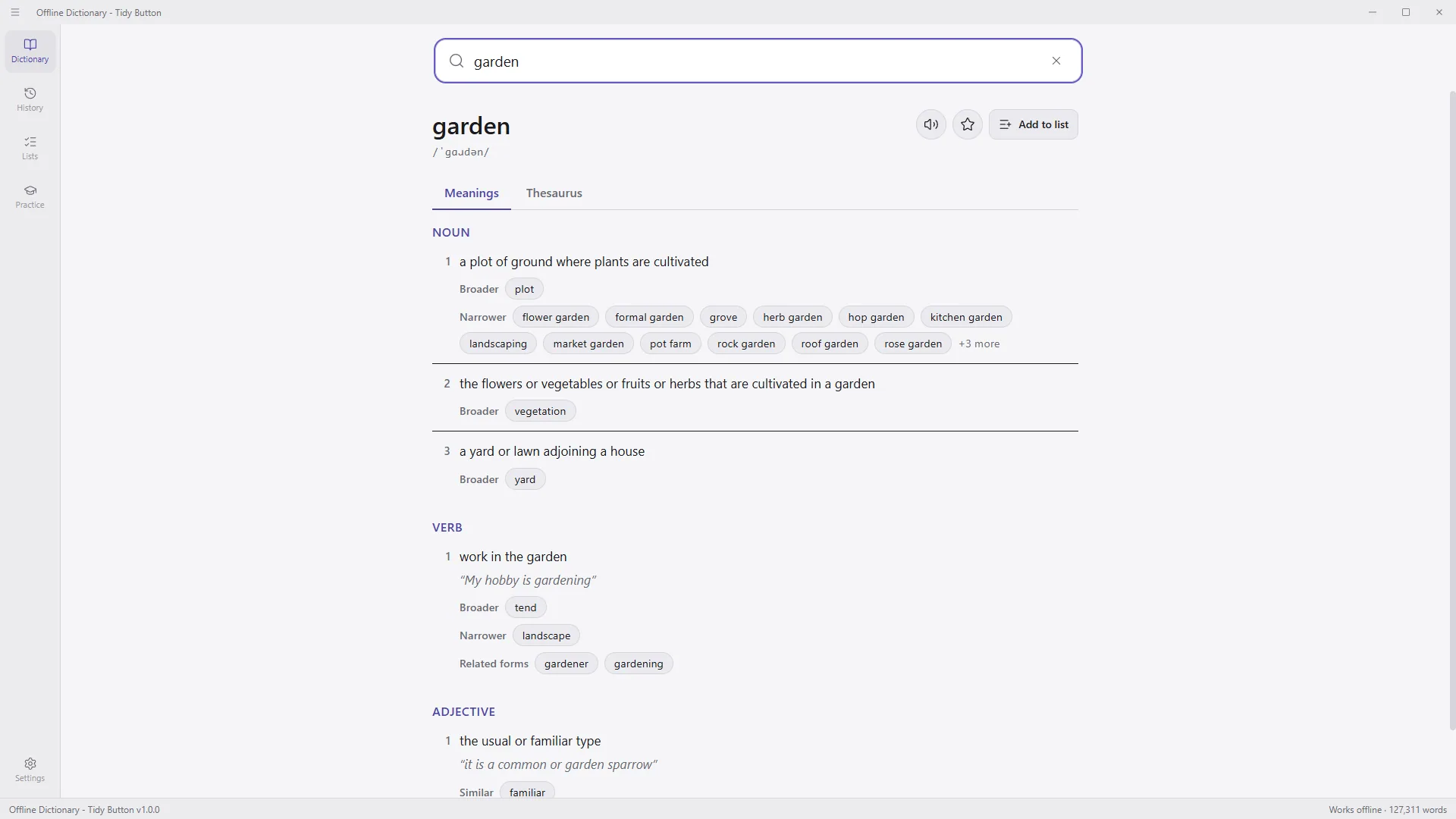
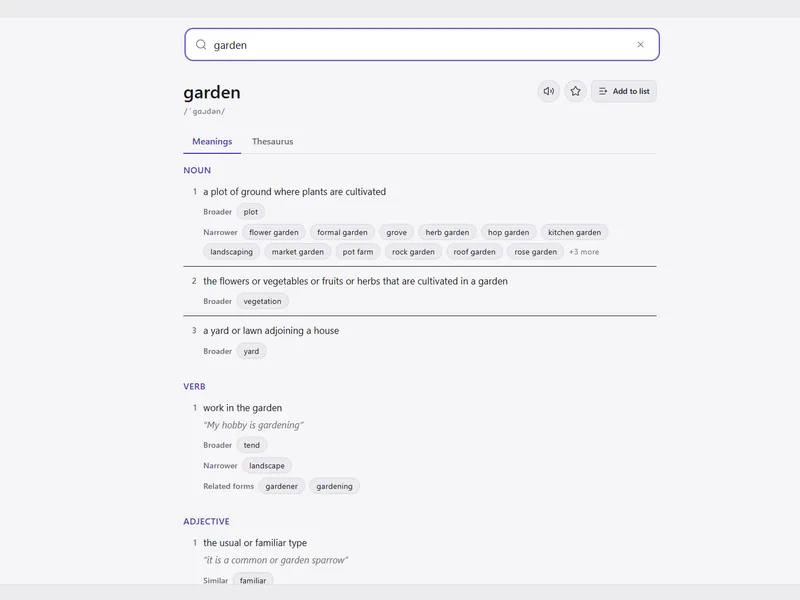
Meanings
Meanings by part of speech, with examples and clickable related words
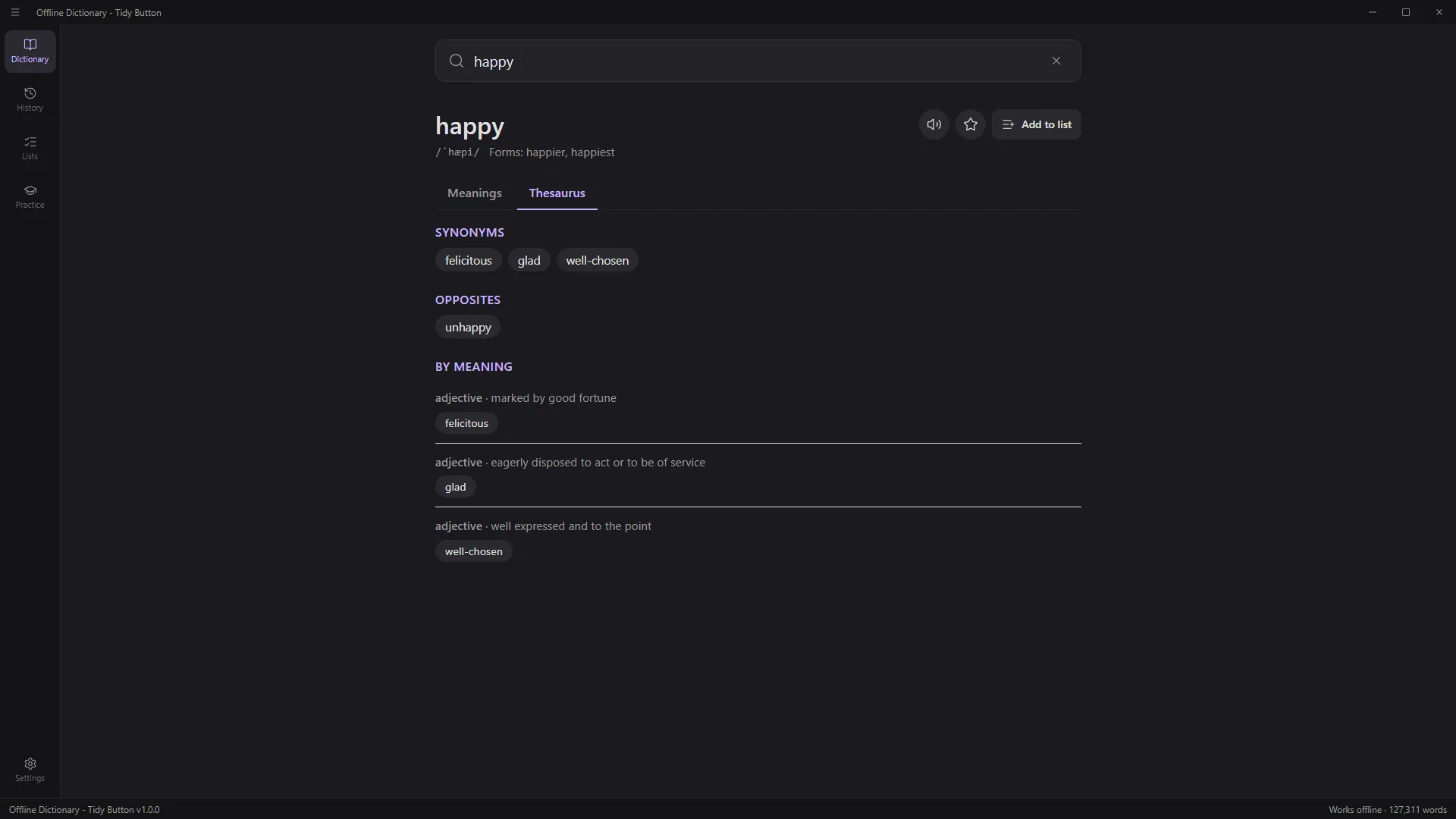
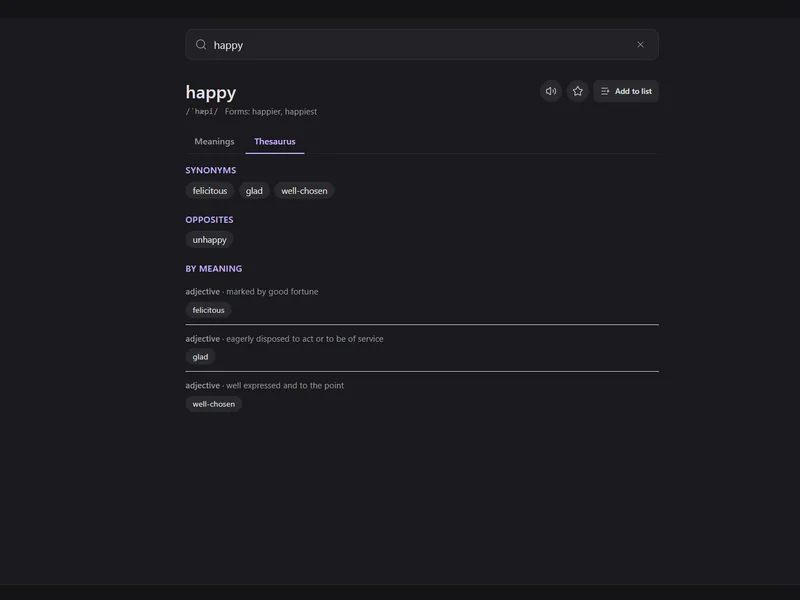
Thesaurus
Synonyms and opposites, and the synonyms for each meaning
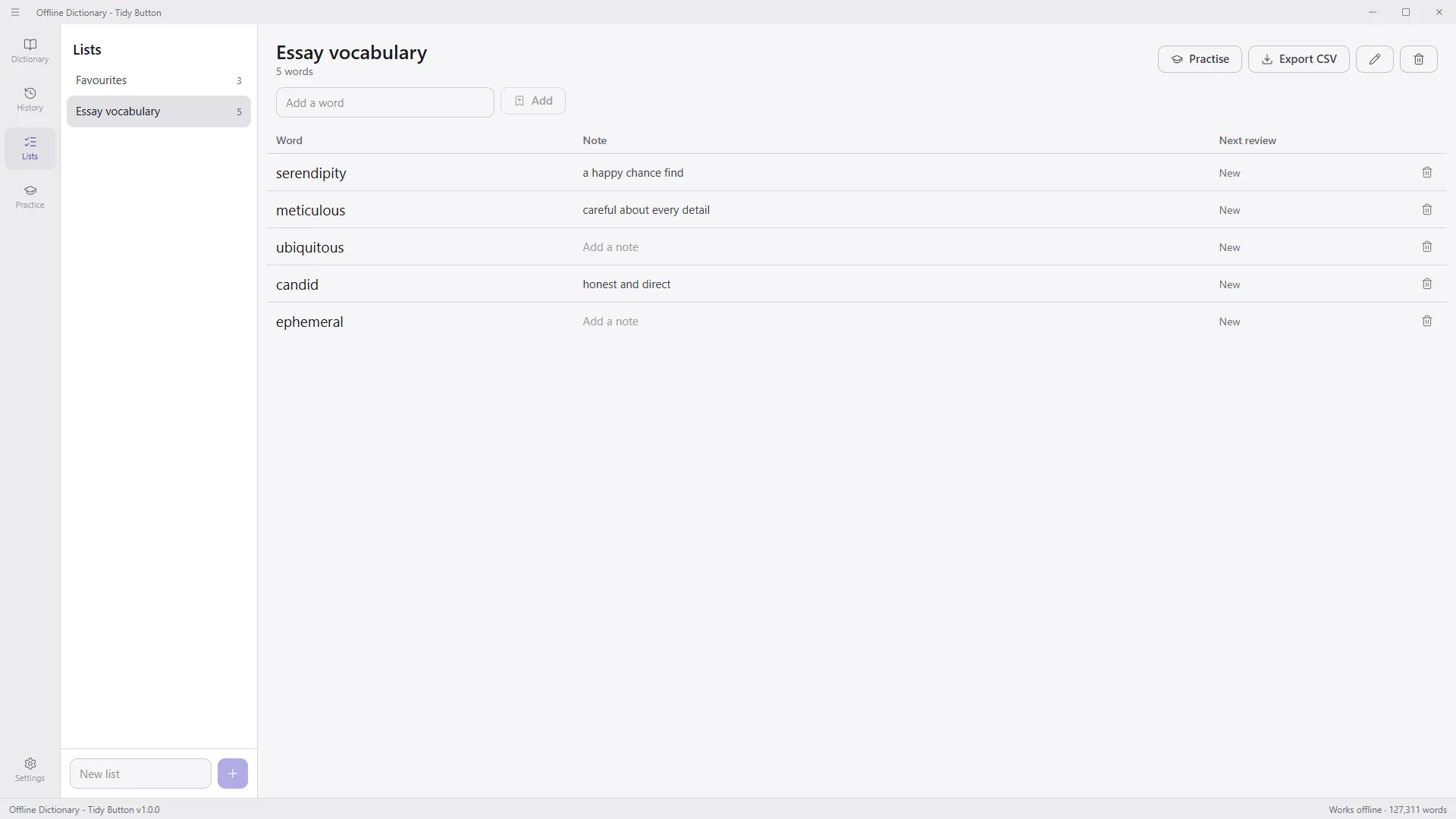
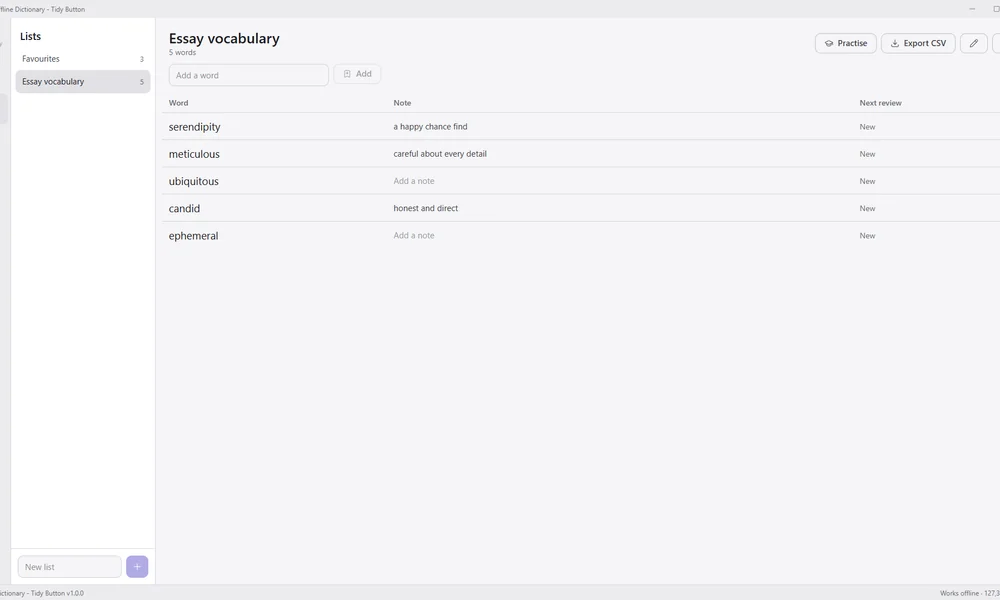
Word lists
Pro: lists of your own, with a note on each word
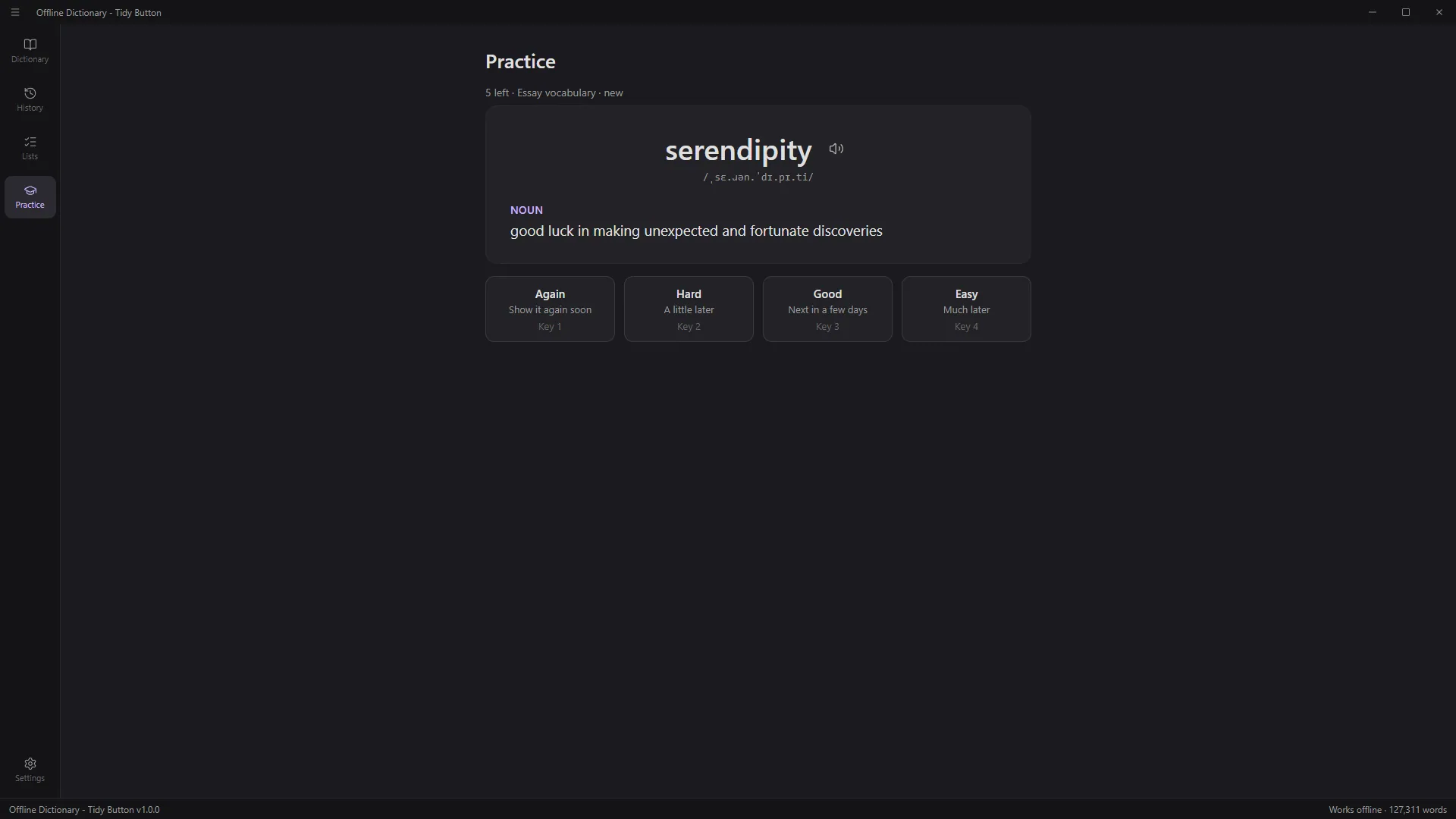
Practice
Pro: flashcards where hard words come back sooner
Reading themes
Pro: read on Paper, Sepia, Night or Black backgrounds, in four text sizes
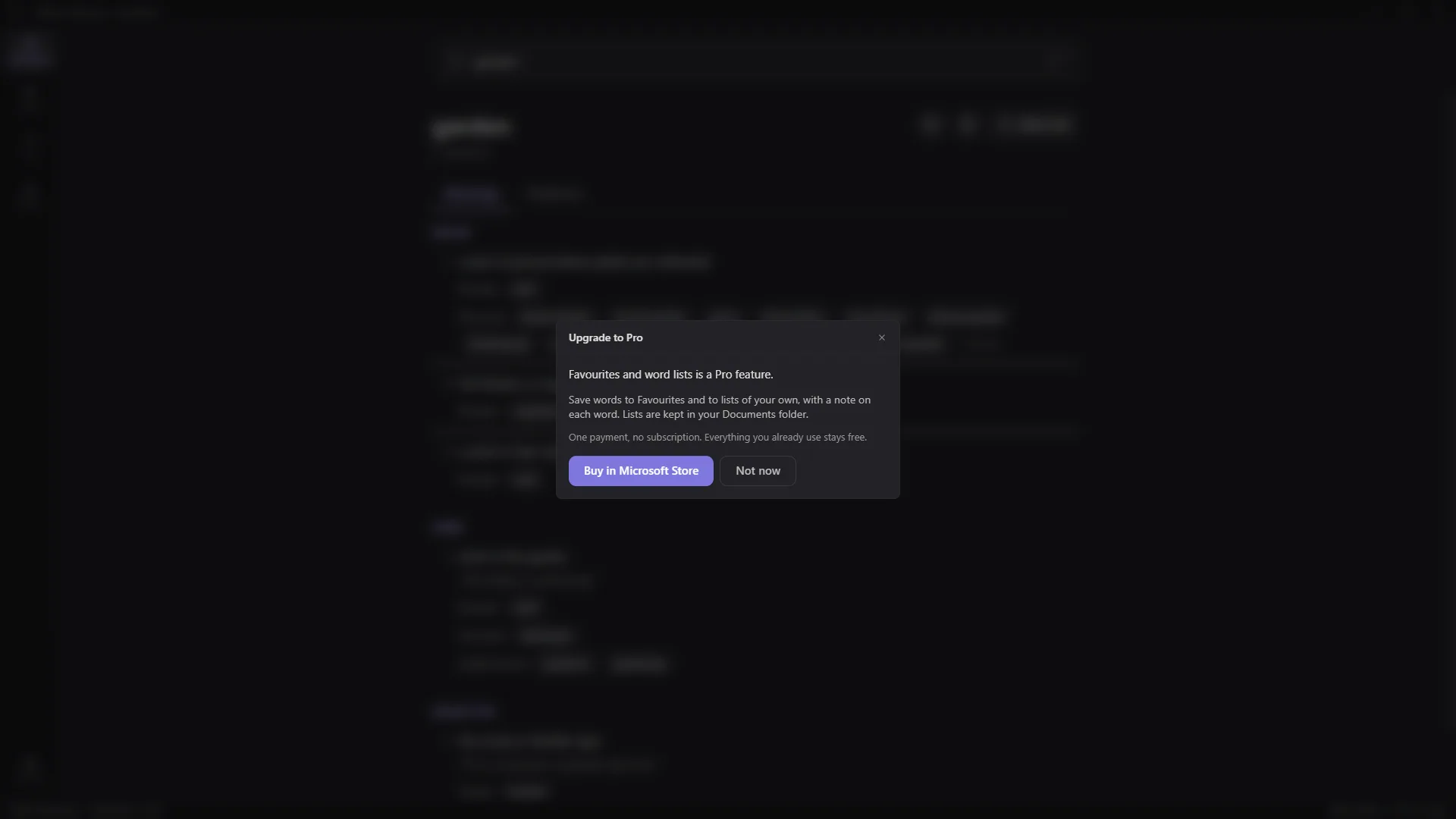
Pro prompt
Pro features ask first and say what you get
Screens show ordinary words as sample data. The app has light and dark themes.
How it works
Three steps. No manual.
01
Type a word
Type a word or a phrase. Suggestions appear as you type, and changed forms like ran or mice work too.
02
Read the meanings
Meanings are grouped by part of speech, with examples, the pronunciation and clickable related words.
03
Find a better word
Open the Thesaurus tab for synonyms and opposites, and click any word to look it up.
What it does
What it does.
Offline Dictionary is a fast English dictionary and thesaurus for your PC. Type a word or a phrase and the answer appears at once, grouped by part of speech, with example sentences and the pronunciation. All the word data is stored on your PC, so it works with the internet turned off. The words you look up stay on your PC.
Dictionary and thesaurus
Meanings by part of speech with examples and pronunciation, plus synonyms, opposites, broader, narrower and related words, all clickable.
Word forms
Ran, mice, carried and happier all open the word they come from, and say so.
Spelling help
Suggestions appear as you type, common words first. A word that is not found offers Did you mean.
Look up in any program
Select a word in a browser, a document or an email and press Ctrl+Alt+D. You can choose another key, or turn it off.
Hear it
Pronunciation with the voices already installed in Windows, offline.
History
Your last 200 look-ups, with remove and clear.
Word lists (Pro)
Save words to Favourites and to lists of your own, with a note on each word, kept in your Documents folder. Export to CSV.
Practice (Pro)
Flashcards with spaced repetition: words you find hard come back sooner. Also a word of the day, and reading themes with four text sizes.
The small print, in plain English
Safe by design.
Synonyms and opposites for every meaning, all one click away.
Pro: keep your own lists, with a note on each word.
Works offline. All the word data is on your PC.
The words you look up are never sent anywhere.
Everything needed to look a word up is free. Pro is one payment, no subscription.
Saved words are never deleted if Pro is off.
No account. No ads. No tracking.
What is free
Look it up free, keep it with Pro.
Everything needed to look a word up, understand it and find a related word is free.
Pro features ask first and say what you get.
Dictionary
Free
Meanings by part of speech, with examples and pronunciation.
Thesaurus
Free
Synonyms, opposites, broader, narrower and related words.
Hotkey
Free
Select a word in another program and press Ctrl+Alt+D.
History
Free
Your last 200 look-ups.
Lists and practice
Pro, one payment
Favourites, your own lists with notes, flashcards, word of the day and CSV export.
Reading themes
Pro, one payment
Paper, Sepia, Night and Black backgrounds, and four text sizes.
Words you saved are never deleted if Pro is off.
Good for
Handy when a word stops you.
Reading a long document and meeting a word you do not know
Writers looking for a better word
Learning English
Studying new words with flashcards
Questions
Plain answers.
Does it need the internet?
No. All the word data is stored on your PC, so it works with the internet turned off.
Where do the words come from?
From Open English WordNet 2025, licensed under CC BY 4.0, which allows this use with credit. It is derived from Princeton WordNet 3.1. The credits are in Settings, About.
Are the words I look up sent anywhere?
No. Your look-ups, history, lists and notes stay on your PC.
What does the hotkey do?
Select a word in another program and press Ctrl+Alt+D. The app copies the selection, looks it up and puts your earlier clipboard text back. You can choose another key or turn it off in Settings.
Does it know ran, mice or happier?
Yes. Changed forms open the word they come from, and the app says so.
What is free and what is Pro?
Looking words up, the thesaurus, history, pronunciation and the hotkey are free. Pro is one payment with no subscription and adds word lists, flashcards, word of the day, CSV export and reading themes.