We will link the Store listing here the day it is live. Until then there is nothing to download.
Real app, with a sound made for the screenshot.
Works offline
No account, no ads, no tracking
No watermark
Free
See it
Seven views. One file, a video.
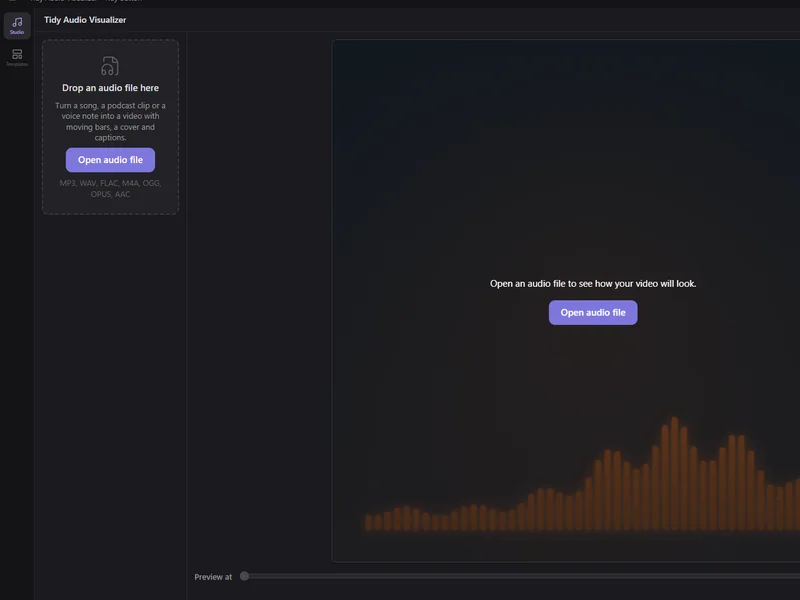
Start
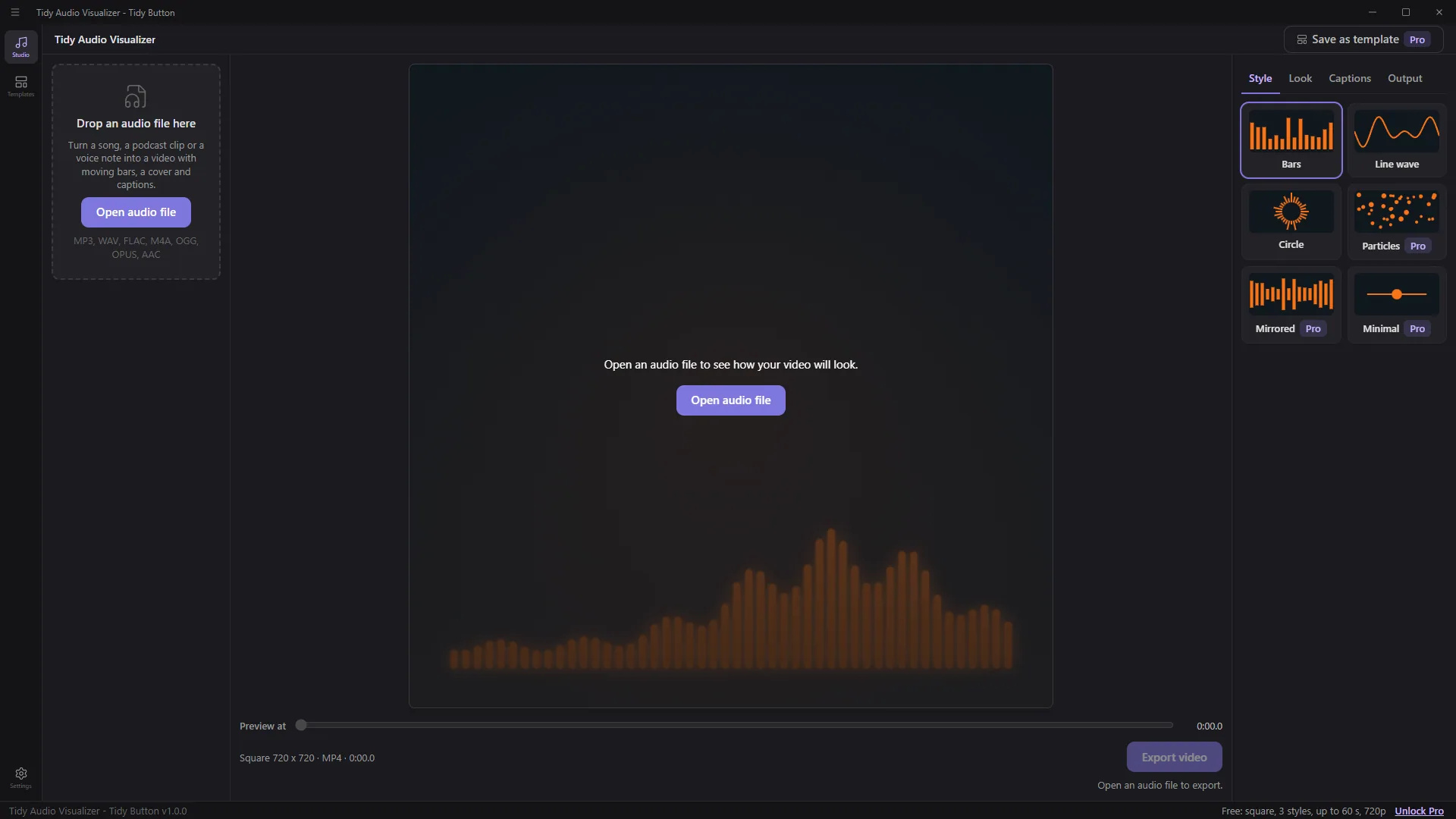
Start by opening a song, a podcast clip or a voice note
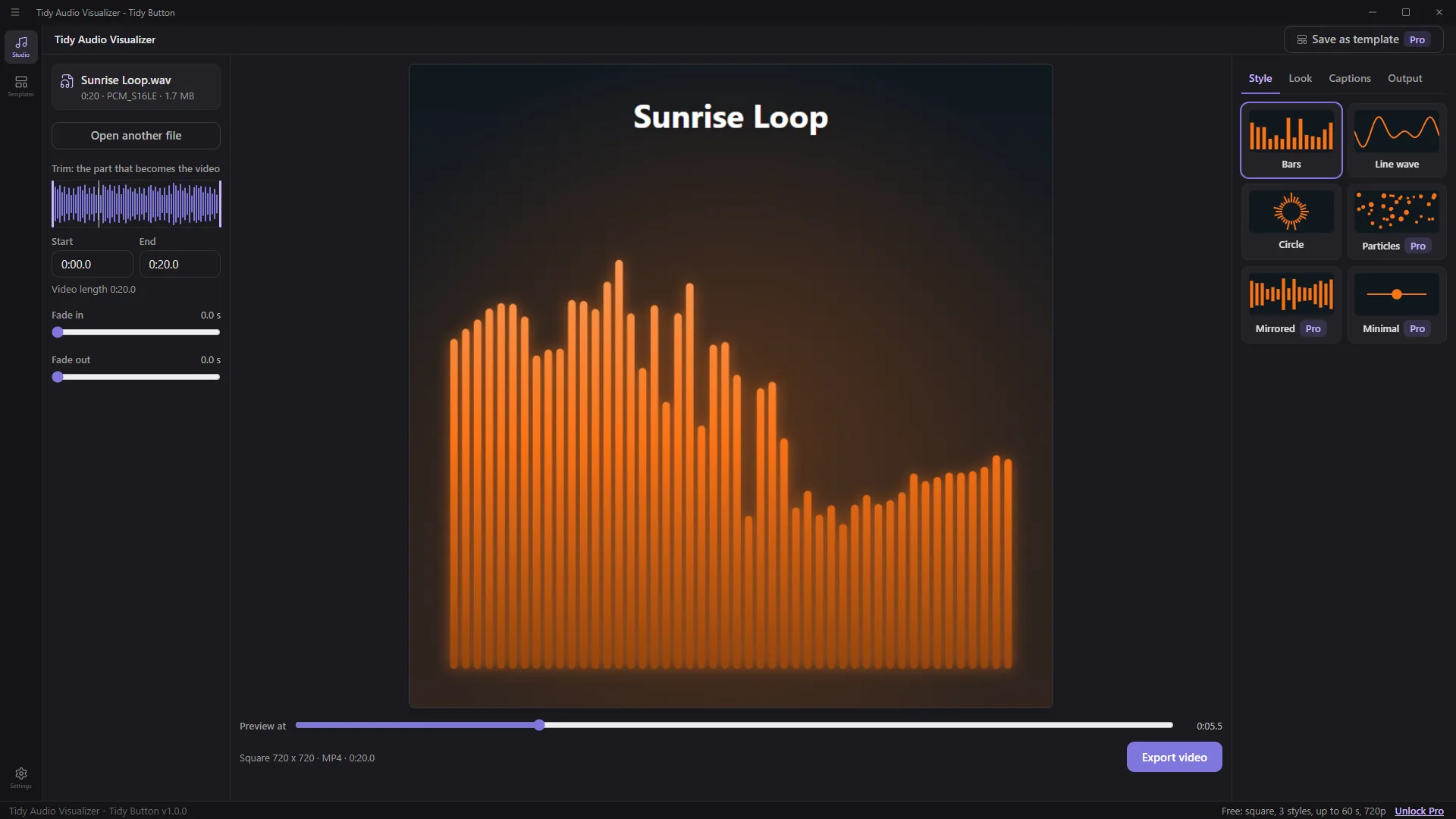
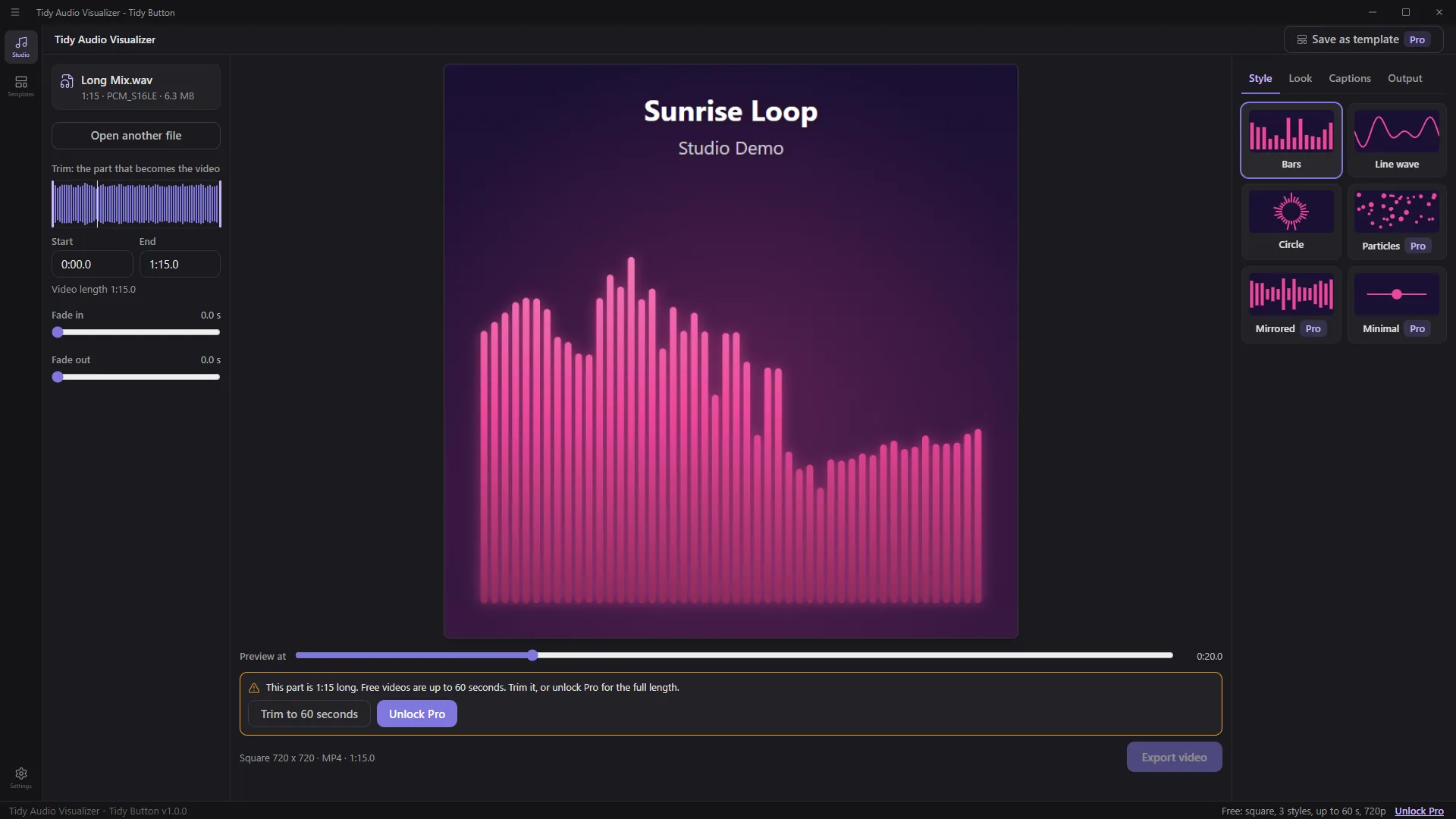
Bars
The Bars style moving with the sound, with a title
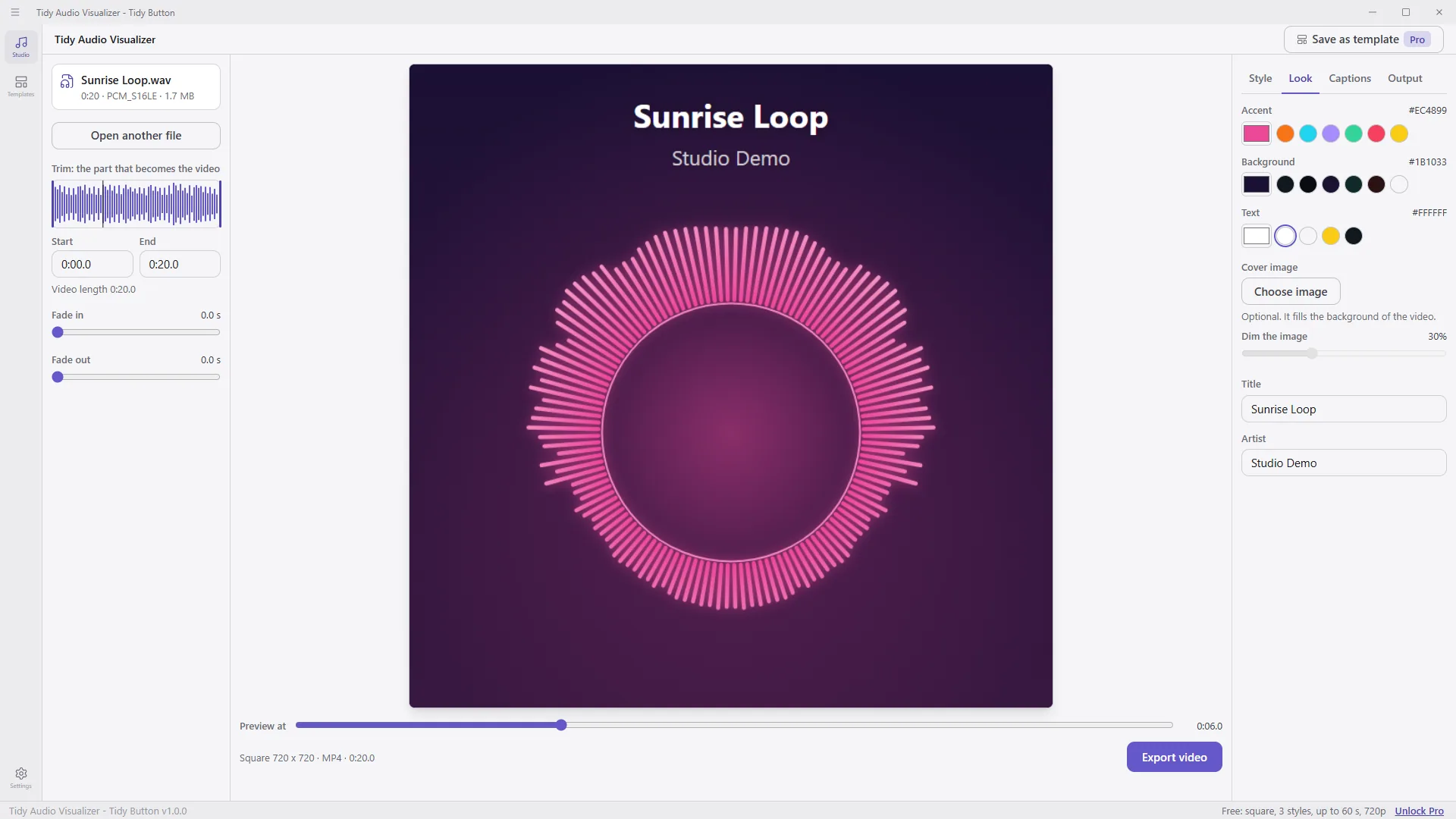
Colours
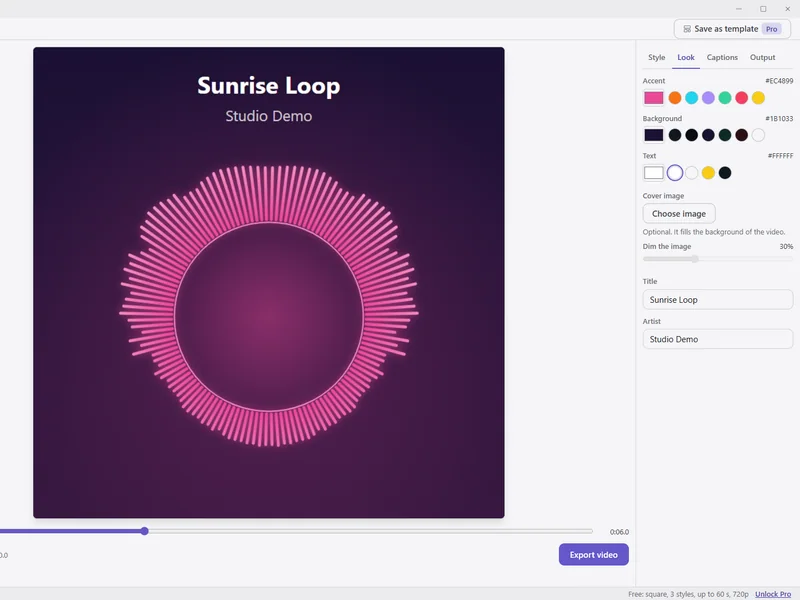
Choose a style, set the colours and type a title and artist
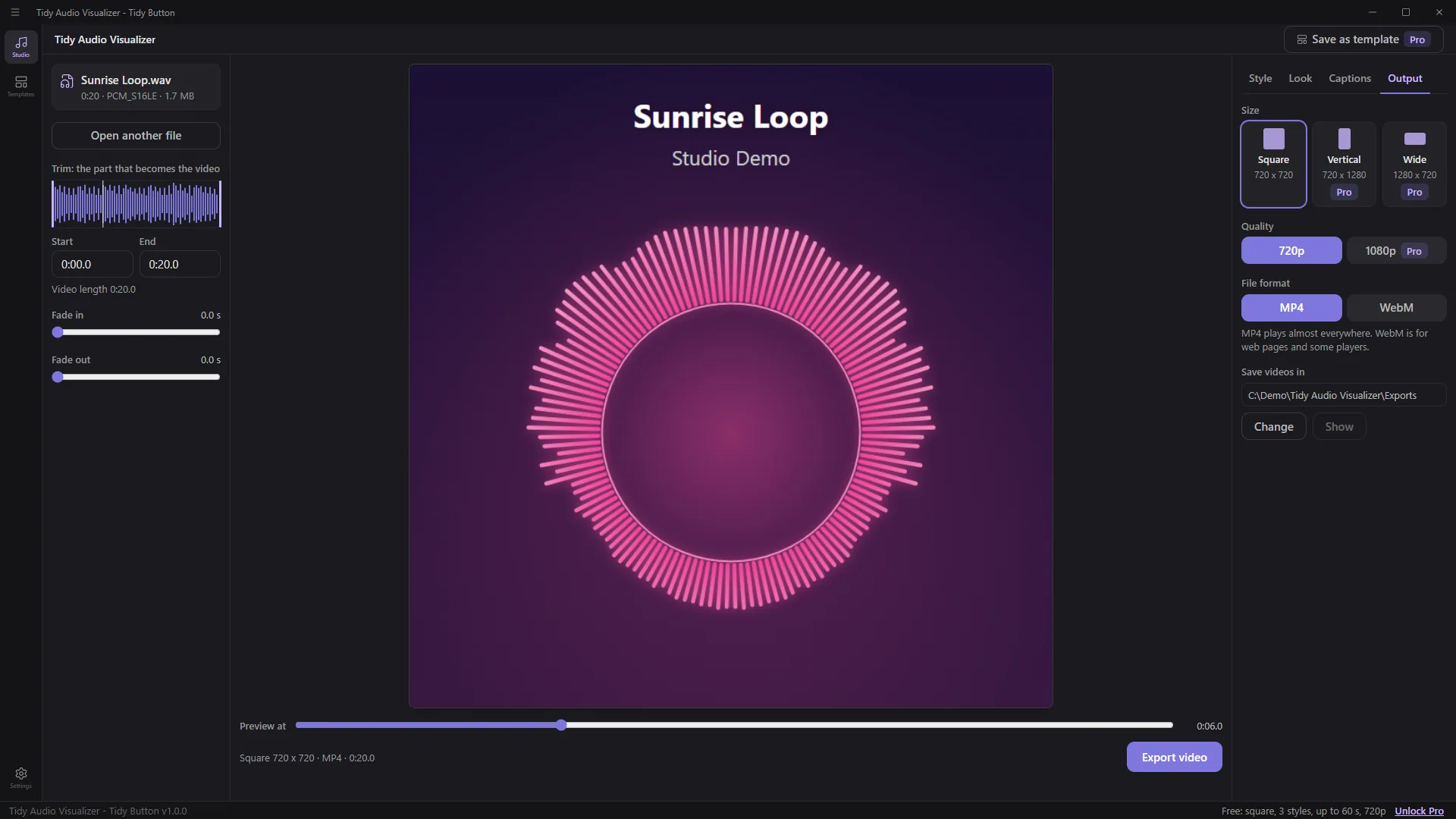
Export
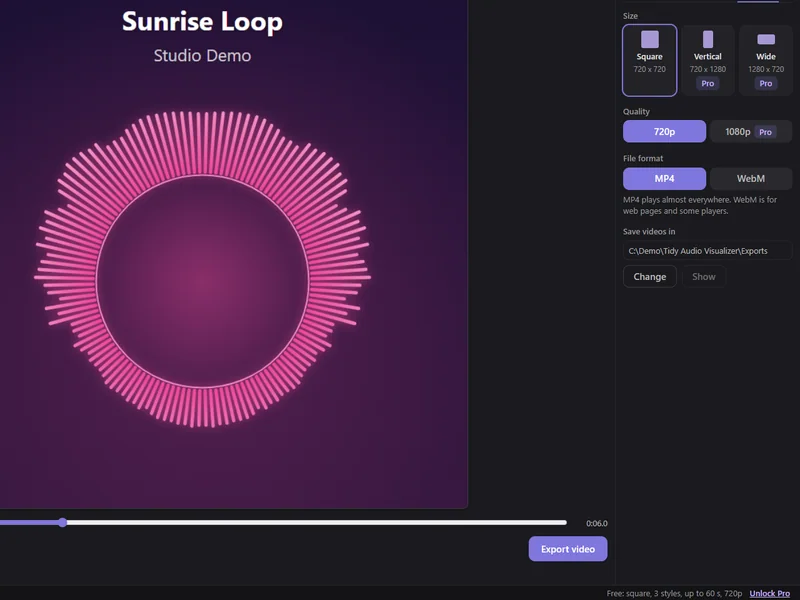
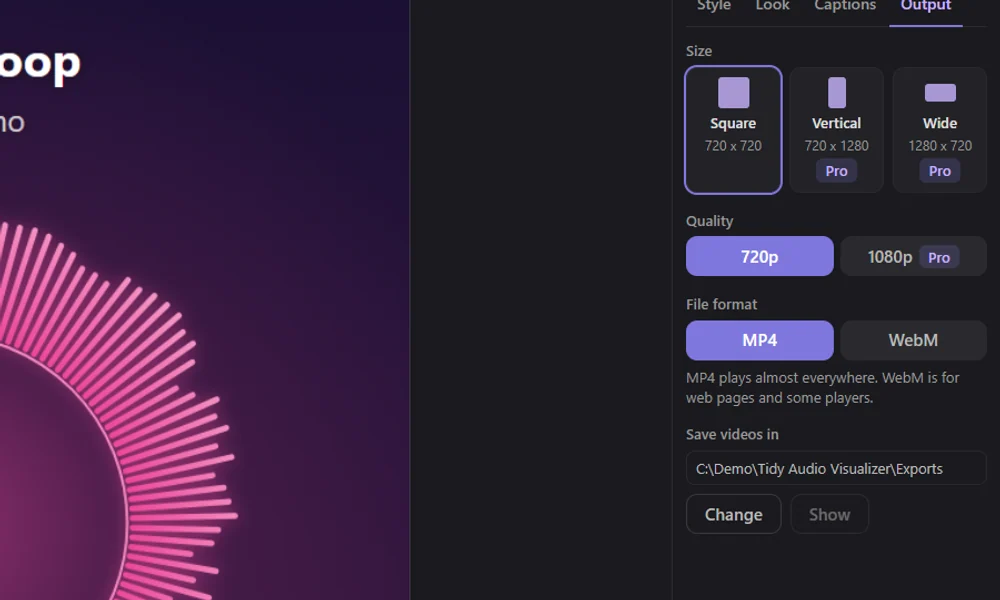
Pick the shape, the quality and MP4 or WebM, and see where the video is saved
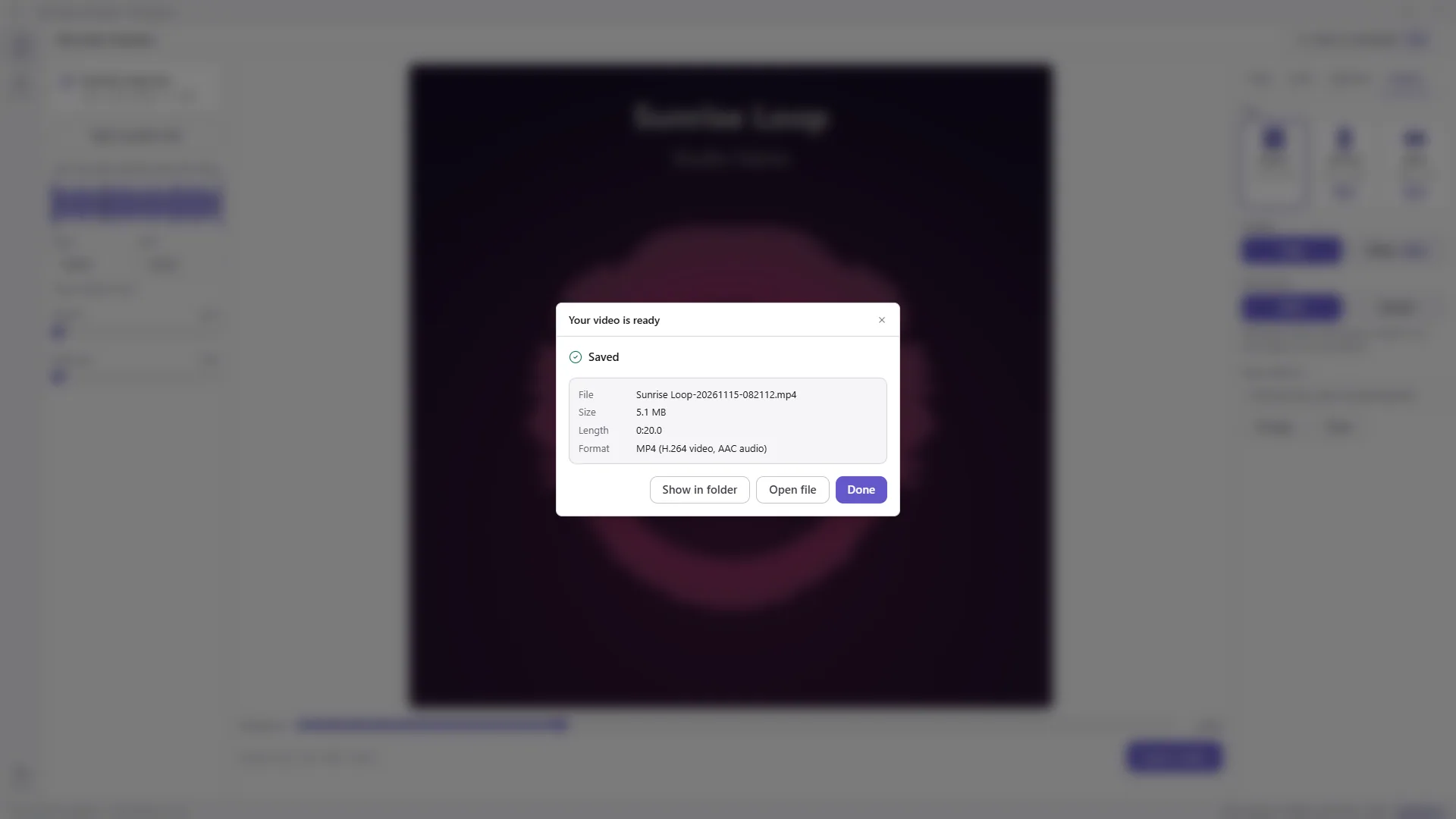
Result
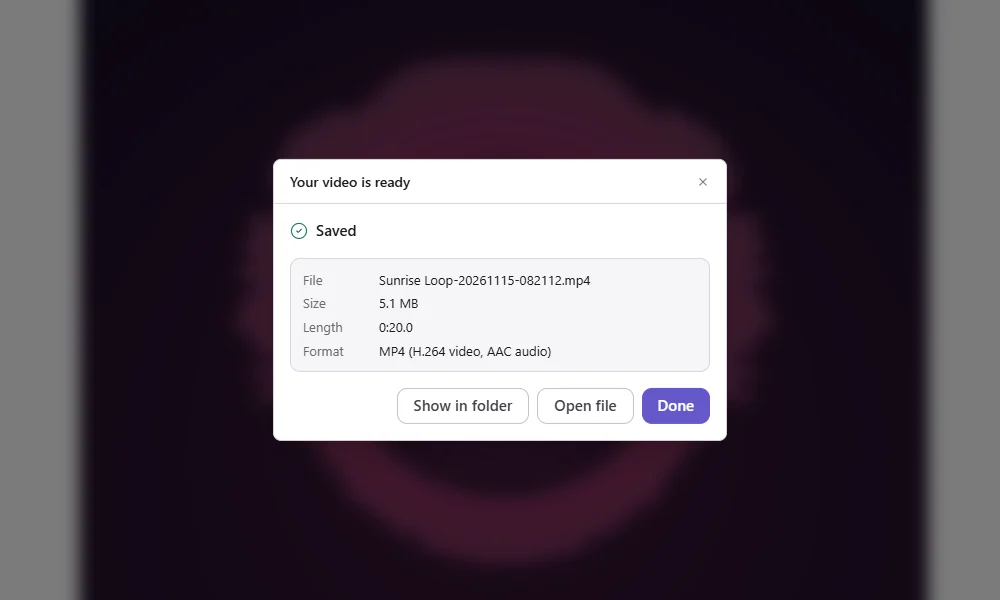
A clear result: the file, its size, its length and its format
Pro
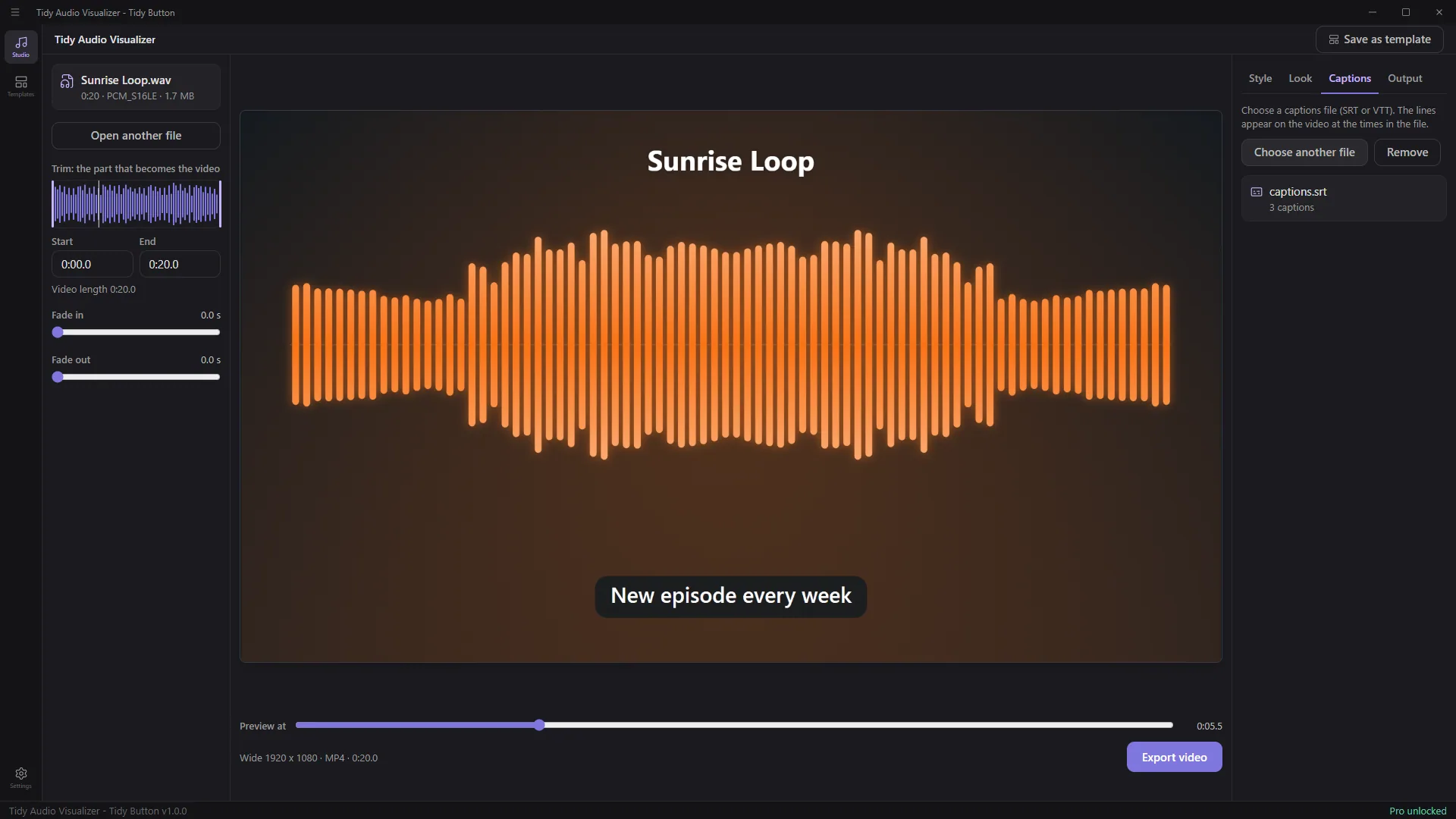
Pro adds wide and vertical sizes, 1080p, more styles and captions
Free limit
The free version makes videos of up to 60 seconds and says so before you export
Screens show sample sound made for the screenshots, not real music. The app has light and dark themes.
How it works
Three steps. No manual.
01
Open your audio
Open or drop an MP3, WAV, FLAC, M4A, OGG, OPUS or AAC file.
02
Choose the look
Pick a style and colours, add a title, and trim the part you want.
03
Export the video
Pick the shape and quality, then press Export video.
What it does
What it does.
A video that moves with the sound is an easy way to share audio as music videos for social posts. Open your audio file, choose a style and press Export video. Everything happens on your PC. The free app works with the internet turned off.
Six original styles
Bars, Line wave, Circle, Particles, Mirrored and Minimal, all drawn from the sound of your file.
Your colours and words
Choose the accent, background and text colours, add a cover image with a dim slider, and type a title and artist.
Trim and fade
Pick the part of the file that becomes the video, and fade the picture and sound in and out.
Preview any moment
The preview is drawn the same way as the exported video, at any point you choose.
MP4 or WebM
Export in square, vertical or wide shapes at 720p or 1080p, with a progress bar and a Cancel button.
Captions from a file
Pro shows captions from an SRT or VTT file you already have. Nothing is transcribed or uploaded.
Saved templates
Pro keeps your favourite looks as templates to use again.
Never uploads
Your audio is read on your PC and never leaves it. No account, no ads, no watermark.
The small print, in plain English
Safe by design.
See the shape, the quality and where the video will be saved before you export.
A clear result after every export: the file, its size and its length.
Nothing is uploaded. Your audio is read on your PC and never leaves it.
Your audio file is never changed.
The free version has no watermark.
The free version makes square 720p videos of up to 60 seconds with three styles. Pro is a one-time $12.99.
Works offline. No account. No ads. No tracking.
What you control
Your sound, your look.
Decide how the video looks before you export.
Colours, a cover image, a title and an artist.
Styles
Six to choose from
Bars, Line wave and Circle are free. Pro adds Mirrored, Particles and Minimal.
Colours
Yours to set
Accent, background and text, with a cover image you can dim.
Trim
Start and end
Choose the part of the file that becomes the video.
Fades
Smooth edges
Fade the picture and the sound in and out, up to 5 seconds.
Size
Three shapes
Square is free. Pro adds vertical and wide, and 1080p.
Format
Plays almost everywhere
MP4 (H.264 and AAC) or WebM.
The app includes the FFmpeg programs (LGPL build), so it needs nothing else installed.
Good for
Handy when you have a sound to share.
Podcast clips you want to share as a video
Songs you made yourself
Voice notes, lessons and short announcements
Short videos for social posts
Questions
Plain answers.
Is anything uploaded?
No. Your audio is read on your PC and never leaves it. The free app works with the internet turned off.
Is there a watermark?
No. The free version has no watermark.
What can the free version do?
It makes square 720p videos of up to 60 seconds with the Bars, Line wave and Circle styles, with trim, fades, colours, a cover image and a title.
What does Pro add?
A one-time $12.99 Pro unlocks vertical and wide sizes, 1080p, the Mirrored, Particles and Minimal styles, full-length videos, captions from an SRT or VTT file and saved templates.
Does it change my audio file?
No. It only writes the new video file, in the folder you choose.
Can I stop an export?
Yes. Press Cancel and it stops cleanly, with no half-finished file left behind.
Does it need an account?
No. There is no account, no ads, no tracking and no watermark.