We will link the Store listing here the day it is live. Until then there is nothing to download.
Real app, with a sample folder of notes.
Works offline
No account, no ads, no tracking
Plain .md files
Free, with optional Pro
See it
Eight views. One folder of notes.
Start
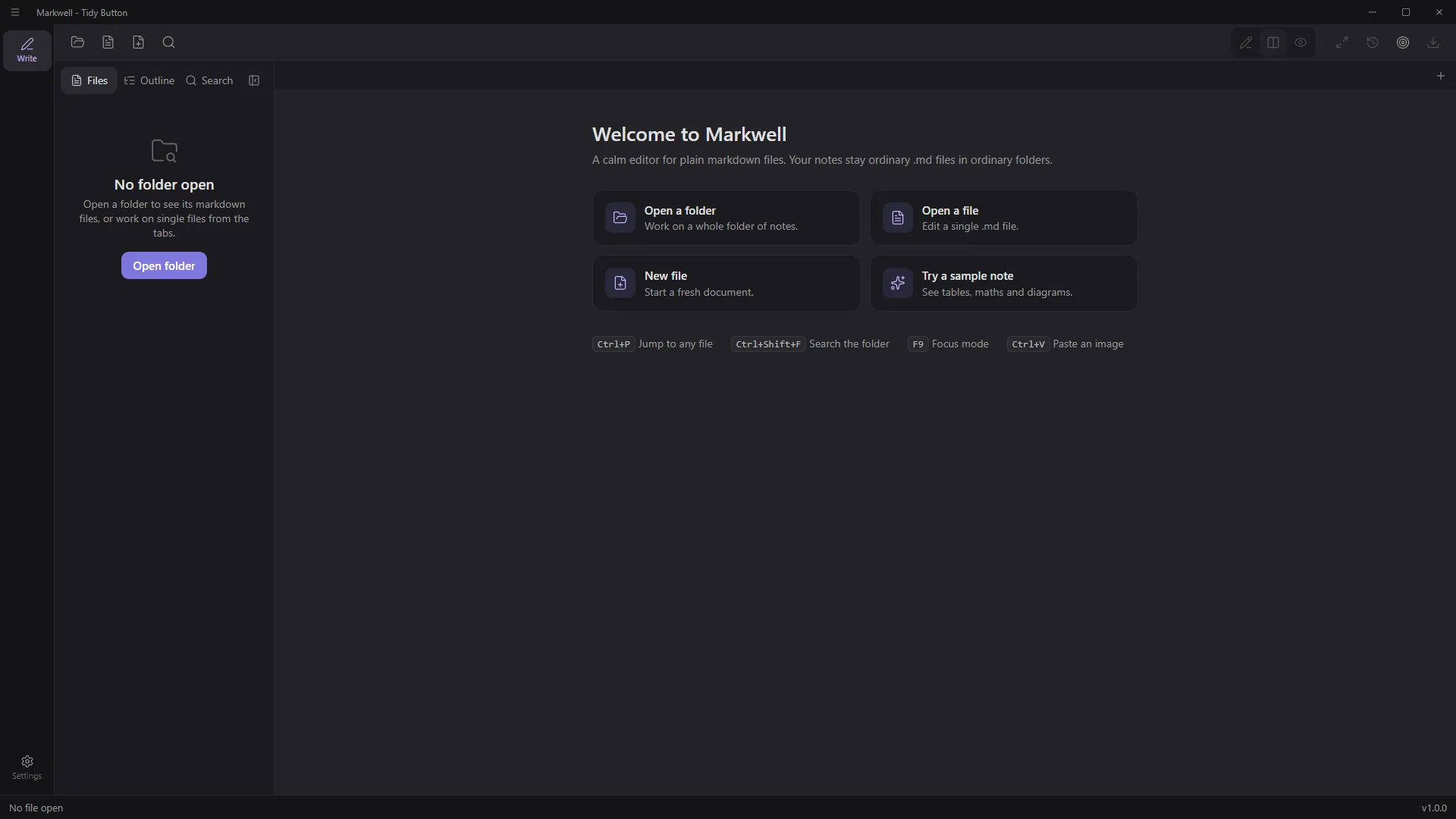
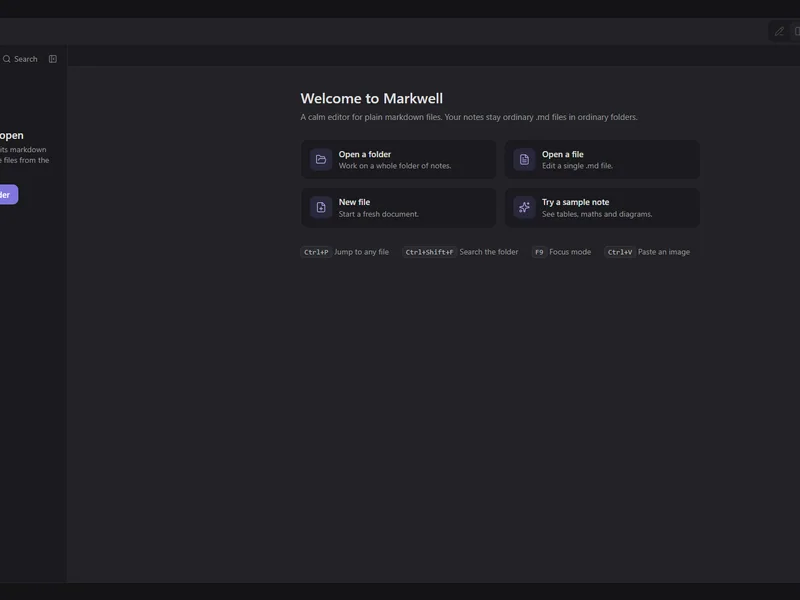
Start with a folder, a file or a sample note
Write
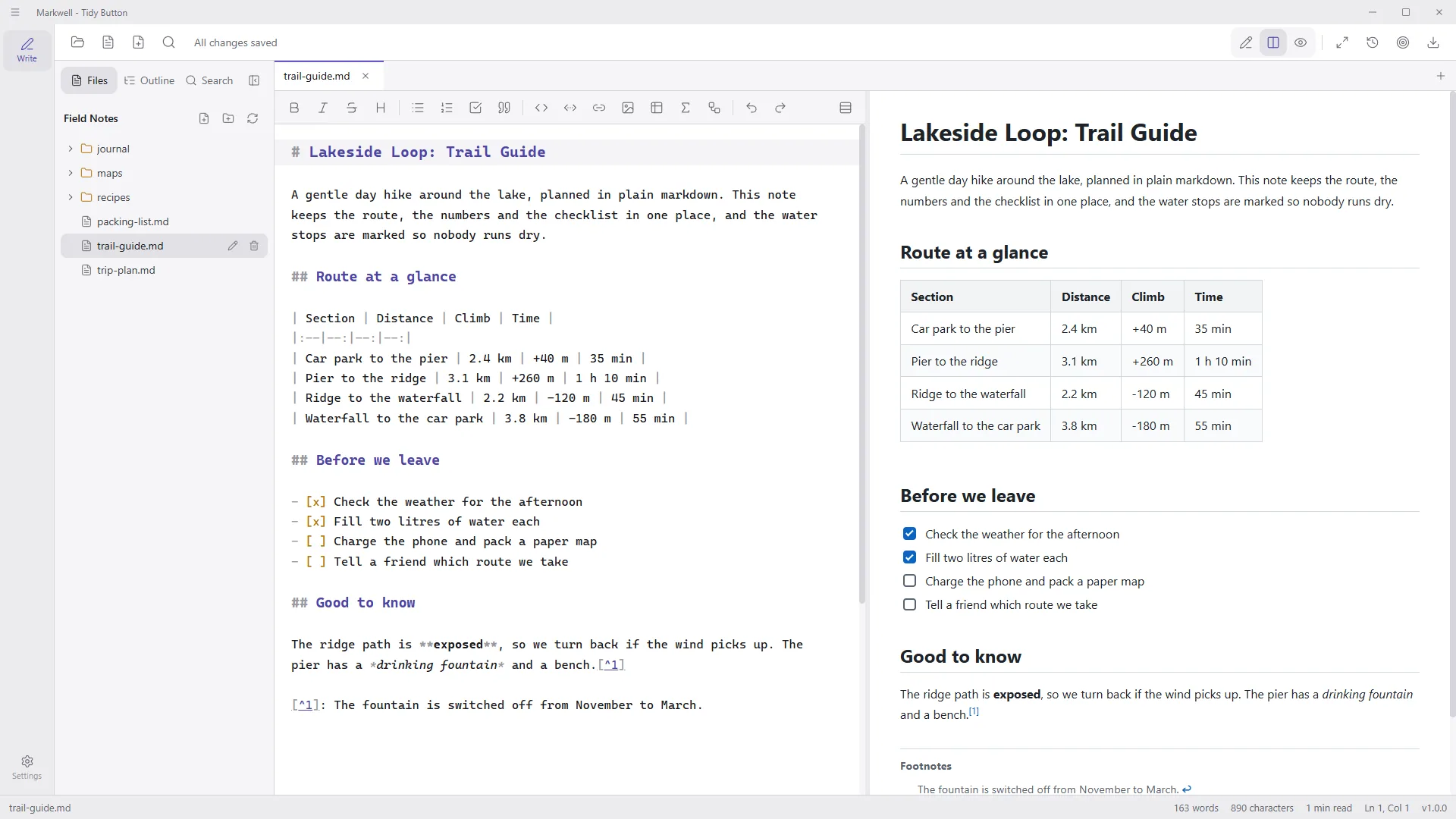
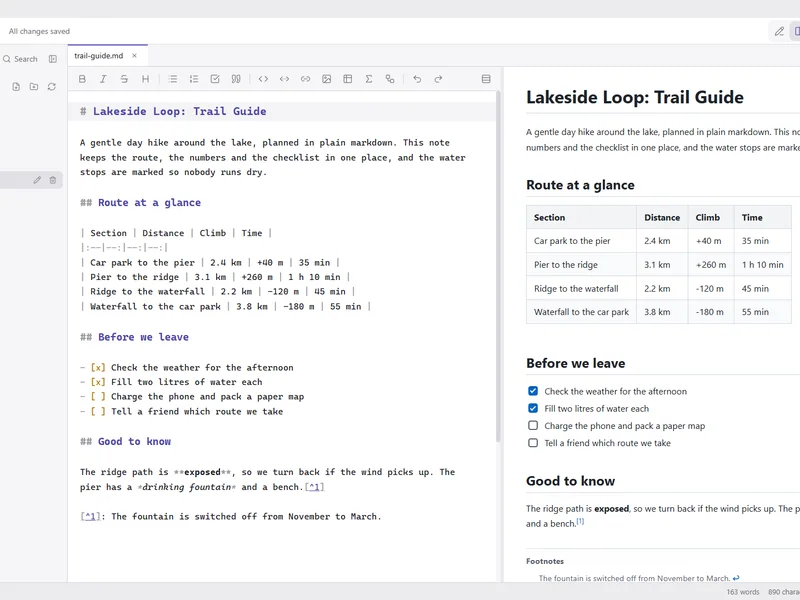
Write on the left, see the page on the right
Maths and diagrams
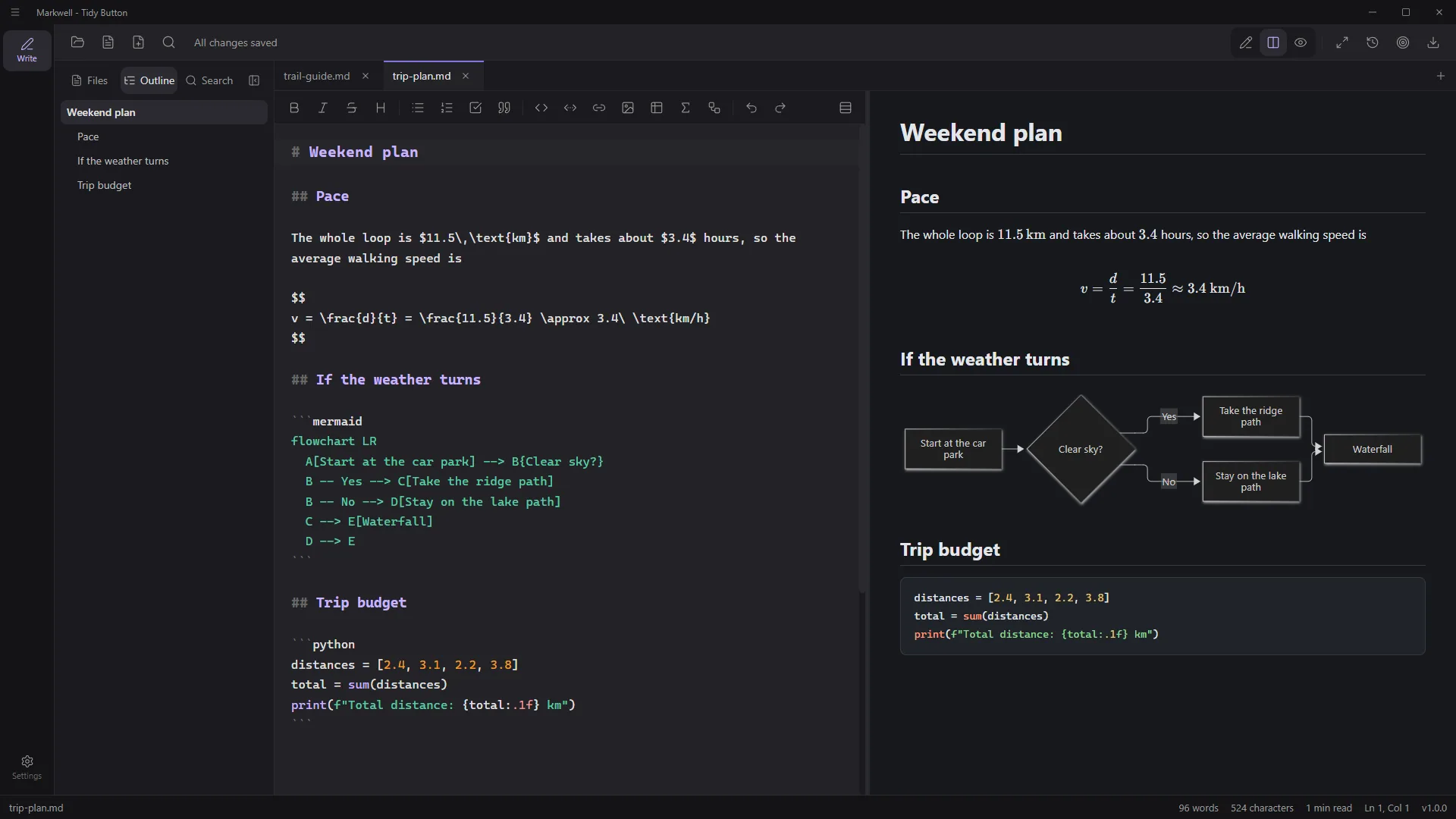
Maths and diagrams are drawn in the preview, offline
Search
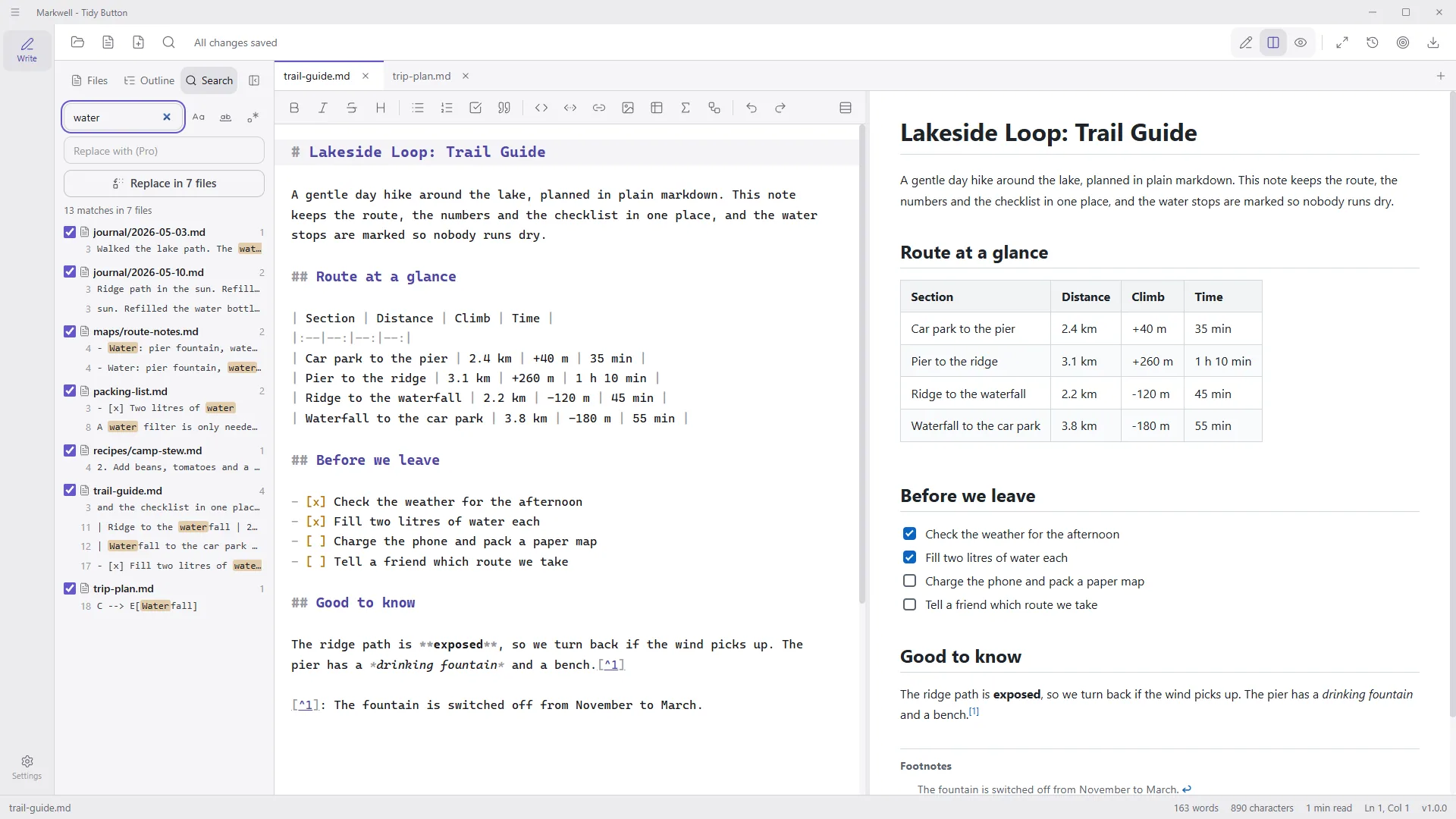
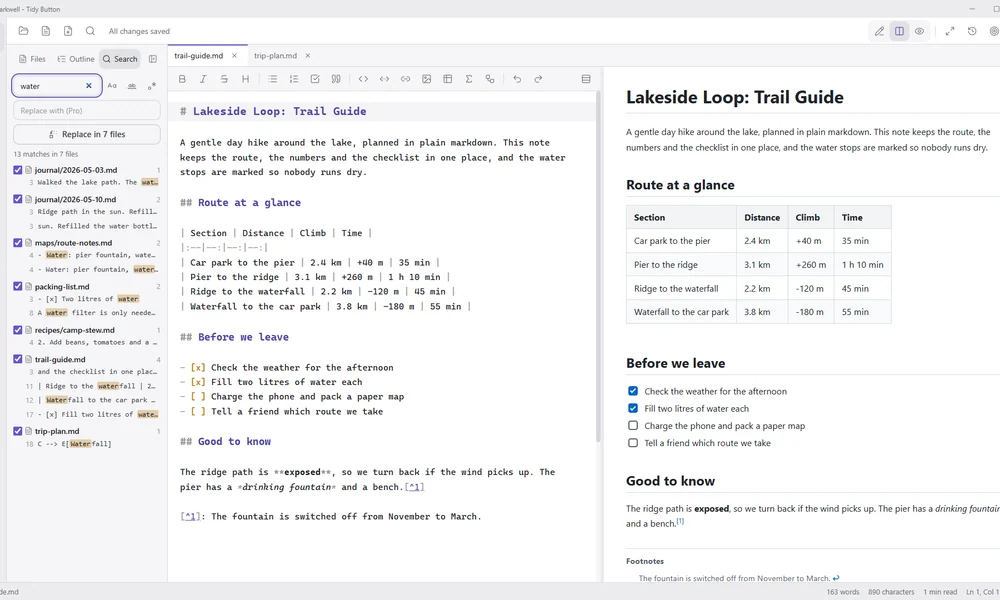
Search every note in the folder and jump to the line
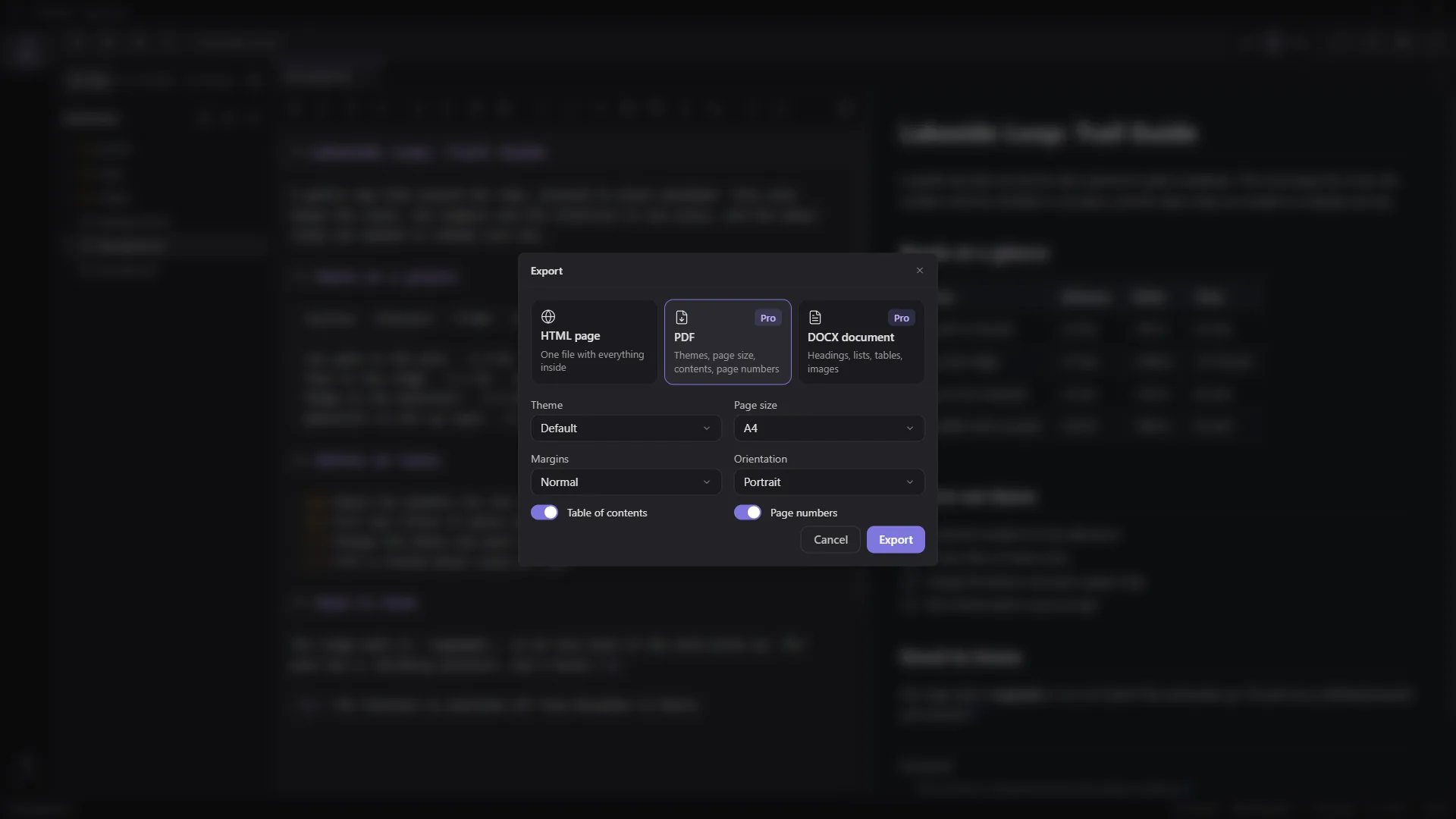
Export
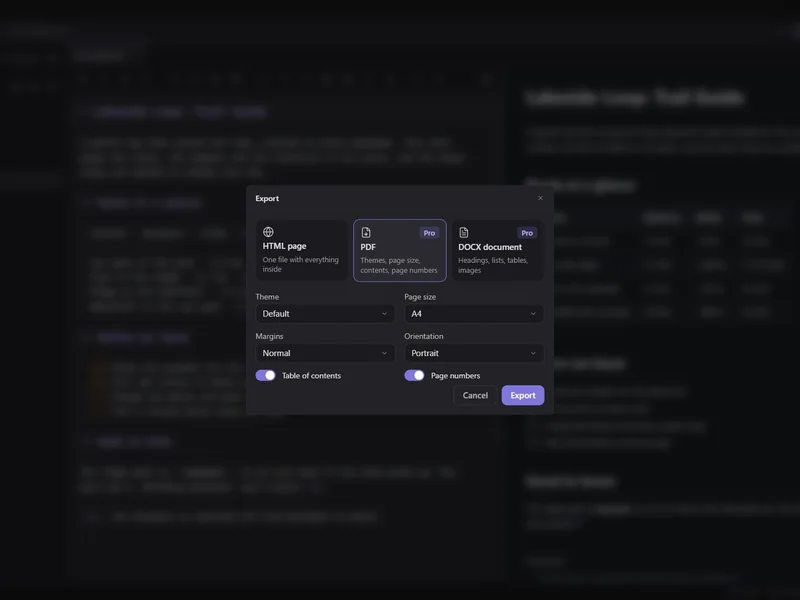
HTML export is free; Pro adds PDF and .docx
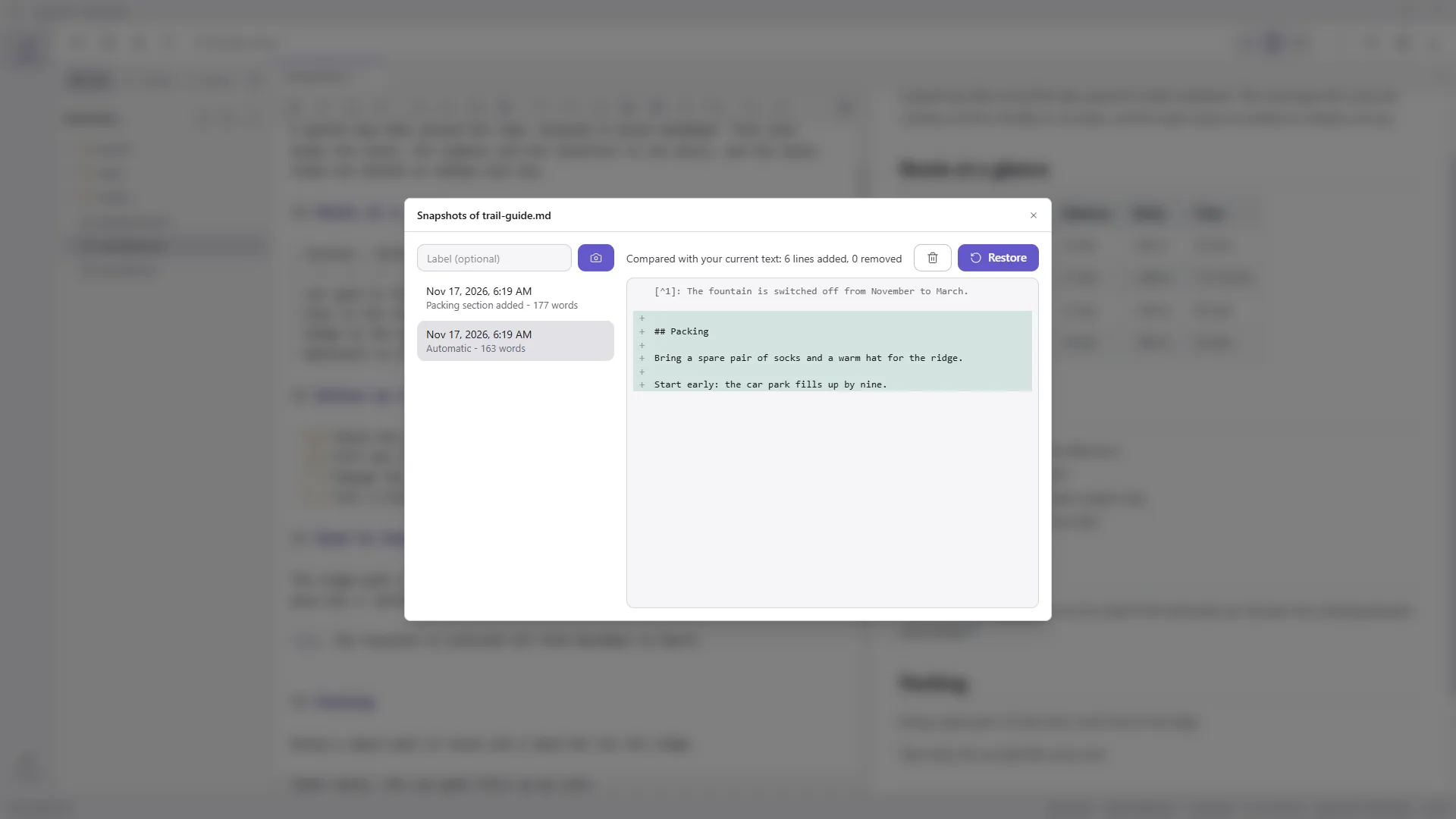
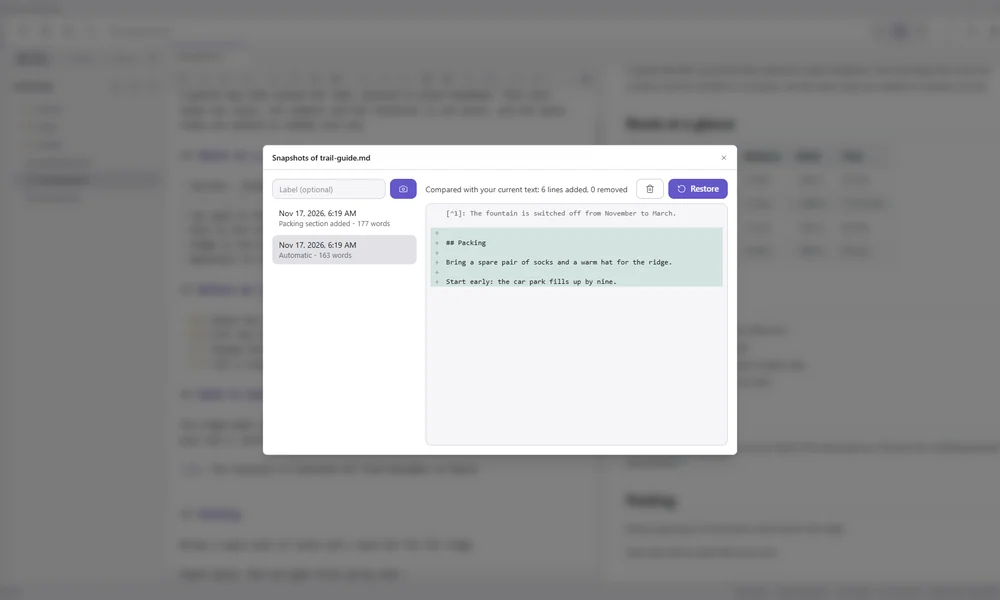
Snapshots
Compare an older version line by line and restore it (Pro)
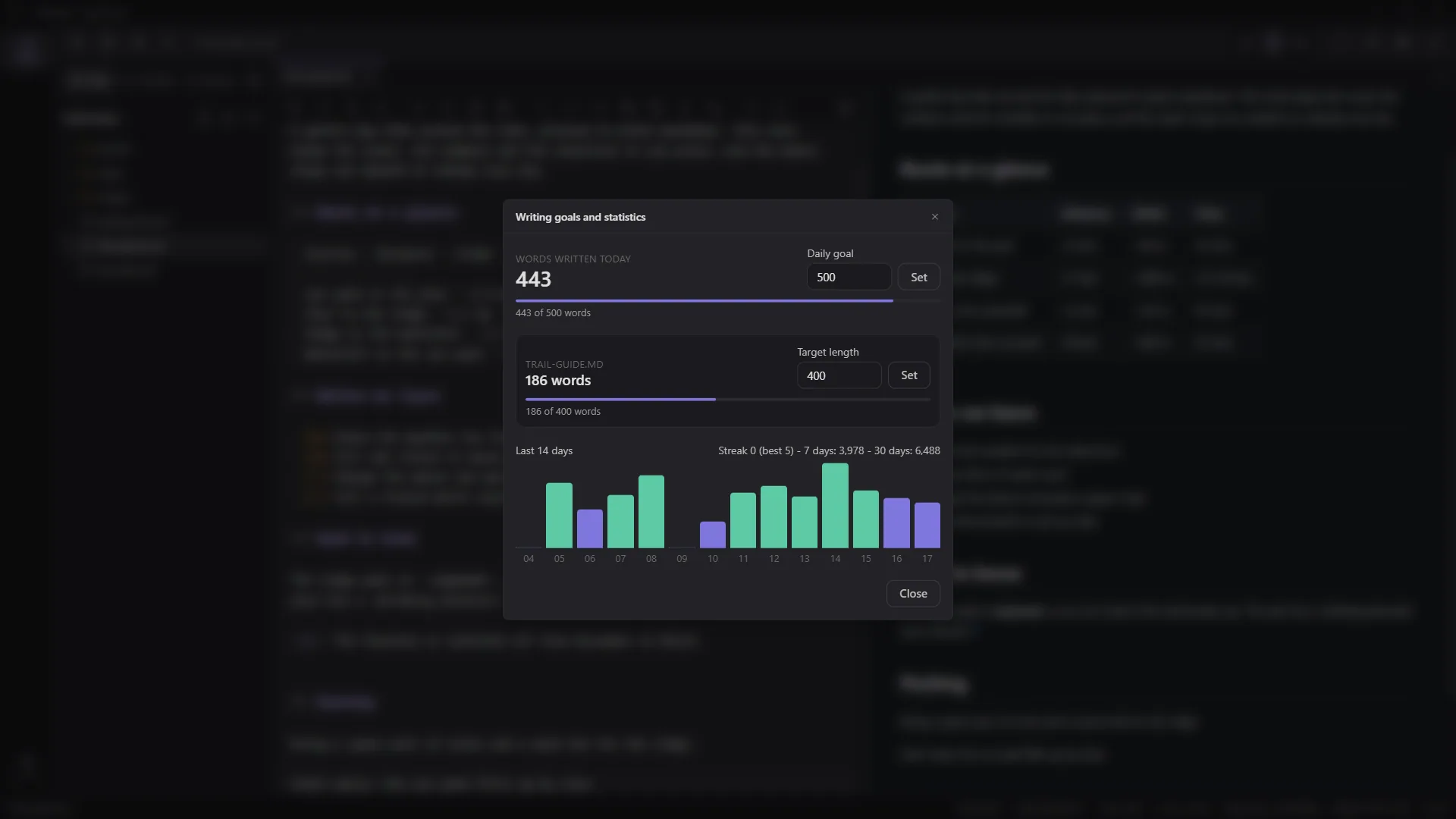
Goals
A daily word goal, a document target and a 14-day chart (Pro)
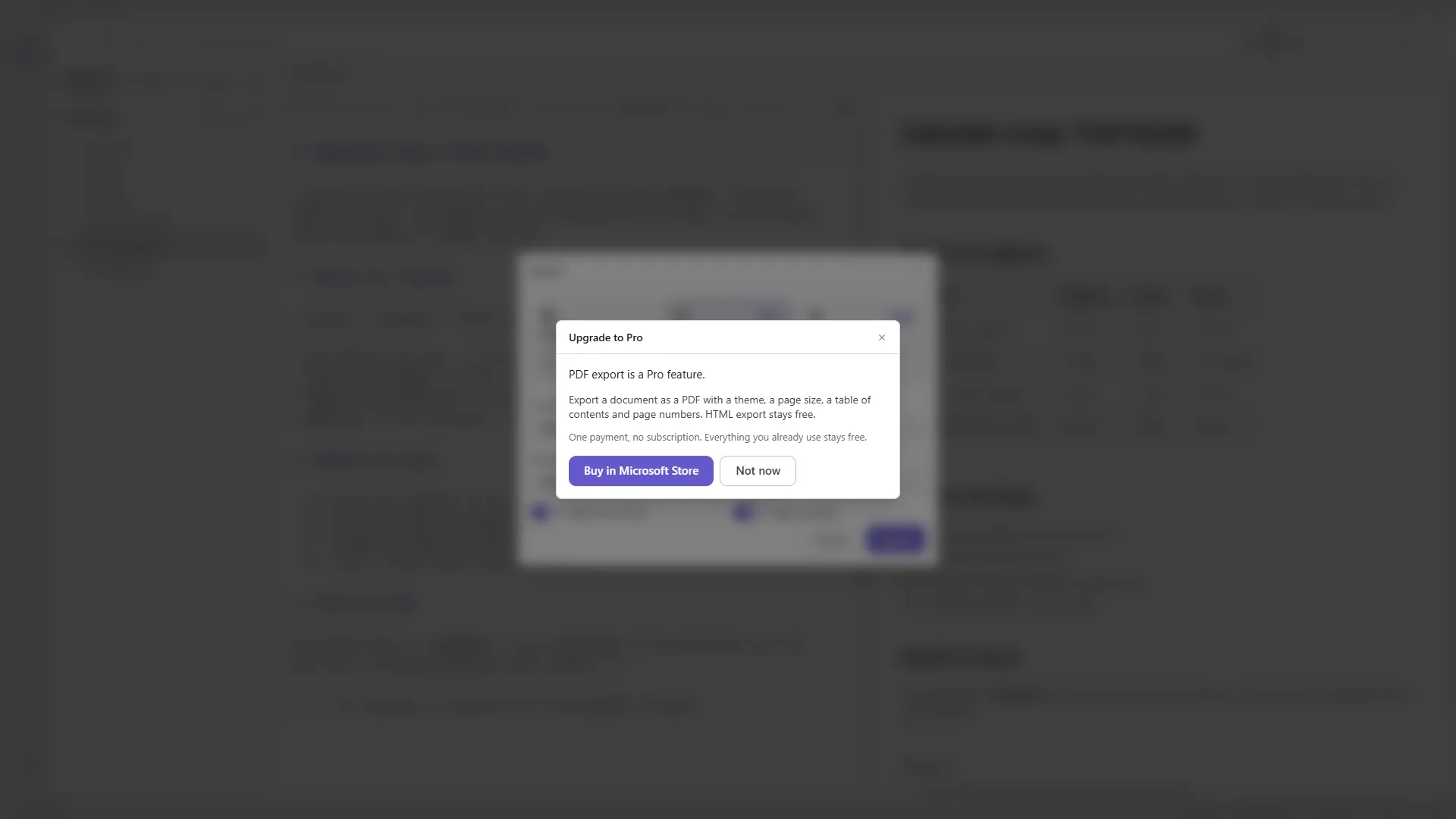
Pro
Pro features explain themselves when pressed
Screens show a sample folder of notes, not real documents. The writing statistics are sample data. The app has light and dark themes.
How it works
Three steps. No manual.
01
Open a folder
Choose a folder of notes, open a single file, or try the sample note.
02
Write and watch
Type on the left and see tables, tasks, maths and diagrams on the right.
03
Find and share
Search the whole folder, then export a page. Pro adds PDF and .docx.
What it does
What it does.
Markwell is a calm editor for plain markdown files. Open a folder, write in the editor and see the finished page beside it, with tables, task lists, footnotes, maths and diagrams. Everything happens on your PC. Your notes stay ordinary .md files in ordinary folders, and the free app works with the internet turned off.
Live preview
See the page beside the editor, scrolling together, or use editor only or preview only.
Tables, tasks and code
Tables, task lists, footnotes and highlighted code. Tick a checkbox in the preview to tick it in your file.
Maths and diagrams
Formulas and flow diagrams are drawn in the preview, offline, and a mistake shows its error instead of breaking the page.
Folders and tabs
Open a whole folder with a file tree, tabs, quick open with Ctrl+P and an outline made from your headings.
Search the folder
Find text in every note, with case, whole-word and pattern options, and jump to the line.
Paste pictures
Paste an image and it is saved in an assets folder beside your file and linked with a relative path.
Safe saving
Autosave writes to a temporary file first, so a crash or power cut never leaves half a file.
Focus and typewriter
Dim everything but the paragraph you are writing, or keep the cursor line in the middle.
The small print, in plain English
Safe by design.
Search every note and jump straight to the line.
Compare an older version line by line and restore it (Pro).
Your notes stay plain .md files in your own folders.
Nothing is uploaded. Your documents never leave your PC.
Autosave never leaves half a file, and deleted files go to the Recycle Bin.
Everything in the editor is free. Pro is optional and one payment, with no subscription.
Works offline. No account. No ads. No tracking.
What it does
Your notes, your files.
Plain markdown in ordinary folders, with nothing in the way.
Editor and preview side by side.
Preview
Live
Tables, task lists, footnotes and highlighted code, scrolling with the editor.
Maths and diagrams
Built in
Formulas and flow diagrams drawn offline in the preview.
Folders
Your layout
A file tree, tabs, quick open and an outline from your headings.
Search
Whole folder
Find text in every note, with case, whole-word and pattern options.
Saving
Crash-safe
Autosave through a temporary file, so a crash never leaves half a file.
Export
Free and Pro
One self-contained HTML page for free. PDF and .docx with Pro.
Pro (one payment, no subscription) adds PDF and .docx export, replace across the folder, preview themes and custom CSS, writing goals and statistics, and version snapshots.
Good for
Handy when notes pile up.
READMEs and documentation
Essays and study notes
A journal or meeting notes in a folder
Writing you want to keep in files you own
Questions
Plain answers.
Is anything uploaded?
No. Your documents are read and saved on your PC and never leave it. The free app works with the internet turned off.
Where are my notes kept?
In the folders you choose, as ordinary .md files. There is no vault and no database.
What if the app crashes while I write?
Each save goes to a temporary file that then replaces the original, so a crash or power cut never leaves half a file. Autosave is on by default.
Are maths and diagrams free?
Yes. Maths, diagrams, search, tabs and HTML export are all free.
What does Pro add?
PDF and .docx export, replace across the folder, preview themes and your own CSS, writing goals and statistics, and version snapshots. It is one payment with no subscription.
Does it need an account?
No. There is no account, no ads and no tracking.
Can it open my .md files from File Explorer?
It appears in Open with for .md, .markdown and .mdown files. You choose in Windows whether to make it the default.