Coming to the Microsoft Store
Private Journal Write in private.
Unlimited entries, mood and tags, a calendar, search and an encrypted password lock. No account.
Not on sale yet. The app is still being built.
We will link the Store listing here the day it is live. Until then there is nothing to download.
- Works offline
- No account, no ads, no tracking
- Encrypted password lock
- Free
See it
Four views. One private journal.
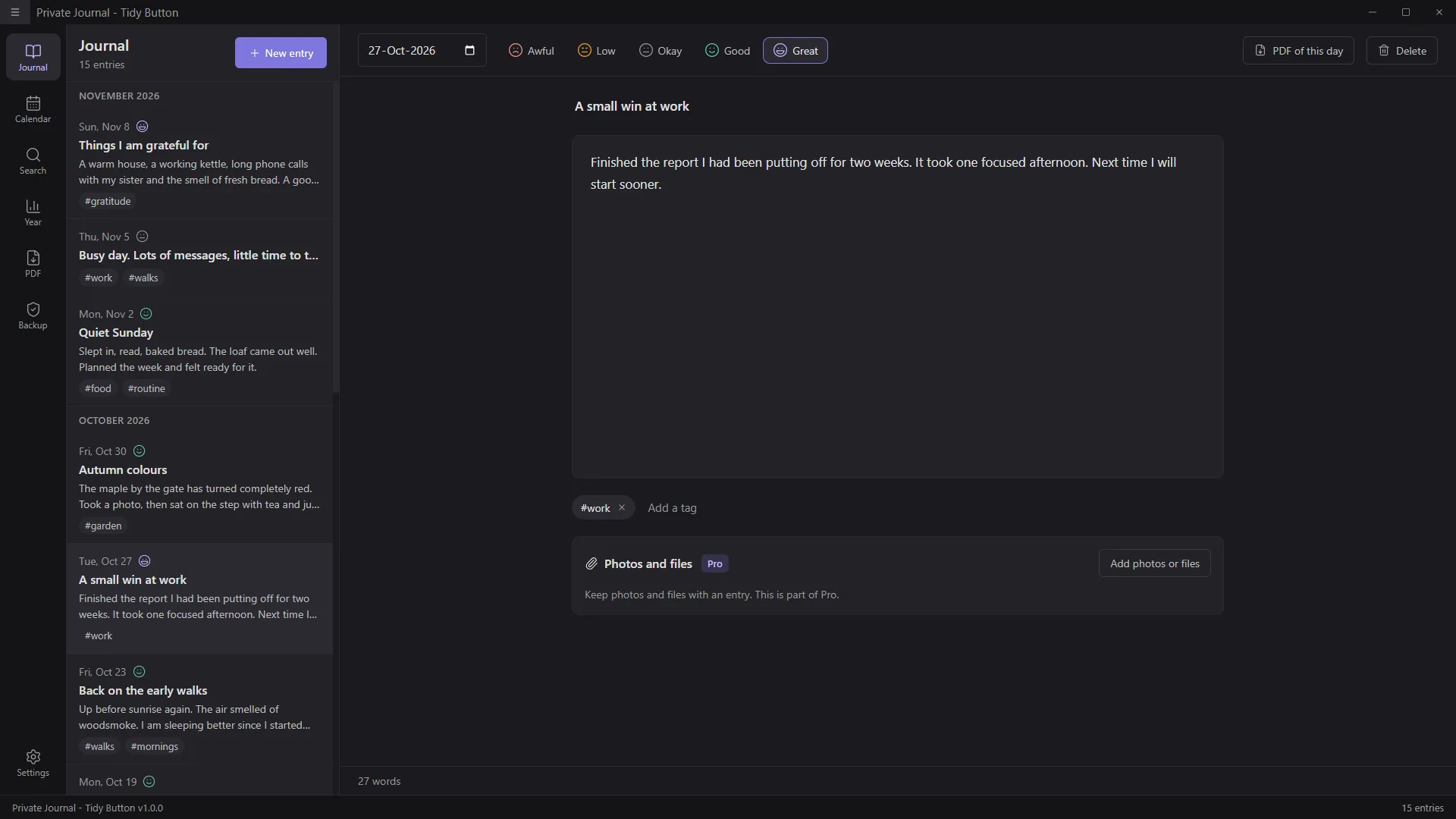
Journal
Your entries by month, with mood and tags
Calendar
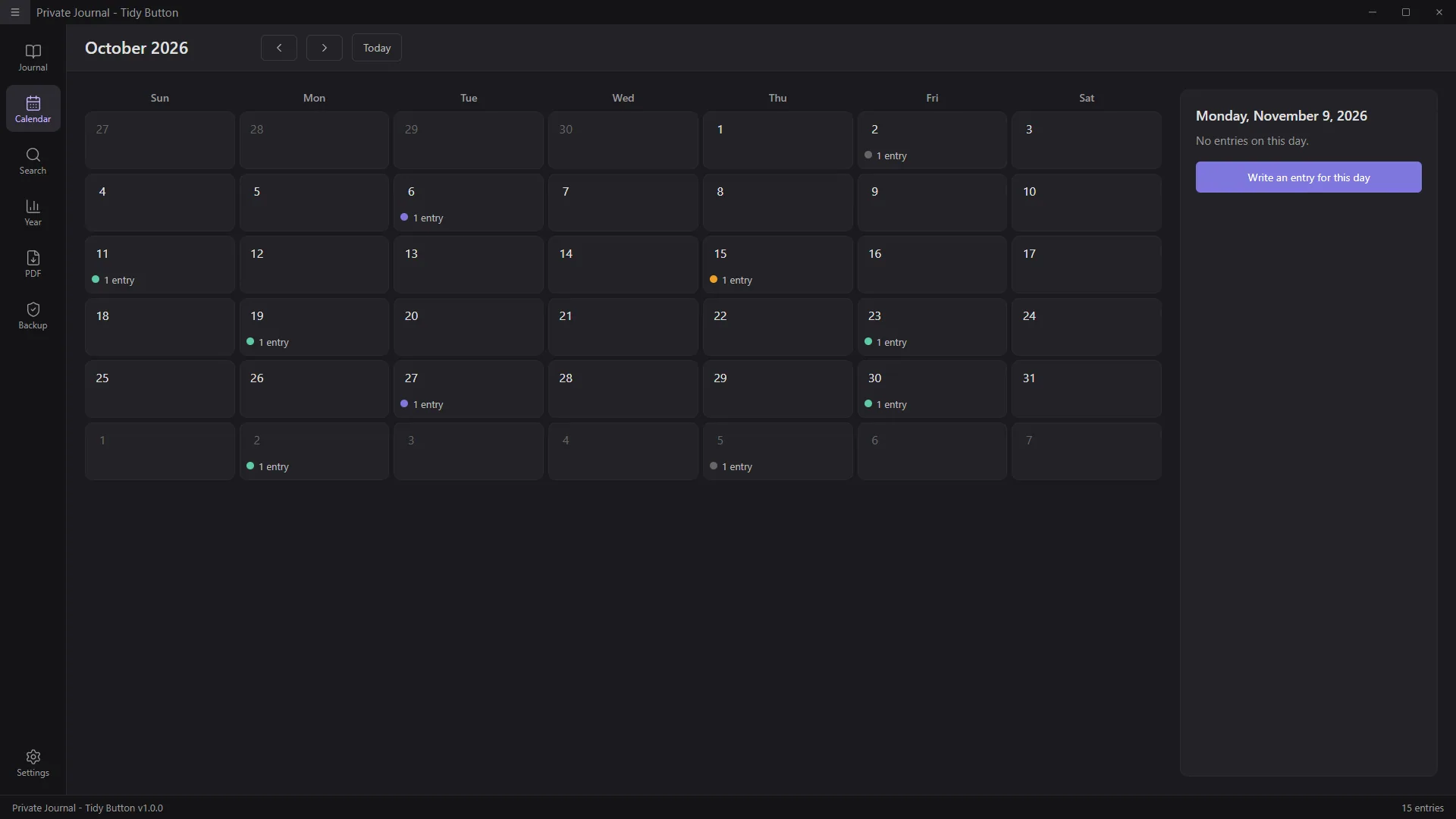
See which days have entries
Search
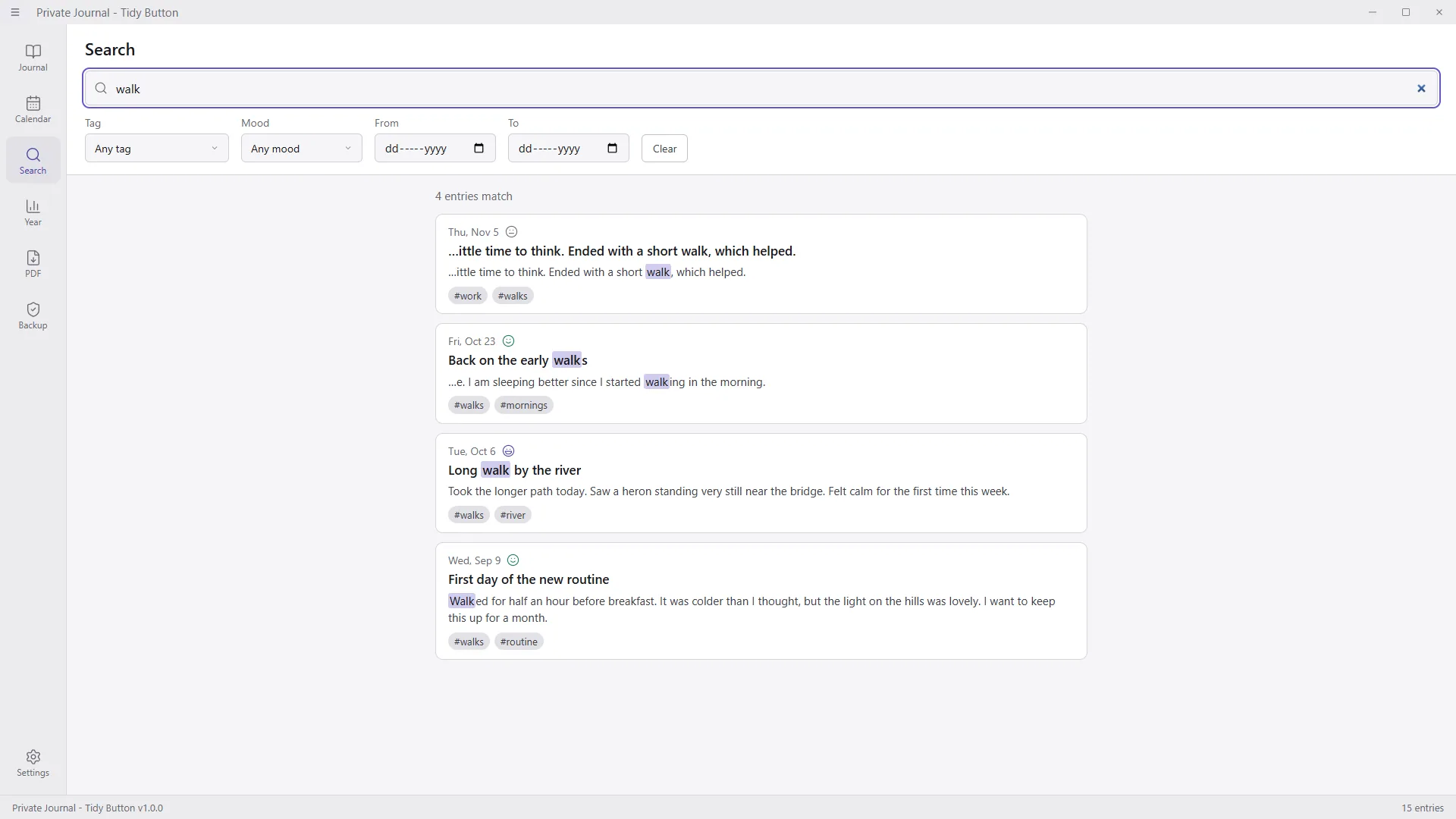
Find any entry, with matches highlighted
Password lock
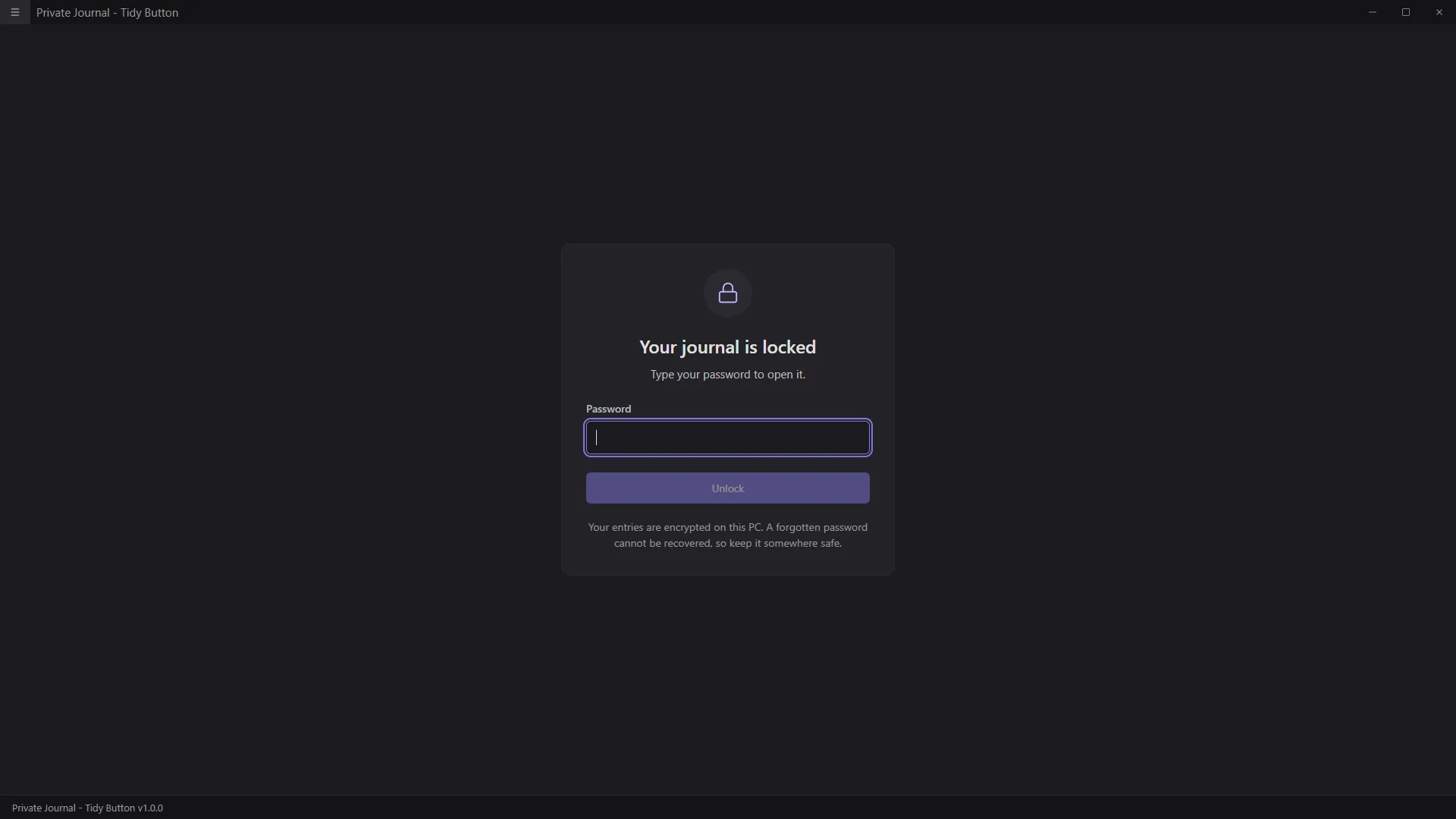
Locked until you type your password
Screens show a demo folder, not a real PC. The app has light and dark themes.
What it does
What it does.
Private Journal is a diary for Windows with no limit on how many entries you write or how long they are. Each entry has a date, an optional title, your text, a mood and tags, and it saves as you type. Find entries again through the monthly list, the calendar or search. With the password lock on, your journal is encrypted on disk, so it cannot be read from the files.
Unlimited entries
No cap on how many entries you write or how long they are.
Mood and tags
Mark each entry with a mood from Awful to Great, and add tags you can search by.
Calendar and search
See which days have entries, and search every entry with tag, mood and date filters.
Encrypted password lock
AES-256-GCM encryption. Lock now, change or remove the password any time.
PDF of a day
Save any one day as a PDF to print or keep.
Your files, your folder
Open the journal folder and copy your journal by hand whenever you like.
The small print, in plain English
Safe by design.
- Your entries stay on your PC. Nothing is uploaded.
- Deleting an entry asks first.
- The password lock encrypts the journal on disk.
- Works offline. No account. No ads. No tracking.
Good for
Handy for daily writing.
- A daily diary
- Gratitude notes
- Travel notes
- A mood record
- A private place to write without an account
Questions
Plain answers.
Where are my entries kept?
On your PC, in a Private Journal folder inside your Documents folder. They are never uploaded.
How does the password lock work?
It encrypts your journal on disk with AES-256-GCM. The app asks for the password when it starts, and Lock now locks it at once.
What if I forget the password?
It cannot be recovered. The password is not stored anywhere, which is what keeps the journal private.
Is there a limit on entries?
No. The free version has unlimited entries of any length.
What does Pro add?
An optional one-time Pro unlock adds PDF export of a date range, photos and attachments, backup and restore, extra themes and fonts, and a Year in review.