Coming to the Microsoft Store
IPTV Player Your playlists, one clean player.
Open an M3U or M3U8 playlist from a file or a link, browse by group, search, mark favourites and see what is on now and next. It ships no channels or links: you bring your own. Works offline, no account, no ads.
Not on sale yet. The app is still being built.
We will link the Store listing here the day it is live. Until then there is nothing to download.
- Works offline
- No account, no ads, no tracking
- Ships no channels
- Free
See it
Ten views. From playlist to picture.
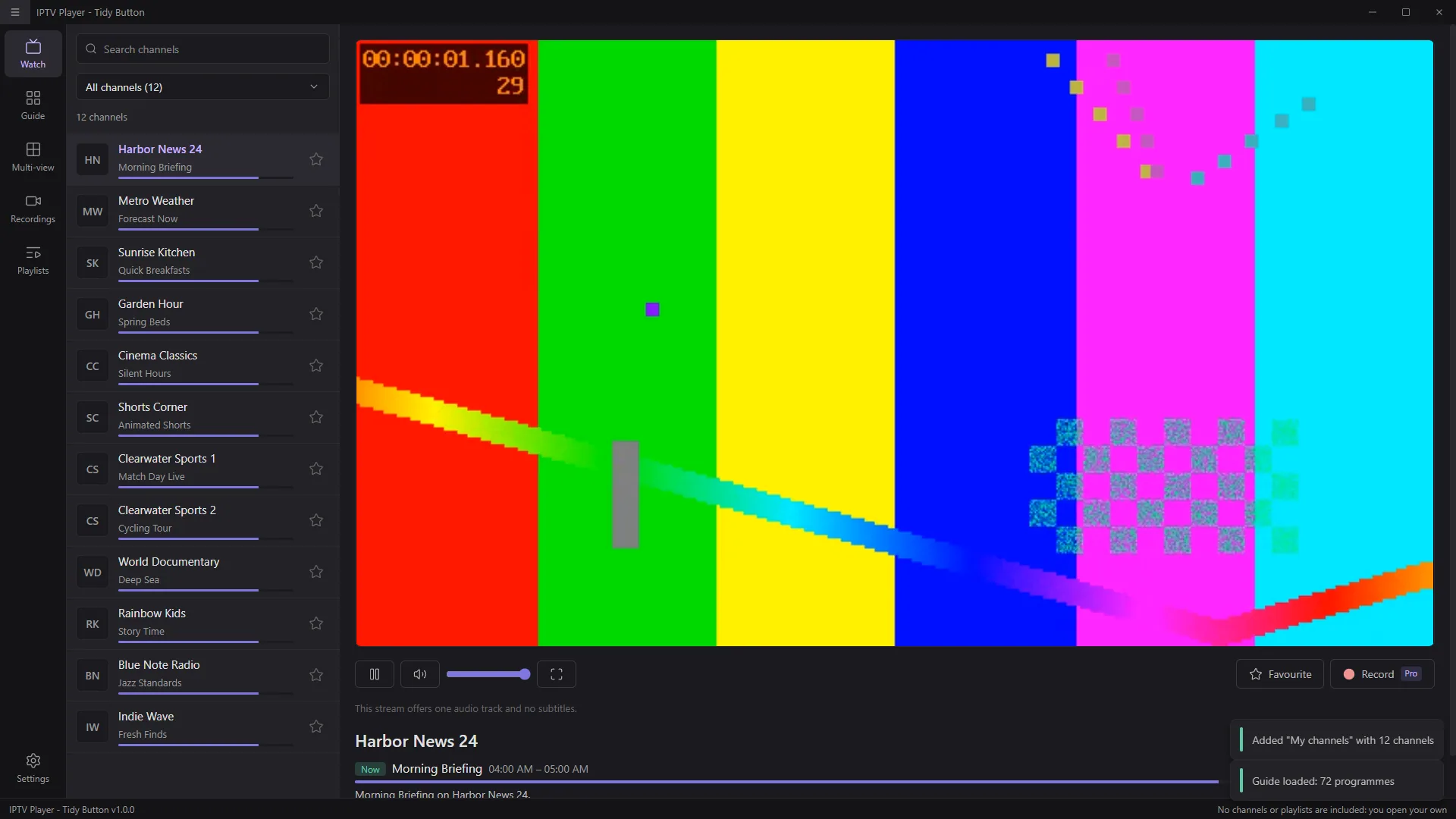
Watch
Pick a channel and it plays. What is on now and next shows beside each channel
Groups
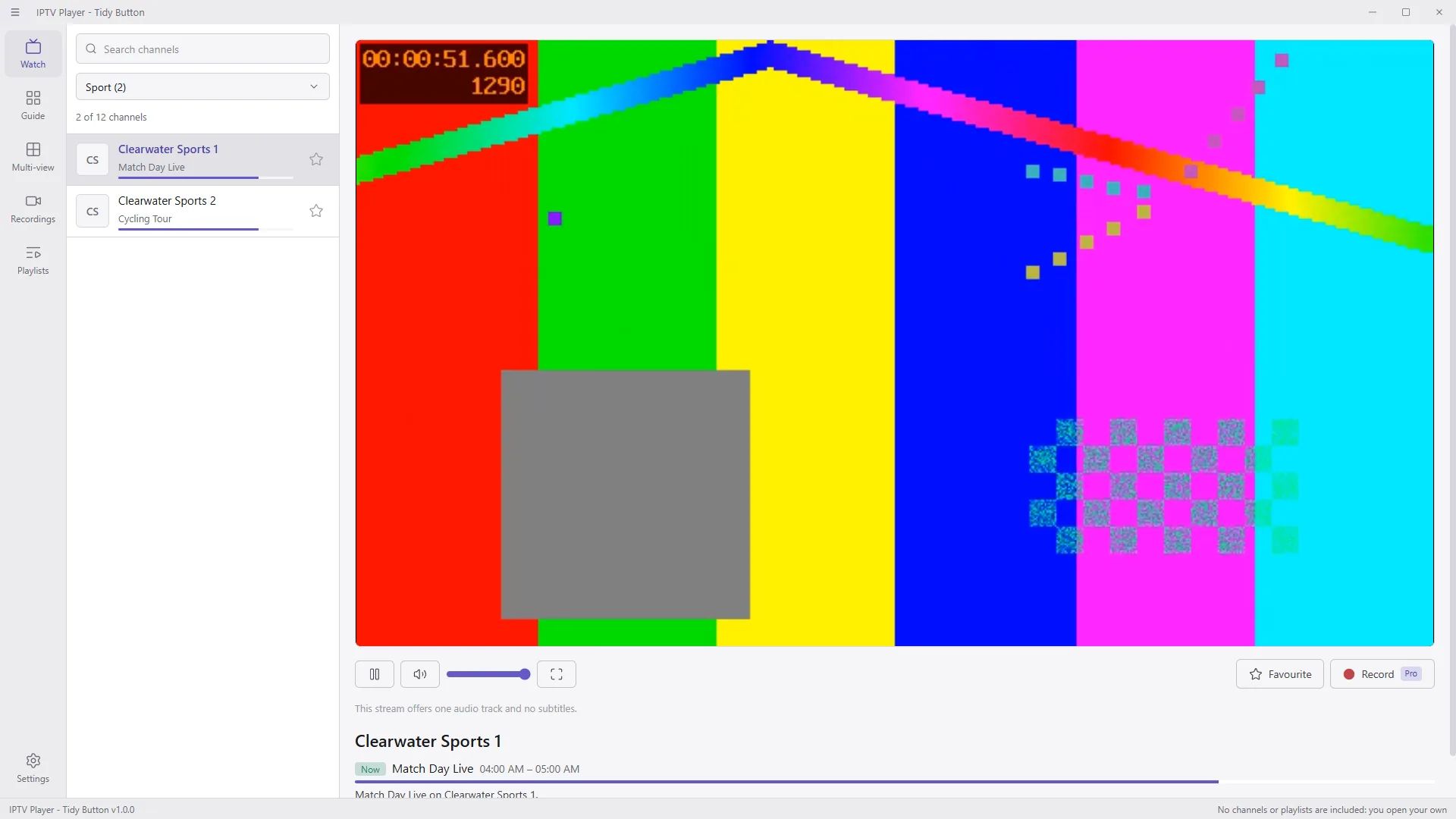
Filter your channels by group, in the light theme
Favourites
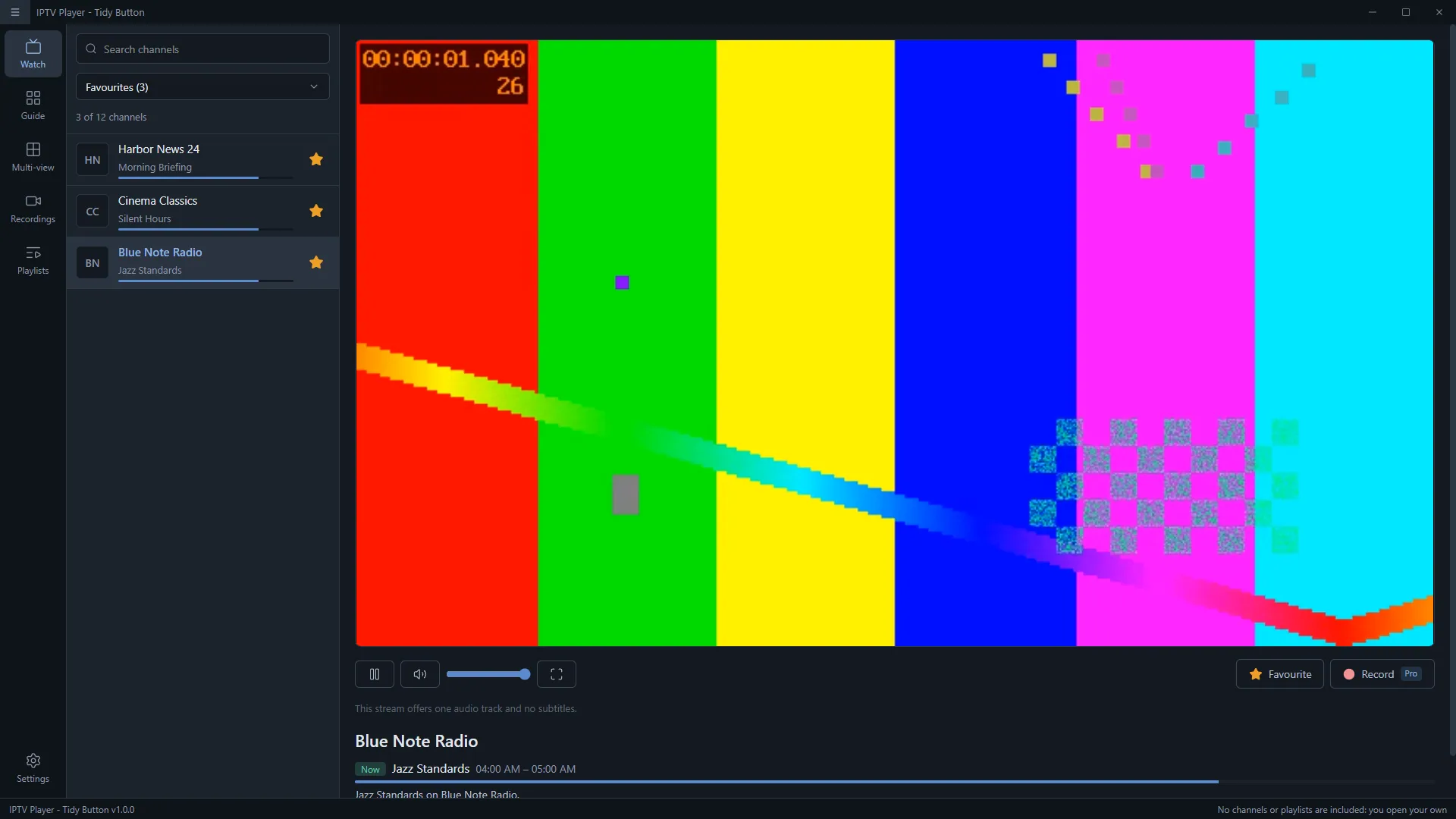
Star a channel and open it from the Favourites list
Audio and subtitles
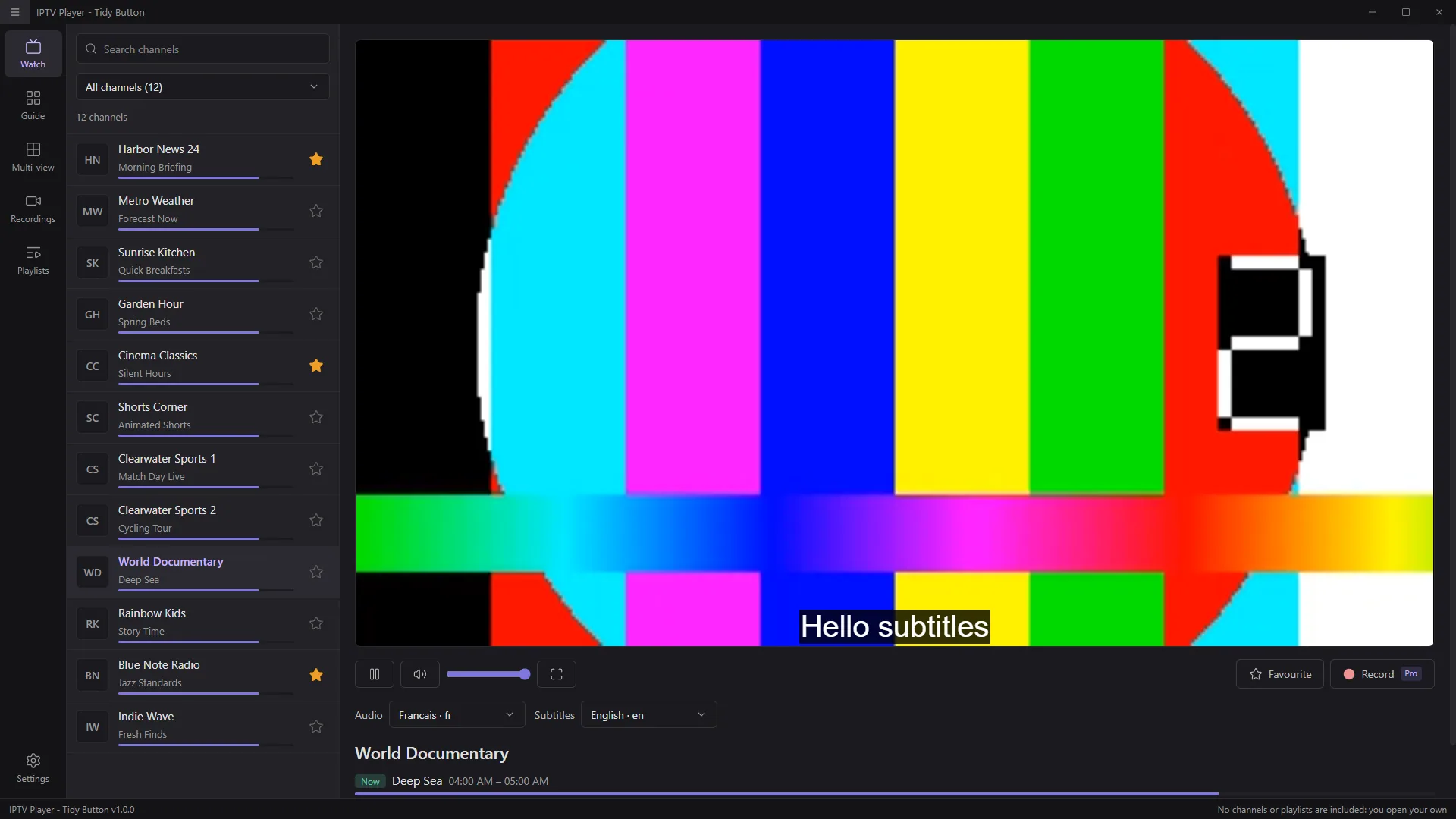
Choose the audio track and subtitles when a stream offers them
Screens show invented channel names and test video made for the pictures. The app includes no channels. It has several themes, including light and dark.
What it does
What it does.
A clean player for the playlists you already have. Open a file or a link, pick a channel and watch. IPTV Player includes no channels, no playlists and no links. Your playlists and favourites stay on your PC. The app talks only to the addresses you give it.
Your playlists
Open M3U and M3U8 files, add a playlist link or drop a file onto the window. The app includes no channels or links.
Plays common streams
HLS, MPEG-TS, FLV and plain video, with audio track and subtitle choice when a stream offers them.
Groups, search and favourites
Filter by group, search as you type and keep favourites in their own list.
Now and next
Load an XMLTV guide from an address or a file to see what is on and what is next.
Honest errors
A channel that will not play stops after three tries and tells you why, with a Try again button.
Themes
Dark, light, Slate, Midnight, High contrast or the same as Windows, with comfortable or compact spacing.
Optional Pro
Unlimited playlists and channels, a guide grid, recording to a file, multi-view and backup and restore. The free version plays one playlist of up to 500 channels.
The small print, in plain English
Safe by design.
- Ships with no channels, no playlists and no links. You bring your own.
- Your playlists and favourites stay on your PC.
- The app connects only to the playlist, guide and stream addresses you give it.
- No account. No ads. No tracking.
Good for
Handy when you have your own playlist.
- People with a playlist from their own service
- Home streams and community channels
- Anyone who wants a clean player with a guide and no ads
Questions
Plain answers.
Does it include channels?
No. IPTV Player ships with no channels, no playlists and no links. You open your own playlist from a source you are allowed to use.
What can it open?
M3U and M3U8 playlists from a file, a link or a file dropped onto the window.
Does it need an account?
No. There is no account, no ads and no tracking.
Is there a limit in the free version?
The free version plays one playlist of up to 500 channels. Pro is an optional one-time add-on for more.