We will link the Store listing here the day it is live. Until then there is nothing to download.
Real app, with a folder of generated sample pictures.
Works offline
No account, no ads, no tracking
No prompt on launch
Free
See it
Eight views. One folder, walked.
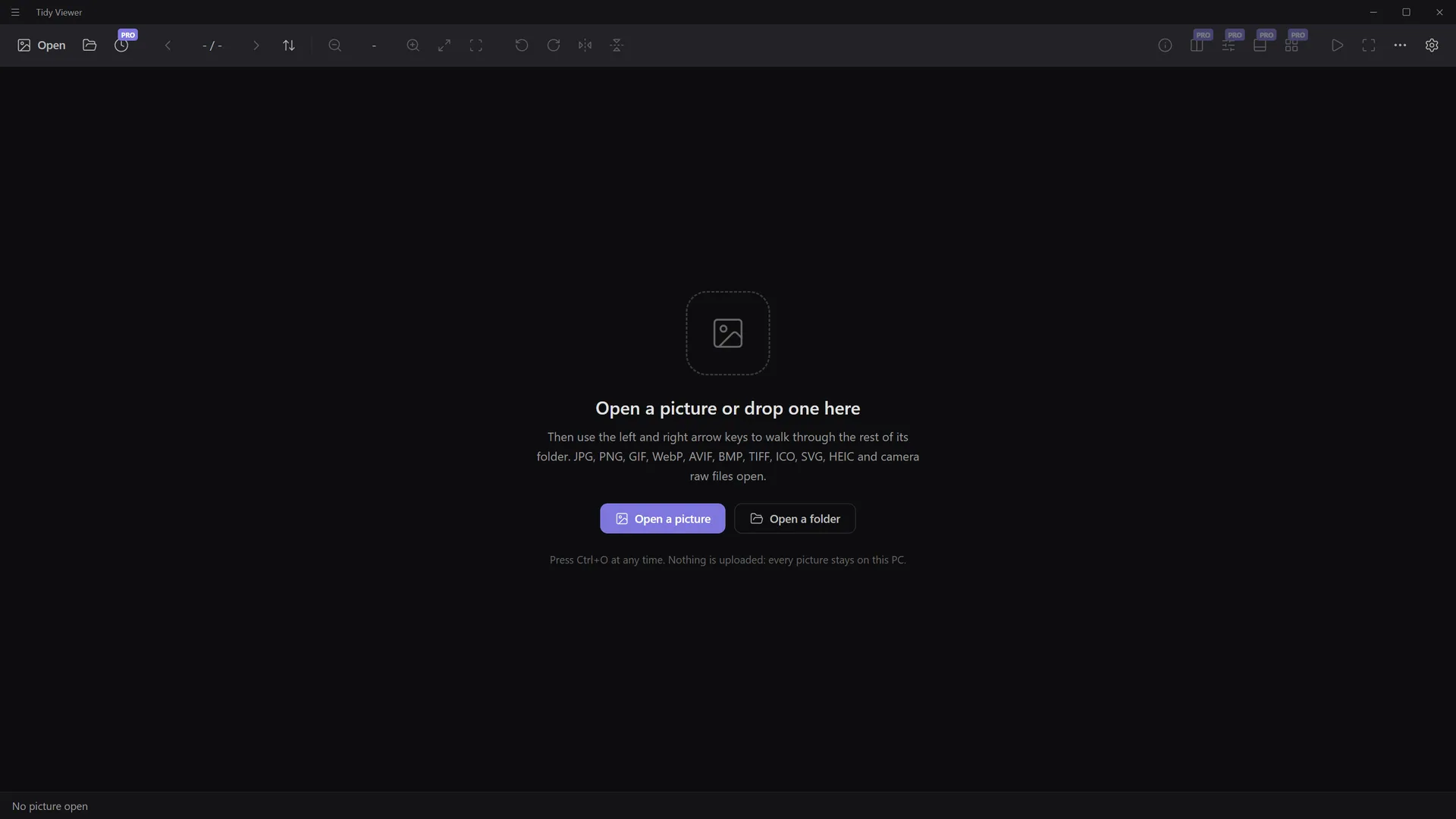
Start
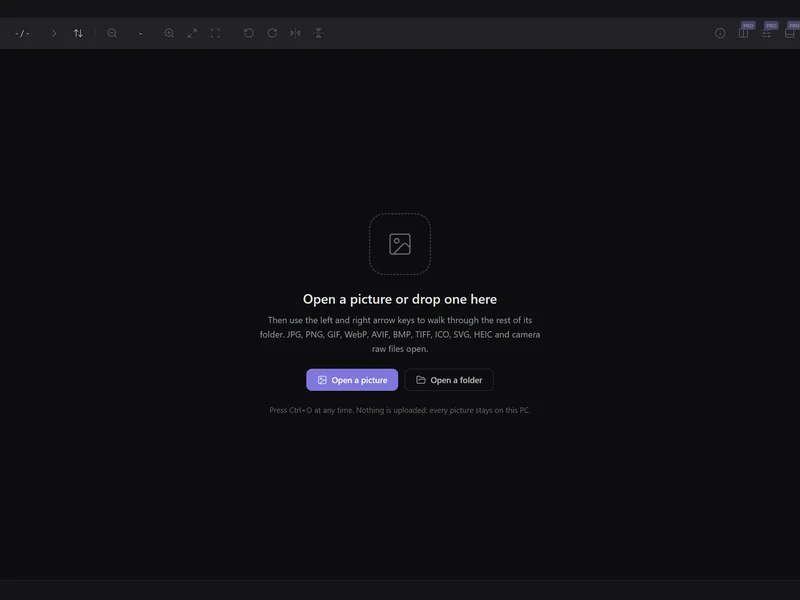
Start by opening a picture or dropping one on the window
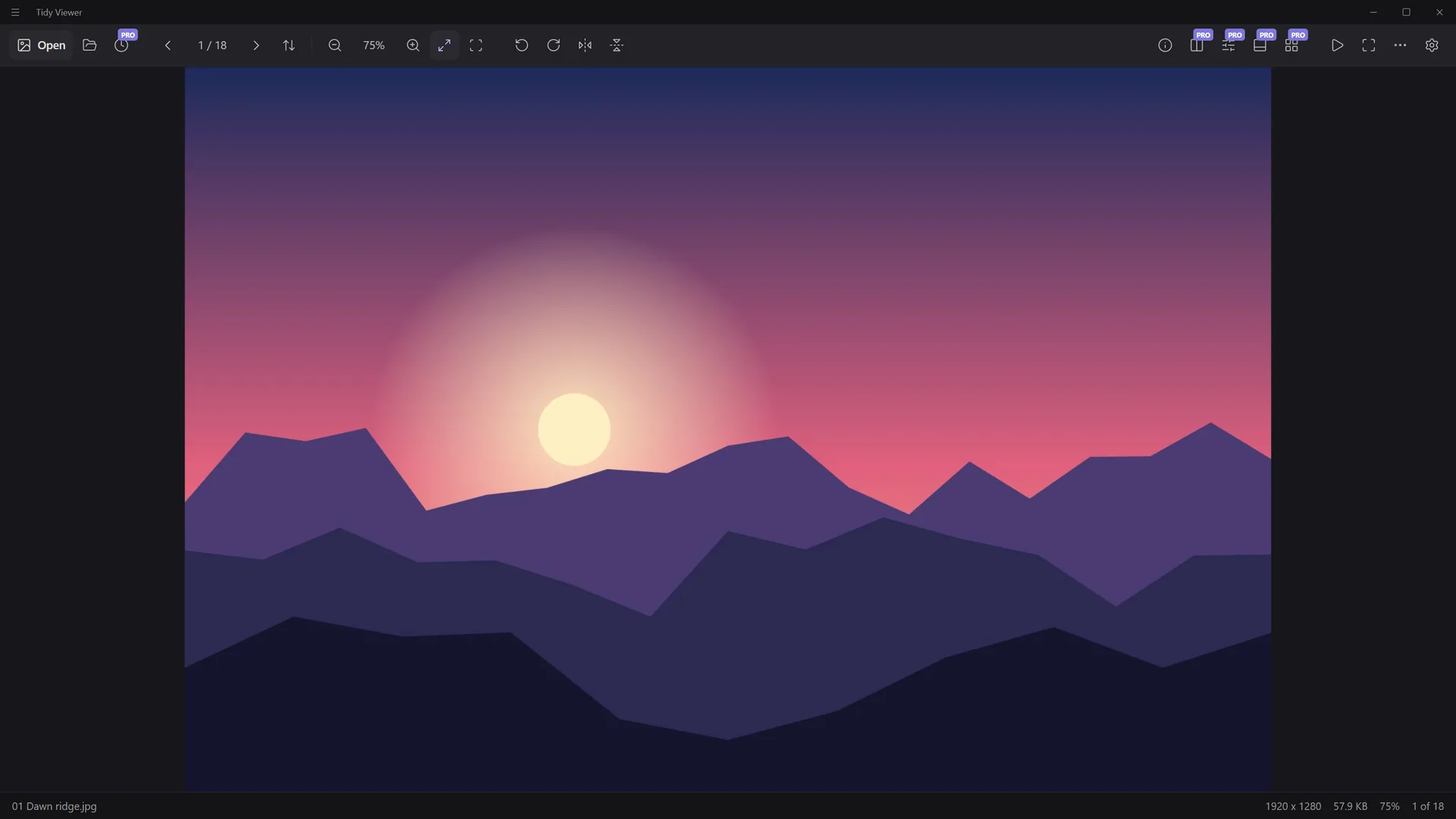
Picture
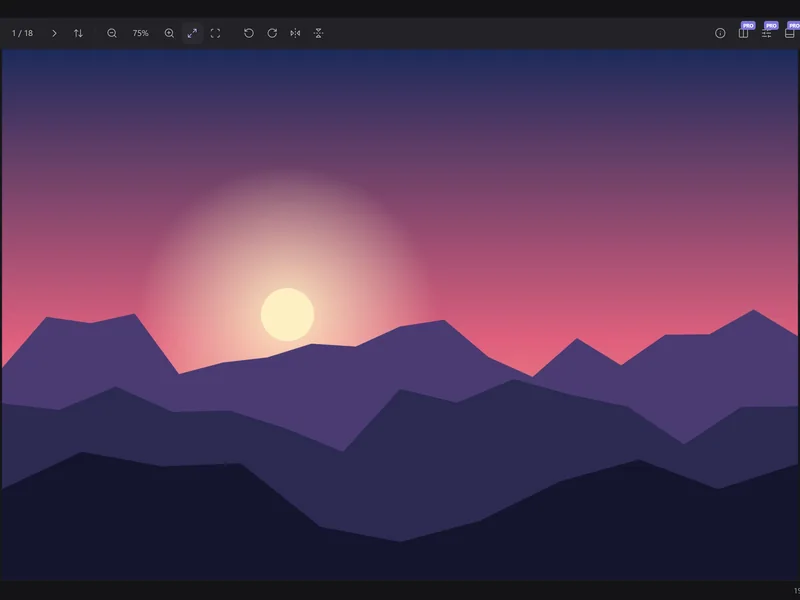
The picture opens at once and fits the window
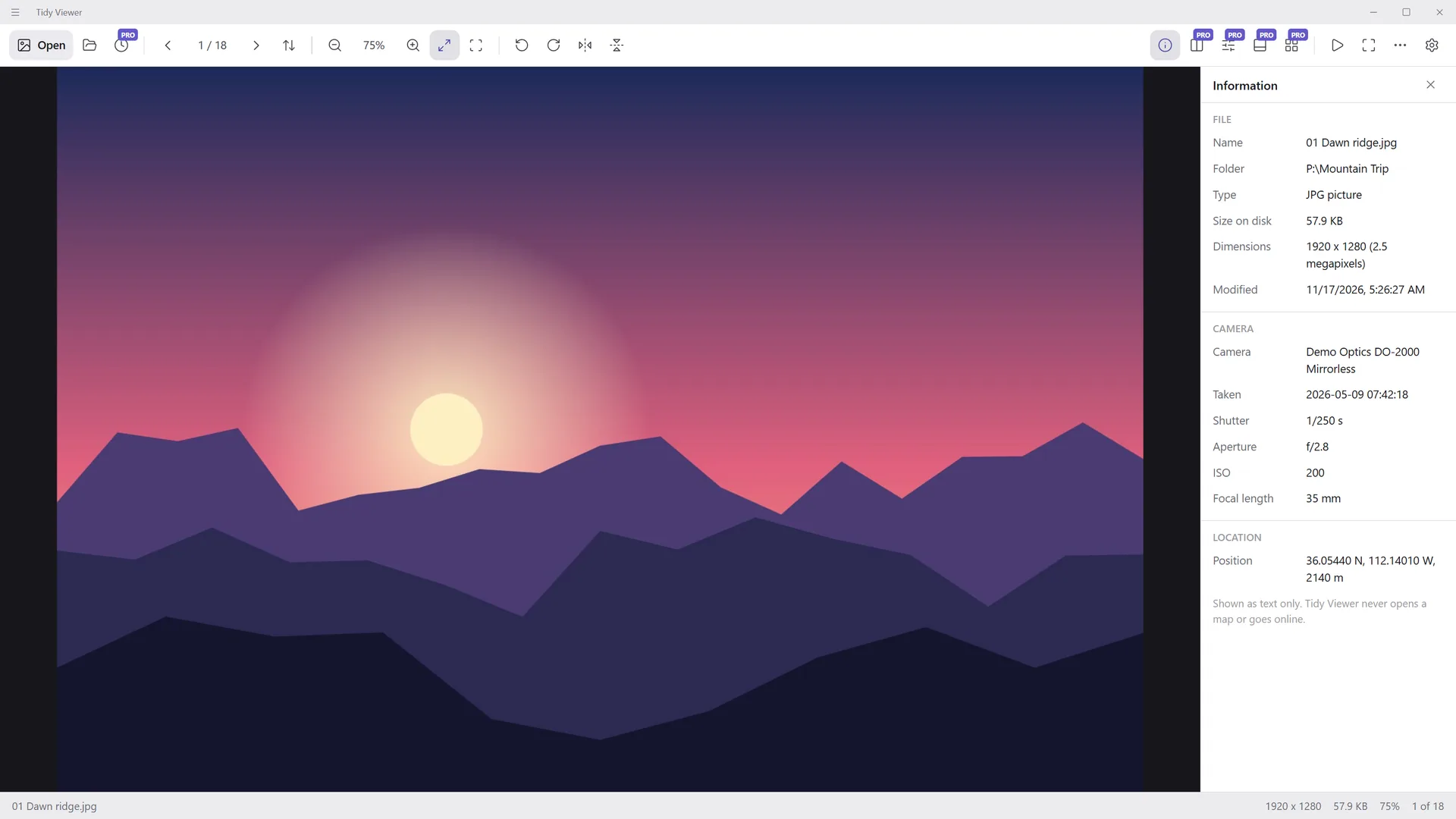
Information
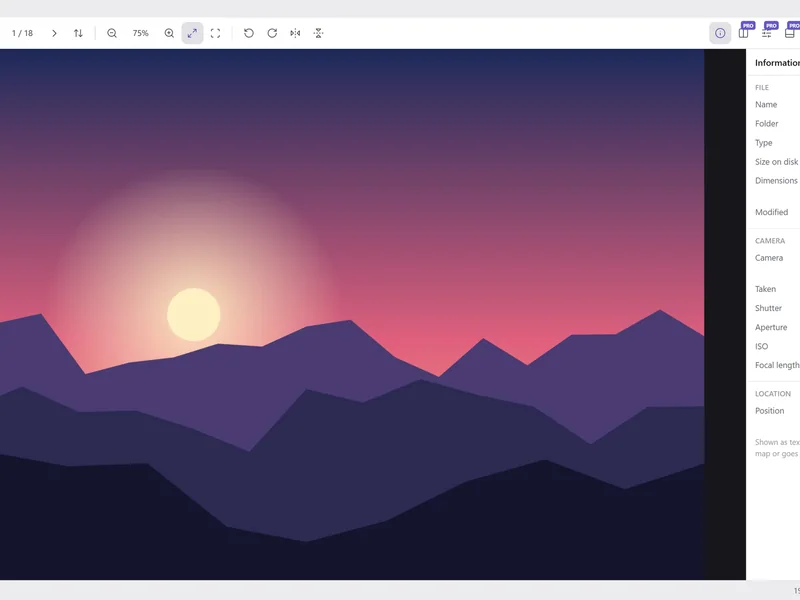
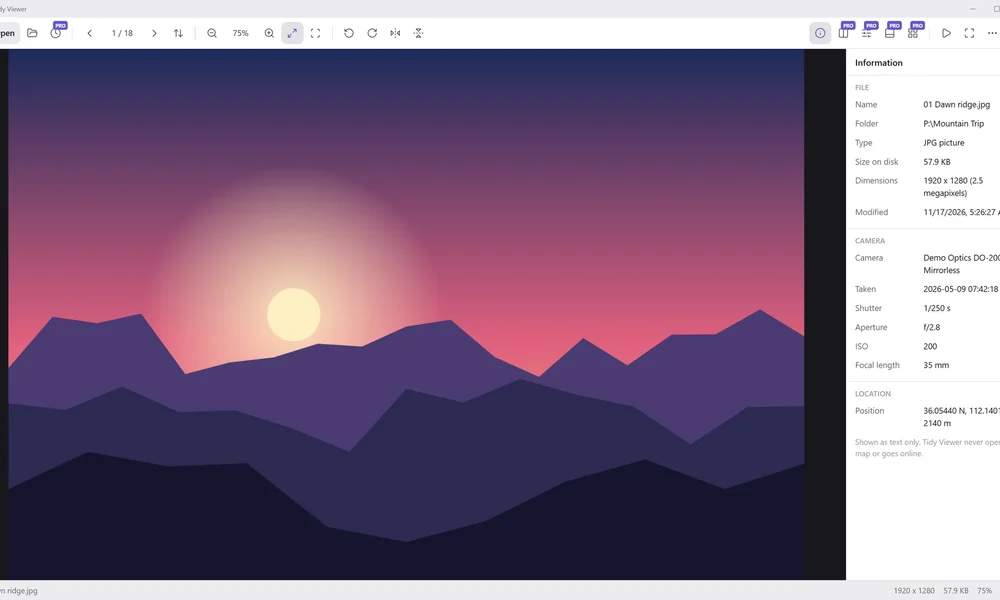
File facts, camera and GPS position as plain text, with no map
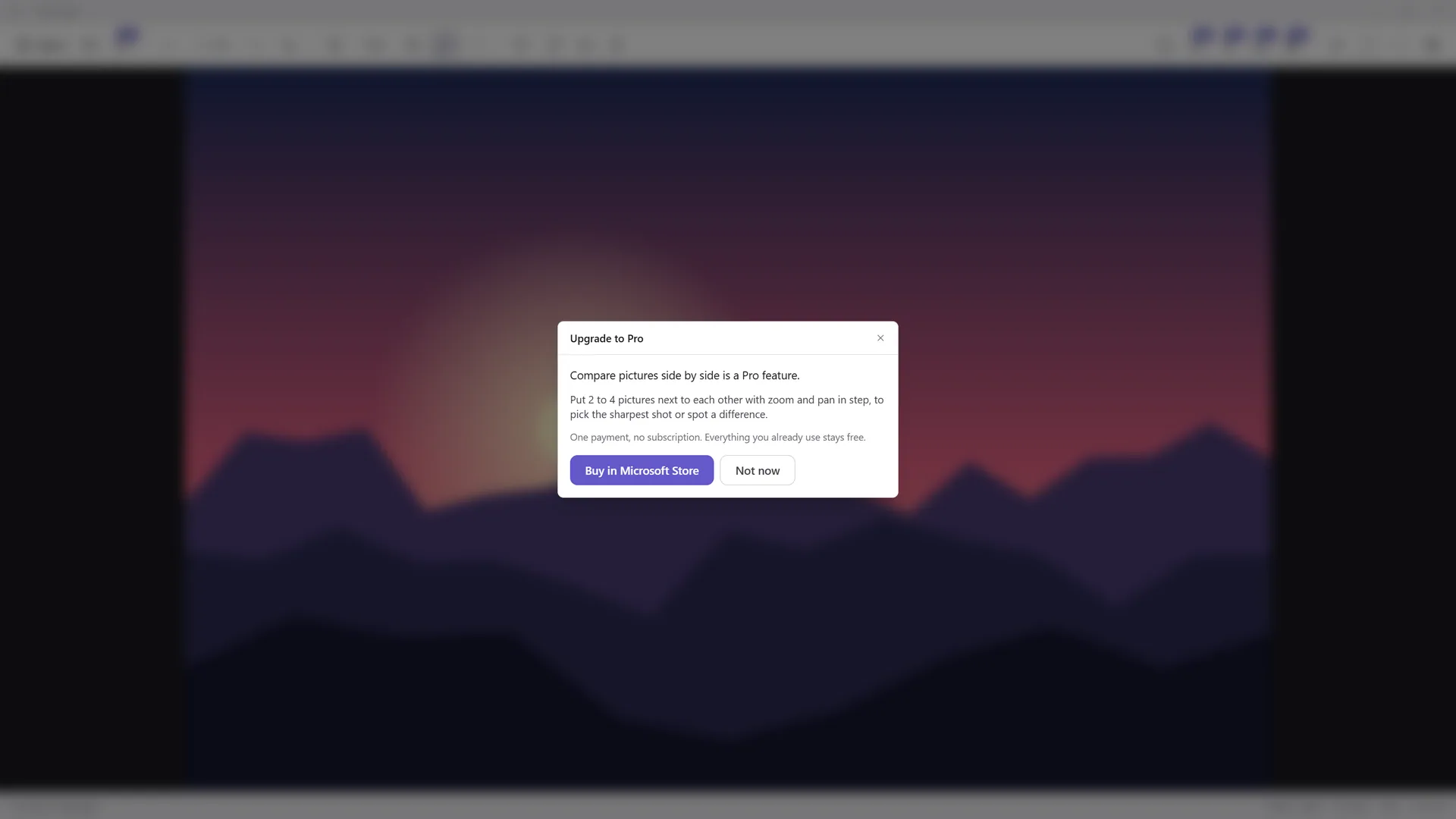
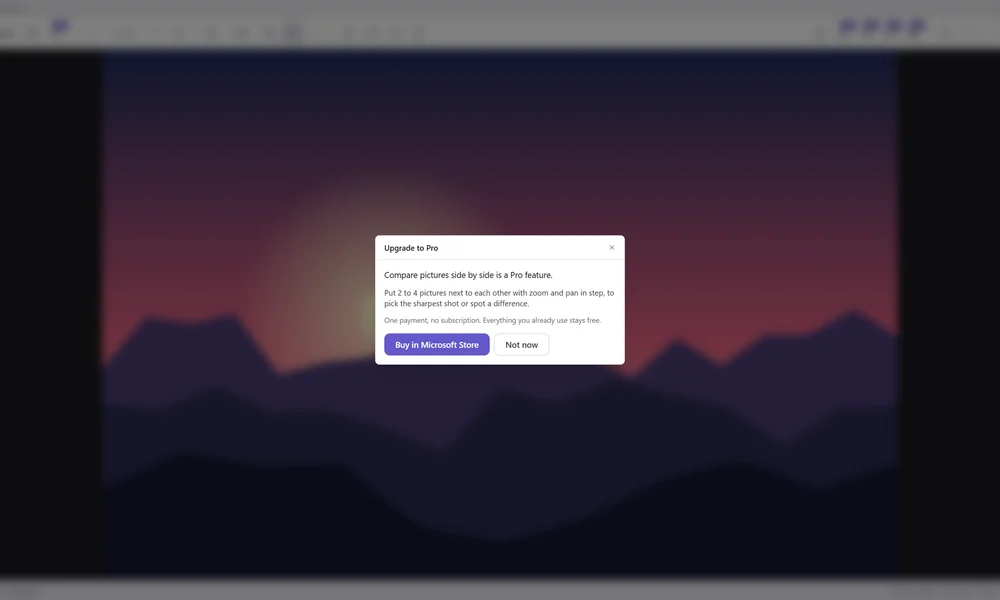
Pro prompt
The Pro offer appears only when you touch a Pro control
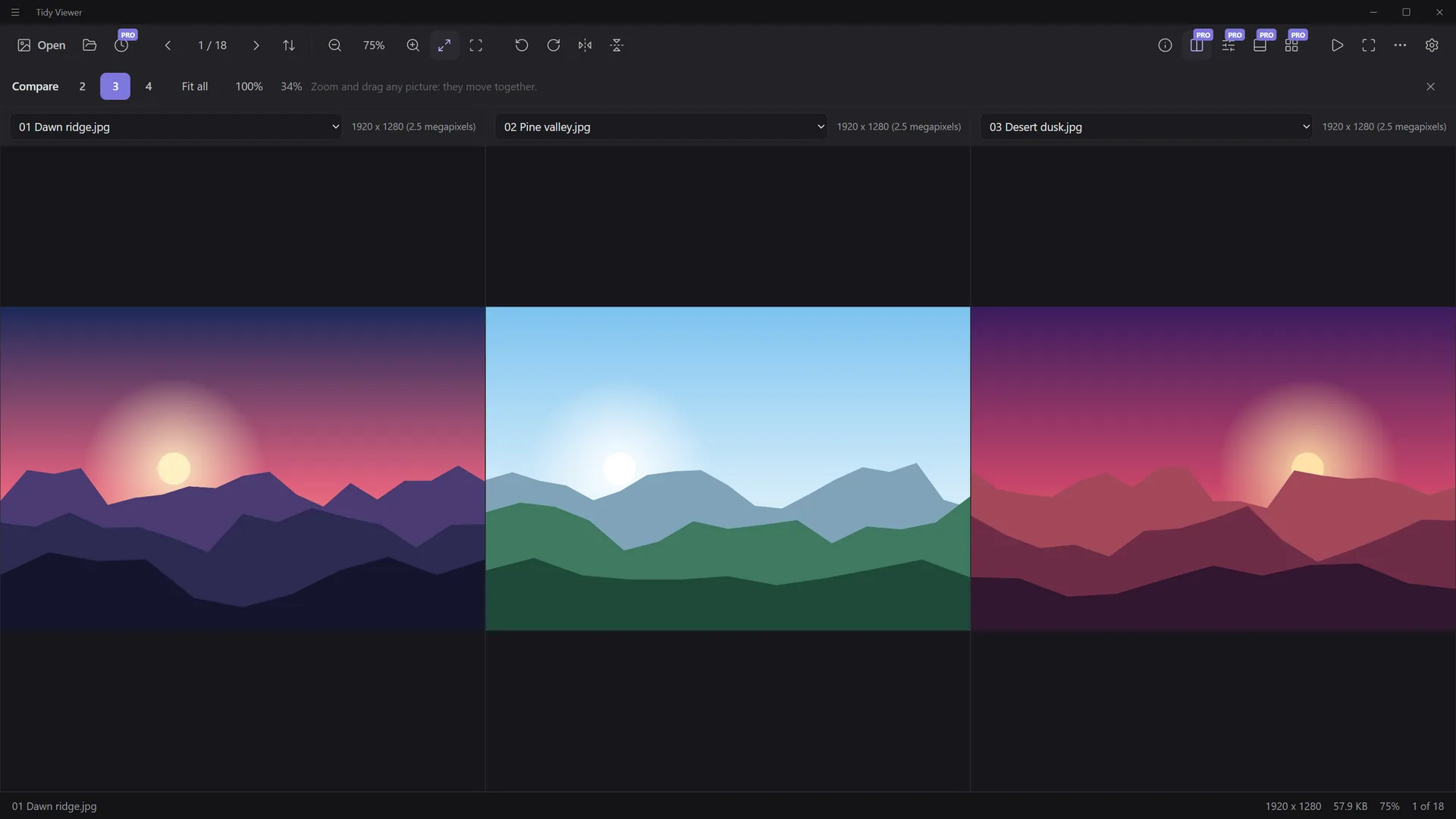
Compare
Compare two to four pictures side by side with zoom and pan in step
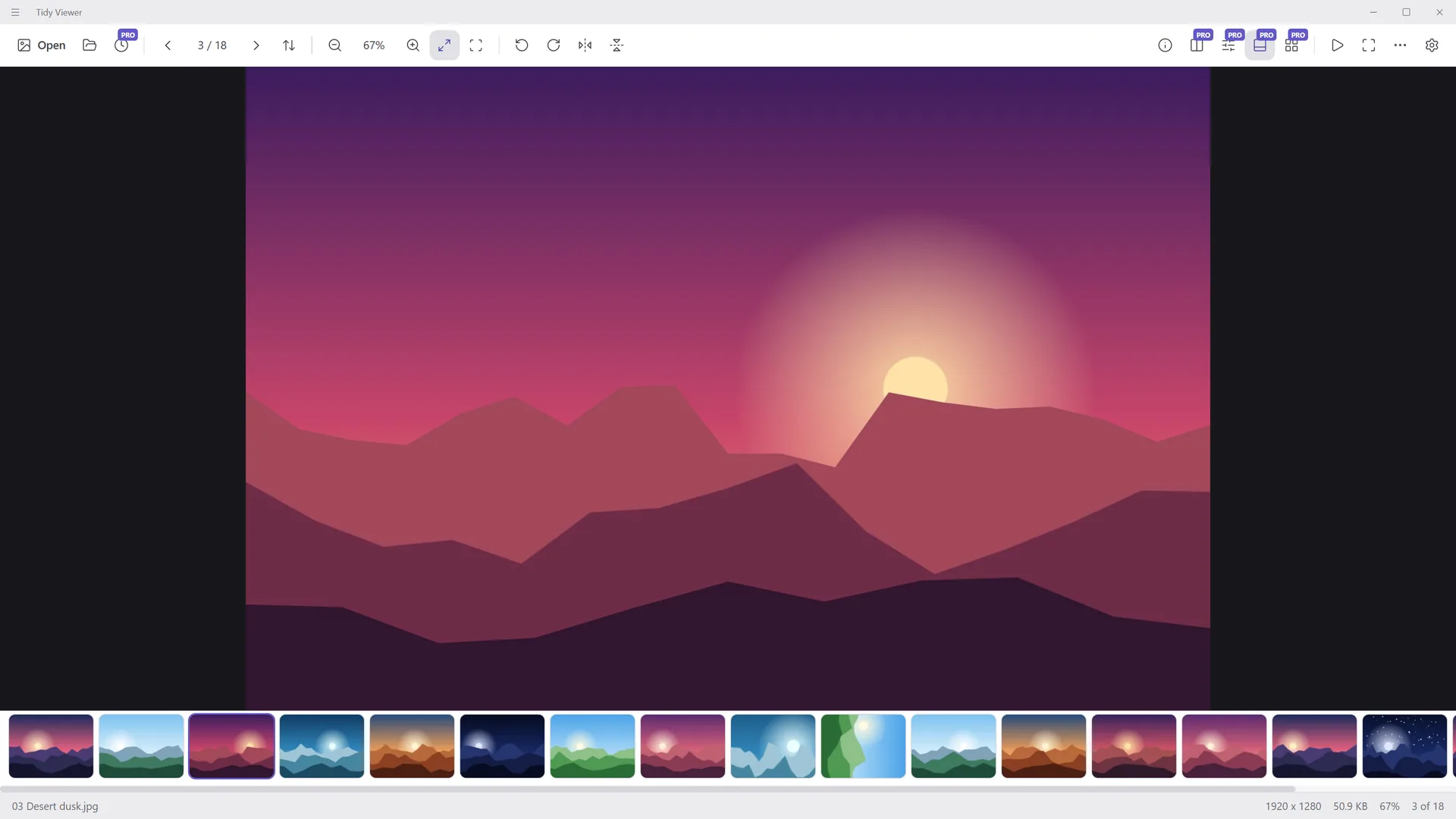
Thumbnails
A thumbnail strip shows the whole folder under the picture
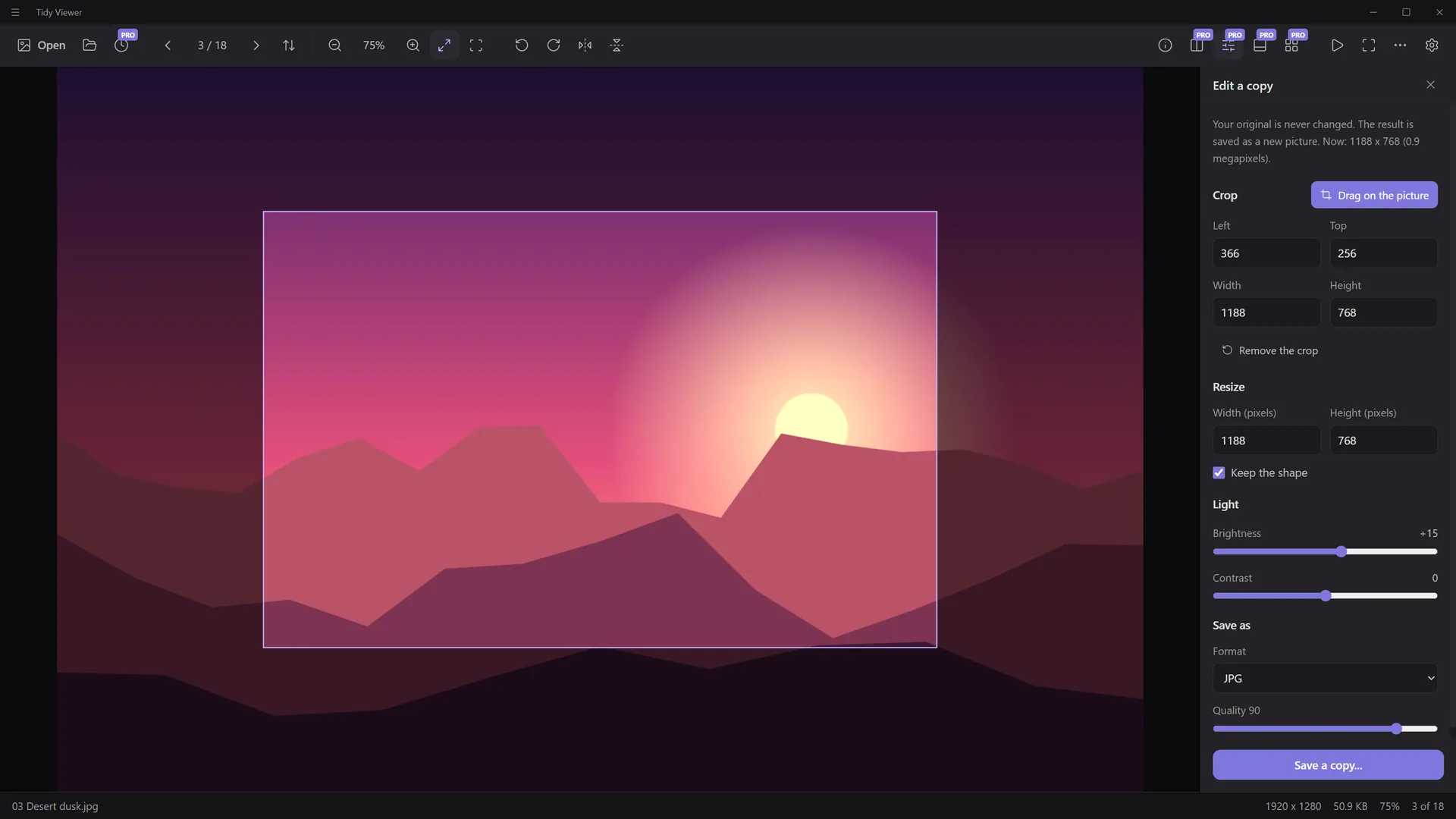
Edit a copy
Crop, resize and adjust brightness, then save a new copy
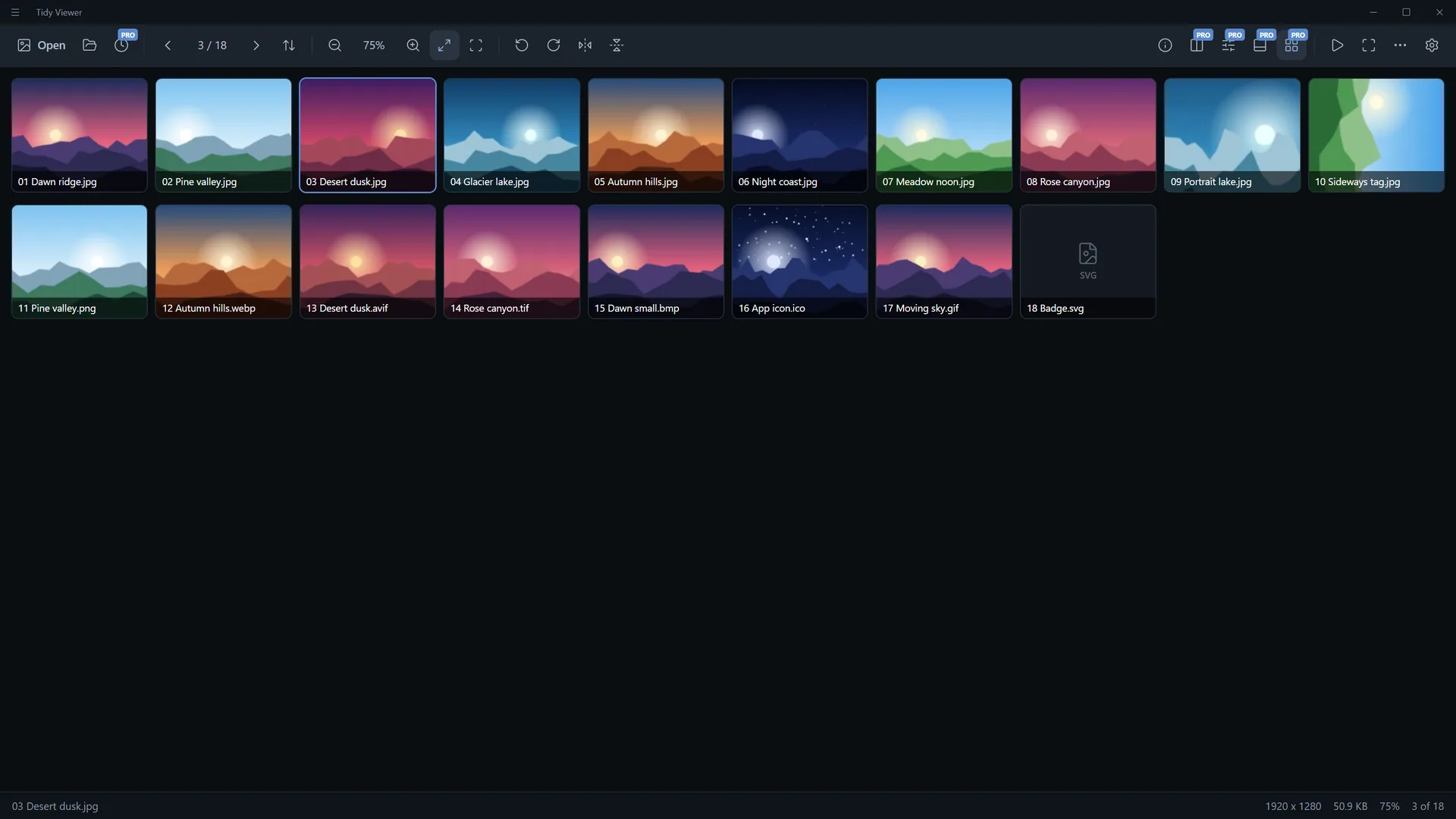
Grid
A grid shows every picture in the folder at once
Screens show generated sample pictures, not real photos. The app has light and dark themes.
How it works
Three steps. No manual.
01
Open a picture
Double-click a picture, drop one on the window, or use Open and Open a folder.
02
Walk the folder
Press the left and right arrow keys. The next and previous pictures are already loaded.
03
Look closer
Zoom, rotate, start a slideshow, go full screen or press I to read what is stored in the picture.
What it does
What it does.
Double-click a picture and it opens at once. Then the left and right arrow keys walk through the rest of the folder, with the next and previous pictures already loaded. Everything happens on your PC. There is no account, no ads and no prompt that blocks the picture.
Opens at once
The next and previous pictures are preloaded, so the arrow keys feel instant. Sort the folder by name, date or size.
Many formats
JPG, PNG, animated GIF, WebP, AVIF, BMP, TIFF, ICO and SVG, plus HEIC phone photos and camera raw files.
Zoom and pan
Fit, 100%, mouse wheel, pinch or the + and - keys. Drag to pan and double-click to switch between fit and 100%.
Rotate and flip
Save a rotation into a JPEG by changing only its orientation tag, so the picture is not re-encoded.
Full screen and slideshow
Full screen always fits the whole picture. The slideshow has your own delay, loop and shuffle.
See what is inside
Press I for file facts, camera, exposure and the GPS position as plain text. No map opens and nothing goes online.
Everyday actions
Copy a picture, set it as your wallpaper, open it with another program, show it in its folder, or delete it to the Recycle Bin.
Pro tools
Compare two to four pictures, edit a copy, browse a thumbnail strip or grid, set your own shortcuts and use extra themes.
The small print, in plain English
Safe by design.
Press I to read the camera, exposure and position as plain text. No map, no internet.
The Pro offer shows only when you touch a Pro control.
Nothing is uploaded. Your pictures are read on your PC and never leave it.
No prompt on launch and none while you look at pictures. The Pro offer shows only when you touch a Pro control.
Deleting sends a picture to the Recycle Bin, after you confirm.
Every free feature works for any number of pictures.
Works offline. No account. No ads. No tracking.
What is Pro
Free to look, Pro to go further.
Everything for looking at pictures is free. Pro adds these tools, once, for good.
Crop and adjust a copy; the original is never changed.
Compare
Pick the sharpest
Two to four pictures side by side, zoom and pan in step.
Edit a copy
Original untouched
Crop, resize, brightness and contrast, saved as JPG, PNG or WebP.
Thumbnails
Jump to any picture
A strip under the picture or a grid of the whole folder.
Shortcuts
Your keys
Give every action the key you prefer. The standard keys stay free.
Colour
Colour-managed
Show pictures through your monitor's colour profile.
Folders and themes
Quick return
Your last 10 folders, and the Slate, Midnight and High contrast themes.
HEIC pictures need Microsoft's HEIF Image Extensions. If they are missing, the app says so and links to them.
Good for
Handy when you just want to look.
Looking through a folder of holiday photos
Checking phone and camera pictures
Picking the sharpest of several shots
A quick crop before you share a picture
Questions
Plain answers.
Is anything uploaded?
No. Your pictures are read on your PC and never leave it. The Store version makes no network connection of its own.
Will it nag me to upgrade?
No. The Pro offer appears only when you touch a Pro control, never when you start the app or look at pictures.
Which pictures does it open?
JPG, PNG, animated GIF, WebP, AVIF, BMP, TIFF, ICO and SVG, plus HEIC phone photos and camera raw files such as CR2, NEF, ARW and DNG.
Why does a HEIC picture not open?
HEIC pictures use the codec from Microsoft's HEIF Image Extensions. If it is missing, the app tells you and links to it.
Does rotating change my picture?
Only when you press Save rotation. A JPEG is turned by changing its orientation tag, with no re-encoding, and the original goes to the Recycle Bin first.
Does Delete remove a picture for good?
No. It moves the picture to the Recycle Bin after you confirm.
Is there a limit in the free version?
No limit on pictures. Compare, editing a copy, thumbnails, custom shortcuts, colour management, recent folders and extra themes are Pro, a one-time purchase.