Coming to the Microsoft Store
Chroma Key Studio Pick the colour, swap the background.
Open a photo or video shot in front of a green or blue backdrop, pick the colour and put a picture, a colour or a blurred copy behind the subject. Export an MP4 or PNG with no watermark. Works offline, no account, no upload.
Not on sale yet. The app is still being built.
We will link the Store listing here the day it is live. Until then there is nothing to download.
- Works offline
- No account, no ads, no tracking
- Files stay on your PC
- Free
See it
Nine views. From the first key to a batch.
Start
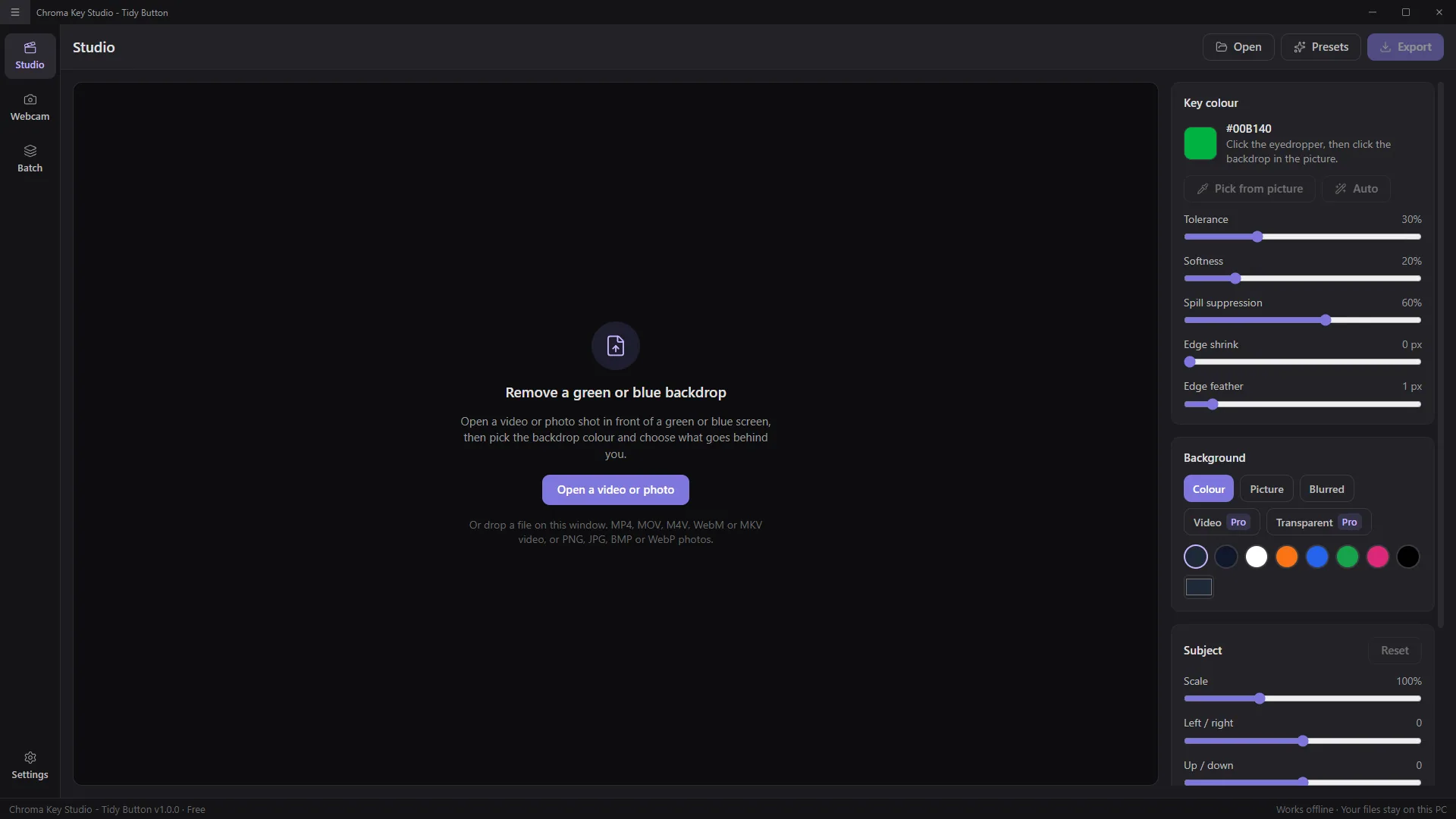
Open a video or photo, or drop it on the window
Key
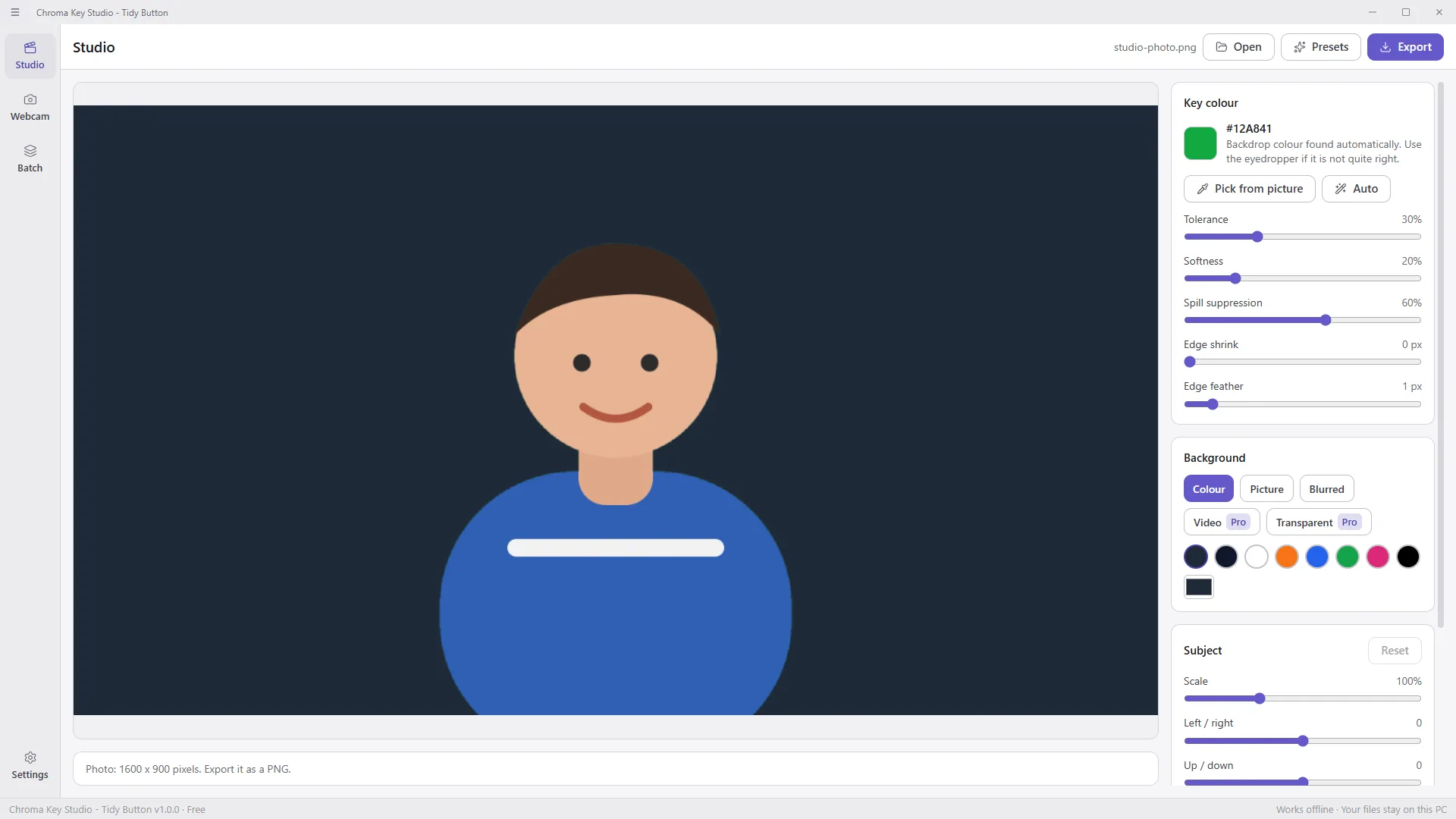
The backdrop colour is found and replaced at once
Picture background
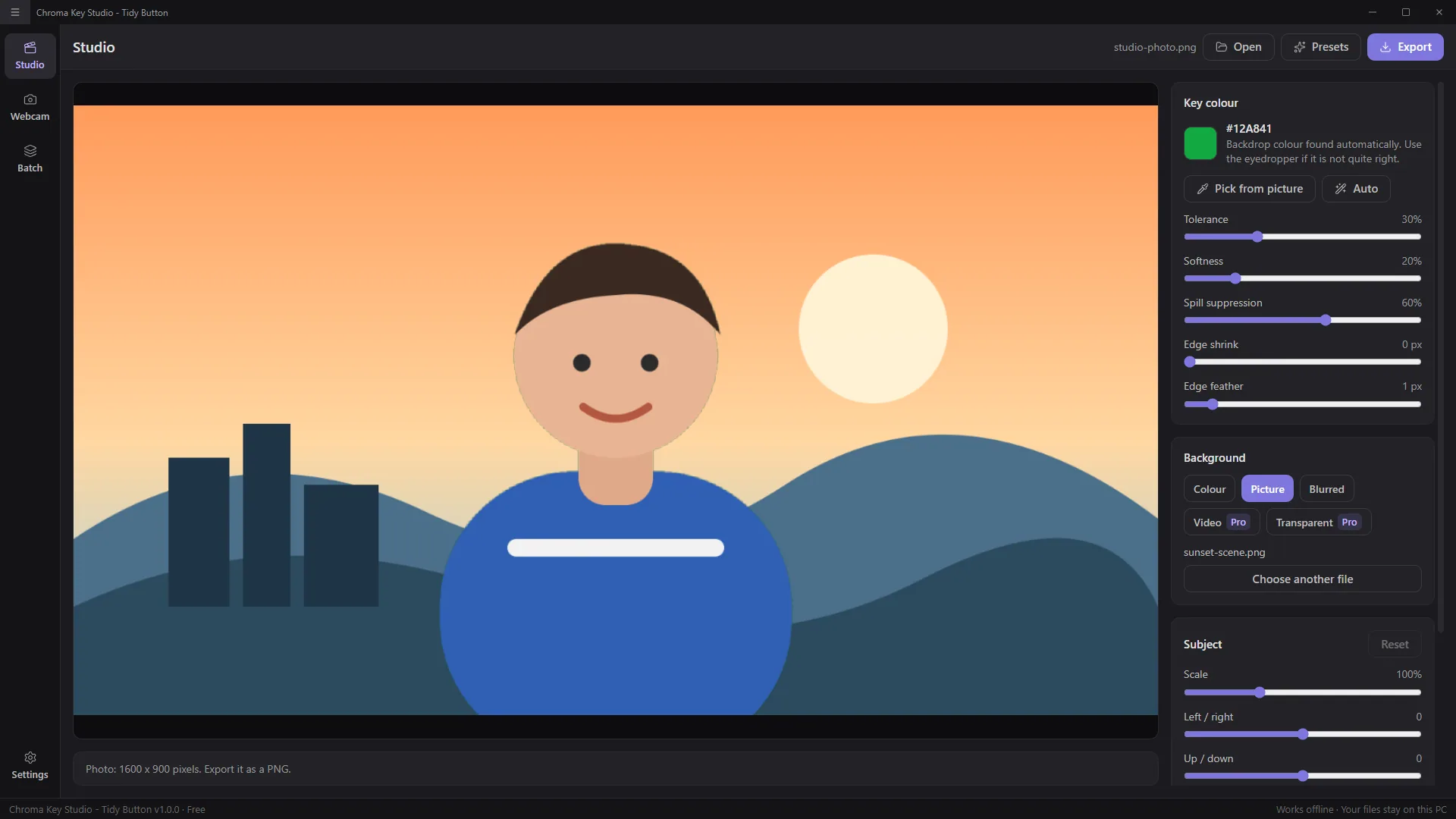
Put a picture behind the subject
Blurred background
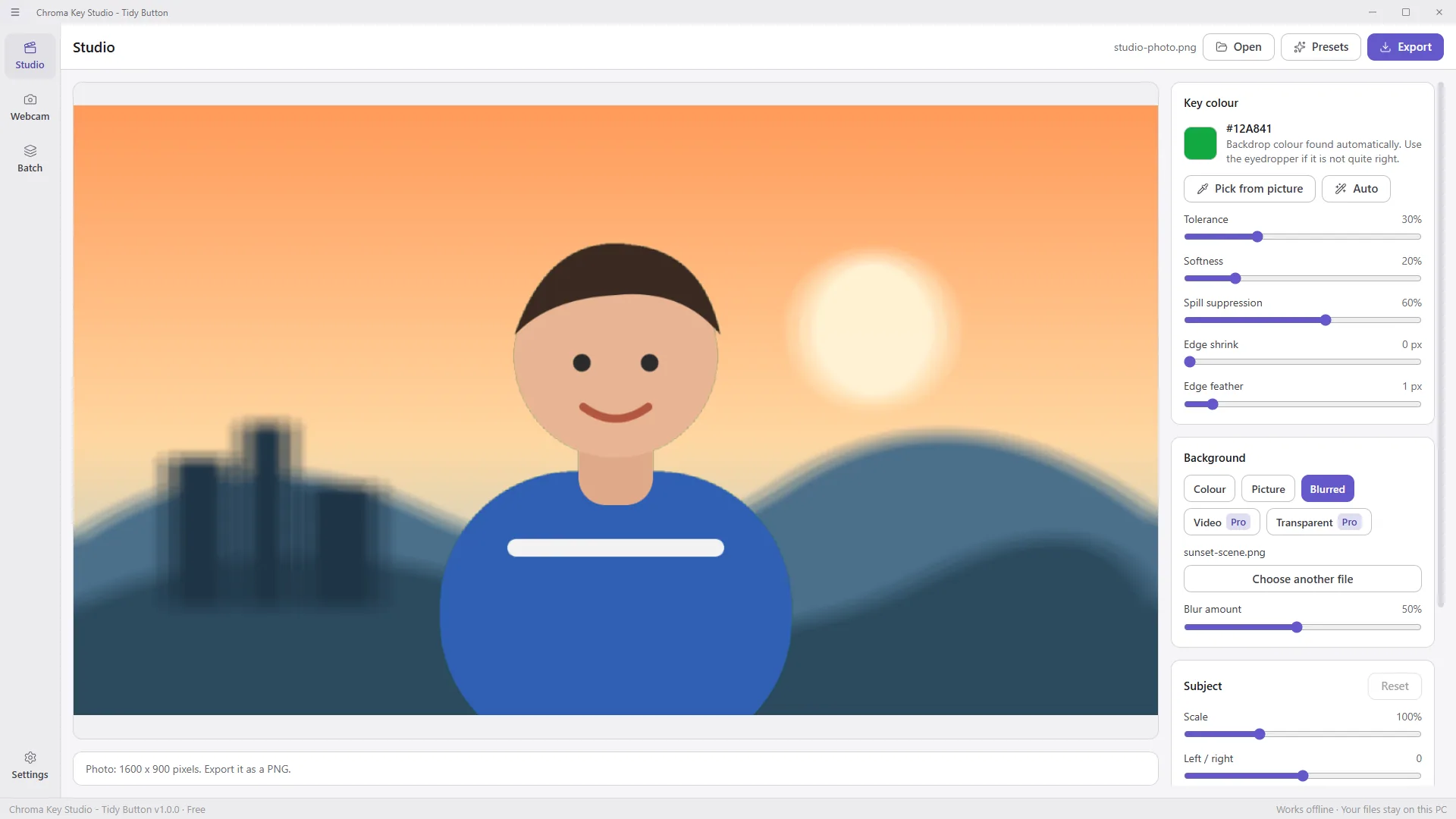
Or a blurred copy of your own picture
Export
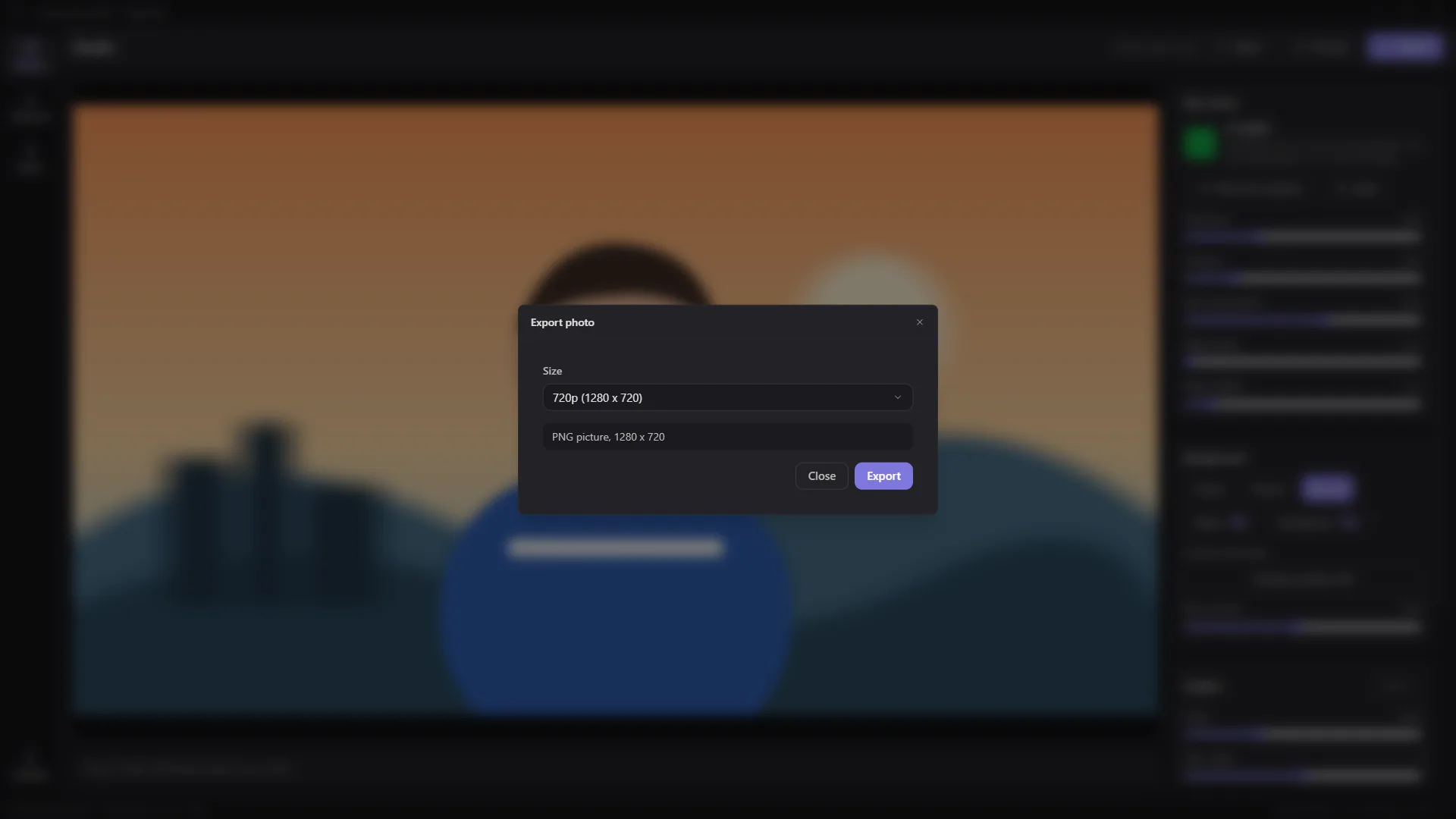
Export a PNG or an MP4, with no watermark
Pro prompt
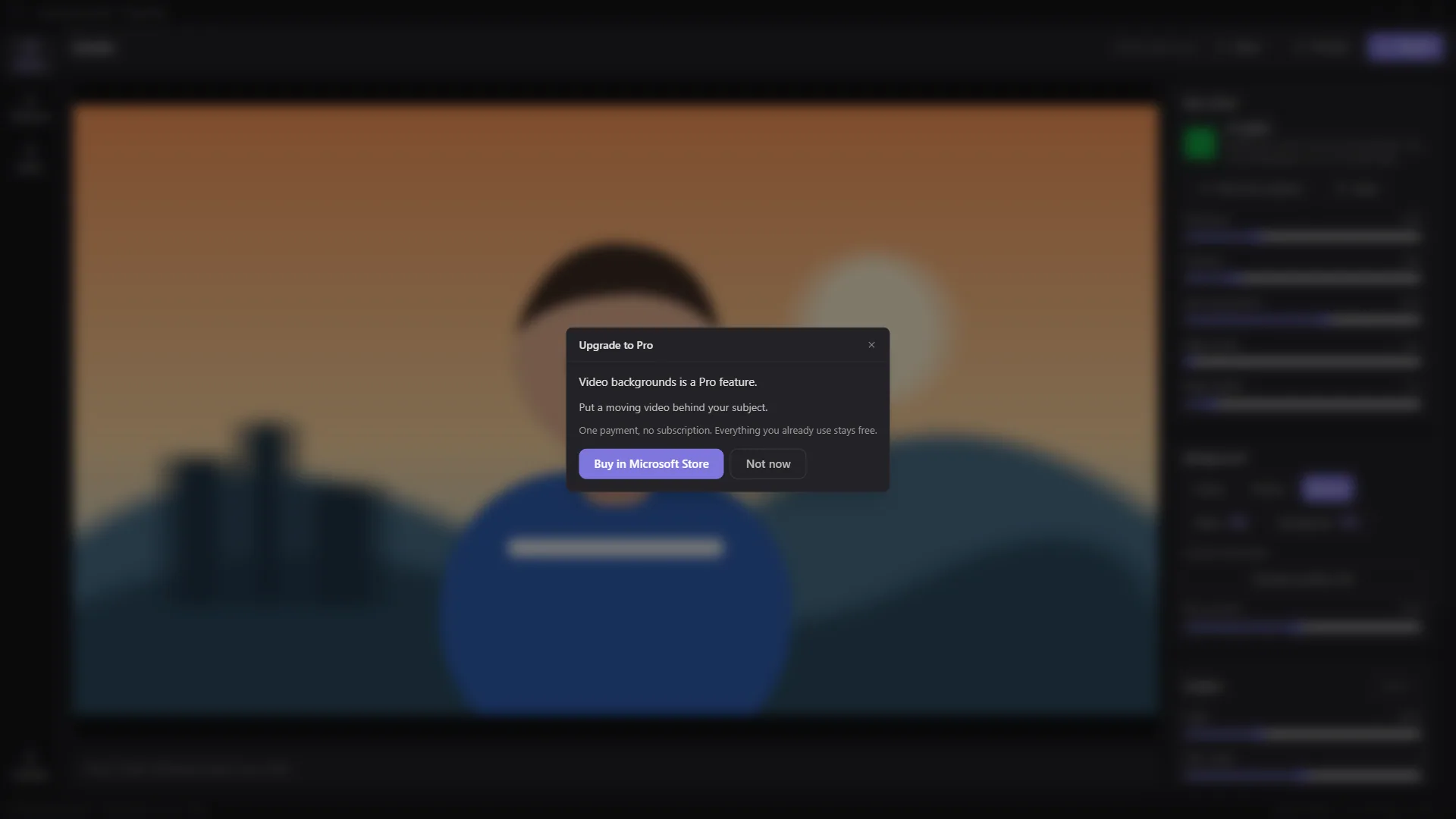
Pro tools show a prompt only when you touch them
Garbage matte
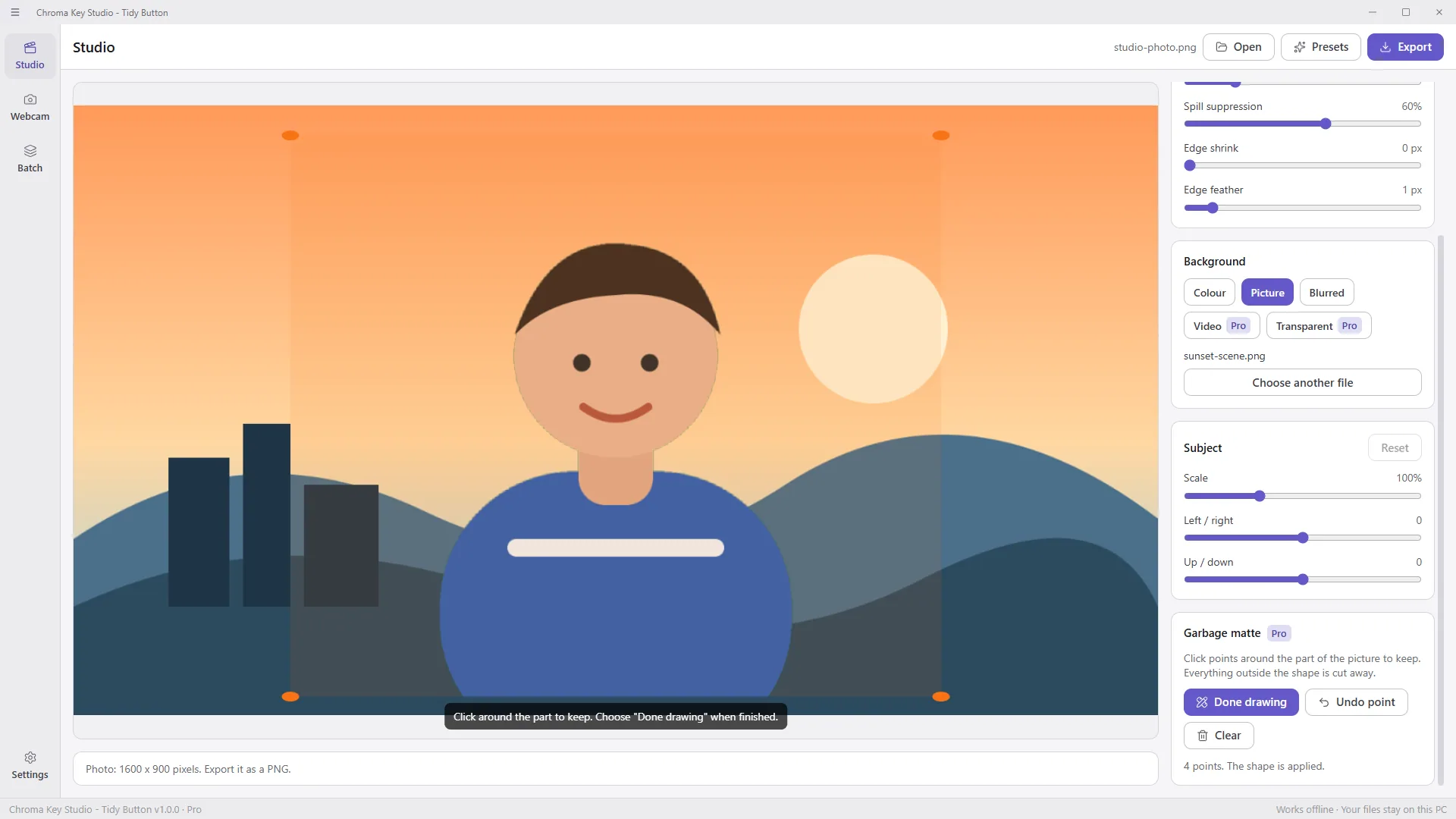
Draw a shape around the part to keep (Pro)
Transparent
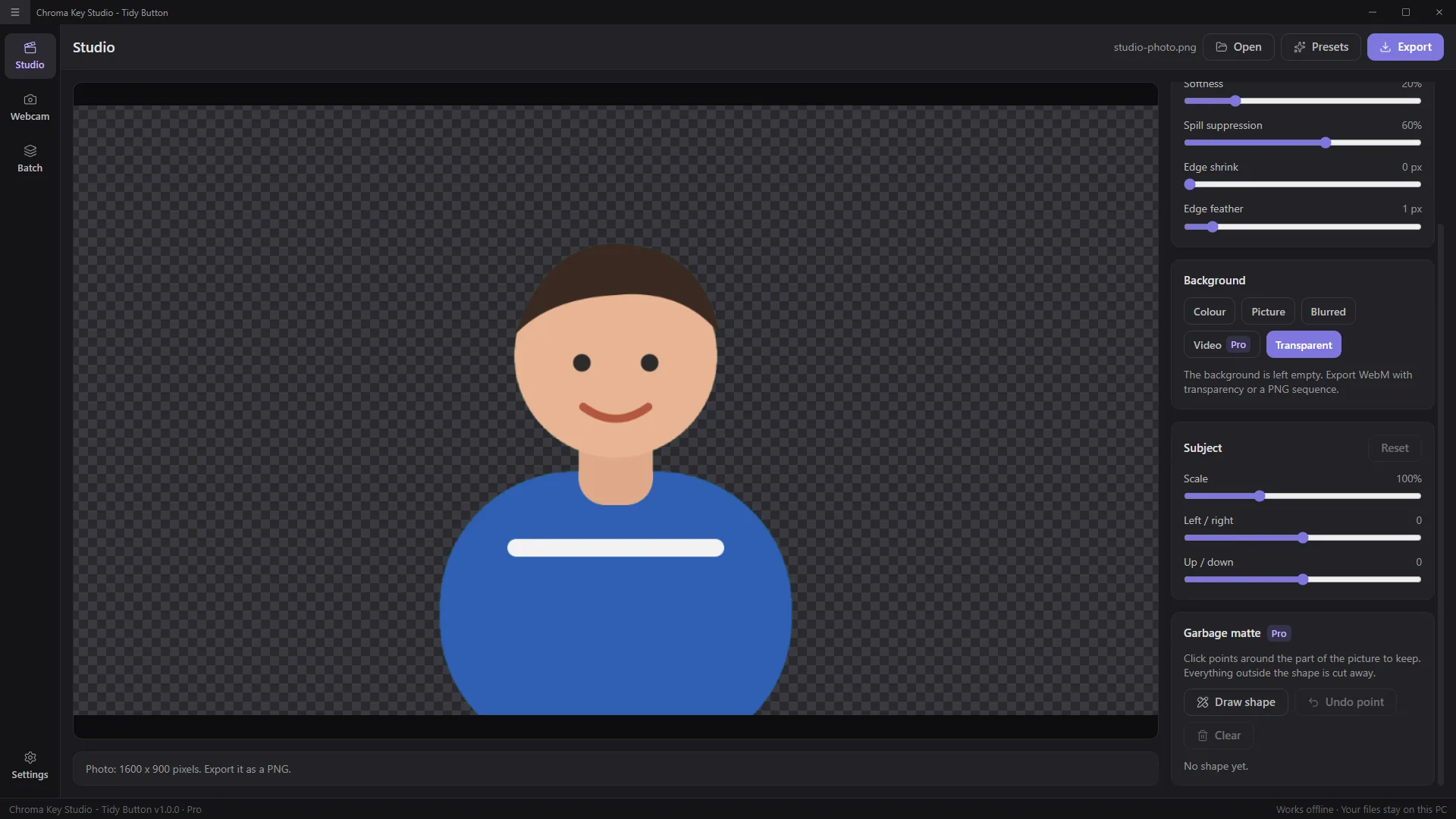
Export with a transparent background (Pro)
Batch
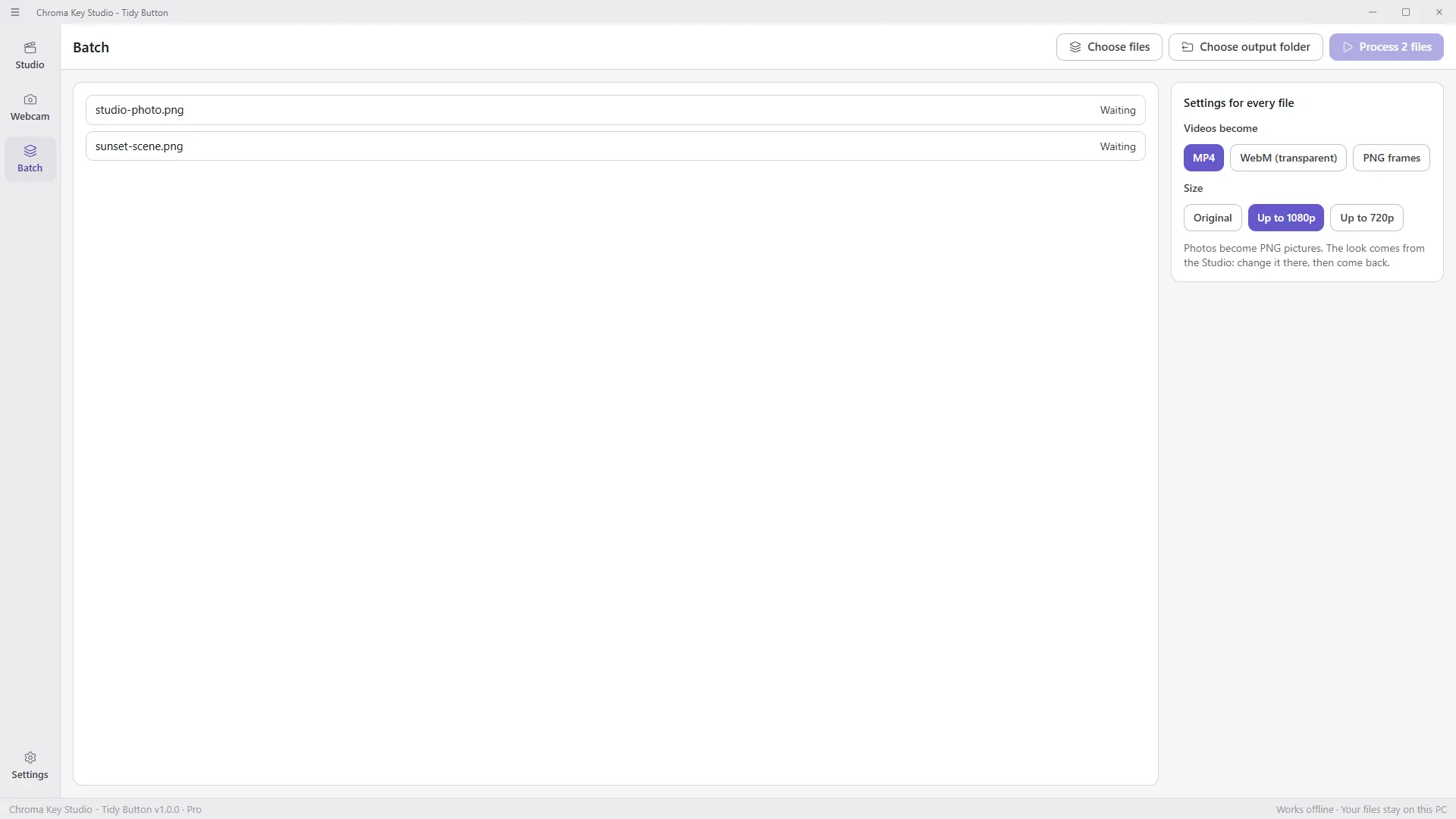
Key many files in one go (Pro)
Screens use an invented drawing of a figure on a green backdrop. It has several themes, including light and dark.
What it does
What it does.
One screen, one job. Open a photo or a video, and the backdrop colour is found for you. Fine-tune the edge with sliders and watch the picture update as you drag. Everything happens on your PC. The app does not upload your pictures and works with the internet turned off.
Finds the backdrop
The green or blue backdrop colour is detected for you, or pick it with the eyedropper.
A clean edge
Tolerance, softness, spill suppression, edge shrink and feather, with a real-time preview.
Pick a background
Put a picture, a solid colour or a blurred copy of your own picture behind the subject.
Move and scale
Position the subject in the frame.
Trim video
Set the start and end of a clip on the timeline.
No watermark
Export an MP4 with sound or a PNG still, with no sign-in. Free exports go up to 720p and 60 seconds.
Pro tools
1080p and 4K, any length, video backgrounds, webcam live mode, batch processing, transparent export, garbage matte and presets.
The small print, in plain English
Safe by design.
- Your photos and videos are read on your PC and never leave it.
- Your originals are never changed.
- Free exports have no watermark and need no sign-in.
- The free version works up to 720p and 60 seconds. Pro is an optional one-time add-on.
- No account. No ads. No tracking.
Good for
Handy when you film in front of a green wall.
- Creators and streamers who film in front of a green screen
- Teachers recording lessons
- A quick background swap for a photo
Questions
Plain answers.
Is there a watermark?
No. Free exports have no watermark and need no sign-in.
What are the free limits?
Free exports go up to 720p and 60 seconds. Pro adds 1080p and 4K, any length and more tools.
Does it upload my files?
No. Everything is read and processed on your PC.
Does it need an account?
No. There is no account, no ads and no tracking.