We will link the Store listing here the day it is live. Until then there is nothing to download.
Real app, with invented sample books.
Works offline
No account, no ads, no tracking
Unlimited books and notes
Free
See it
Eight views. One quiet shelf.
Start
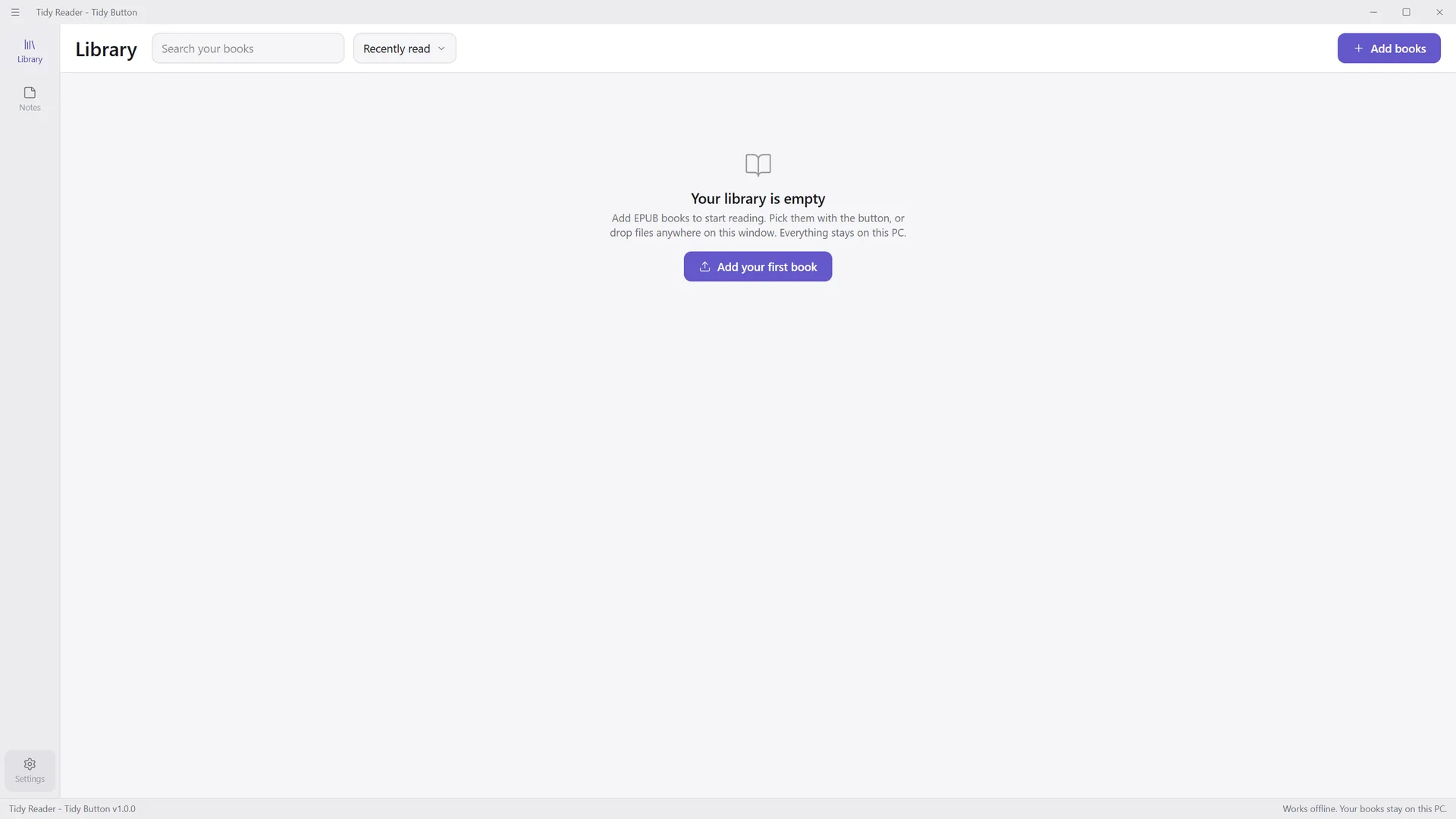
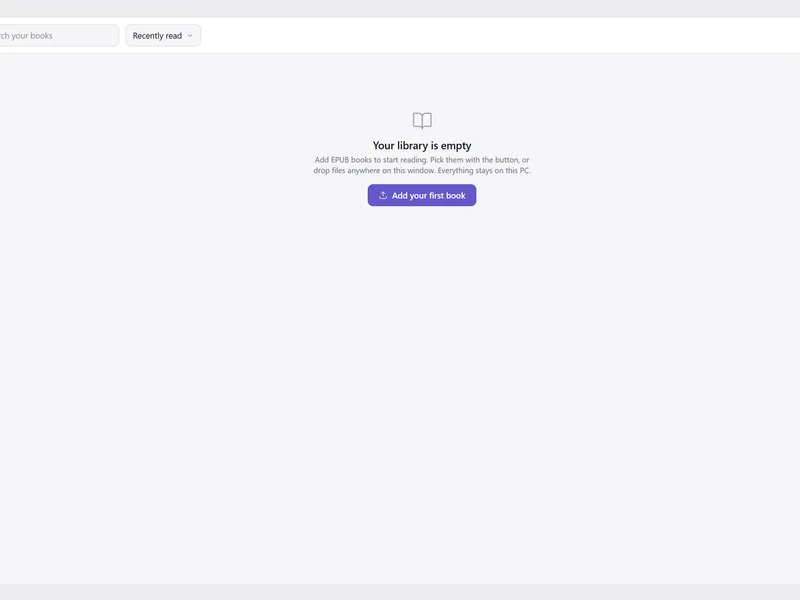
Start by adding EPUB books, or drop them on the window
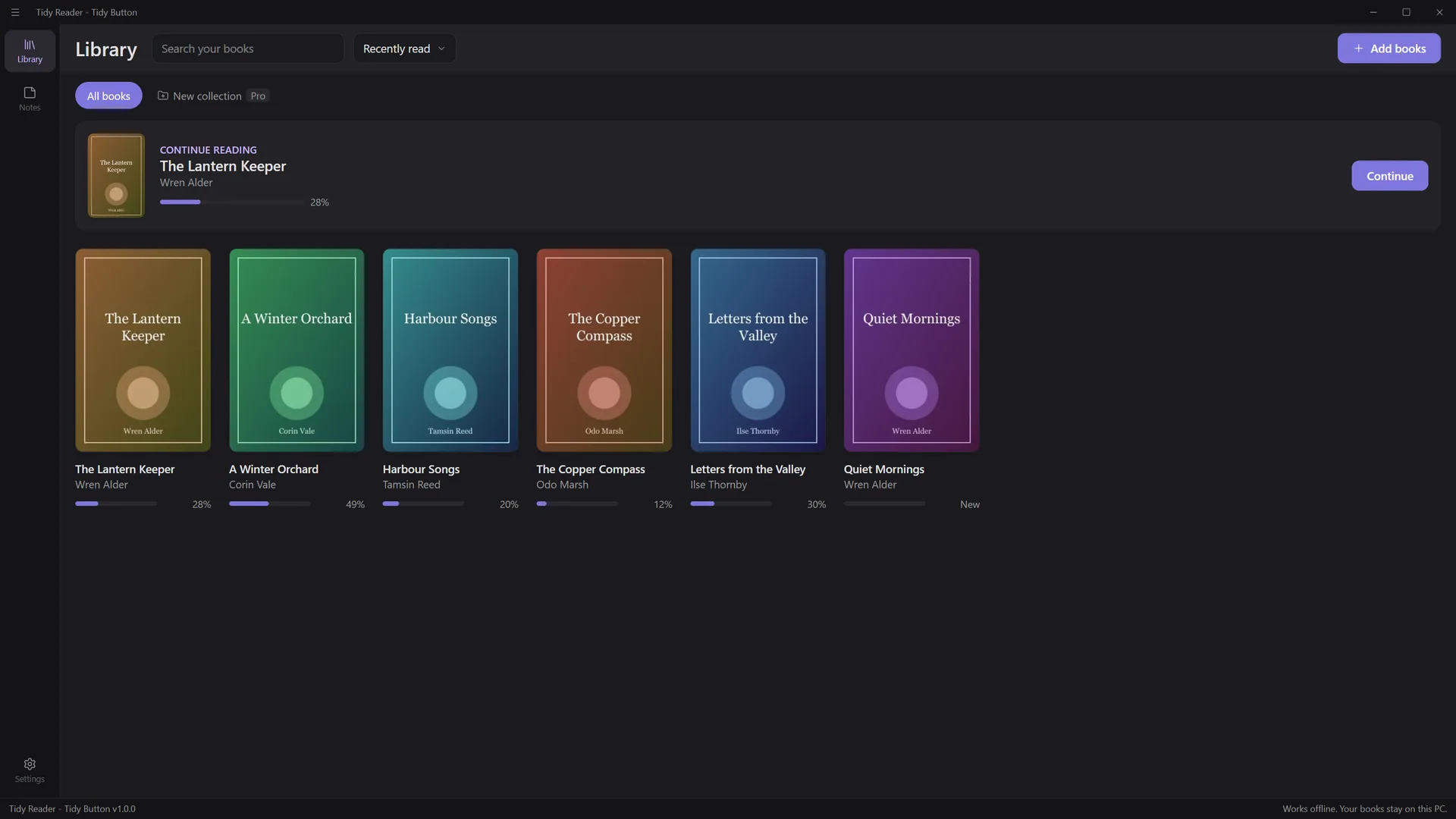
Library
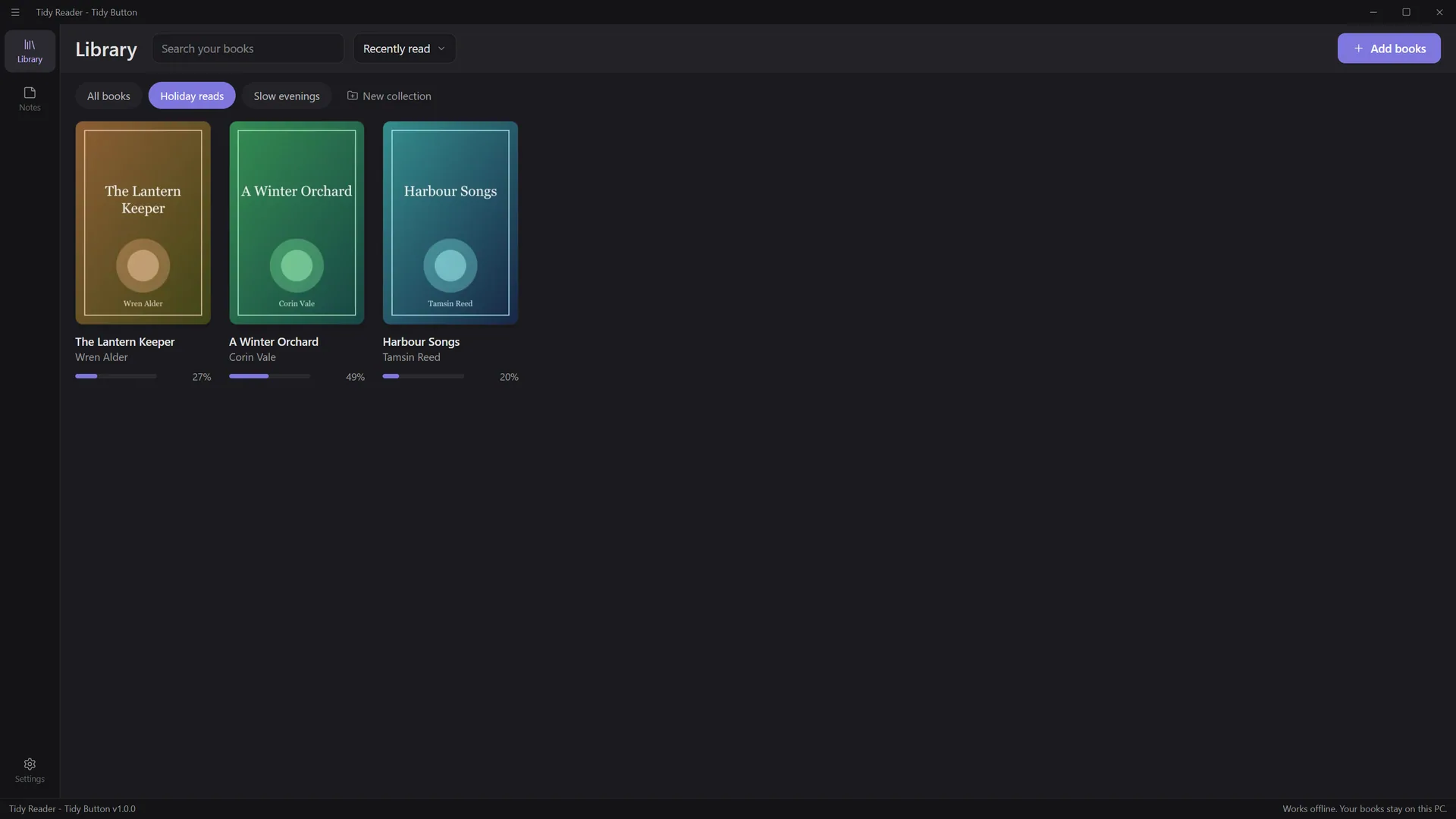
Your books as covers, with progress on each and a Continue reading shelf
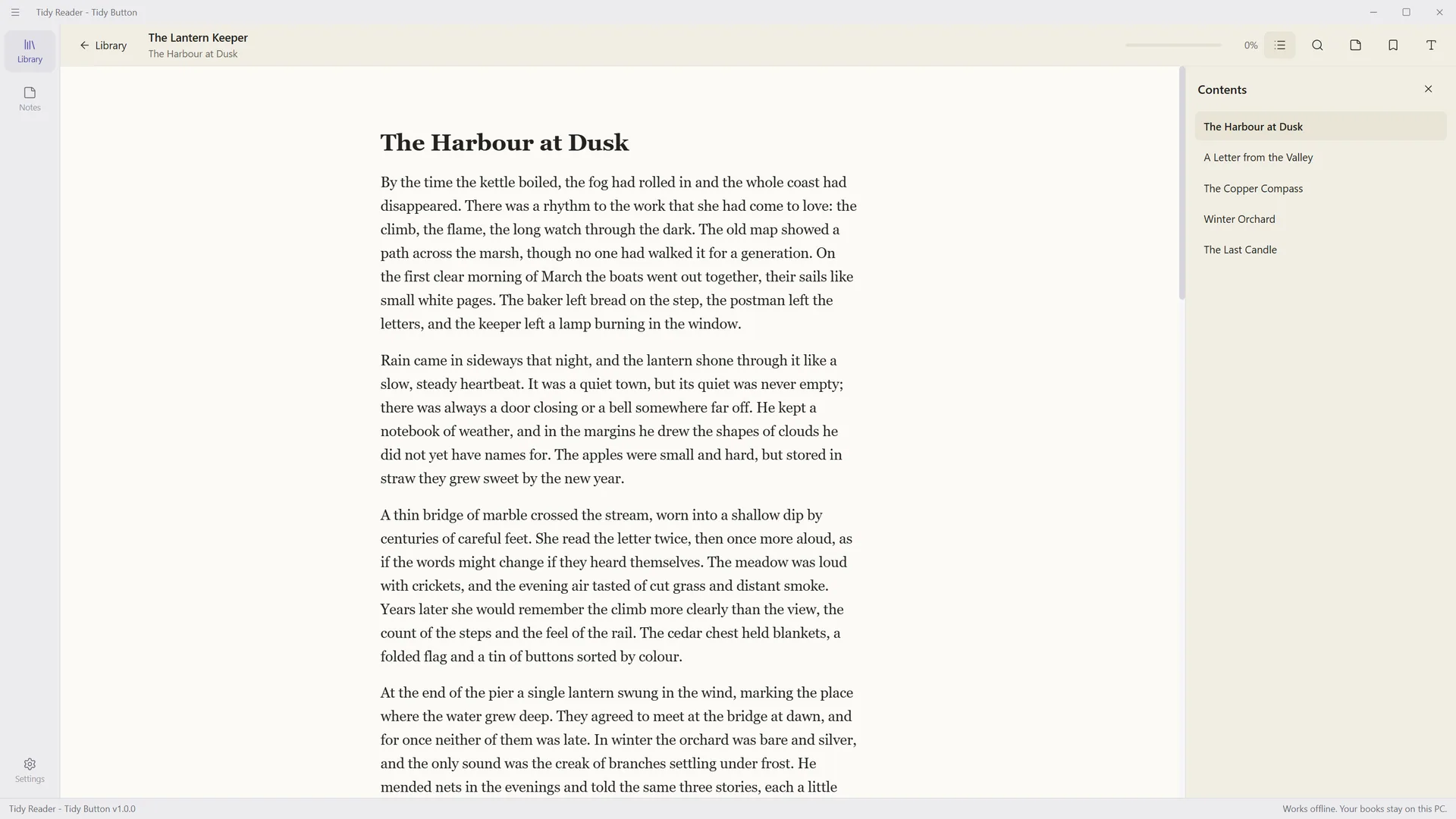
Reading
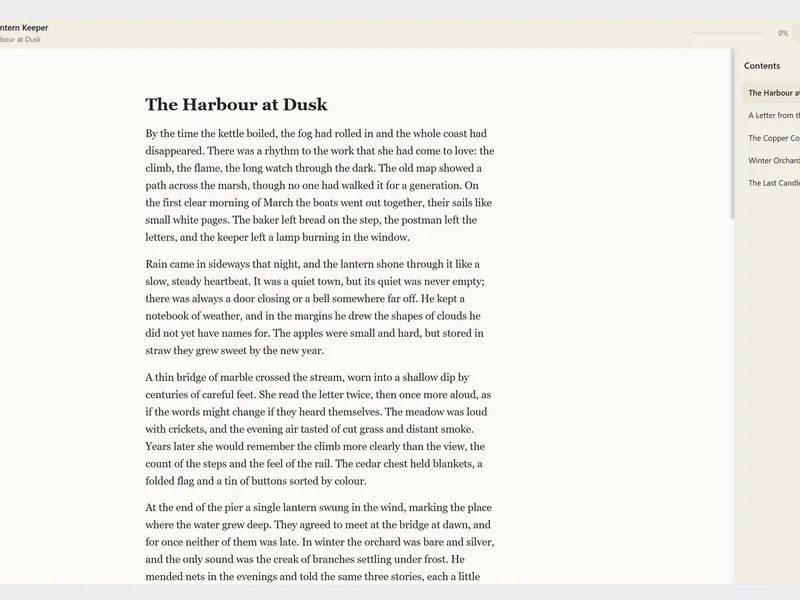
Read one chapter at a time, with the contents beside the text
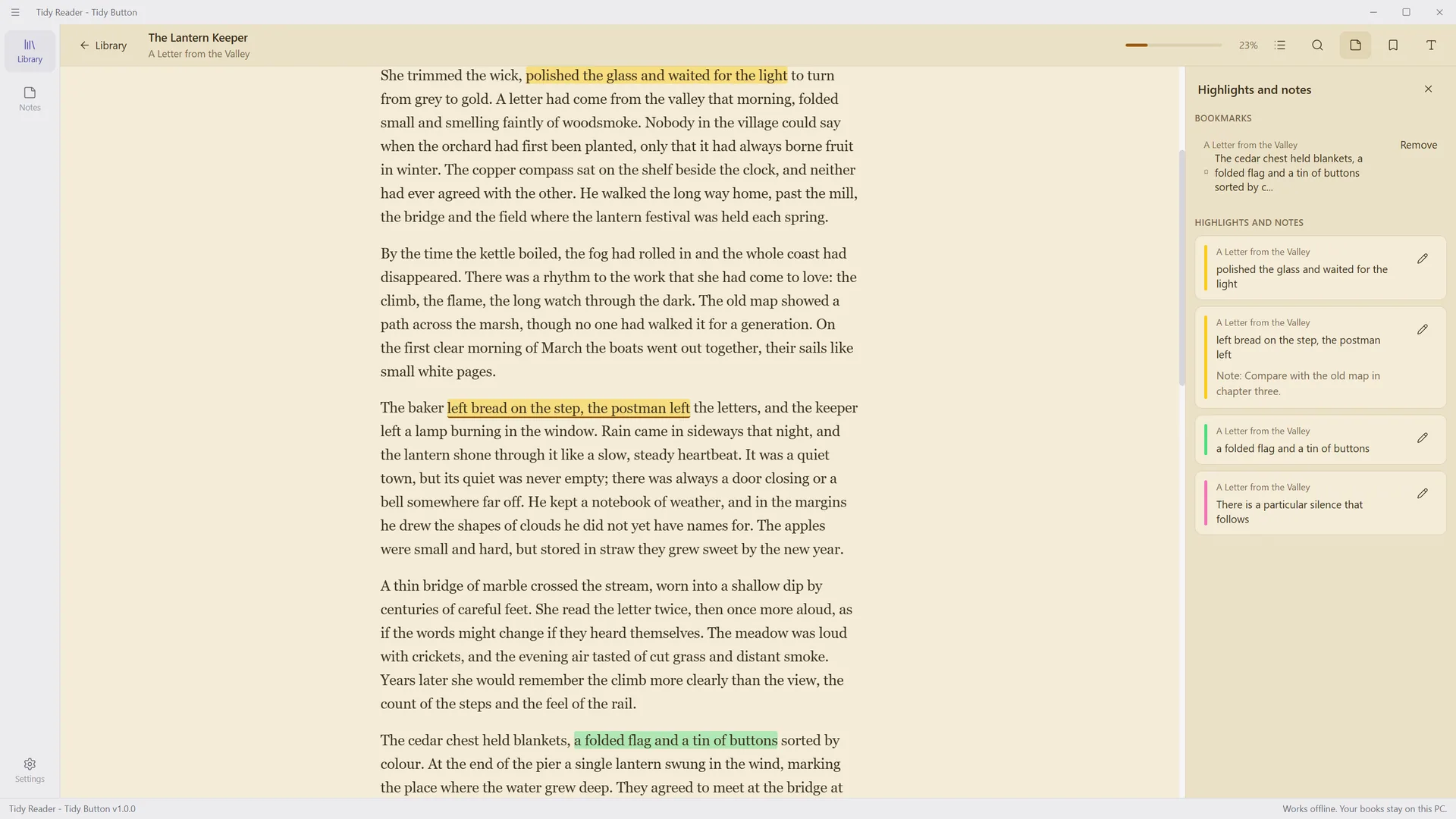
Highlights
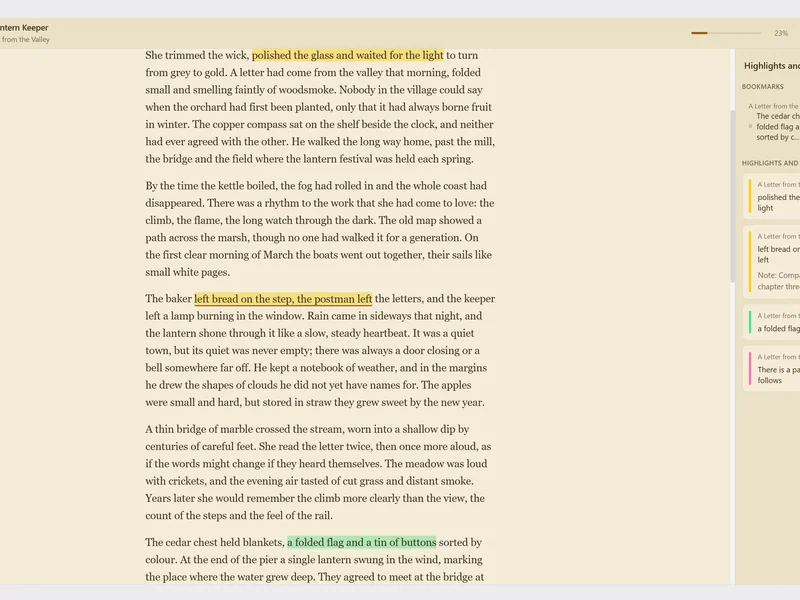
Highlight in four colours and add notes. Every mark is listed beside the text
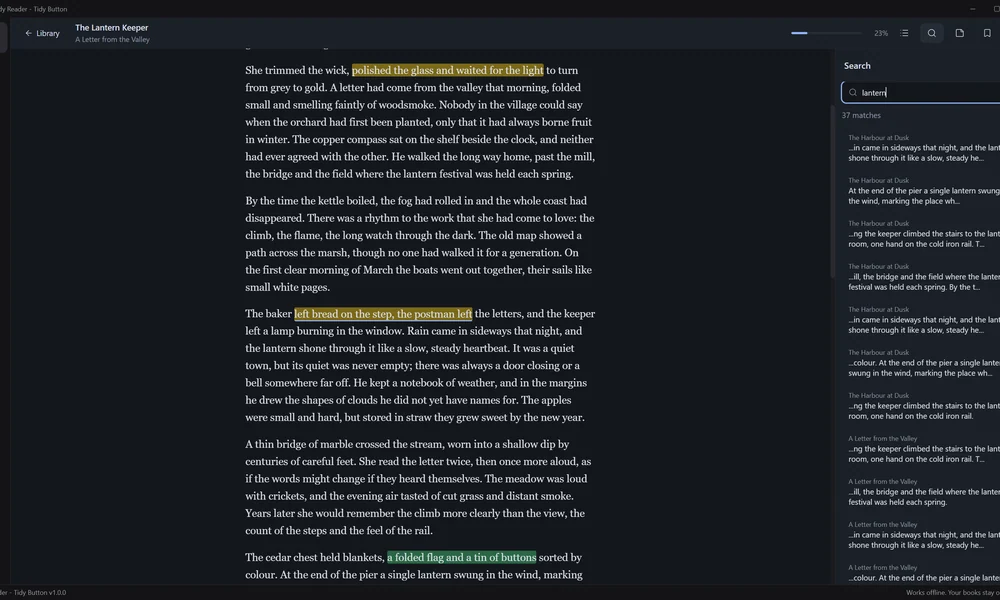
Search
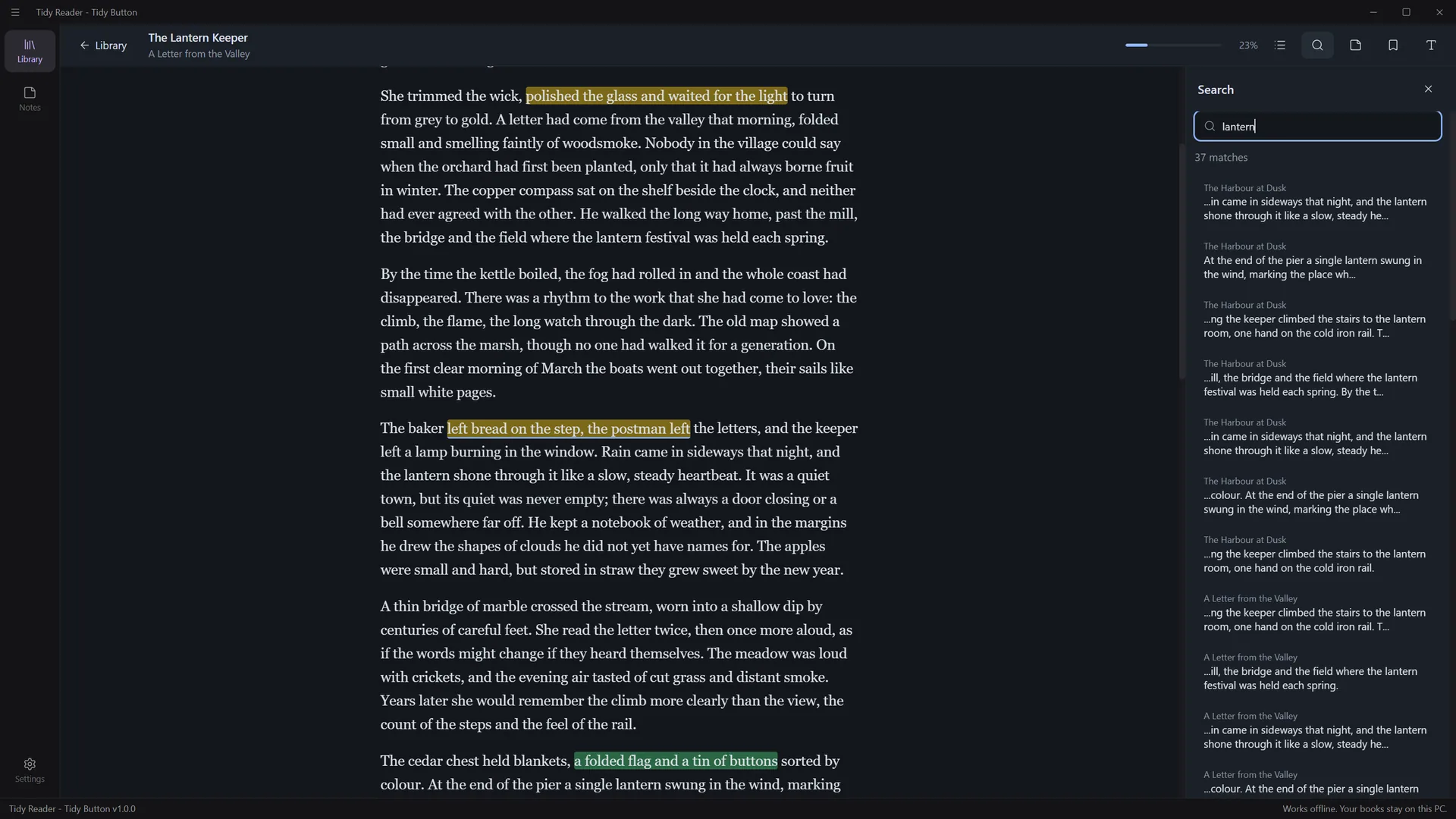
Search the whole book and click a result to see the match
Notes
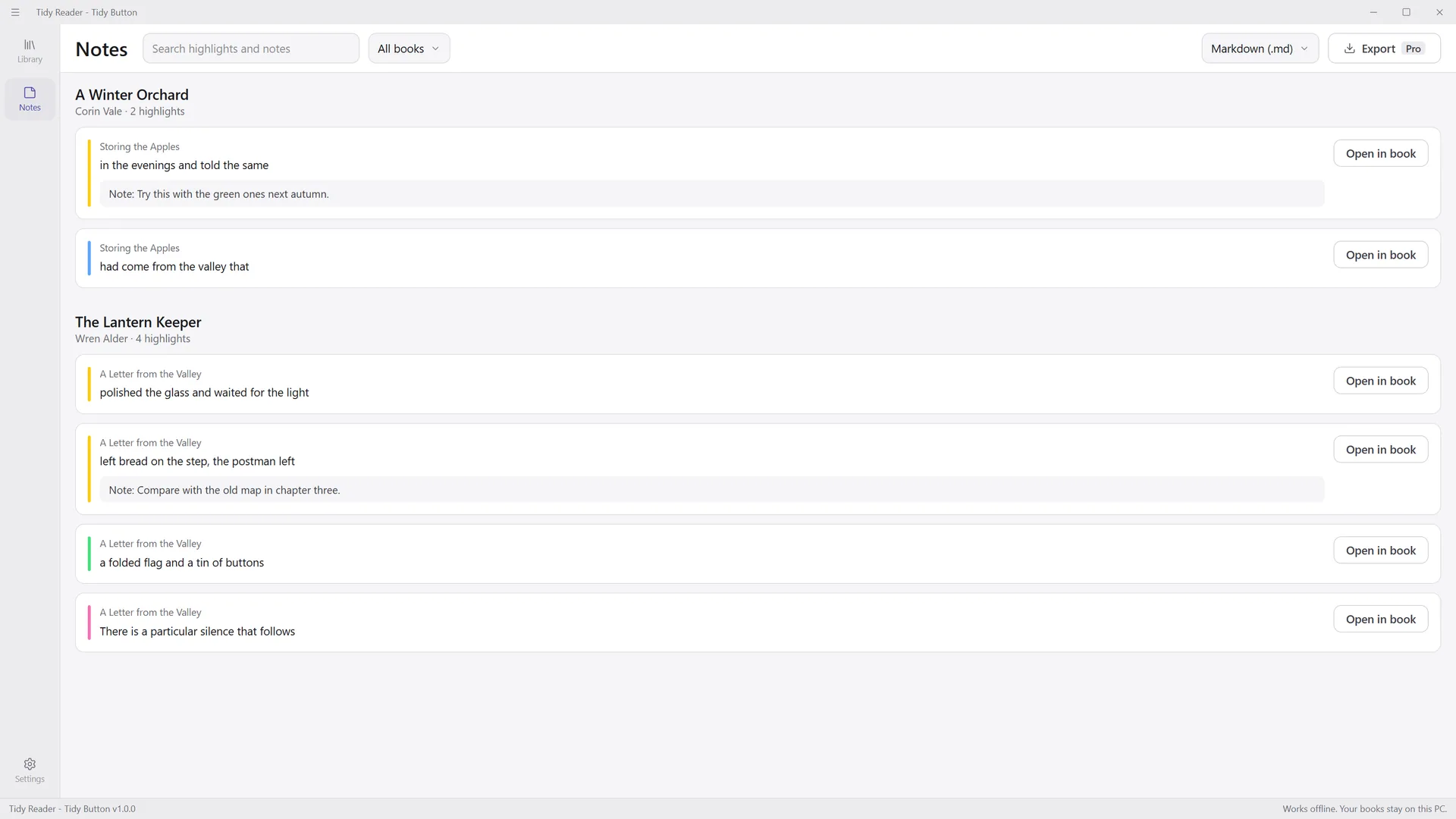
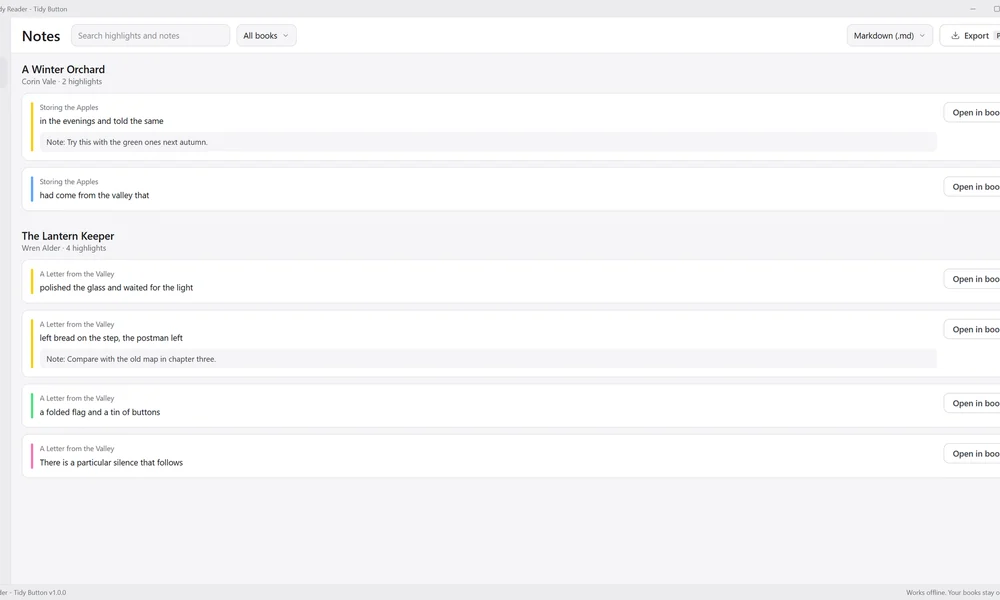
All your highlights and notes from every book, in one list
Collections
Pro: group books into collections and filter the library by one
Free and Pro
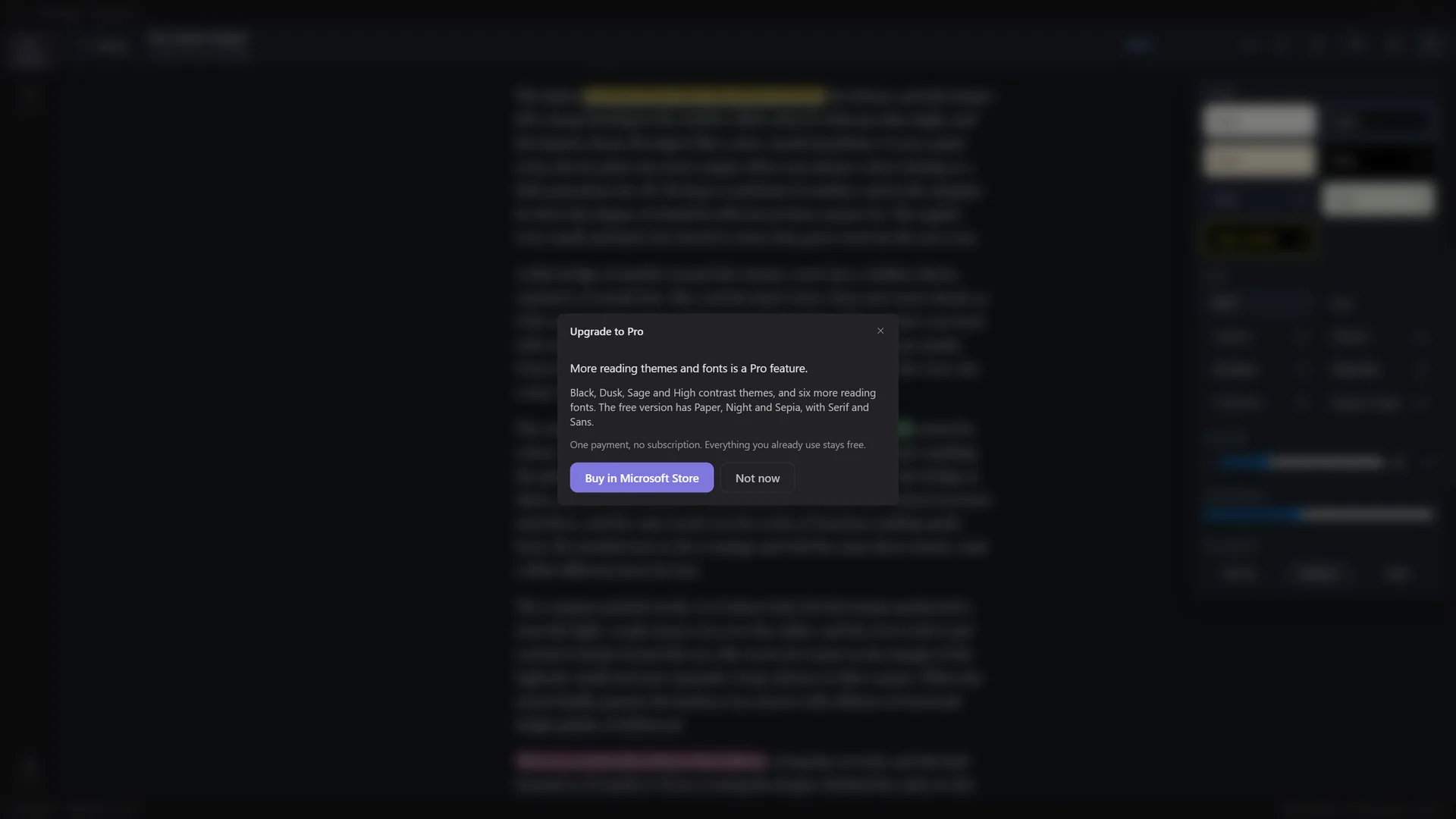
Pro features say so plainly when you touch them. Everything else stays free
Screens show invented sample books, not real titles. The app has light and dark themes.
How it works
Three steps. No manual.
01
Add your books
Press Add books, or drop EPUB files on the window.
02
Open one and read
Use the contents to jump to a chapter, or search the book for a word.
03
Highlight and add notes
Select words, pick a colour and add a note. Find every mark on the Notes screen.
What it does
What it does.
A calm reader for the EPUB books on your PC. Add books with a button or by dropping files on the window, see them as covers, and pick up exactly where you stopped. Everything happens on your PC. Your library, reading places, highlights and notes are kept in a visible folder in Documents, so they survive an uninstall.
A library of covers
Add EPUB 2 and EPUB 3 books by button or drag and drop. Search by title or author and sort by recently read, recently added, title, author or progress.
Pick up where you stopped
Each book remembers its place. A Continue reading shelf at the top of the library takes you straight back.
Contents and search
Jump to any chapter from the book's own contents, or search the whole book and click a result to see the match.
Highlights and notes
Highlight in yellow, green, blue or pink, and add a note to any highlight. Every highlight and note from every book is listed on the Notes screen.
Bookmarks
Mark a place with one click and jump back to it from the panel beside the text.
Easy on the eyes
Paper, Night and Sepia reading themes, Serif or Sans, and your own text size, line spacing and text width. The app also has light, dark, slate, midnight and high contrast themes.
Safe with any book
A book is shown as plain text, pictures and links. Scripts, styles and remote pictures inside a book never run or load.
Pro: export, themes, collections
An optional one-time Pro unlock exports highlights and notes to Markdown or text, adds four more themes and six more fonts, and groups books into collections.
The small print, in plain English
Safe by design.
All your highlights and notes from every book, in one list.
Search the whole book and jump straight to a match.
Nothing is uploaded. Your books and notes stay on your PC.
Your original EPUB files are never changed or deleted.
Unlimited books, highlights and notes in the free version.
Your notes live in Documents and get a dated backup, so uninstalling the app does not lose them.
Works offline. No account. No ads. No tracking.
What it keeps
Your notes, kept safe.
Your library and notes live in a folder you can see, not hidden inside the app.
Highlights and notes from every book, in one list.
Where it lives
Visible and yours
A folder called Tidy Reader in your Documents folder, with a copy of every book.
Backup
Automatic
A dated copy of your notes file is kept beside it for the last seven days.
Uninstall
Notes stay
Removing the app does not remove the folder, so your notes are still there if you come back.
Originals
Untouched
Your original EPUB files are never changed, moved or deleted.
Books
Safe to open
A book is shown as plain text, pictures and links. Scripts and remote pictures inside it are left out.
Export
Pro
Pro saves your highlights and notes as a Markdown or text file, for one book or all of them.
Reads EPUB 2 and EPUB 3 books. Books protected by copy protection are not supported.
Good for
Handy when you read to remember.
A shelf of EPUB books you want in one place
Studying, with highlights and notes you can find again
Reading at night with a dark theme that stays readable
Keeping notes from several books in one list
Questions
Plain answers.
Is anything uploaded?
No. Your books are read on your PC and never leave it. The app works with the internet turned off.
Does it change my EPUB files?
No. The app keeps its own copy of each book in its folder in Documents. Your original files are never changed, moved or deleted.
Where are my highlights and notes kept?
In a folder called Tidy Reader inside your Documents folder, with a dated backup. They stay when you uninstall the app.
Is there a limit in the free version?
No limit on books, highlights or notes. Pro is an optional one-time unlock for exporting notes, four more reading themes, six more fonts and library collections.
Can it read PDF files or read aloud?
No. It reads EPUB books only, and it does not read aloud.
Does it open books with copy protection?
No. Books protected by copy protection are not supported.