We will link the Store listing here the day it is live. Until then there is nothing to download.
Real app, with sample mail for a made-up person.
Works offline
No ads, no tracking
No subscription
Free for one account
See it
Eight views. One quiet inbox.
Start
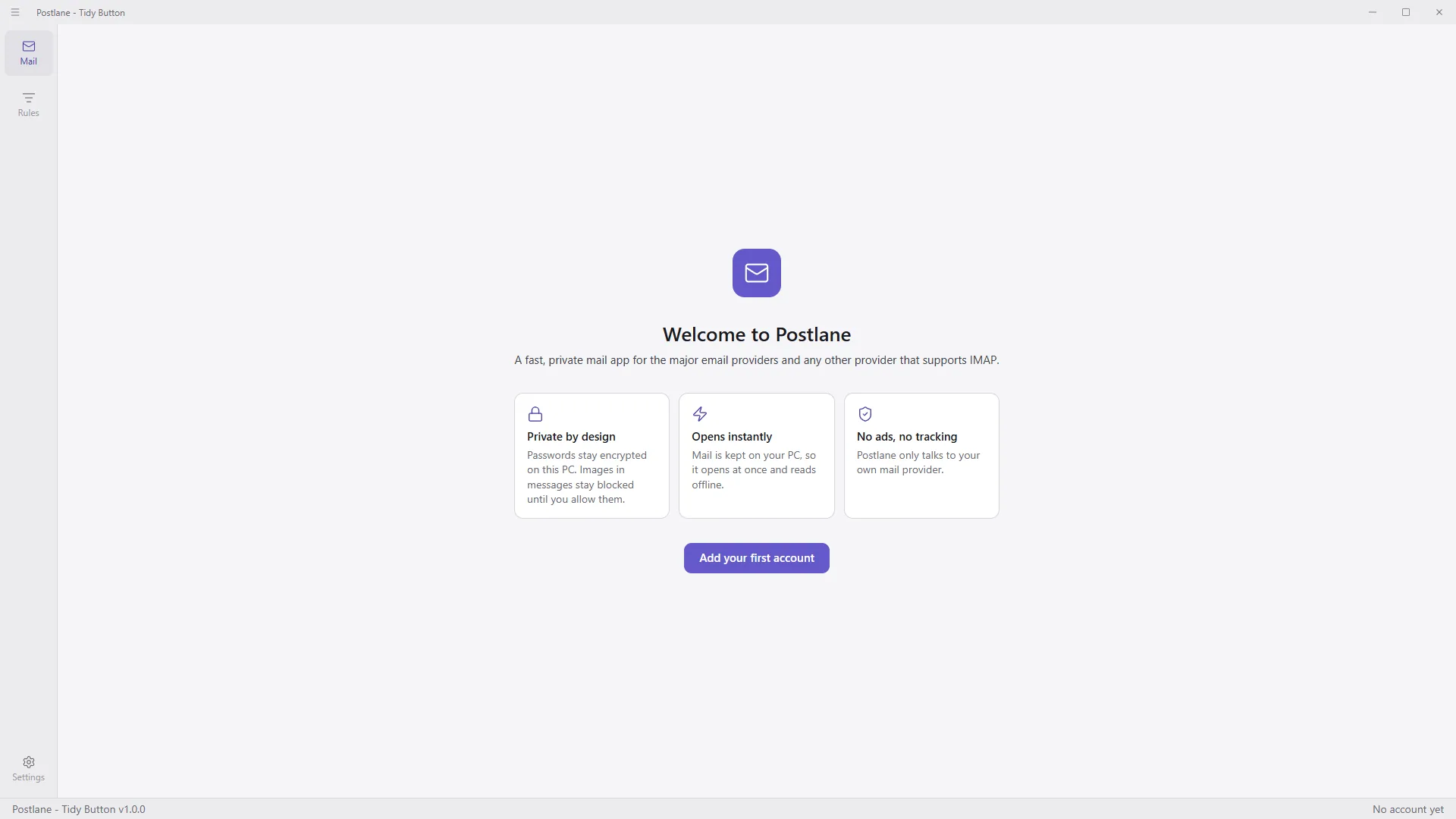
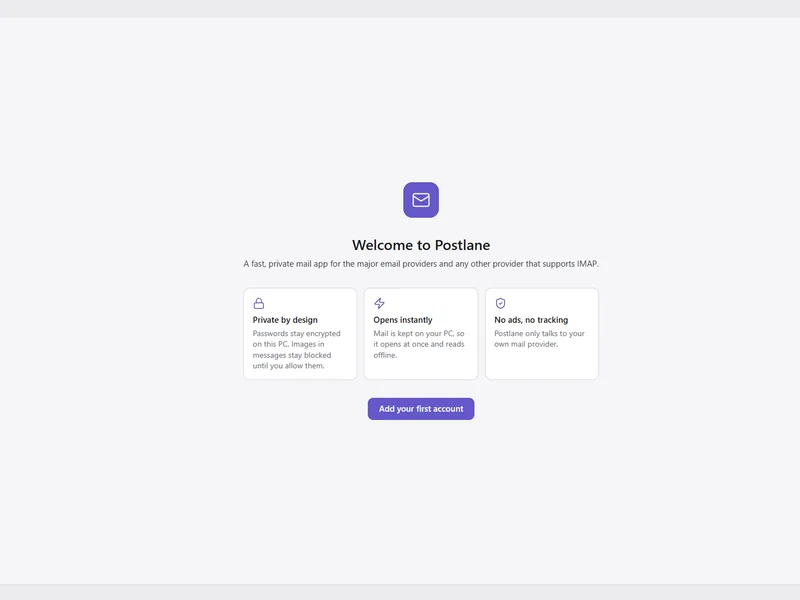
Add your address and password to start. Your mail is kept on this PC
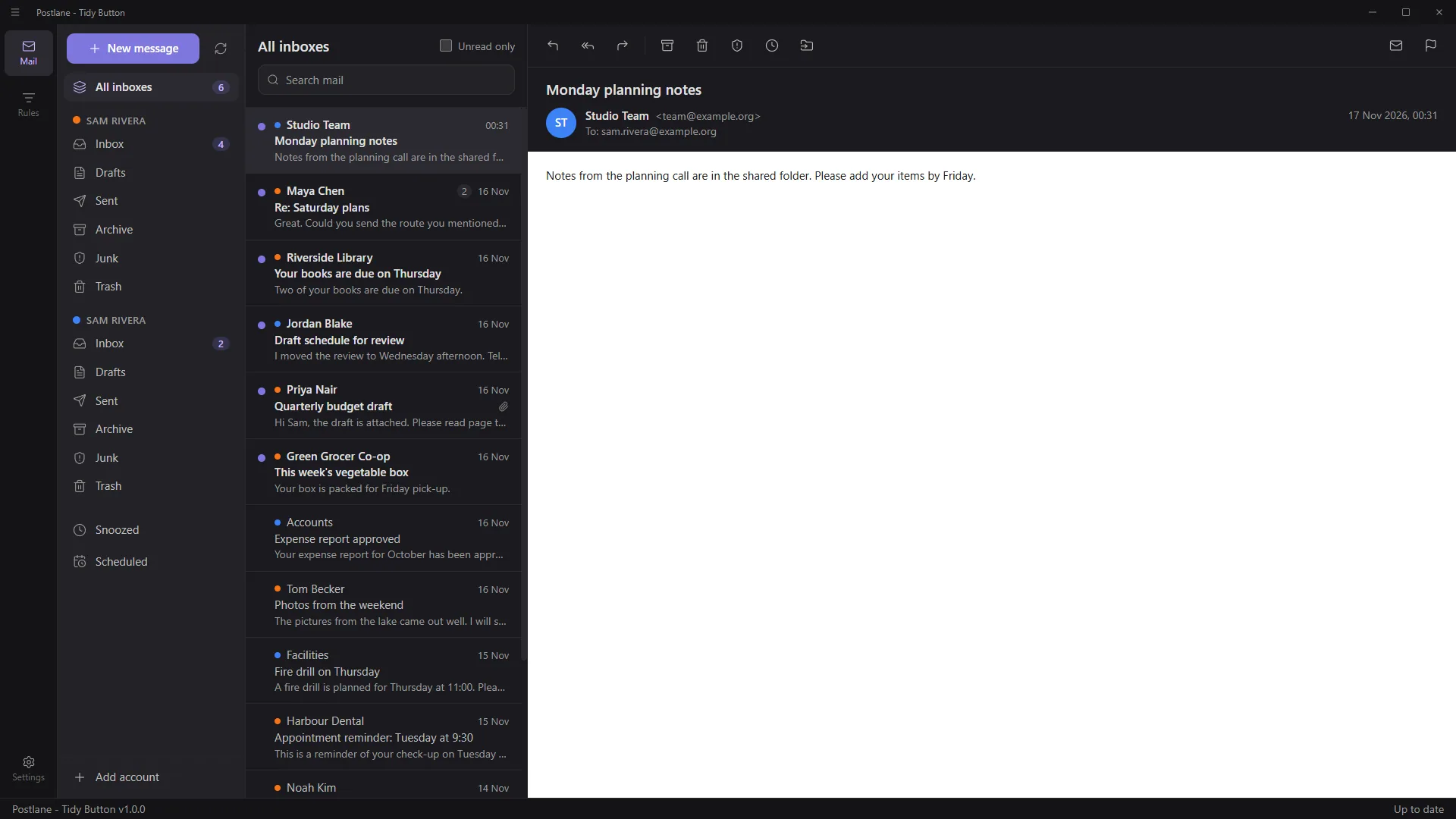
Inbox
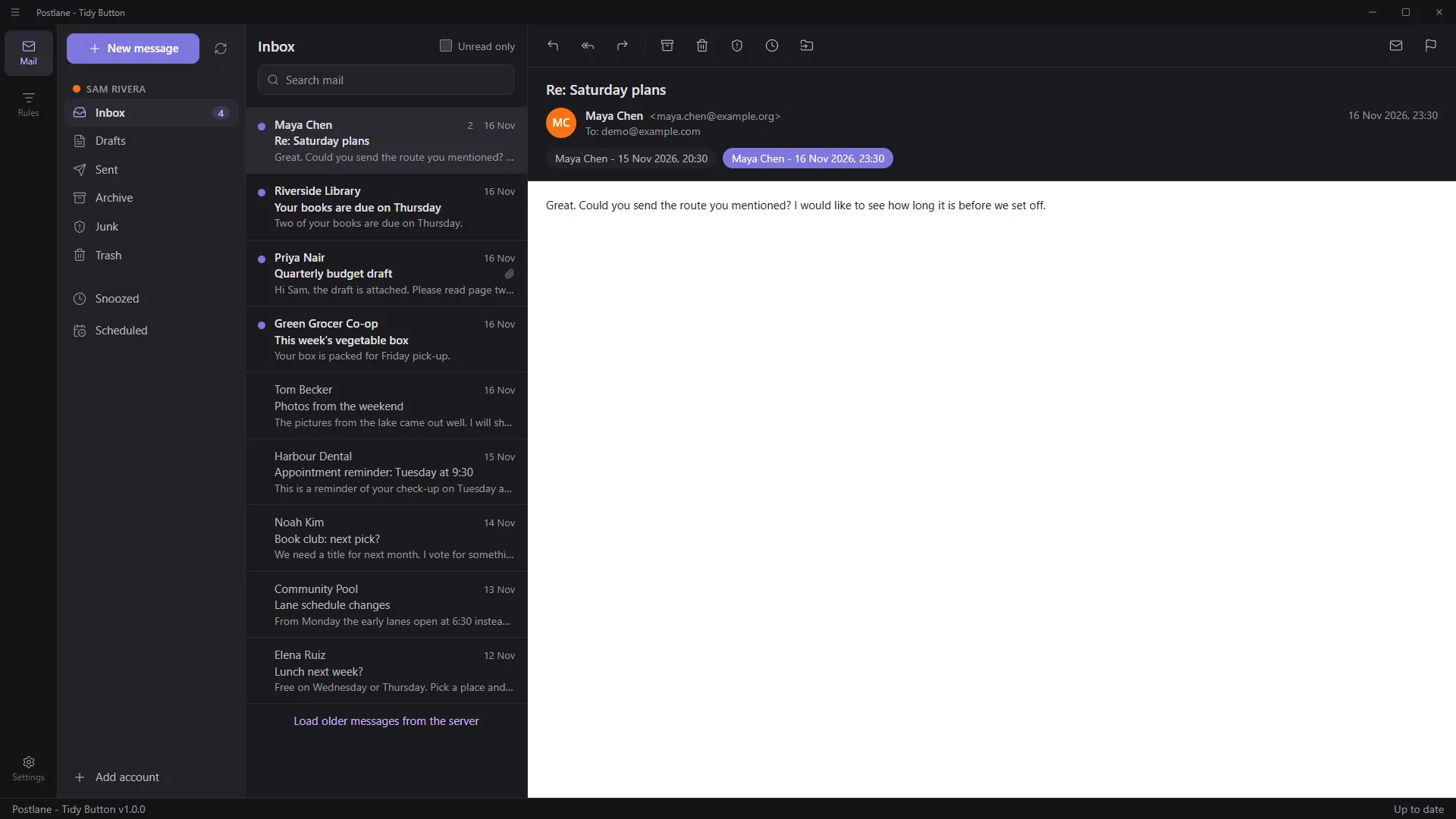
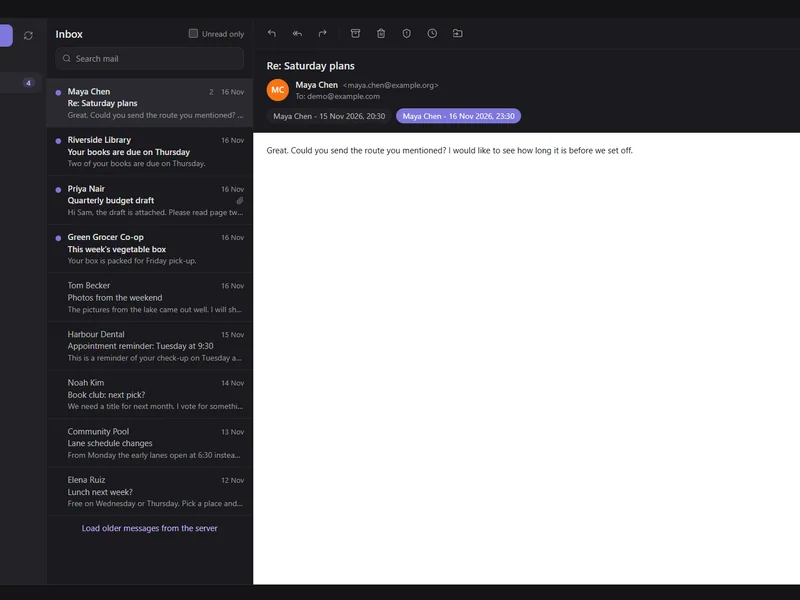
Your inbox opens at once, with conversations, unread counts and search
Safe reading
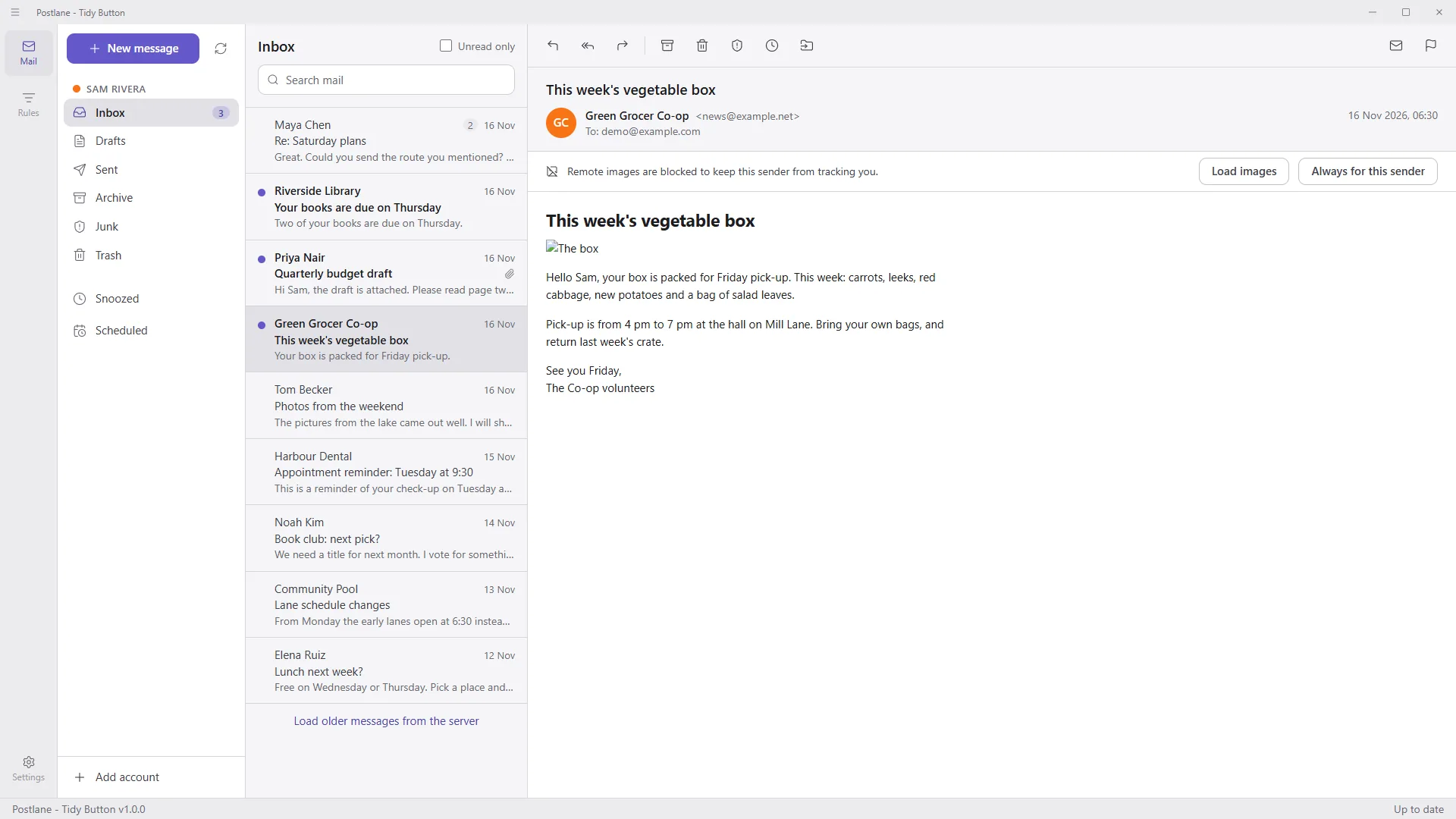
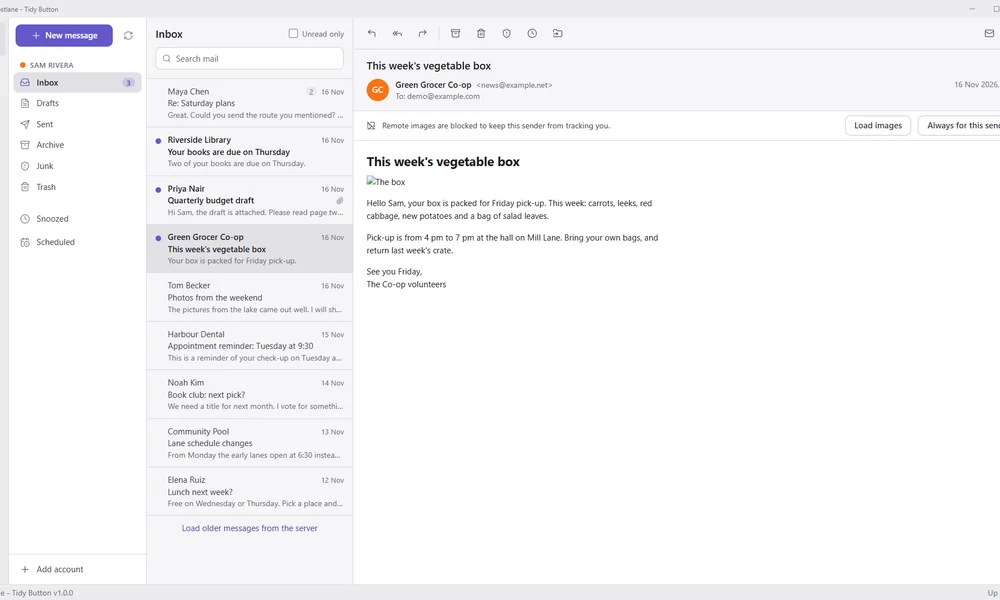
Remote images stay blocked until you load them once or allow one sender
Write
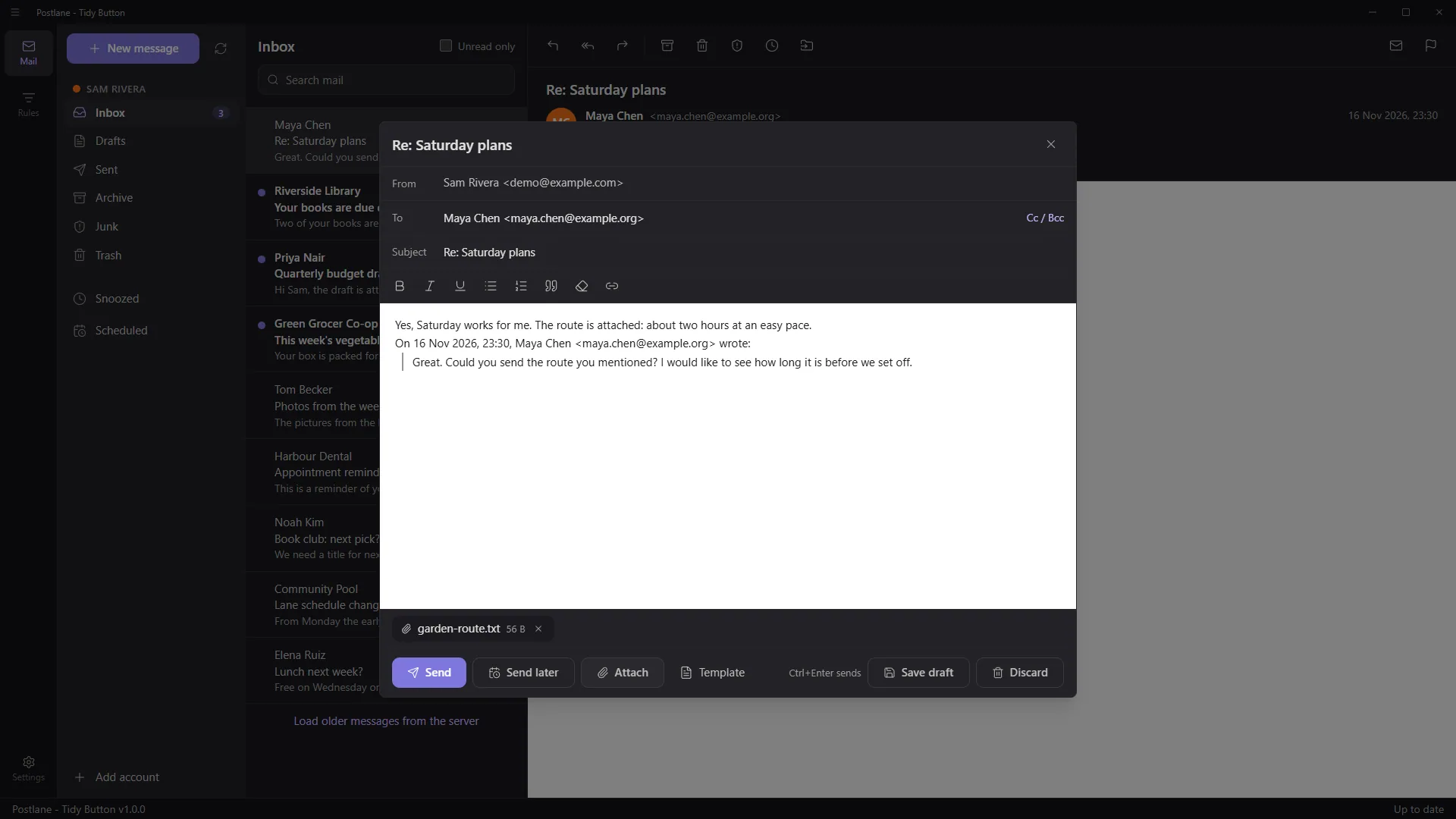
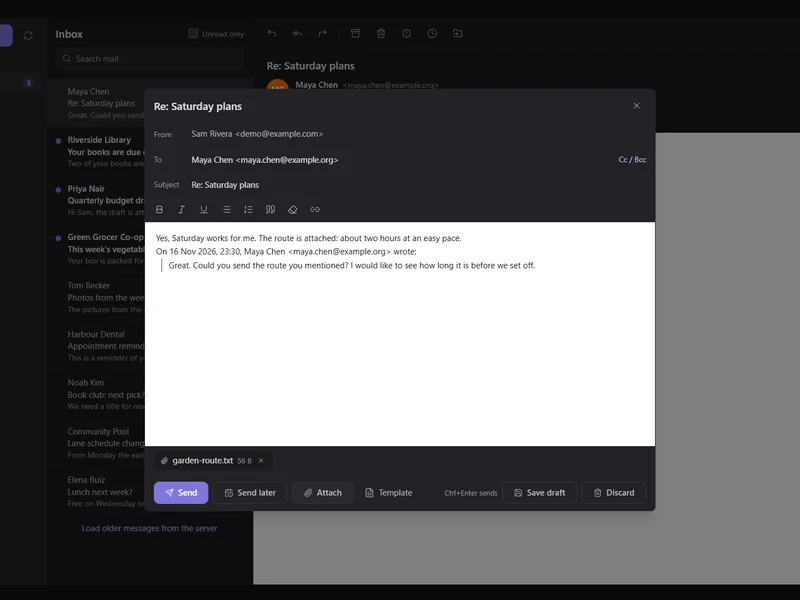
Reply, Reply all or Forward in a rich-text editor, with attachments
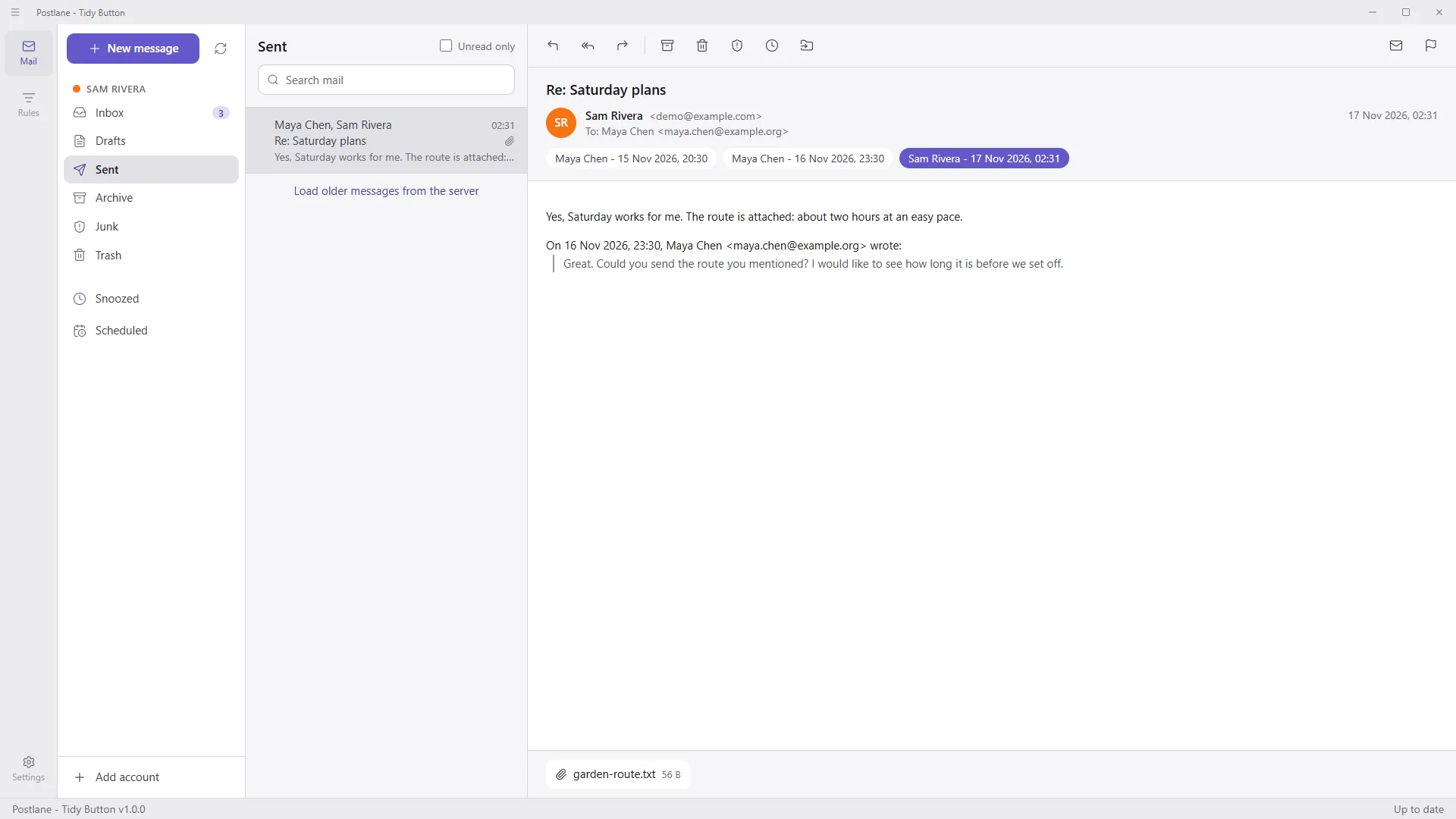
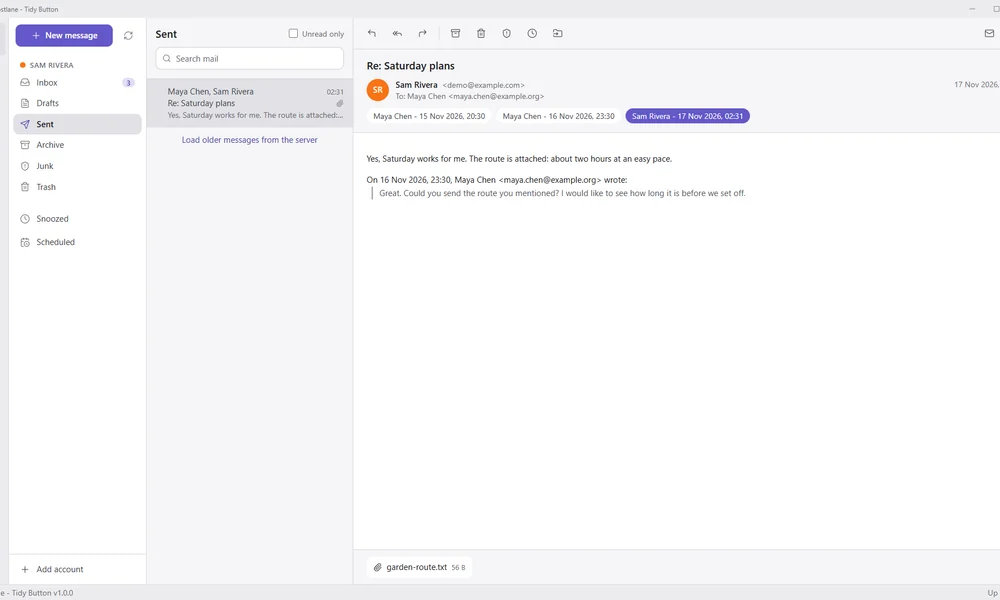
Sent
A copy of every sent message is filed in Sent, in the same conversation
Unified inbox
Pro: read several accounts together in one unified inbox
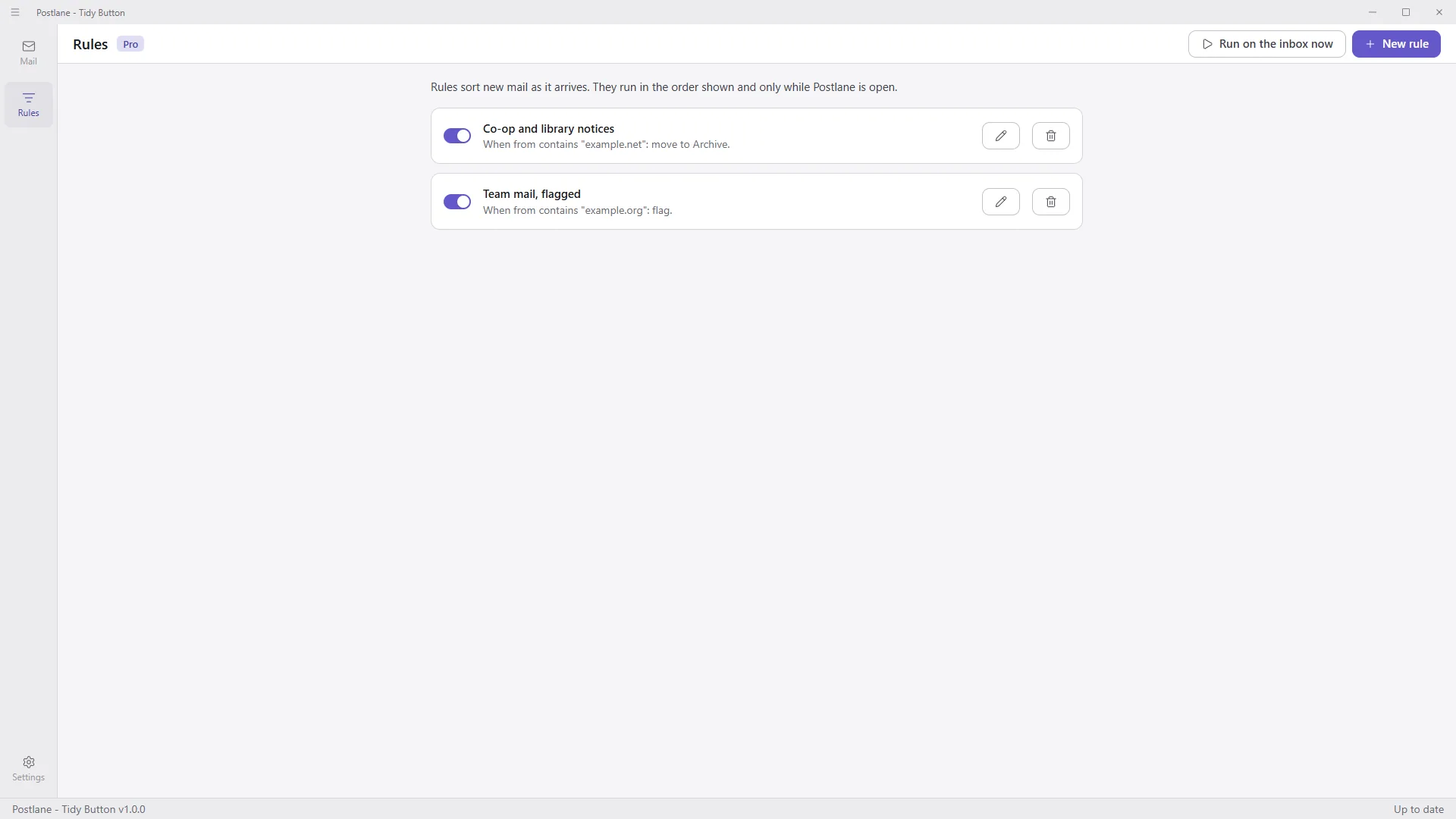
Rules
Pro: rules move, flag or mark new mail as read when it matches
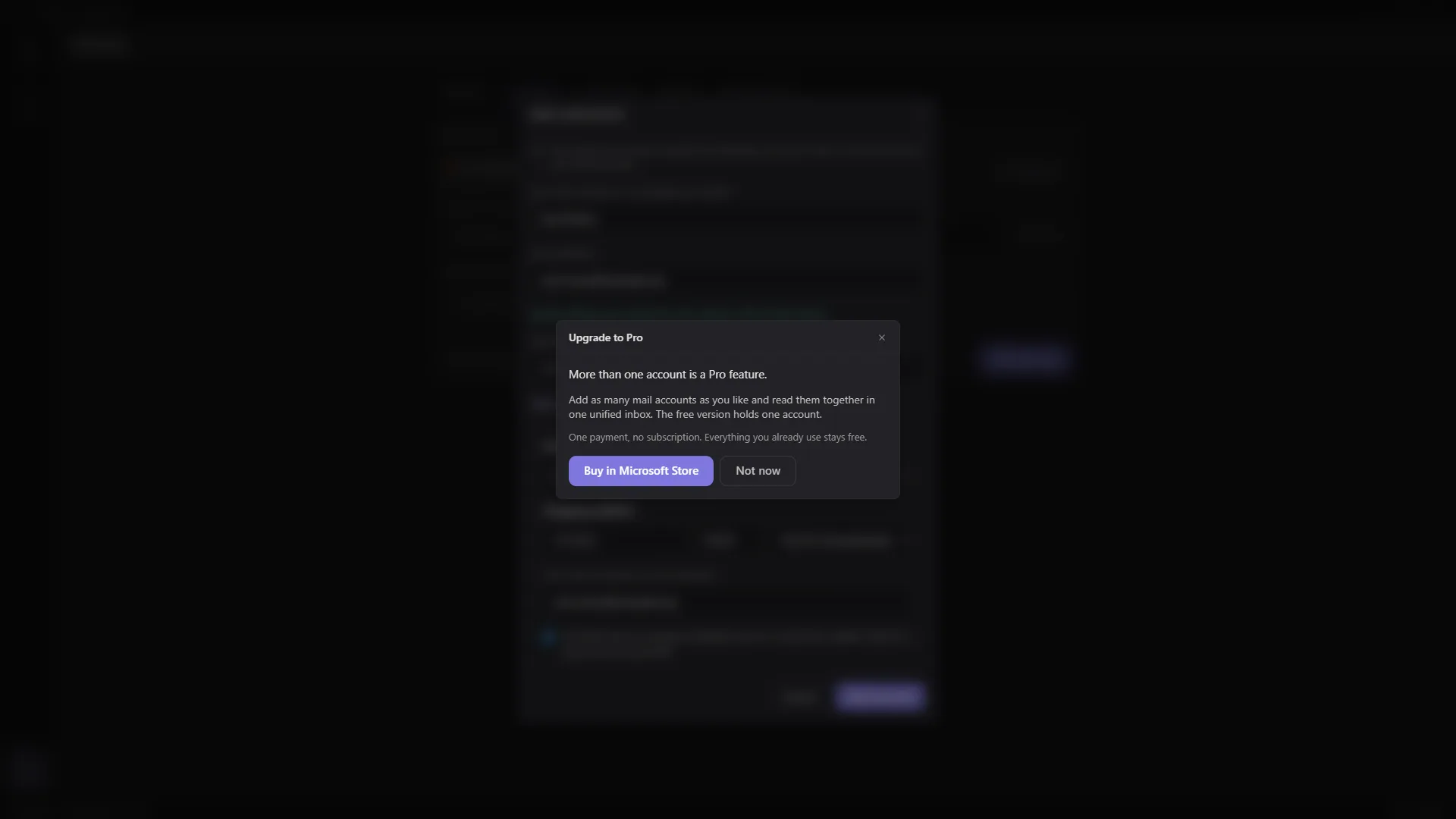
Free limit
The free version holds one account; Pro adds more, with one payment and no subscription
Screens show sample mail for a made-up person, not real mail. The app has light and dark themes.
How it works
Three steps. No manual.
01
Add your account
Type your name, address and password. Server settings are filled in, or you can enter them by hand.
02
Read and search
Your mail opens at once from this PC. Search as you type, or search the server.
03
Write and send
Reply or start a new message in the rich-text editor, attach files and press Send.
What it does
What it does.
Postlane is an email app for the accounts you already have. Server settings are filled in for the major providers, and a manual screen takes any other provider that supports IMAP and SMTP. Your mail is kept on your PC, so the app opens at once and you can read, search and write without a connection. The only other network use is the optional Pro licence check.
Opens at once
Mail is kept on your PC, so the inbox is there the moment you open the app, and you can read and search offline.
Conversations and search
Messages are grouped into conversations with unread counts and flags. Search on your PC as you type, or search the server.
Safe reading
Message HTML is cleaned and shown with no scripts. Remote images stay blocked until you load them once or allow one sender.
Attachments, carefully
Attachments are saved only through a Save dialog. A program file asks you first, and nothing is opened for you.
Write properly
A rich-text editor with bold, italic, lists, quotes and links. Reply, Reply all, Forward and attachments. Drafts are saved on the server.
Tidy in one click
Move, archive, mark as junk, flag or mark as unread. Delete goes to Trash, and deleting from Trash asks first.
Private by design
Encrypted connections only, and your password is encrypted by Windows, never written in plain text.
Pro, one payment
More accounts with a unified inbox, rules, snooze, send later, signatures, templates, extra themes and folder export.
The small print, in plain English
Safe by design.
Remote images stay blocked, so a sender cannot tell you opened the message.
Sent mail is filed in the same conversation, with its attachment listed.
Your mail is kept on your PC and goes only to your own mail provider.
Encrypted connections only. A plain connection is refused unless you tick a warning box.
Remote images stay blocked until you allow them.
The free version holds one account and everything for daily email. Pro is one payment, no subscription.
Works offline. No account of ours. No ads. No tracking.
What it protects
Your mail, your PC.
Safe reading and private storage are on by default.
Remote images are blocked until you allow them.
Connections
Always encrypted
Encrypted only. A plain connection is refused unless you tick a warning box for that account.
Password
Kept safe
Encrypted by Windows and never written in plain text.
Message HTML
No scripts
Cleaned and shown with no scripts.
Remote images
Your choice
Blocked until you load them once or allow one sender.
Attachments
Never auto-opened
Saved only through a Save dialog. A program file asks first.
Delete
Asks before it is final
Delete moves a message to Trash. Deleting from Trash asks you first.
Pro adds more accounts with a unified inbox, rules, snooze, send later, signatures, templates, extra themes and folder export, for one payment.
Good for
Handy when mail should be calm.
A quiet desktop mailbox without ads
Reading several addresses in one place (Pro)
Mail you want kept on your own PC
Anyone tired of a mail app that wants its own account
Questions
Plain answers.
Where is my mail kept?
On your PC. The app keeps a copy so it opens at once and works offline. It is sent only to your own mail provider.
Which accounts does it work with?
Any provider that supports IMAP and SMTP. Server settings are filled in for the major providers, and you can enter them by hand for any other.
Do I need an app password?
Many providers ask for an app password instead of your normal one. The app explains where to create it when it recognises the provider.
Are remote images loaded?
Not until you press Load images or allow that sender, so a sender cannot tell you opened the message.
Is there a limit in the free version?
The free version holds one account and has everything for daily email. Pro is one payment, with no subscription, and adds more accounts with a unified inbox, rules, snooze, send later, signatures, templates, extra themes and folder export.