Coming to the Microsoft Store
Tidy Speed How fast is your drive, really?
Test an SSD, USB stick or SD card in about 15 seconds, with a live chart and honest MB/s and IOPS. Your files are never opened.
We will link the Store listing here the day it is live. Until then there is nothing to download.
- Works offline
- No account, no ads, no tracking
- Files never opened
- Free quick test
See it
Seven views. One drive, one number.
Start
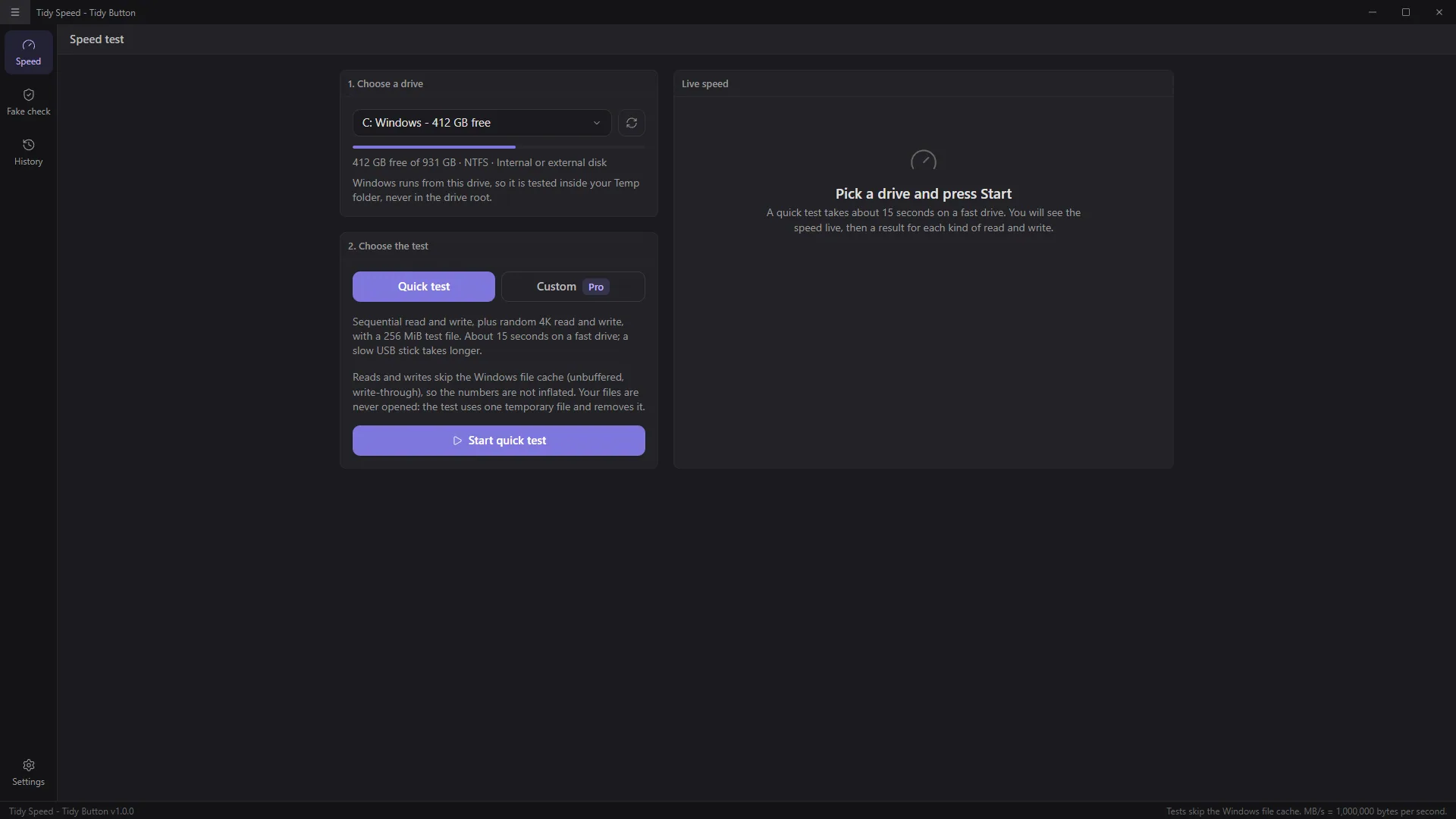
Pick a drive and press Start quick test. The drive's size, free space and file system are shown, and the method is explained in plain words
Running
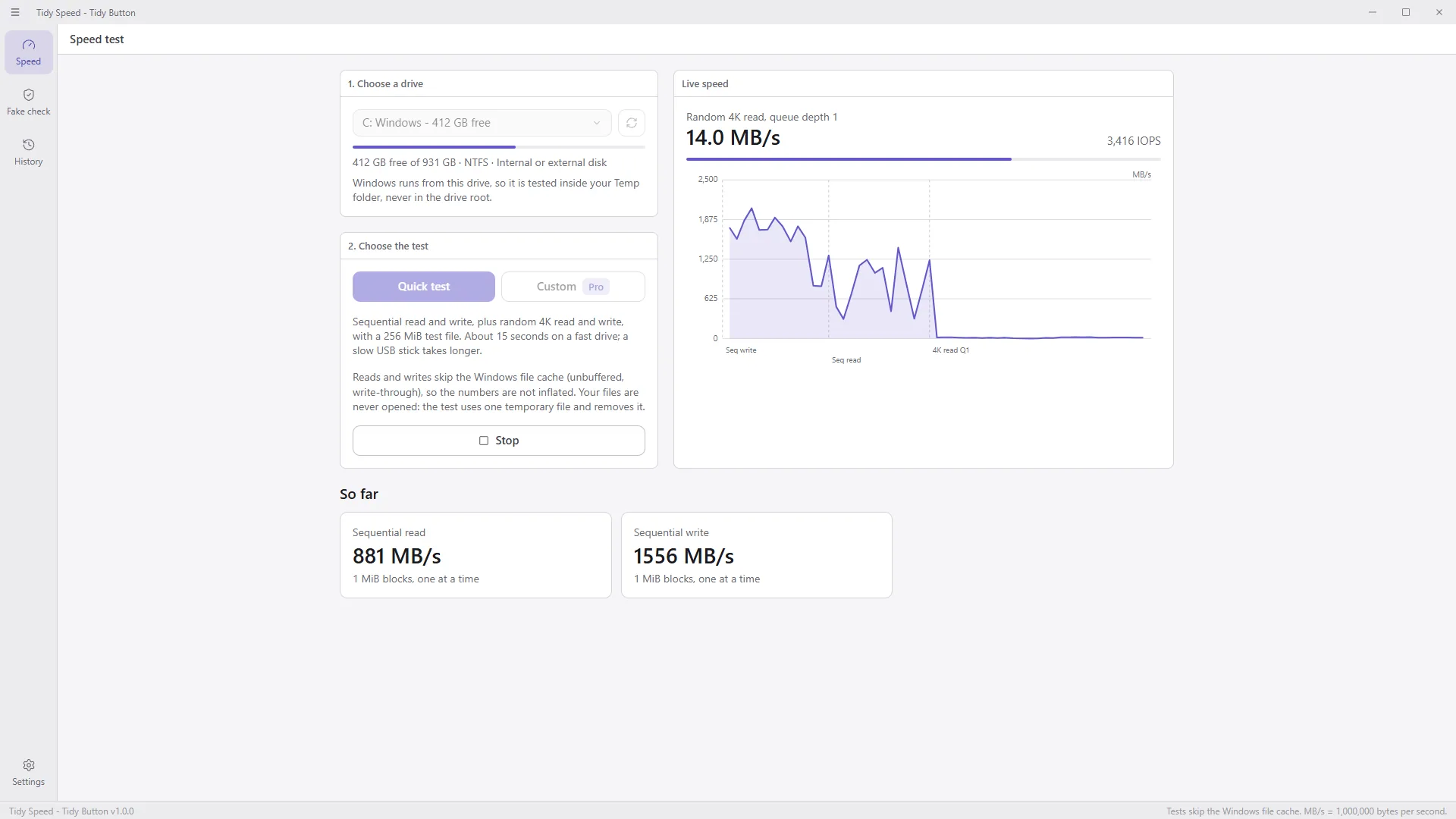
Watch the speed live while the test runs. Each result card appears as its phase ends, and Stop is always there
Results
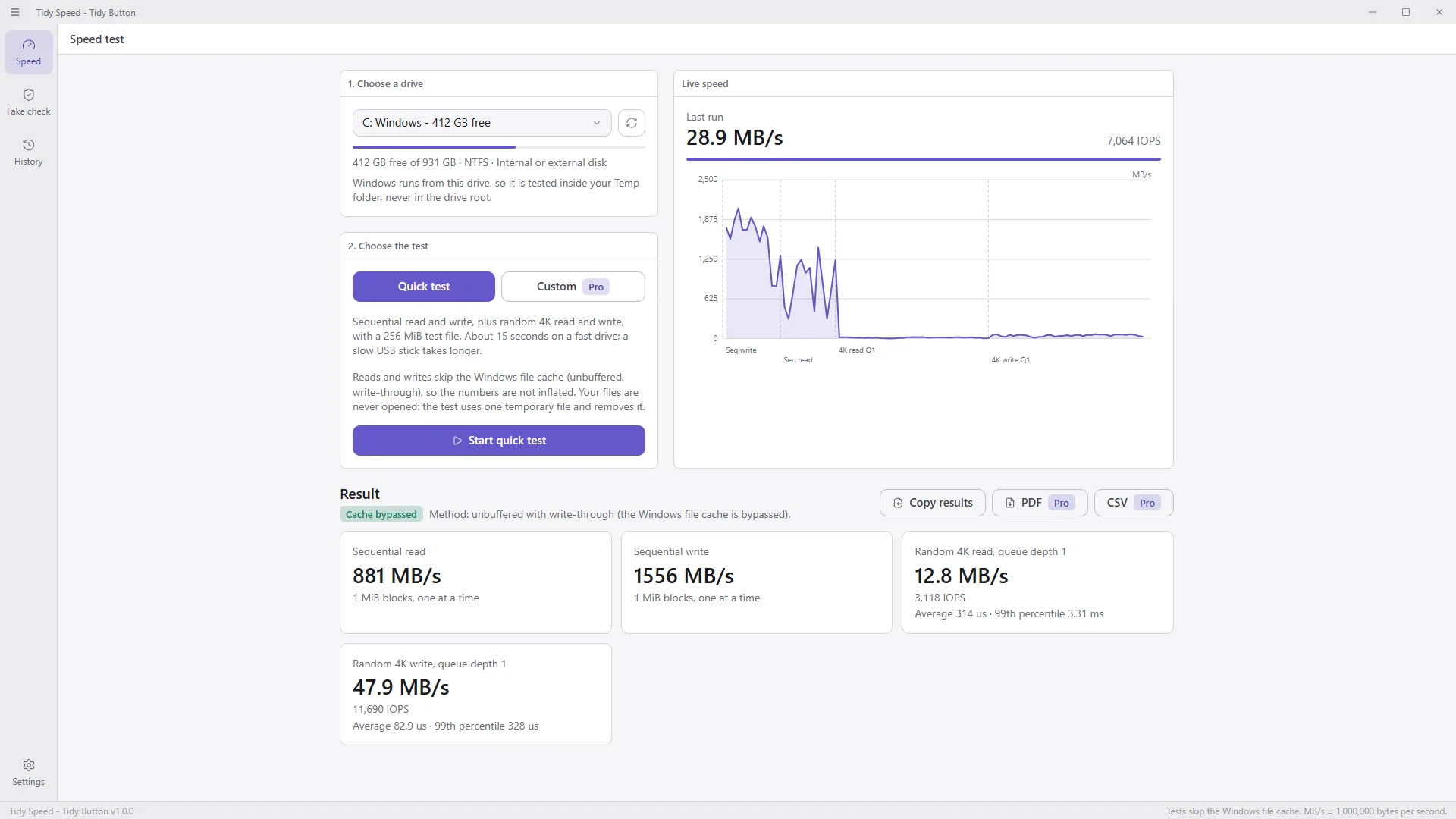
Honest results in MB/s with IOPS and the time of each request. The screen says the Windows file cache was bypassed. Copy them as text
Free limit

Other test profiles and file sizes are part of Pro. The free quick test shows and copies every number it measures
Six results
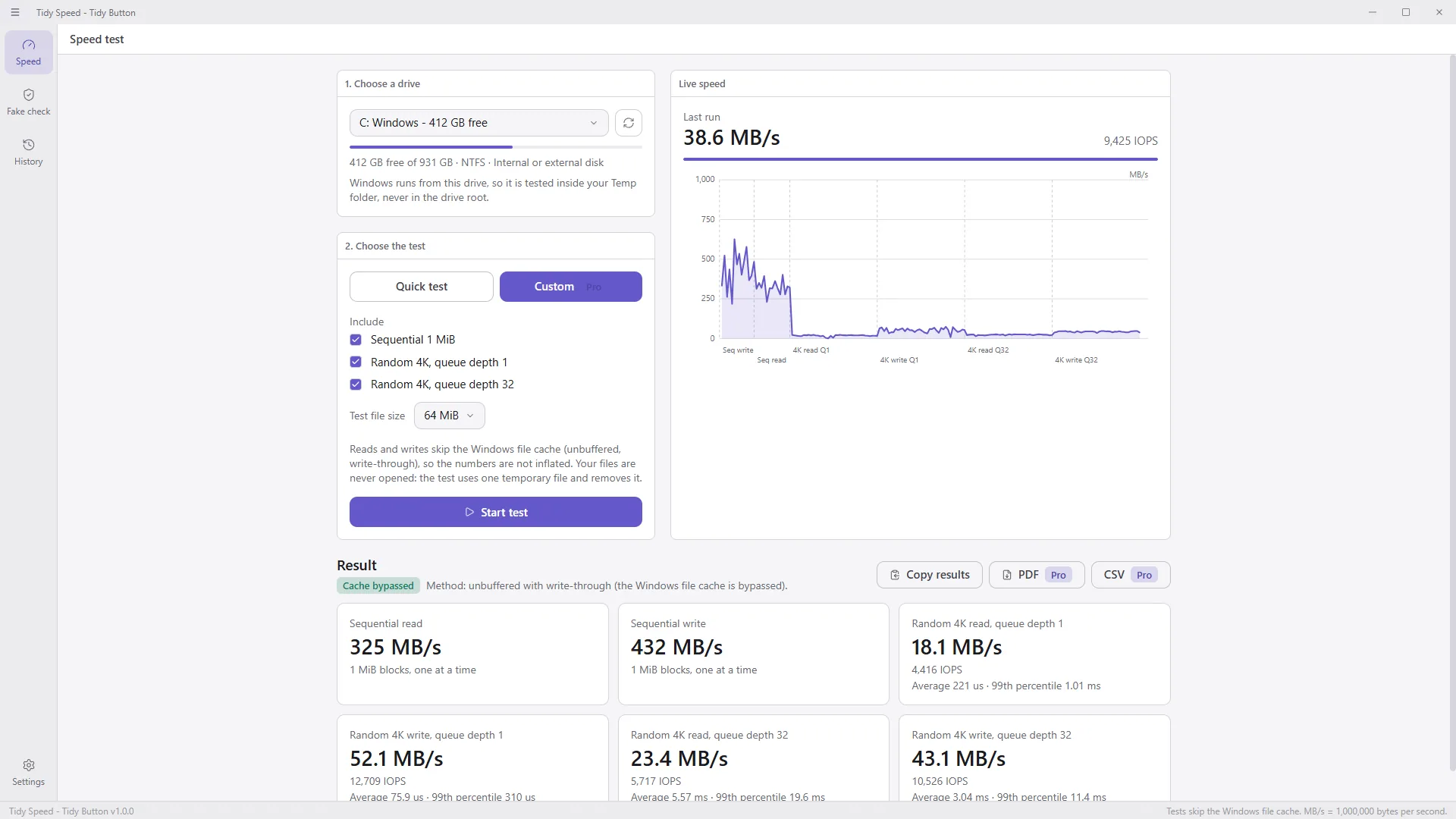
Pro: add random 4K with 32 requests at a time, and choose a test file from 64 MiB to 1 GiB
History
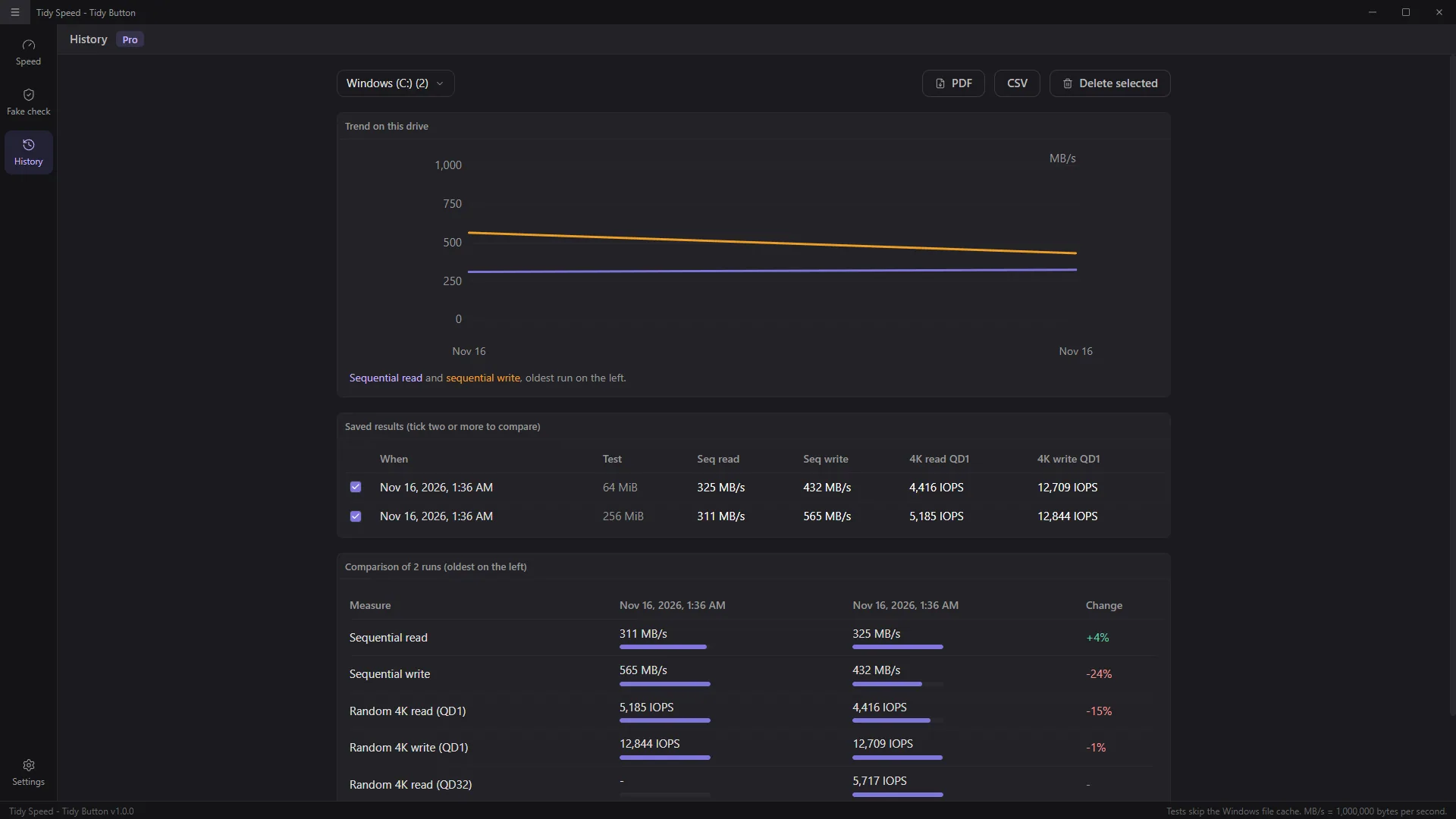
Pro: every run is kept for each drive. Tick two or more to compare them in a table and a chart
Fake check
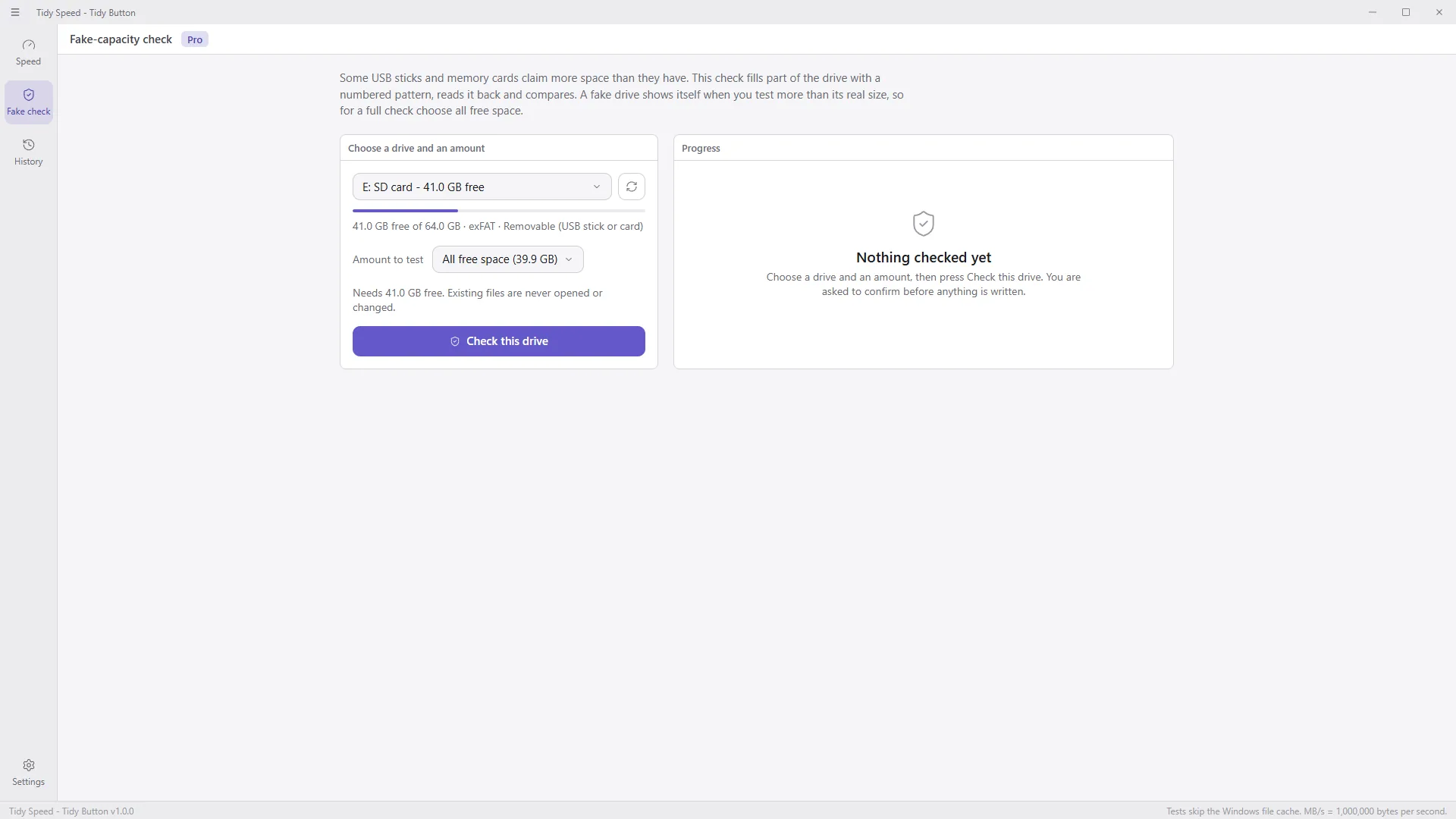
Pro: check a USB stick or memory card for fake capacity. Nothing is written until you confirm
Screens show a demo folder, not a real PC. The app has light and dark themes.
What it does
What it does.
Tidy Speed measures how fast a drive really is. Pick a drive, press one button and watch the speed live. At the end you get the read and write speeds, the IOPS and the time each request took. It is made for people who just bought a drive or whose PC feels slow. The free app works with the internet turned off.
One button
Pick a drive and press Start quick test. Sequential and random reads and writes, in about 15 seconds on a fast drive.
Honest numbers
Reads and writes skip the Windows file cache, so the numbers are not inflated. If a drive cannot do that, the result says so.
Live chart
Watch MB/s while the test runs, with the phase, the progress and a Stop button that always works.
Everything shown
MB/s, IOPS and the average and 99th percentile time of each random request, with the method written on the screen. Copy it all as text.
Safe for your files
One temporary file that is always removed. Your own files are never opened, changed or deleted.
Every kind of drive
Fixed, removable and network drives are listed with label, file system, size and free space.
History and compare (Pro)
Every run is kept for each drive. Tick two or more to compare them in a table and a chart.
Fake-capacity check (Pro)
Check a USB stick or card for fake capacity, and save PDF and CSV reports.
The small print, in plain English
Safe by design.
- The app never opens your files. It writes one temporary test file and removes it.
- The free quick test shows and copies every number it measures.
- Pro is one payment, no subscription. Everything free stays free.
- Works offline. No account. No ads. No tracking.
Good for
Handy when a drive feels slow.
- A new SSD
- A USB stick or SD card of unknown speed
- A PC that feels slow
- Comparing two drives
Questions
Plain answers.
Will it touch my files?
No. It writes one temporary file, reads it back and removes it. Your own files are never opened, changed or deleted.
Why are the numbers lower than on some other tools?
Reads and writes skip the Windows file cache, so a read is not answered from memory. If a drive cannot skip the cache, the result says so.
Is anything uploaded?
No. Everything stays on your PC and the app works with the internet turned off.
Can I copy the results?
Yes, as text, for free. PDF and CSV reports are part of Pro.
What does Pro add?
More test profiles and sizes, a history for each drive with comparison and a chart, a fake-capacity check and PDF and CSV reports. It is one payment of $5.99.