Coming to the Microsoft Store
Disc Burner Burn a disc, free and clear.
Data discs and ISO images to CD, DVD or Blu-ray, with your drive shown first and real progress. No trial, no account.
We will link the Store listing here the day it is live. Until then there is nothing to download.
- Works offline
- No account, no ads, no tracking
- No trial
- Free
See it
Six views. One disc, written.
Data disc
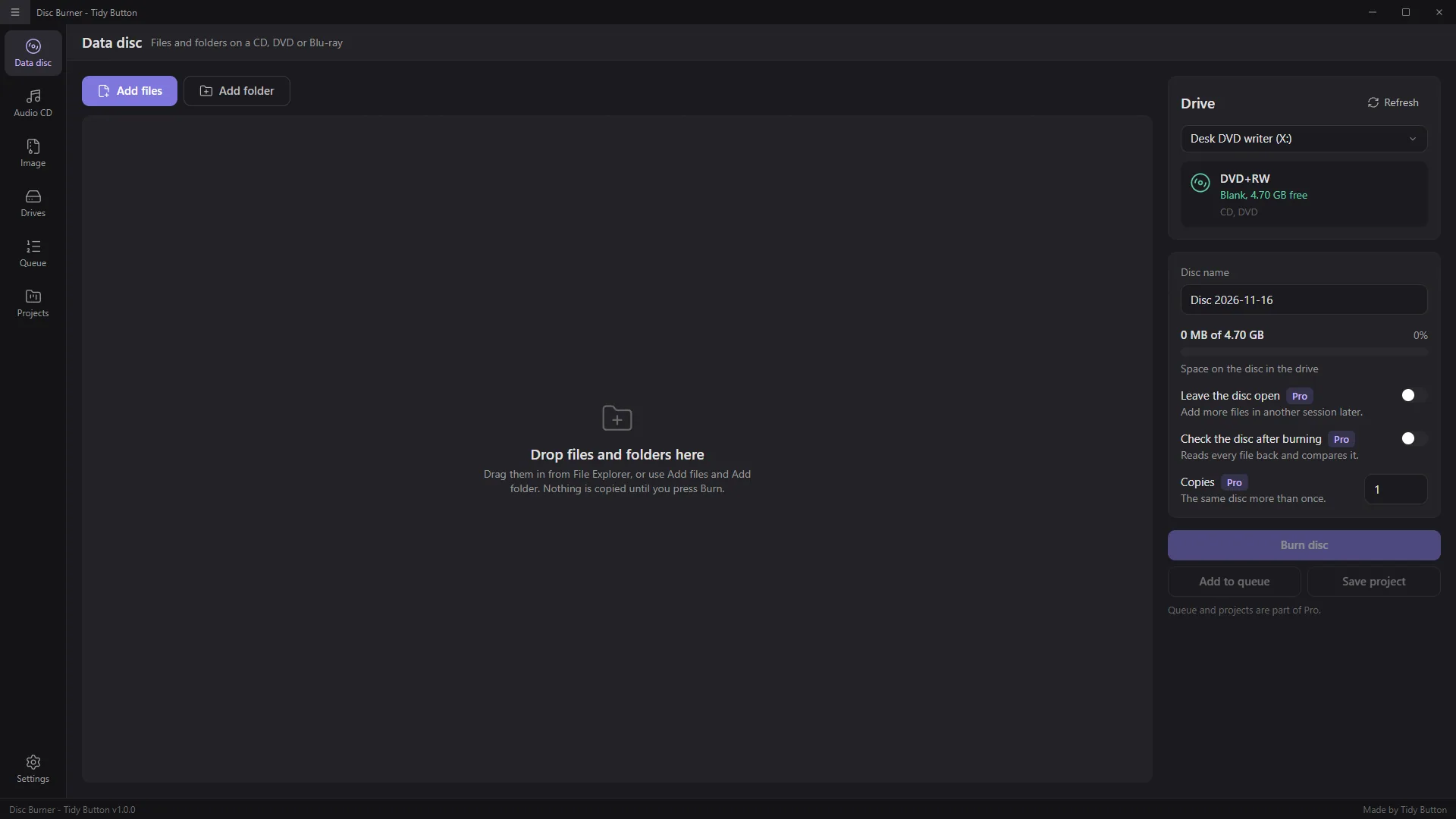
Drop files and folders on the window, or use Add files and Add folder. Your drive and the blank disc in it are shown first
Ready to burn
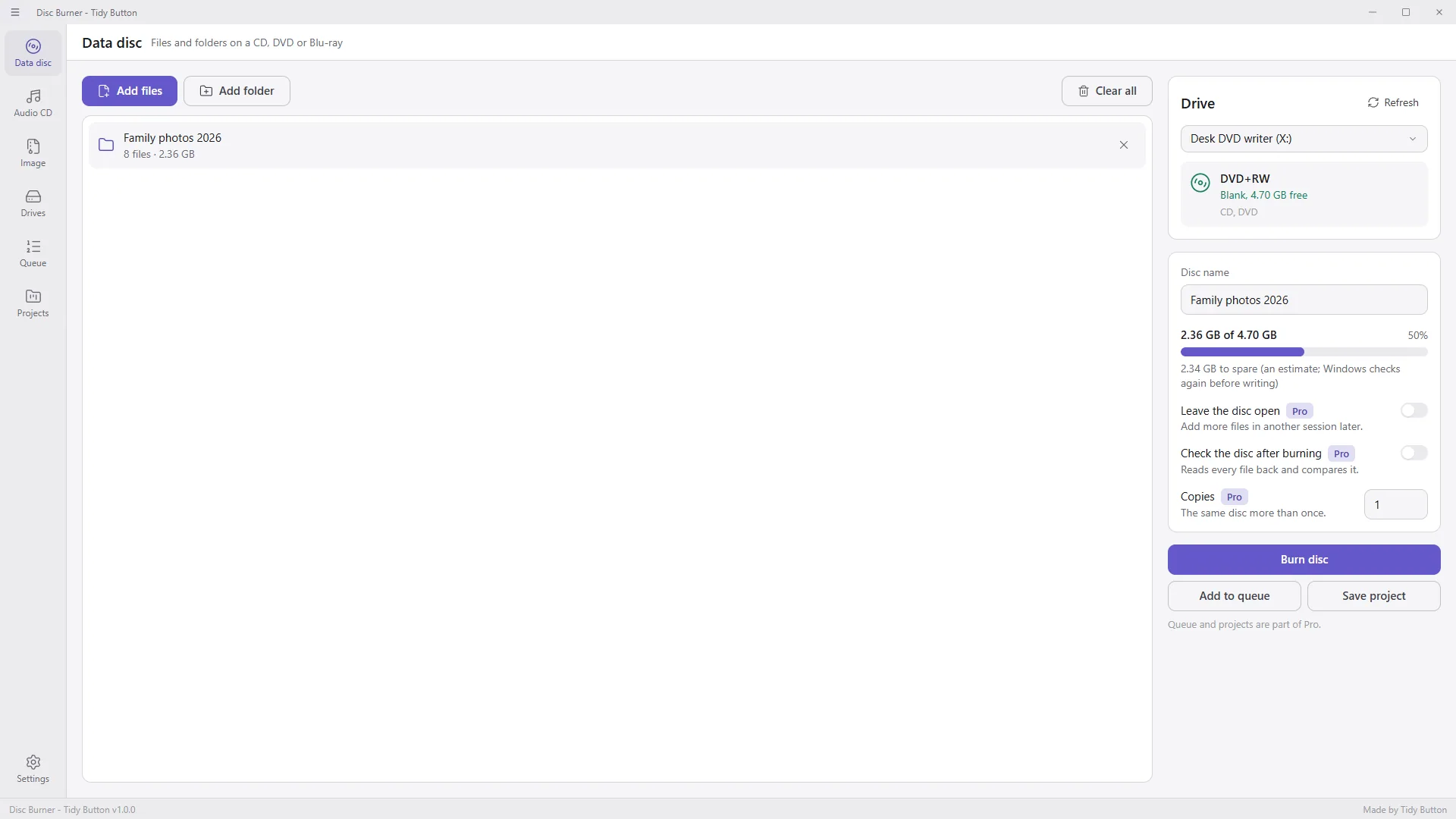
A capacity bar shows how much of the disc you have used and how much is left. Give the disc a name and press Burn disc
Disc image
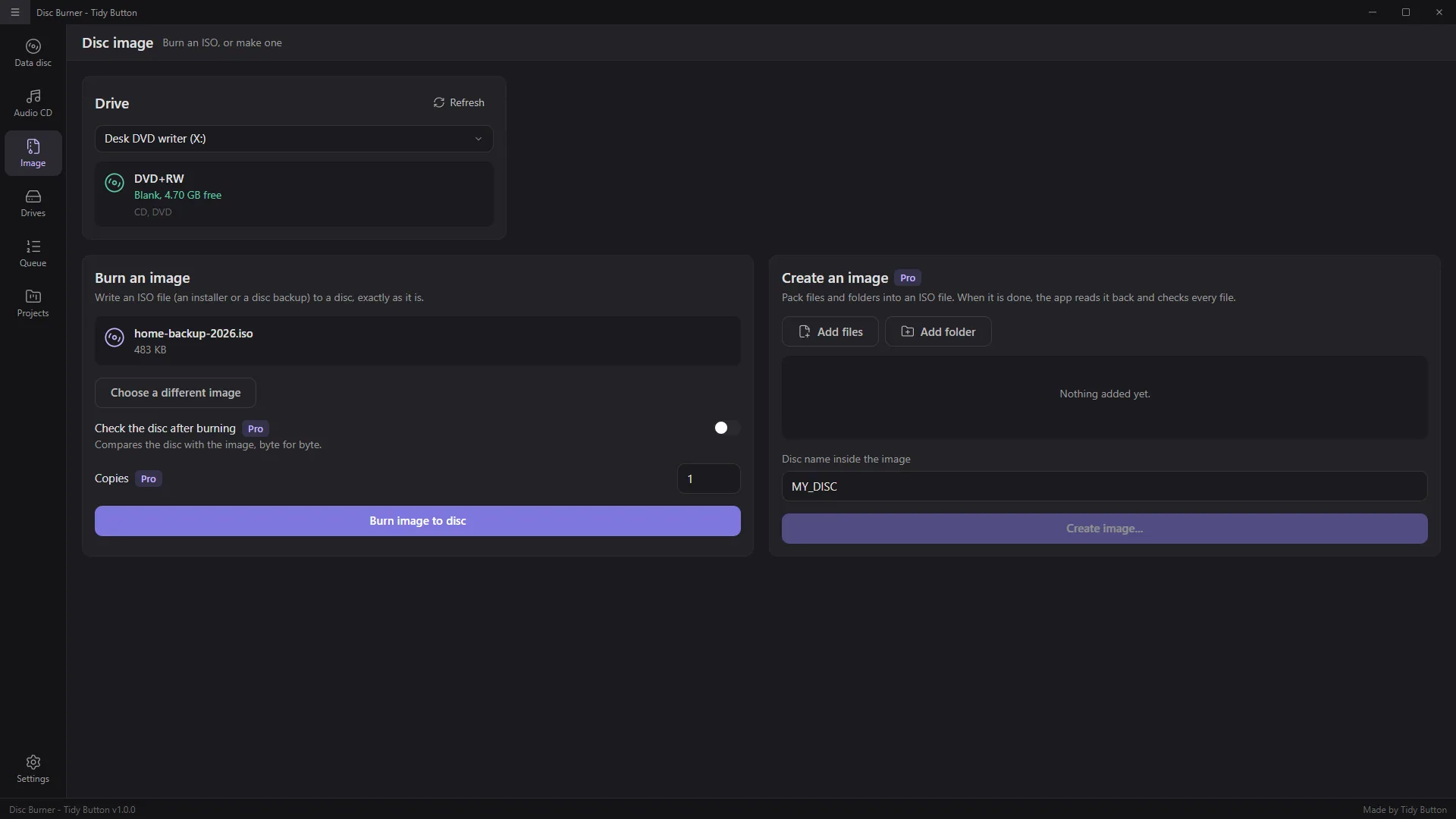
Burn an ISO image exactly as it is. Pro can also build an image from files and check it
Drives
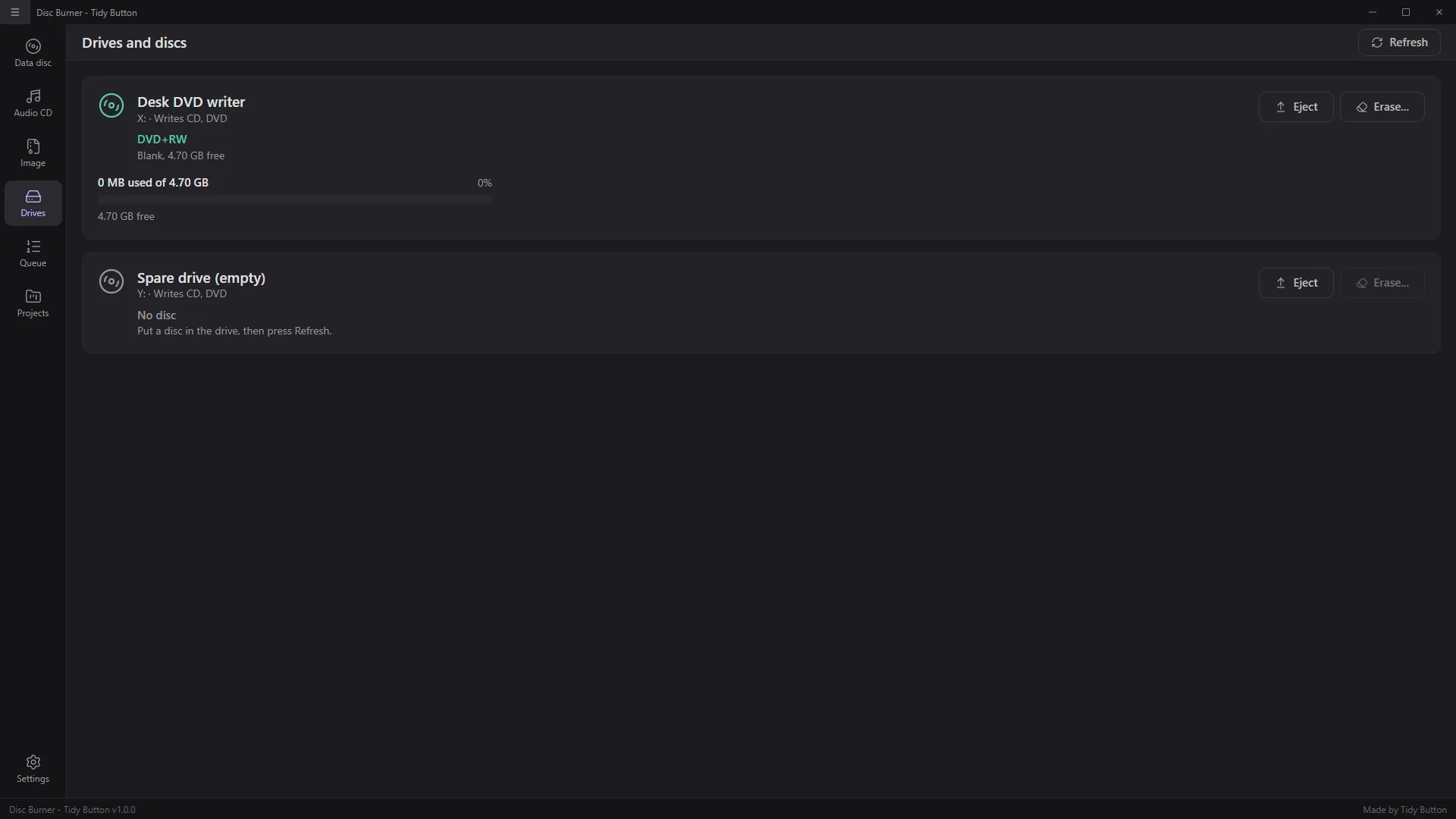
Every drive and disc at a glance, with the disc type, free space, Eject and Erase for rewritable discs
Free limit
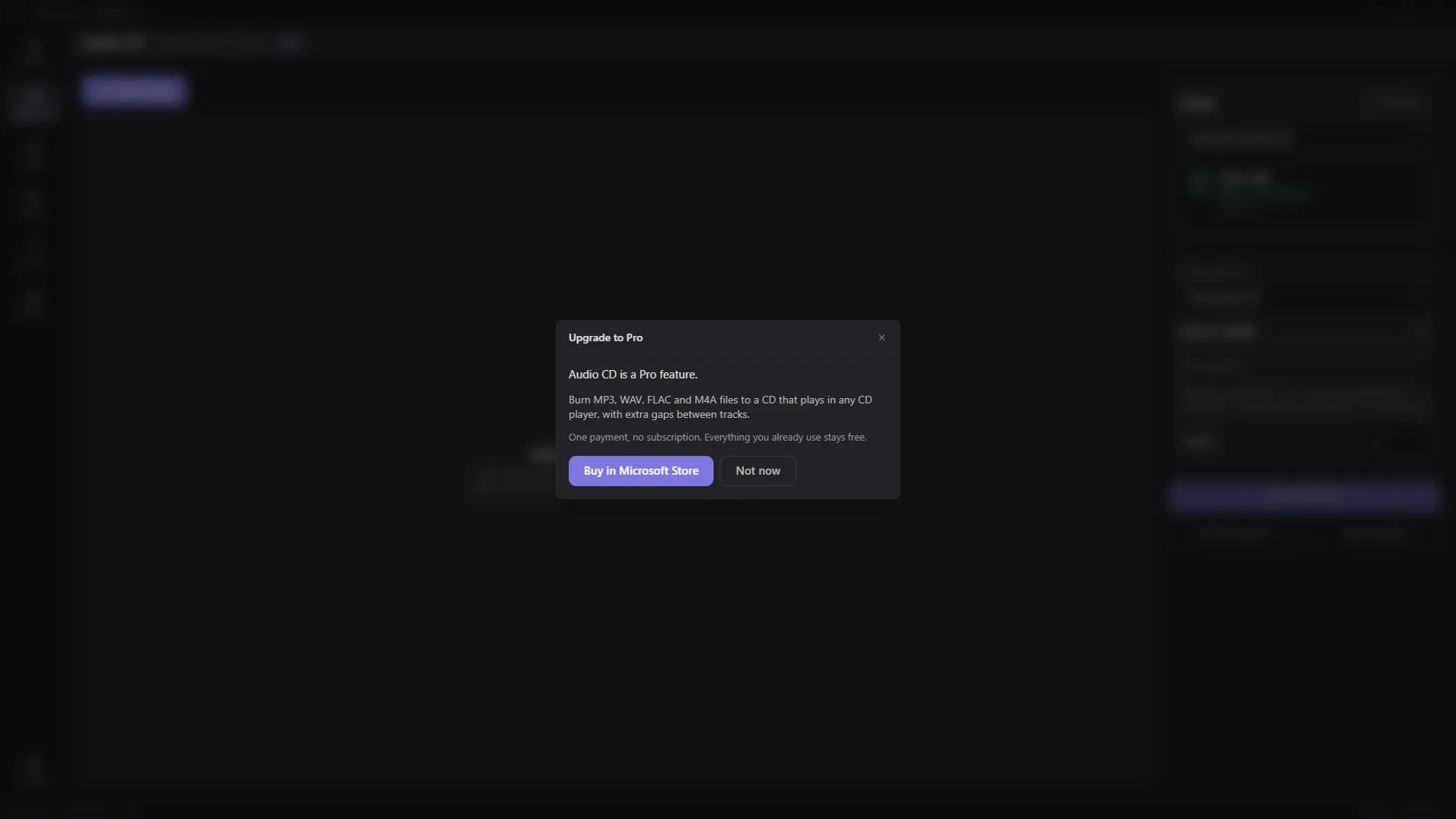
Audio CDs are part of Pro. The free version burns data discs and ISO images with no time limit
Audio CD
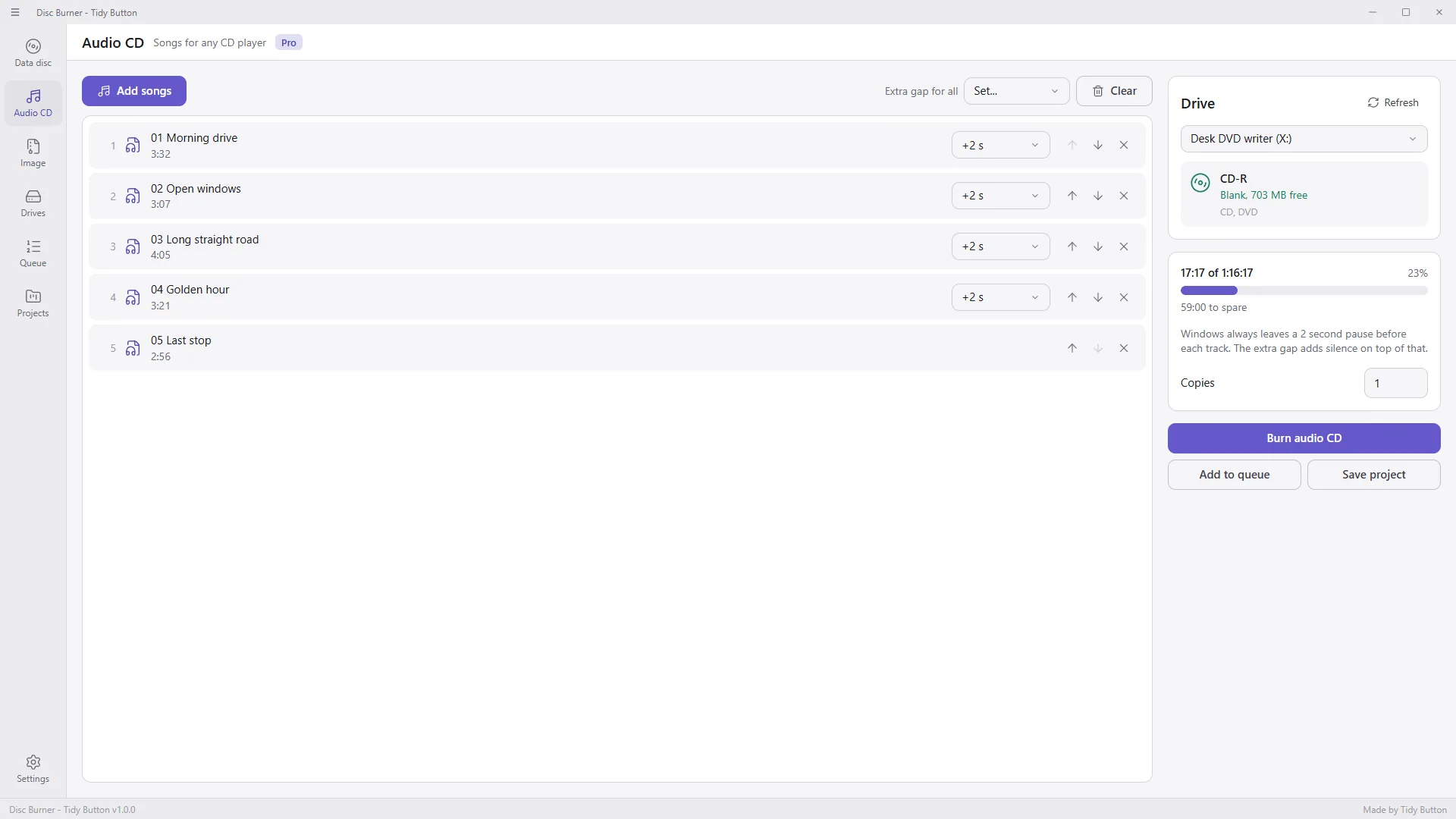
Pro: put your own MP3, WAV, FLAC or M4A songs on a CD that plays anywhere, with extra gaps and a time bar
Screens show a demo folder, not a real PC. The app has light and dark themes.
What it does
What it does.
Disc Burner writes your files to a CD, DVD or Blu-ray disc. Back up photos, burn an installer image, hand a disc to a relative or make a CD for an older stereo. Your drive and the disc in it are shown first, with the free space, so you know what will fit. The free version has no trial and no time limit.
Drive and disc first
Every drive and the disc in it are shown with the disc type, the free space and whether it is blank.
Data discs
Drop in files and folders, name the disc and watch the capacity bar before you burn.
ISO images
Burn an ISO image to a disc exactly as it is.
Erase rewritable discs
Quick or full, after you confirm.
Real progress
The stage, the percent and the time left, and a Cancel button that really cancels.
Clear messages
No disc, not blank, too big by so many MB, drive busy. Each problem says what it is.
Audio CDs (Pro)
Burn your own MP3, WAV, FLAC and M4A files to a CD that plays anywhere, with extra gaps between tracks.
More burning tools (Pro)
Build an ISO from files, check the disc after burning, leave a disc open, burn several copies, queue jobs and save projects.
The small print, in plain English
Safe by design.
- Your files are read on your PC and burned to your disc. Nothing is uploaded.
- The free version has no trial and no time limit. Pro is one payment, no subscription.
- Your files are never changed or deleted by the app.
- Works offline. No account. No ads. No tracking.
Good for
Handy when a disc is the answer.
- Backing up photos to a disc
- Burning an installer image
- A CD for an older car stereo
- Handing a disc to a relative
Questions
Plain answers.
Do I need a disc drive?
Yes, a drive that can write discs. If your PC has none, the app says so and what to do.
Is there a trial or a time limit?
No. Data discs, ISO burning and erasing are free with no time limit.
Can I cancel a burn?
Yes. The Cancel button really cancels, and the app shows the stage, the percent and the time left while it works.
Is anything uploaded?
No. Your files are read on your PC and burned to your disc. The app works with the internet turned off.
What does Pro add?
Audio CDs, building an ISO from files, checking the disc after burning, leaving a disc open, several copies, a queue and saved projects. It is one payment of $9.99.