Coming to the Microsoft Store
Tidy CSV Big CSV files, made easy.
Open, search, sort and filter CSV and TSV files that a spreadsheet cannot handle, then save the rows you need. Every value stays as written.
Not on sale yet. The app is still being built.
We will link the Store listing here the day it is live. Until then there is nothing to download.
- Works offline
- No account, no ads, no tracking
- Values never changed
- Free, no time limit
See it
Eight views. One file, your rows.
Open
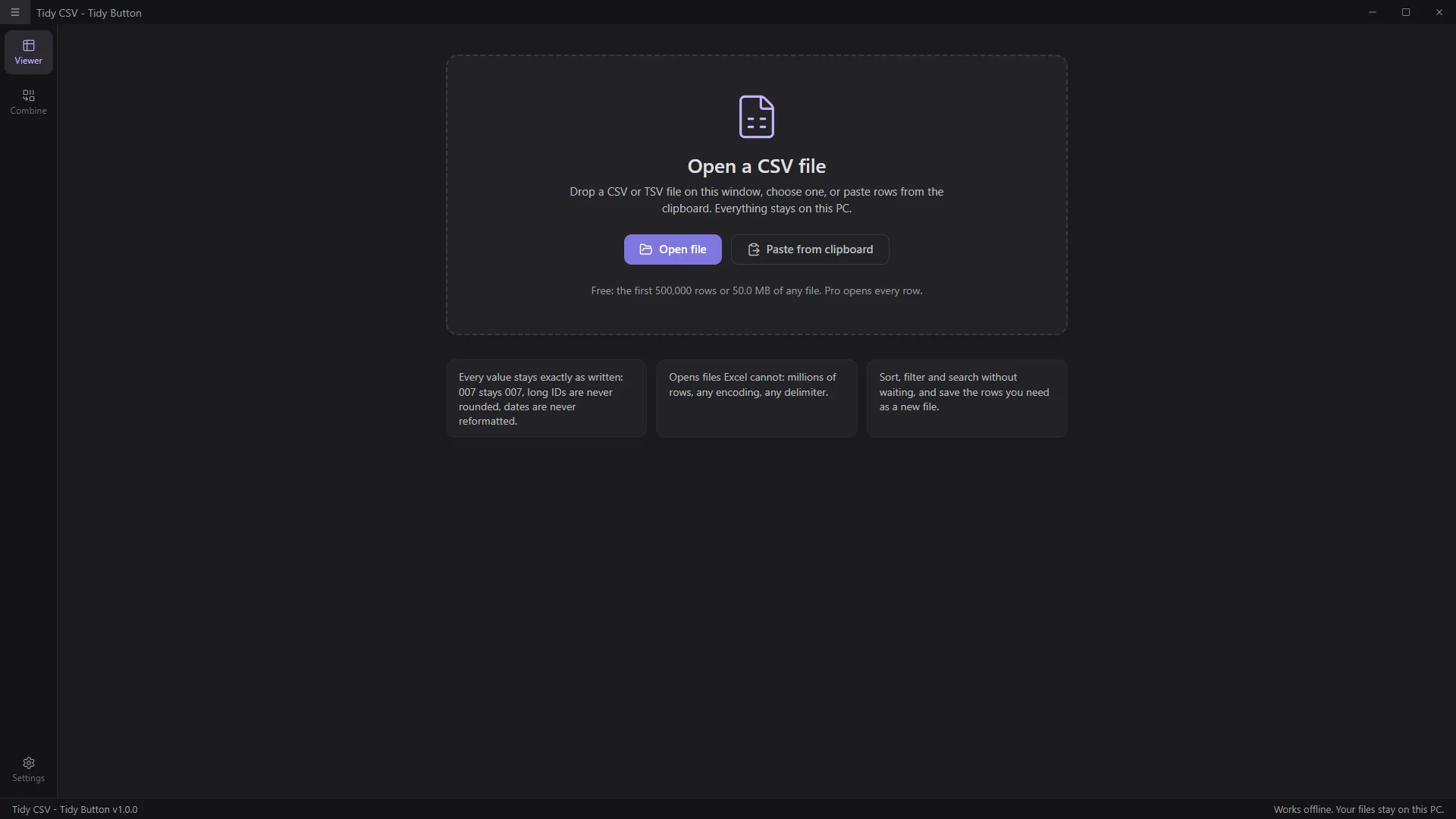
Open a CSV or TSV file, drop one on the window or paste rows. The free limit is written on the screen: the first 500,000 rows or 50 MB
Grid
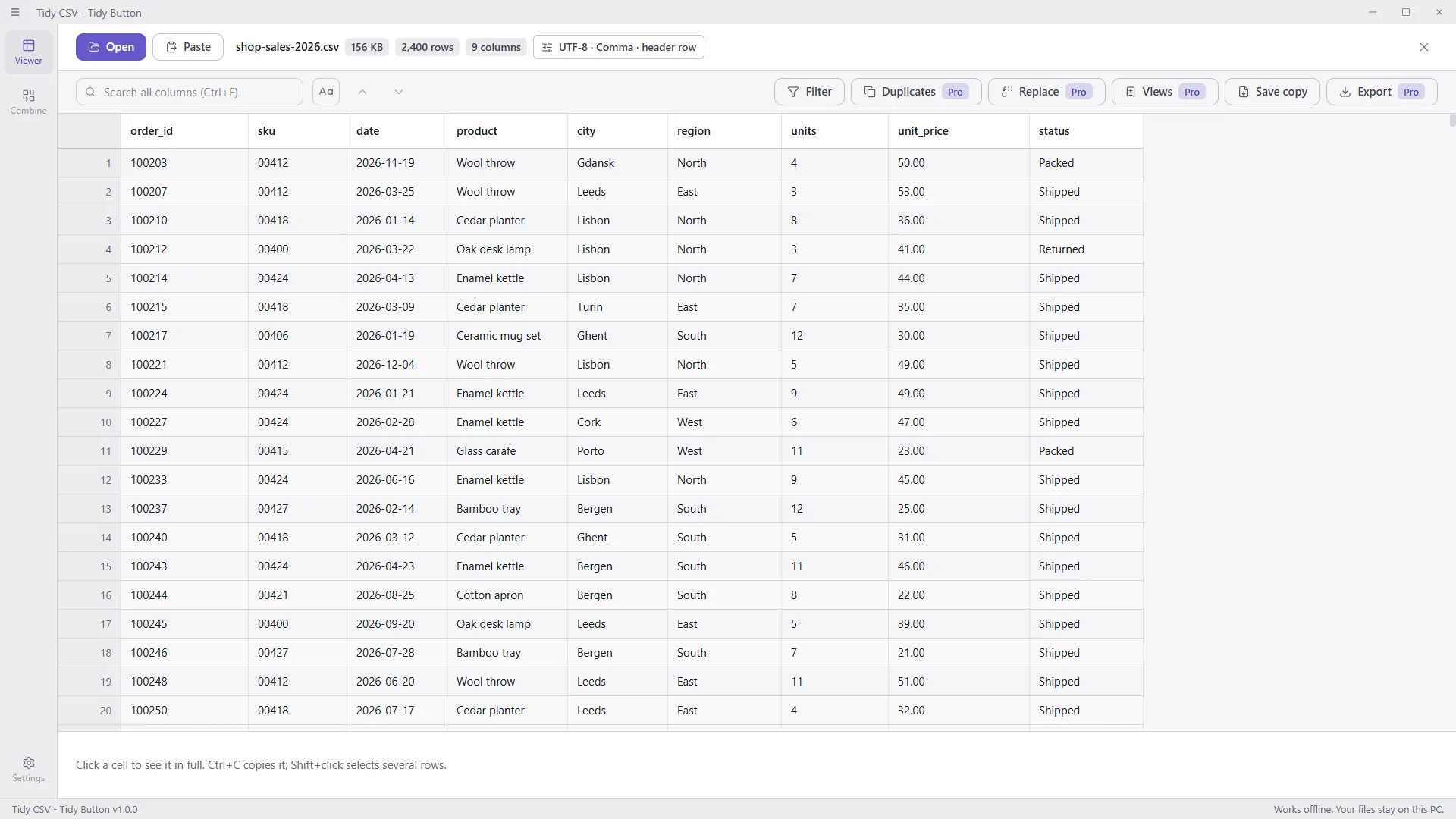
Every value is shown exactly as written. Leading zeros, long IDs and dates are never changed. Only the rows you see are drawn
Filter and sort
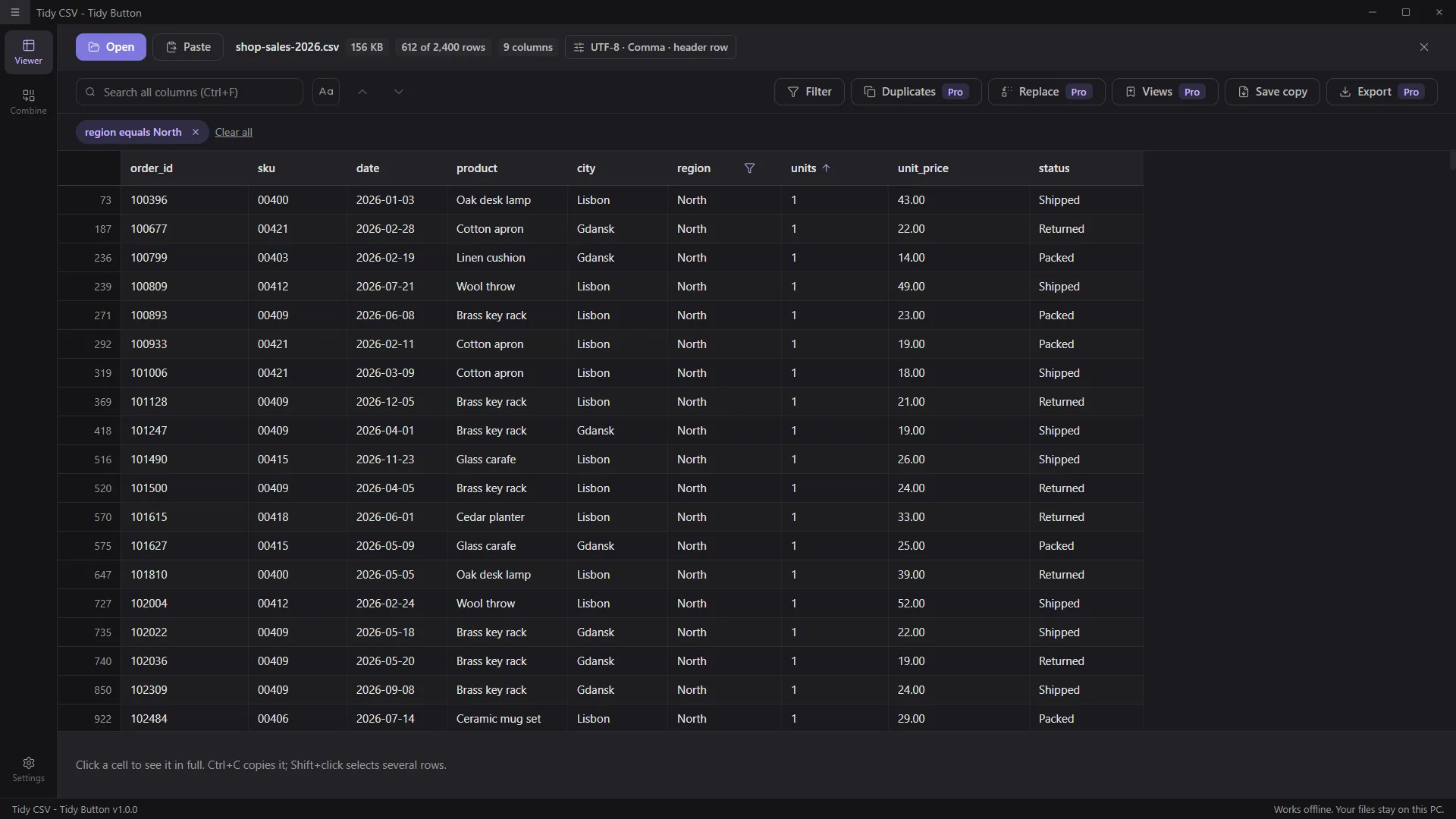
Filter a column, then sort another. A chip shows the filter, and the count says how many rows match
Statistics
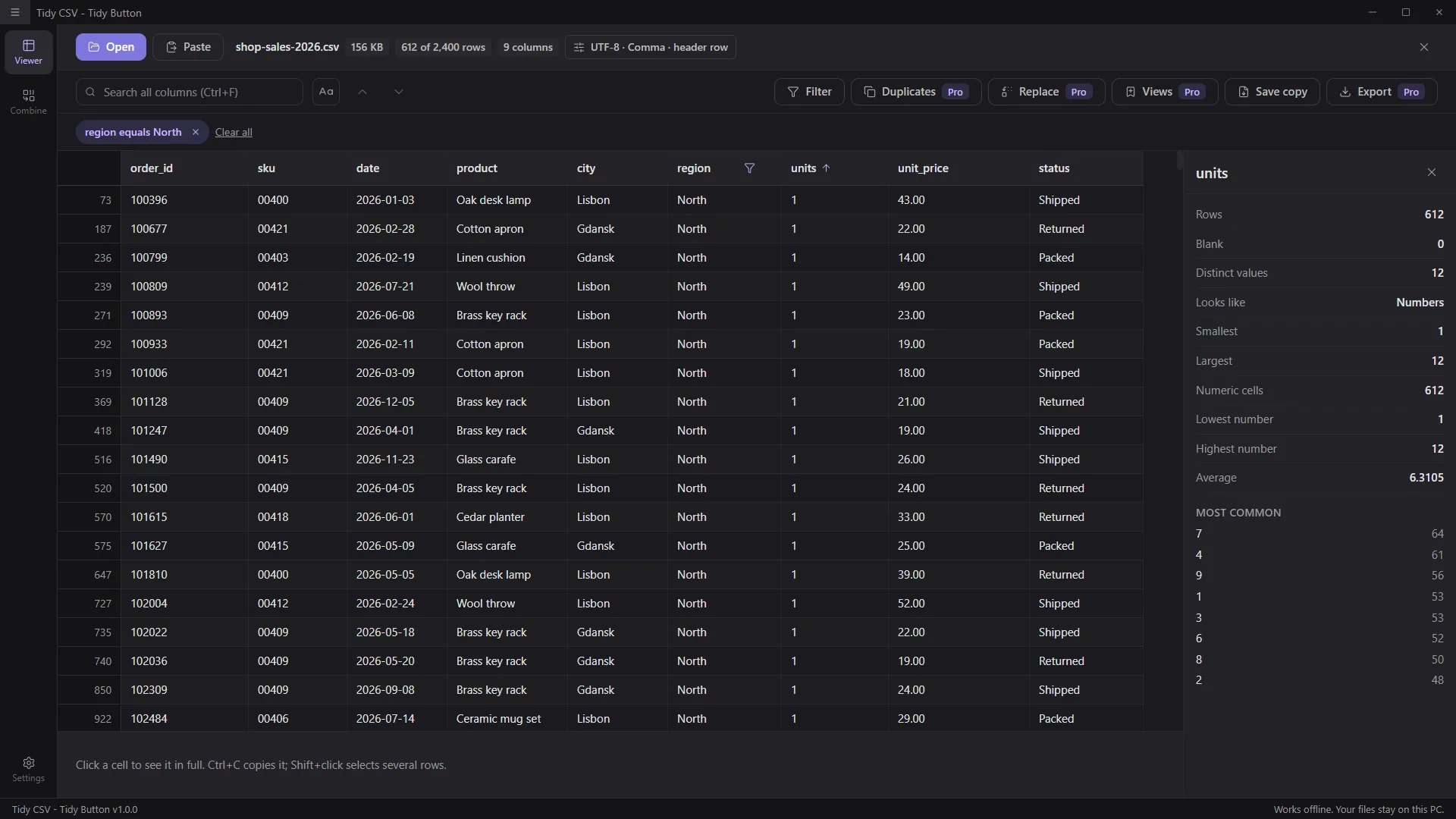
See a column at a glance: rows, blanks, distinct values, smallest and largest, and the most common values
Format
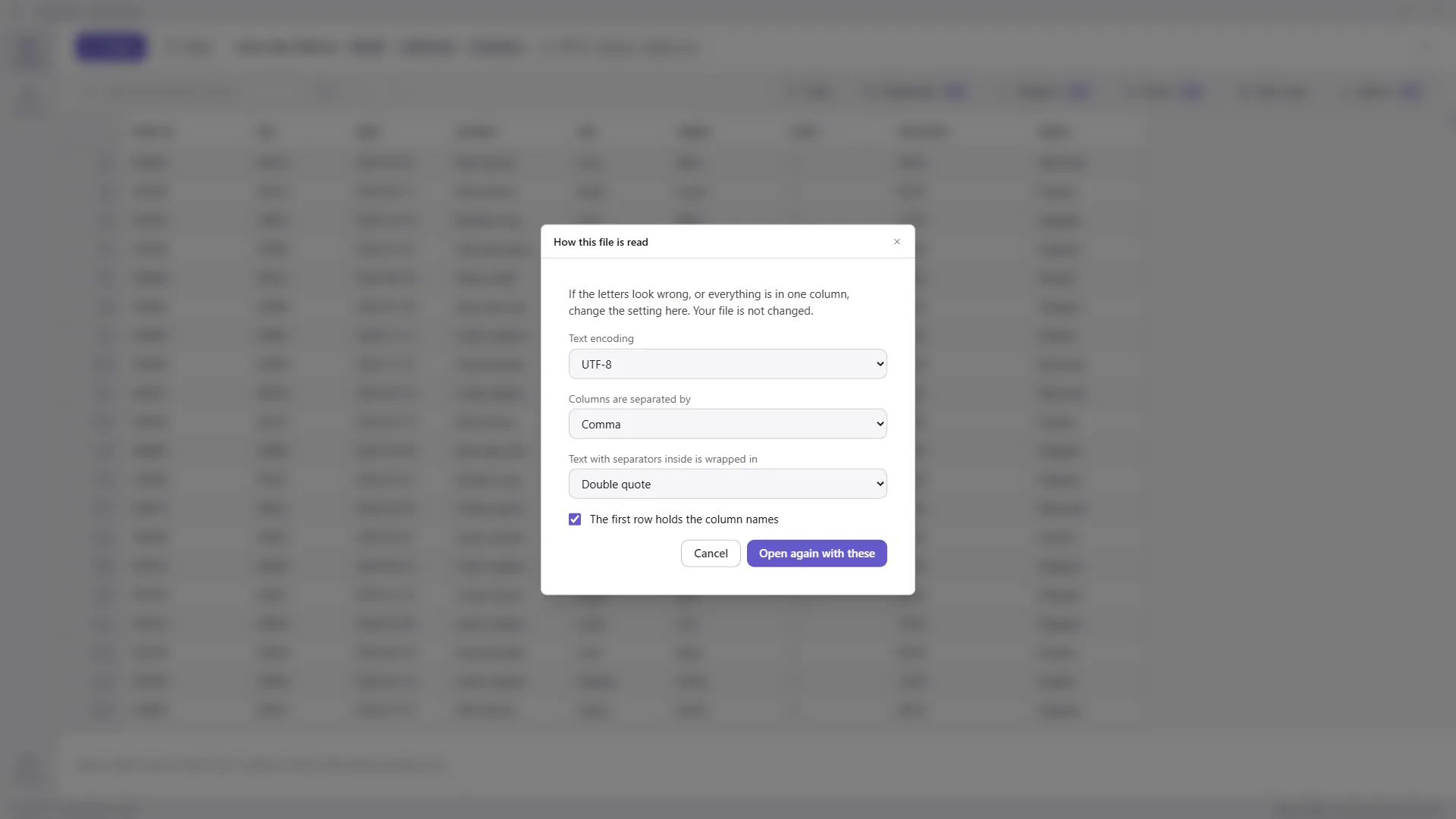
If the letters look wrong, change the encoding, separator or quote style and reopen. Your file is not changed
Free limit
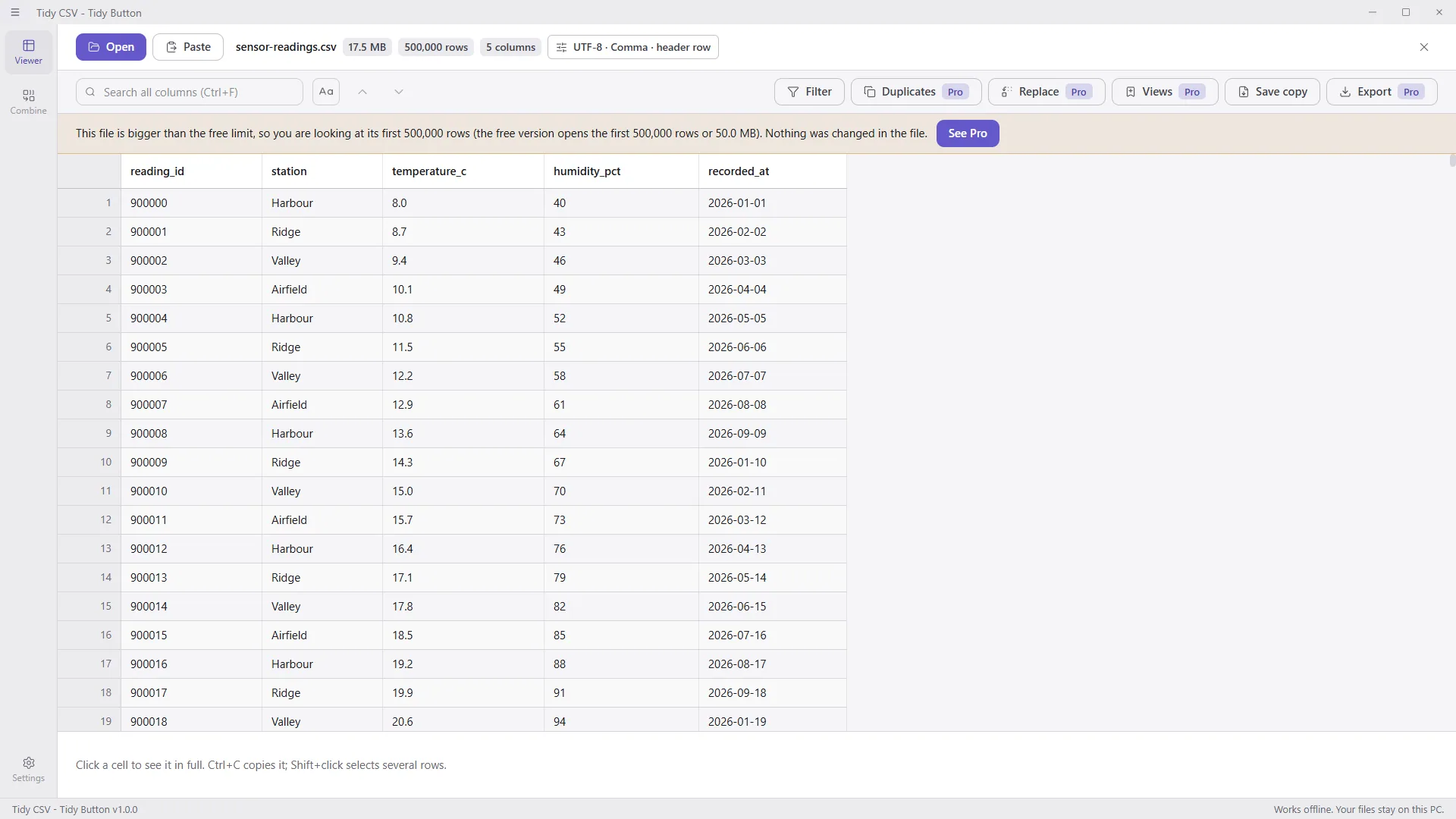
A file over the free limit opens cut at 500,000 rows, with a clear banner that says so. Nothing is hidden silently
Replace
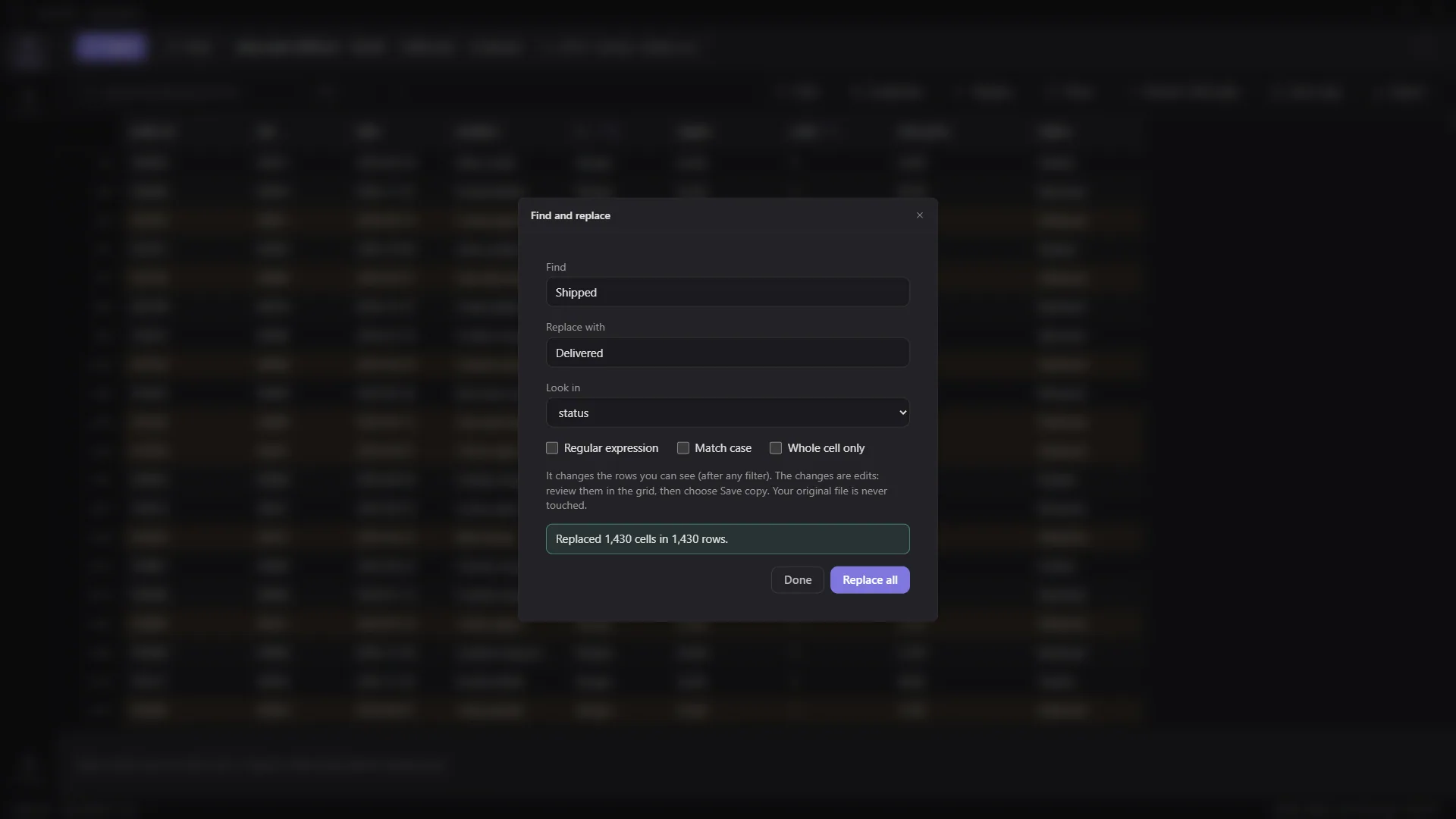
Pro: find and replace across a column, with an optional regular expression. The changes are edits you review before you save a copy
Views
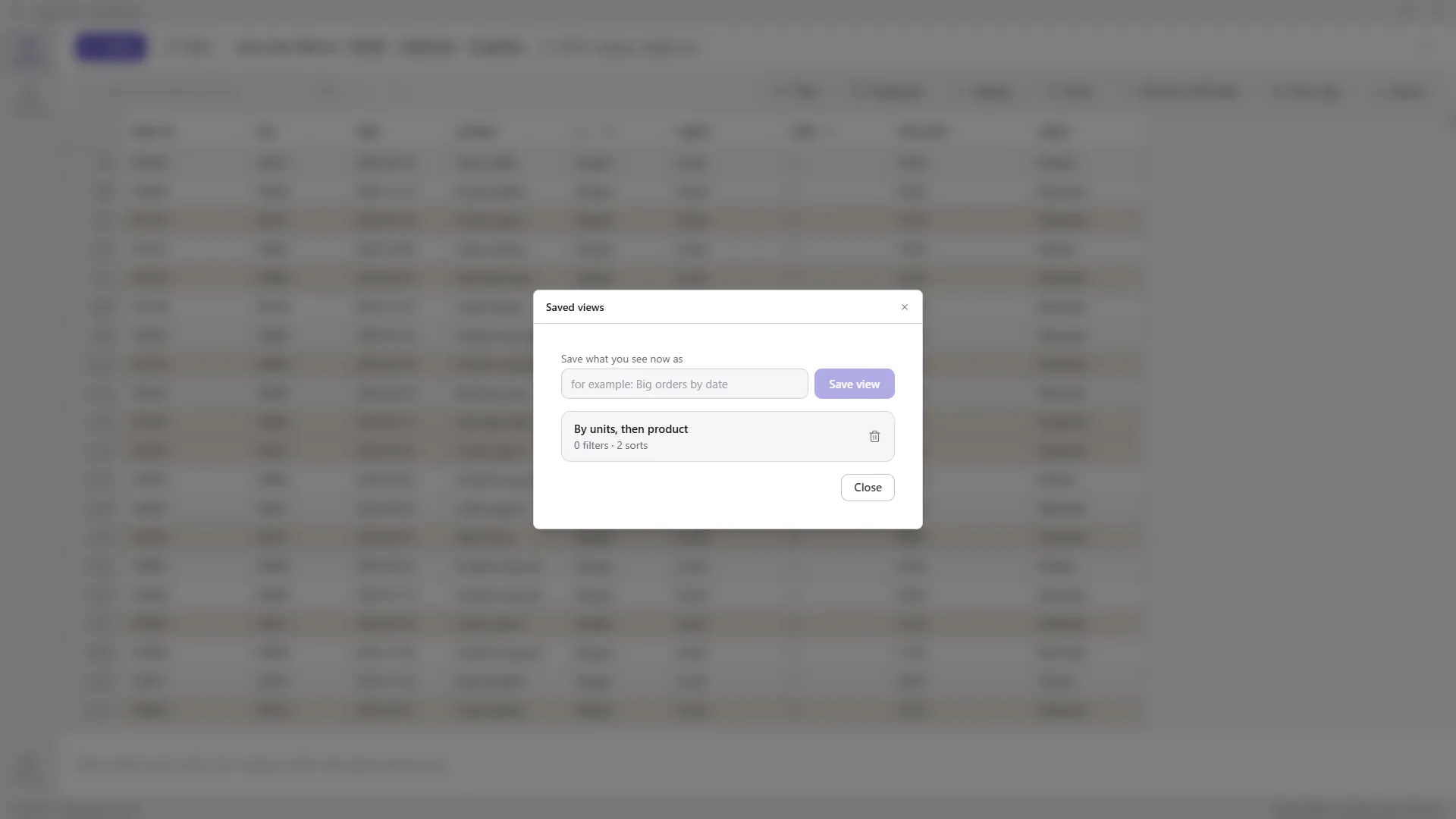
Pro: save the filters, sort and search you set up for a file as a named view, and bring it back in one click
Screens show a demo folder, not a real PC. The app has light and dark themes.
What it does
What it does.
Tidy CSV opens the CSV and TSV files that are too big or too messy for a spreadsheet. Look at them, find rows, sort, filter and save the part you need without changing a single value. Everything happens on your PC. It works with the internet turned off, and your files are never uploaded.
Exactly as written
Leading zeros stay, long ID numbers are not rounded and dates are never reformatted. 007 stays 007.
Opens anything
Button, drag and drop or paste. The encoding, separator, quote style and header row are detected, and you can change any of them.
Smooth on long files
Only the rows you see are drawn, and the rest is indexed in the background with a progress bar and a Cancel button.
Search, sort, filter
Search all columns, sort by a column and filter any column with contains, equals, starts with, blank and number and date comparisons.
Column statistics
Rows, blanks, distinct values, smallest and largest, and the most common values for any column.
Save what you see
Save a copy of the filtered and sorted rows as CSV or TSV. Your original file is never changed.
Big files, handled (Pro)
Files of any size, multi-column sort, saved views, remove duplicate rows, edit cells, and find and replace.
Split, merge, export (Pro)
Split a big file into parts, merge many files, and export to .xlsx or JSON.
The small print, in plain English
Safe by design.
- Your files are read on your PC and never uploaded.
- Free has no time limit and saving a filtered or sorted copy is free.
- A file over the free limit opens with a clear banner. Nothing is cut silently.
- Works offline. No account. No ads. No tracking.
Good for
Handy when a spreadsheet gives up.
- Shop and ad exports with thousands of rows
- Log and data extracts
- Files that a spreadsheet mangles
- Pulling the rows you need out of a huge file
Questions
Plain answers.
Is anything uploaded?
No. Your files are read on your PC and never leave it. The app works with the internet turned off.
Does it change my values?
No. Leading zeros, long IDs and dates are shown and saved exactly as they are in the file.
What happens with a very big file?
The free version opens the first 500,000 rows or 50 MB and shows a banner that says the file was cut and how many rows it has. Pro opens every row.
Does it change my original file?
No. Saving writes a new file. Your original is only replaced if you choose its name yourself.
What does Pro add?
Files of any size, multi-column sort, saved views, split and merge, remove duplicates, editing cells, find and replace and export to .xlsx and JSON. It is one payment of $9.99.