Coming to the Microsoft Store
Tidy Puzzle Maker Your words, a puzzle to print.
Crosswords and word searches from your own word list, with an answer key. Print, save a PDF or solve on screen. No watermark, no account.
Not on sale yet. The app is still being built.
We will link the Store listing here the day it is live. Until then there is nothing to download.
- Works offline
- No account, no ads, no tracking
- No watermark
- Free for 20 words
See it
Eight views. One word list, many puzzles.
Start
Type or paste your words and clues, or start from one of four built-in examples. Pick a puzzle type on the left
Crossword
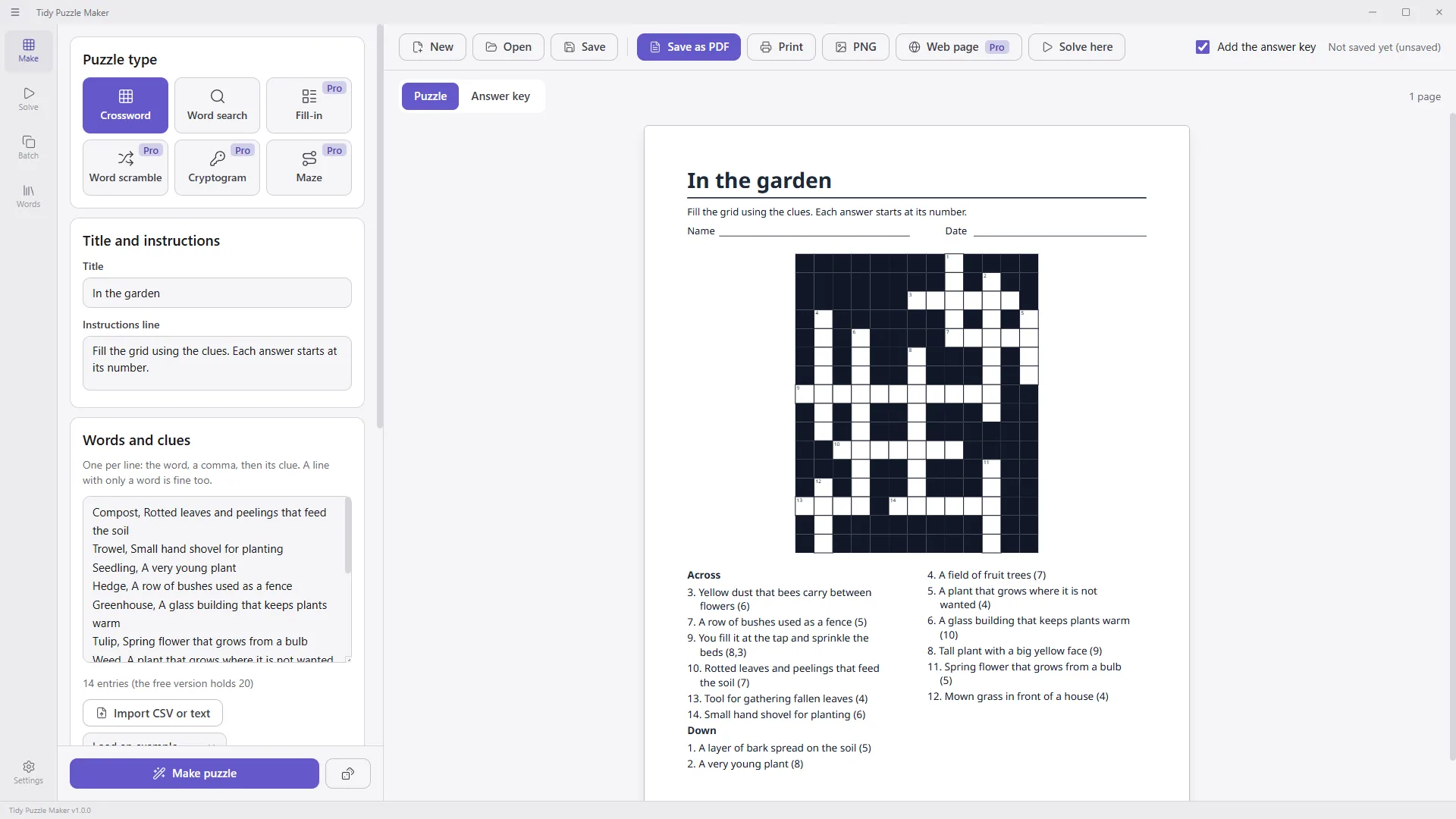
A numbered crossword built from your own words and clues, ready to print or save as a PDF
Answer key
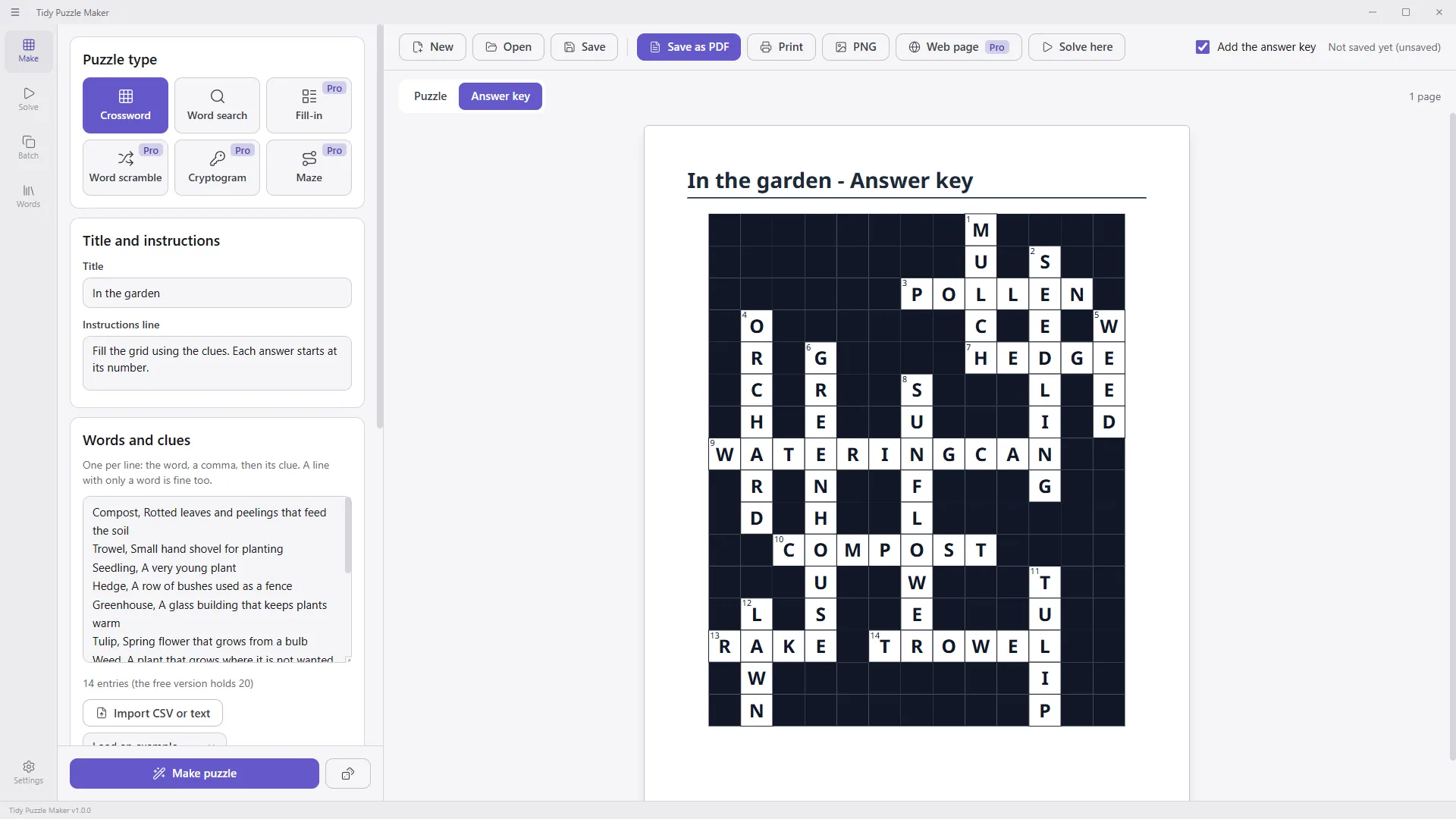
Every puzzle comes with an answer key page. Switch to it with one click, and it is added to the PDF
Word search
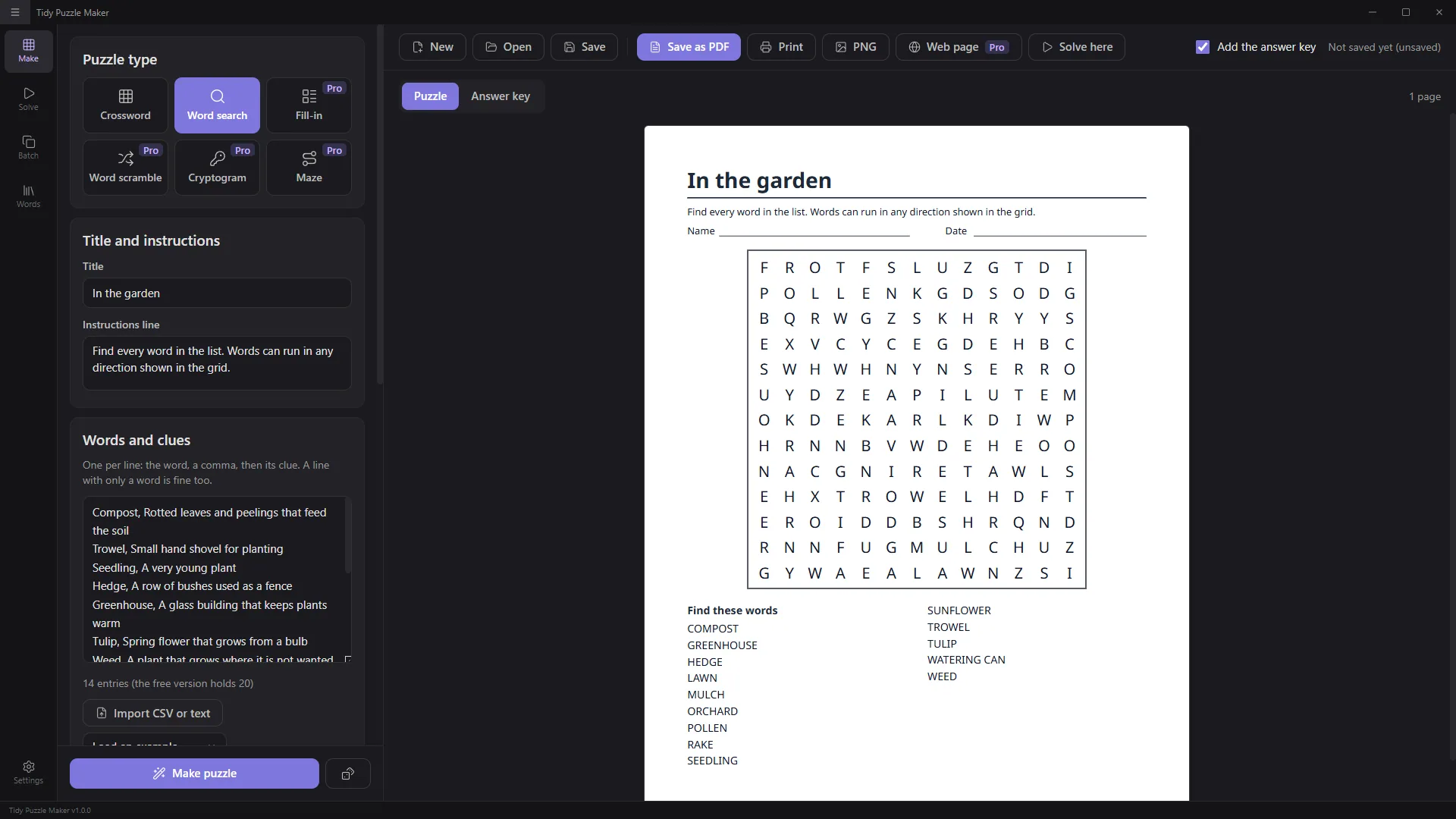
Word searches with a list of words to find. Choose the size and directions; the filler letters never spell a rude word
Solve
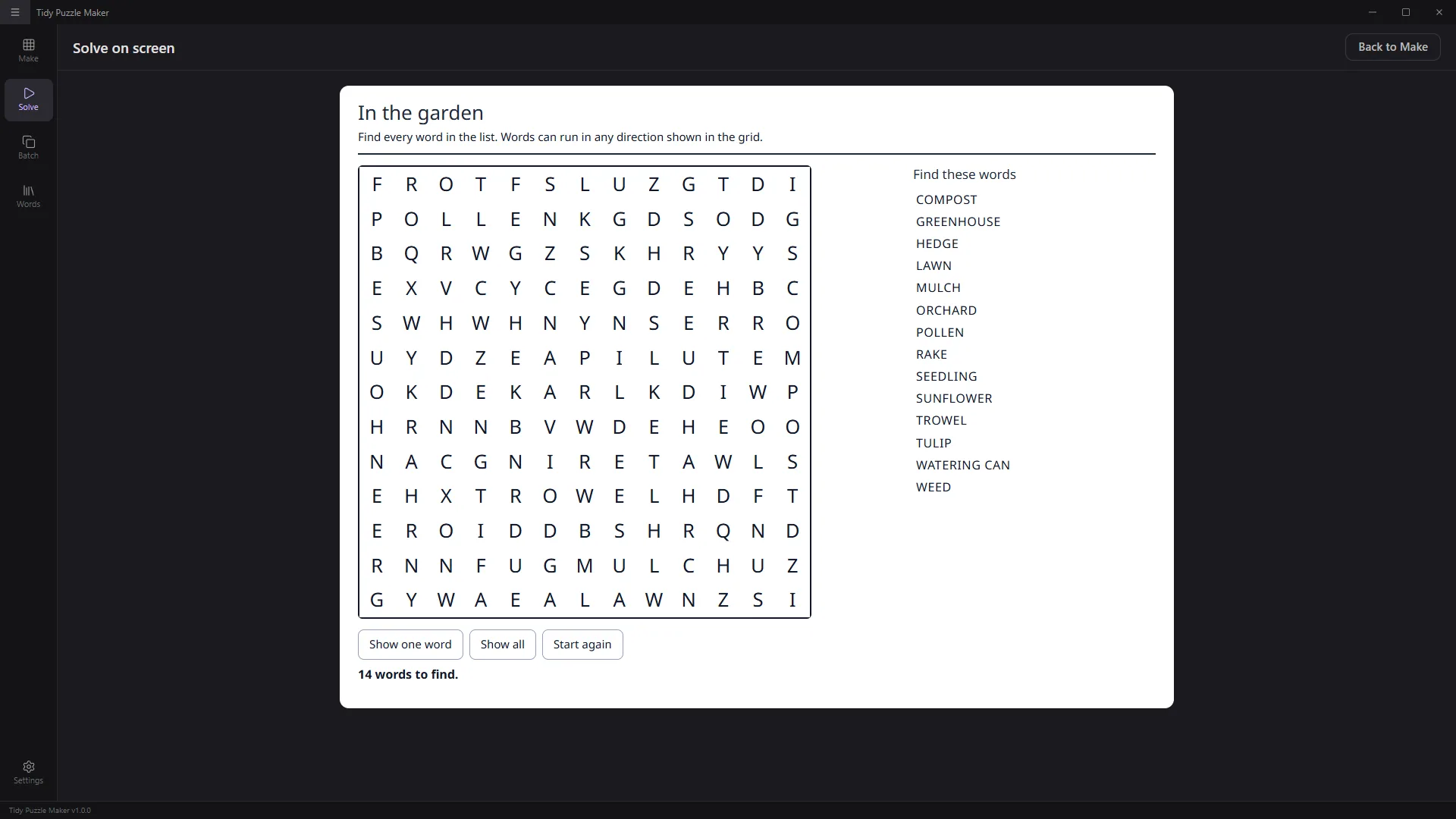
Solve any puzzle on the screen with the keyboard or mouse. Use Show one word or Show all if you get stuck
Free limit

The free version makes puzzles of up to 20 words. A bigger list offers Pro; nothing you typed is lost
Maze
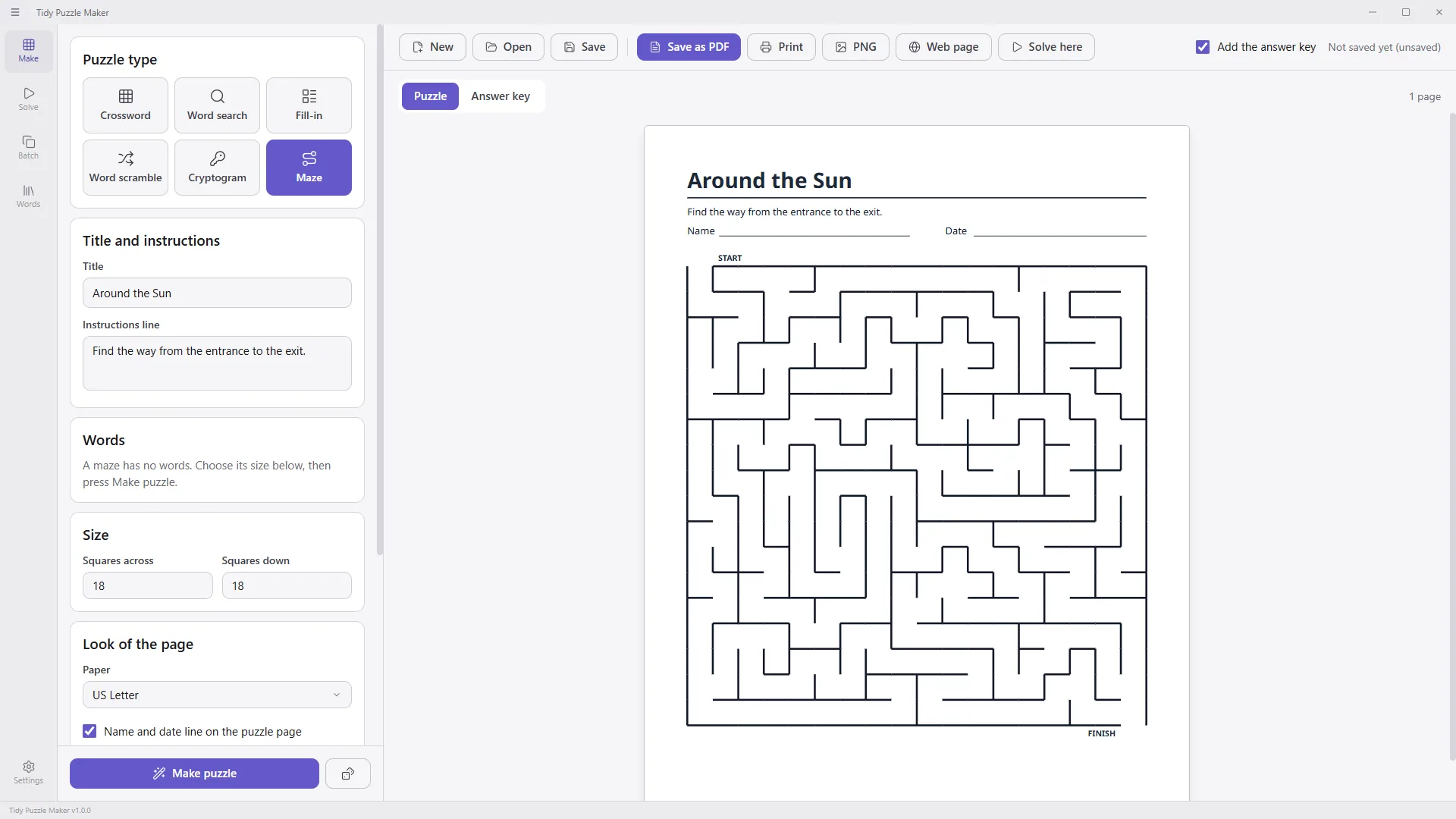
Pro: mazes of any size you choose, with a start, a finish and a name and date line
Fill-in
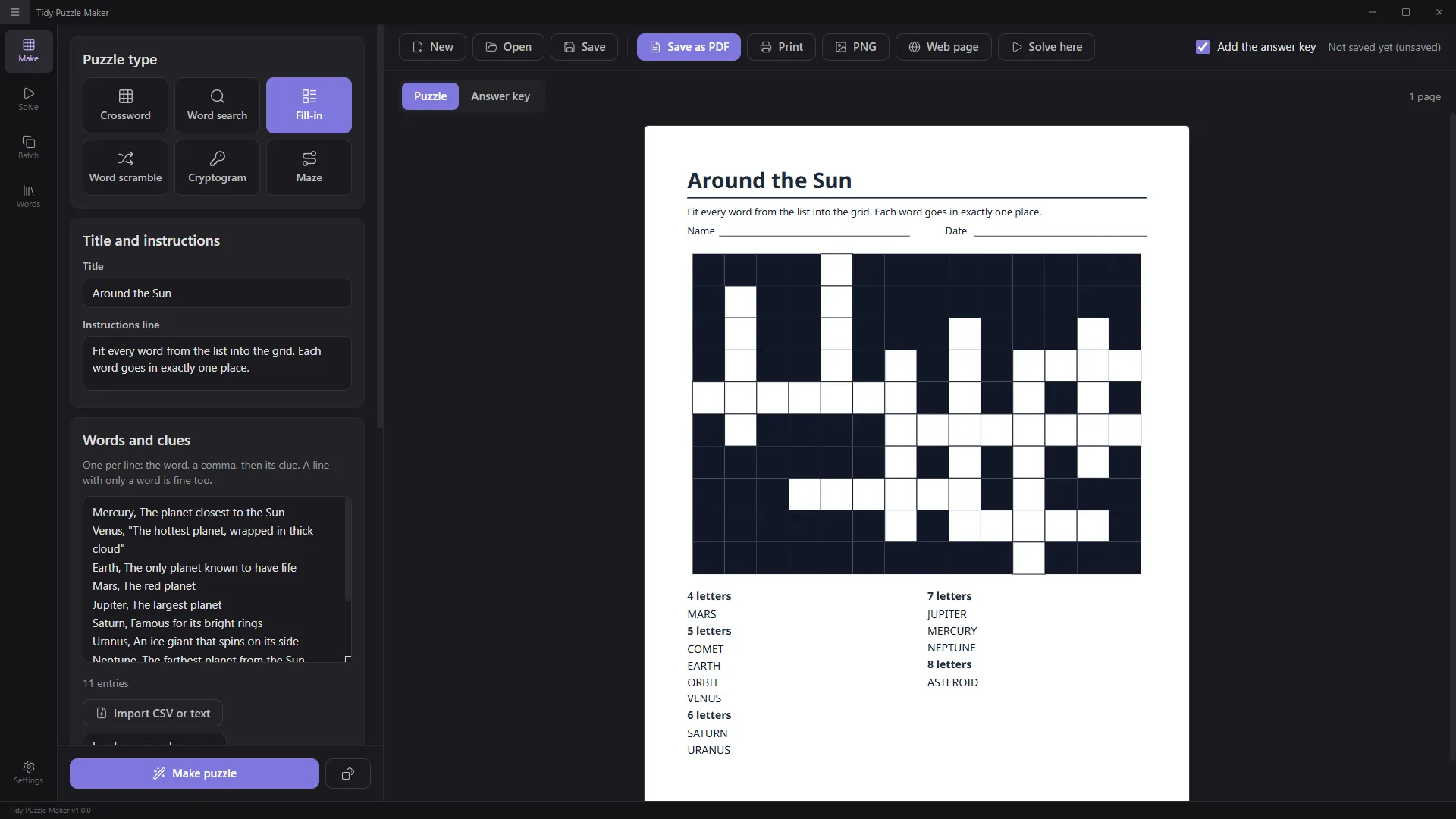
Pro: fill-in puzzles list the words by length. Crossword, word search, scramble, cryptogram and maze are all in Pro
Screens show a demo folder, not a real PC. The app has light and dark themes.
What it does
What it does.
Tidy Puzzle Maker turns your own word list into a puzzle you can print. Type or paste a word and its clue on each line, choose a crossword or a word search and press Make puzzle. It is made for teachers, parents, newsletter editors and party hosts. Your words stay on your PC and the free app works with the internet turned off.
Crosswords with clues
A numbered crossword built from your words and clues. Words that do not fit are listed, never dropped silently.
Word searches
Choose the size and the directions: across, down, diagonal and backwards. The filler letters never spell a rude word.
Answer key included
Every puzzle has an answer key page. Print it, save it in the PDF or save it as a PNG picture.
Solve on screen
Play any puzzle with the keyboard or mouse, with Show one word and Show all help.
Your words, your way
Type, paste or import a CSV or text file. Save a puzzle as a file and open it later to change the words.
More puzzle types (Pro)
Fill-in, word scramble, cryptogram and maze puzzles, and more than 20 words.
Batch for a class (Pro)
Make up to 60 different versions of a puzzle in one PDF, each with its own layout.
Your own look (Pro)
Use your own font, logo and colours, and save word banks to reuse.
The small print, in plain English
Safe by design.
- Your word lists and puzzles stay on your PC and are never uploaded.
- No watermark on anything you print or save.
- The free version makes crosswords and word searches of up to 20 words. Pro is one payment, no subscription.
- Works offline. No account. No ads. No tracking.
Good for
Handy when you need a puzzle today.
- Classroom vocabulary worksheets
- Holiday and party puzzles
- A puzzle page for a newsletter
- Revision sheets with an answer key
Questions
Plain answers.
Is anything uploaded?
No. Your words and puzzles stay on your PC and the app works with the internet turned off.
Is there a watermark?
No. Everything you print or save is clean, free and Pro alike.
How many words can I use for free?
Up to 20 words in a crossword or a word search. A longer list offers Pro; nothing you typed is lost.
Do puzzles come with an answer key?
Yes. The answer key is a separate page that can be added at the back of the PDF.
What does Pro add?
More than 20 words, fill-in, word scramble, cryptogram and maze puzzles, batch versions for a class, your own font, logo and colours, word banks and a web page version. It is one payment of $9.99.