Coming to the Microsoft Store
Crosshair Overlay A crosshair, your way.
Draw a small crosshair on top of your screen. Choose a shape and a colour, set the size and look, move it where you want and save the looks you like. It works offline with no account. Some competitive games ban overlays.
Not on sale yet. The app is still being built.
We will link the Store listing here the day it is live. Until then there is nothing to download.
- Works offline
- No account, no ads, no tracking
- Never touches your games
- Free
See it
Four views. One crosshair, yours.
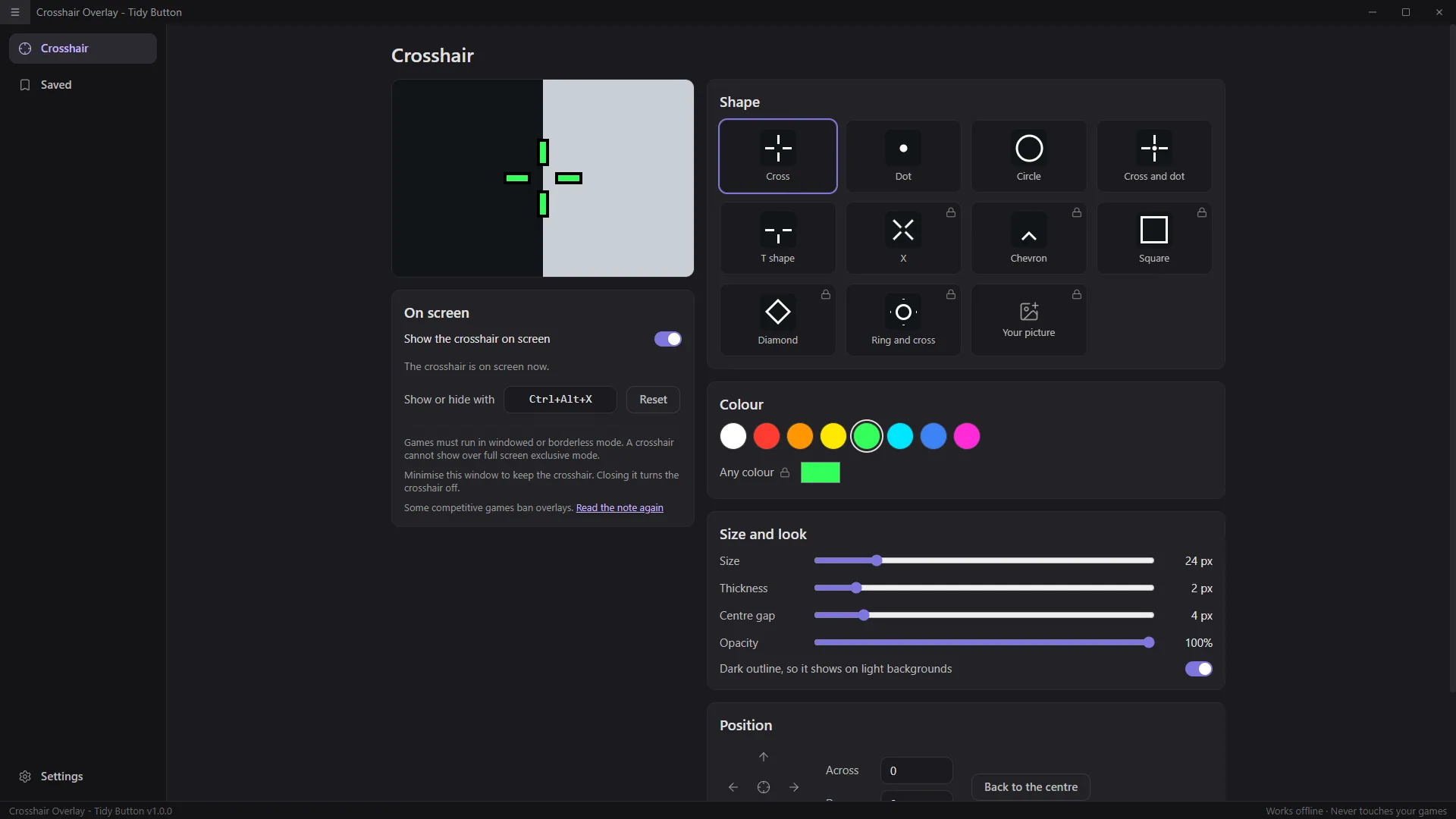
Crosshair
Pick a shape and colour and see it on a dark and a light background
Position
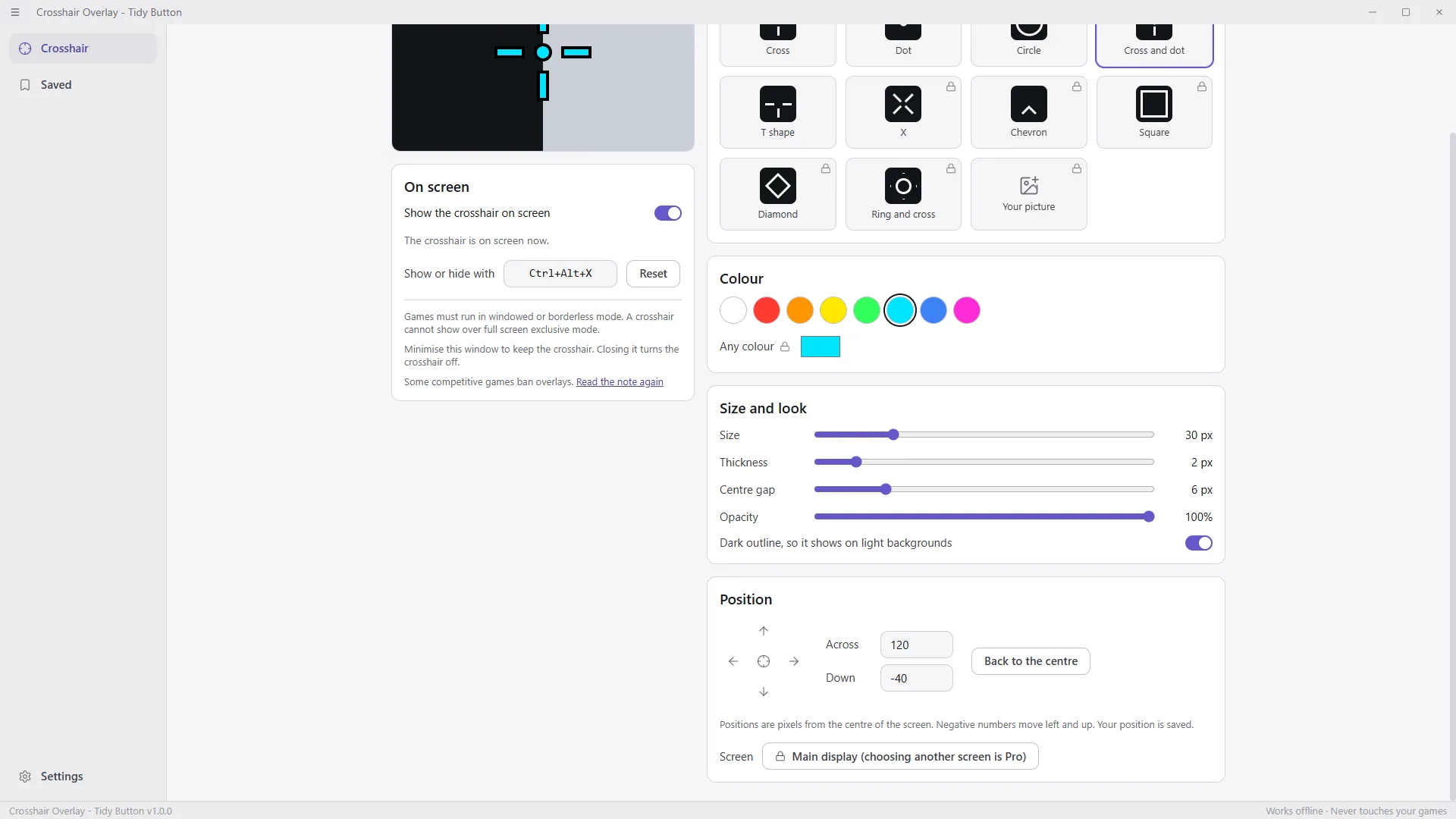
Move it across and down from the centre of the screen
Saved
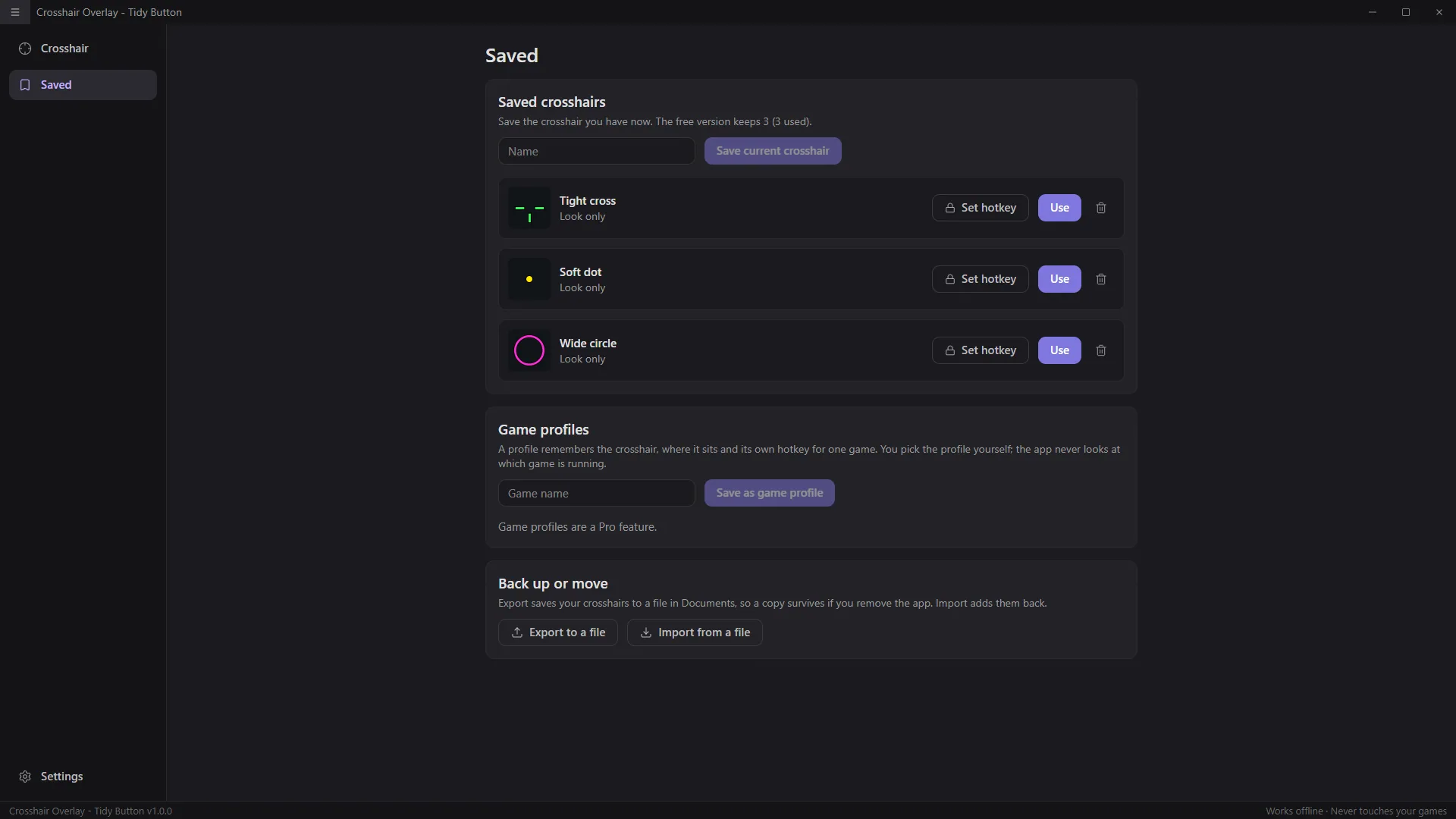
Save 3 crosshairs and bring any back with one click
First-run note
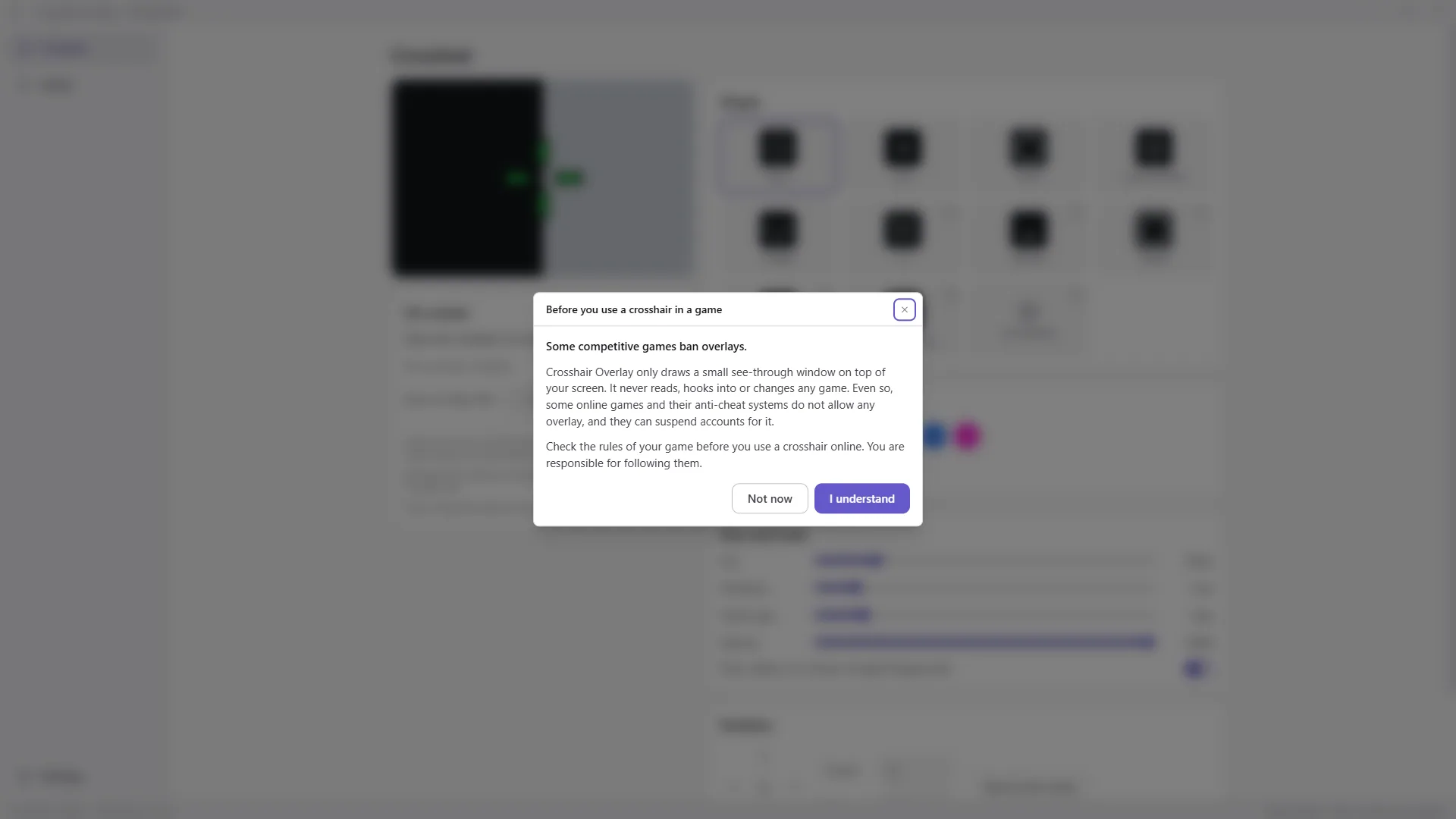
The first-run note says some competitive games ban overlays
Screens show the real app on a plain window. The crosshair itself is drawn on your own screen, so it does not appear in these pictures.
What it does
What it does.
Crosshair Overlay puts a crosshair in the middle of your screen, on top of your windows, and shows or hides it with one hotkey. You choose the shape, the colour, the size, the thickness, the centre gap and the opacity, and you can move it to the exact place you want. It only draws a small see-through window. It never reads, hooks into or changes any game. Even so, some competitive games ban overlays, so check the rules of your game before you use a crosshair online.
A crosshair on your screen
A small see-through window on top of your other windows. It never takes focus away from your game.
Shapes and colours
Five shapes: cross, dot, circle, cross and dot, and T shape. Eight basic colours.
Size and look
Sliders for size, thickness, centre gap and opacity, and a dark outline so it shows on light backgrounds.
Put it anywhere
Move it across and down from the centre of the screen with the arrows or exact numbers. Your position is saved.
A hotkey to show or hide
Ctrl+Alt+X to begin with. Change it to any combination that suits you.
Saved crosshairs
Save 3 crosshairs, bring any back with one click, and export them to a file or import them again.
A preview on both backgrounds
A magnified preview on a dark half and a light half, so you can judge the crosshair on both.
Themes
Same as Windows, light, dark, slate, midnight and high contrast, for the app window.
The small print, in plain English
Safe by design.
- It only draws a see-through window. It does not read, hook into or change any game, and it does not look at which game is running.
- The free app works offline. The only network use is the optional Pro licence check.
- Nothing you saved is deleted or hidden if you go over the free limit.
- No account. No ads. No tracking.
Good for
Handy when a game has no crosshair.
- Windowed and borderless games with no crosshair of their own
- Single-player and offline games, and aiming practice
- A steady centre mark on screen
Questions
Plain answers.
Will I be banned for using it?
We cannot promise that. Some competitive games and their anti-cheat systems ban any overlay, even one that never touches the game. Check the rules of your game before you use a crosshair online. You are responsible for following them.
Does it work in full screen games?
Games must run in windowed or borderless mode. A crosshair cannot show over full screen exclusive mode.
Does it need an internet connection?
No. Everything in the free app works offline. The only network use is the optional Pro licence check.
Does it read my game?
No. It only draws a small see-through window on top of your screen. It does not read, hook into or change any game, and it does not look at which game is running.
What happens when I close the window?
The crosshair turns off. Minimise the window to keep the crosshair on screen.
What is free and what is Pro?
Free has 5 shapes, 8 basic colours, size, thickness, centre gap and opacity, position, a show or hide hotkey and 3 saved crosshairs. A one-time Pro add-on adds all 11 shapes, any colour, unlimited saved crosshairs, a hotkey for each saved crosshair, game profiles that you pick yourself, your own PNG picture and a choice of screen.
Which versions of Windows does it run on?
Windows 10 and Windows 11.