Coming to the Microsoft Store
Tidy Color The exact color of any pixel.
Press a shortcut, click a pixel on any monitor and copy it as HEX, RGB or HSL. Keep a history and a palette. No upload, no account.
Not on sale yet. The app is still being built.
We will link the Store listing here the day it is live. Until then there is nothing to download.
- Works offline
- No account, no ads, no tracking
- Exact on every monitor
- Free
See it
Eight views. One pixel, copied.
First start
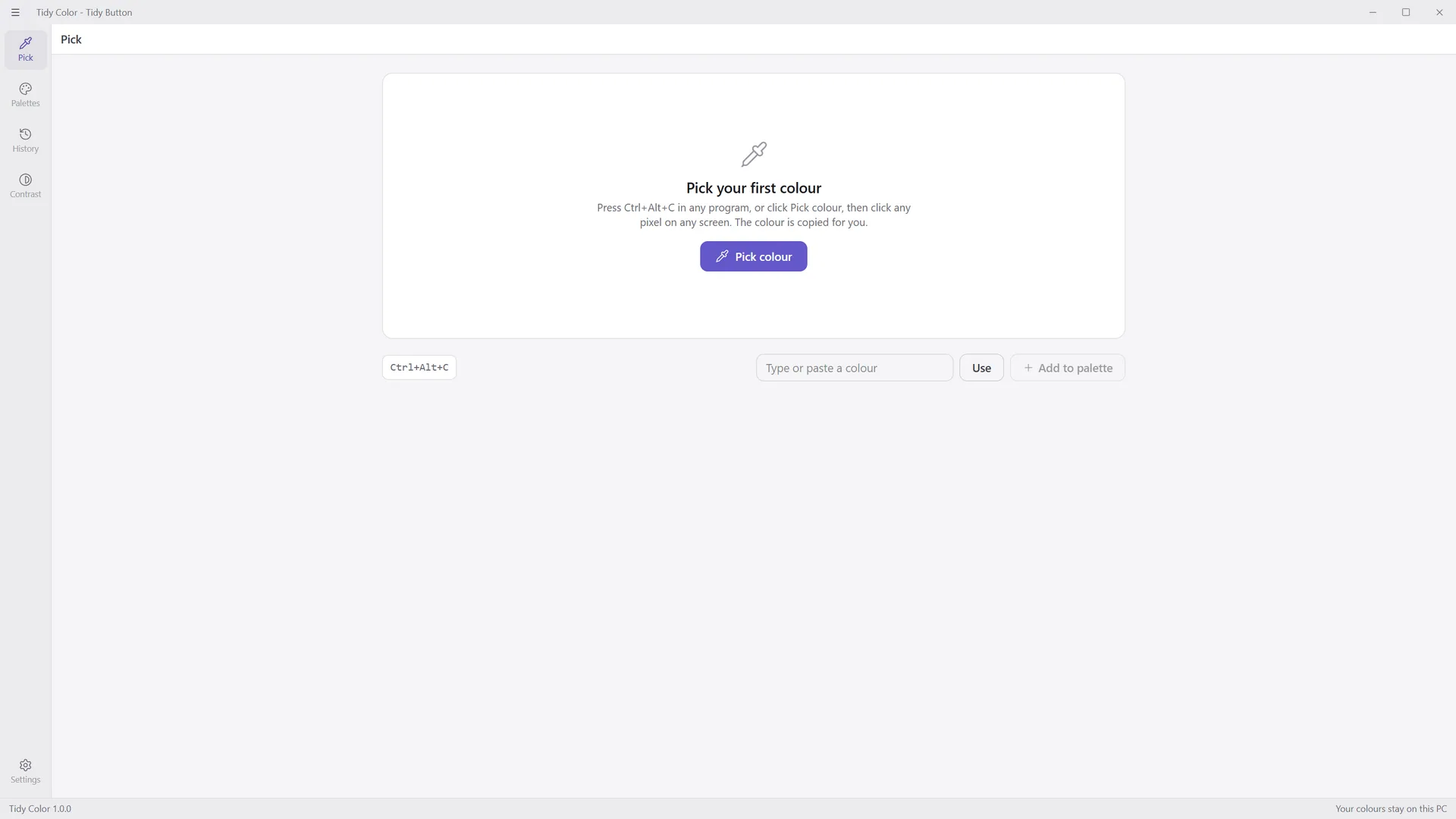
Press the shortcut and click a pixel
Pick
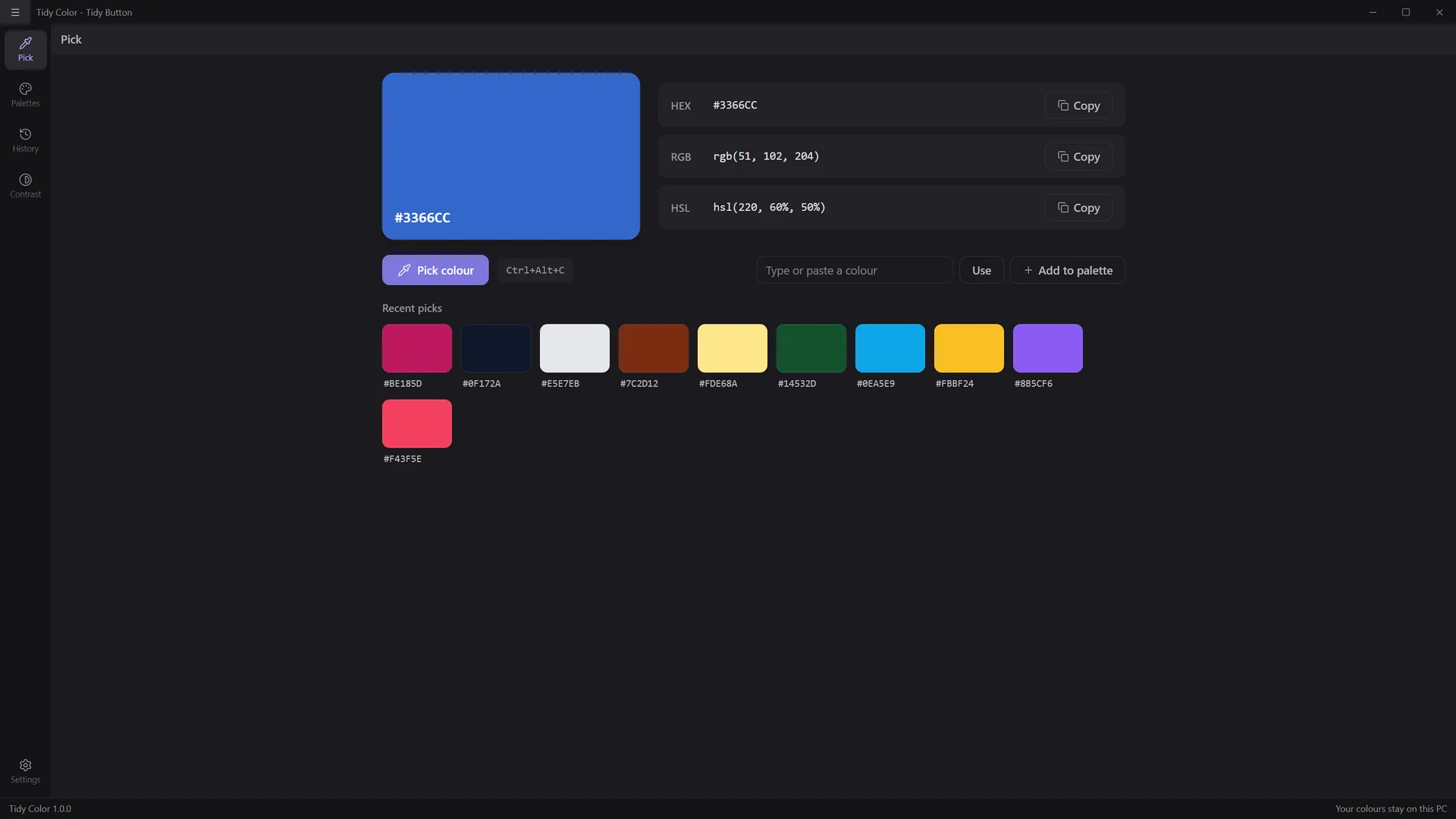
HEX, RGB and HSL, each with Copy
Palettes
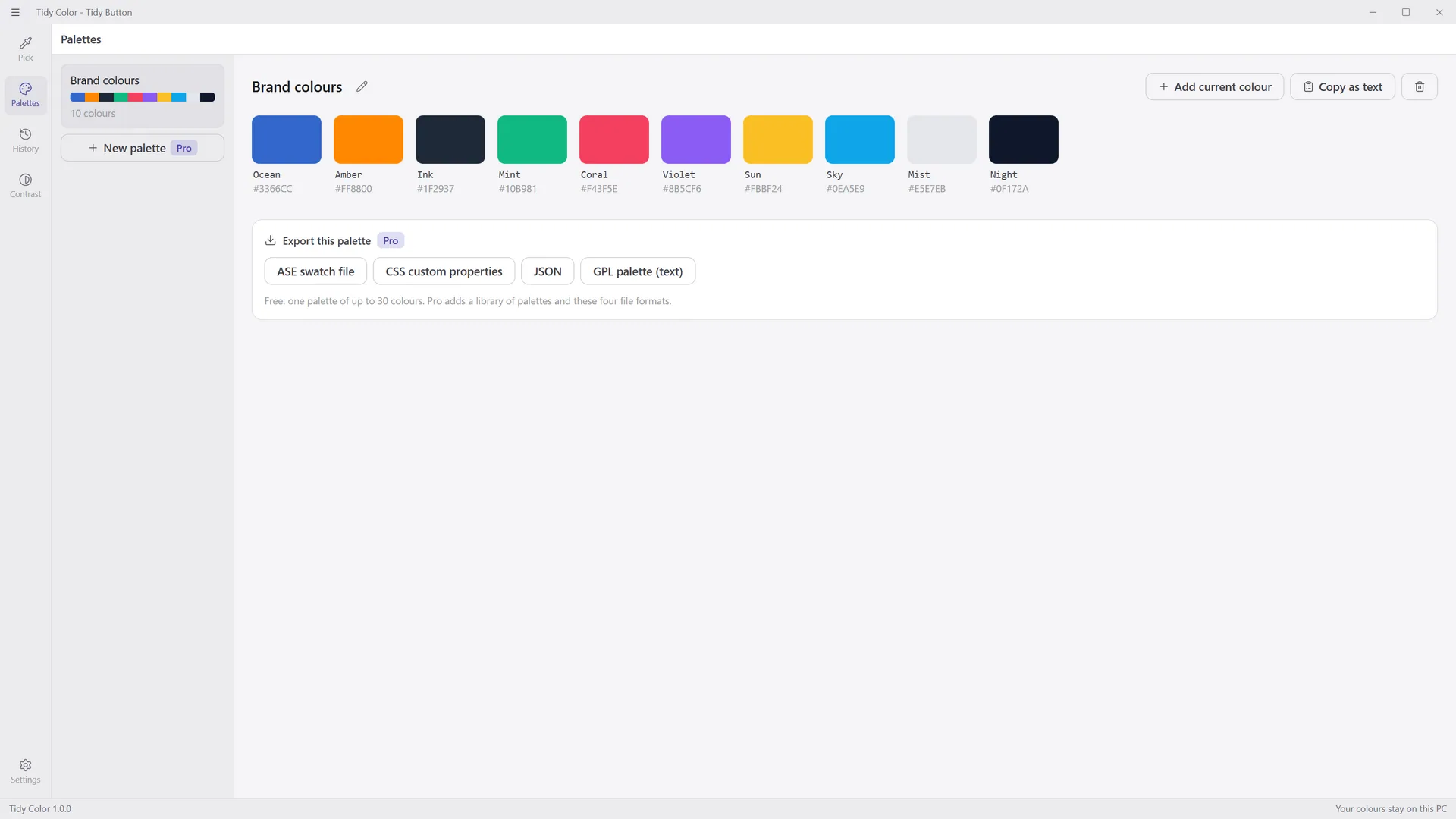
A palette you can copy
History
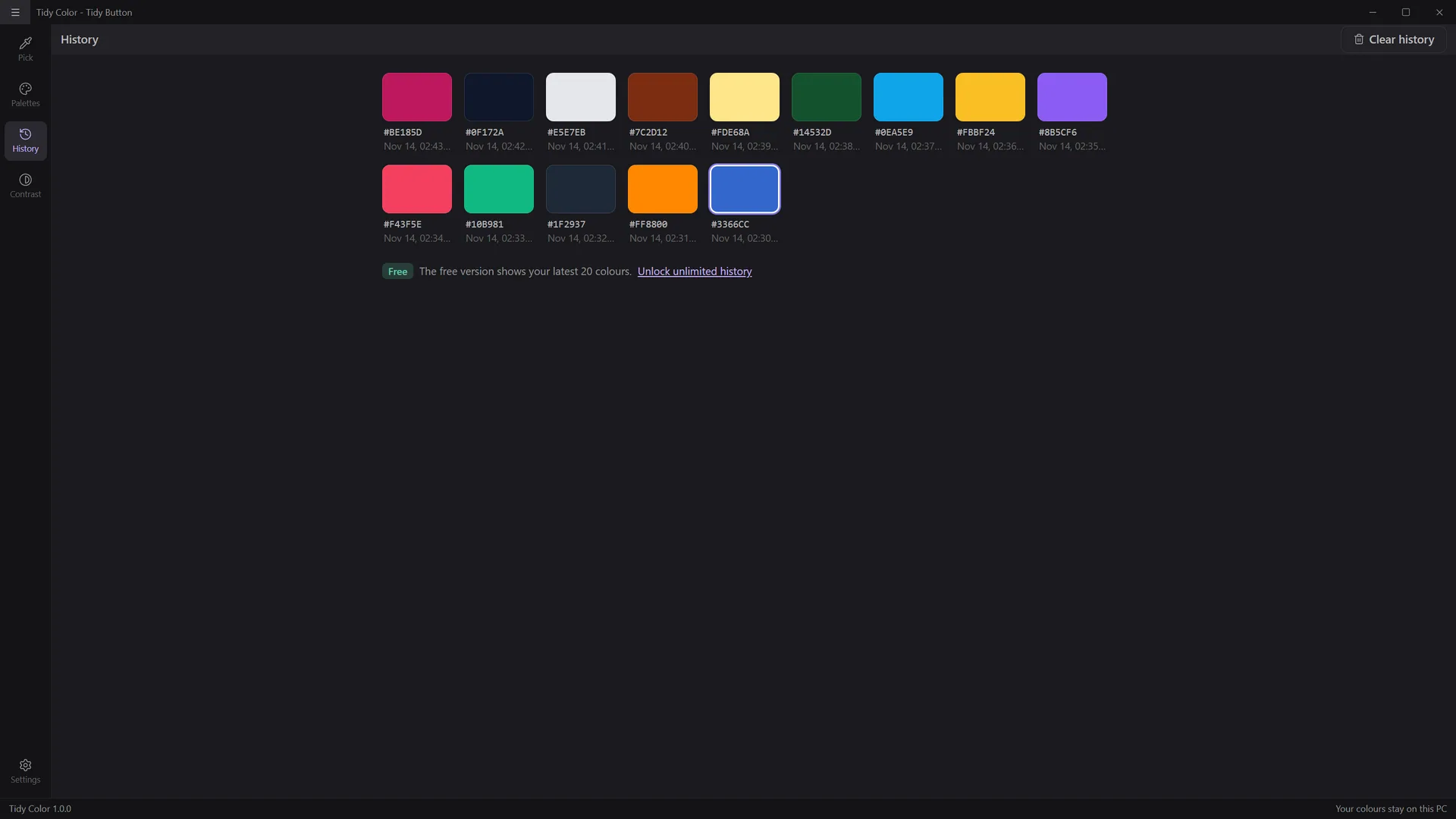
Your last picks
Free and Pro
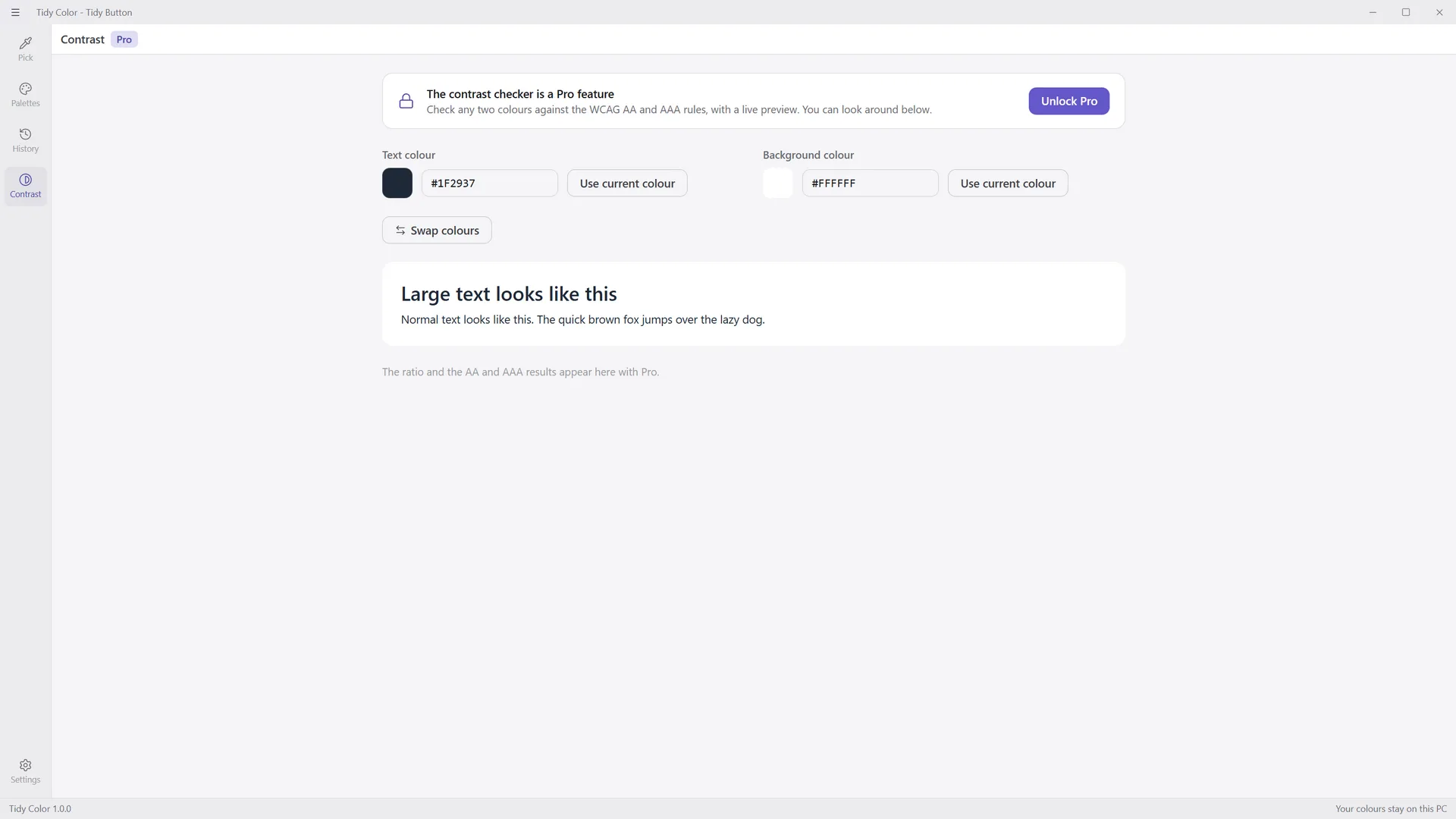
The contrast checker is Pro
Settings
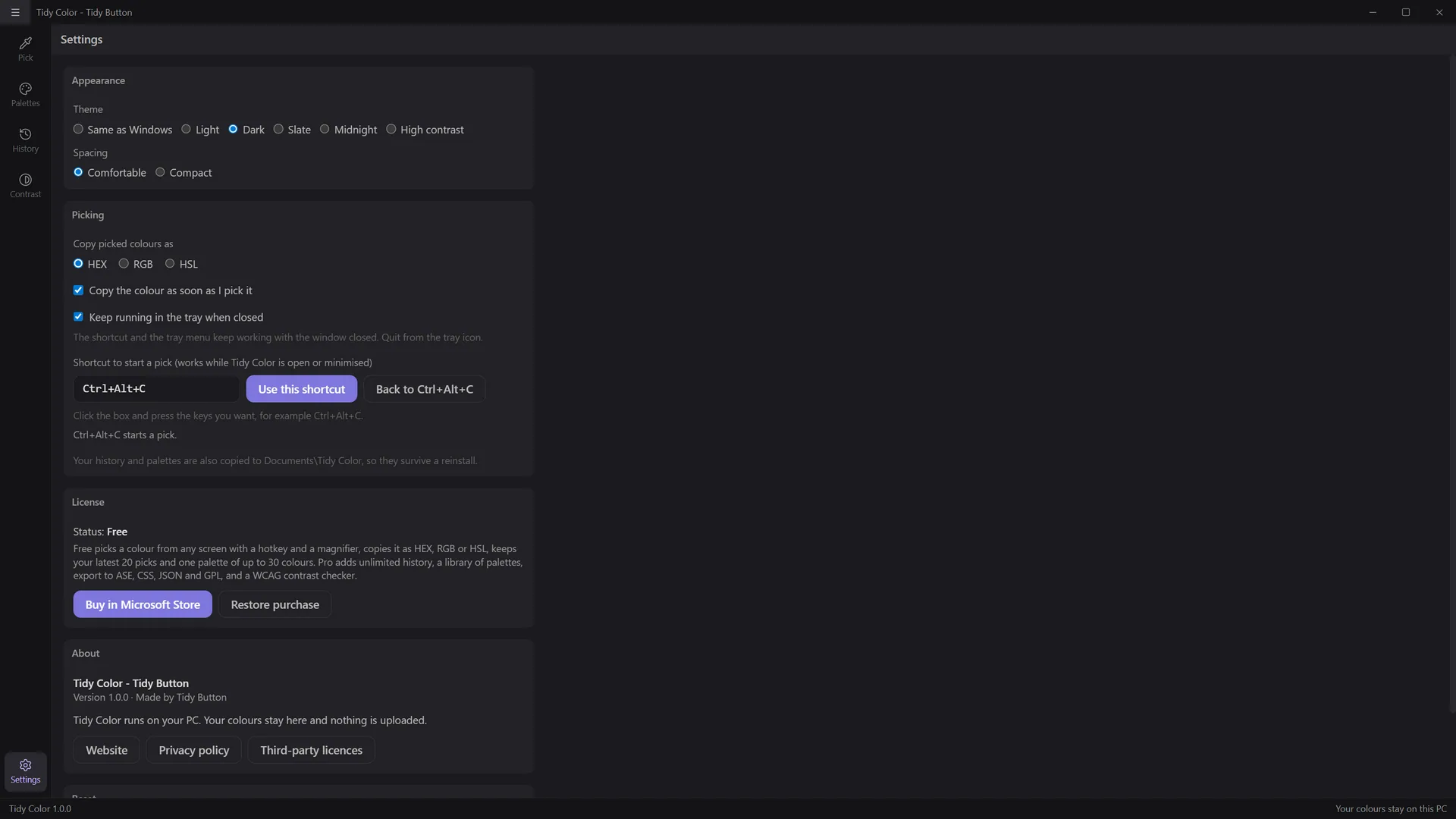
Shortcut, copy format and tray
Contrast checker
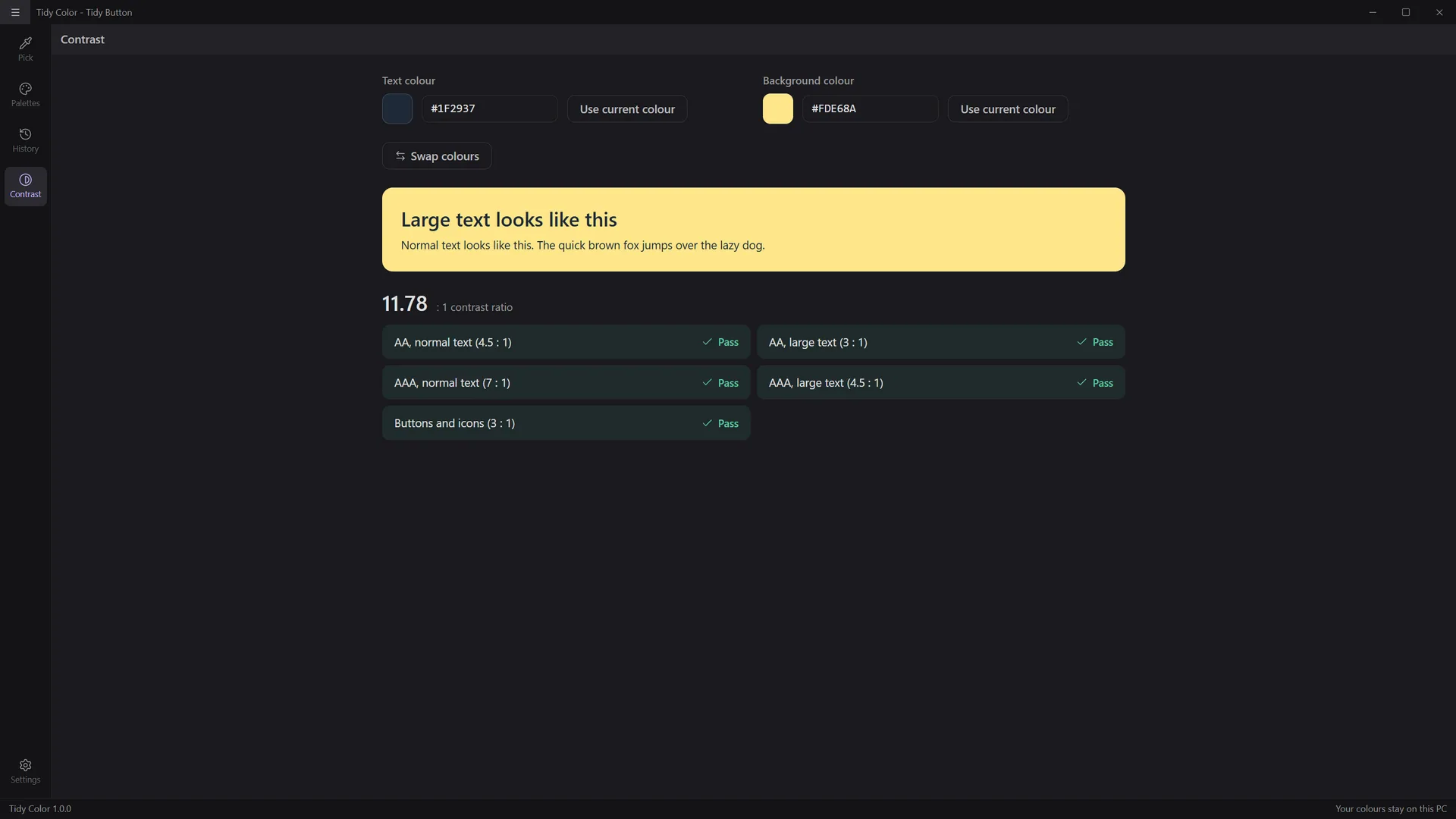
Is the text readable? AA and AAA
Palette library
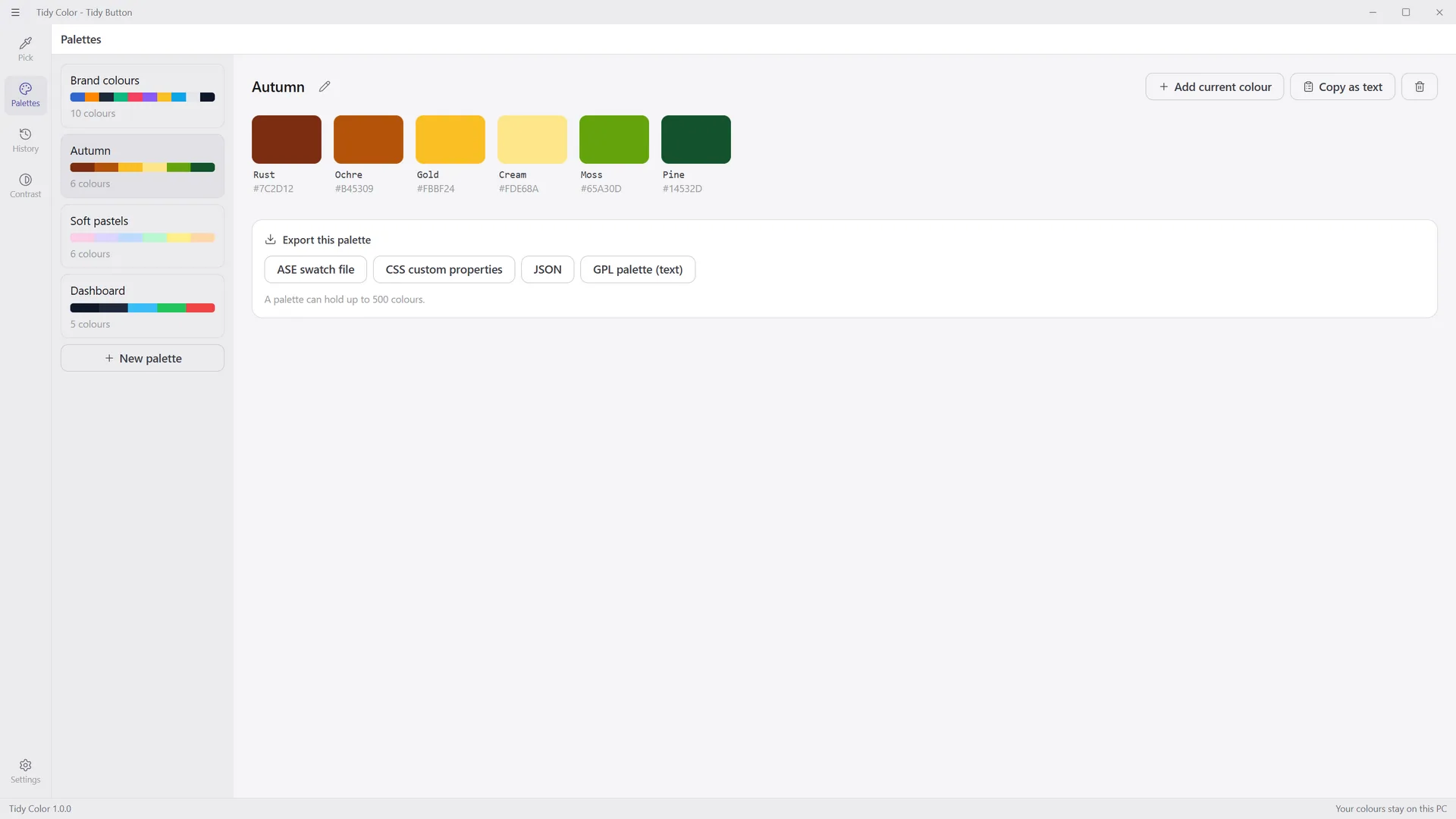
A library of palettes with export
Screens show a demo folder, not a real PC. The app has light and dark themes.
What it does
What it does.
Tidy Color picks the exact color of any pixel on your screen. Press a shortcut, point and click, and the color is copied as HEX, RGB or HSL. It reads each monitor at its native size, so display scaling does not move the point. Your history and palettes stay on your PC.
A shortcut and a magnifier
Press Ctrl+Alt+C in any program. A magnifier shows the exact pixel and the arrow keys move it one pixel at a time.
Exact on every monitor
The screen is read at its native pixel size, one display at a time, so display scaling cannot shift the color.
HEX, RGB or HSL
Each format has its own Copy button, and you can copy automatically as soon as you pick.
History and a palette
Your last 20 picks and one palette of up to 30 colors, backed up in Documents.
A contrast checker (Pro)
The ratio and the AA and AAA results for normal and large text, with a live preview.
Palette library and export (Pro)
Many palettes, exported to ASE swatch files, CSS custom properties, JSON or GPL text.
The small print, in plain English
Safe by design.
- Nothing is uploaded. The screen is read on your PC when you pick, and the picture is never saved.
- The exact pixel: the screen is read at its native size, one display at a time.
- Your colors are backed up in Documents, so an uninstall does not lose them.
- The free version keeps your last 20 colors and one palette of up to 30 colors.
- Works offline. No account. No ads. No tracking.
Good for
Handy for design and code.
- Web and app designers
- Matching a brand color from a picture or a page
- Checking that text is readable on its background
- Keeping a few colors one click away
Questions
Plain answers.
Is anything uploaded?
No. The app reads the screen on your PC only when you pick, holds the picture in memory while you pick and never saves or sends it. The free app works with the internet turned off.
Will it pick the right color with display scaling?
Yes. It reads each display at its native pixel size, one display at a time, so scaling such as 125 or 150 percent does not move the point.
What if the shortcut is already taken?
The app tells you in plain words that another program is using it and lets you choose a different one in Settings.
What is free and what is Pro?
Free picks, copies and keeps your last 20 colors and one palette of up to 30 colors. Pro is a one-time add-on for unlimited history, a palette library with export, and the contrast checker.
Where are my colors kept?
In the app's data folder, with a backup copy in Documents, in a folder called Tidy Color, so an uninstall does not lose them.