Coming to the Microsoft Store
Church Members and Giving Your church family, on your own PC.
People, attendance and giving in one local file. Offerings that balance, year-end statements as PDF, and no monthly fee. No upload, no account.
Not on sale yet. The app is still being built.
We will link the Store listing here the day it is live. Until then there is nothing to download.
- Works offline
- No account, no ads, no tracking
- Free up to 100 people
- Free
See it
Eight views. One church, one file.
First start
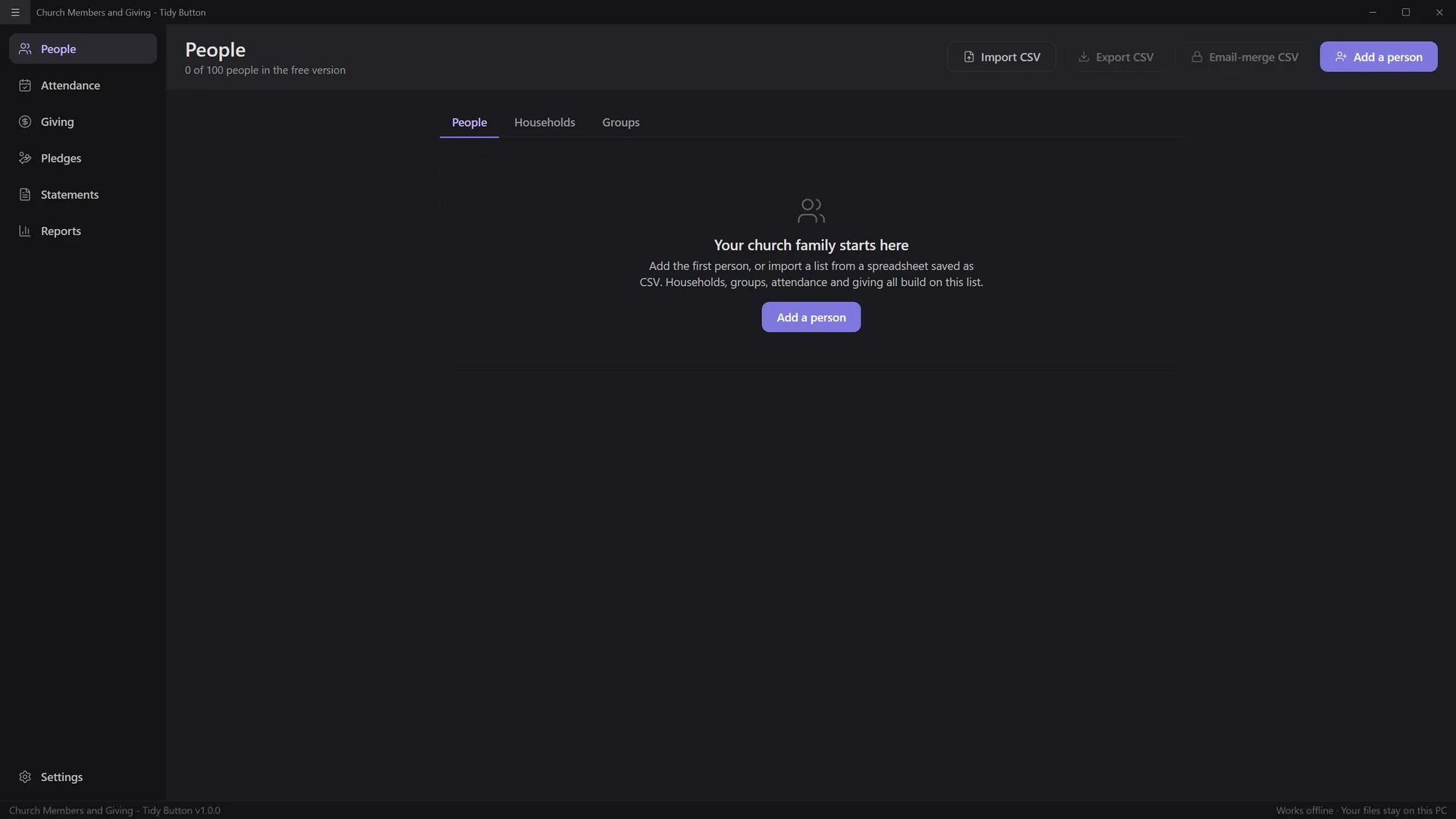
Start with your people
Free and Pro
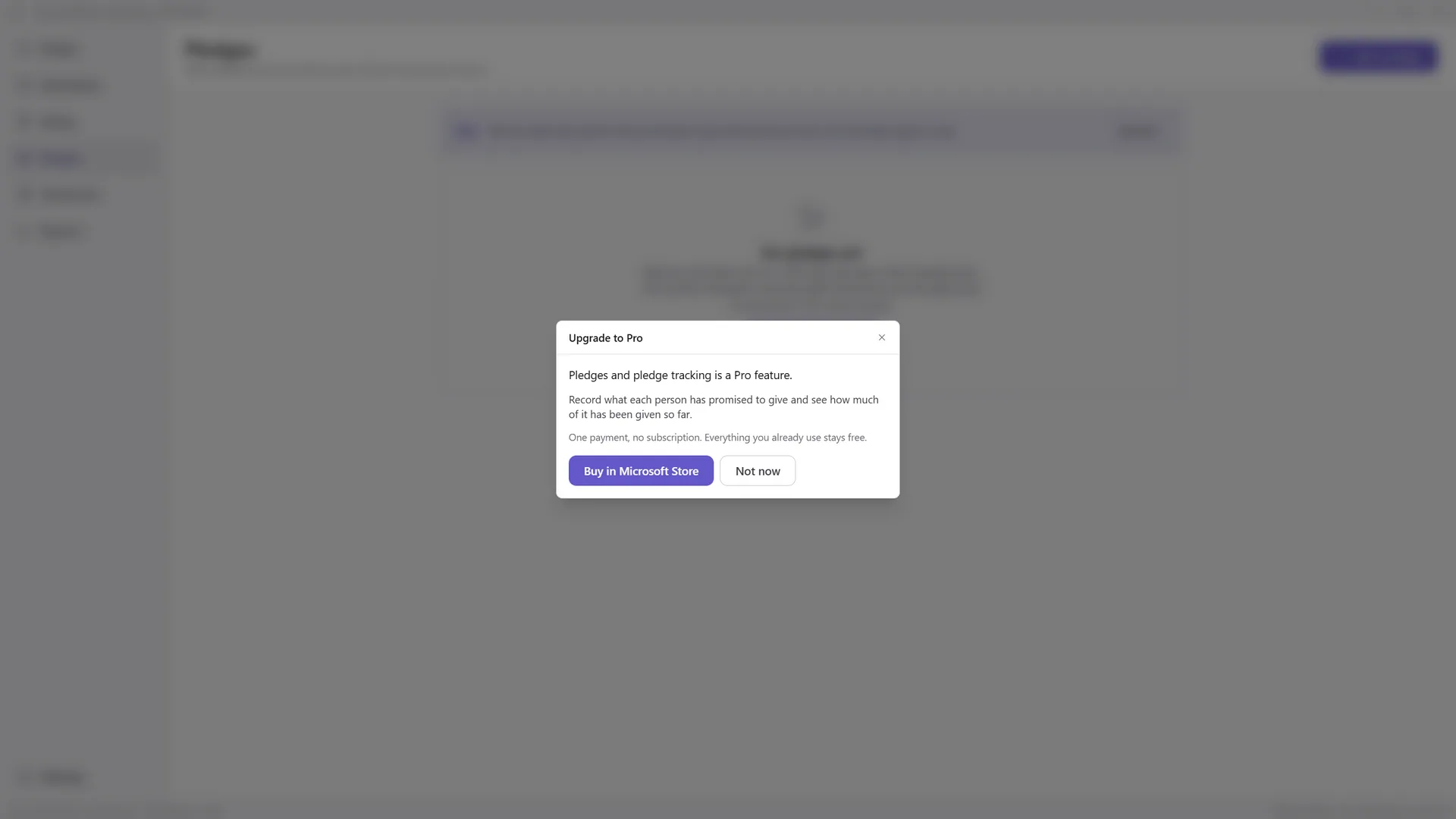
Pledges are Pro; the rest is free
People
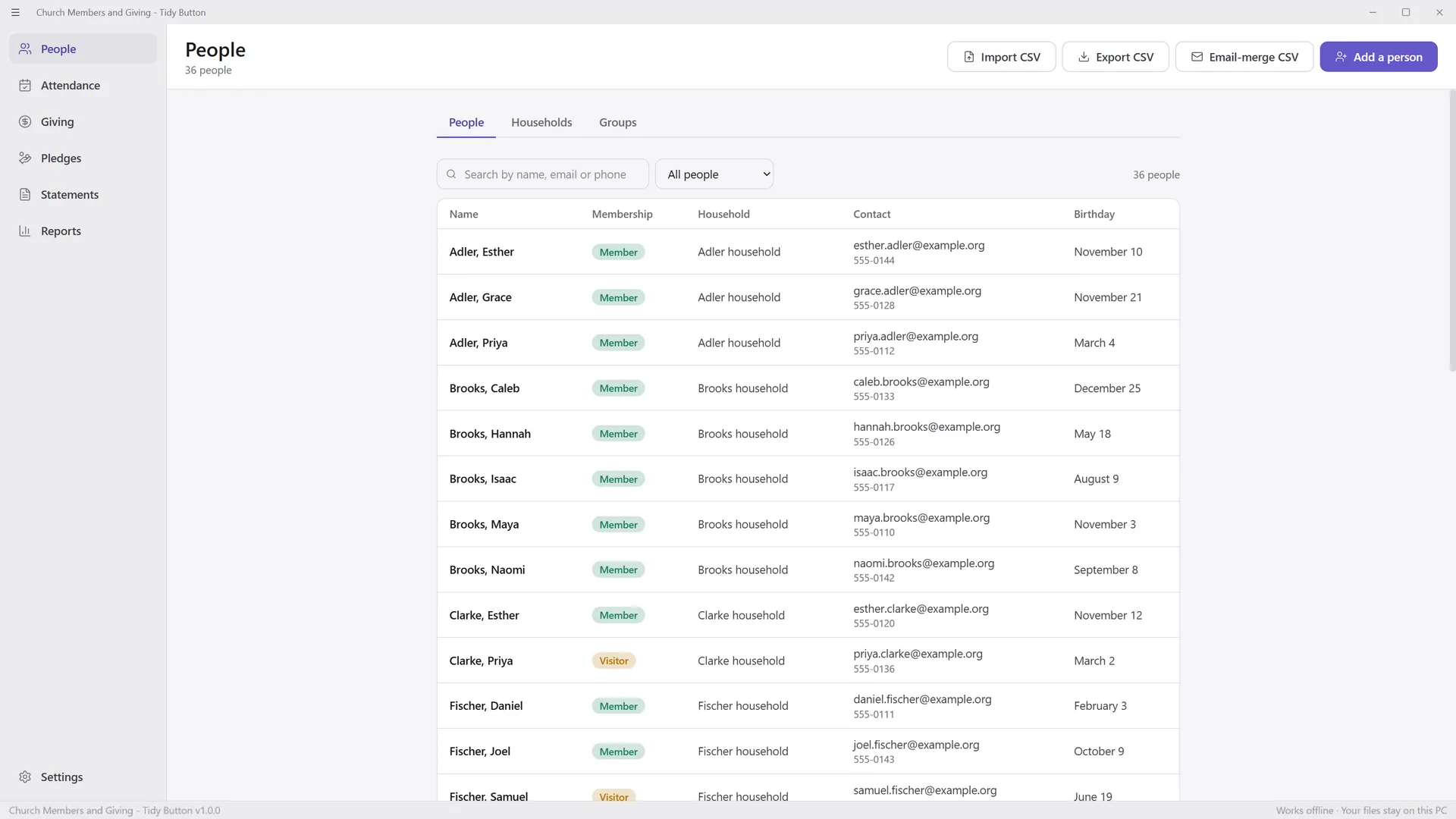
People with households and birthdays
Attendance
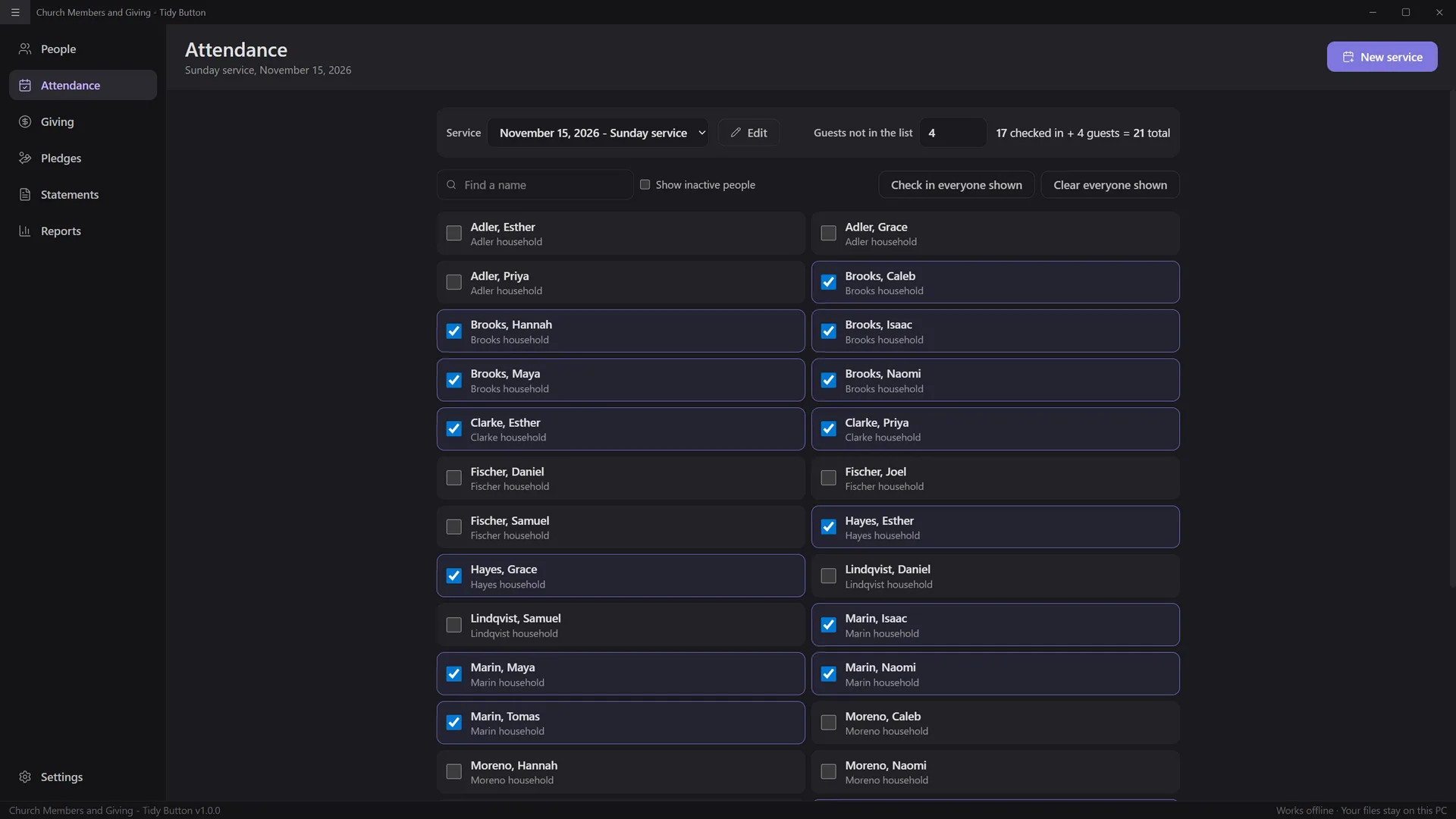
Check people in for a service
Giving
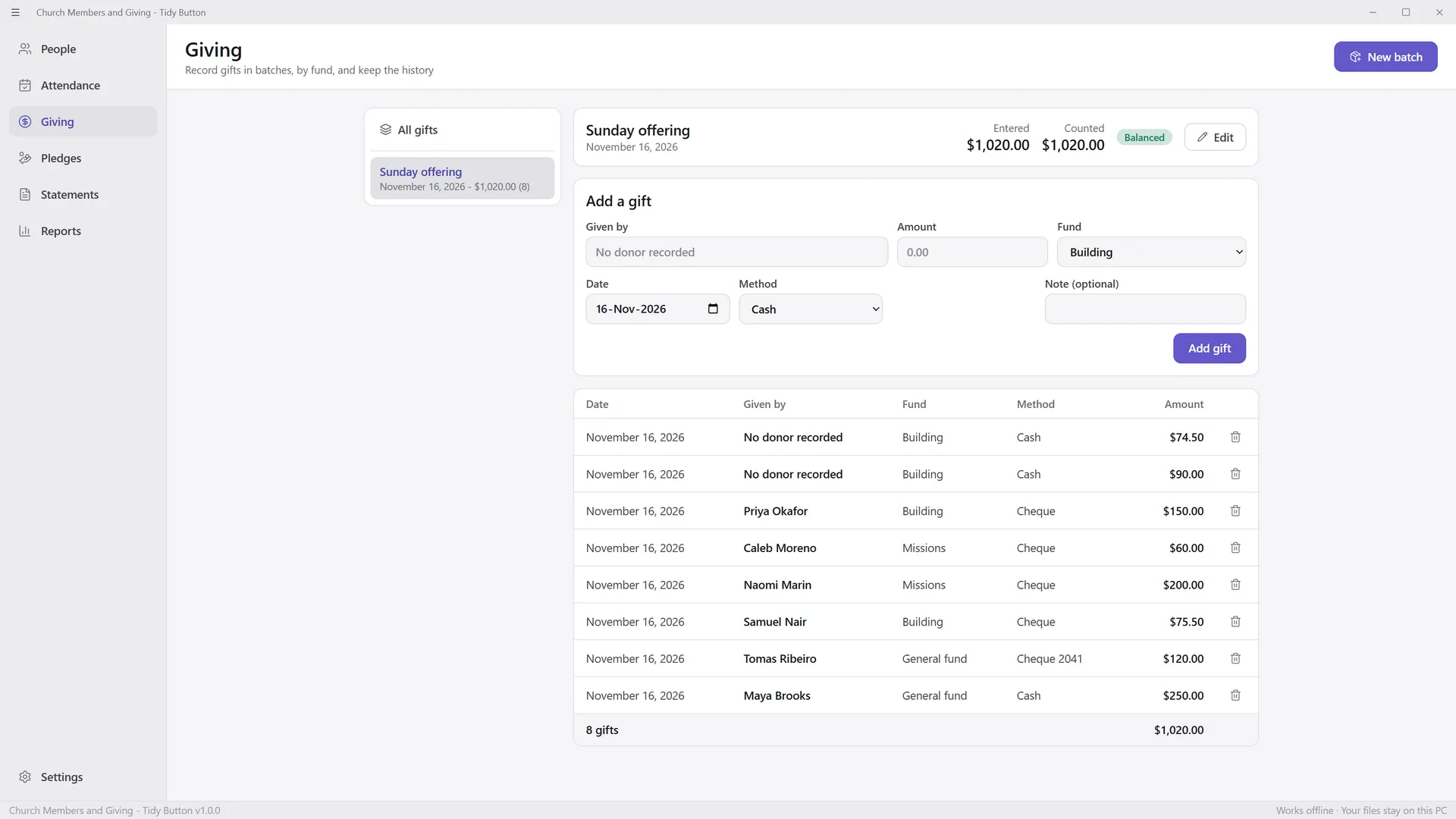
A batch that balances
Pledges
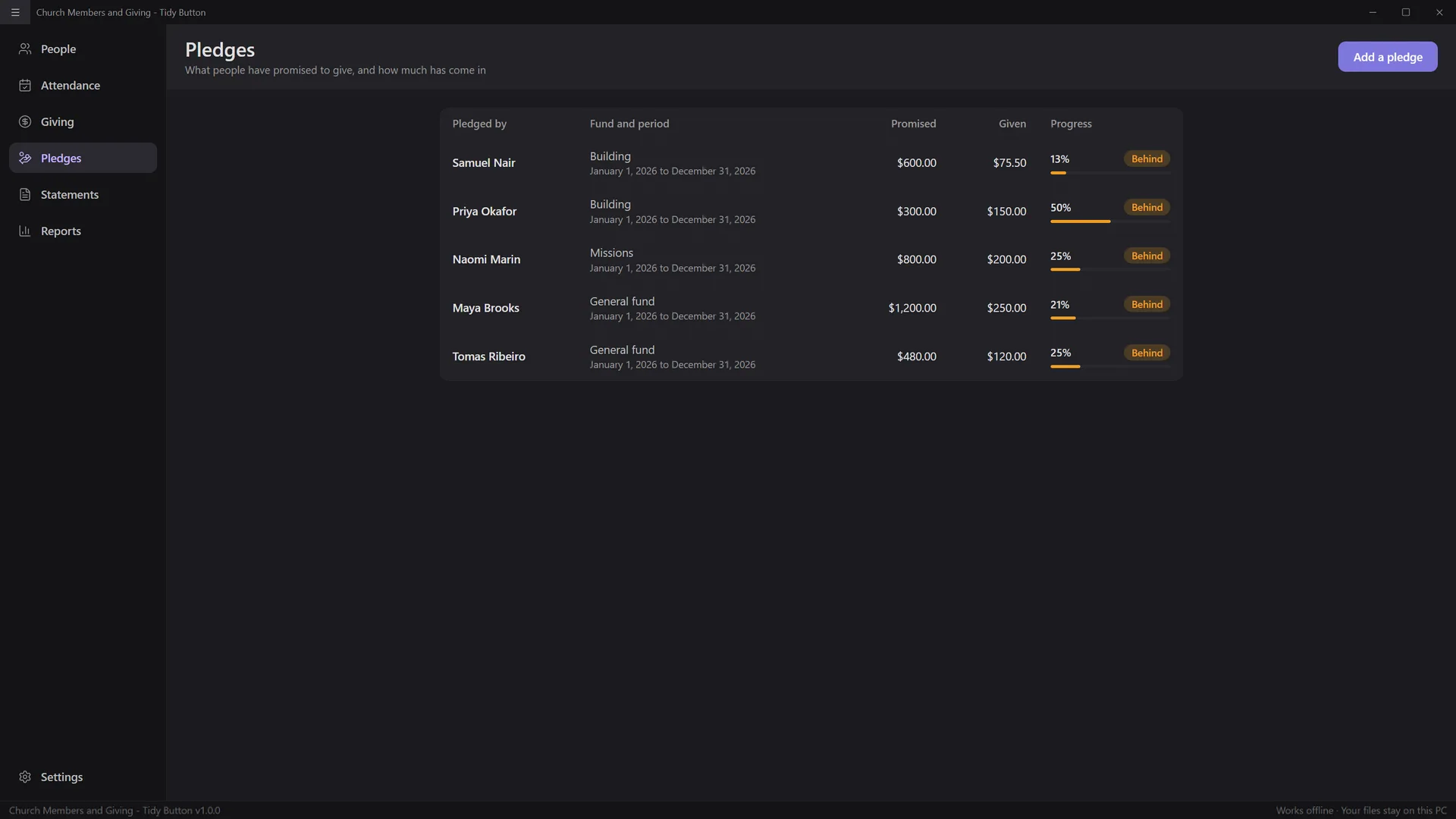
Pledges and progress
Statements
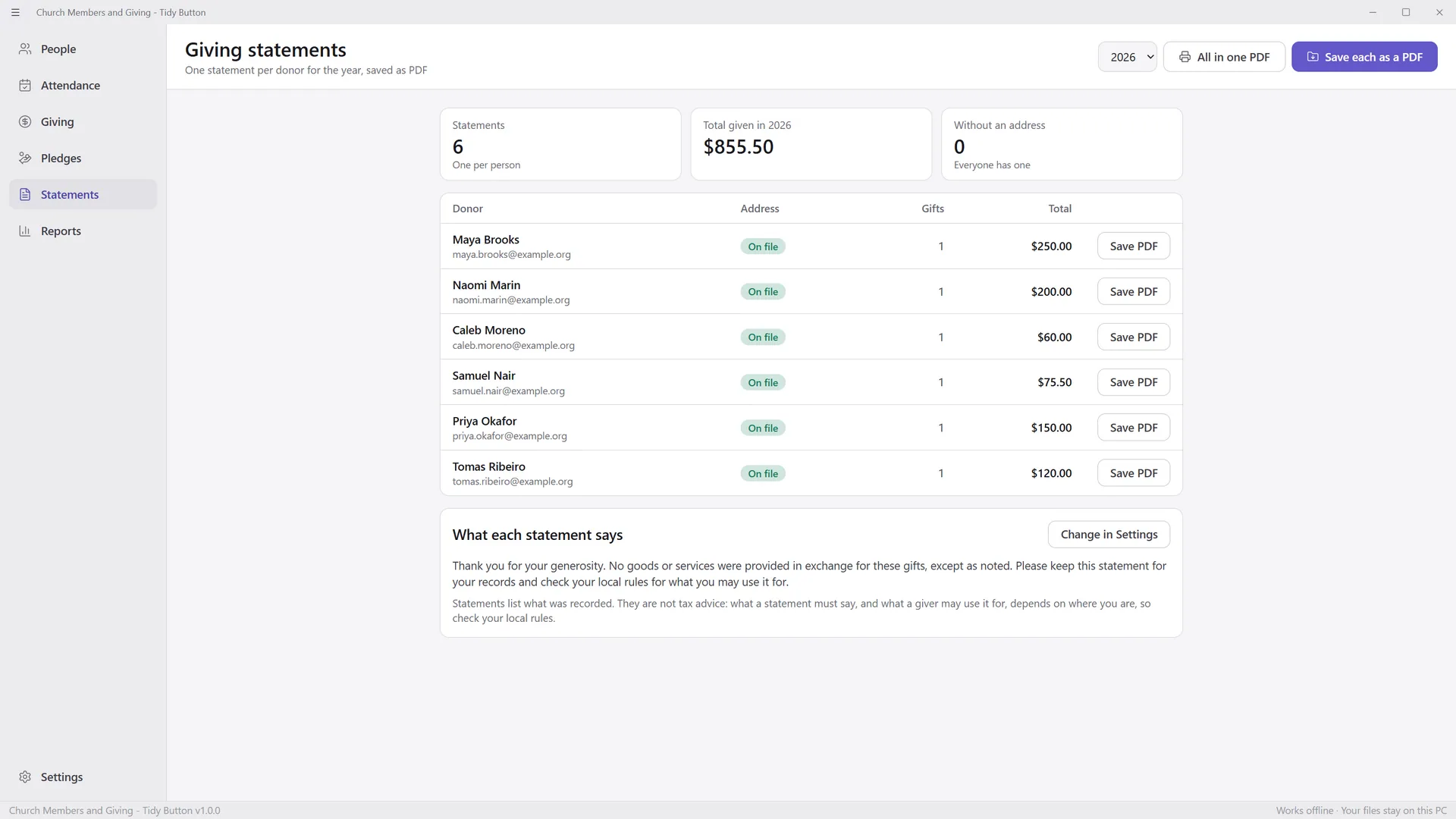
A statement for every donor
Reports
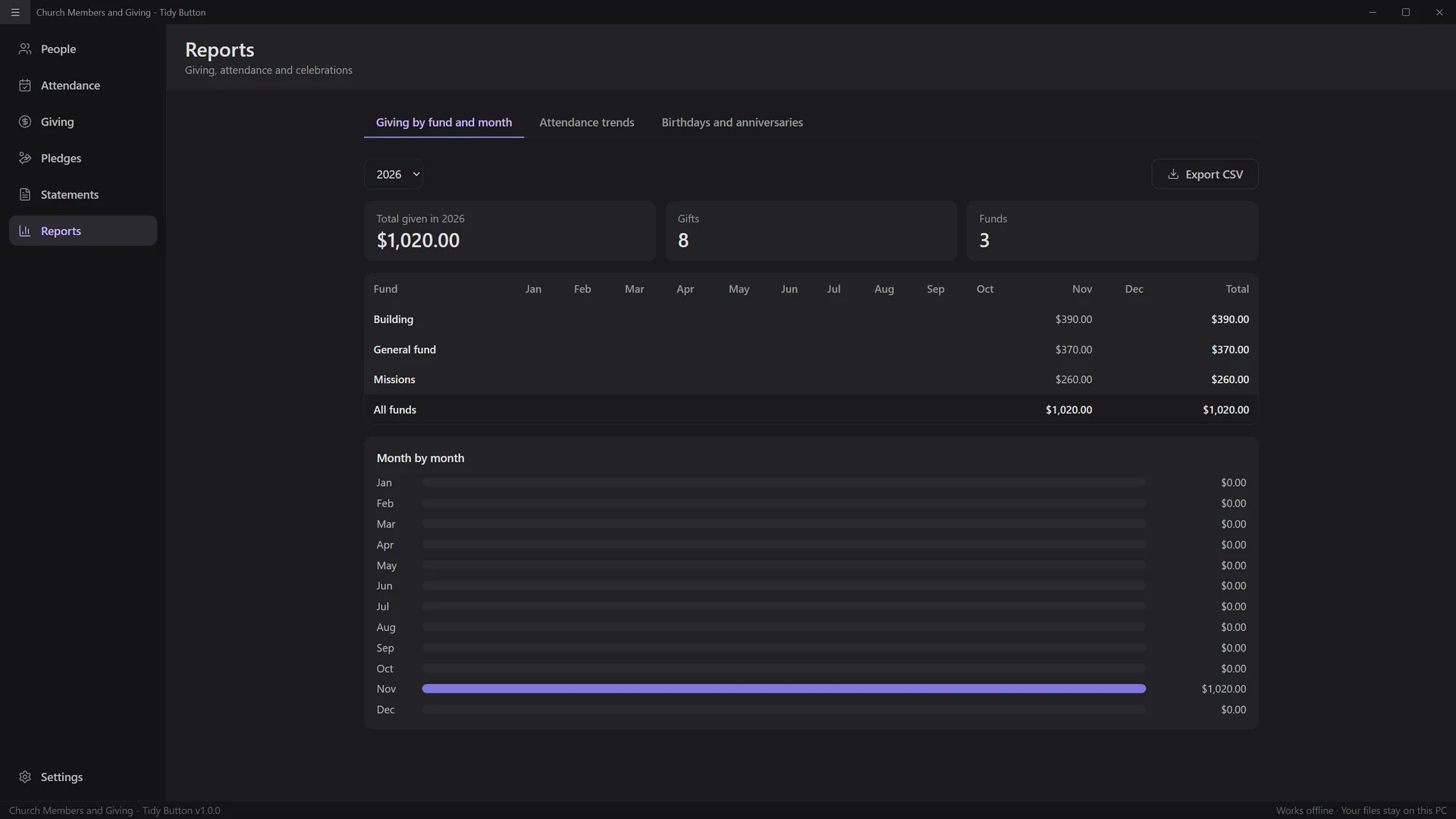
Giving by fund and month
Screens show a demo folder, not a real PC. The app has light and dark themes.
What it does
What it does.
Church Members and Giving is for small churches and nonprofits run by volunteers. Keep your members, attendance and giving on one PC, with no monthly fee and no cloud. Record gifts in batches that balance against the counted total, and save year-end giving statements as PDF for each donor.
People and households
Contact details, birthdays, anniversaries, status, groups and notes, with a CSV import that guards against duplicates.
Attendance
A quick check-off list for each service, a guest count and bulk check-in for a filtered group.
Giving in batches
Gifts by fund and method. Each batch shows its difference from the counted total until it balances.
Year-end statements
A giving statement for each donor as a PDF, with wording you can set. Records, not tax advice.
Reports
Giving by fund and month with CSV export, attendance trends, birthdays and anniversaries.
Safe by design
One local file, an optional password lock with a recovery code, and free backup and restore.
The small print, in plain English
Safe by design.
- Nothing is uploaded. Your records stay in one file on your PC.
- A donor with gifts cannot be deleted, so year-end statements stay right.
- Backup and restore are free, and an optional password protects the file.
- The free version holds up to 100 people, two funds and one campus.
- Works offline. No account. No ads. No tracking.
Good for
Handy for volunteer treasurers.
- A small church run by volunteers
- A ministry, club or society
- A nonprofit that needs year-end giving statements
- Anyone who wants member records without a monthly fee
Questions
Plain answers.
Is anything uploaded?
No. Your records stay in one file on your PC. The free app works with the internet turned off.
How many people can I keep for free?
Up to 100 people, two funds and one campus, with attendance, giving, statements and reports.
Can I delete a donor?
Not while they have gifts recorded. That keeps year-end statements correct.
Is this tax advice?
No. Statements list what was recorded and the wording is yours to set. Check your local rules for what a donor may use a statement for.
What is Pro?
A one-time add-on for unlimited people and funds, more than one campus, pledges with progress tracking, an email-merge CSV export and statement branding.