Coming to the Microsoft Store
Lyrics & Worship Projector Words on the big screen.
Type in your songs, line up the service and send the words to a projector or TV, one slide at a time. Bible lookup and notices are built in, and it all works offline with no account.
Not on sale yet. The app is still being built.
We will link the Store listing here the day it is live. Until then there is nothing to download.
- Works offline
- No account, no ads, no tracking
- Bible lookup built in
- Free
See it
Four views. One service, ready.
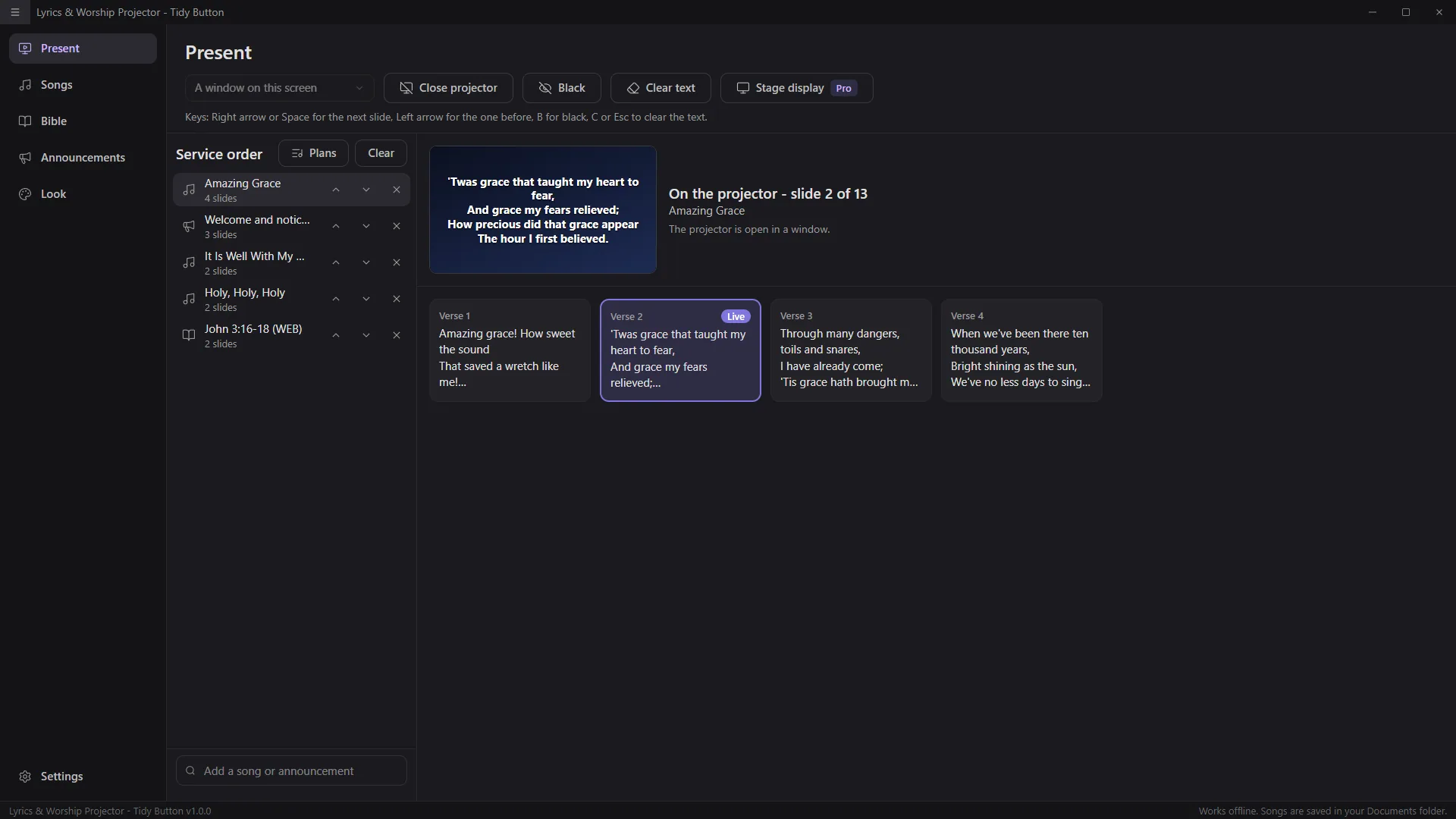
Present
Run the service from one screen, with the live slide marked
Projector
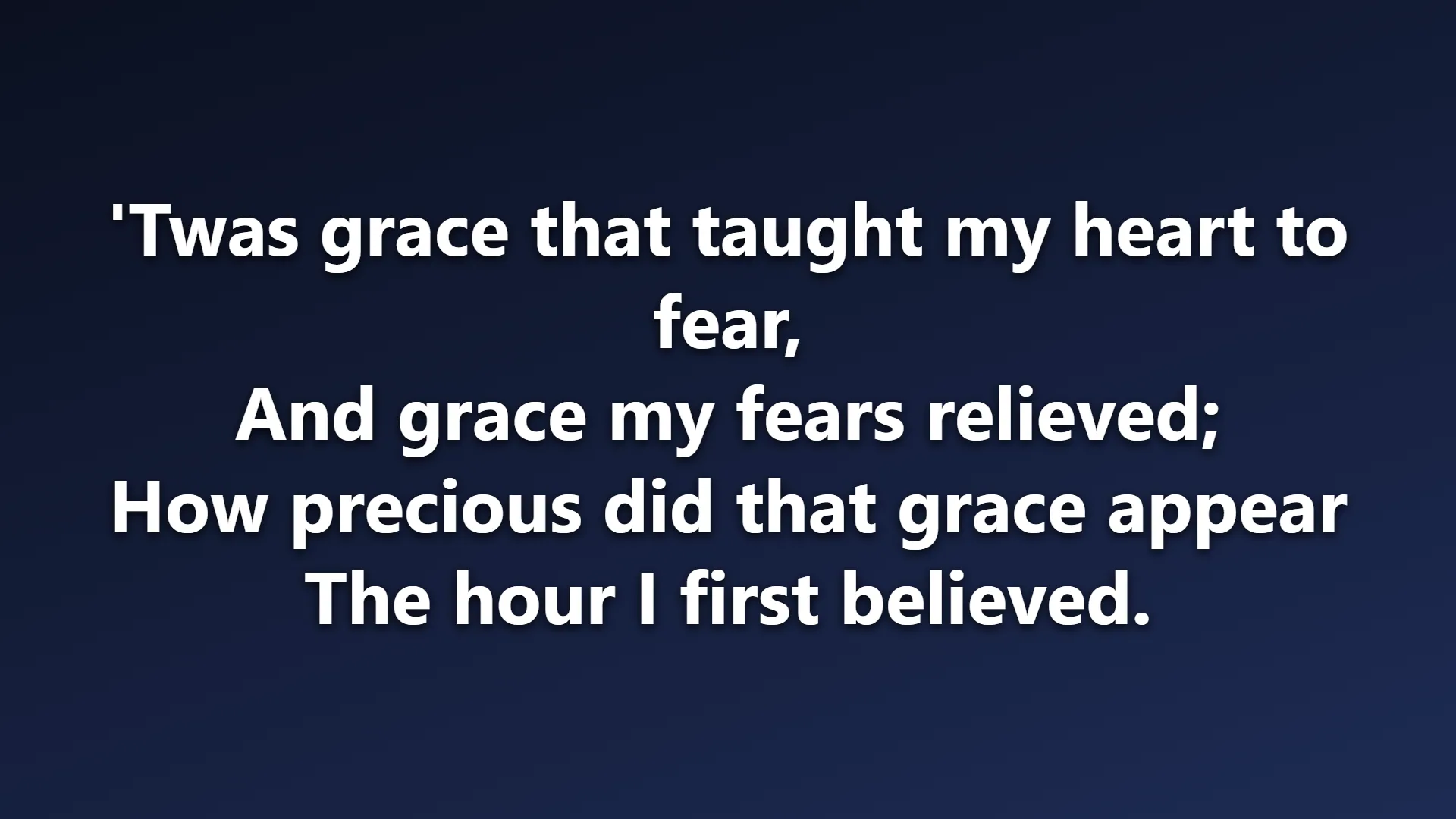
What the room sees: large lyrics that fit the slide
Bible
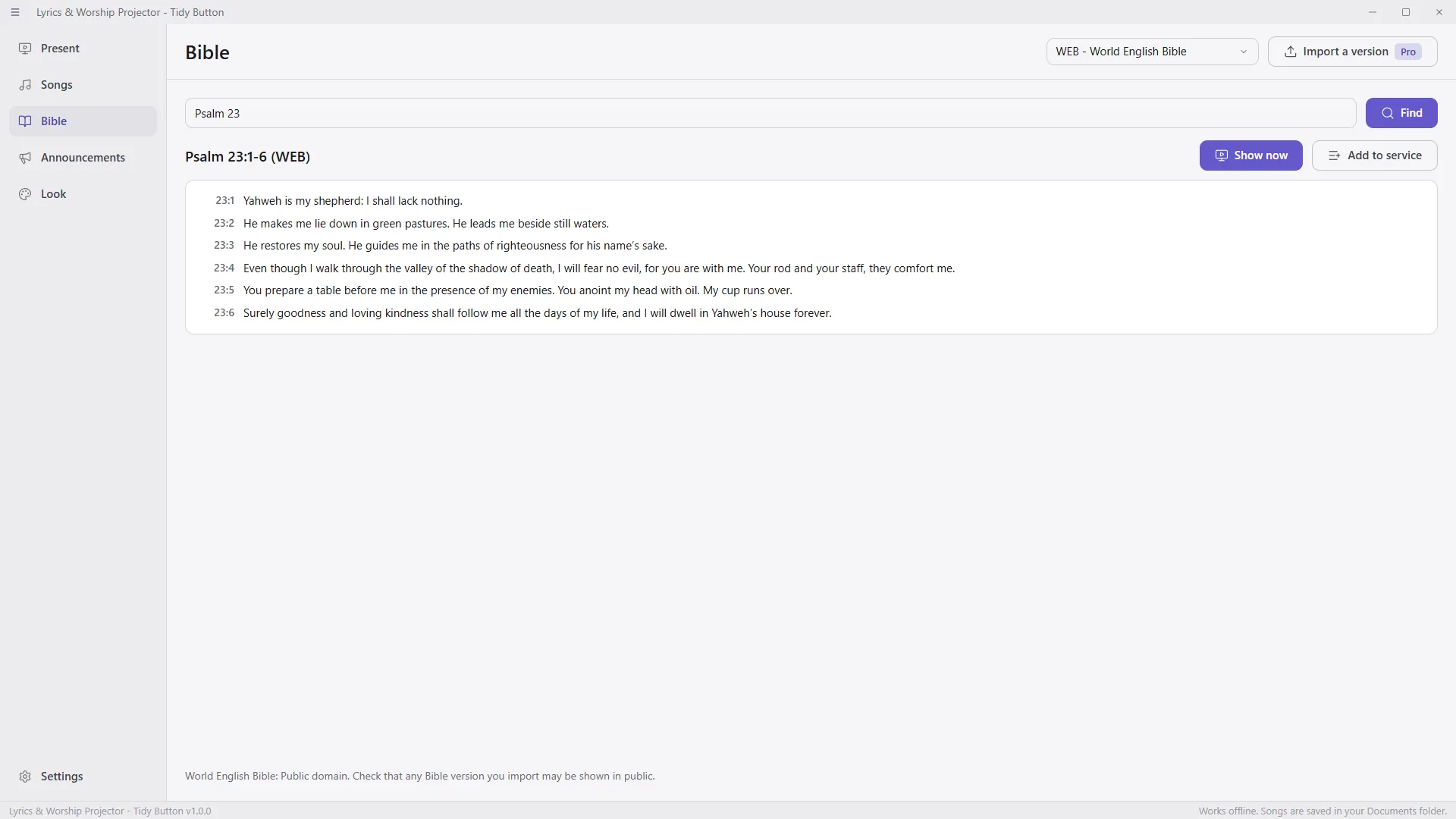
Look up a verse, then show it now or add it to the service
Look
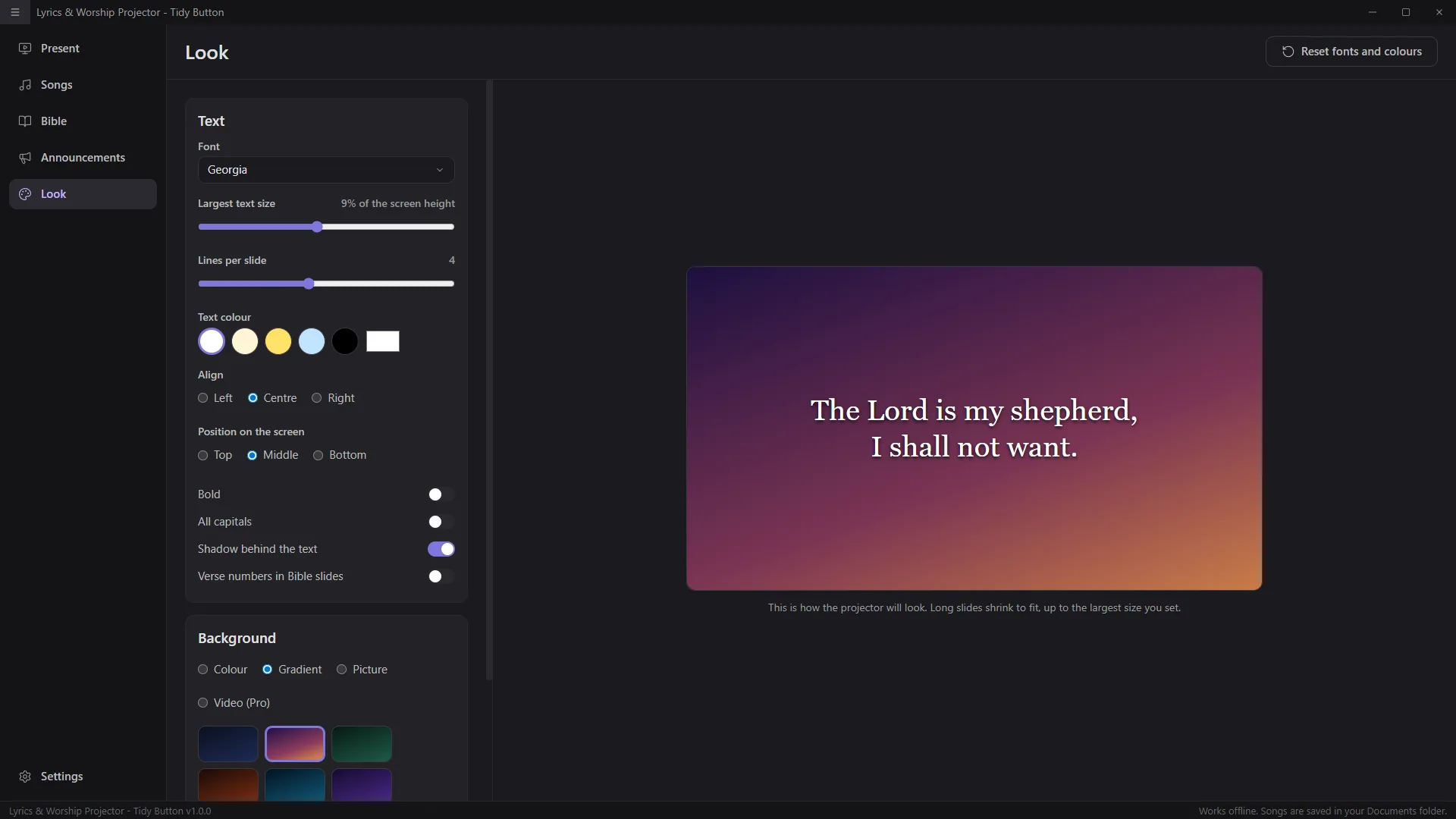
Choose the font, colours and background with a live preview
Screens show a few public-domain hymns and Bible verses from the World English Bible. The app comes with no songs. It has light and dark themes.
What it does
What it does.
Lyrics & Worship Projector puts the words on the big screen for a service or a meeting. Add your songs, build the order, open the projector and step through the slides with the arrow keys. It runs on a laptop connected to a projector or TV. The words go to the second screen and you keep your own screen for the controls. With only one screen, the projector opens in a window.
Second-screen projector
Lyrics go full screen on the other display, or into a window on this one. The text sizes itself to fit each slide.
Keys for the show
Arrow keys and Space move between slides. B goes to a black screen and C or Esc clears the text.
Your own songs
Type or paste lyrics, label parts such as [Chorus] and repeat them. Import songs from text files and export them back out.
Bible lookup, offline
Find a verse by reference or by words in the built-in World English Bible, then show it now or add it to the service.
Announcement slides
A title and a few paragraphs make a set of slides for notices.
A service order
Songs, verses and notices in the order you choose. Move items up and down. The order is saved between runs.
Fonts and backgrounds
Ten fonts, colours, a plain colour, gradient or your own picture as the background, with a darkening slider and a live preview.
Light and dark themes
Pick the look of the control window. The projector has its own look.
The small print, in plain English
Safe by design.
- Your songs and notices are saved in a folder in your Documents. The app does not send them anywhere.
- The free app works offline. The only network use is the optional Pro licence check.
- The app comes with no song lyrics. You add your own. The built-in Bible text is the World English Bible, which is in the public domain.
- No account. No ads. No tracking.
Good for
Handy when the words need a screen.
- Church services and small groups
- Hymn sings and youth meetings
- School assemblies and community events
Questions
Plain answers.
Does it come with songs?
No. The app comes with no song lyrics. You type or import your own, so please make sure you may show them. The built-in Bible text is the World English Bible, which is in the public domain.
Do I need a second screen?
No. With a projector or TV connected, the words go to that screen. With only one screen, the projector opens as a window that you can drag or resize.
Does it need an internet connection?
No. Songs, the Bible text and the projector all work offline. The only network use is the optional Pro licence check.
Where are my songs stored?
In a folder named Lyrics & Worship Projector inside your Documents. The app never sends them anywhere.
Which keys control the show?
Right arrow or Space for the next slide, Left arrow for the one before, B for a black screen, and C or Esc to clear the text.
Is there a limit in the free version?
The free version holds up to 30 songs. Your songs stay if you reach the limit and you can still edit, show and delete them. A Pro add-on is planned for libraries that grow beyond that.
Which versions of Windows does it run on?
Windows 10 and Windows 11.