Coming to the Microsoft Store
Tidy Certificate Certificates, made on your own PC.
Design one certificate or make one for every name in a list. PDF and print with no watermark. Names in any alphabet fit their box. No upload, no account.
Not on sale yet. The app is still being built.
We will link the Store listing here the day it is live. Until then there is nothing to download.
- Works offline
- No account, no ads, no tracking
- No watermark
- Free
See it
Eight views. One certificate, or hundreds.
Designer
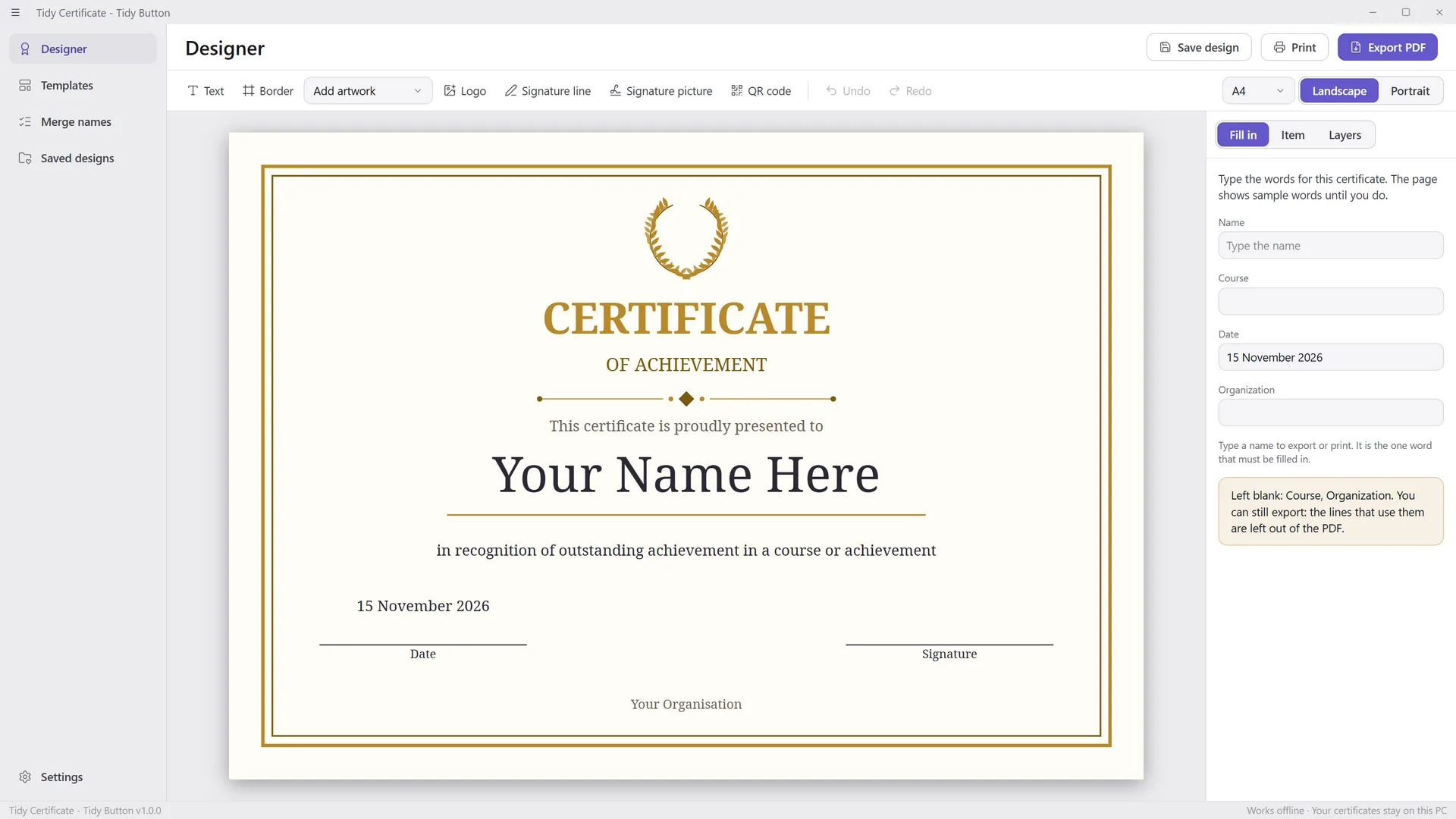
A certificate ready to fill in
Fill in
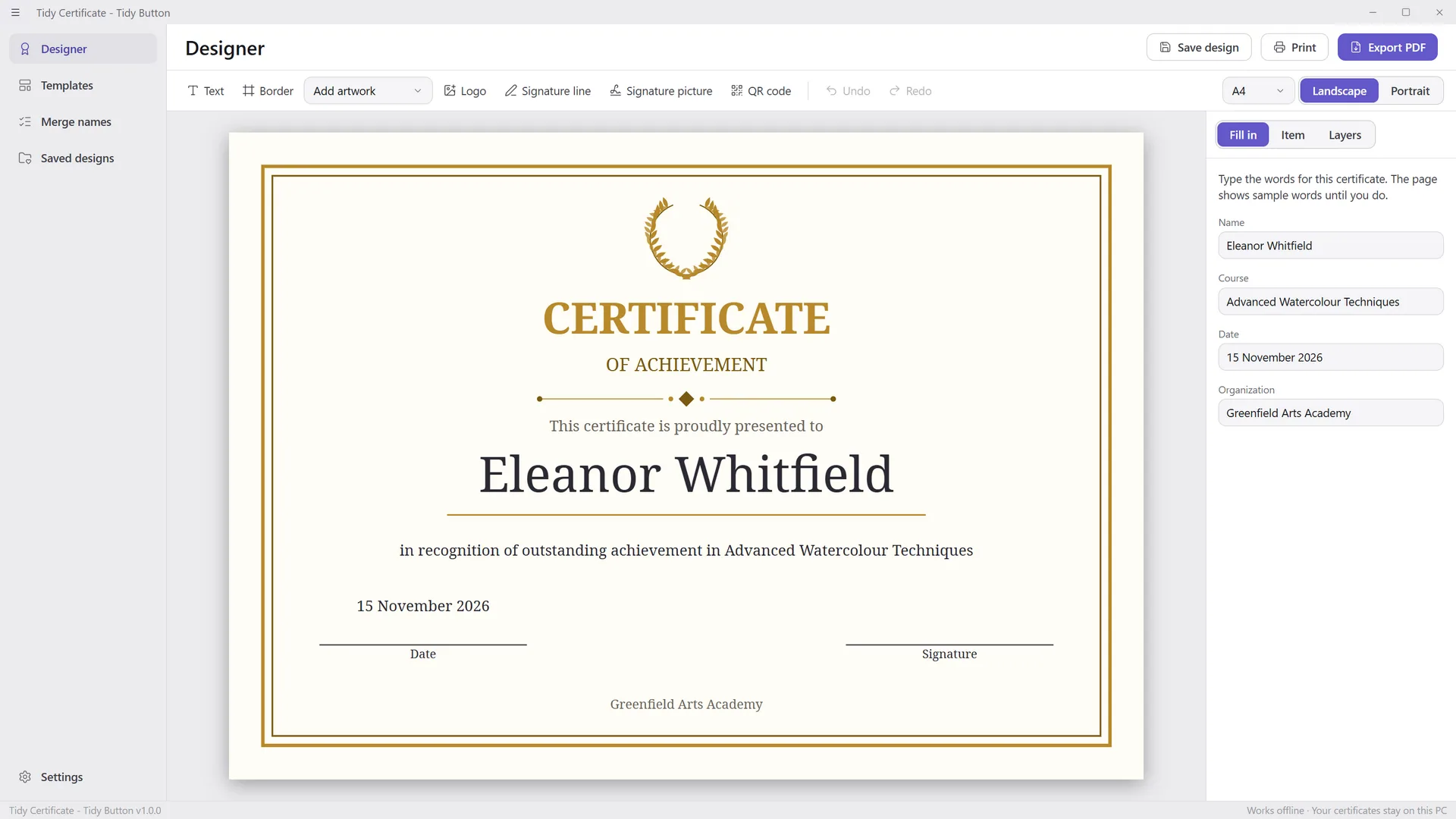
Type the name and the page updates
Templates
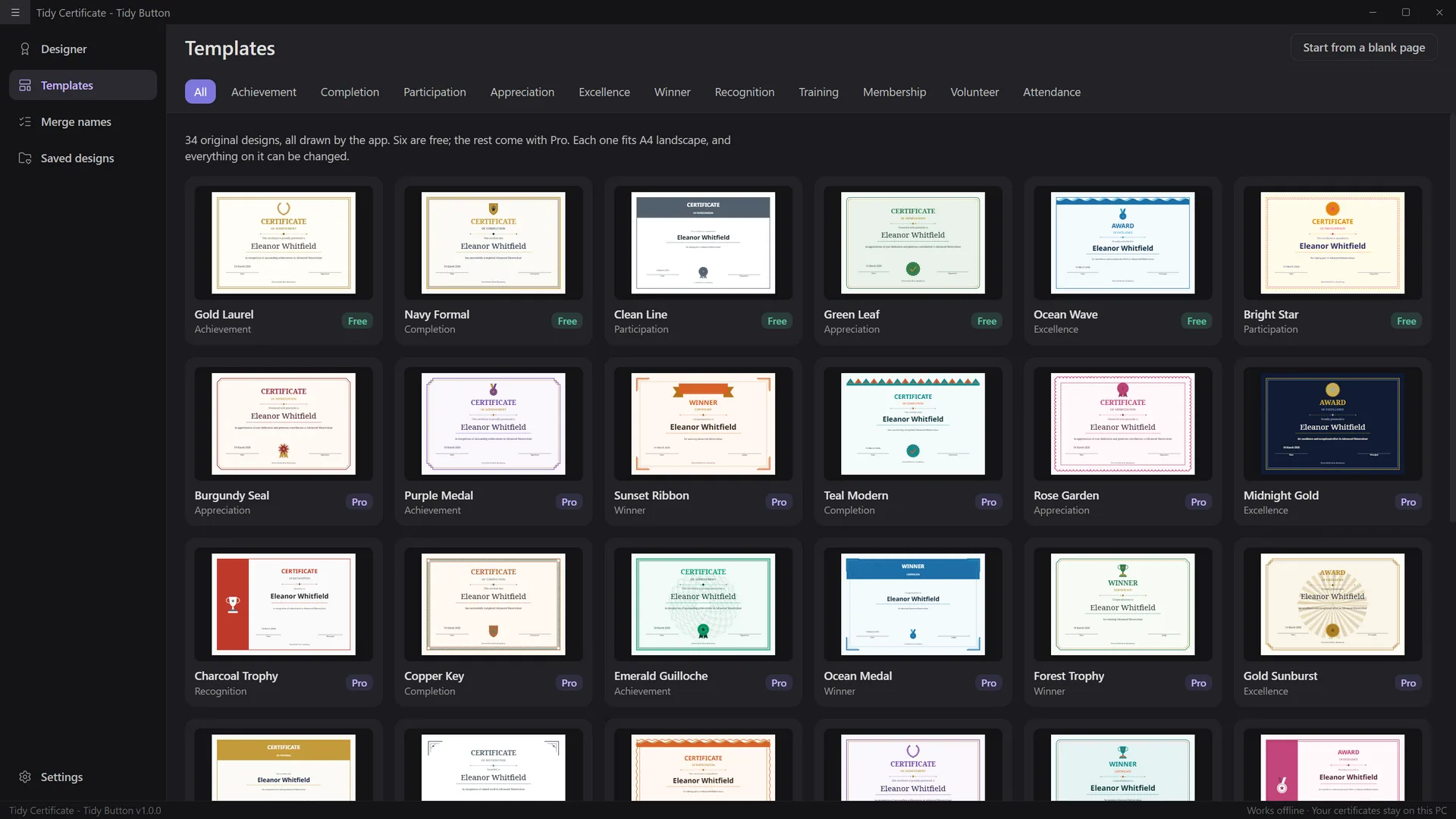
34 templates, six of them free
Free and Pro
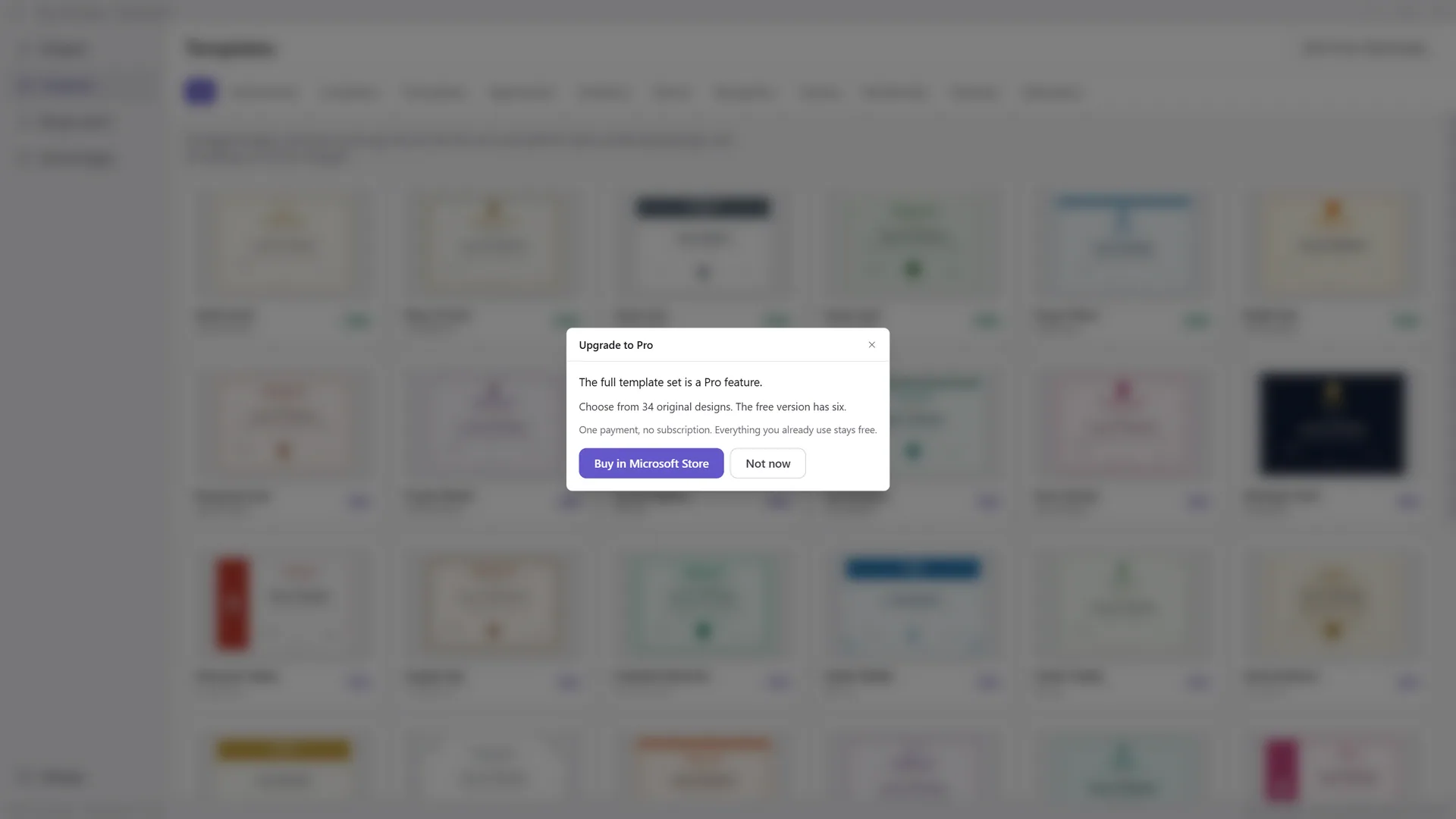
The full template set is Pro
Pro template
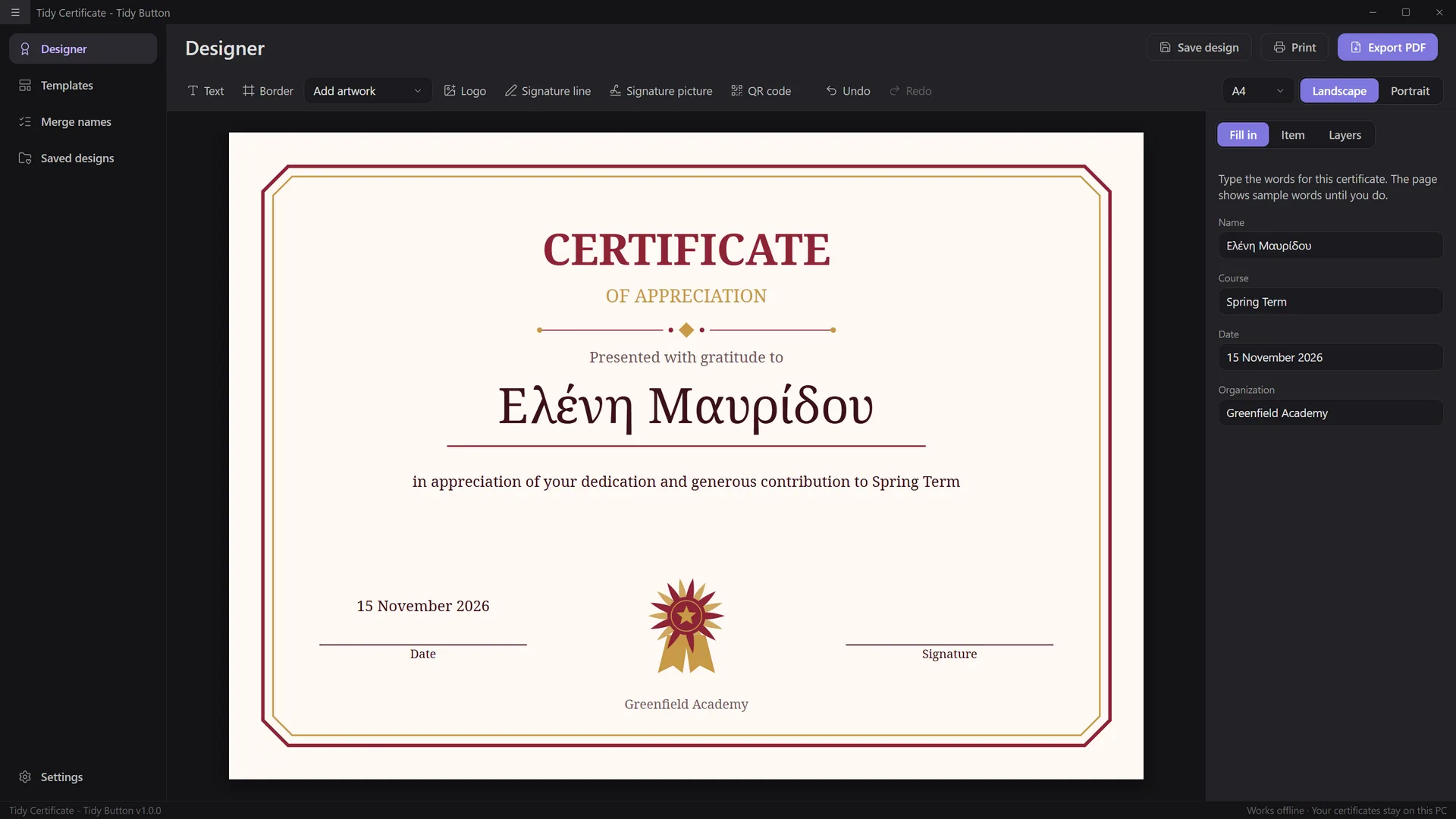
A Pro template with a Greek name
Long names
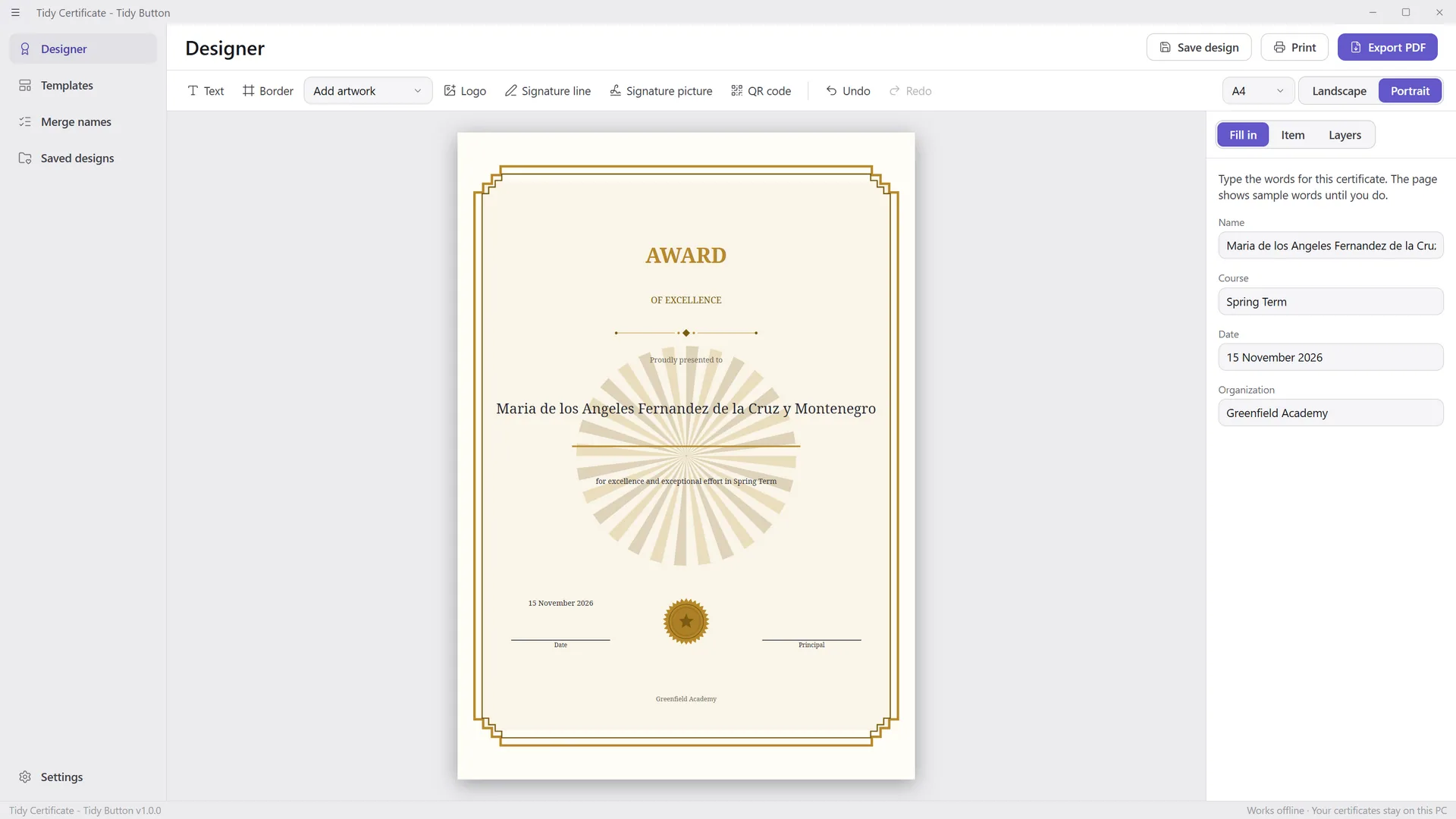
Long names shrink to fit
Merge names
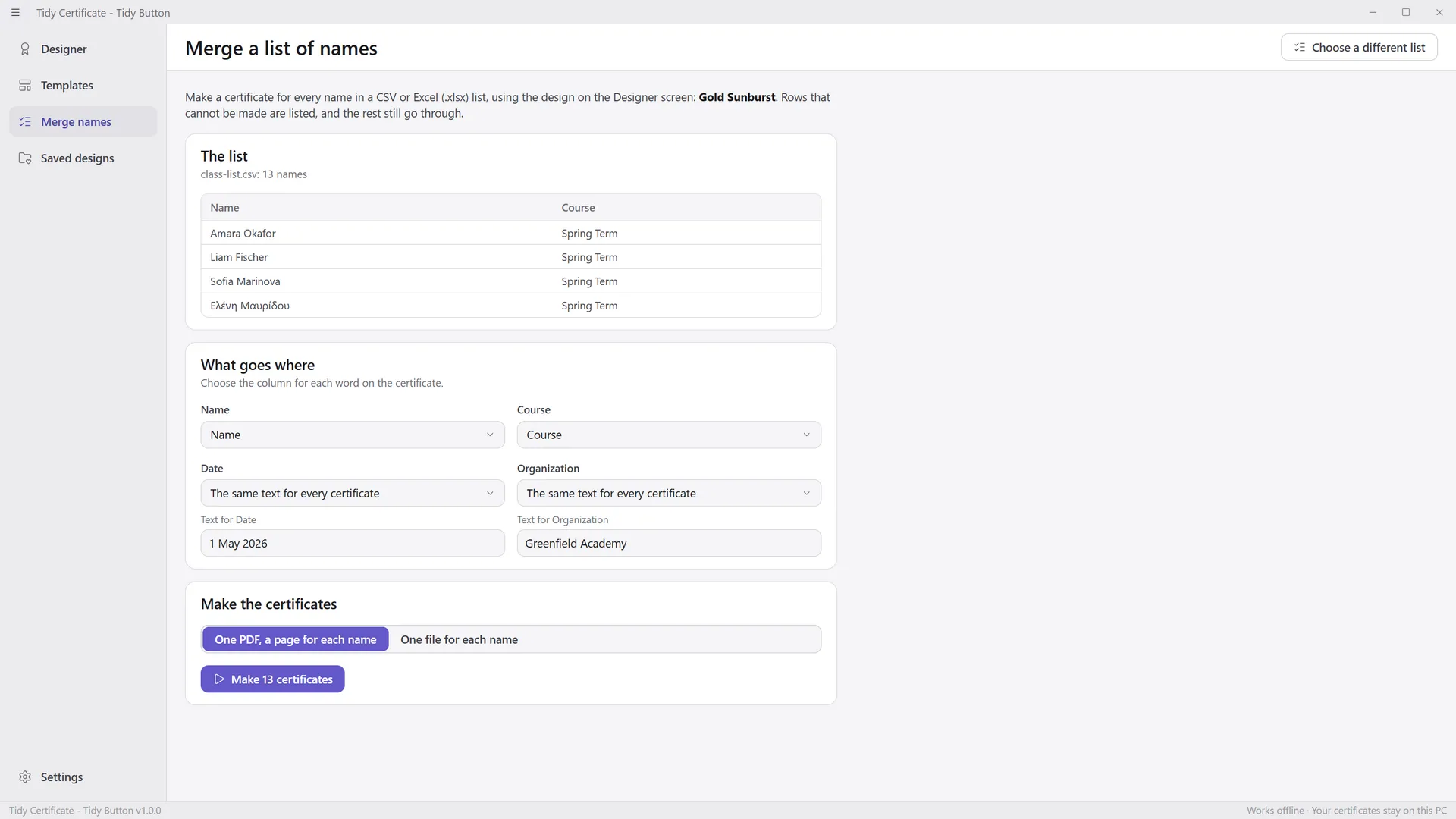
Choose a list and match the columns
Merge result
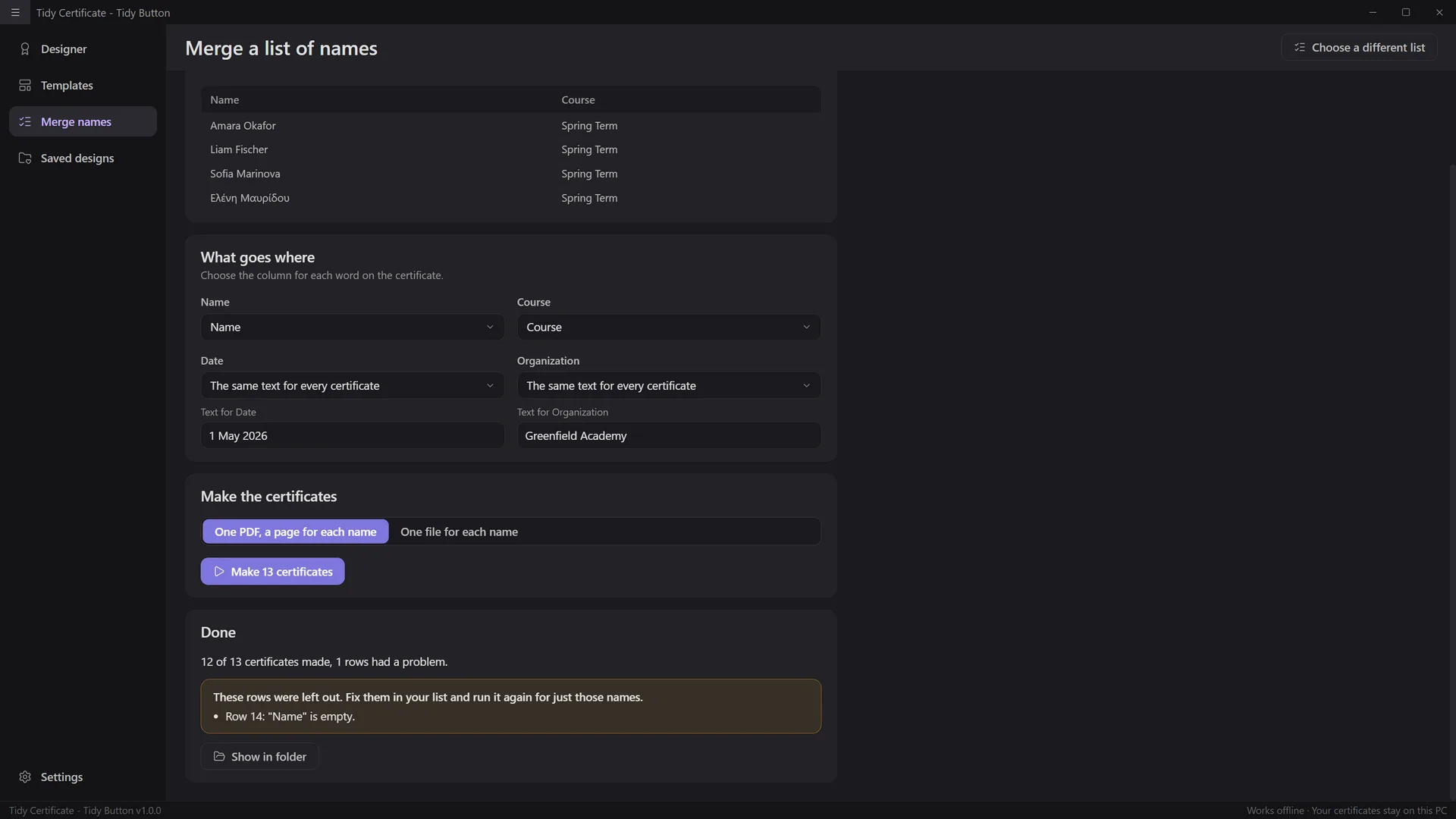
Problem rows are listed, the rest are made
Screens show a demo folder, not a real PC. The app has light and dark themes.
What it does
What it does.
Tidy Certificate is a certificate designer for teachers, coaches, clubs, churches and organizers. Pick a template, type the name, and the certificate on the page updates as you type. Export a PDF or print with no watermark and no limit. With Pro you can make a page for every name in a CSV or spreadsheet list.
A real designer
Text, borders, artwork, a logo, signature lines and a signature picture, on A4 or Letter, landscape or portrait.
34 templates
Original designs drawn by the app, six of them free. Everything on a template can be changed.
Names that fit
Long names shrink to fit their box and stay inside the border.
Any alphabet
Accented, Greek, Cyrillic, Hebrew, Arabic, Chinese and Korean names are drawn properly, not as boxes.
PDF and print
Fonts included in the PDF. No watermark and no limit on export or print.
Merge a list (Pro)
One PDF with a page for every name in a CSV or spreadsheet list, or one file per name. Problem rows are listed.
The small print, in plain English
Safe by design.
- Nothing is uploaded. Names and lists are read on your PC and never leave it.
- No watermark and no limit on PDF or print, free or Pro.
- Names in any alphabet are drawn properly and stay inside the border.
- Rows with problems are listed; the other certificates are still made.
- Works offline. No account. No ads. No tracking.
Good for
Handy for awards and courses.
- Course and workshop certificates
- Sports and club awards
- Church and volunteer thank-you certificates
- Staff recognition and attendance certificates
Questions
Plain answers.
Is anything uploaded?
No. Names, lists and pictures are read on your PC and never leave it. The free app works with the internet turned off.
Is there a watermark?
No. PDF export and printing are free and have no watermark and no limit.
Will my students' names print correctly?
Names in accented, Greek, Cyrillic, Hebrew, Arabic, Chinese and Korean letters are drawn properly, and a long name shrinks to fit its box.
What is free and what is Pro?
Free has the whole designer, six templates, one certificate with a typed name, PDF and print. Pro is a one-time add-on for all 34 templates, merging a CSV or spreadsheet list, fonts from your PC, saved designs, and QR, serial number and verification codes.
What if a row in my list is wrong?
Rows with a problem, such as an empty name, are listed after the merge. The other certificates are still made, and a line you leave blank, such as the course, is simply left out.