Coming to the Microsoft Store
Daybook A cash book that knows who owes whom.
Cash in, cash out, a running balance on every line and the parties who owe you. Backups, history and a recycle bin. No account, no cloud.
Not on sale yet. The app is still being built.
We will link the Store listing here the day it is live. Until then there is nothing to download.
- Works offline
- No account, no ads, no tracking
- Backups to Documents
- Free
See it
Eight views. One book, balanced.
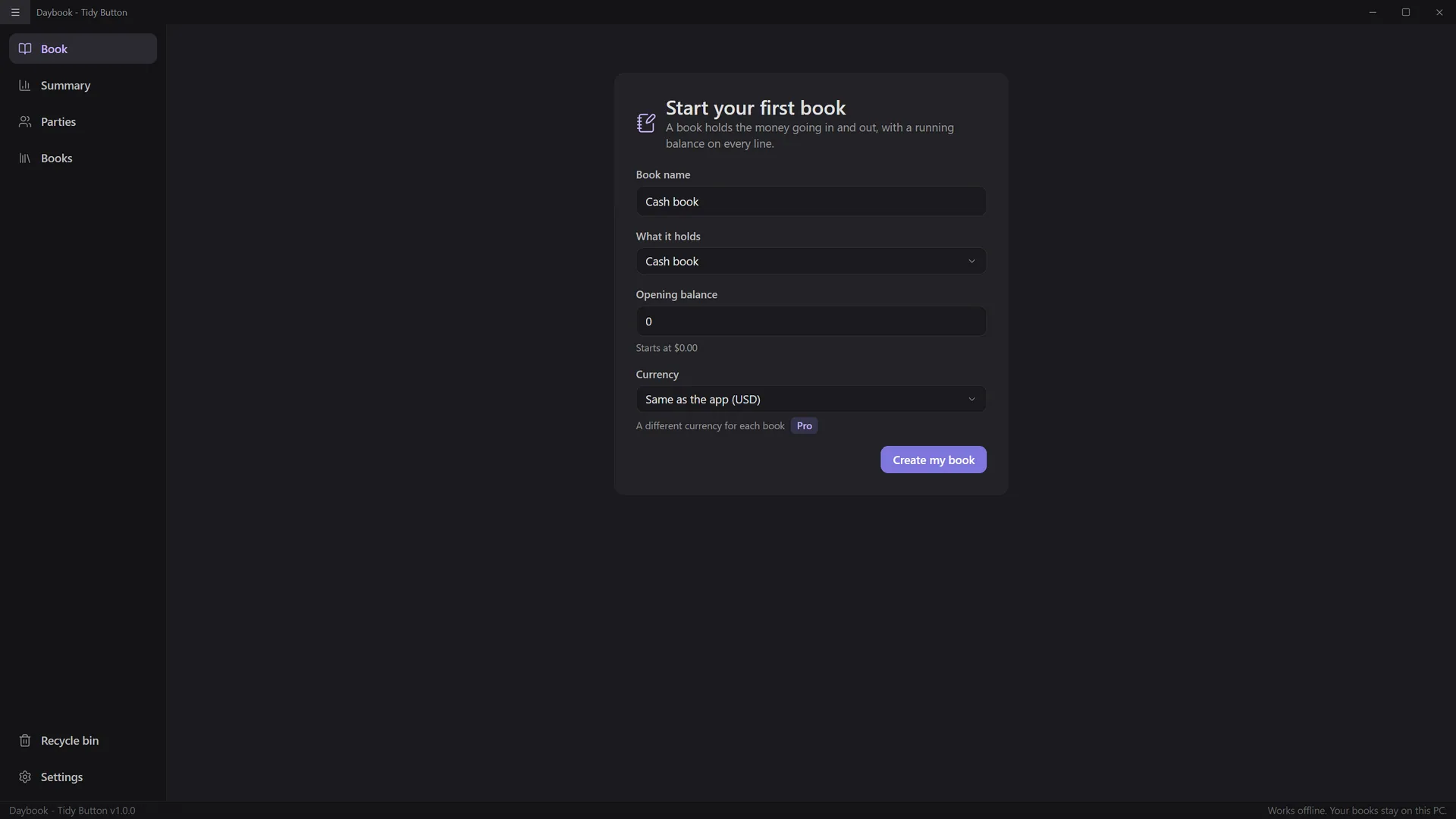
First start
Start with a book and an opening balance
The book
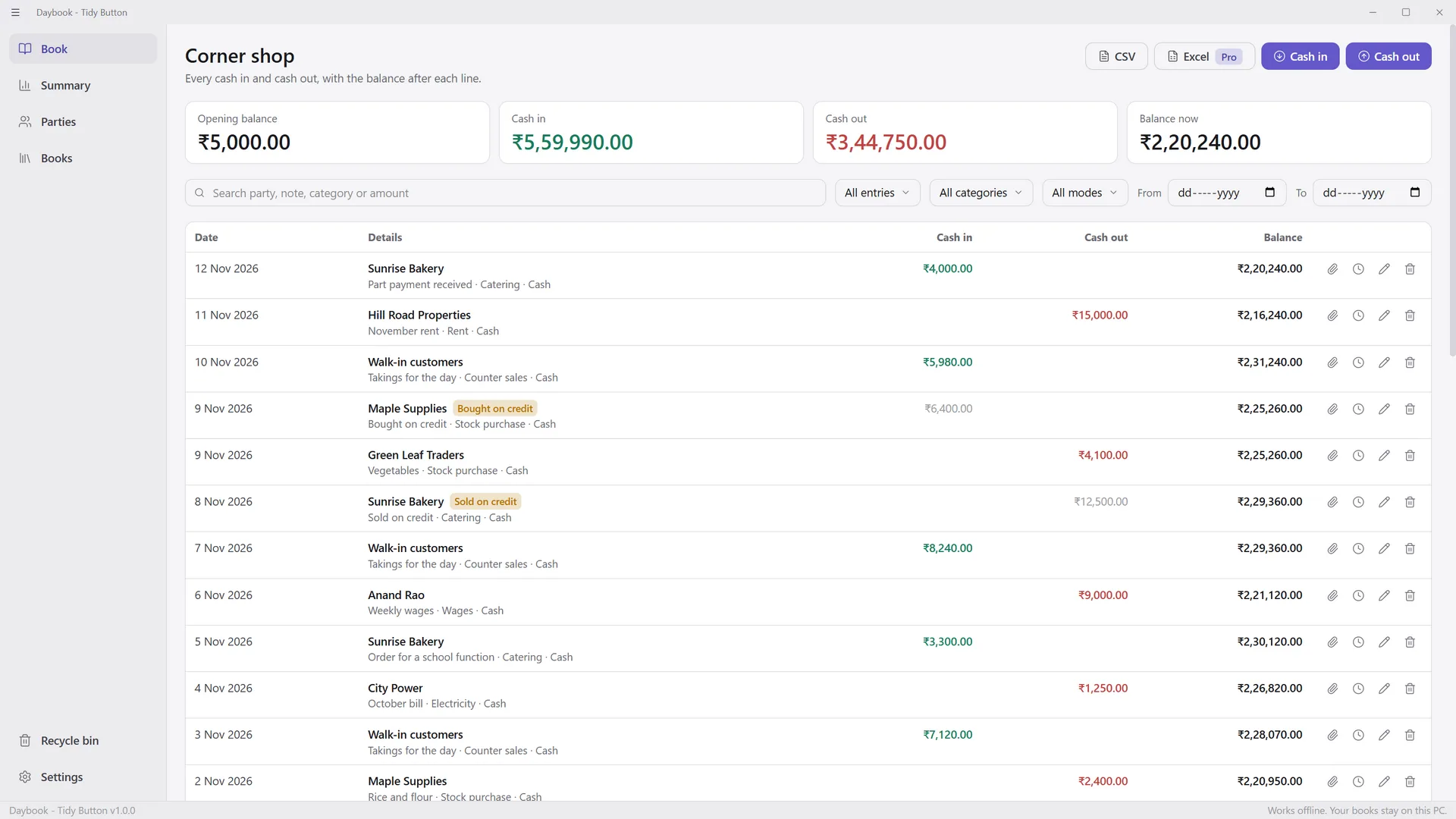
Every line with its running balance
Add an entry
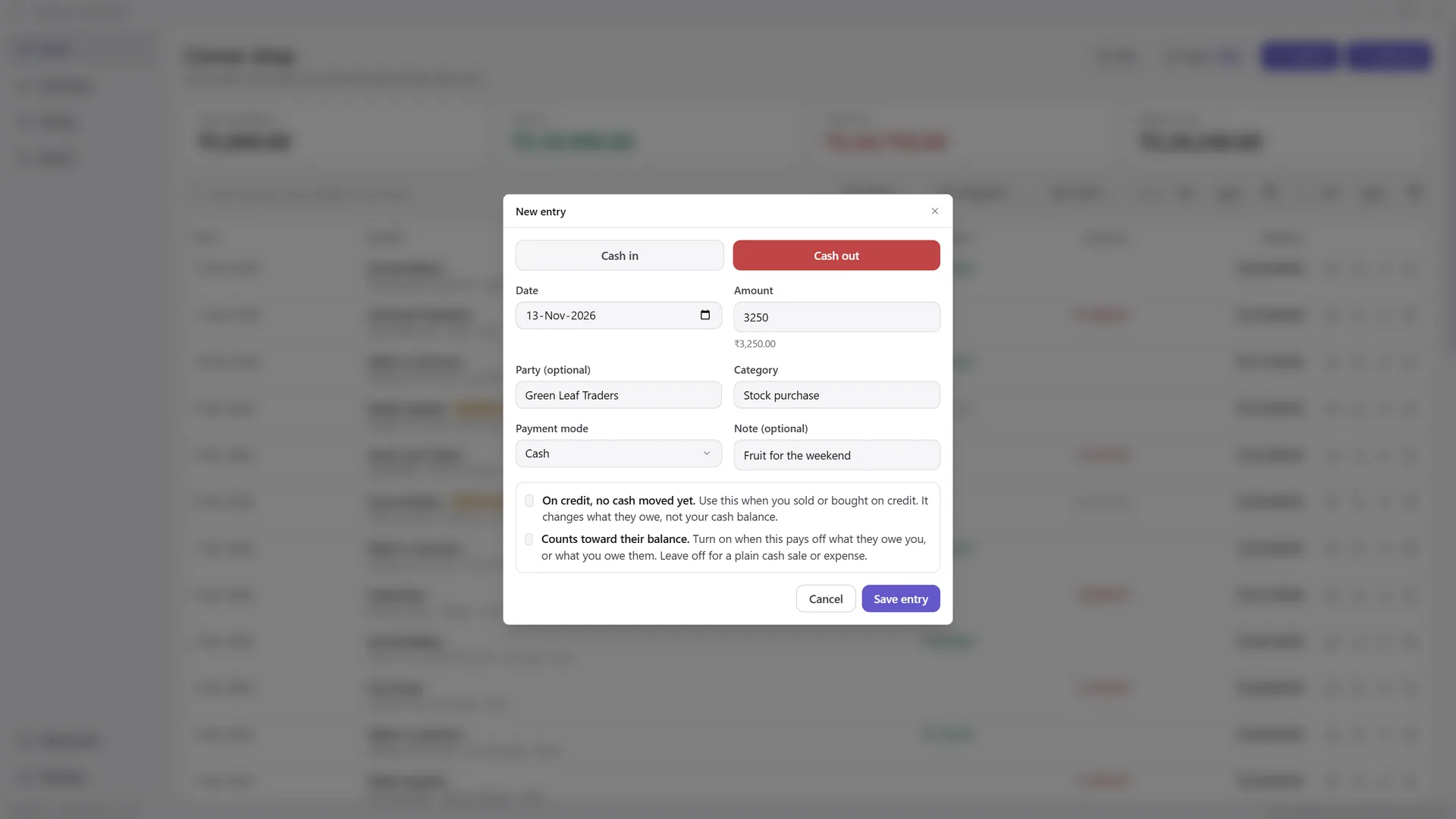
Add cash out with a party, category and note
Daily summary
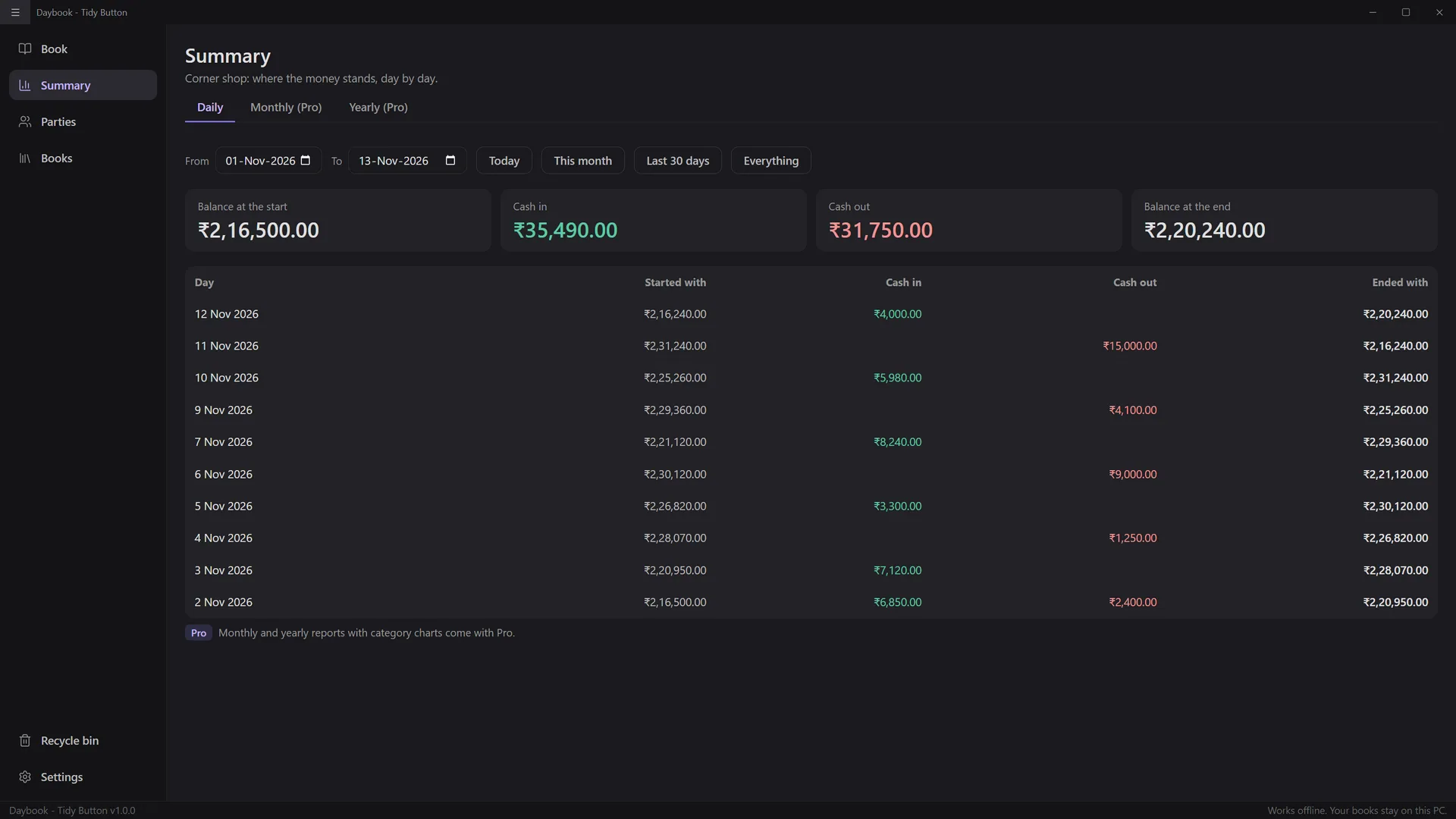
A daily summary for any date range
Parties
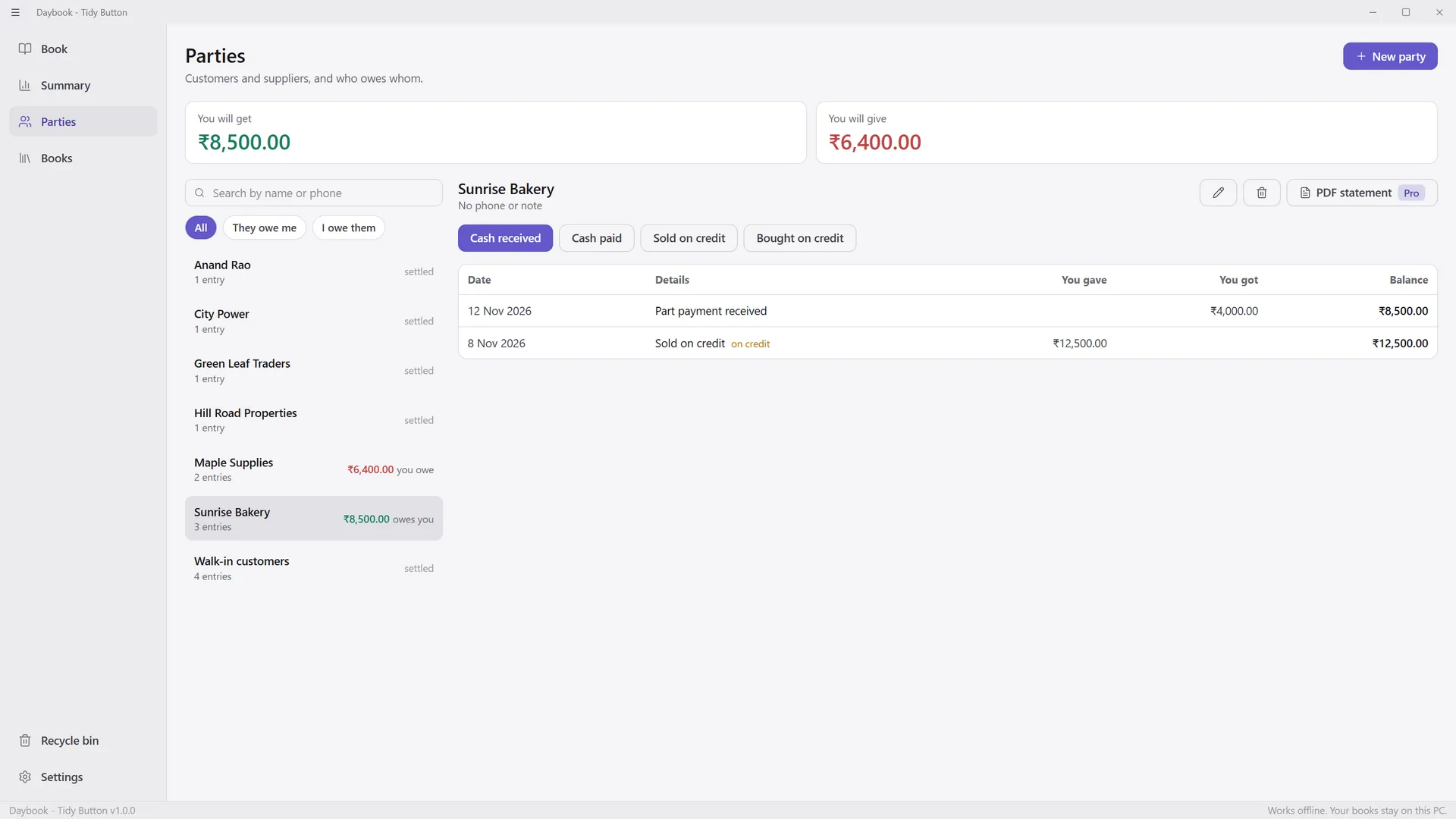
Who owes you, and whom you owe
Free and Pro
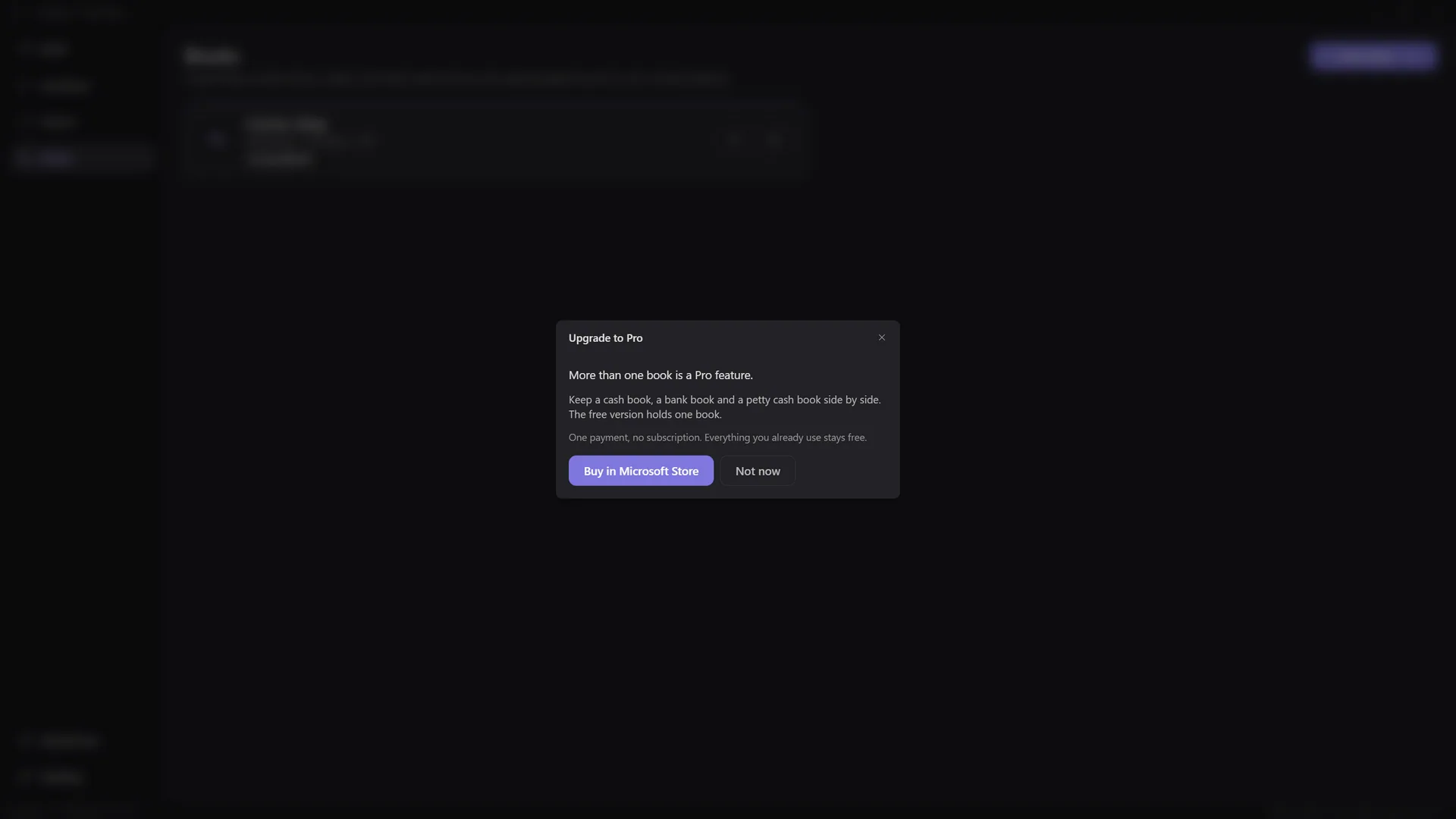
One book free; more books are Pro
Monthly report
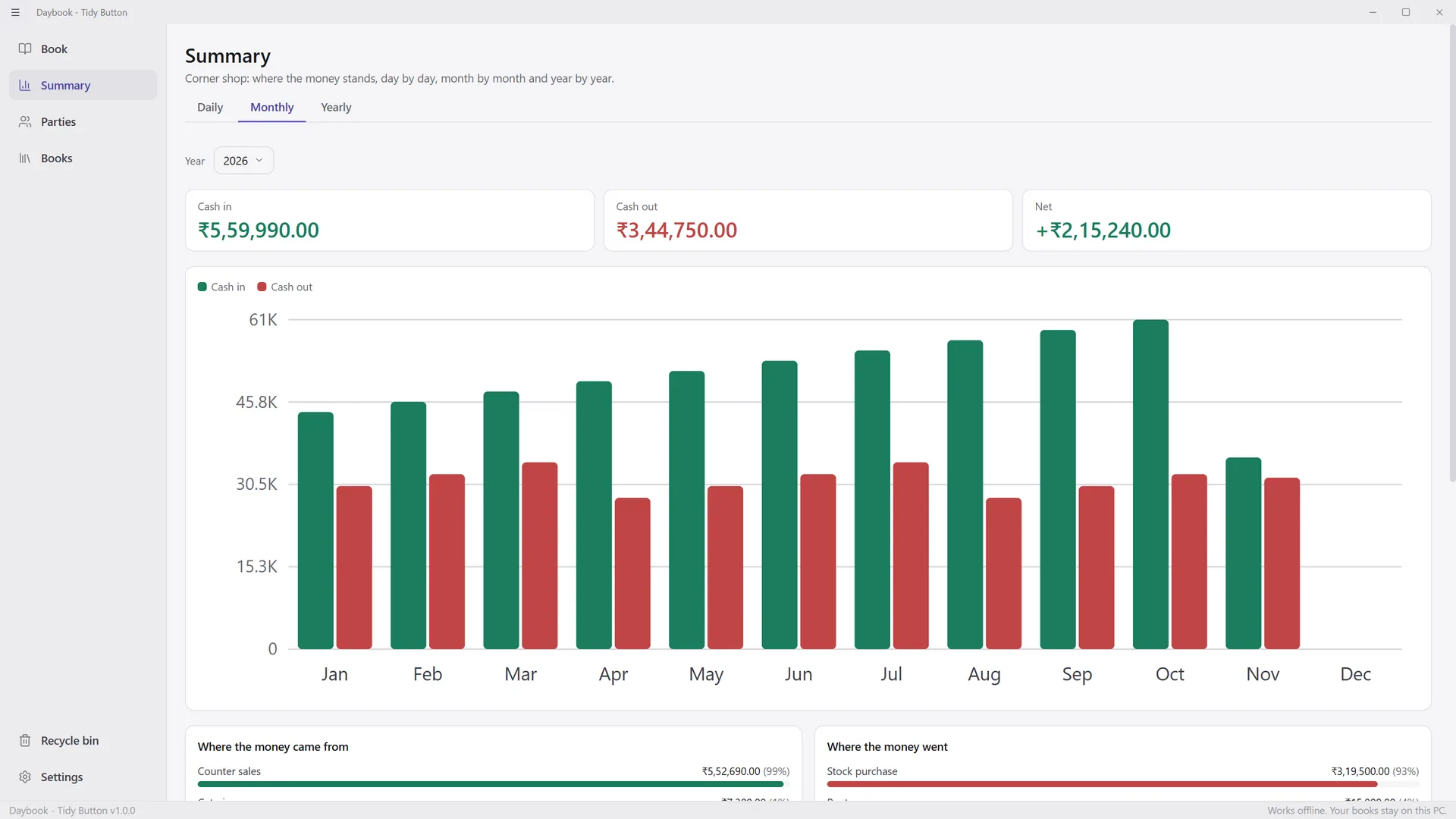
Pro: a monthly report with a chart
More books
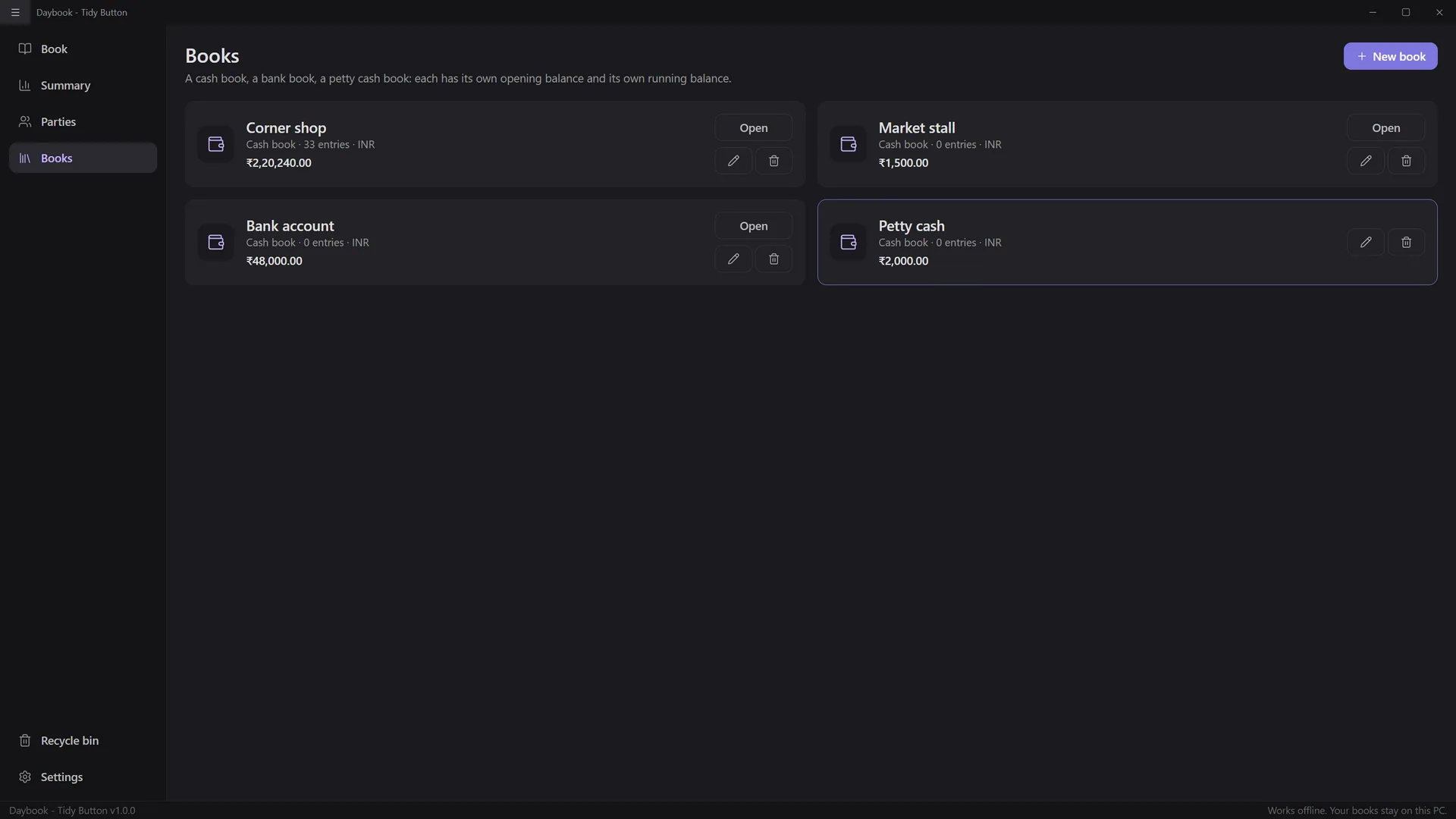
Pro: more than one book
Screens show a demo folder, not a real PC. The app has light and dark themes.
What it does
What it does.
Daybook is a cash book for a small shop, a freelancer, a club or a society. Write down cash in and cash out, see the balance after every line, and see who owes you and whom you owe. Everything stays on your PC. Every correction is kept in a history, deleted entries go to a recycle bin, and a dated backup is saved to Documents.
Running balance
A balance on every line, worked out in date order, so a back-dated entry updates all later lines.
Who owes whom
Parties with what they owe you and what you owe them. Credit sales and purchases change the party, not the cash.
Daily summary
Cash in, cash out and closing balance for every day in any date range.
Corrections that last
Edit any entry; every change is kept in a history. Deleted entries go to a recycle bin.
Backups and restore
A dated backup in Documents each day, with a restore and an offer to restore on a fresh install.
More with Pro
More than one book, monthly and yearly reports with charts, party statements as PDF, bill photos, a PIN lock and spreadsheet export.
The small print, in plain English
Safe by design.
- Nothing is uploaded. Your books stay on your PC and never leave it.
- Every correction is kept in a history, and deleted entries go to a recycle bin first.
- A dated backup is saved to Documents every day, with a restore.
- The free version keeps one book with unlimited entries, and never asks for an email.
- Works offline. No account. No ads. No tracking.
Good for
Handy for small shops.
- A corner shop or market stall
- A freelancer's cash and bank record
- A club or society treasurer
- A small trader who sells on credit
Questions
Plain answers.
Is anything uploaded?
No. Your books stay on your PC and never leave it. The free app works with the internet turned off.
What if I make a mistake?
Edit the entry. Every change is kept in a history. A deleted entry goes to a recycle bin where you can bring it back.
What is free and what is Pro?
Free keeps one book with unlimited entries, parties, a daily summary, search, backups and CSV. Pro is a one-time add-on for more than one book, monthly and yearly reports, PDF statements, bill photos, a PIN lock and spreadsheet export.
Where are my backups?
In your Documents folder, in Daybook, then Backups: one file per day, the newest 30 kept. They stay when you uninstall the app.
Does it work in rupees?
Yes. There are 20 currencies, and an option for Indian number grouping such as 1,00,000.