We will link the Store listing here the day it is live. Until then there is nothing to download.
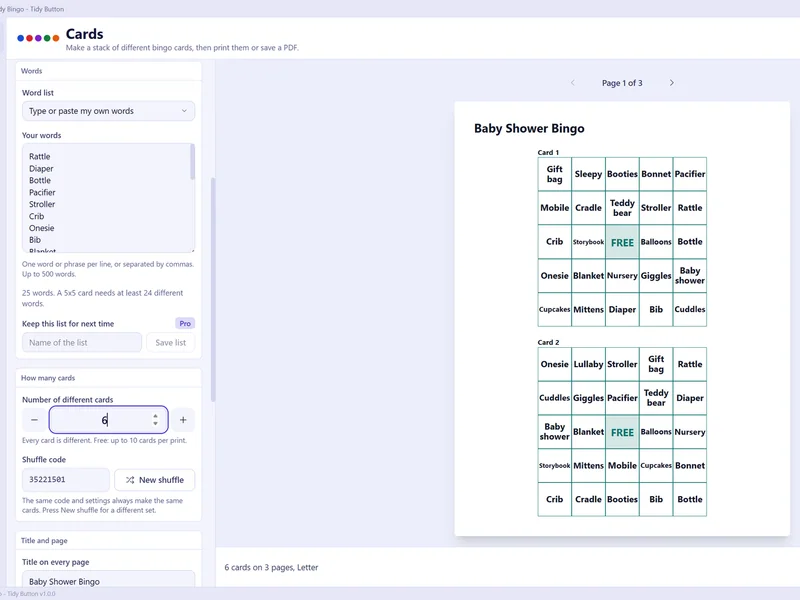
Real app, with a baby shower word list ready to print.
Works offline
No account, no ads, no tracking
Every card different
Free
See it
Six views. One game, ready to play.
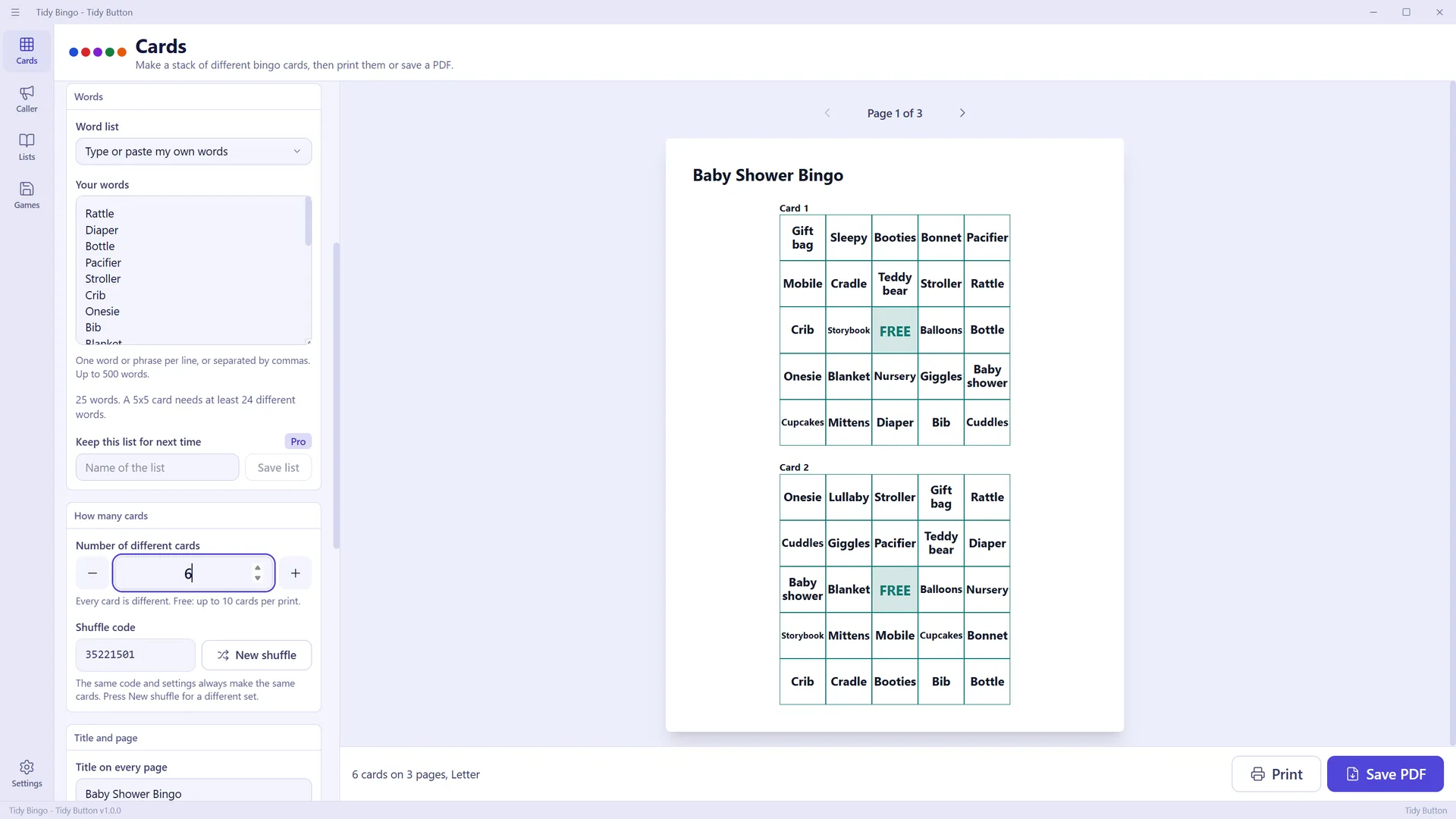
Word list
Type or paste your own words and see different bingo cards in the page preview at once
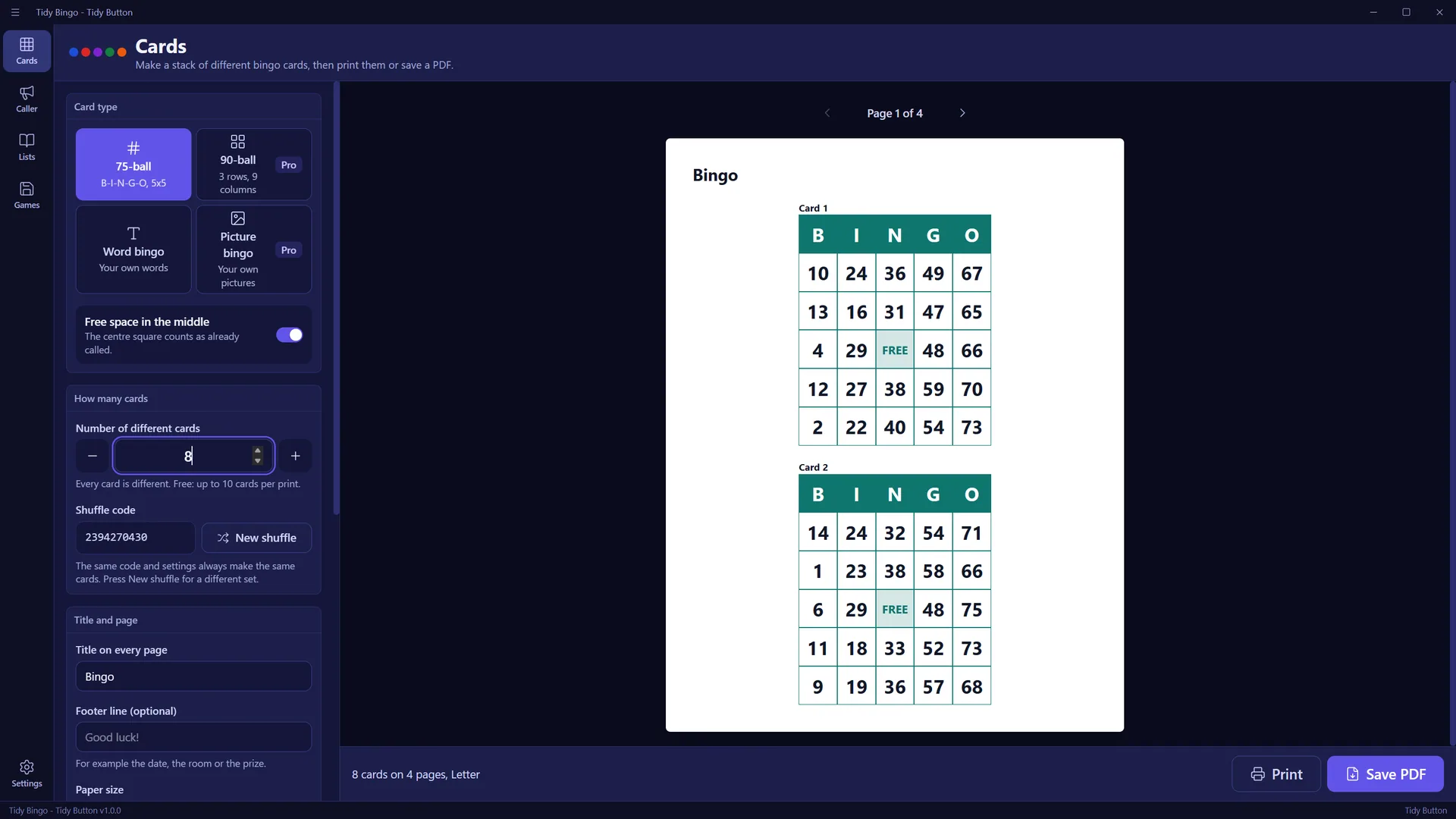
Cards
75-ball cards with B, I, N, G, O columns and a free space, every card different
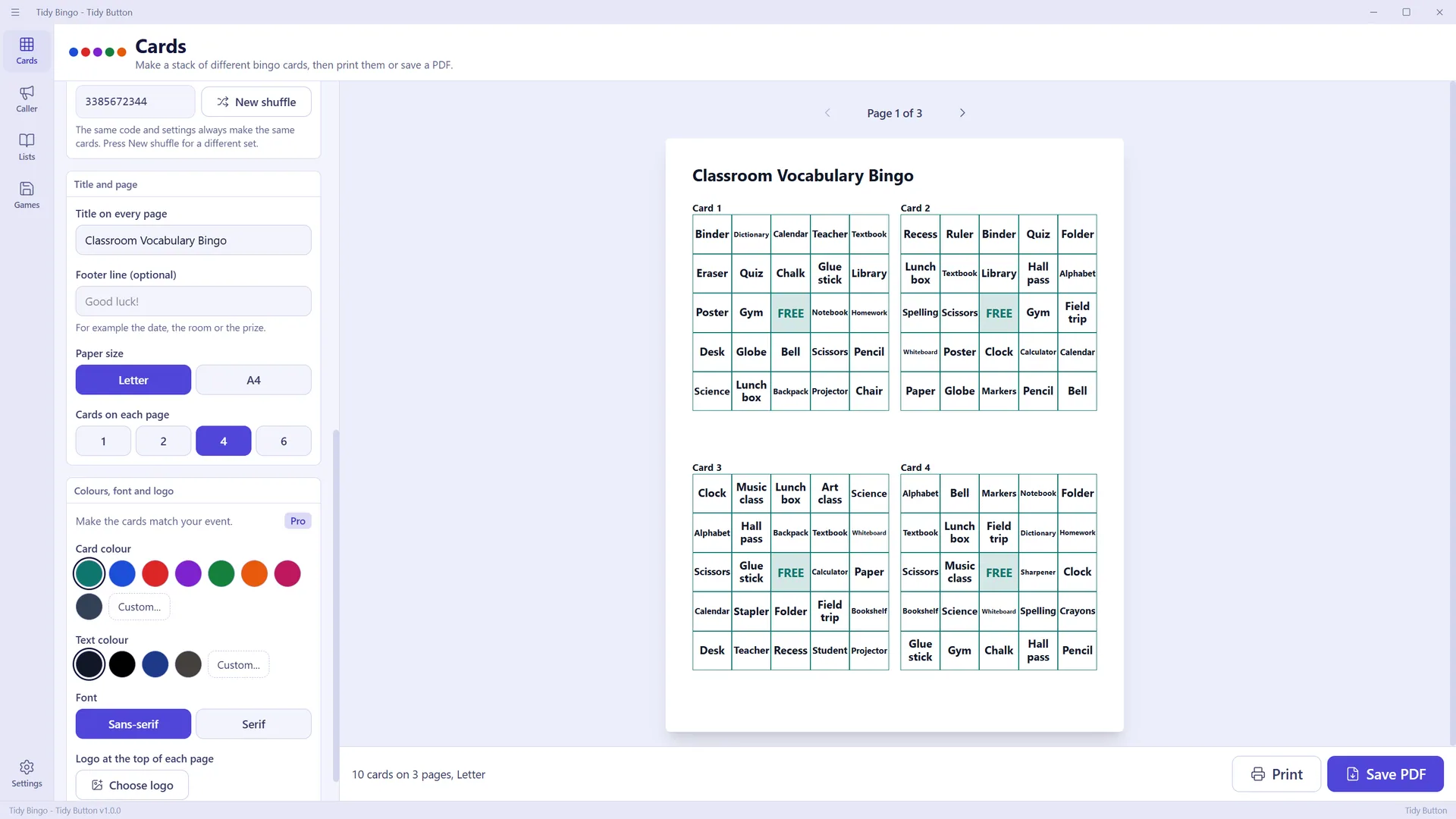
Print preview
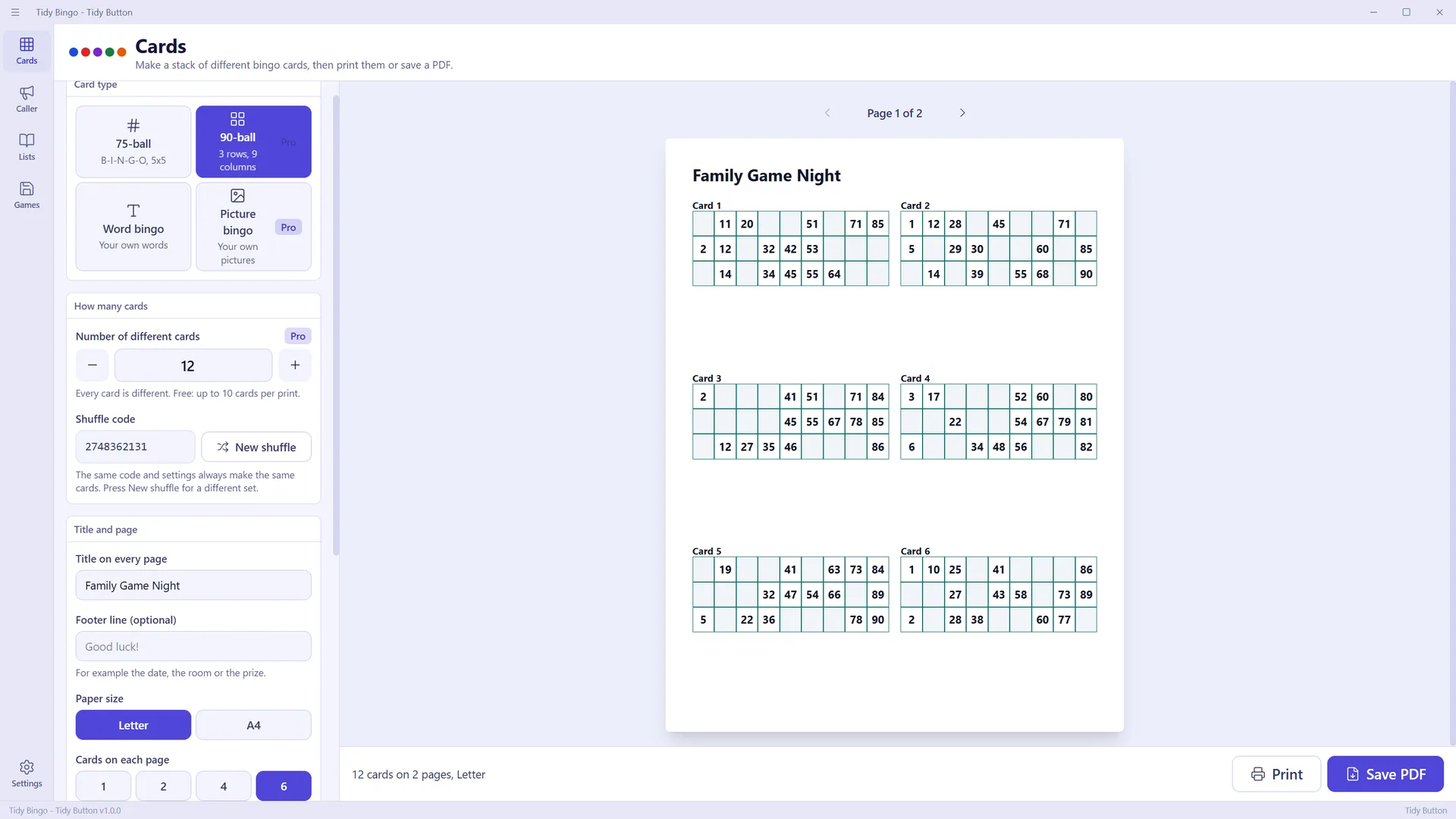
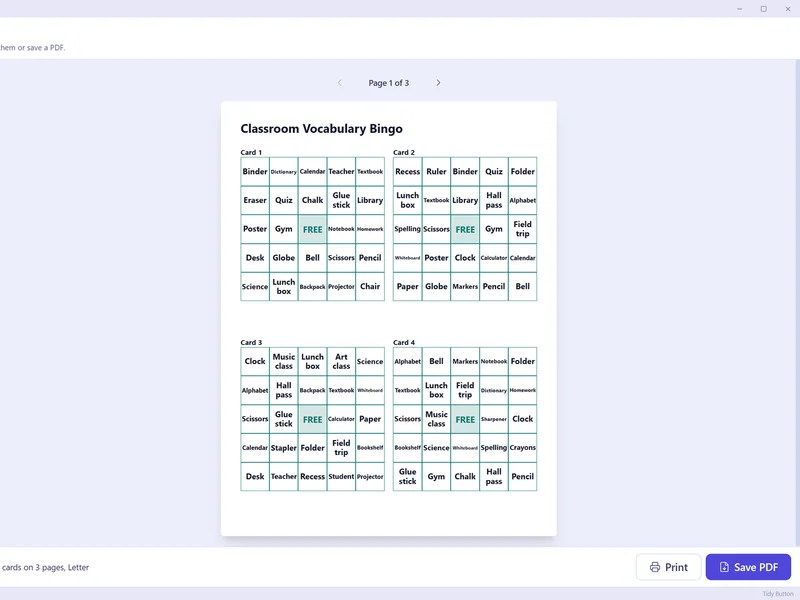
Choose Letter or A4 and 1, 2, 4 or 6 cards a page, then flip through the pages
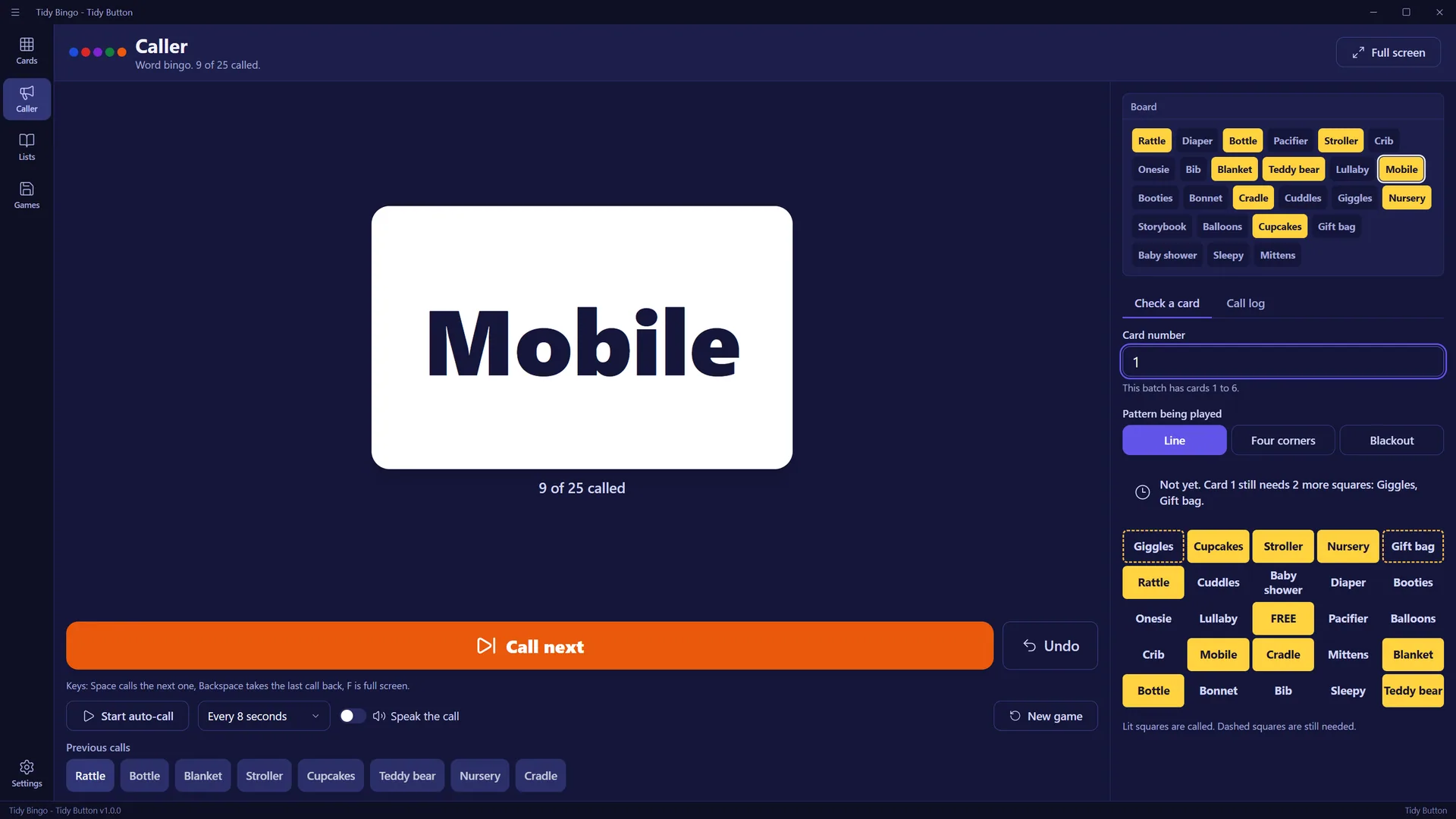
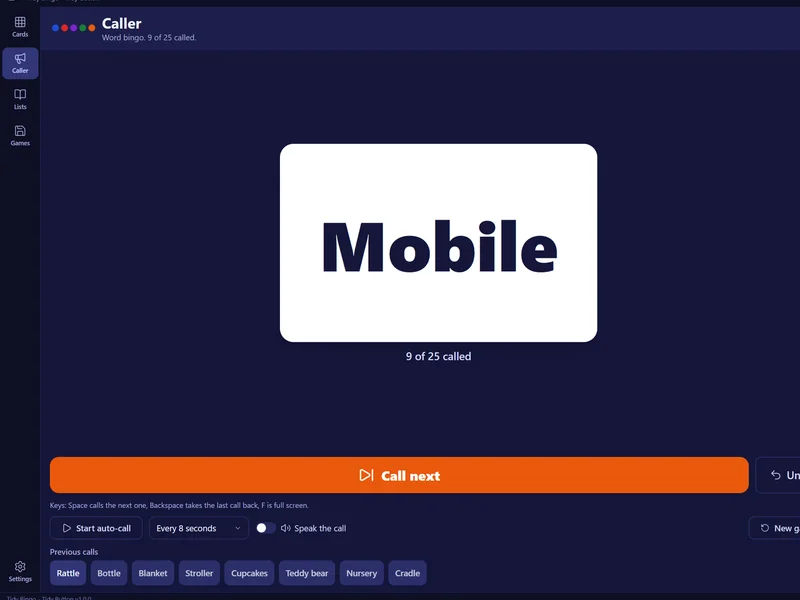
Caller
Call each ball or word, light up the board and check any card by number
Free limit
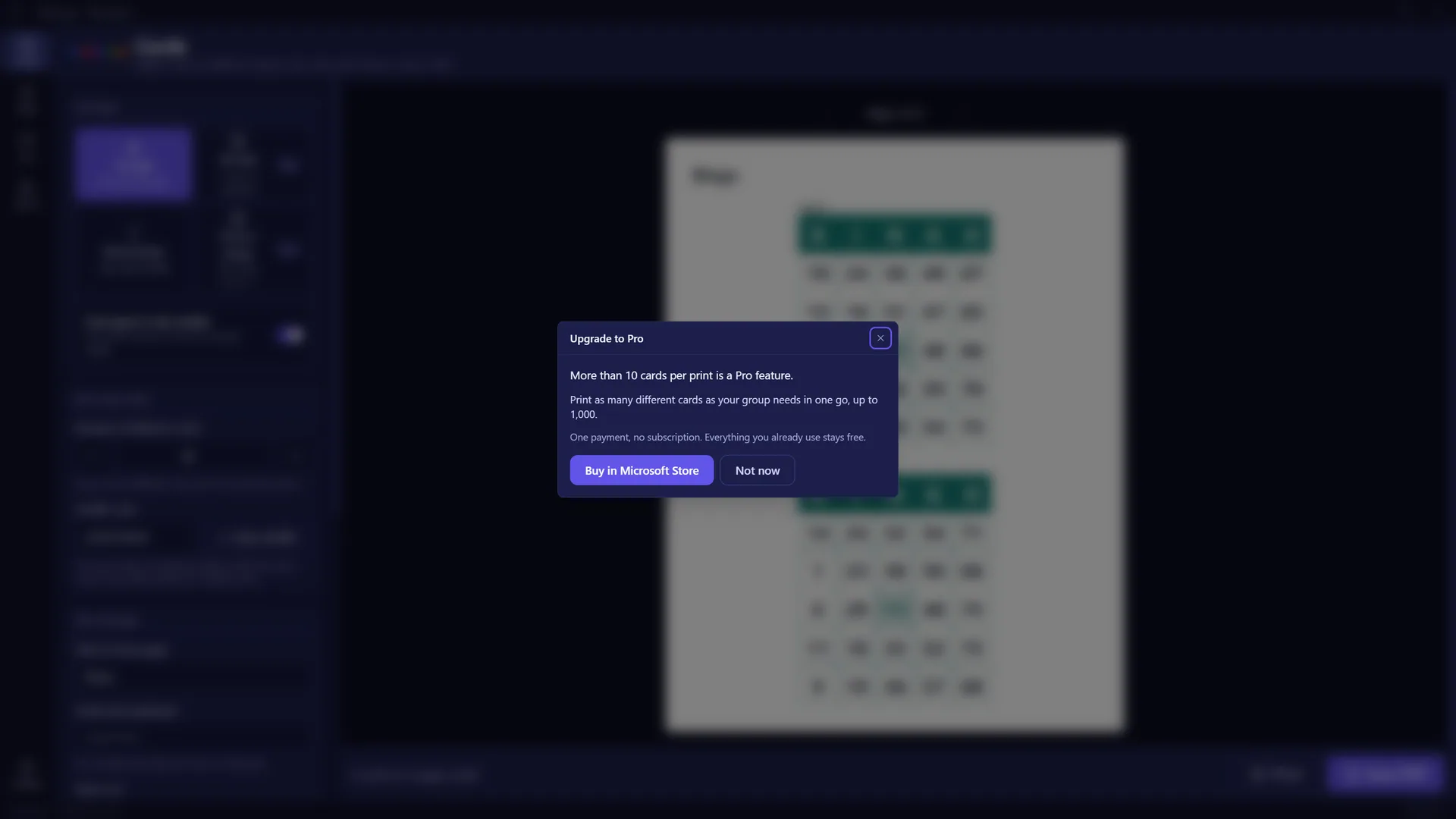
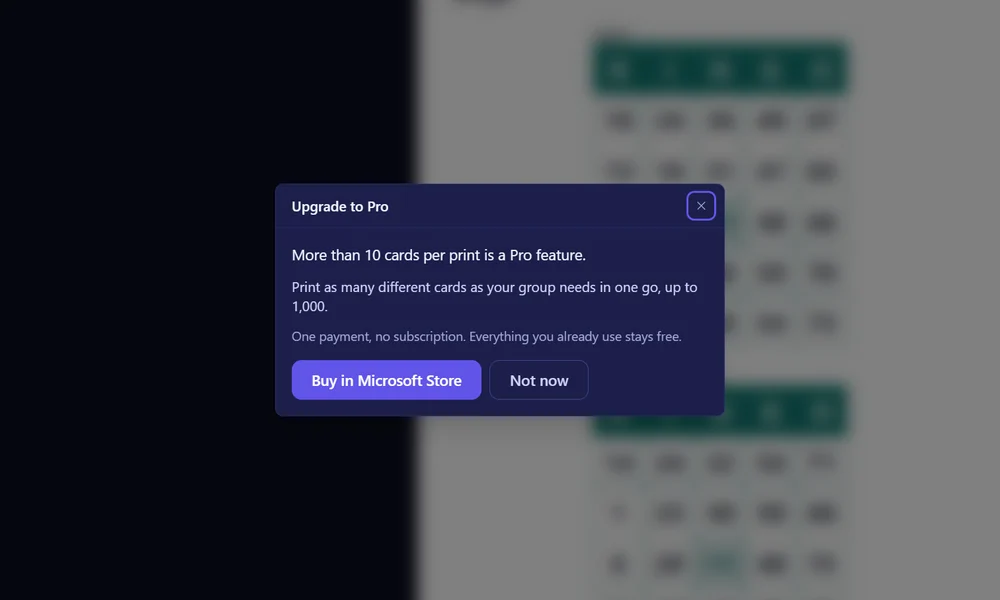
The free version makes up to 10 different cards per print, and says so clearly
Pro
Pro adds 90-ball tickets, up to 1,000 cards per print, picture bingo and your own colours
Screens show sample words, not real events. The app has light and dark themes.
How it works
Three steps. No manual.
01
Choose your cards
Pick 75-ball or word bingo, type your words if you like, and choose how many cards.
02
Print or save a PDF
Pick Letter or A4 and the cards on each page, check the preview, then press Print or Save PDF.
03
Call the game
Open the Caller, press Call next, and check any card by number.
What it does
What it does.
Pick a card type, choose how many cards you need and press Print or Save PDF. Every card in a print is different, so two players never hold the same card. Then open the Caller screen, press Call next and read out each ball or word. Everything happens on your PC, and the free app works with the internet turned off.
Every card different
Make a stack of bingo cards where no two cards are the same, then print them or save a PDF.
75-ball and word bingo
75-ball cards with B, I, N, G, O columns and an optional free space, or word bingo from built-in lists or your own words.
Letter or A4
Put 1, 2, 4 or 6 cards on a page, add a title and a footer line, and flip through the preview before you print.
Remembers your set
A shuffle code makes the same cards again from the same settings. New shuffle makes a different set.
A real caller
Call next with a button or the Space key, take a call back with Undo, auto-call at your pace, and speak each call aloud.
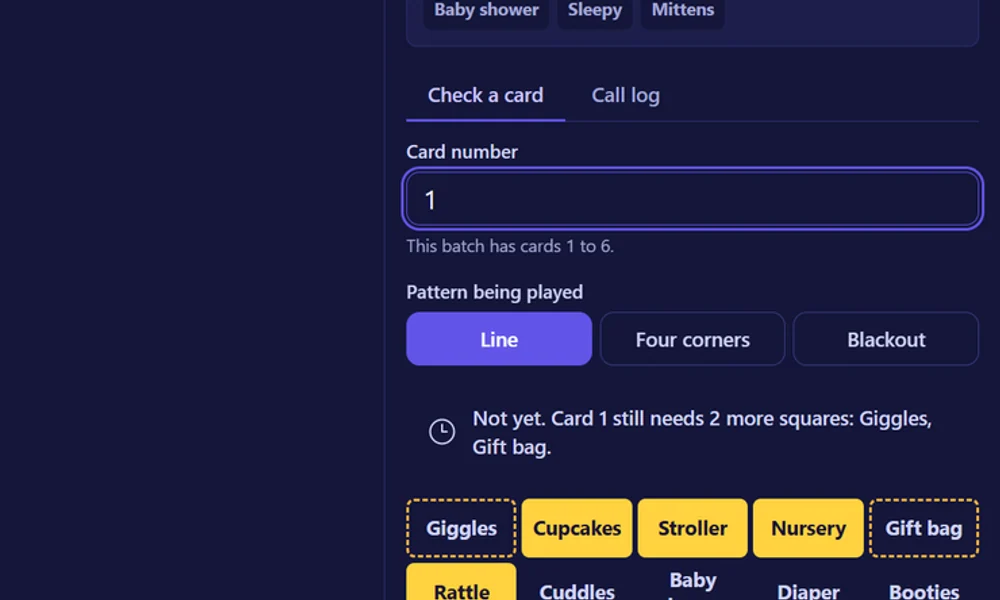
Check a card
Type a card number to see whether it has a line, four corners or a blackout, and which squares it still needs.
Save the game
Save a game to a file and open it again later with its cards and the calls made so far.
Pro, once
Up to 1,000 cards per print, 90-ball tickets, picture bingo, your own colours, font and logo, saved word lists and a saved games list.
The small print, in plain English
Safe by design.
Check a card by number to see what it still needs for a line.
A clear message when you reach the free limit, with a one-time Pro option.
Nothing is uploaded. Your words and cards stay on your PC.
Files are written only when you press Save PDF or Save game.
The free version makes up to 10 different cards per print and lists of your own of up to 25 words.
Works offline. No account. No ads. No tracking.
What you get
Free for a party, Pro for a crowd.
The free version is a complete bingo set for a typical group.
75-ball cards, every one different.
Cards
Free
Up to 10 different cards per print in the free version.
Word lists
Free
Built-in lists, or your own list of up to 25 words.
Caller
Free
Call next, Undo, auto-call, spoken calls, check a card and full-screen view.
Print and PDF
Free
Letter or A4 with 1, 2, 4 or 6 cards a page.
Bigger prints
Pro
Up to 1,000 cards per print, and 90-ball tickets.
Your look
Pro
Picture bingo, your own colours, font and logo, saved word lists and a saved games list.
One payment of $6.99 for Pro, no subscription.
Good for
Handy for the party.
Classroom and vocabulary games
Baby showers and parties
Office and family events
Club nights and road trips
Questions
Plain answers.
Is anything uploaded?
No. Your words and cards stay on your PC. The free app works with the internet turned off.
Are all the cards really different?
Yes. Every card in a print is different, so two players never hold the same card.
What can I do in the free version?
Make up to 10 different cards per print, use the built-in word lists or your own list of up to 25 words, print or save PDFs, and use the full caller.
What does Pro add?
Up to 1,000 cards per print, 90-ball tickets, picture bingo, your own card colours, font and logo, saved word lists and a saved games list. It is a one-time payment of $6.99.
Can I use it for a classroom?
Yes. There is a built-in Classroom word list, and you can type or paste your own vocabulary words.