Coming to the Microsoft Store
Auto Clicker Click once. Let it repeat.
Click at the pointer or at a fixed spot with exact timing, and stop with one key. Offline, no account.
We will link the Store listing here the day it is live. Until then there is nothing to download.
- Works offline
- No account, no ads, no tracking
- One key stops it
- Free
See it
Seven views. One click, repeated.
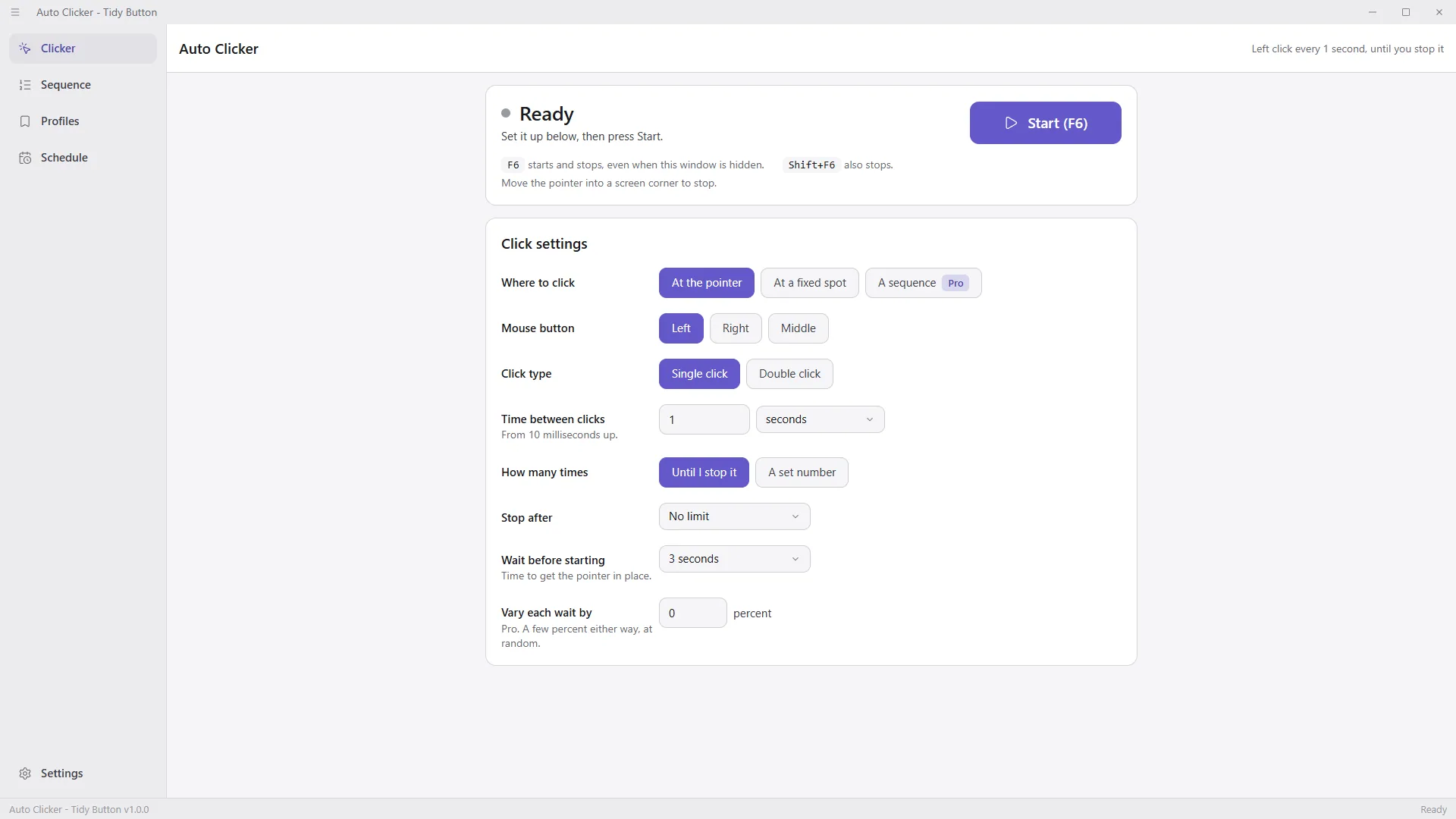
Clicker
Choose the button, single or double click, the time between clicks and when to stop. Press F6 to start and stop from any program
Options
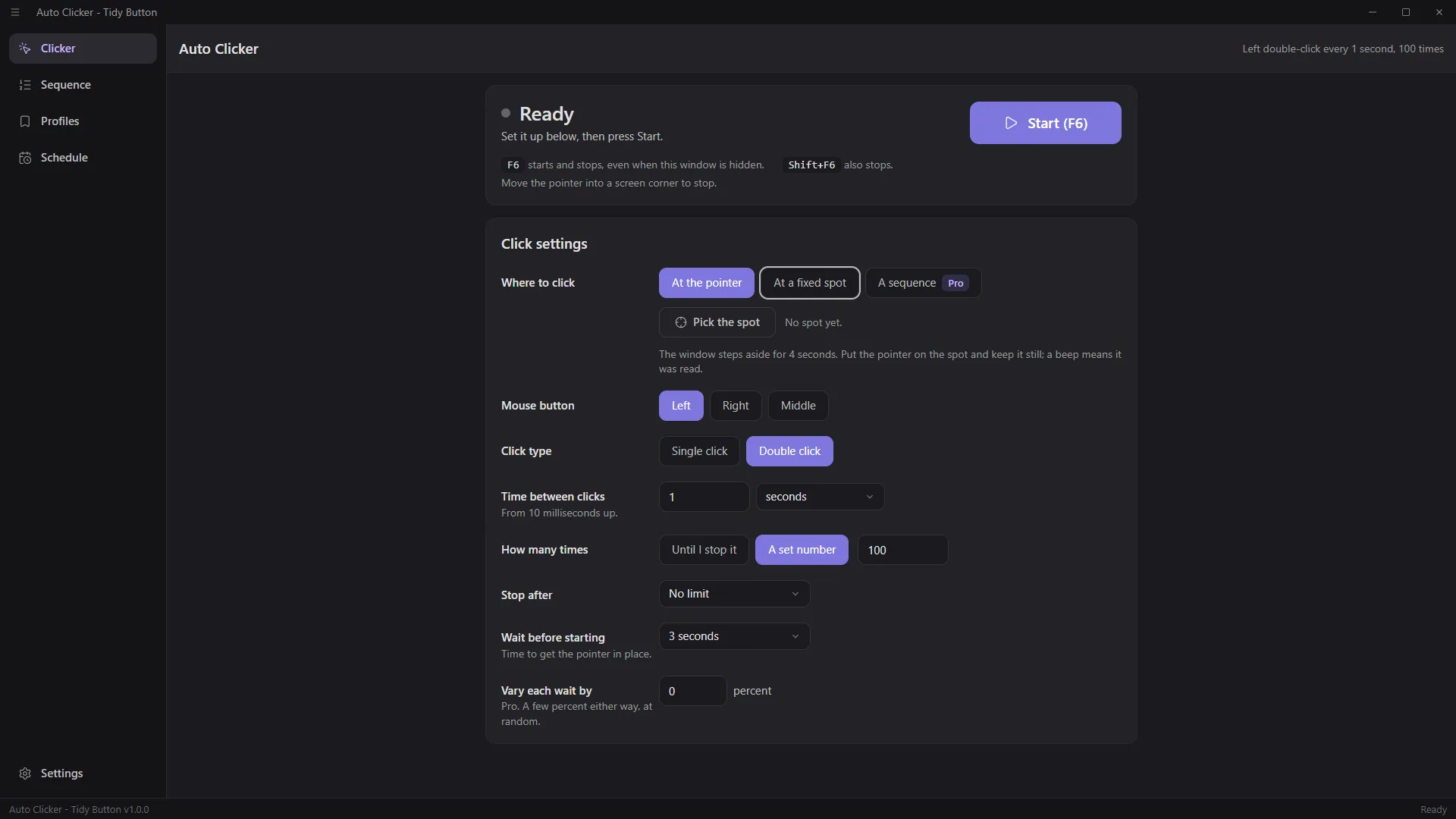
Click at the pointer or at a fixed spot, with a double click, a set number of times and a wait before starting. Settings are remembered
Free limit
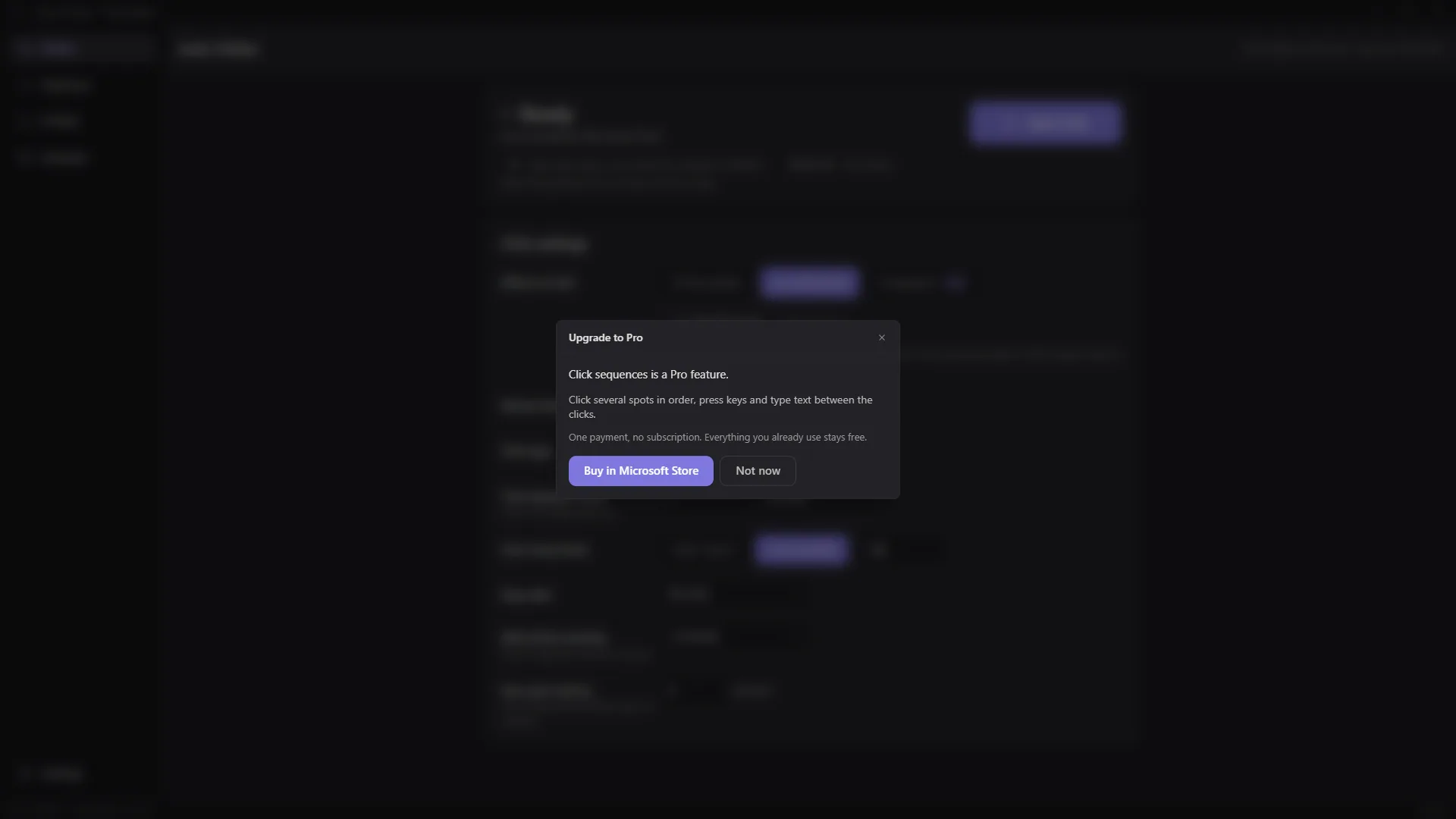
Everything for everyday clicking is free. Sequences are part of the optional one-time Pro add-on
Sequence
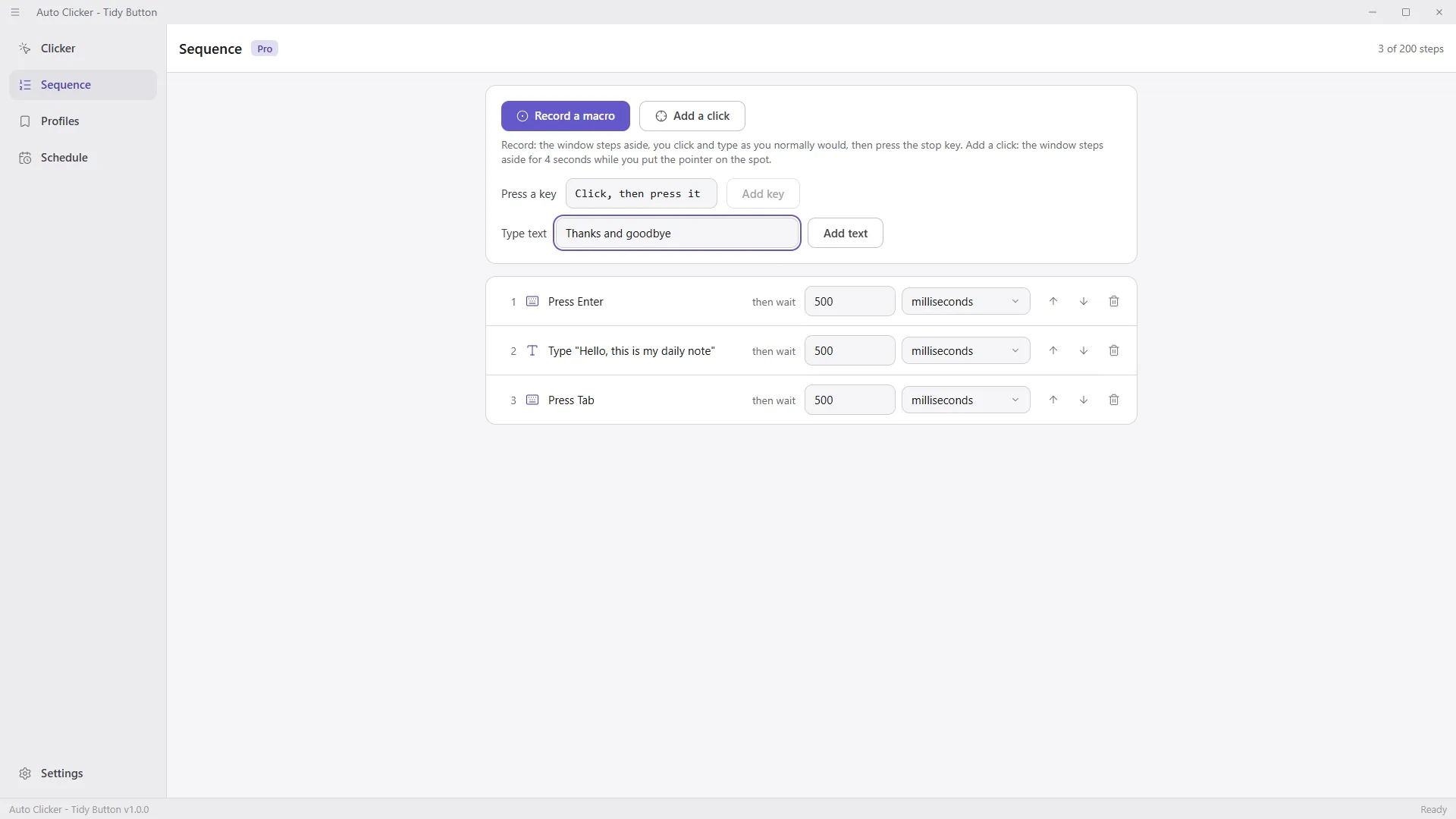
Pro sequences click, press keys and type text in order, with a wait after each step. Record a macro or add steps by hand
Profiles
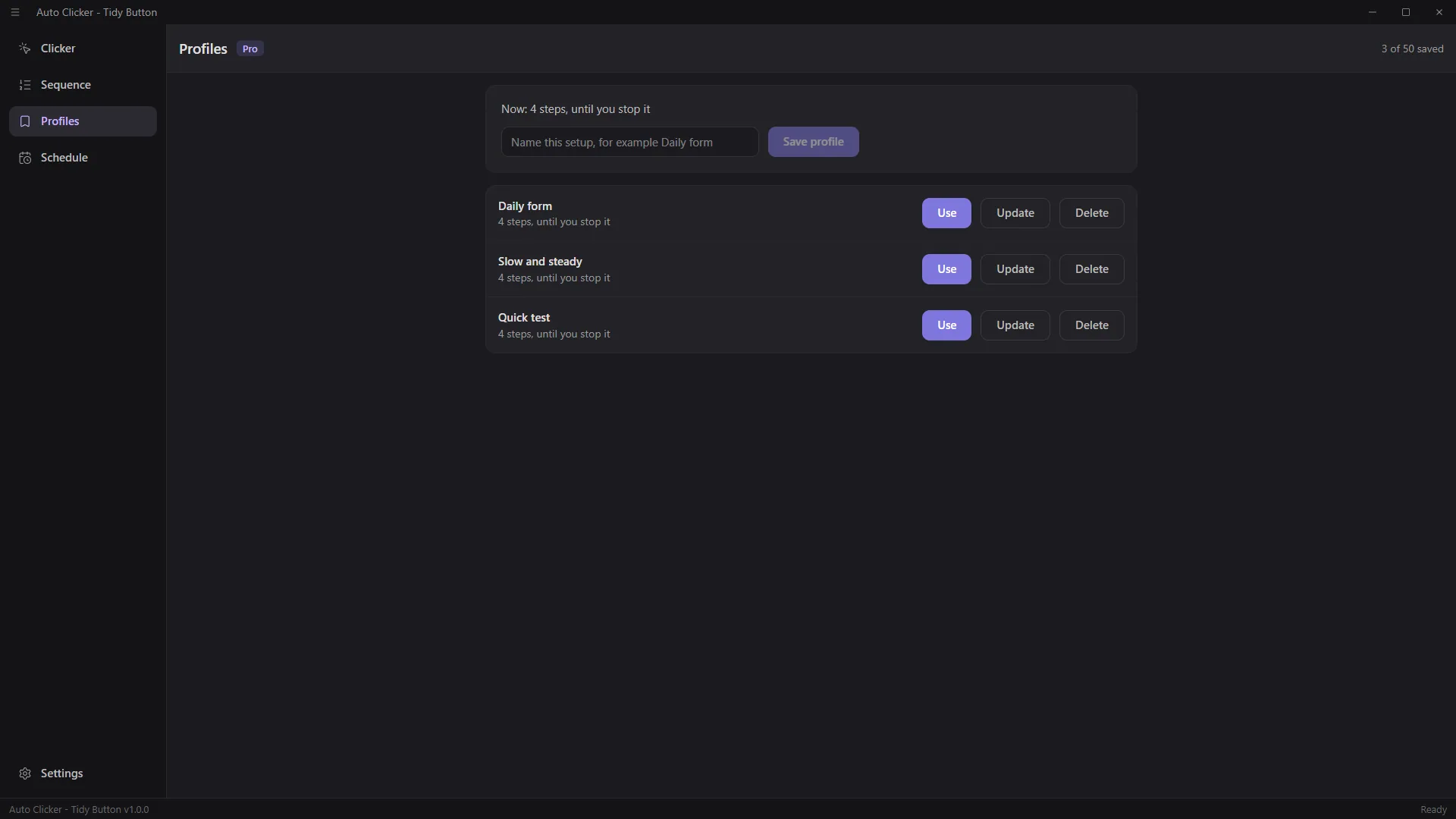
Pro profiles save a setup by name, up to 50, so a daily routine is one click away
Schedule
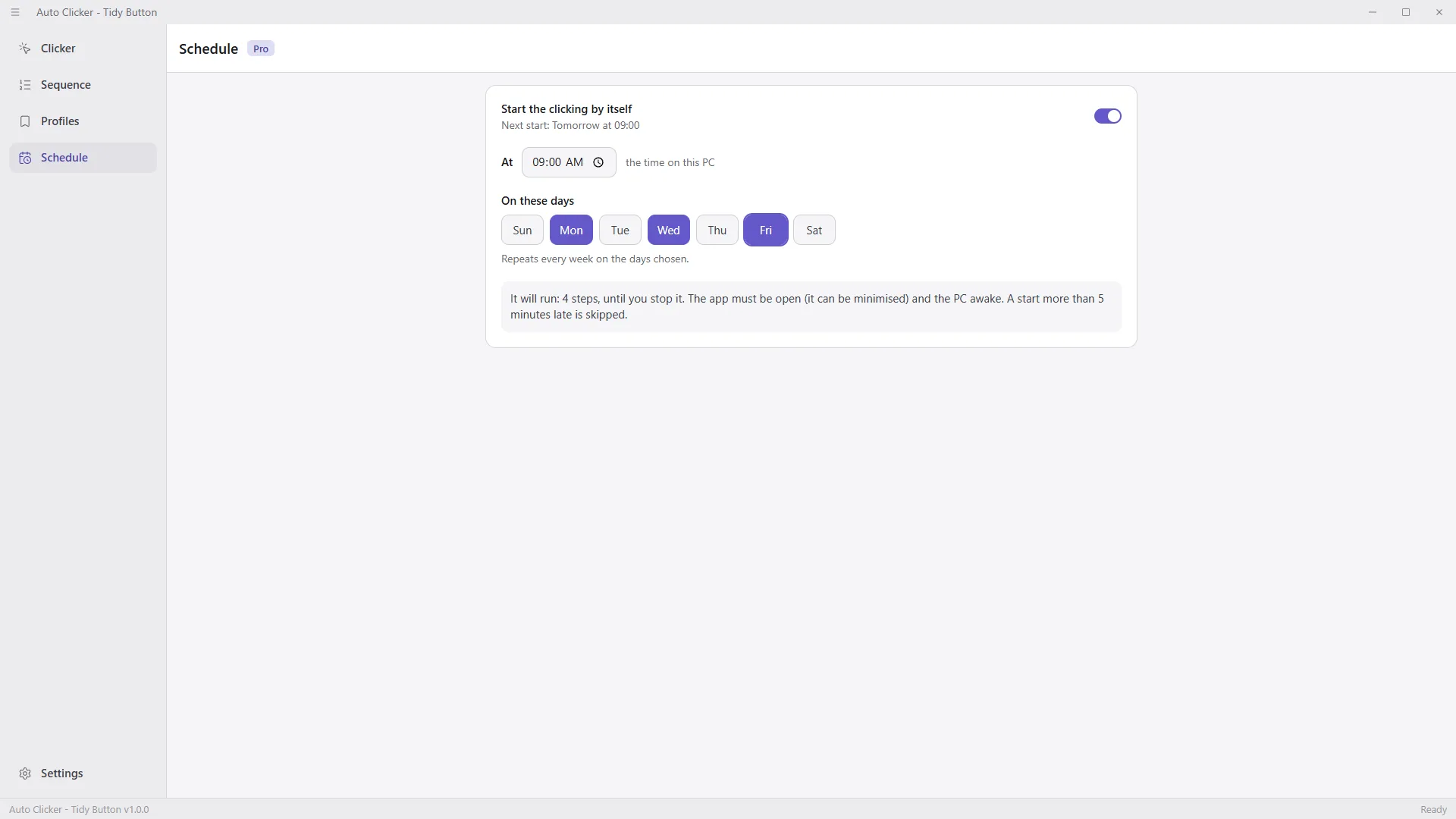
Pro scheduling starts the clicking by itself at a time of day, once or on the days you choose. The app must be open
Settings
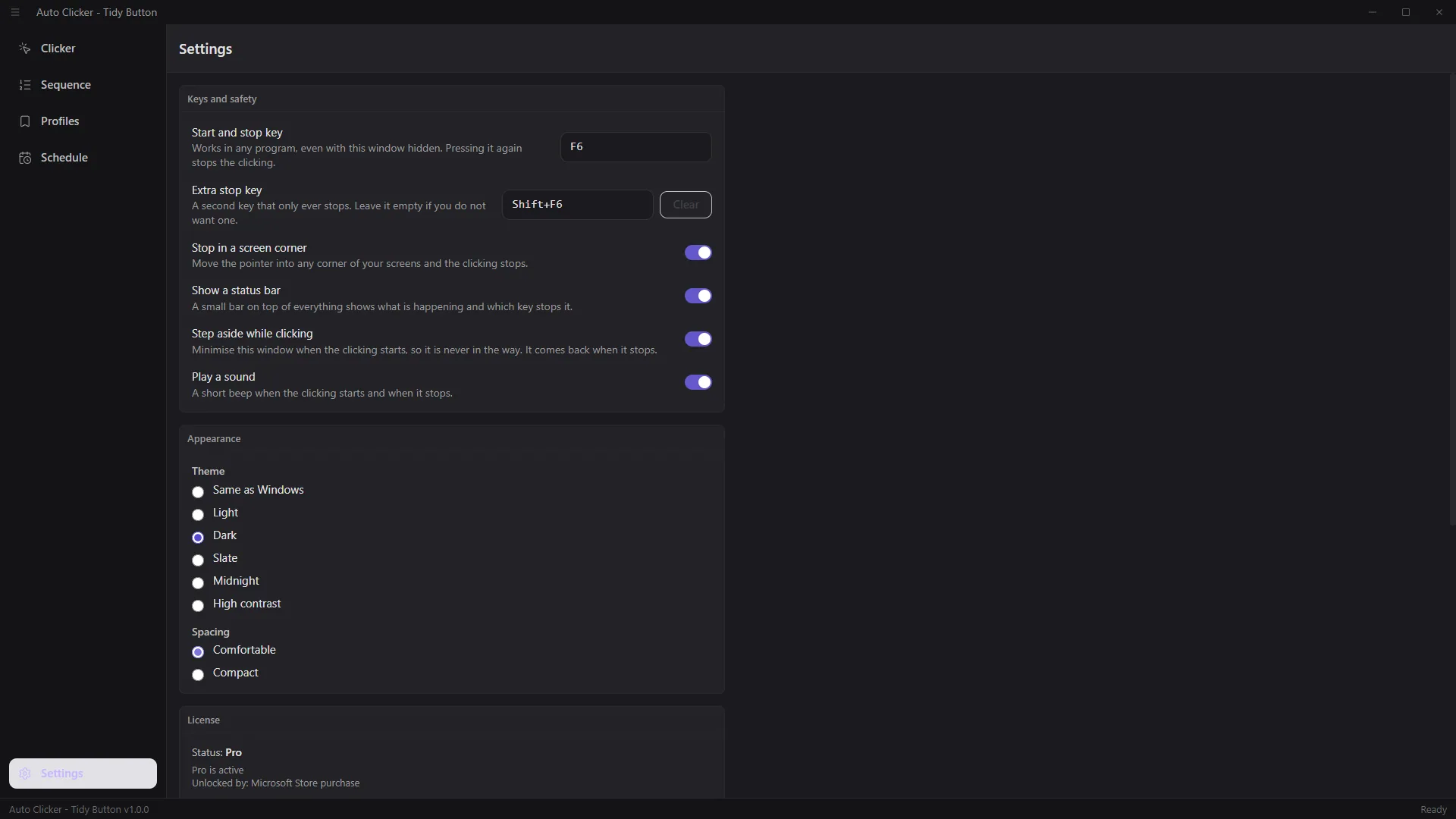
Pick your own start and stop keys, a screen-corner stop, a status bar, a sound and a theme. Nothing is uploaded
Screens show a demo folder, not a real PC. The app has light and dark themes.
What it does
What it does.
Auto Clicker clicks for you at the pointer or at a fixed spot, so you do not have to click the same place again and again. Choose the button, the timing and when to stop, then press one key to start and the same key to stop. It is made for repetitive work such as forms and testing. Everything stays on your PC, so it works with the internet turned off.
Click how you want
Left, right or middle button, as a single or double click, at the pointer or at a fixed spot.
Fine timing
From 10 milliseconds between clicks, until you stop, a set number of times, or for a time limit.
One key to start and stop
Press F6 from any program, even when the window is hidden. Choose your own key and an extra stop key.
Stays in control
Move the pointer into a screen corner to stop. A status bar and an optional sound tell you what is happening.
Sequences (Pro)
Several clicks, key presses and typed text in order, up to 200 steps, or record a macro.
Profiles (Pro)
Save up to 50 named setups and switch between them in one click.
Random timing (Pro)
Vary each wait by a few percent so the rhythm is not exact.
Scheduling (Pro)
Start the clicking by itself at a time of day, once or on chosen days.
The small print, in plain English
Safe by design.
- Clicks only happen after you press Start, and one key always stops them.
- Your settings, profiles and schedule stay on your PC.
- Pro is one payment, no subscription. Everything free stays free.
- Works offline. No account. No ads. No tracking.
Good for
Handy when it is the same click.
- Repeating the same click in a form
- Testing a page or a program
- A short routine of clicks, keys and text
- Easing repeated clicking
Questions
Plain answers.
How do I stop it?
Press the same key you started with (F6 by default), press the extra stop key, or move the pointer into a screen corner. It also stops by itself after the count or the time limit you set.
Is anything uploaded?
No. Your settings, profiles and schedule stay on your PC and the app works with the internet turned off.
Will it work in every program?
It sends ordinary mouse clicks. Some programs and websites do not allow automatic clicking, so please use it only where it is allowed.
What does Pro add?
Sequences of clicks, key presses and typed text, macro recording, up to 50 profiles, random timing and scheduling. It is one payment of $6.99.
Which versions of Windows does it run on?
Windows 10 and Windows 11.