Coming to the Microsoft Store
Framewright Draw it. Flip it. Share it.
A simple 2D animation studio: pressure pens, onion skin, layers and a timeline. GIF, MP4 or PNG, no watermark.
Not on sale yet. The app is still being built.
We will link the Store listing here the day it is live. Until then there is nothing to download.
- Works offline
- No account, no ads, no tracking
- No watermark
- Free
See it
Eight views. One frame at a time.
Start
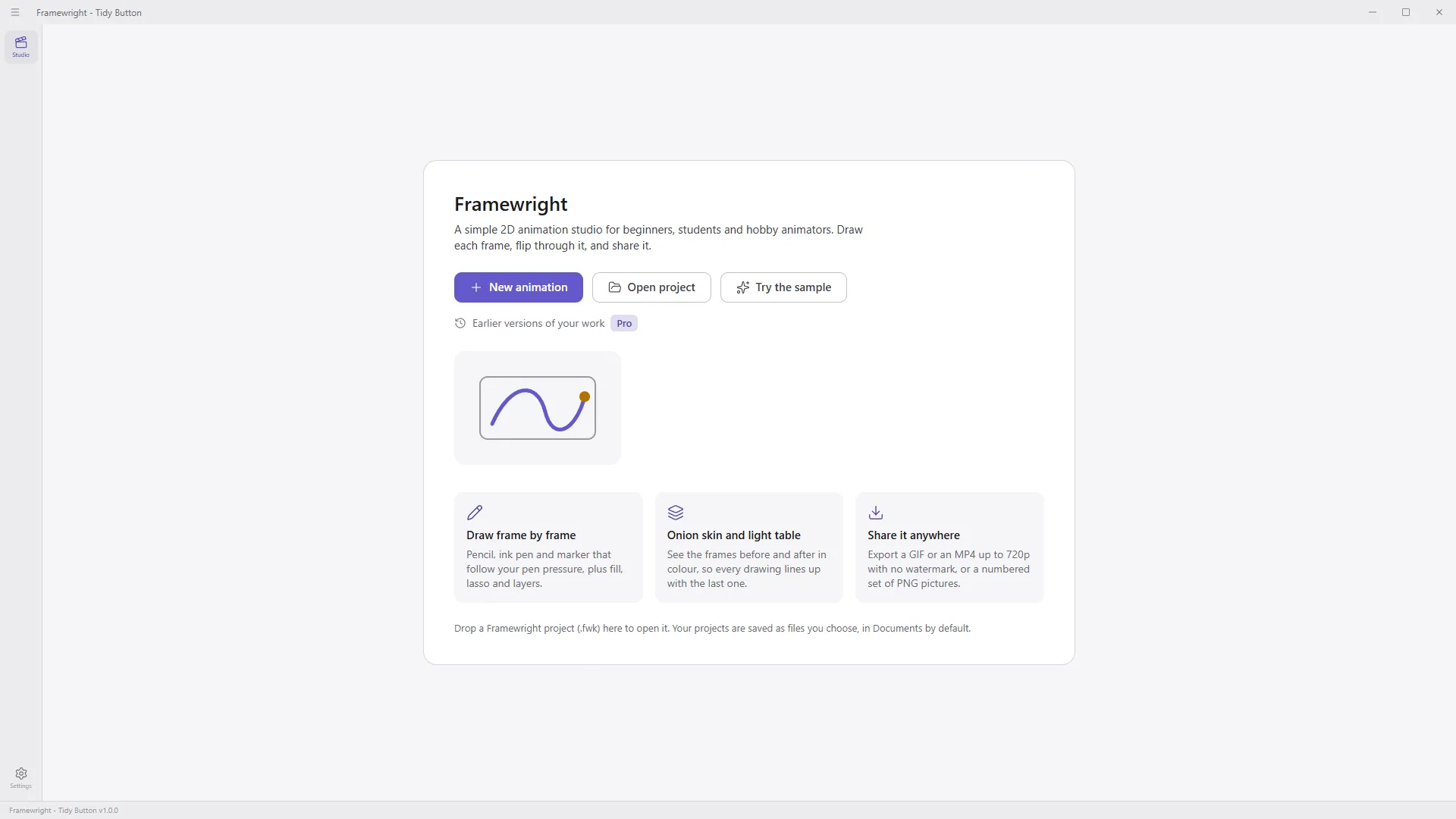
Start a new animation, open a project, or try the sample. Nothing is uploaded and nothing is watermarked
Studio
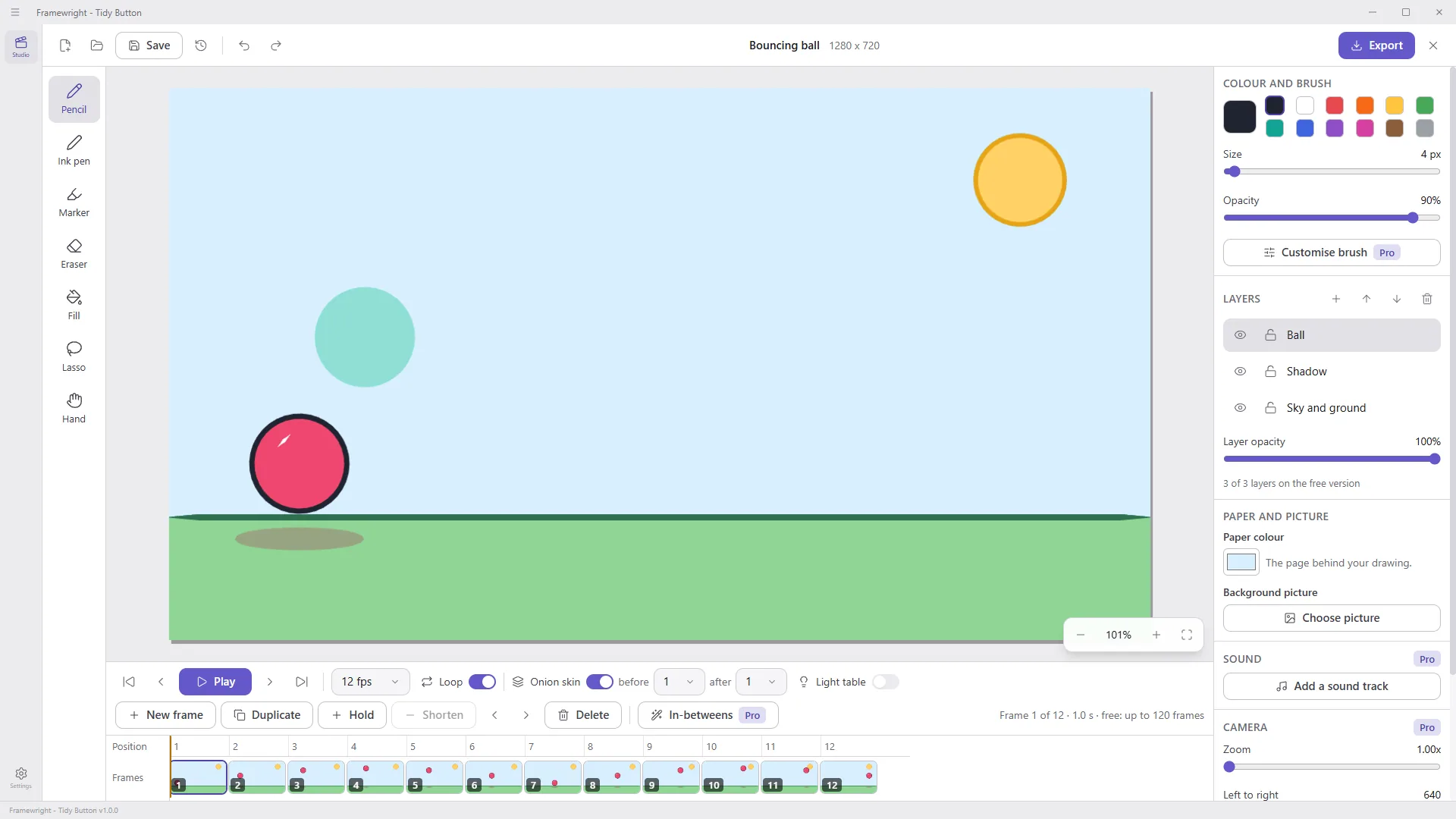
Draw on the canvas, line up frames on the timeline and press Play. The tool rail, layers and colours are always at hand
Onion skin
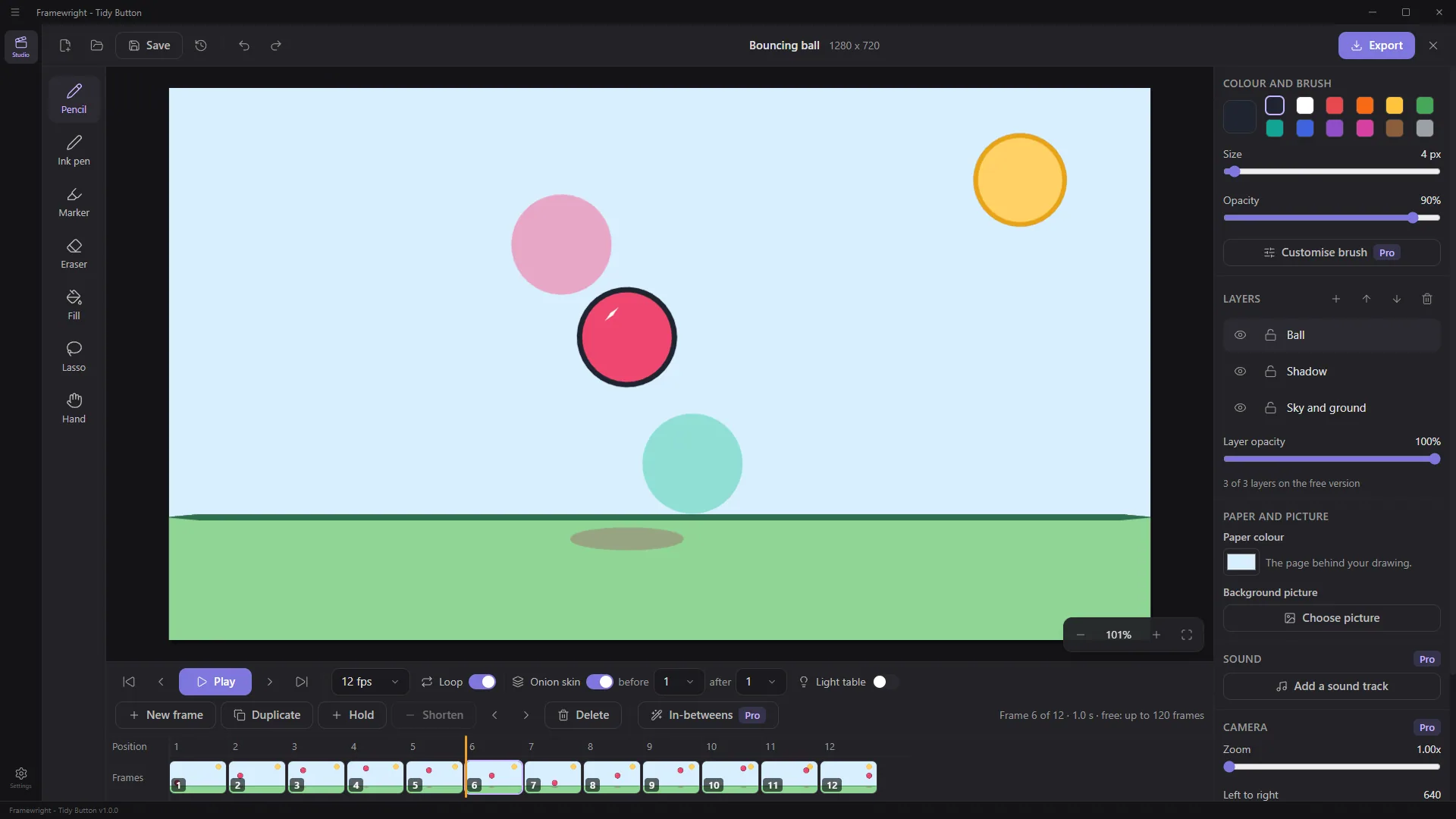
Onion skin shows the frames before and after in colour, so every drawing lines up with the last one
Export
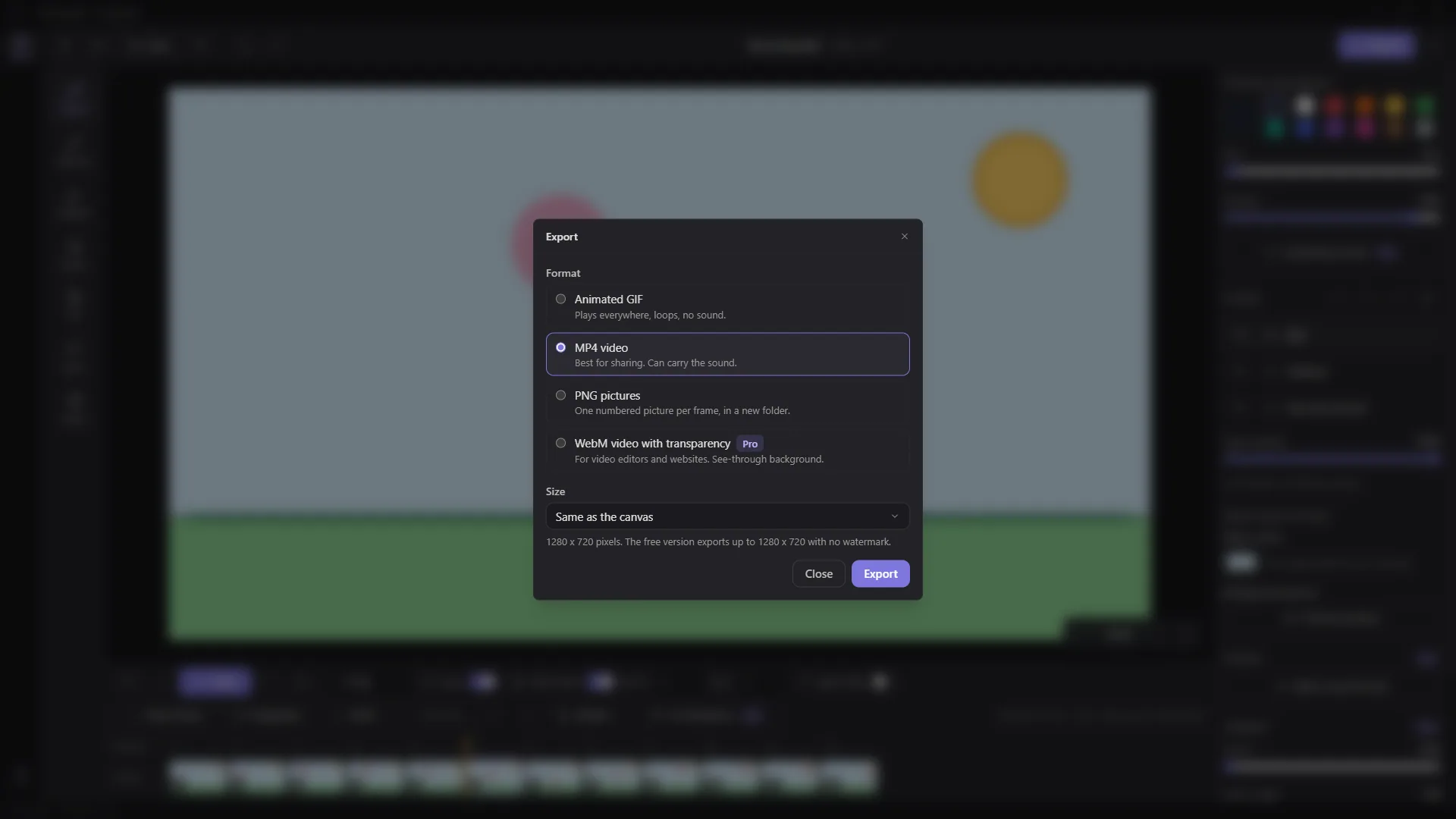
Export a GIF, an MP4 video or a set of PNG pictures up to 720p with no watermark. Transparent WebM is part of Pro
Free limit
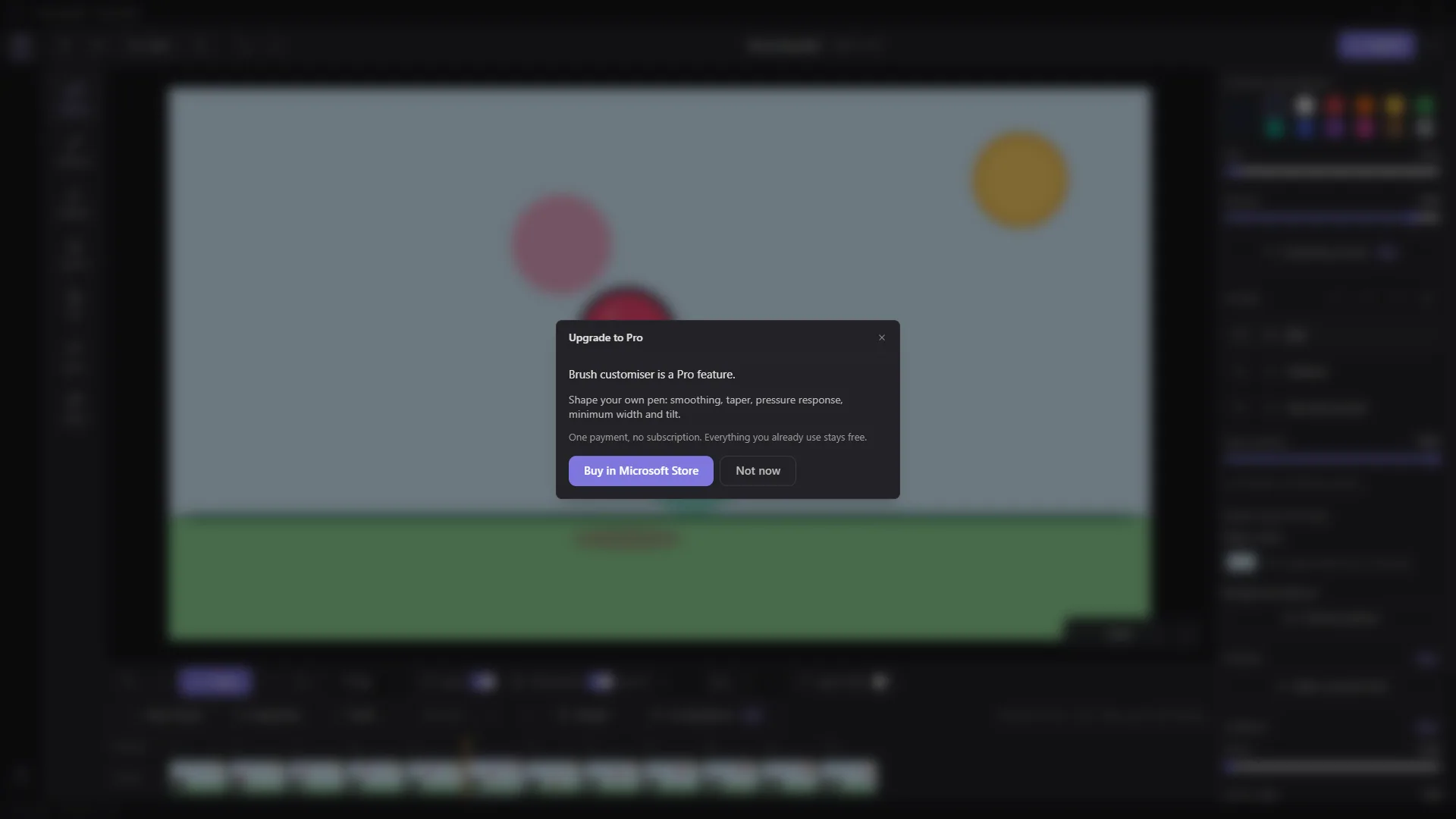
The free app is a full animation studio. Extras such as the brush customiser come with the optional one-time Pro add-on
New animation
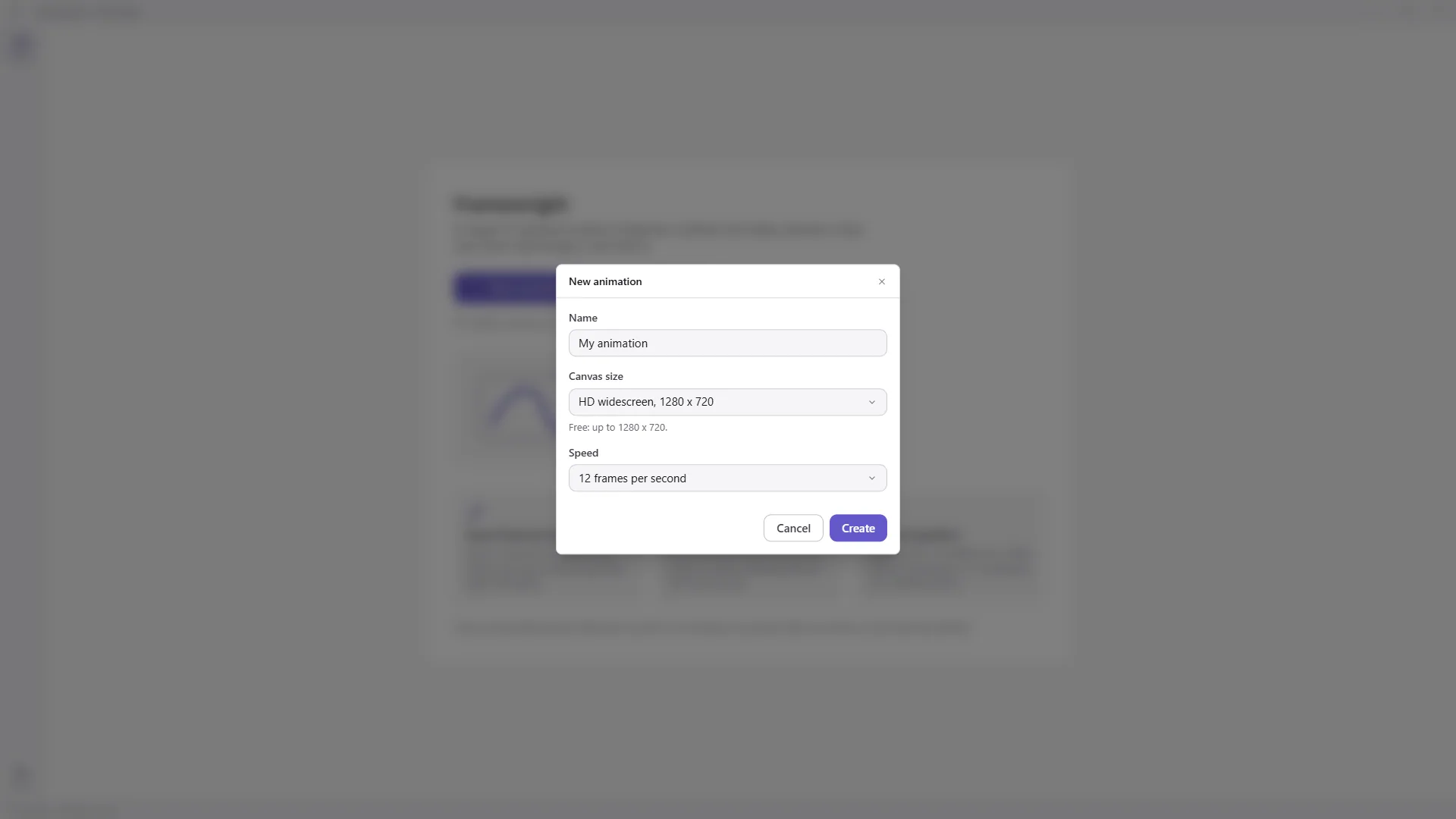
Pick a name, a canvas size and a speed. Free canvases go up to 1280 x 720; Pro adds 1080p and 4K
In-betweens
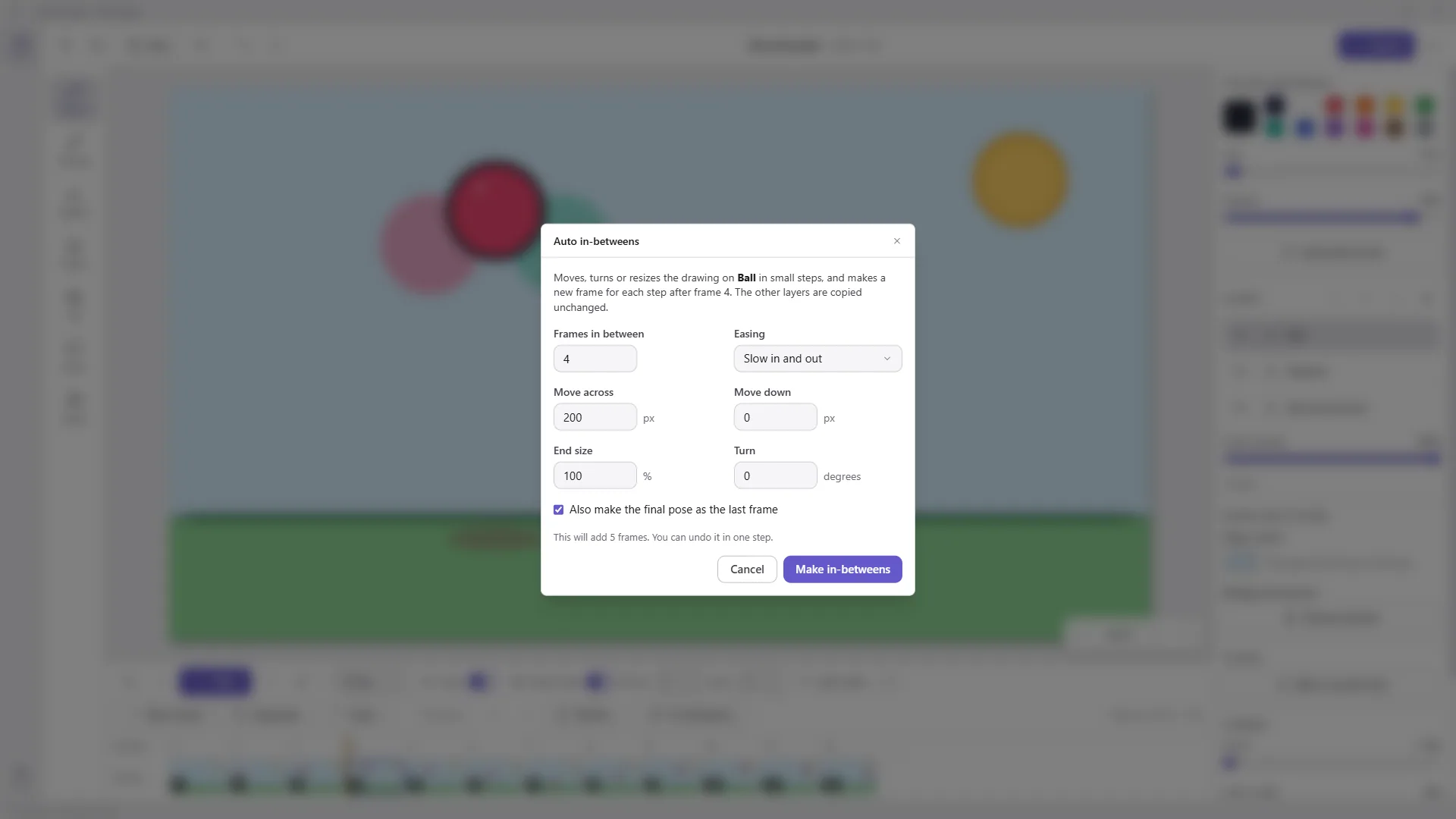
Pro automatic in-betweens move, resize or turn a drawing in small steps and add the frames between two poses for you
Settings
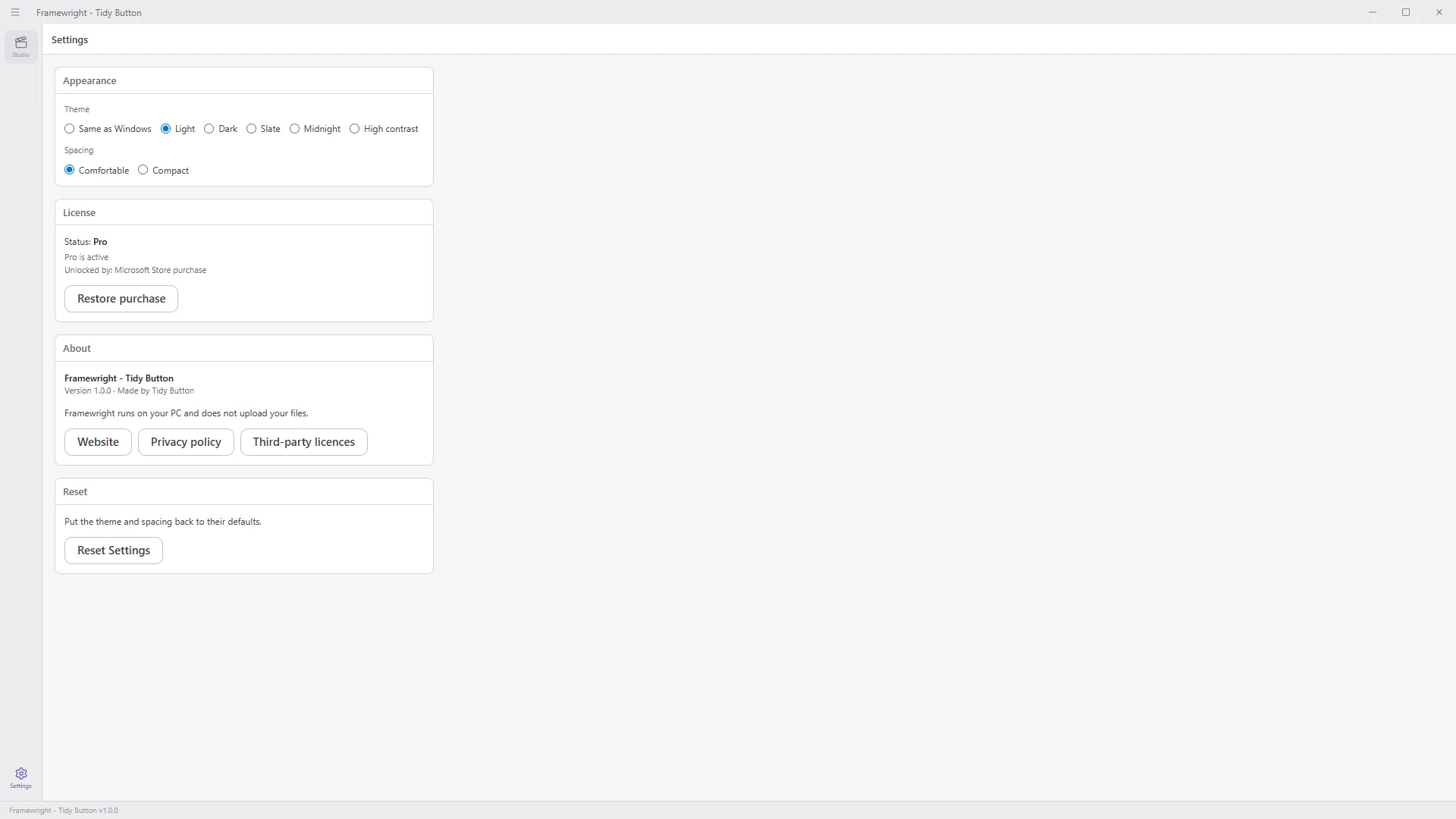
Choose a light, dark or high contrast theme and see your licence. Framewright runs on your PC and does not upload your files
Screens show a demo folder, not a real PC. The app has light and dark themes.
What it does
What it does.
Framewright is a simple 2D animation studio for beginners, students and hobby animators. Draw each frame with a mouse or a pen tablet, flip through your animation and share it as a GIF or a video. Onion skin and a light table help every drawing line up with the last one. Your drawings stay on your PC, so it works with the internet turned off.
Pen that follows you
Pencil, ink pen and marker follow your pen pressure, with size and opacity. Eraser, fill and lasso too.
Layers
Show, hide, lock, rename and reorder layers and set the opacity of each. Three layers in the free version.
Onion skin and light table
See the frames before and after in colour so every drawing lines up with the last one.
A real timeline
Add, duplicate, hold, shorten and delete frames. Up to 120 frames free. Play at 6 to 30 frames a second.
Share anywhere
Export a GIF, an MP4 or a numbered set of PNG pictures up to 720p with no watermark.
Try the sample
Open a bouncing ball that you can play, change and learn from.
Sound and in-betweens (Pro)
Add a sound track with a waveform, and let the app make the frames between two poses.
1080p and 4K (Pro)
Bigger canvases and export, more layers and frames, and transparent PNG and WebM.
The small print, in plain English
Safe by design.
- Nothing is uploaded. Your drawings stay on your PC.
- No watermark on anything you export, in the free version too.
- Pro is one payment, no subscription. Everything free stays free.
- Works offline. No account. No ads. No tracking.
Good for
Handy when you want it to move.
- Learning to animate
- A short film for school
- Making a small animated picture
- Hobby animation with a pen tablet
Questions
Plain answers.
Is there a watermark?
No. Nothing you export is watermarked, in the free version too.
Is anything uploaded?
No. Your drawings stay on your PC and the app works with the internet turned off.
What are the free limits?
A canvas up to 1280 x 720, 3 layers and 120 frames, with export up to 720p. Pro lifts these limits.
Can I use a pen tablet?
Yes. Pencil, ink pen and marker follow your pen pressure. A mouse works too.
What does Pro add?
1080p and 4K canvases and export, more layers and frames, a sound track, transparent PNG and WebM, camera keys, a brush customiser, in-betweens and autosave with earlier versions. It is one payment of $14.99.
Which versions of Windows does it run on?
Windows 10 and Windows 11.