We will link the Store listing here the day it is live. Until then there is nothing to download.
Real app, with invented sample clips.
Works offline
No account, no ads, no tracking
No watermark
Free
See it
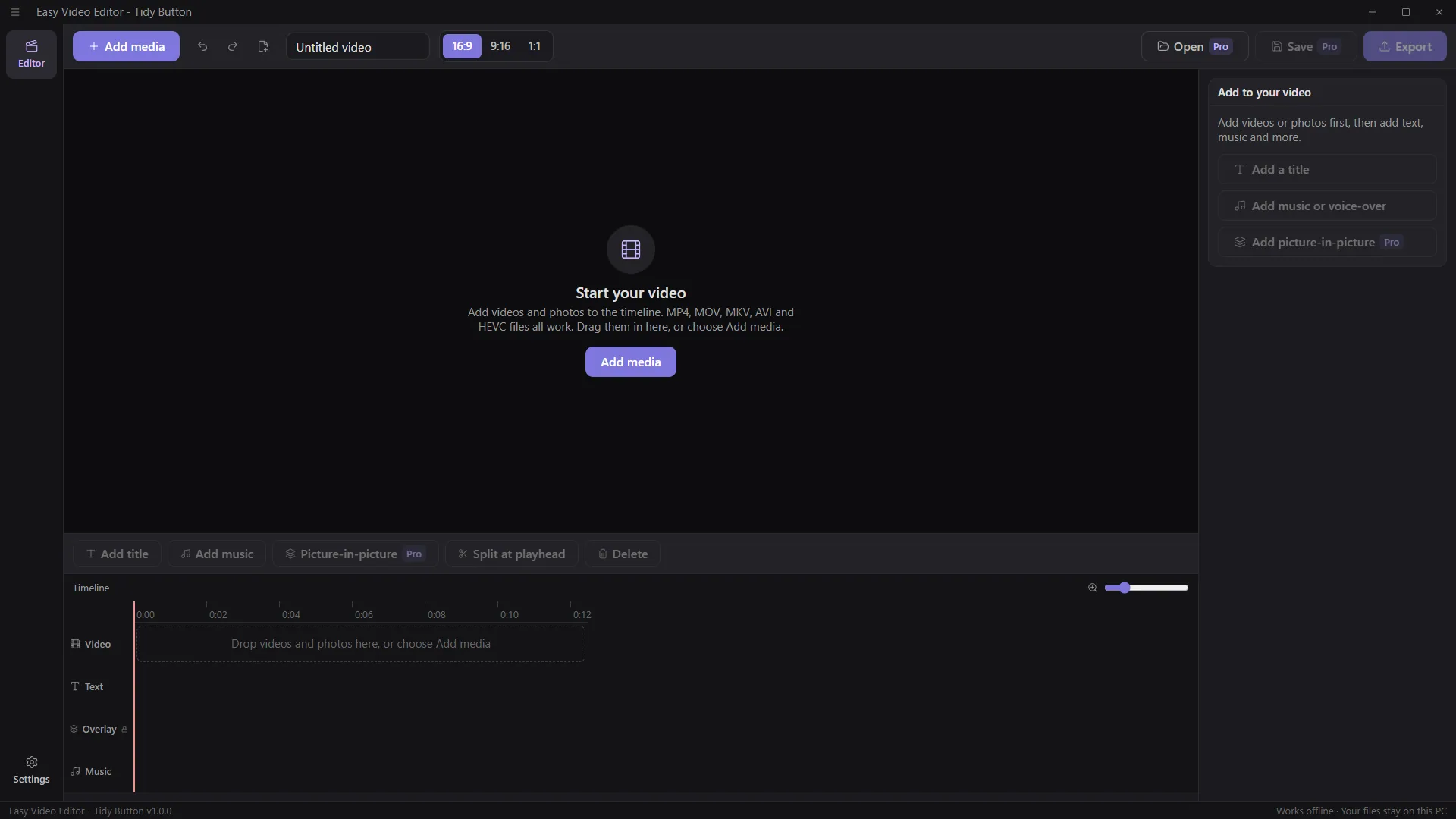
Seven views. One video, made.
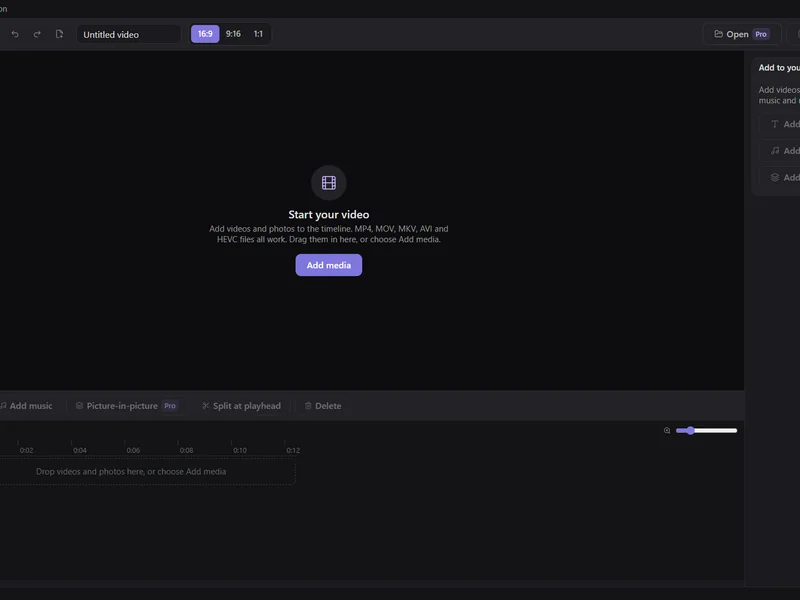
Start
Start by adding videos and photos. MP4, MOV, MKV, AVI and HEVC all open
Timeline
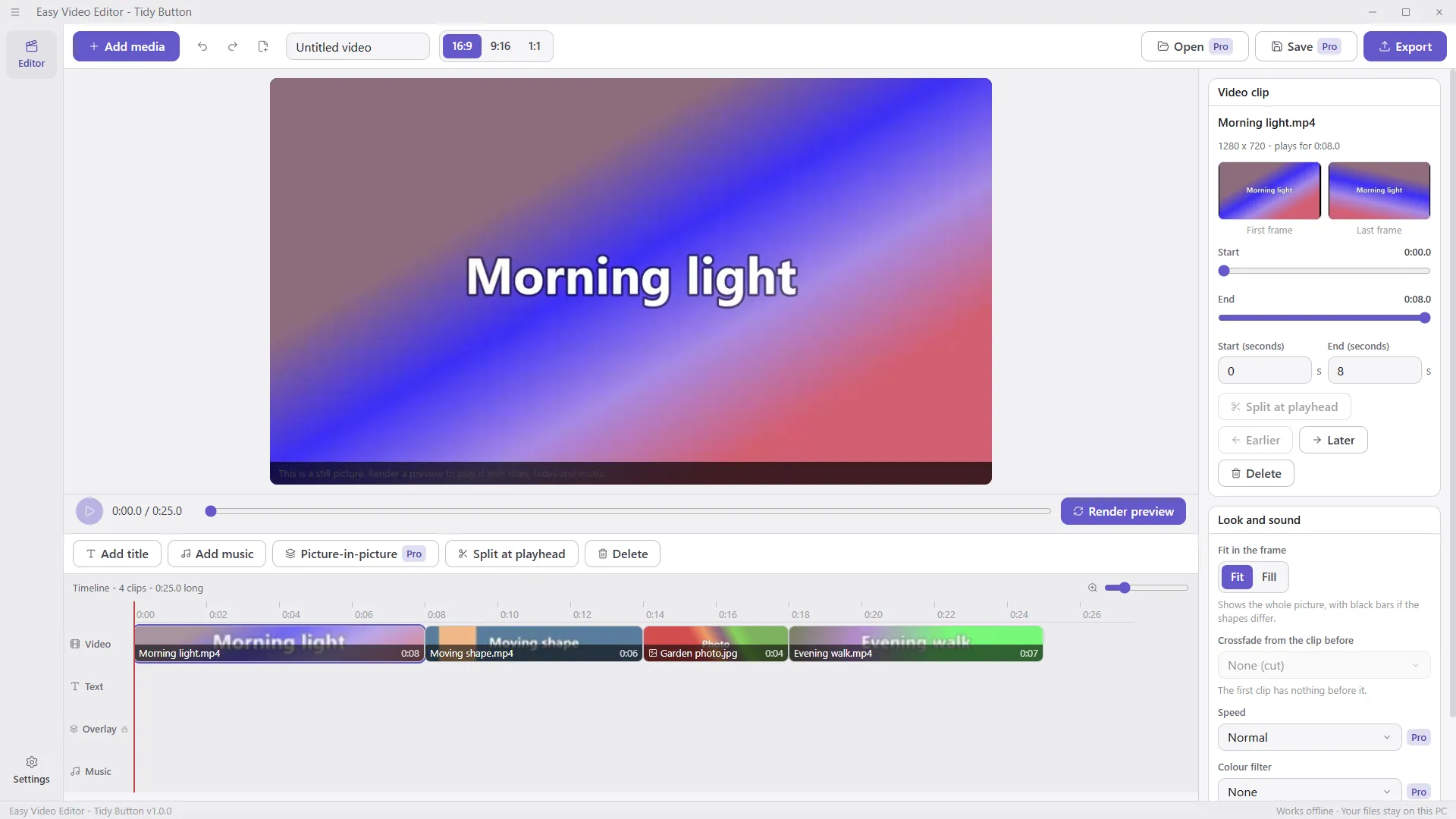
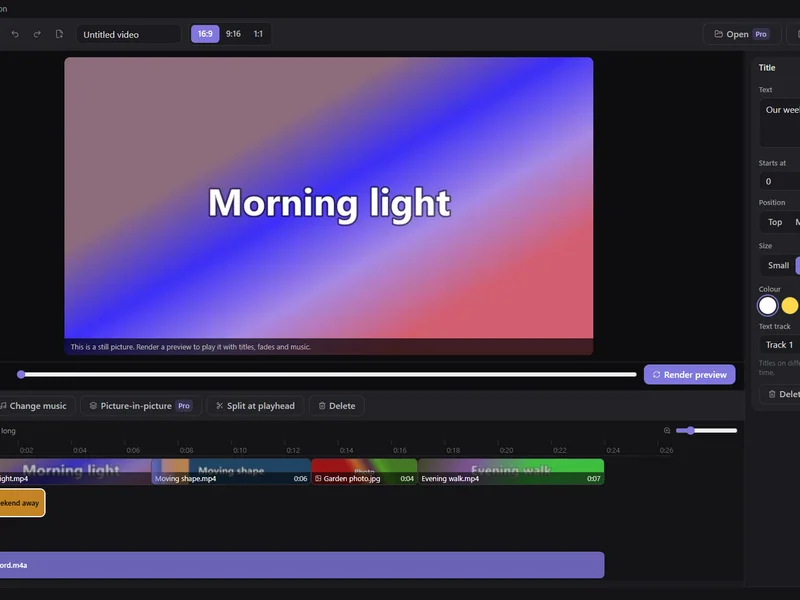
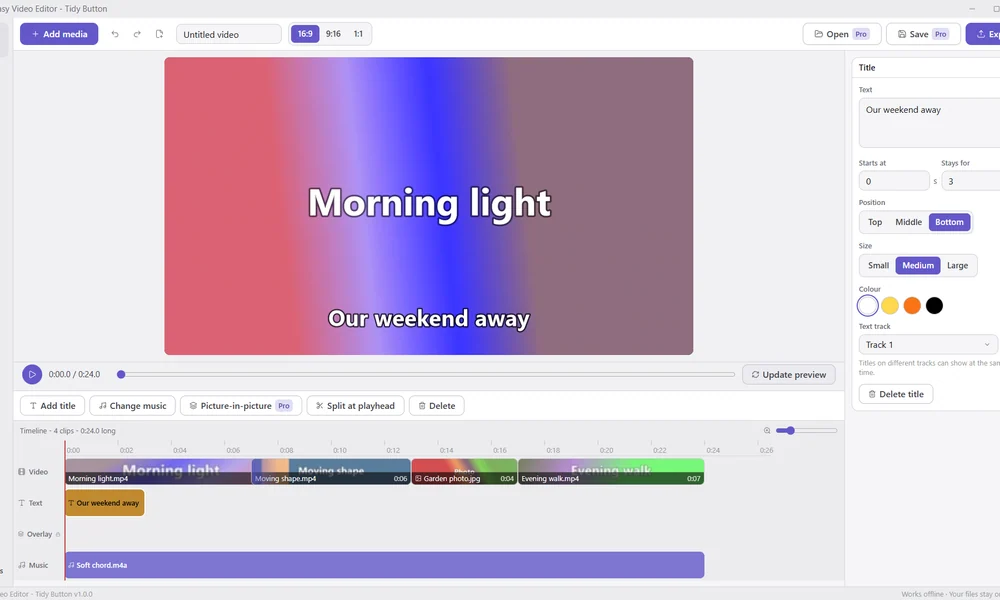
Clips and a photo on one timeline: trim, split, reorder, delete, undo and redo
Title and music
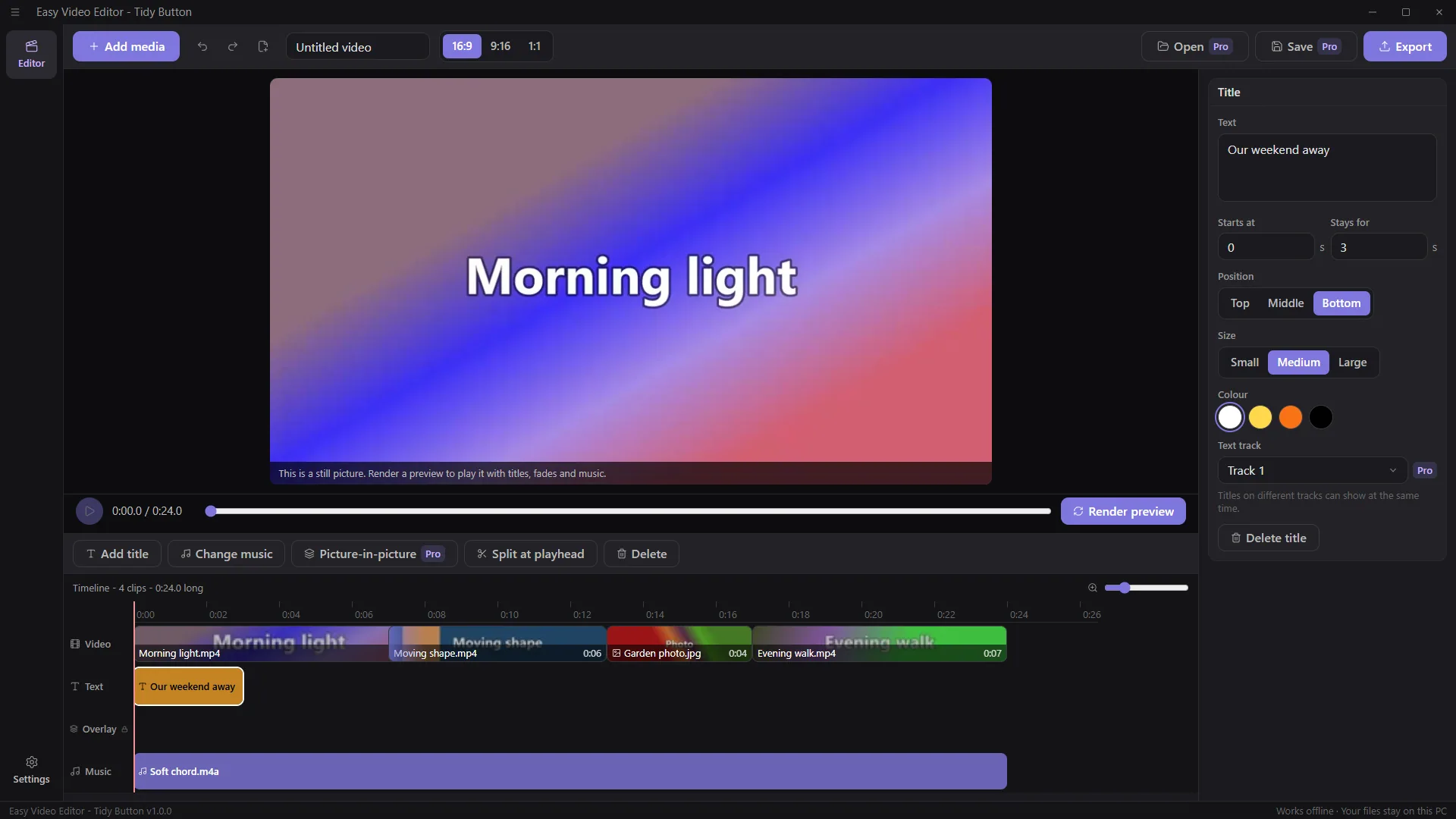
Add a title and a music track, and choose when the words show and how they look
Preview
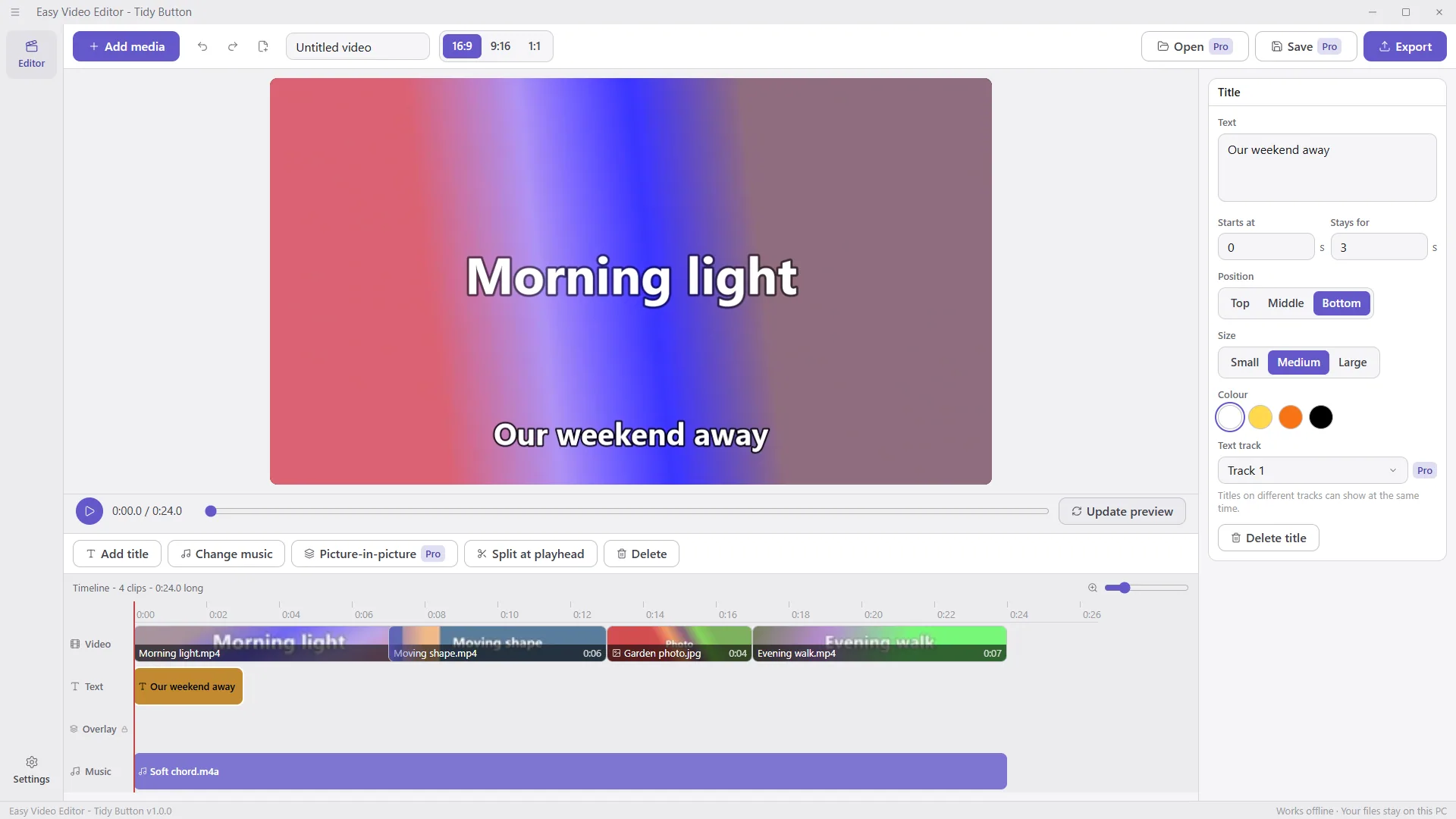
Render a preview and play it in the window before you save anything
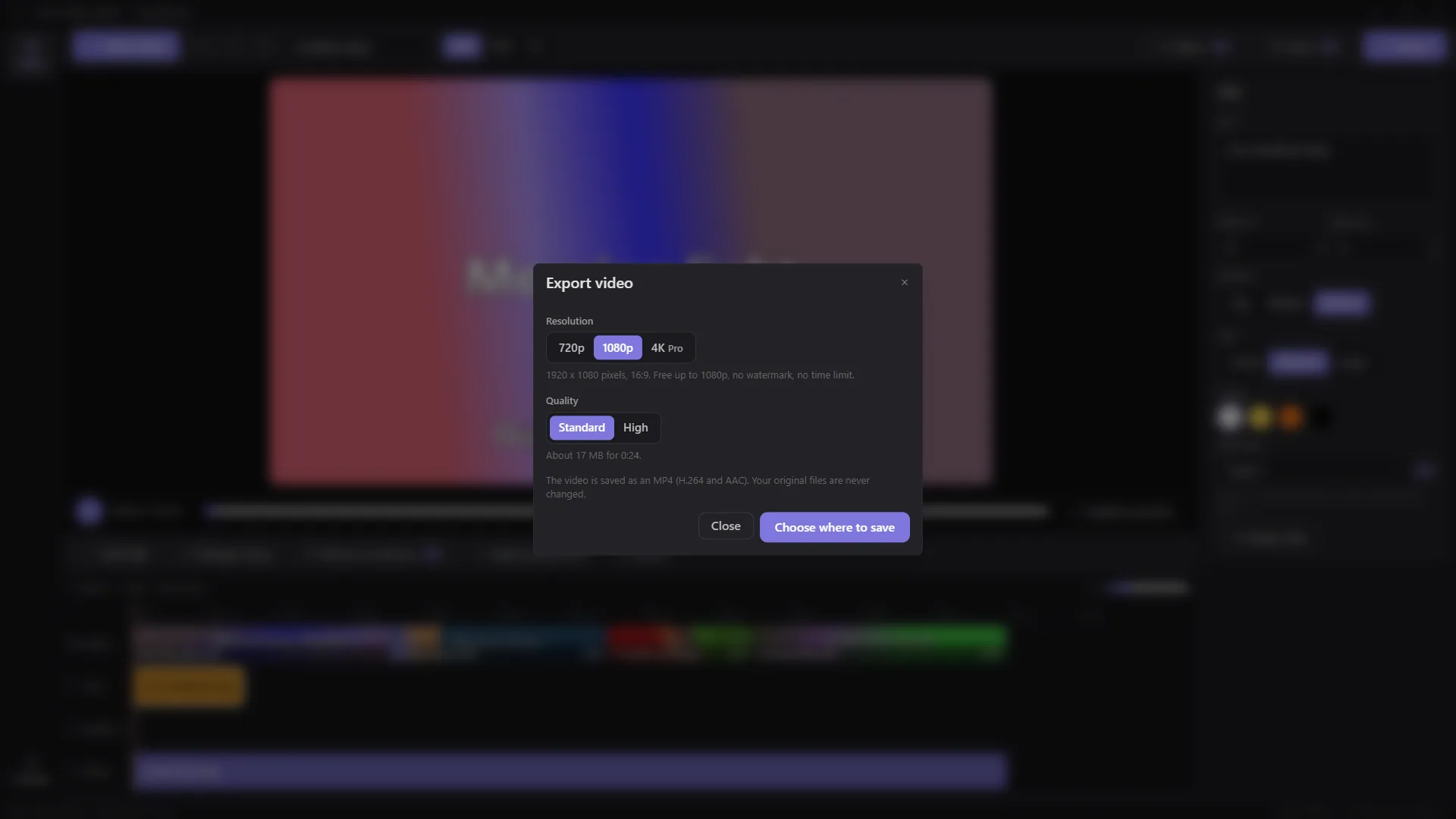
Export
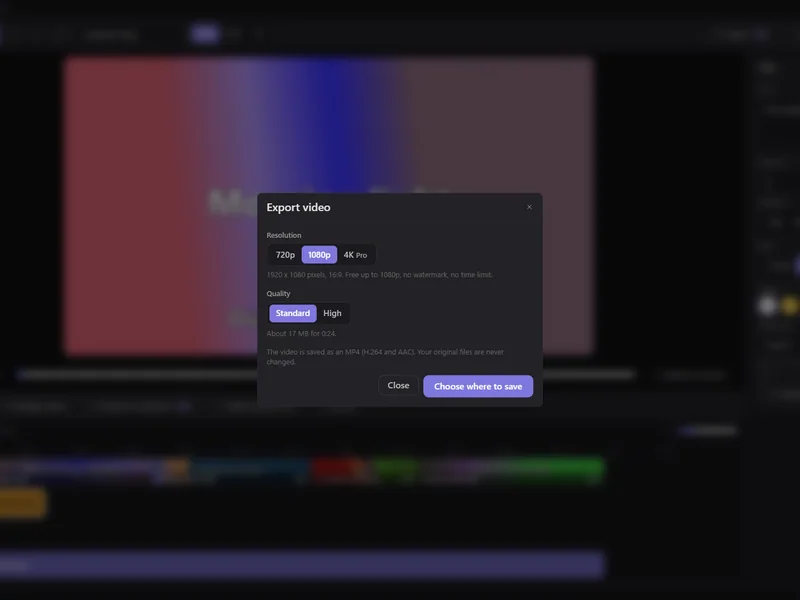
Export an MP4 at 720p or 1080p. Free means no watermark and no time limit
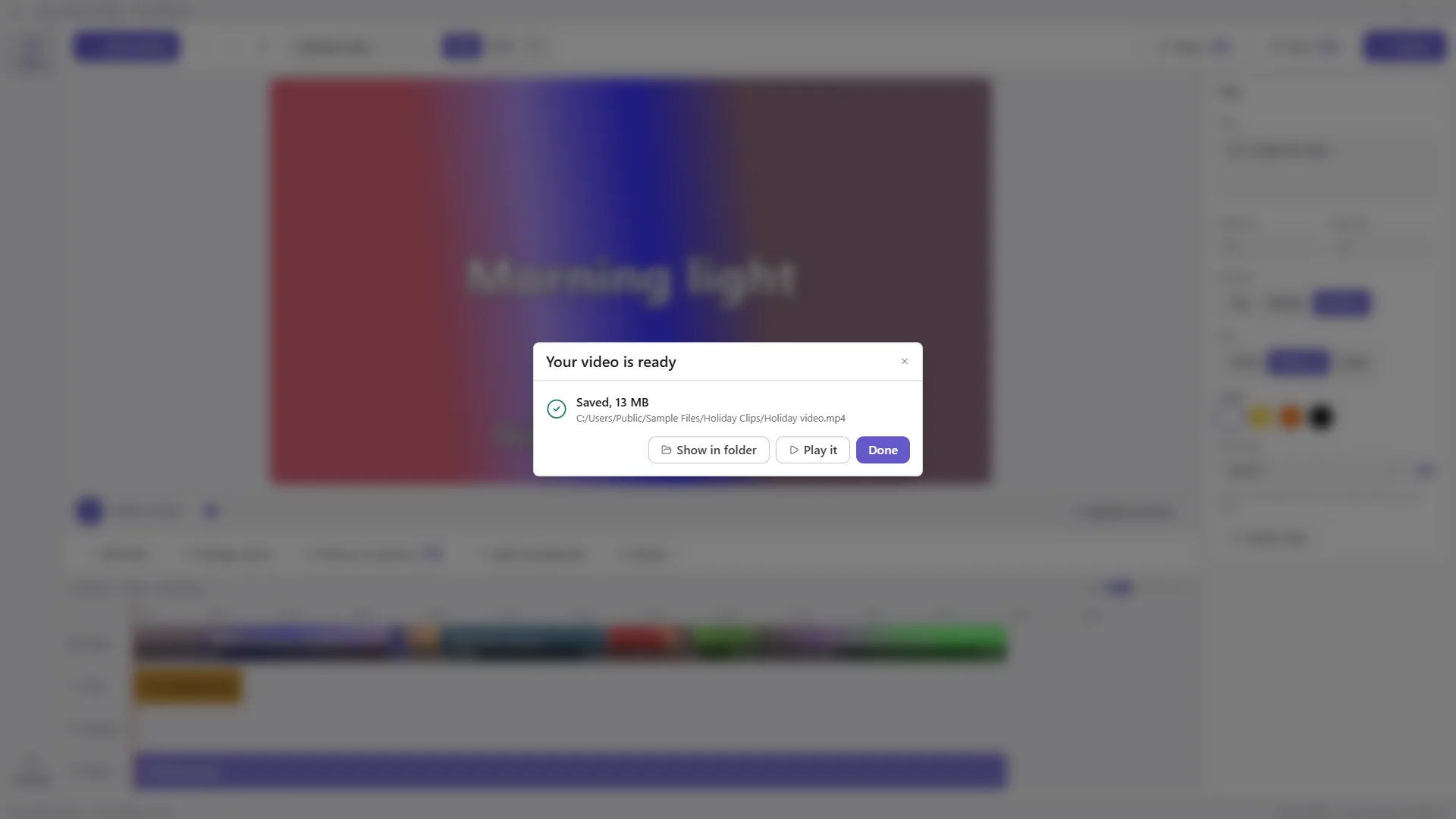
Saved
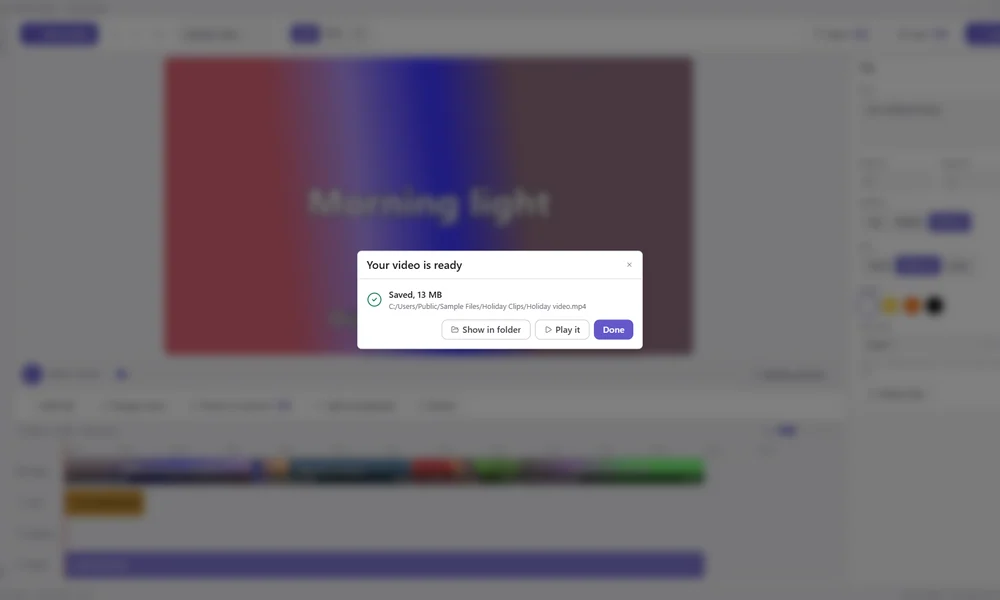
A clear message when the MP4 is saved, with Show in folder and Play it
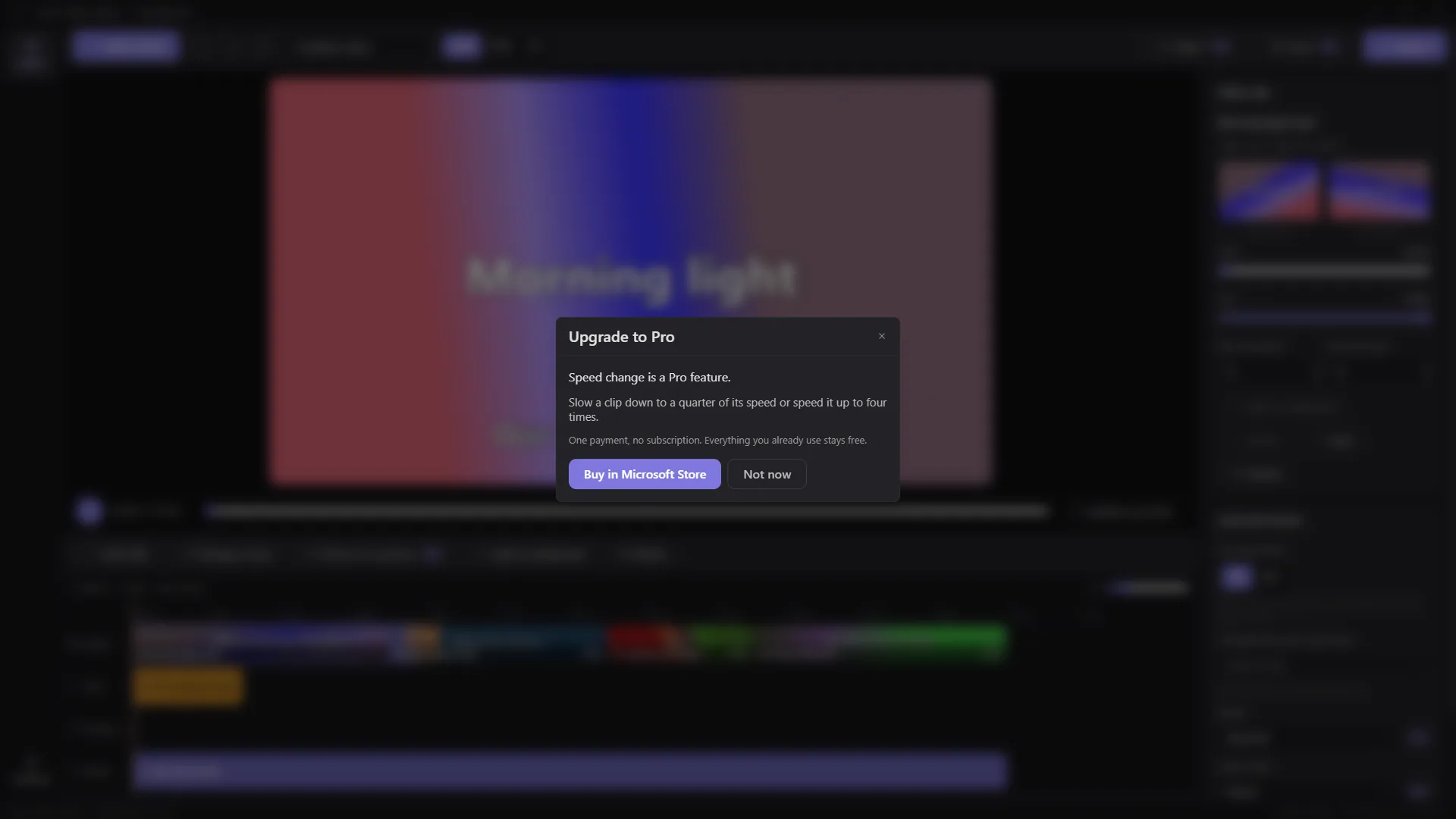
Pro option
Pro options ask before they open: one payment, no subscription
Screens show invented sample clips made of colour gradients and shapes, not real footage. The app has light and dark themes.
How it works
Three steps. No manual.
01
Add your clips
Use Add media, or drop videos and photos on the window. They line up on the timeline.
02
Trim and add
Trim and reorder the clips, then add a title and some music.
03
Preview and export
Render a preview, then press Export and save an MP4.
What it does
What it does.
Put your clips and photos on a timeline, trim them, add a title and a music track, then press Export. The free version saves a clean MP4 at up to 1080p, with no watermark and no time limit. Everything happens on your PC. The video engine is part of the app, so it works with the internet turned off.
One simple timeline
Add MP4, MOV, MKV, AVI and HEVC video and photos. Trim, split at the playhead, drag clips into a new order, delete, and undo or redo every step.
Titles
Type the words, choose when they appear and for how long, the position (top, middle or bottom), the size and the colour.
Music or voice-over
Add one sound file with volume, fade in, fade out, a trim and a start time.
Crossfades and shapes
Blend one clip into the next for up to 2 seconds. Choose 16:9, 9:16 or 1:1, and Fit (with bars) or Fill (cropped) for each clip.
Preview before you save
Render a preview and play it in the window with titles, crossfades and music, or look at a still picture at the playhead.
Clean MP4 export
H.264 video and AAC sound at 720p or 1080p, with a progress bar and a Cancel button. No watermark, no time limit.
Plain messages
A file that cannot be opened is named with the reason, and the app carries on. Your original files are never changed.
Pro, if you want it
An optional one-time Pro add-on adds 4K export, extra text tracks, picture-in-picture, speed change, six colour looks, and saved projects with relinking.
The small print, in plain English
Safe by design.
Play the preview in the window with titles, crossfades and music before you save.
A clear message when the MP4 is saved, and your original files stay as they were.
Nothing is uploaded. Your videos are read on your PC and never leave it.
Your original files are never changed, moved or deleted.
Free exports at 720p and 1080p have no watermark and no time limit.
Works offline. No account. No ads. No tracking.
Pro is optional and one payment. Everything above stays free.
What is free
A clean export, for free.
The free version does the whole editing job and saves a video you can share.
Free up to 1080p, with no watermark and no time limit.
Export
No watermark
MP4 with H.264 video and AAC sound at 720p or 1080p.
Editing
All free
Trim, split, reorder, delete, undo and redo, with crossfades up to 2 seconds.
Titles
Free
One text track of titles that do not overlap, with position, size and colour.
Music
Free
One sound file with volume, fade in, fade out, trim and a start time.
Shapes
Free
16:9, 9:16 or 1:1, with Fit or Fill for each clip.
Pro
Optional, one payment
4K export, extra text tracks, picture-in-picture, speed change, colour looks, and saved projects.
The app carries its own video engine, so it does not need anything else installed.
Good for
Handy when a clip needs a trim.
A holiday or family clip
A school or club project
A short promo for a small shop
A vertical video for your phone
Questions
Plain answers.
Is anything uploaded?
No. Your videos are read on your PC and never leave it. The app works with the internet turned off.
Is there a watermark or a time limit?
No. The free version saves MP4 videos at 720p and 1080p with no watermark and no time limit.
Does it change my original files?
No. The video is saved as a new MP4 where you choose. Your clips and photos are never changed.
Which files can I add?
MP4, MOV, MKV, AVI and HEVC video, common photo formats, and a music or voice-over file. If a file cannot be opened, the app tells you why.
What does Pro add?
An optional one-time Pro add-on adds 4K export, extra text tracks so titles can overlap, picture-in-picture, speed change from 0.25x to 4x, six colour looks, and saving and reopening projects.
Does it need an account?
No. There is no account, no ads and no tracking. The only network use is the optional check of a Pro licence.