We will link the Store listing here the day it is live. Until then there is nothing to download.
Real app, with a traced sample picture.
Works offline
No account, no ads, no tracking
Free to start
SVG at true size
See it
Eight views. One cut file, drawn.
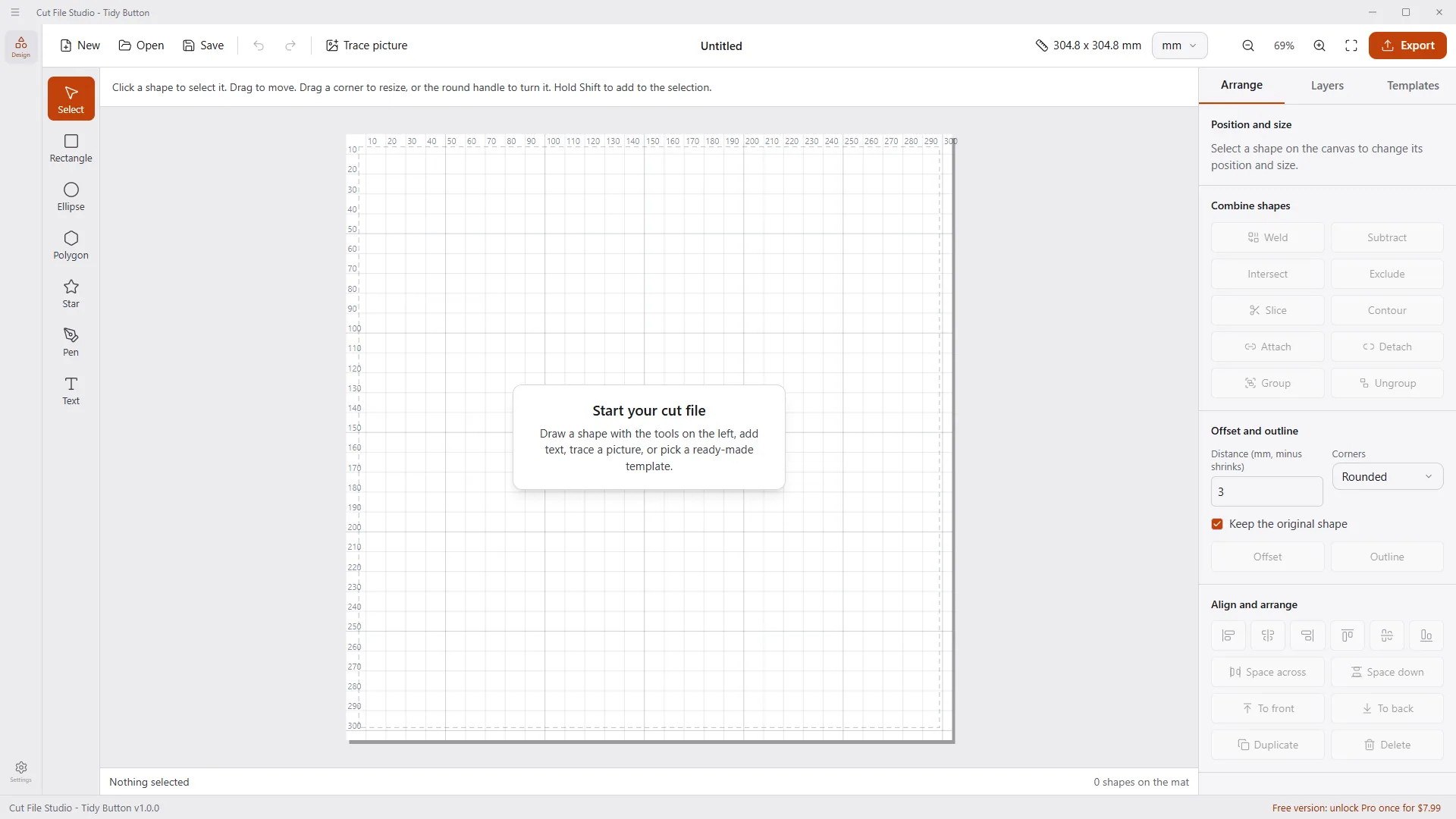
Start
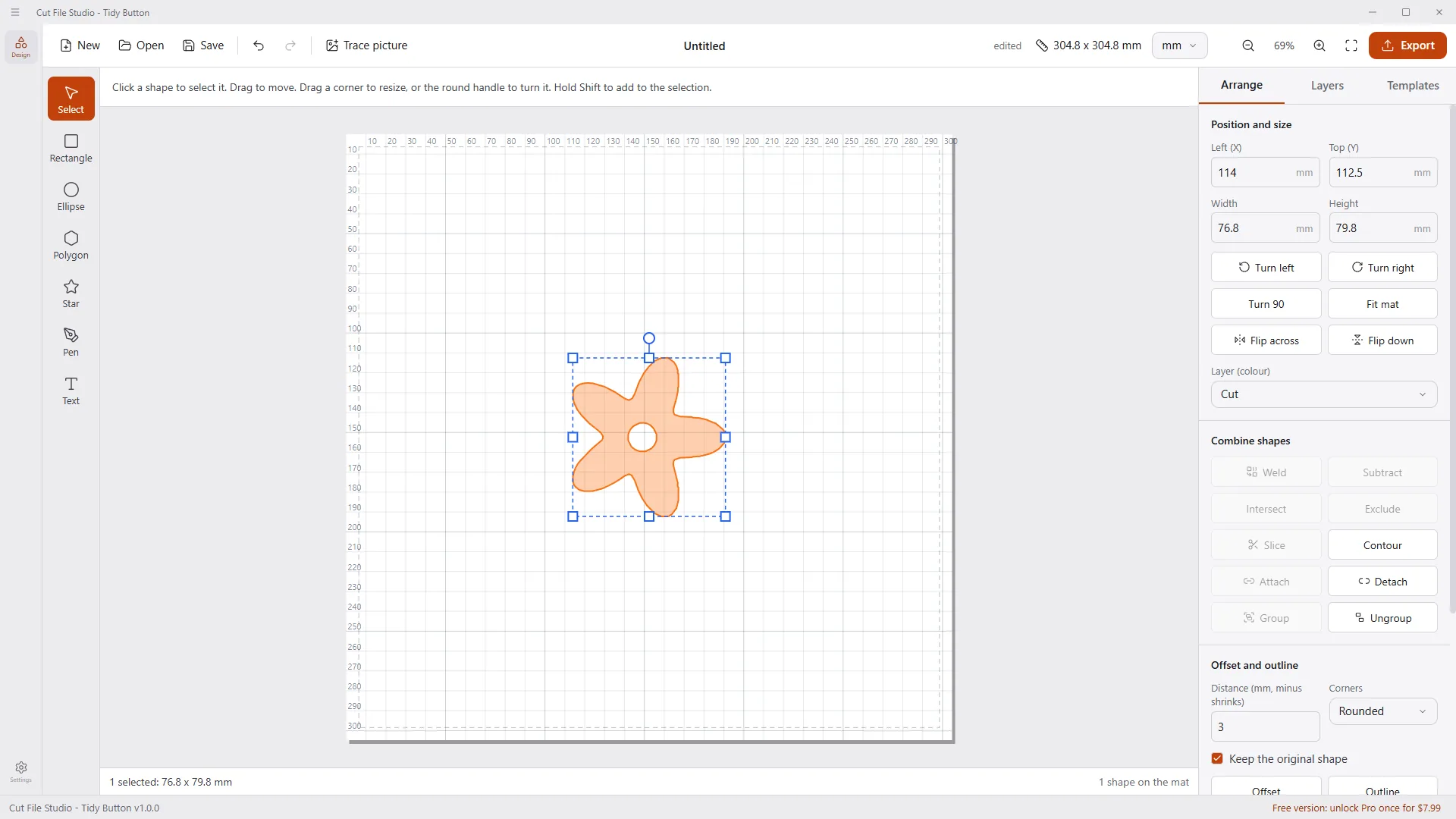
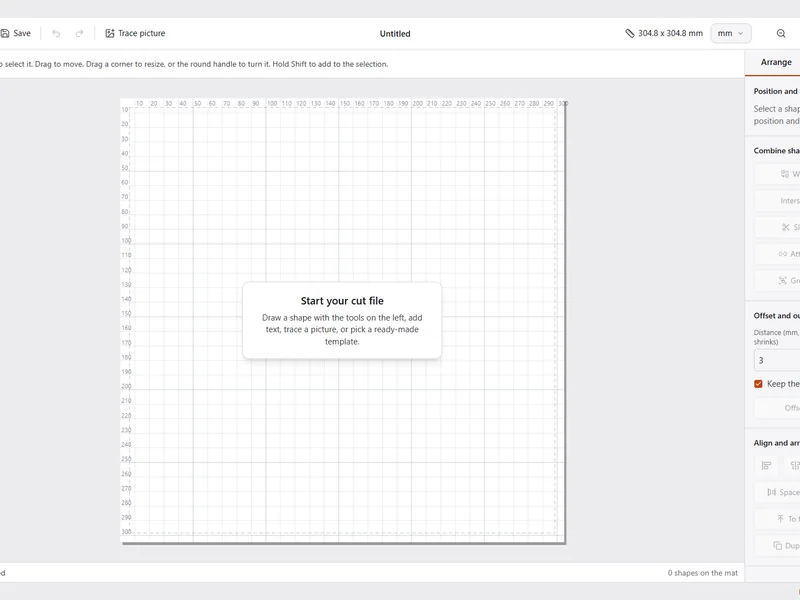
Start with a blank mat, a grid and the shape, pen and text tools
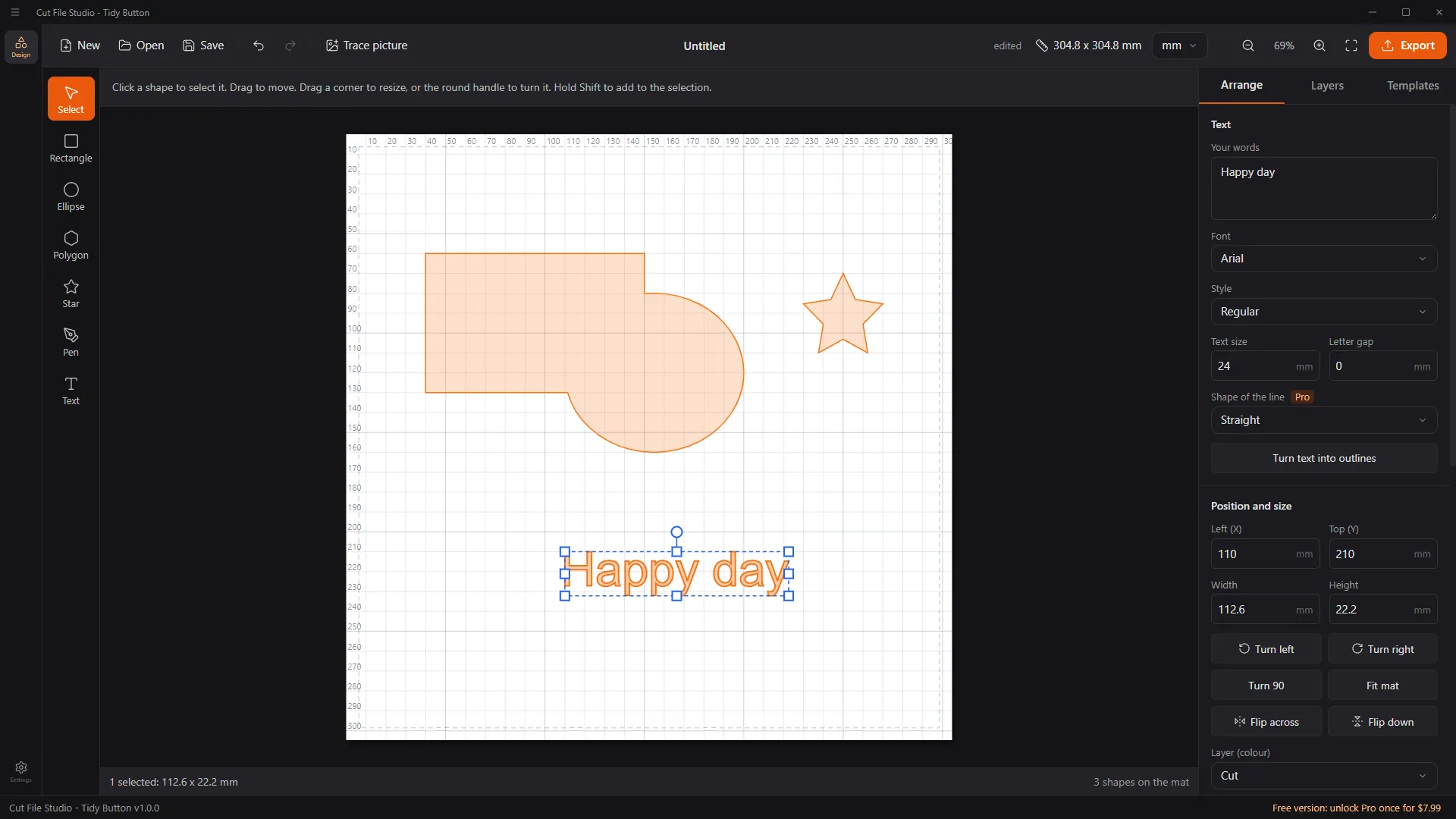
Shapes and text
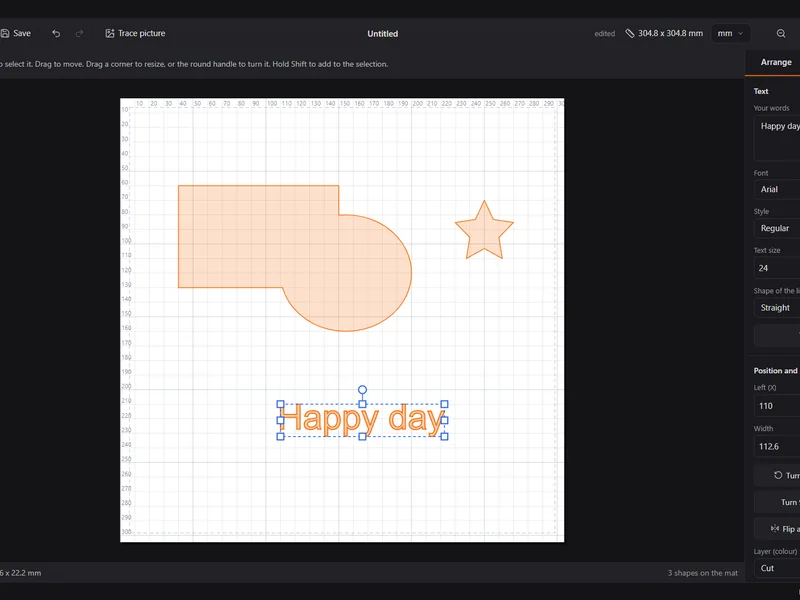
Weld shapes into one outline and type text from your installed fonts
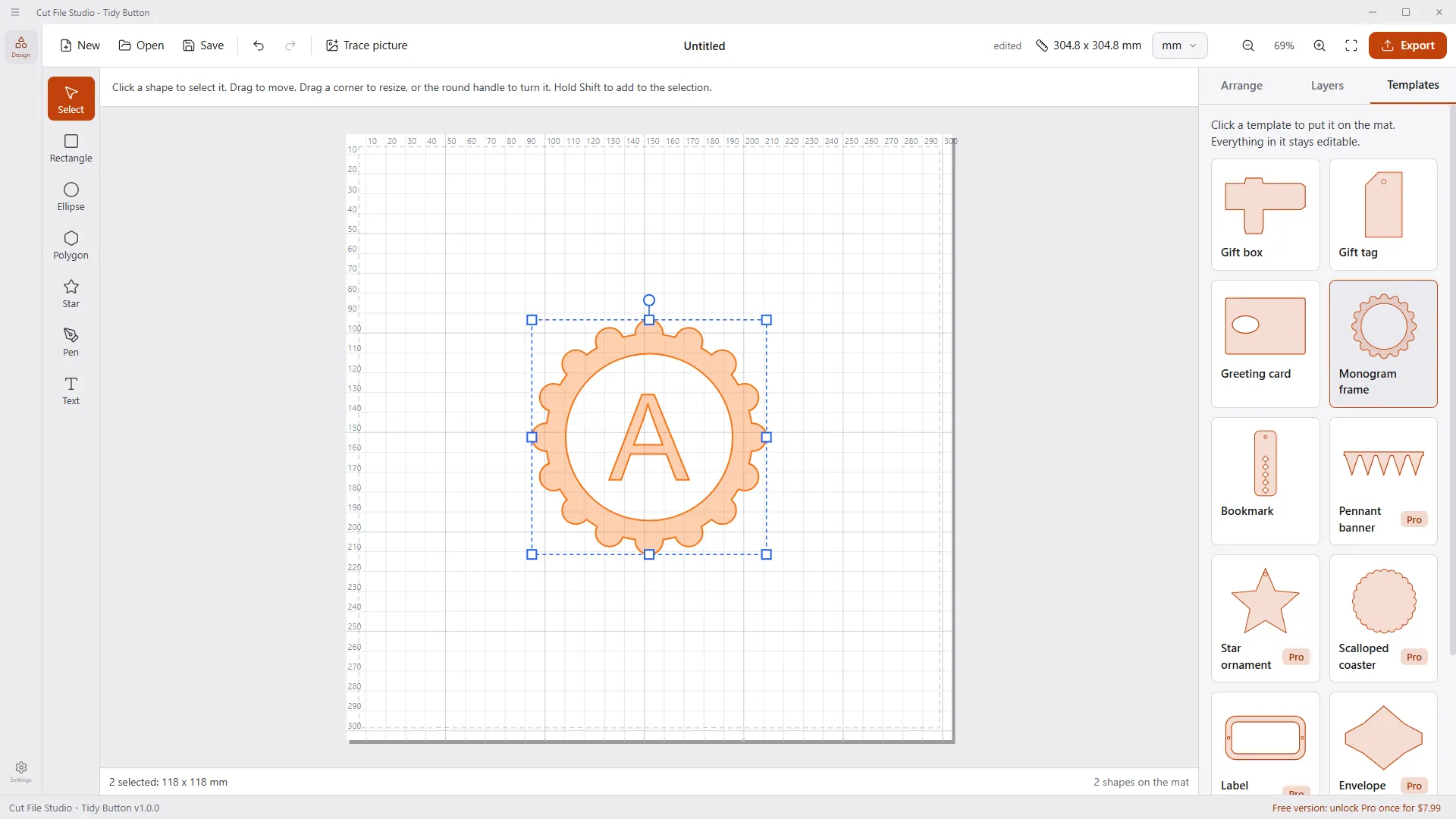
Templates
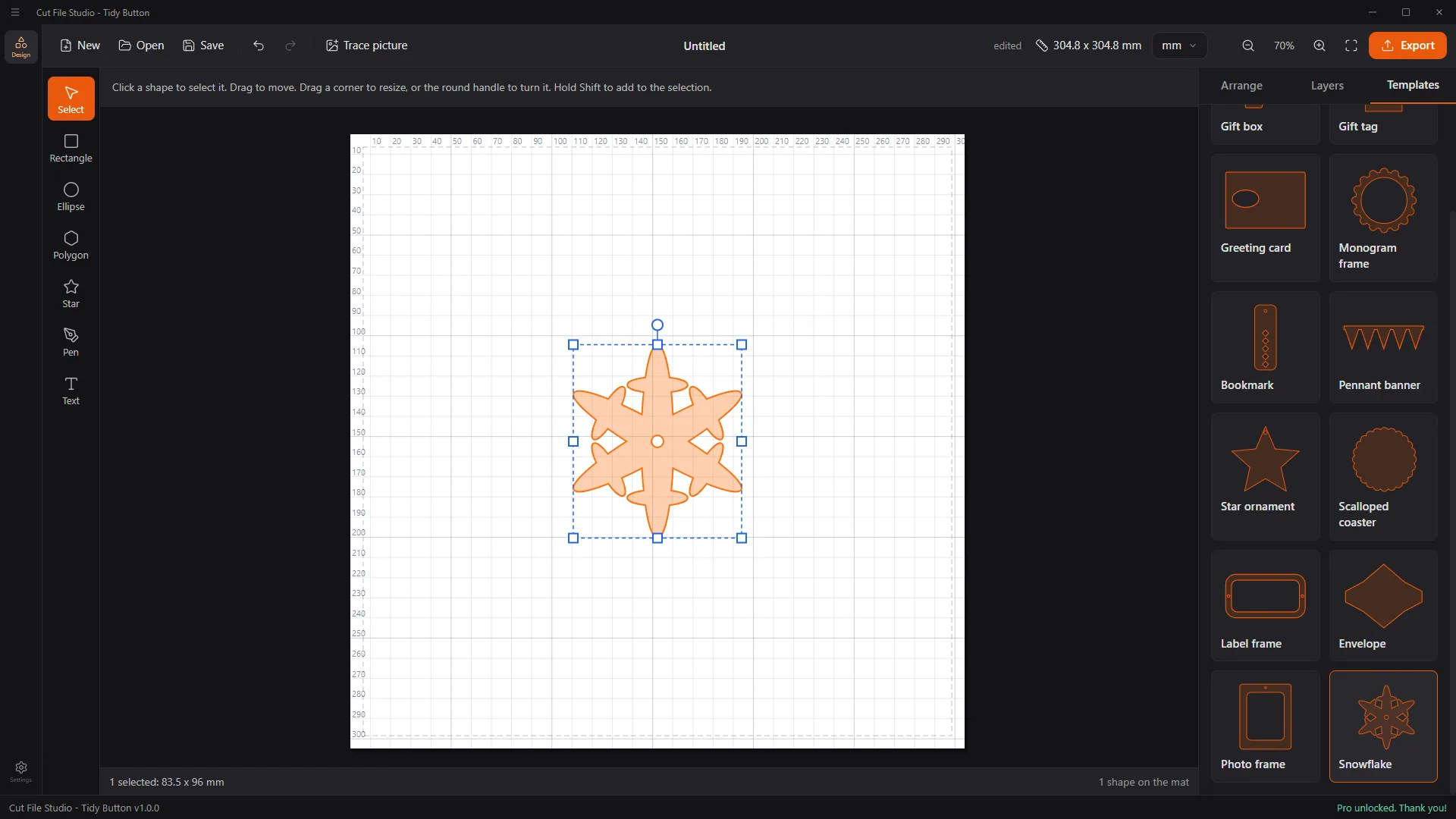
Twelve original templates, five of them free
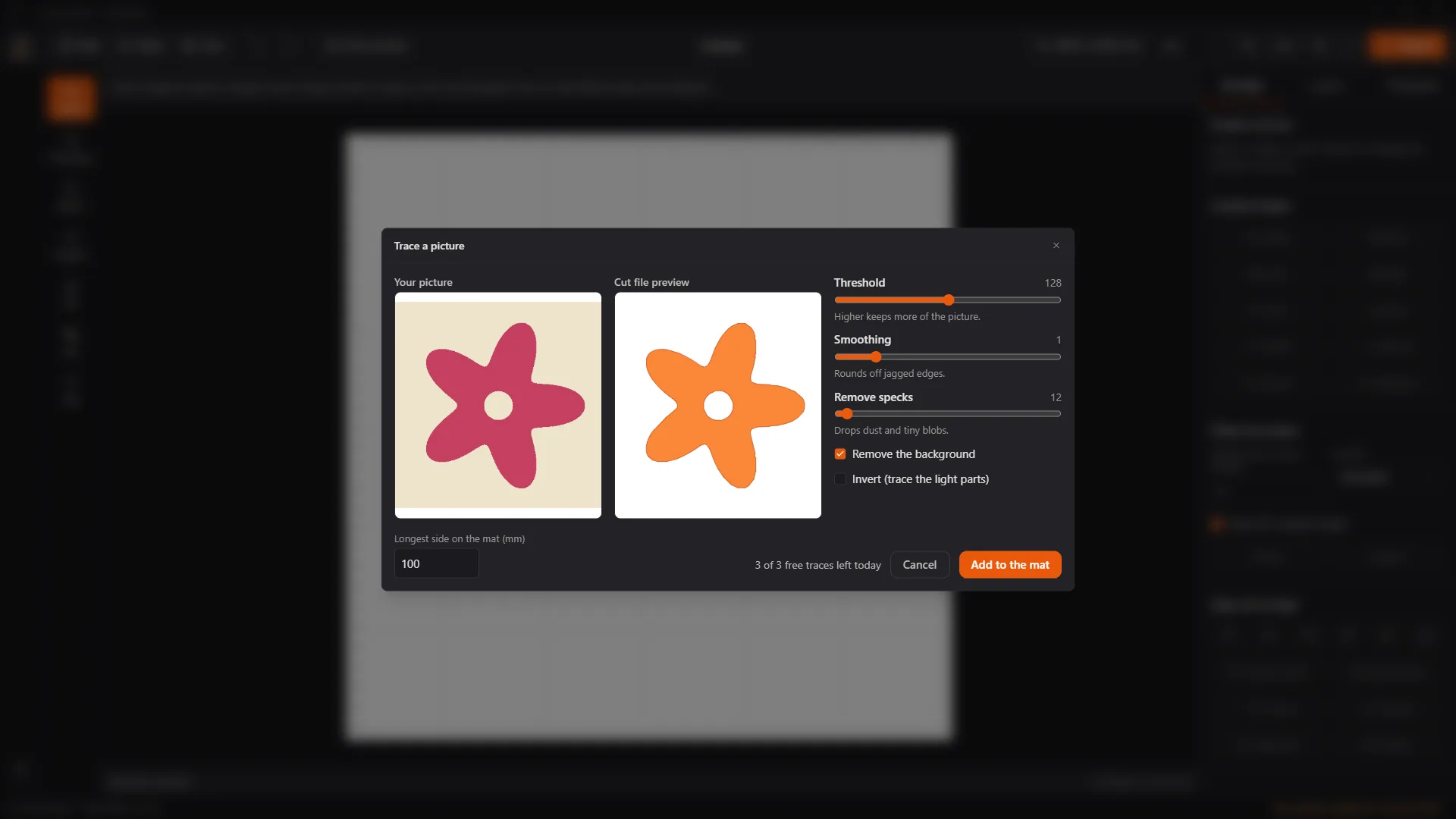
Trace
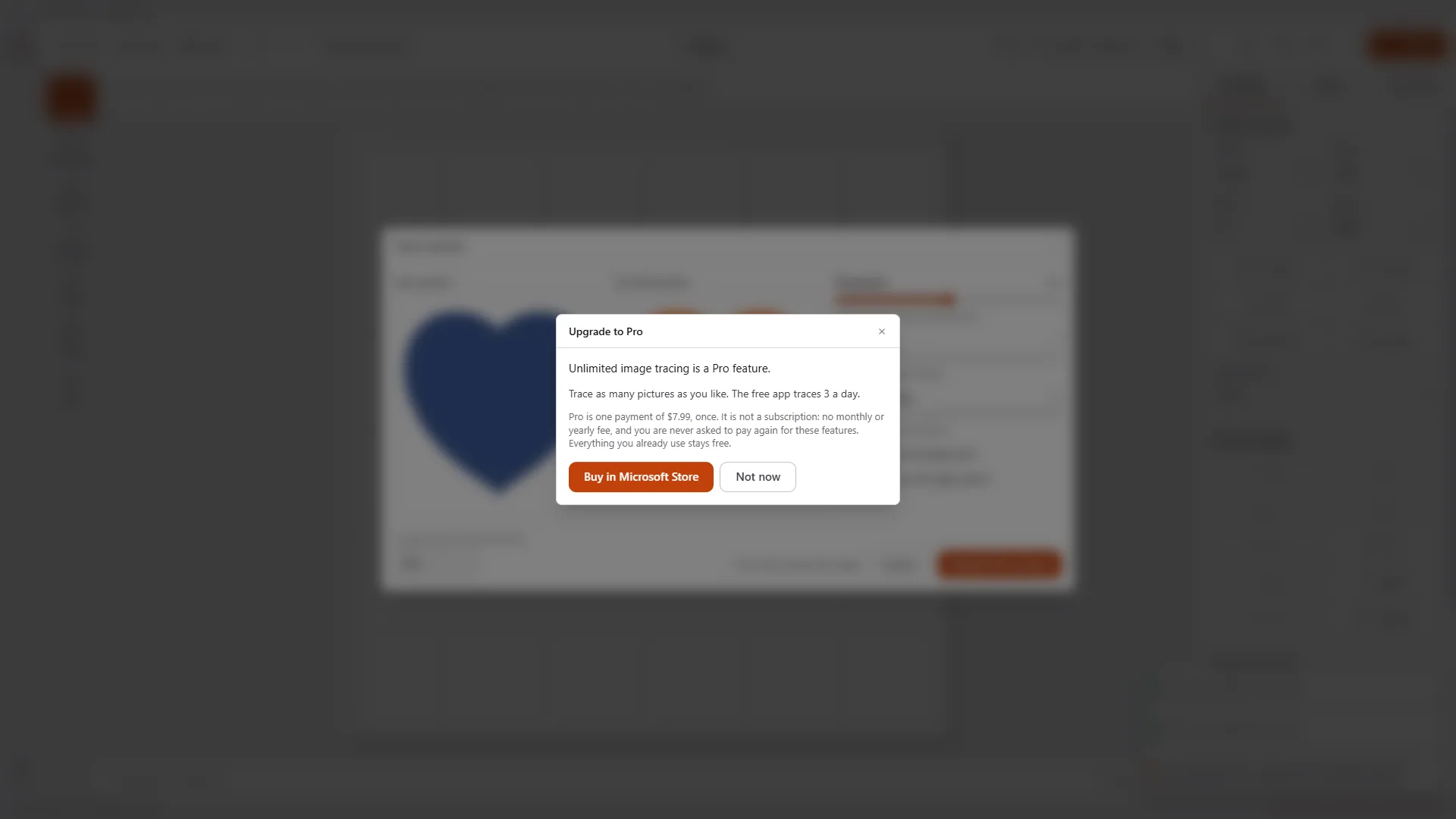
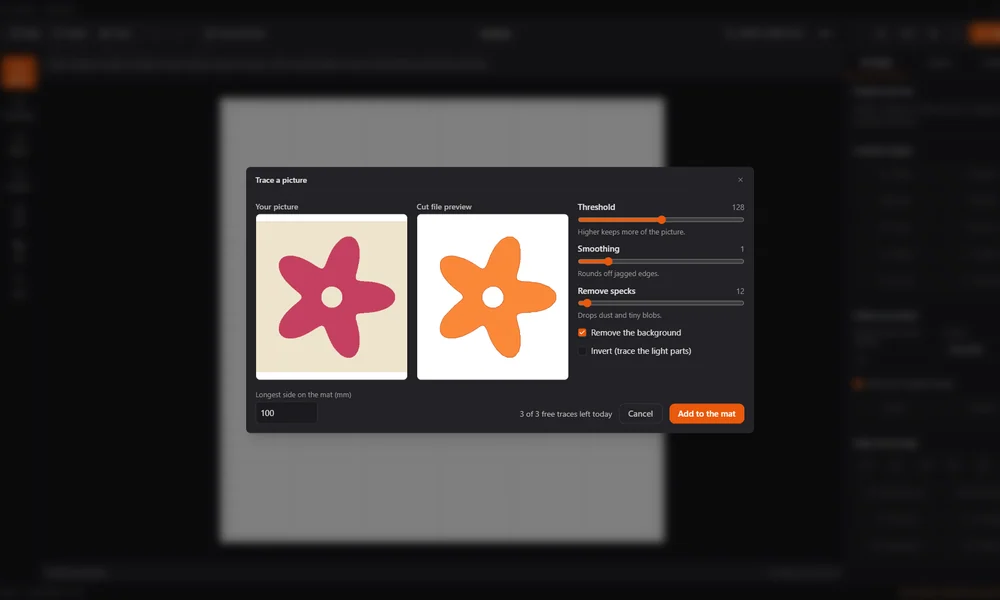
Trace a picture and watch the cut file preview as you move the sliders
Result
The traced picture lands on the mat as a clean outline
Free limit
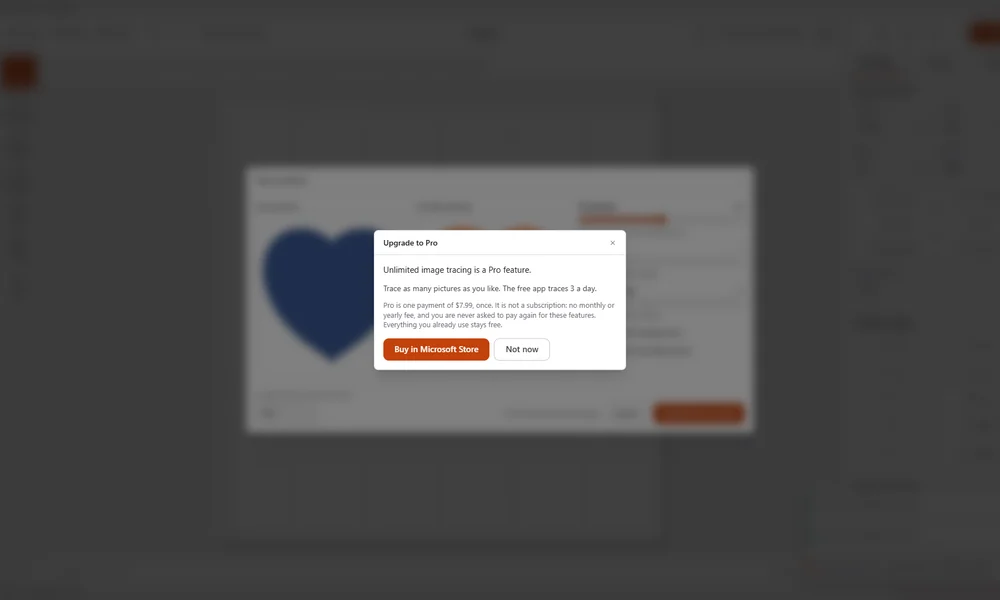
The free version traces 3 pictures a day and says so plainly
Pro templates
With Pro the whole template pack is open
Pro export
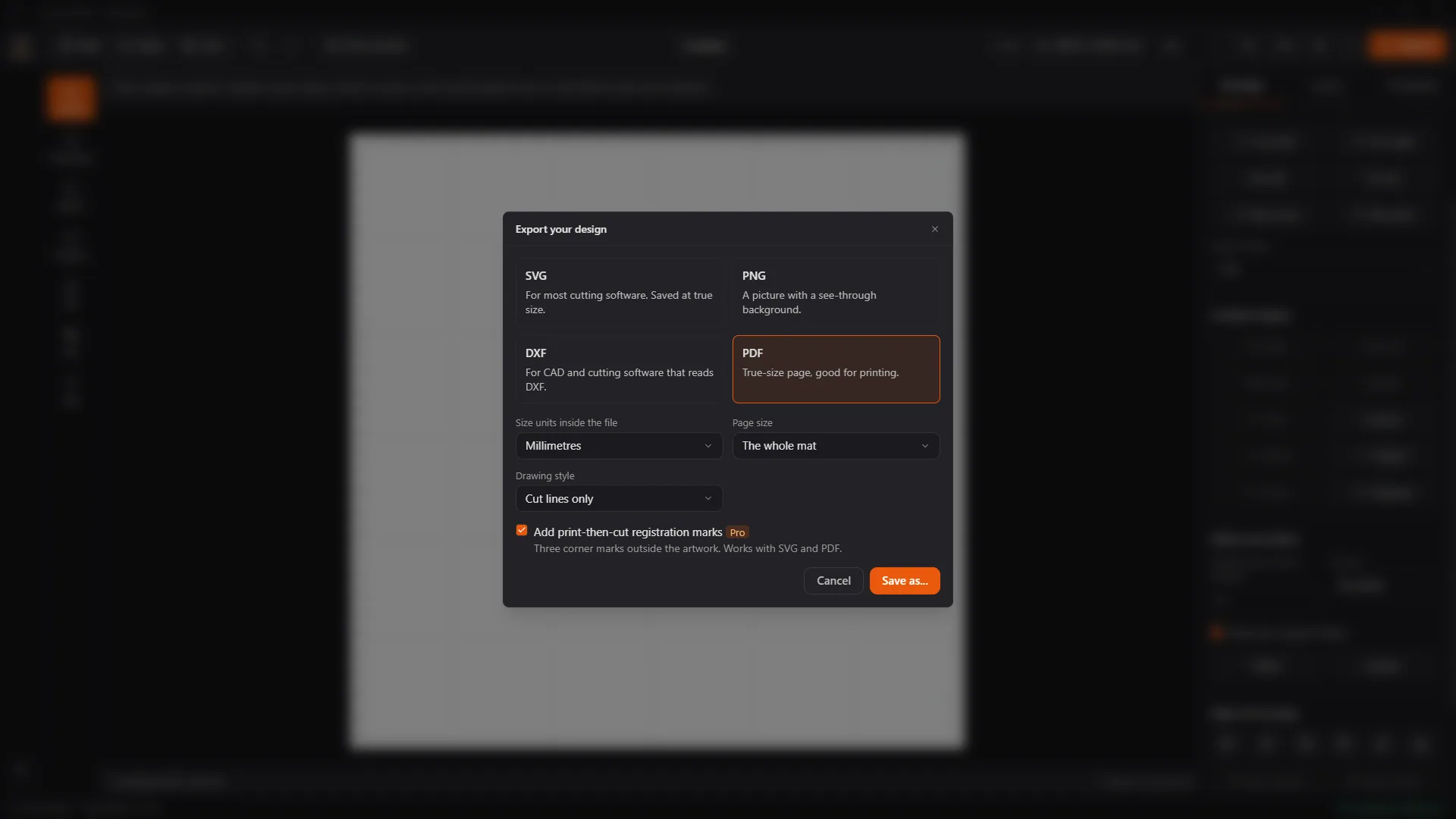
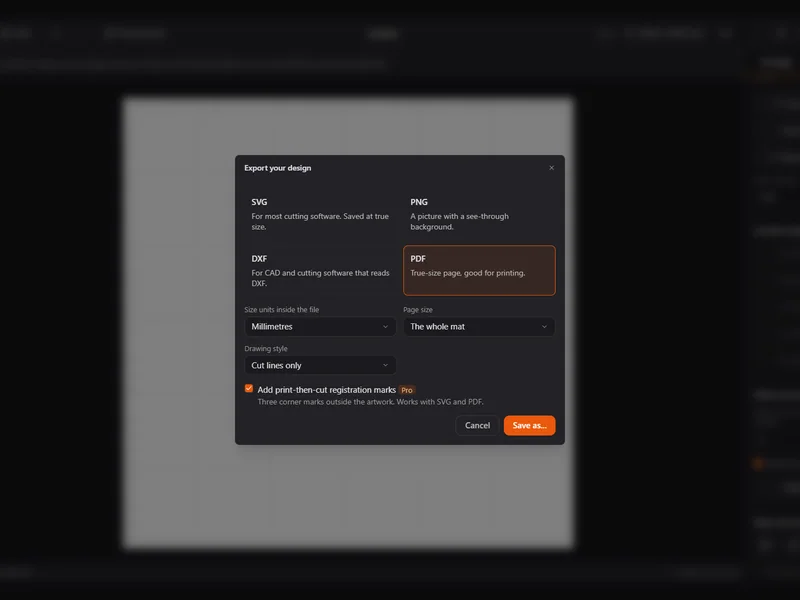
Pro adds DXF and PDF export and registration marks
Screens show sample shapes drawn in the app. The app has light and dark themes.
How it works
Three steps. No manual.
01
Draw or trace
Draw shapes and add text, or press Trace picture and choose a picture.
02
Combine
Weld, subtract or offset shapes until the outline is what you want.
03
Export
Press Export, choose SVG or PNG, and save at true size.
What it does
What it does.
Draw a shape, type a few words, combine them into one outline and save the file. Or open a picture and let the app trace it into a cut file, with a live preview as you move the sliders. Everything happens on your PC. The free version is a full editor with SVG and PNG export, and Pro is one payment, not a subscription.
Shapes and text
Rectangle, ellipse, polygon, star and pen tools, plus text from your installed fonts that becomes real outlines.
Combine shapes
Weld, subtract, intersect, exclude and slice, make contours, and attach, detach or group shapes.
Offset and outline
Grow or shrink a shape by a distance you type, or make an outline of it, keeping or replacing the original.
Picture to cut file
Open a PNG, JPG, BMP, GIF or WebP picture, remove the background and trace it with a live preview. Holes are kept.
Right size
Set the mat or canvas in millimetres, centimetres or inches, with a grid, rulers and presets for common mats and paper.
Layers
Layers with their own colours, show, hide and lock, plus align, space evenly, order, duplicate, undo and redo.
Twelve templates
Original templates such as a gift tag, a monogram frame and a snowflake. Five are free, and everything stays editable.
Export
SVG at true size and PNG with a see-through background are free. DXF and PDF, and registration marks, come with Pro.
The small print, in plain English
Safe by design.
Your pictures are read on your PC and never uploaded.
Pro is one payment of $7.99. It is not a subscription.
Nothing is uploaded. Your pictures and designs stay on your PC.
Works offline. No account. No ads. No tracking.
The free version is a full editor with SVG and PNG export.
Pro is optional and one payment of $7.99, not a subscription.
What it does
Your shapes, your size.
Set the size you need and save the file at that size.
Twelve templates, five of them free.
Combine
Clean outlines
Weld, subtract, intersect, exclude and slice shapes.
Offset
Exact distance
Grow or shrink a shape by a distance you type.
Tracing
Live preview
Pictures become cut files with holes kept. Three traces a day are free.
Size
Your unit
Millimetres, centimetres or inches, saved at true size.
Export
Four file types
SVG and PNG are free. DXF and PDF are part of Pro.
Projects
Keep your work
Save project files and get your last session back after a closed window.
Text uses the fonts already installed on your PC. No fonts are bundled.
Good for
Handy when you cut crafts.
Gift tags, cards and labels
Monograms and ornaments
Coasters and bookmarks
Turning a drawing into a cut file
Questions
Plain answers.
Is anything uploaded?
No. Your pictures and designs are read on your PC and never leave it. The app works with the internet turned off.
What is in the free version?
A full editor with layers, shape tools, text, SVG and PNG export, 3 picture traces a day and 5 templates.
What does Pro add?
One payment of $7.99, not a subscription: unlimited and batch tracing, DXF and PDF export, registration marks, the 7 extra templates, and curved text.
Which pictures can I trace?
PNG, JPG, BMP, GIF and WebP, including see-through PNGs and pictures with a cream or coloured background.
Are my files saved at the right size?
Yes. SVG files are saved at true size in millimetres, centimetres or inches, as you choose.
Does it need an account?
No. There is no account, no ads and no tracking. The only network use is the optional Pro licence check.