We will link the Store listing here the day it is live. Until then there is nothing to download.
Real app, with a sample flower chart.
Works offline
No account, no ads, no tracking
Reads in black and white
Free
See it
Eight views. One pattern, printed.
Start
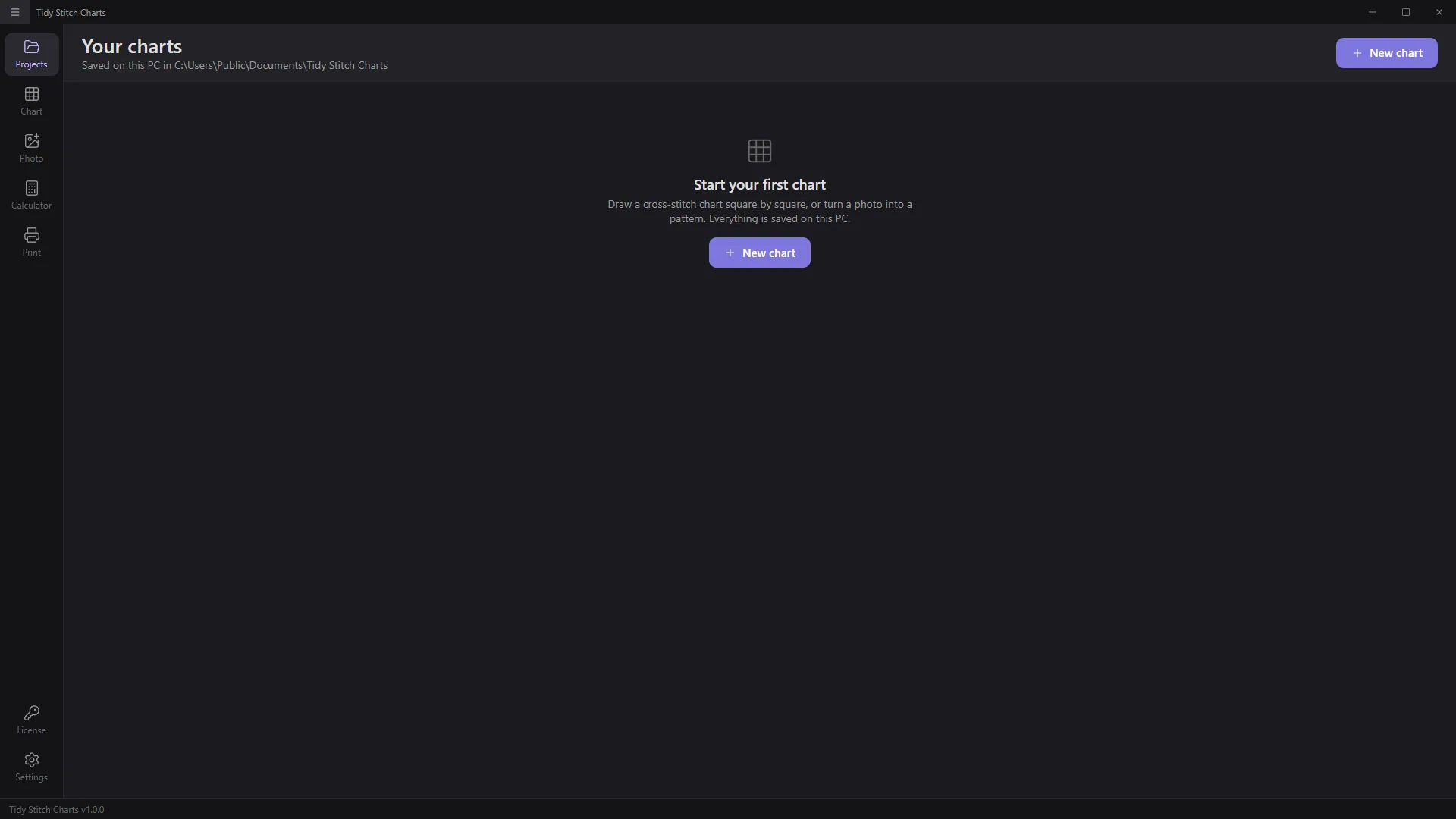
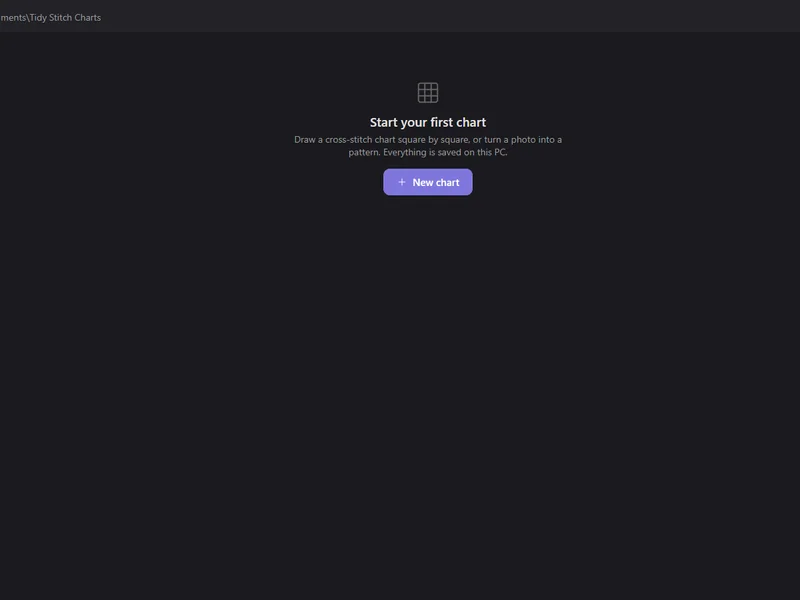
Start with an empty page: press New chart, or turn a photo into a pattern. Everything is saved on your PC
Draw
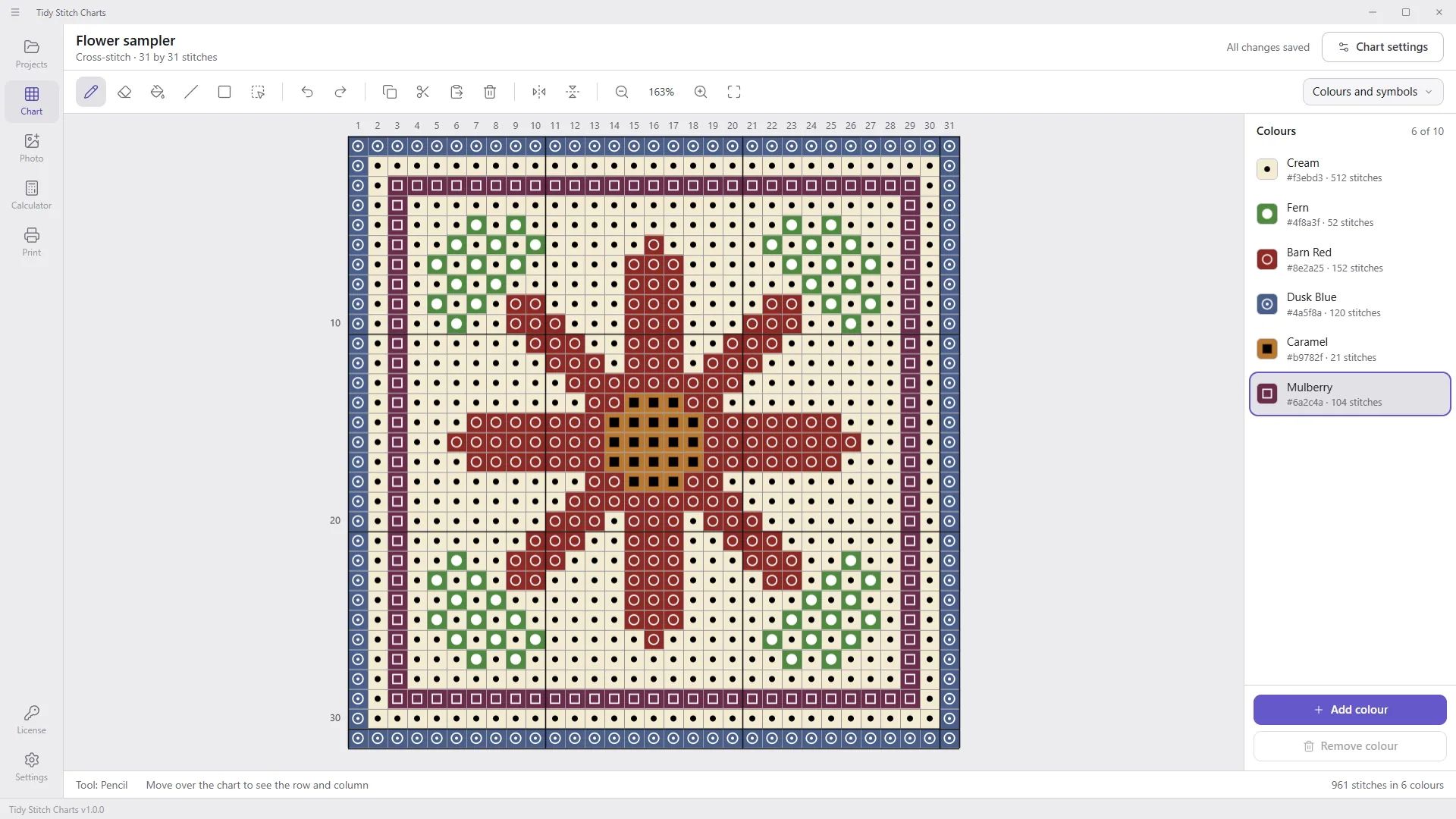
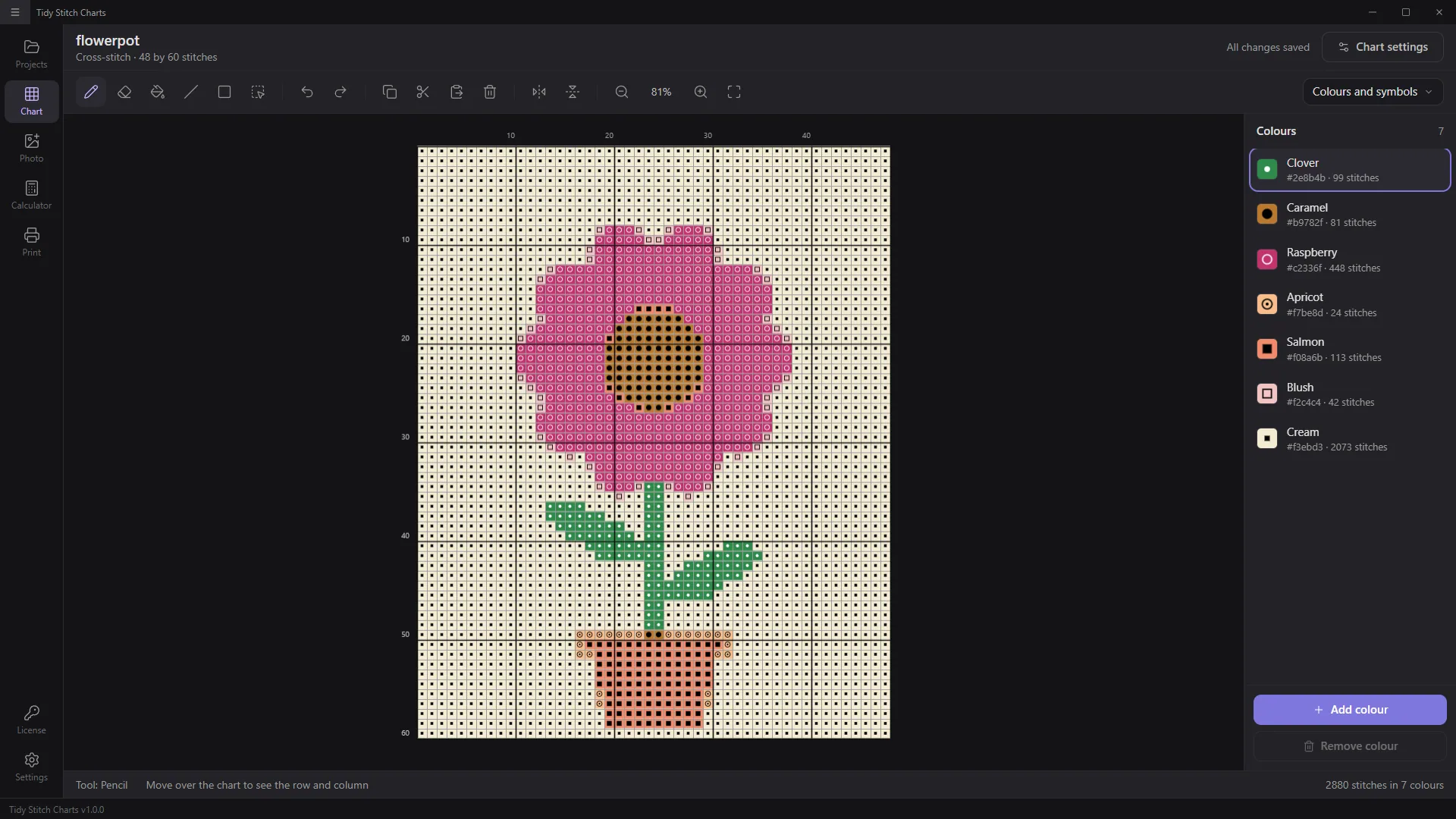
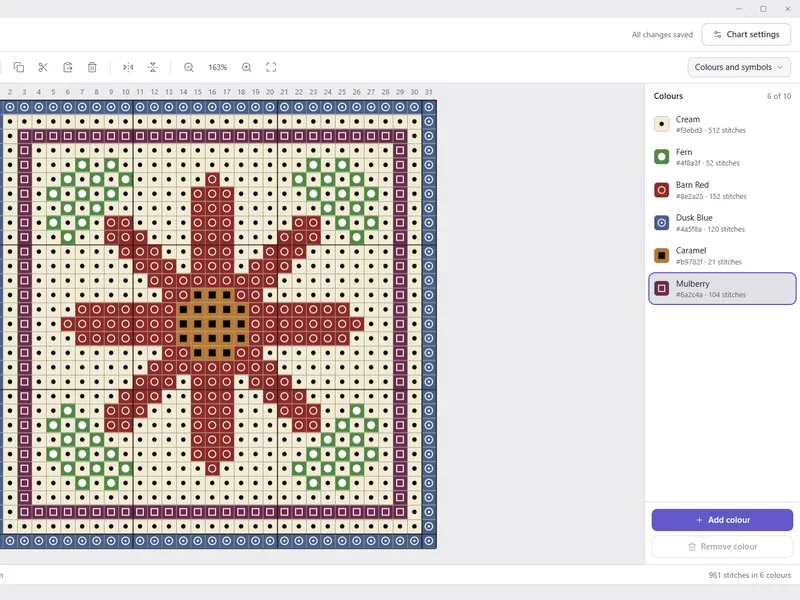
Draw square by square. Every colour has its own shape, so the chart reads even in black and white
Printed pattern
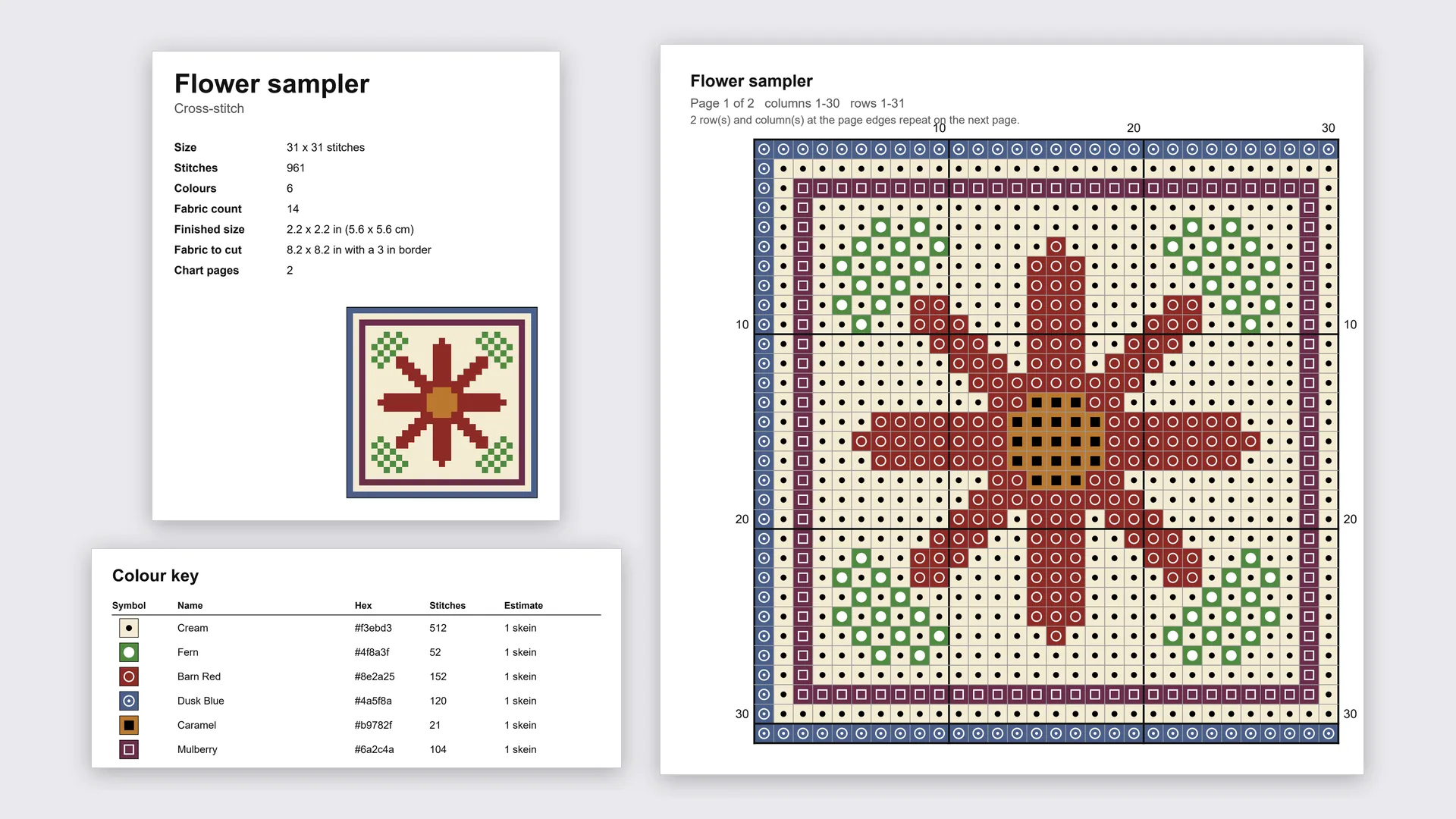
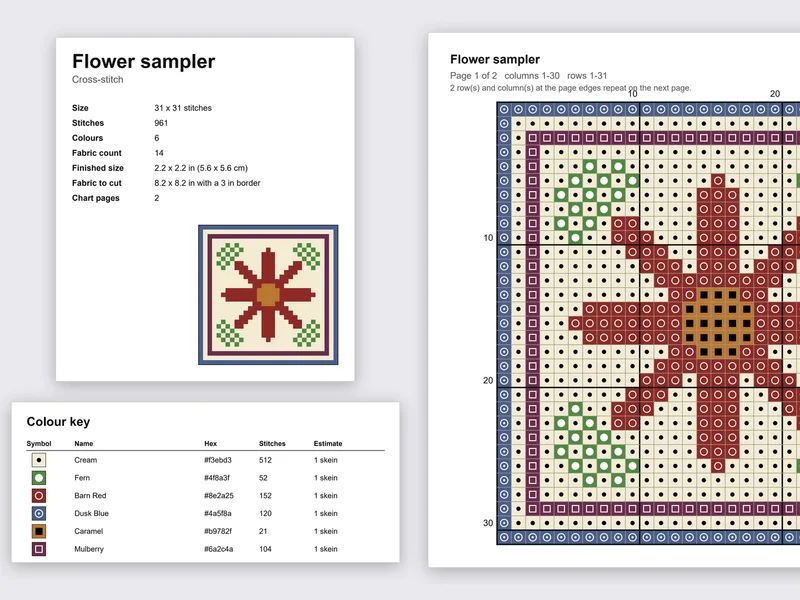
The PDF has a cover page, a colour key with skein estimates and chart pages with bold lines every 10 stitches
Print
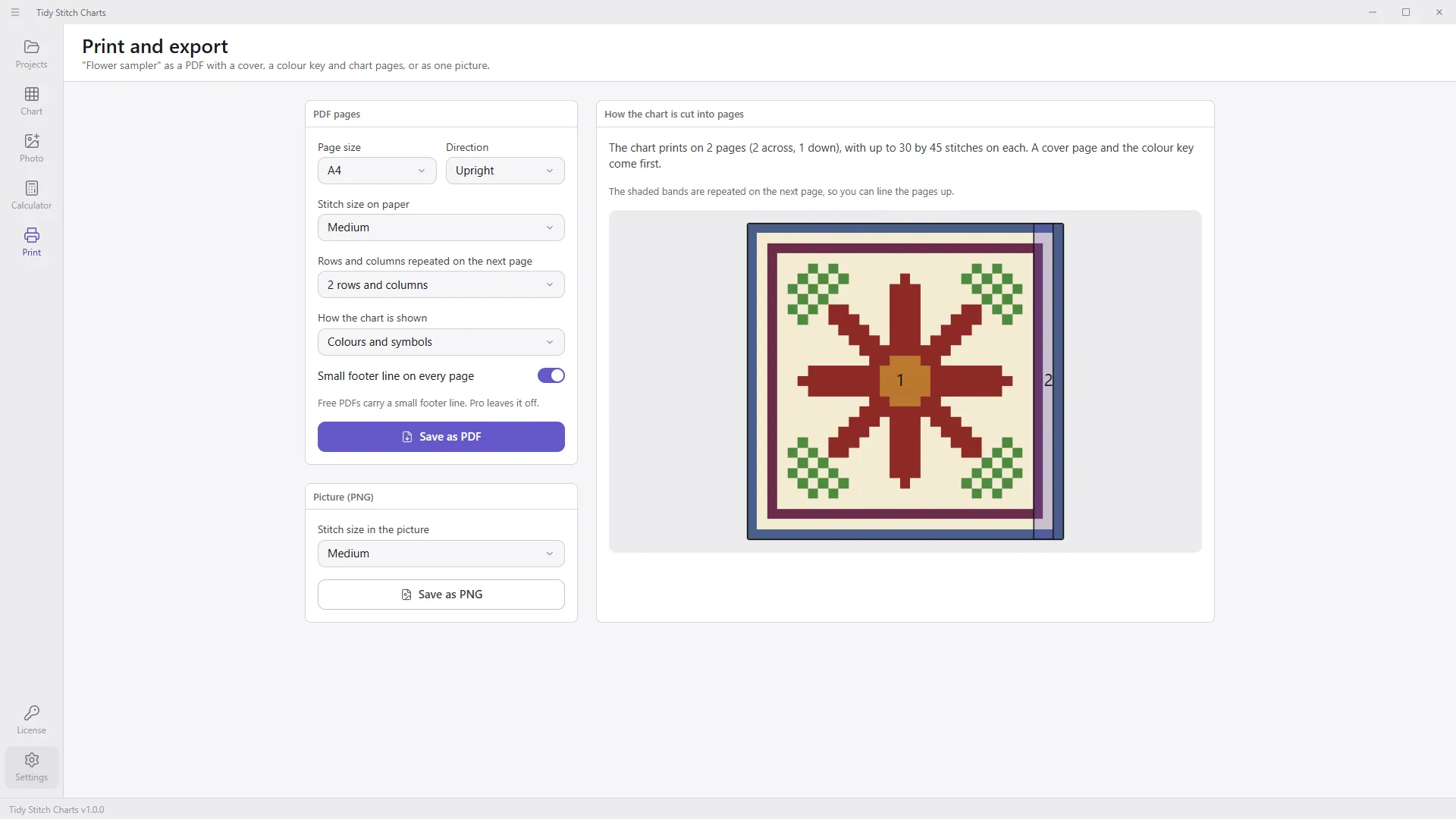
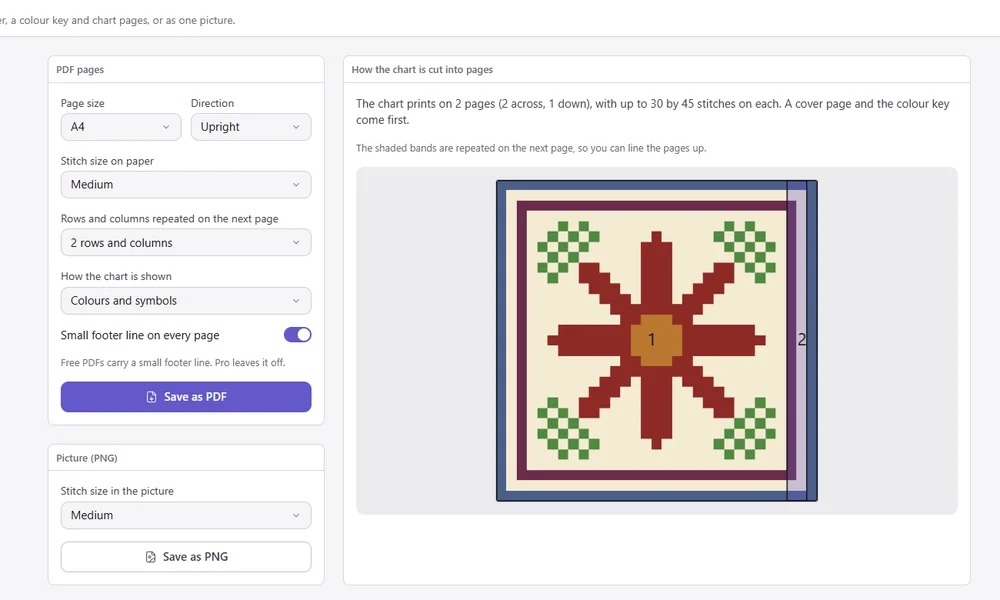
See how the chart is cut into pages before you print, with a few rows repeated so pages line up
Free limit
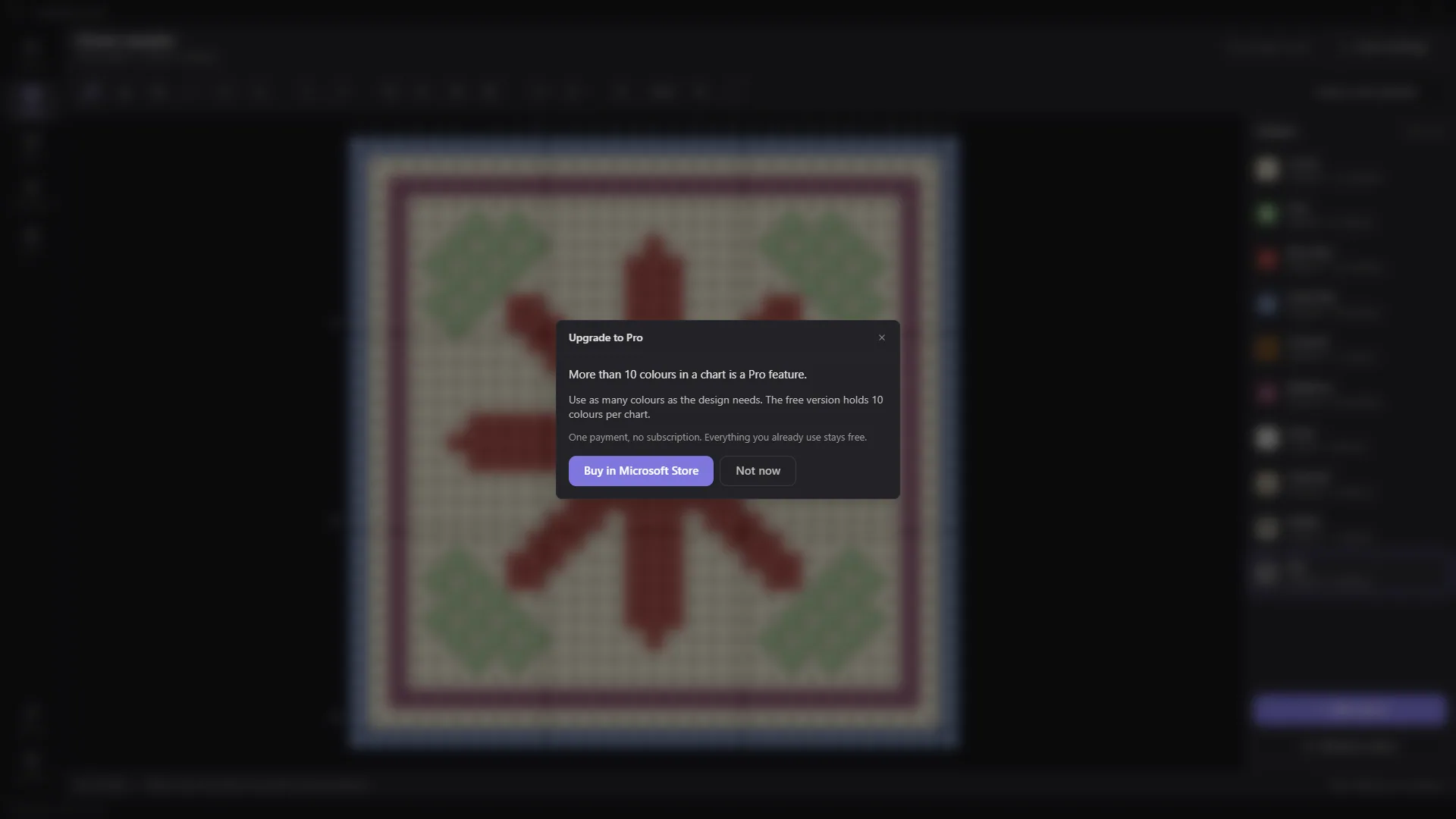
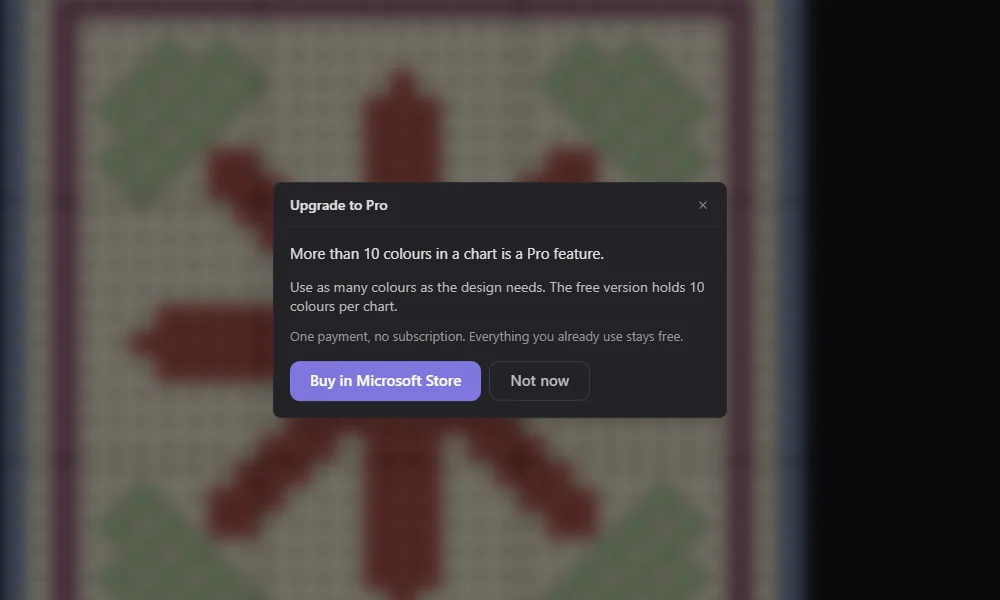
The free version holds 10 colours per chart and says so calmly; nothing already made is ever lost
Photo to pattern
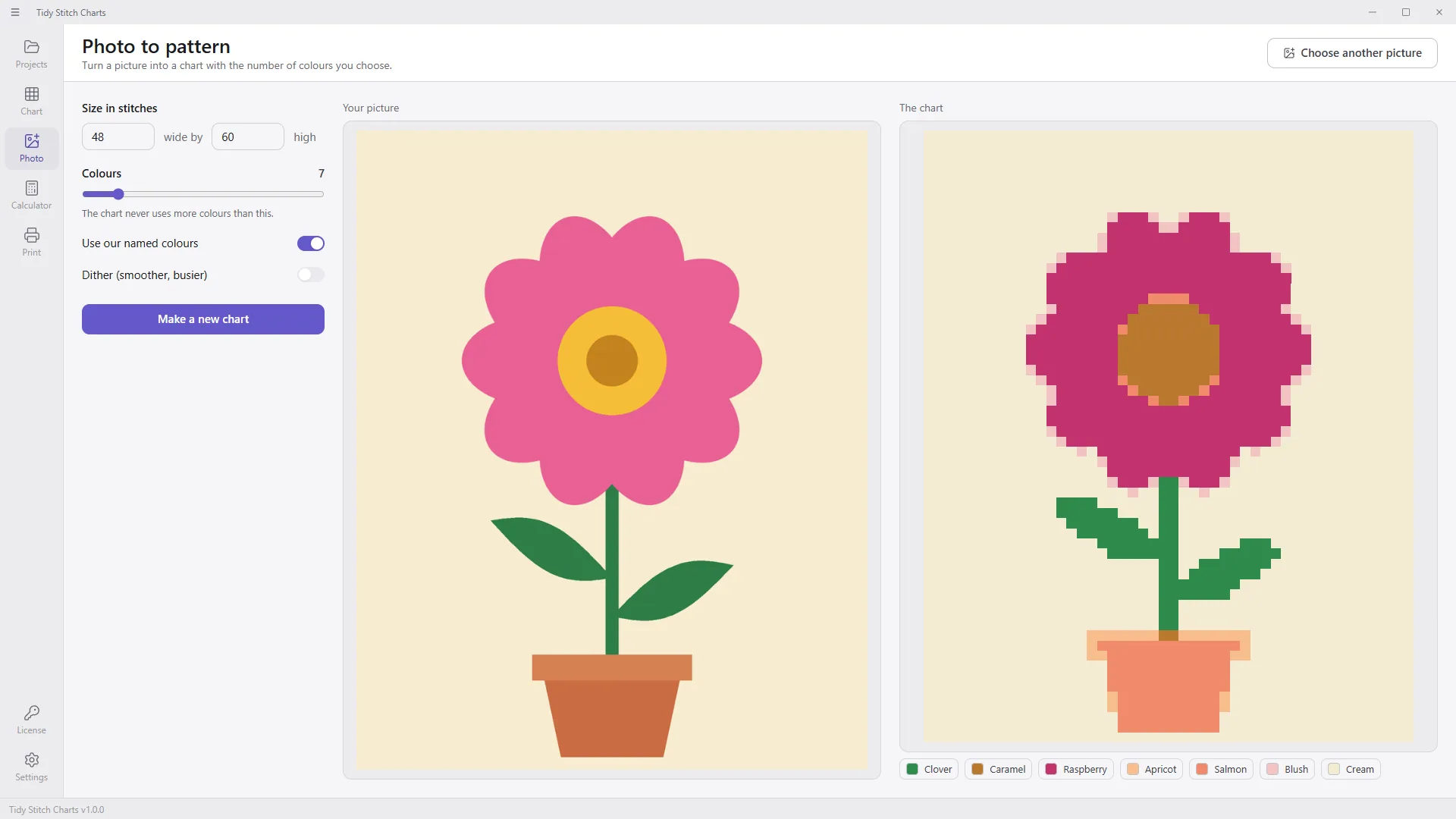
Pro: choose the size and the number of colours and see the chart before you keep it
Photo chart
The converted photo opens as an ordinary chart you can edit, count and print
Knitting
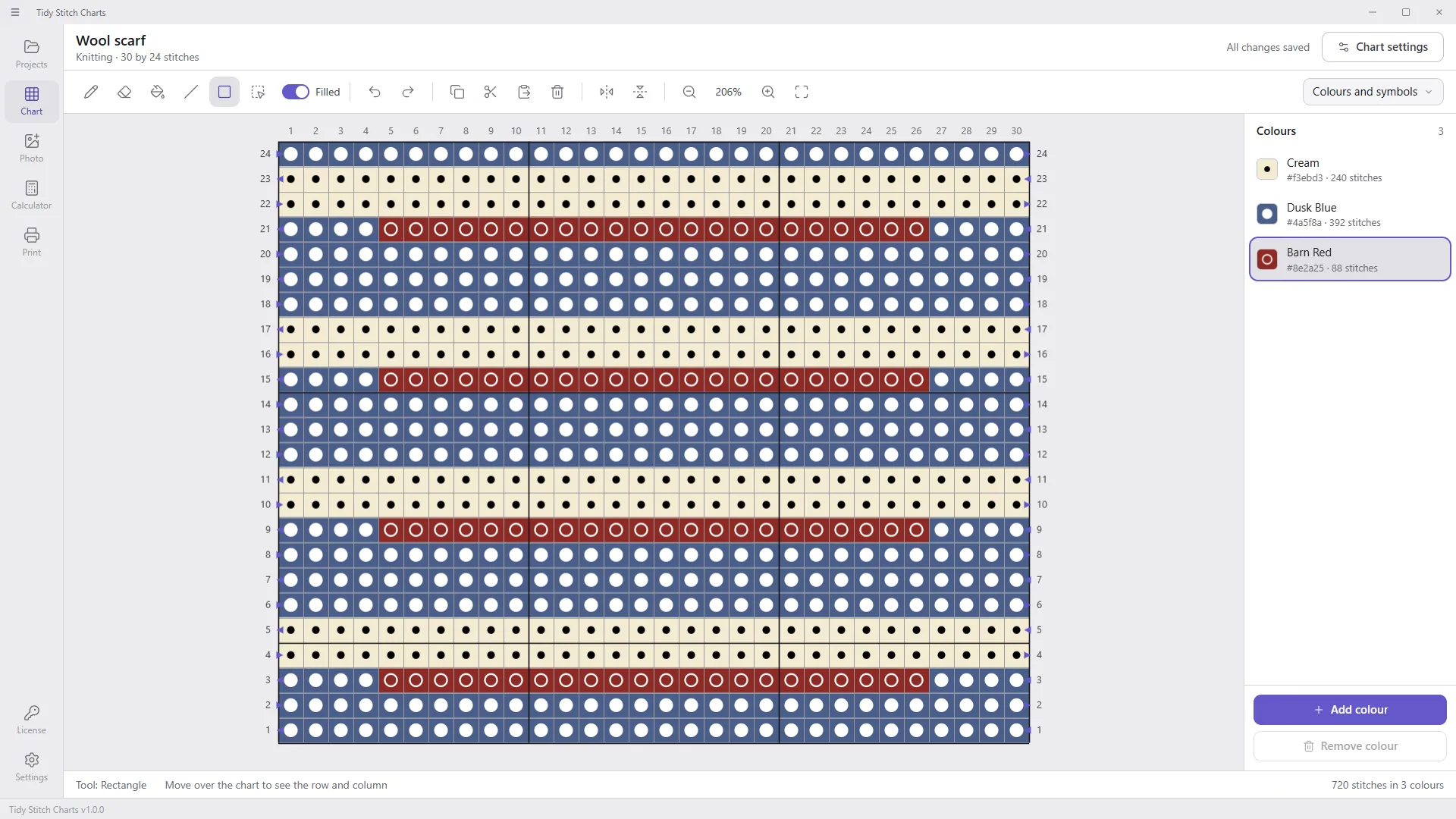
Pro: knitting, crochet and quilt charts, with row numbers and arrows that show the reading direction
Screens show sample charts and a sample picture made for this page. The app has light and dark themes.
How it works
Three steps. No manual.
01
Start a chart
Press New chart, choose the size and the kind of chart, then add colours from our named set.
02
Draw it
Use the pencil, fill, line and rectangle tools. Every colour has its own shape.
03
Print the pattern
Save a PDF with a cover, a colour key and chart pages, or a PNG picture.
What it does
What it does.
Press New chart, choose a size, pick colours from our own named set and draw. When it is done, print a PDF pattern with a cover, a colour key and chart pages cut to your paper, or save the chart as a picture. Everything is saved on your PC, and the free app works with the internet turned off.
Draw with real tools
Pencil, eraser, fill, line, rectangle, select, copy, paste, mirror, zoom and 100 steps of undo and redo.
64 named colours
Our own set, such as Barn Red, Fern and Dusk Blue, each with its own shape symbol that prints clearly in black and white.
Photo to pattern
Pro: turn a picture into a chart, choosing the size, the number of colours and whether to use our named colours.
Size and skeins
The calculator turns stitches and fabric count into a finished size, and estimates the skeins each colour needs.
Printed patterns
A PDF with a cover, a colour key and chart pages cut for your paper, with rows repeated so the pages line up.
Pictures too
Save the chart as a PNG picture with its symbols, grid and key.
Knitting, crochet and quilts
Pro: knitting, crochet graph, corner-to-corner crochet and quilt block charts, with row and round numbers.
Safe on your PC
Charts are saved with automatic dated backups. A chart that needs Pro opens read-only on the free version, and nothing is deleted.
The small print, in plain English
Safe by design.
The free limit is explained calmly, and nothing you made is lost.
See how the chart is cut into pages before you print.
Nothing is uploaded. Your charts and pictures stay on your PC.
A chart that needs Pro opens read-only on the free version. Nothing is changed or deleted.
The free version makes cross-stitch charts up to 80 by 80 stitches with up to 10 colours.
Free PDFs carry one small footer line on each page; Pro takes it off.
Works offline. No account. No ads. No tracking.
Free and Pro
Free is a full cross-stitch maker.
Pro adds photo to pattern, more kinds of chart and bigger charts.
Pro turns a photo into a chart you choose the size and colours of.
Free charts
All the tools
Cross-stitch charts up to 80 by 80 stitches with up to 10 colours, all the tools, the calculator, PNG and PDF export.
Pro size
Bigger and richer
Charts up to 500 by 500 stitches with as many colours as you need.
Pro charts
More kinds
Knitting, crochet graph, corner-to-corner crochet and quilt block charts.
Pro colours
Your own
Add your own colours by hex code and name.
Pro PDF
Clean pages
Patterns without the footer line on each page.
Photo
Photo to pattern
Turn a picture into a chart with the size and colours you choose.
One payment of $9.99 unlocks Pro for good. There is no subscription.
Good for
Handy when you design your own.
Designing your own cross-stitch motifs
Charting a knitting or crochet pattern
Planning a quilt block
Printing patterns to share or sell
Questions
Plain answers.
Is anything uploaded?
No. Your charts and pictures stay on your PC. The free app works with the internet turned off.
Will a printed chart read in black and white?
Yes. Every colour has its own shape symbol, and you can show the chart as symbols only.
Are the colours copied from a thread maker?
No. The 64 named colours are our own, with names such as Barn Red, Fern and Dusk Blue.
What does the free version include?
Cross-stitch charts up to 80 by 80 stitches with up to 10 colours, all the tools, the size and skein calculator, PNG export and PDF export with a small footer line.
What does Pro add?
Photo to pattern, knitting, crochet and quilt charts, charts up to 500 by 500, unlimited colours, your own colours by hex code, and PDFs without the footer line. It is one payment of $9.99.
What happens to a Pro chart on the free version?
It opens read-only. Nothing is changed or deleted.