Coming to the Microsoft Store
Photo Restorer Bring old photos back.
Scratches, fading and faces, with a before and after slider. Offline, no account.
Not on sale yet. The app is still being built.
We will link the Store listing here the day it is live. Until then there is nothing to download.
- Works offline
- No account, no ads, no tracking
- Original never changed
- Free
See it
Four views. One scan, restored.
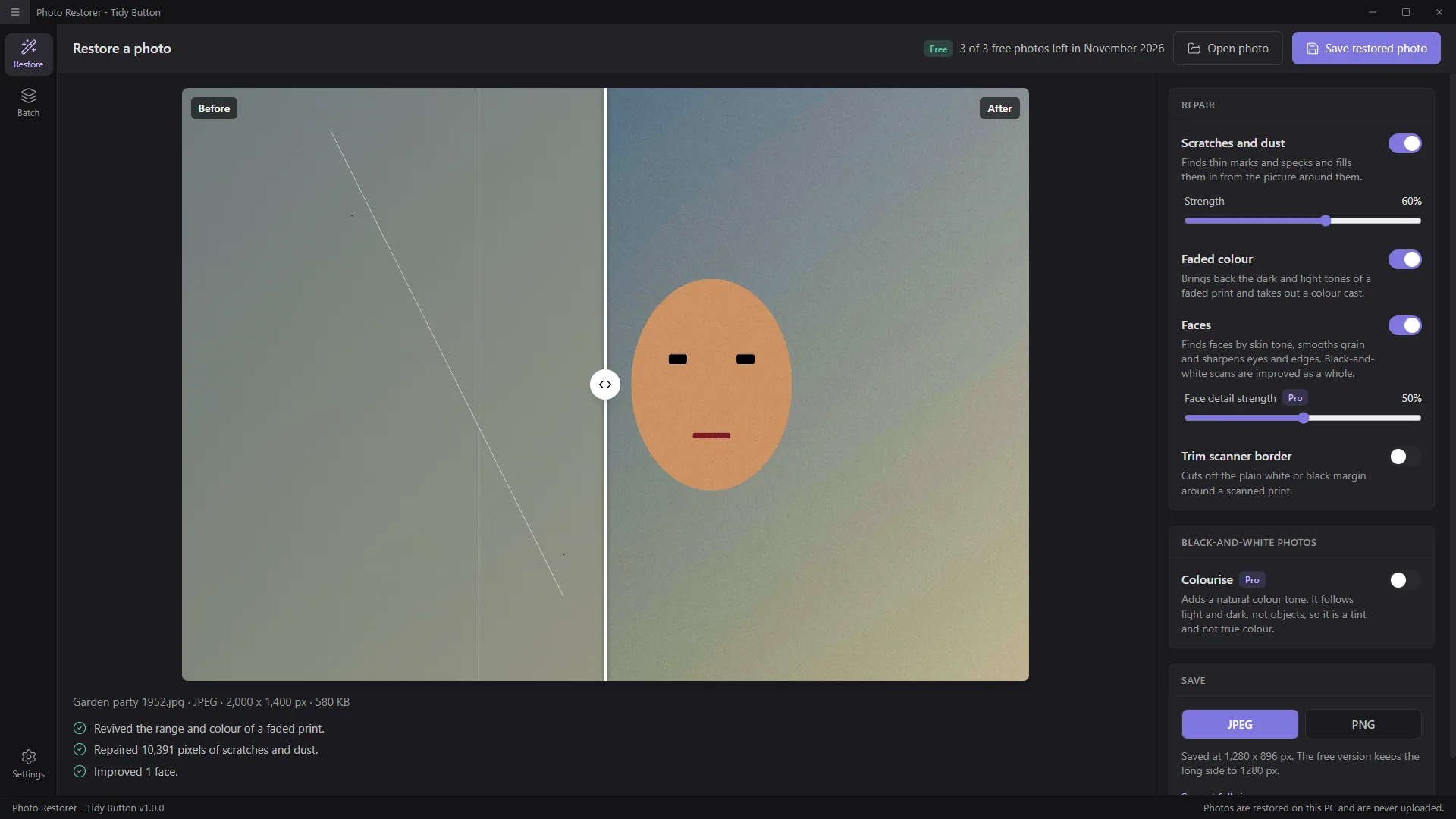
Restore
Open a scan and compare before and after
Compare
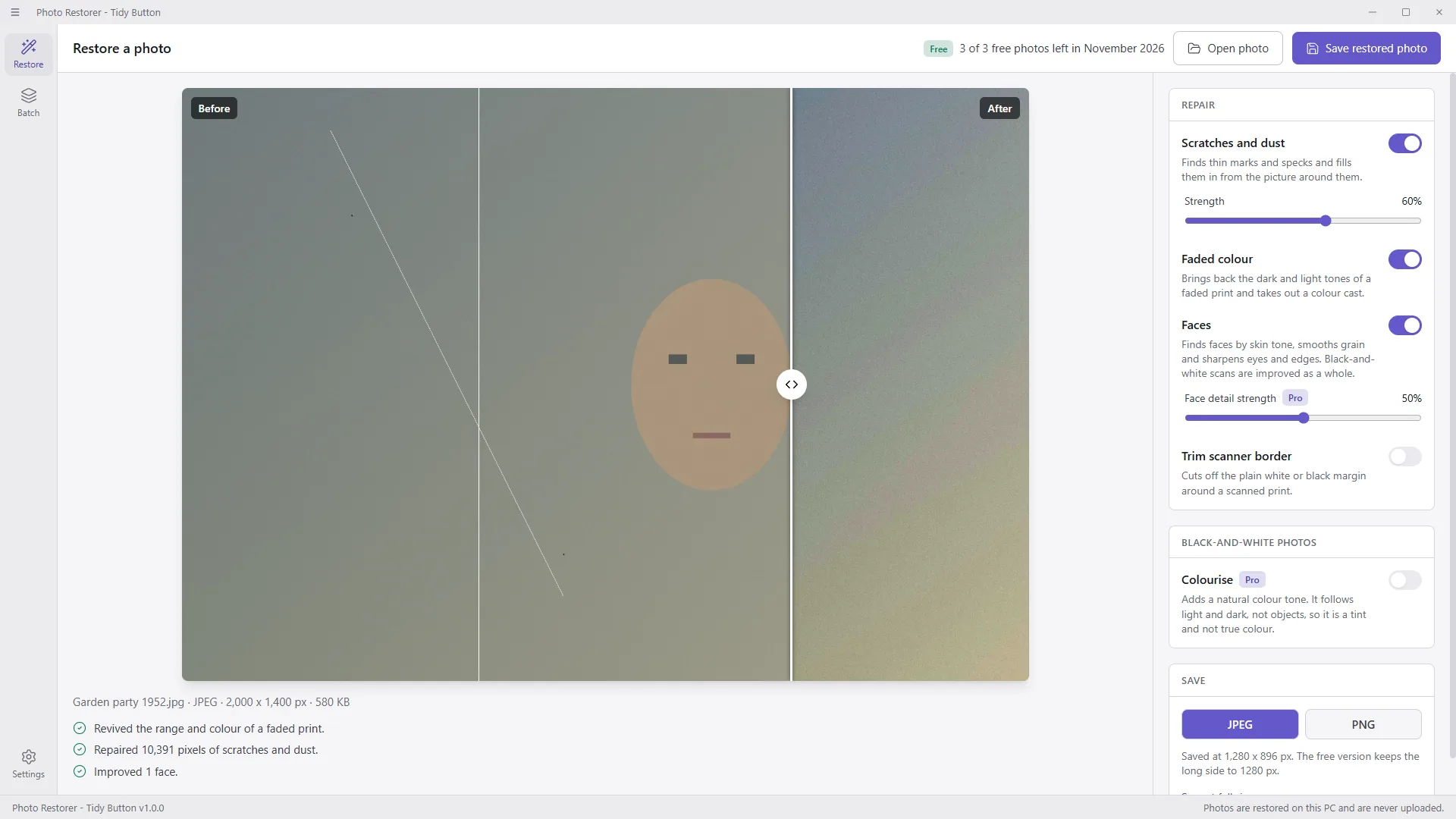
Drag the slider to see what changed
Scanner border
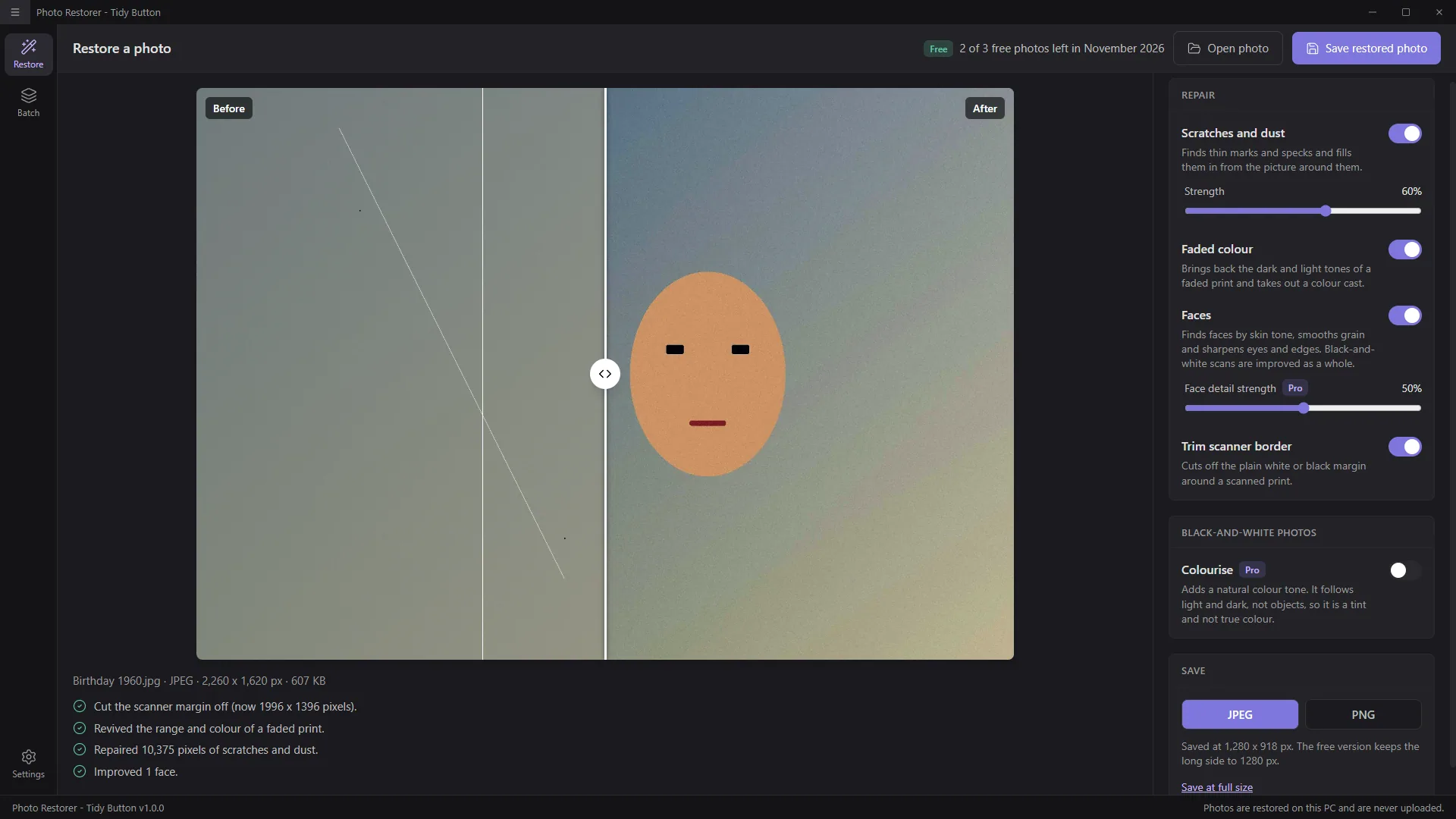
Trim the plain margin around a scan
Colourise
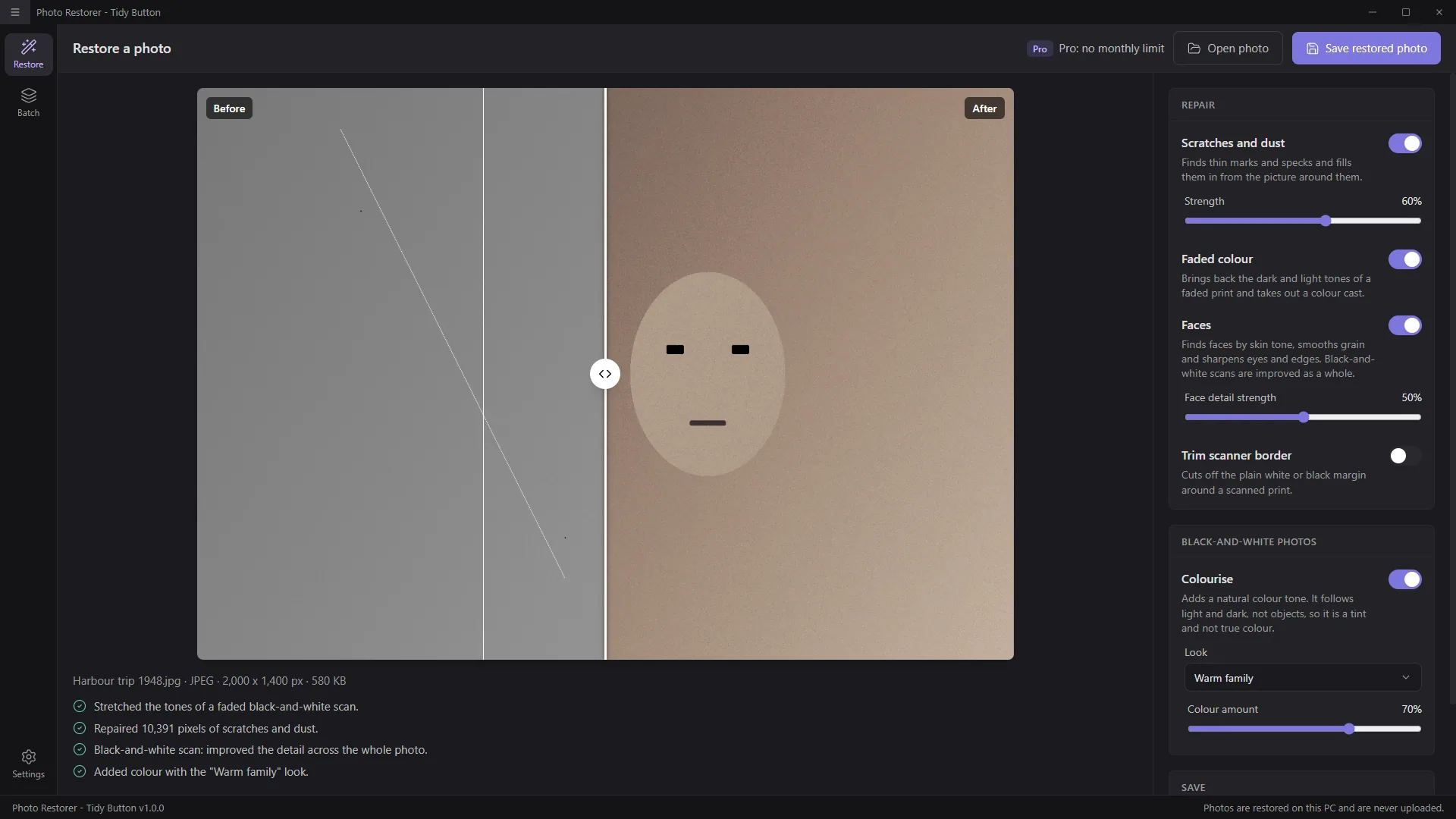
Pro: add a colour tone to a black-and-white scan
Screens show a demo folder, not a real PC. The app has light and dark themes.
What it does
What it does.
Open a scan, and the app repairs scratches and dust, brings back the tones of a faded print and improves faces. Drag the slider to compare before and after, then save the restored copy as a new file. Your original scan is never changed or deleted. Photos are restored on your PC and are never uploaded.
Before and after
A slider over the picture compares the scan with the restored copy, and a short list says what was repaired.
Scratches and dust
Finds thin marks and specks and fills them in from the picture around them, with a strength slider.
Faded colour
Brings back the dark and light tones of a faded print and takes out a colour cast.
Faces
Finds faces by skin tone, smooths grain and sharpens eyes and edges. Black-and-white scans are improved as a whole.
Trim scanner border
Cuts off the plain white or black margin around a scanned print.
Pro tools
An optional one-time Pro add-on removes the monthly limit, saves at the full size of your scan, restores a whole folder, adds Colourise for black-and-white photos and a face detail strength slider.
The small print, in plain English
Safe by design.
- Your original scan is never changed, and saving over it is refused.
- No watermark on anything you save.
- Photos are restored on your PC and never uploaded.
- Works offline. No account. No ads. No tracking.
- Pro is optional and one payment. Everything above stays free.
Good for
Handy when a box of prints needs help.
- Boxes of scanned family prints
- Faded colour photos
- Black-and-white pictures with scratches
- Scans with a white scanner margin
- Tidying a whole album folder
Questions
Plain answers.
Does it change my original scan?
No. The restored photo is saved as a new file. Saving over the original is refused.
Are my photos uploaded anywhere?
No. Photos are restored on your PC. The free app needs no internet connection.
Is there a watermark?
No. A free save is a normal file, only smaller.
How many photos can I save for free?
Three a month, each up to 1280 pixels on the long side. Previews are unlimited and do not use up the three.
What does Colourise do?
It adds a colour tone to a black-and-white scan. It follows light and dark, not objects, so it is a tint and not true colour. It is part of the optional Pro add-on.
Which versions of Windows does it run on?
Windows 10 and Windows 11.