We will link the Store listing here the day it is live. Until then there is nothing to download.
Real app, with a folder of sample pictures open.
Works offline
No account, no ads, no tracking
Photos never changed
Free
See it
Ten views. One shoot, sorted.
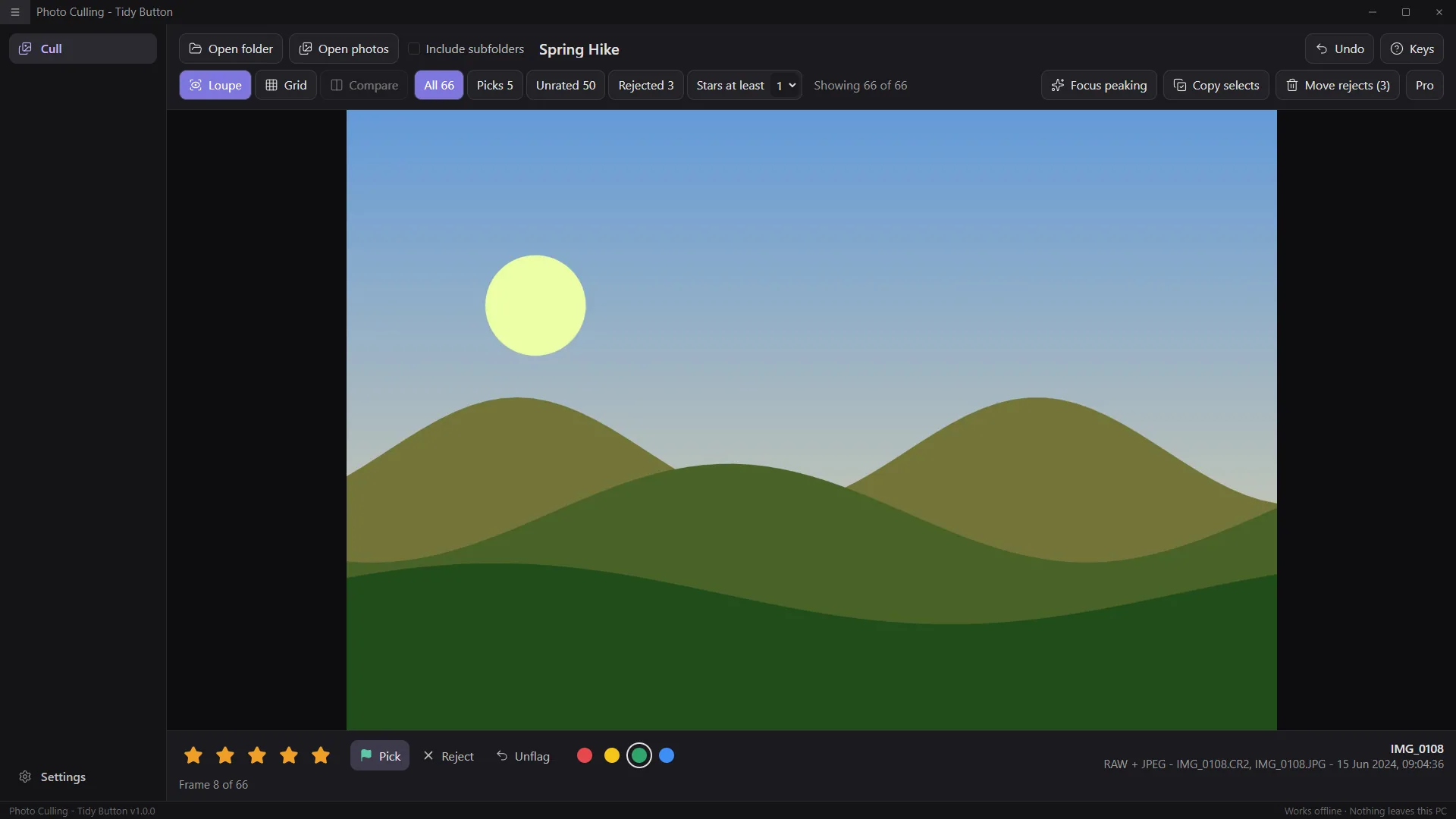
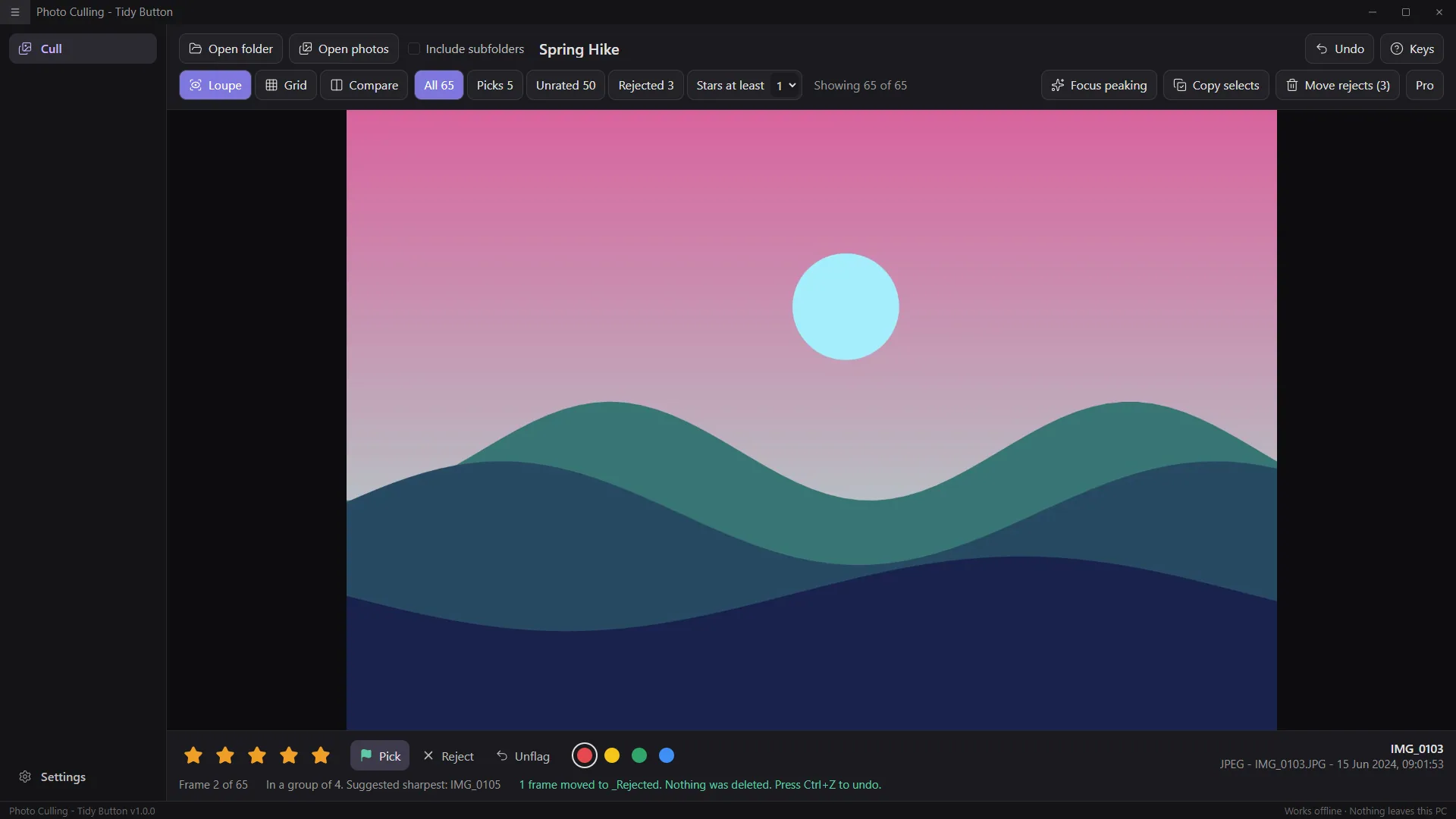
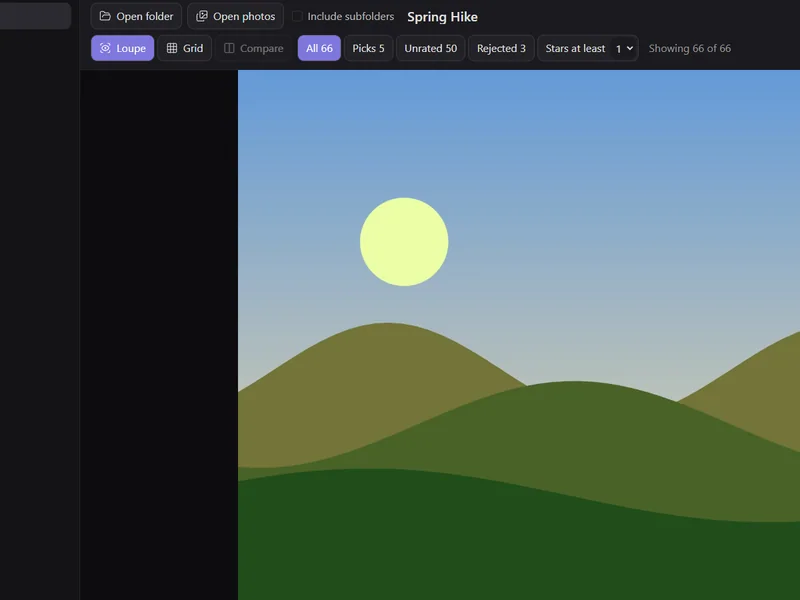
Loupe
Fly through a shoot with the arrow keys. Stars, pick, reject and colour label are one key press away
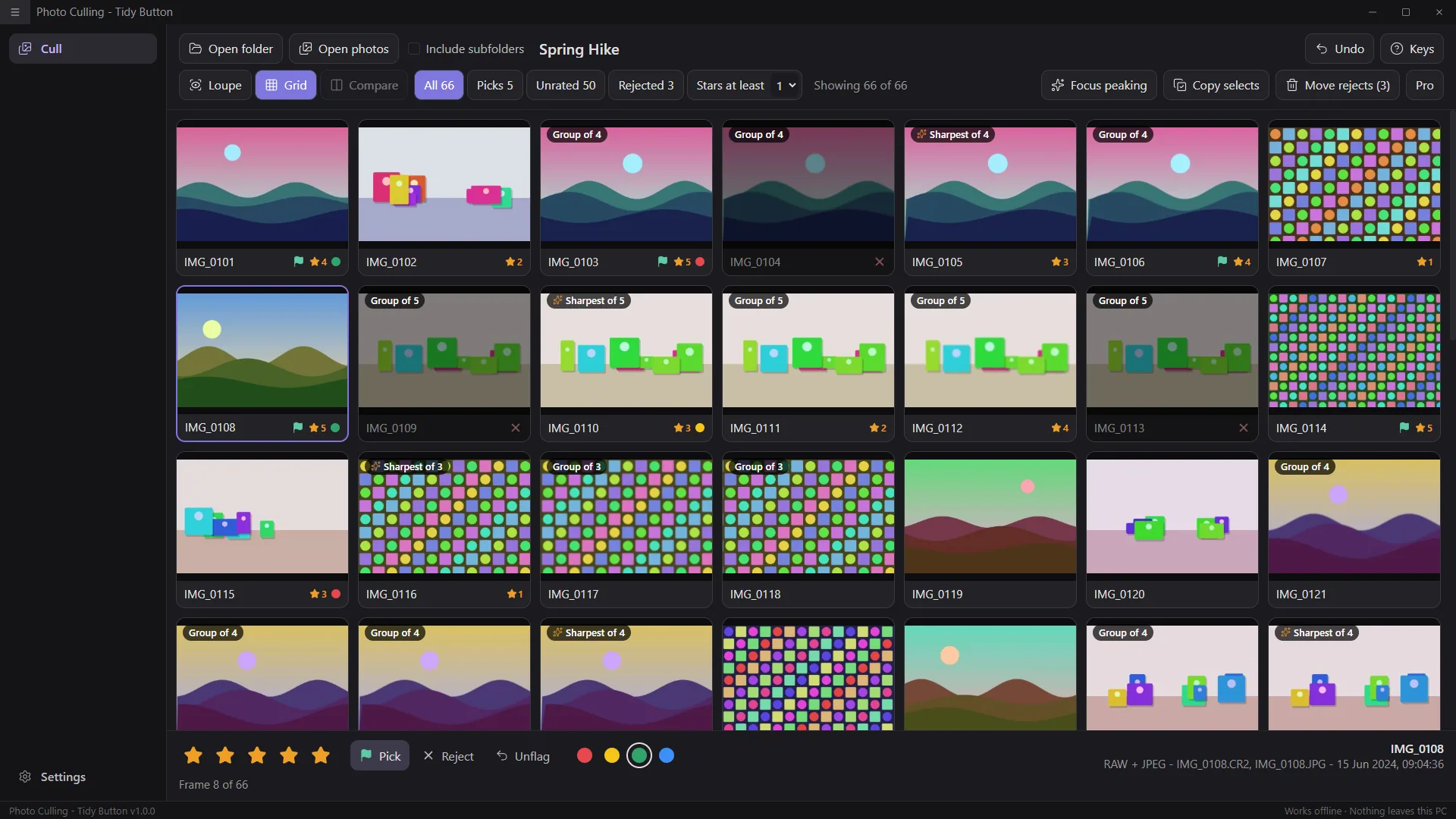
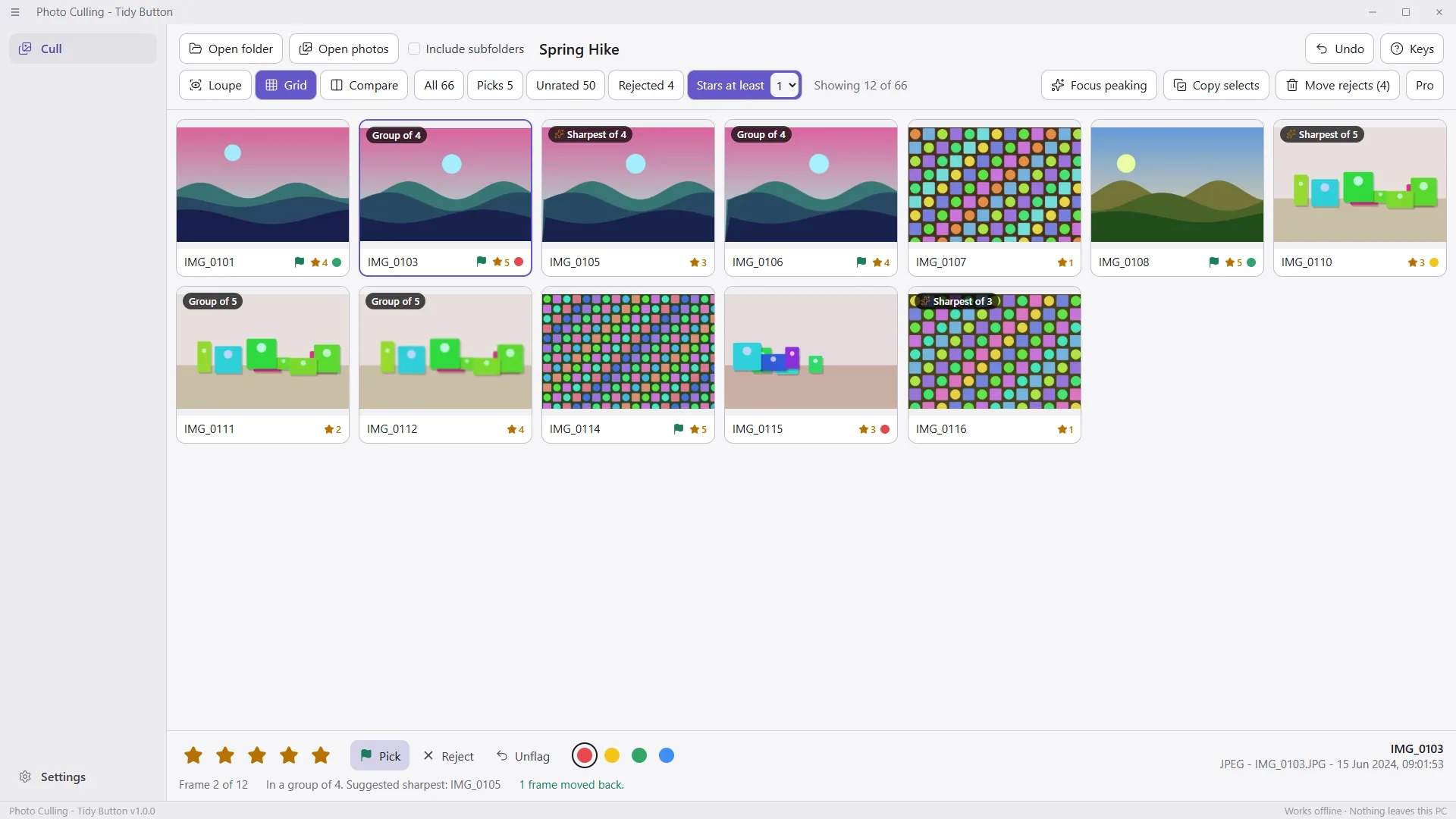
Grid
The grid shows rating, pick and label badges, groups bursts, and filters to picks, unrated, rejected or a minimum rating
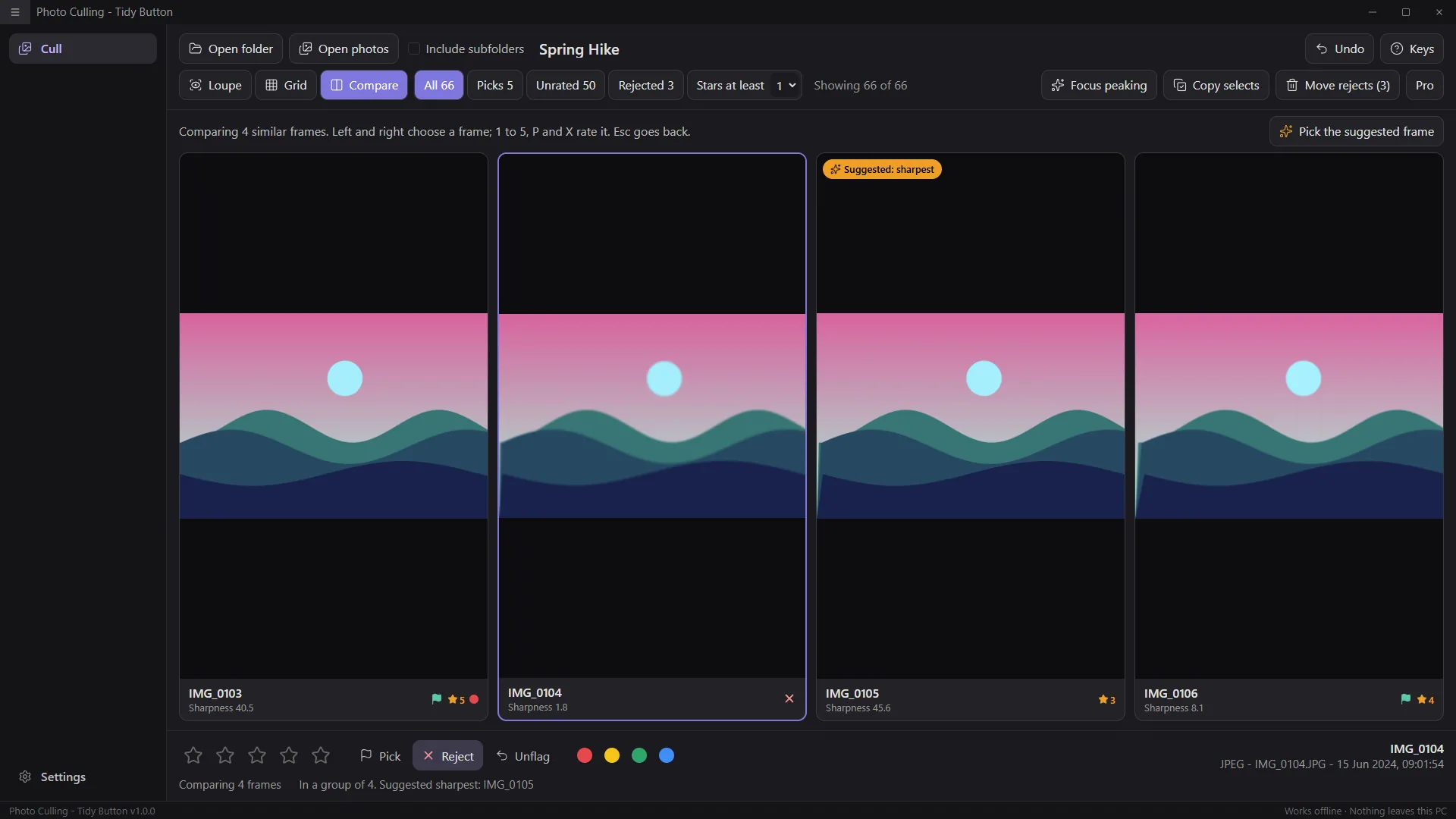
Compare
Compare a burst side by side. The sharpest frame is suggested, and you decide which one to keep
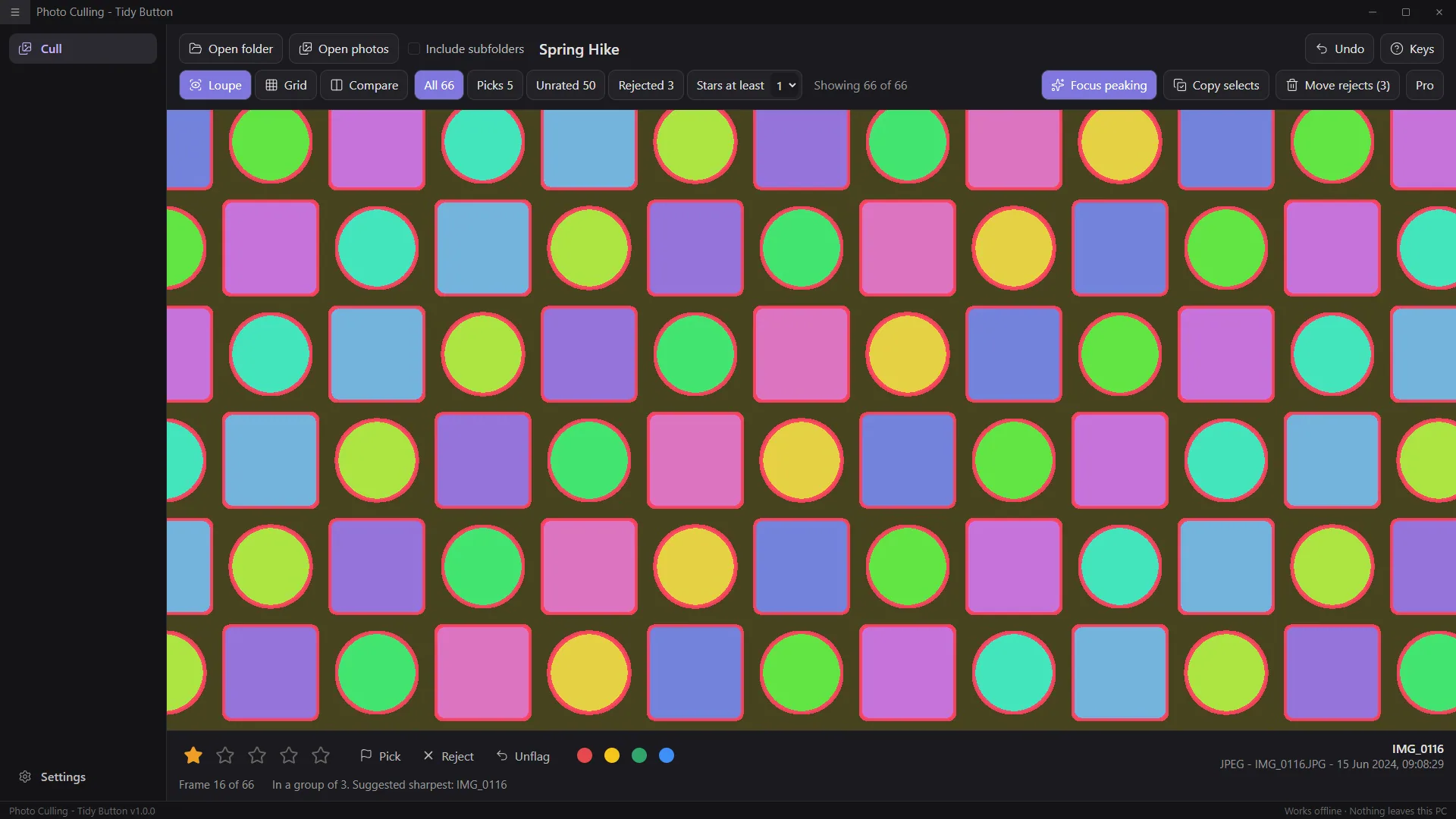
Zoom
Zoom to 100 percent where the cursor is, and turn on focus peaking to see which edges are sharp
Undo
Delete moves a frame and its pair to a _Rejected folder. Nothing is deleted, and Ctrl+Z puts it back
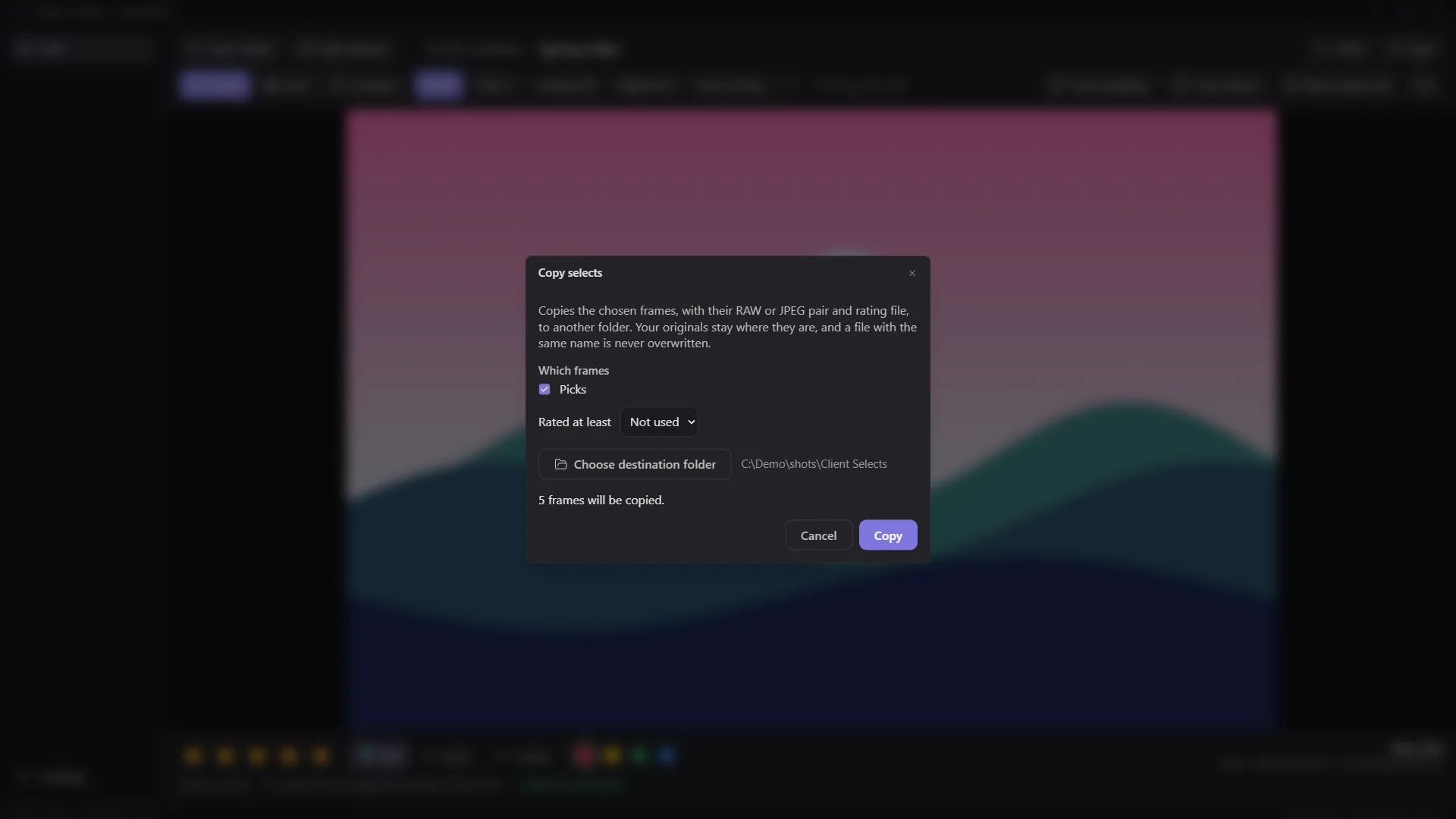
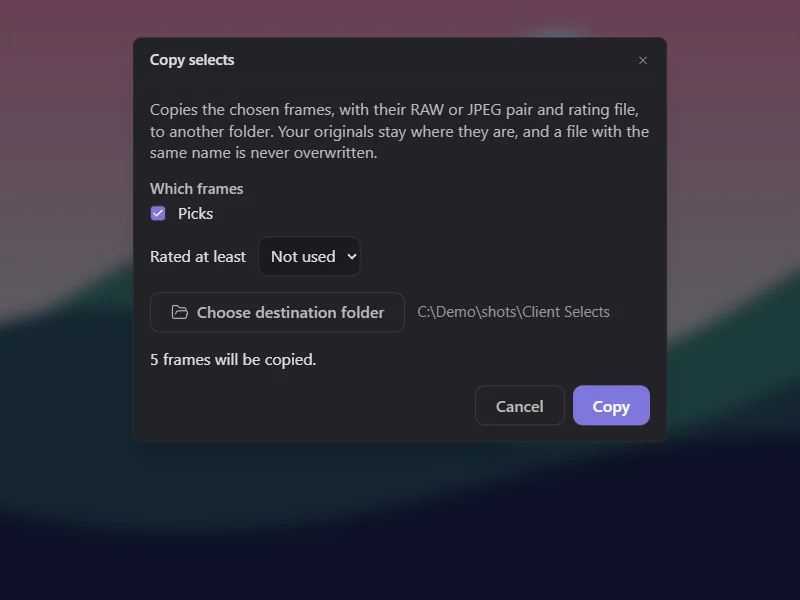
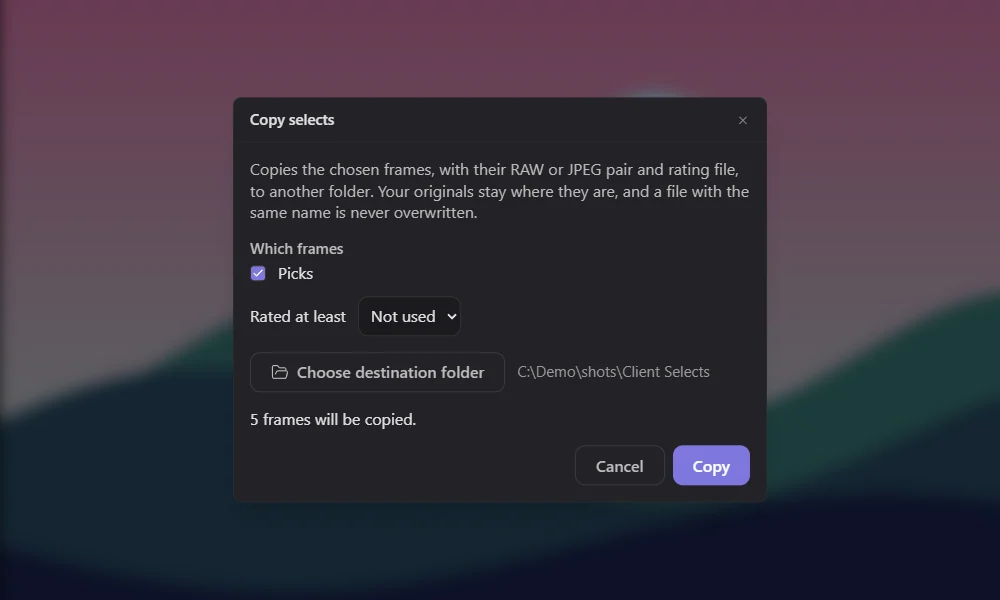
Copy selects
Copy your picks or your four-star frames, with their pairs and rating files, to another folder. Nothing is overwritten
Light theme
The same grid in the light theme, filtered to rated frames
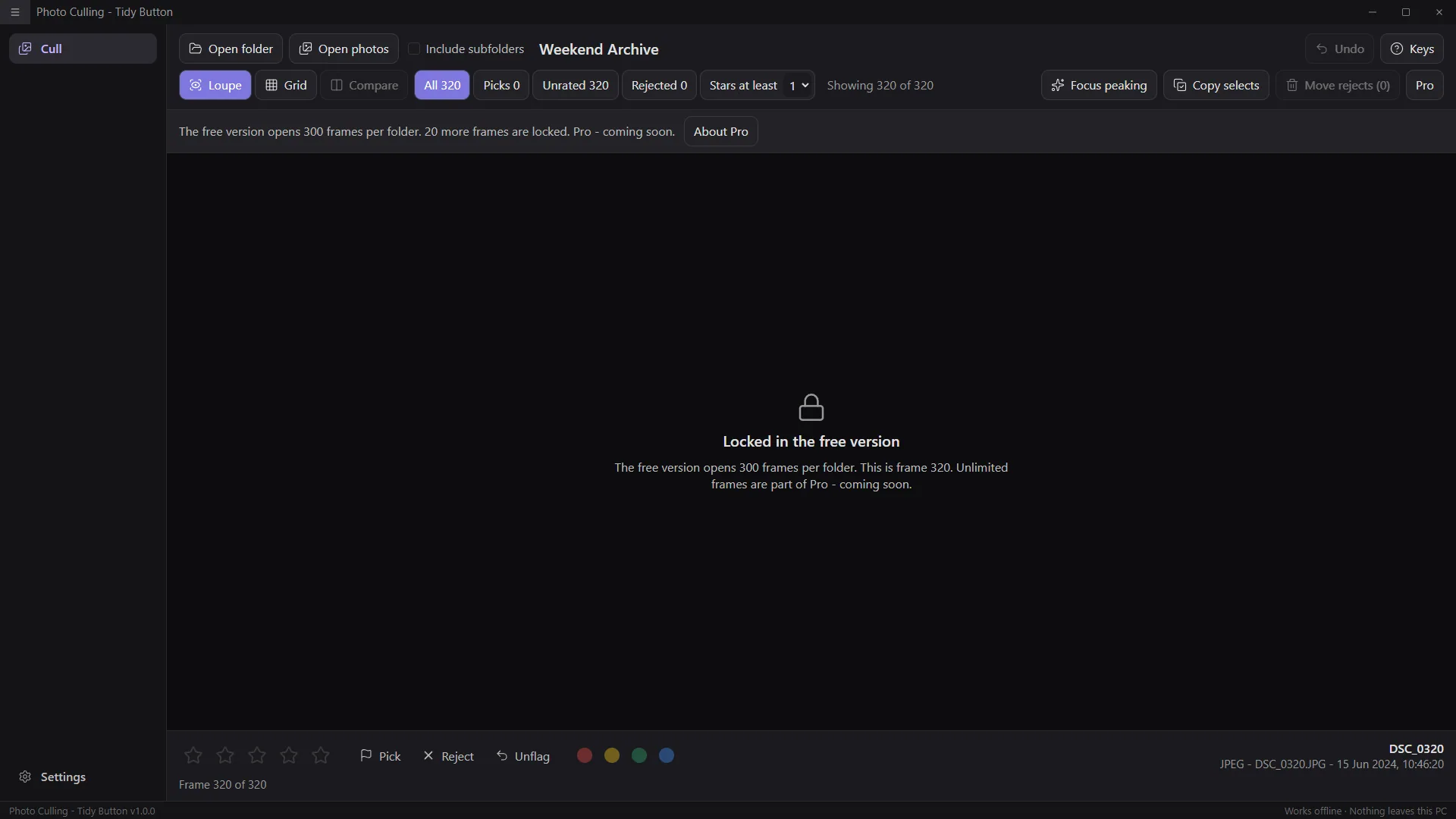
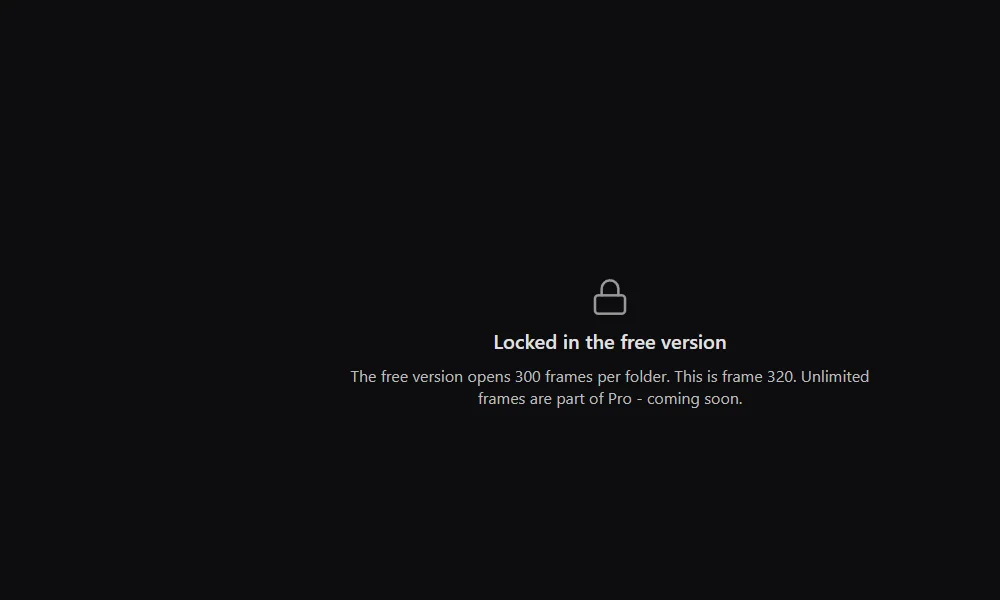
Free limit
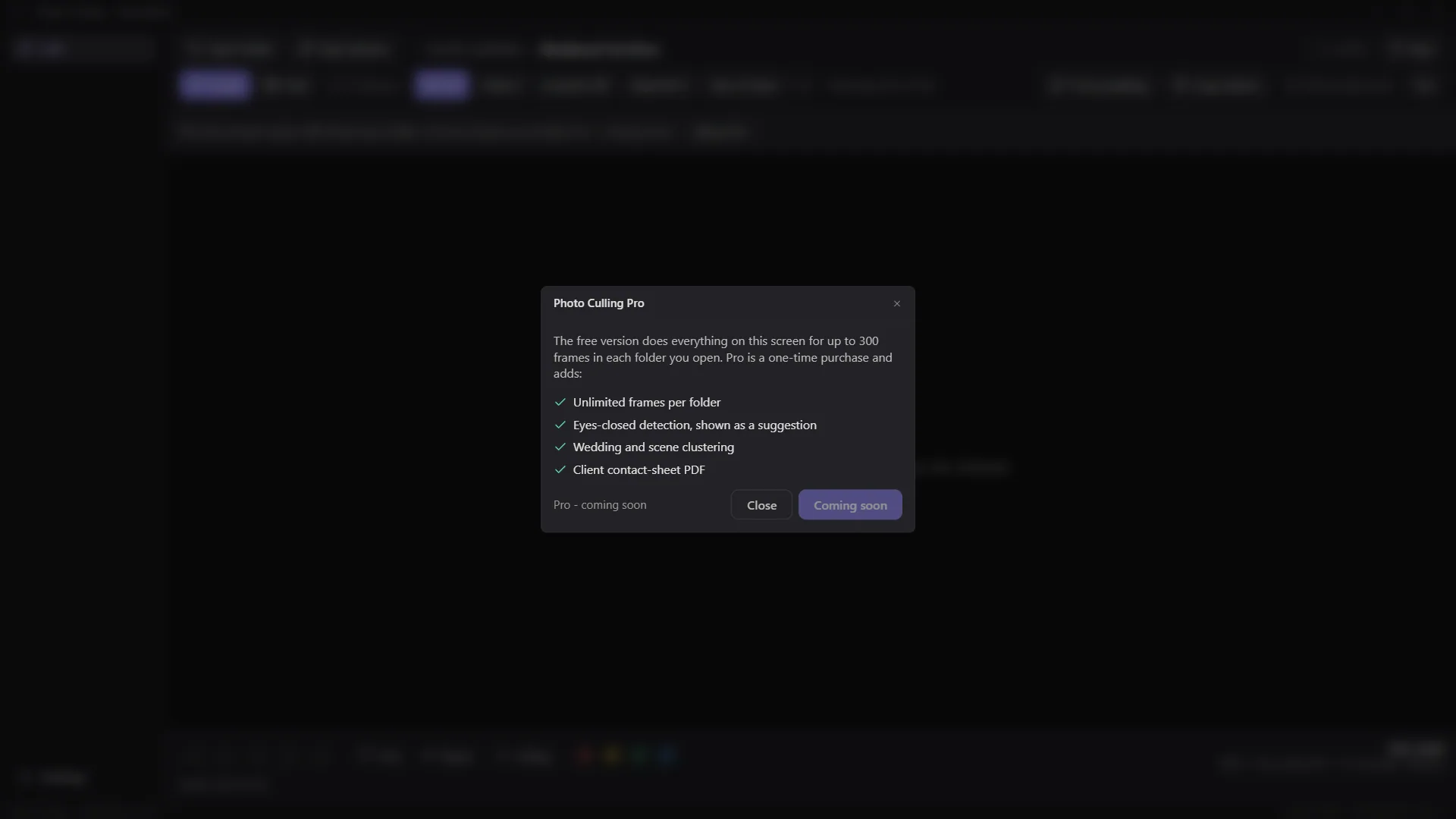
The free version opens up to 300 frames in each folder. Frames beyond that are shown as locked
Pro, planned
A Pro add-on is planned for very large shoots (coming soon)
Start
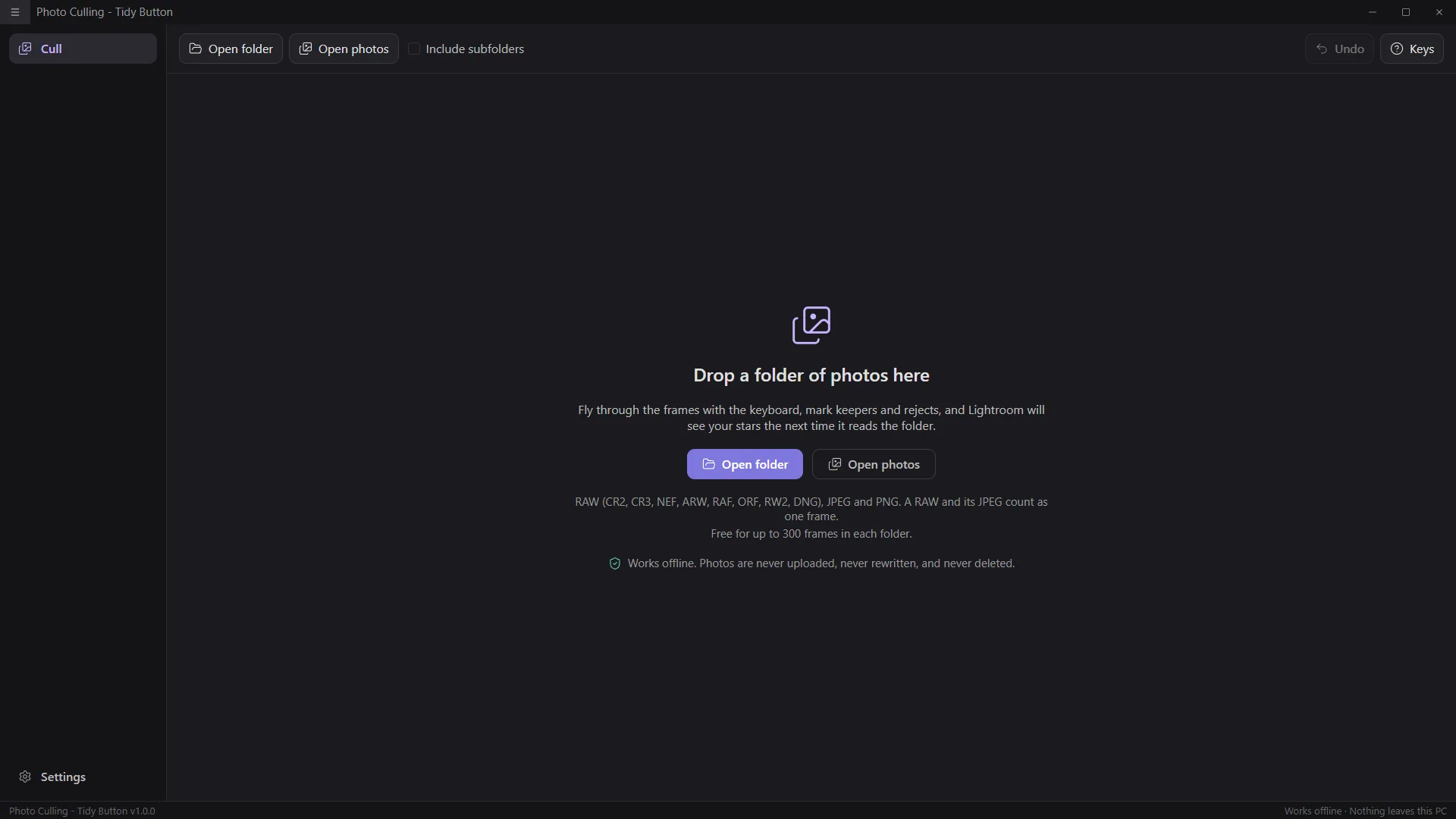
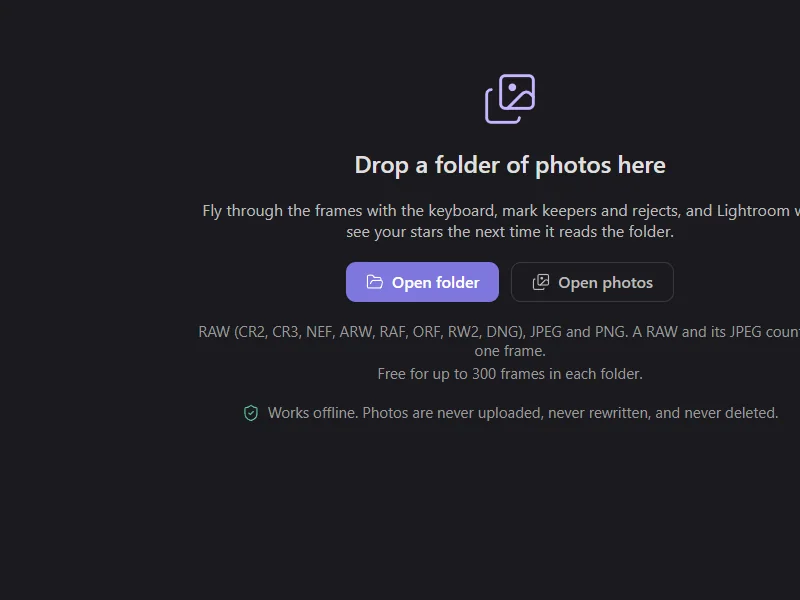
Start by dropping a folder of photos on the window or pressing Open folder. Works offline
Screens show sample pictures, not real photos. The app has light and dark themes.
How it works
Three steps. No manual.
01
Open a folder
Press Open folder, or drop a folder or a memory card on the window.
02
Fly through it
Arrow keys to move, 1 to 5 for stars, P to pick, X to reject.
03
Copy your selects
Copy the picks, with their pairs and rating files, to another folder.
What it does
What it does.
Open a folder or drop one on the window, then press the arrow keys to move between frames. Press 1 to 5 for stars, P to pick, X to reject, and 6 to 9 for a colour label. Nothing is imported and nothing decides for you. Everything runs on your PC. Your photos are never changed or uploaded.
Keyboard culling
Arrow keys to move, 1 to 5 stars, P pick, X reject, U unflag, and 6 to 9 for a red, yellow, green or blue label.
Made for RAW
Reads CR2, CR3, NEF, ARW, RAF, ORF, RW2 and DNG by showing the preview stored in each file, plus JPEG and PNG.
RAW and JPEG as one
A RAW and its JPEG with the same name count as one frame, and your rating applies to both.
Ratings in XMP files
Choices are saved as small XMP files next to the photos, which Lightroom Classic and Capture One can read. The photos themselves are never changed.
Zoom and focus peaking
Zoom to 100 percent where the cursor is, and highlight the sharpest edges.
Compare a burst
Look at 2 to 4 similar frames side by side. The sharpest is suggested, and you decide.
Grid and filters
Badges for rating, label and pick, with filters for picks, unrated, rejected, or stars at or above a number.
Copy your selects
Copy your picks, with their RAW or JPEG pair and rating file, to another folder. A file with the same name is never overwritten.
The small print, in plain English
Safe by design.
Copying selects never overwrites a file with the same name.
Frames beyond the free limit are shown as locked, so there are no surprises.
Your photos are never changed. The app writes only small XMP rating files next to them, and you can turn that off.
Nothing is deleted by the app. Delete moves frames into a _Rejected folder, and Ctrl+Z undoes your last 50 steps.
Copying selects never overwrites a file with the same name.
Nothing is uploaded. The app has no accounts, no ads and no analytics.
Works offline. No account. No subscription.
What it reads
RAW, JPEG, and their pairs.
The picture you see is the one stored in the file.
Compare a burst, then decide.
RAW files
Eight formats
CR2, CR3, NEF, ARW, RAF, ORF, RW2 and DNG, shown from the preview stored in the file.
JPEG and PNG
Also fine
Opened as they are.
Pairs
One rating
A RAW and its JPEG with the same name count as one frame.
Rating files
Sidecars
XMP files next to the photos, which Lightroom Classic and Capture One can read.
Bursts
Suggestion only
Frames taken within a few seconds of each other that look alike are grouped.
Undo
Fifty steps
Ctrl+Z undoes your last 50 steps.
For RAW files the picture shown is the preview stored in the file by the camera, not a full RAW render. HEIC is not supported yet.
Good for
Handy when there are too many frames.
Going through a wedding, event or travel shoot
Picking the sharpest frame of a burst
Preparing selects for Lightroom Classic or Capture One
Checking a memory card before you import anything
Questions
Plain answers.
Is anything uploaded?
No. The app has no accounts, no ads and no analytics, and your photos stay on your PC.
Does it change my photos?
No. It writes only small XMP rating files next to them, and you can turn that off in Settings.
Does it delete anything?
No. Delete moves a frame and its pair into a folder called _Rejected next to the photos, after a confirmation. It is a normal folder you can empty yourself, and Ctrl+Z moves the frames back.
Which RAW files does it read?
CR2, CR3, NEF, ARW, RAF, ORF, RW2 and DNG, plus JPEG and PNG. For RAW files it shows the preview stored in the file, not a full RAW render.
Will Lightroom see my ratings?
Ratings are saved as XMP files next to the photos, which Lightroom Classic and Capture One can read.
Is there a limit in the free version?
The free version opens up to 300 frames in each folder. A Pro add-on is planned (coming soon) with unlimited frames, eyes-closed detection, wedding and scene clustering, and a client contact-sheet PDF.
Does it need an account?
No. There is no account, no ads, no tracking and no subscription.