Coming to the Microsoft Store
Lossless Video Cutter Cut it. Keep the quality.
Cut a part out of a video, or join clips into one file, without re-encoding. The picture and sound are copied as they are, so nothing loses quality. It works offline with no account.
Not on sale yet. The app is still being built.
We will link the Store listing here the day it is live. Until then there is nothing to download.
- Works offline
- No account, no ads, no tracking
- No re-encoding
- Free
See it
Three views. One cutter, clear.
Cut
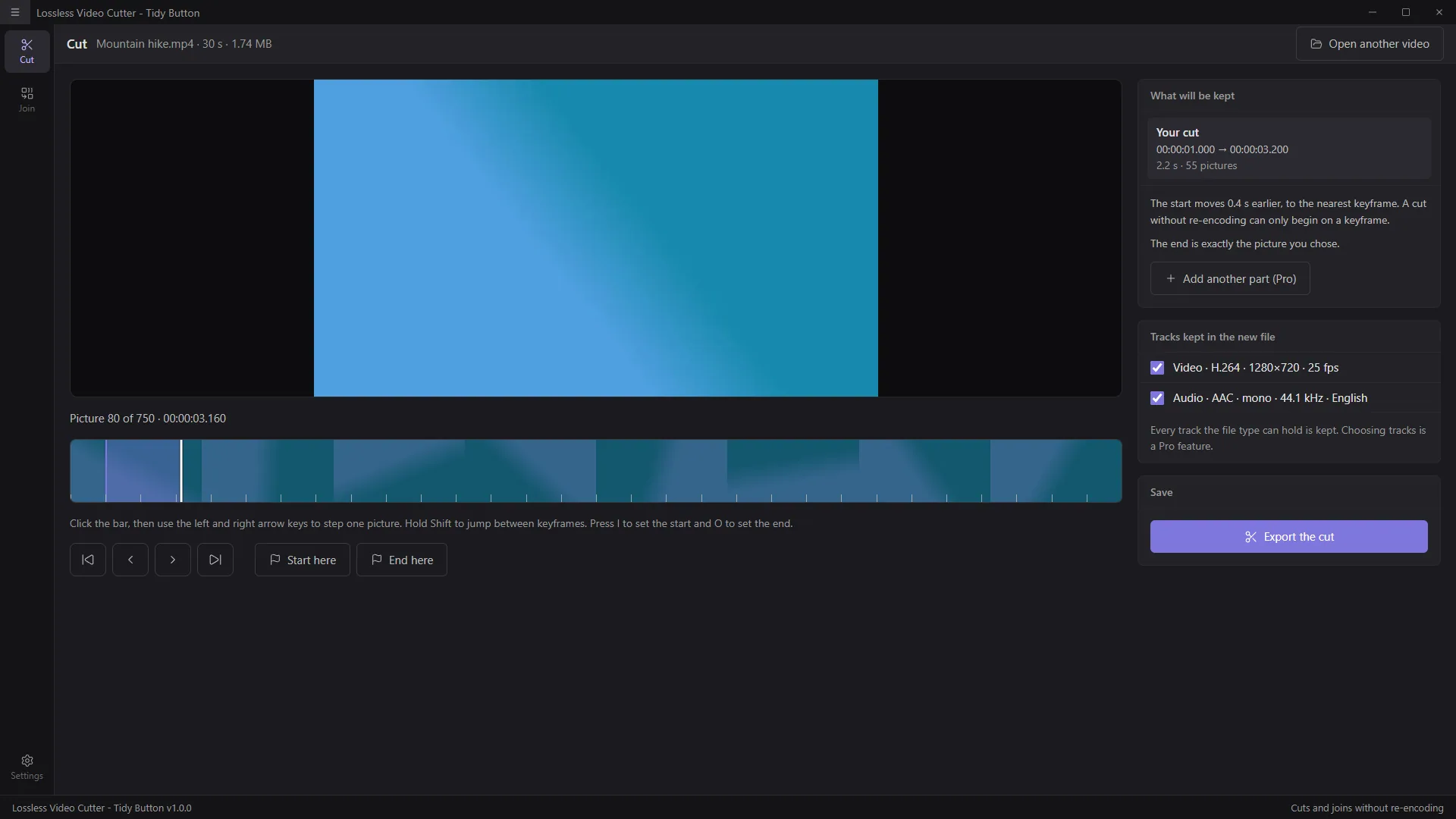
Mark a start and an end, and read where the cut will land
Join
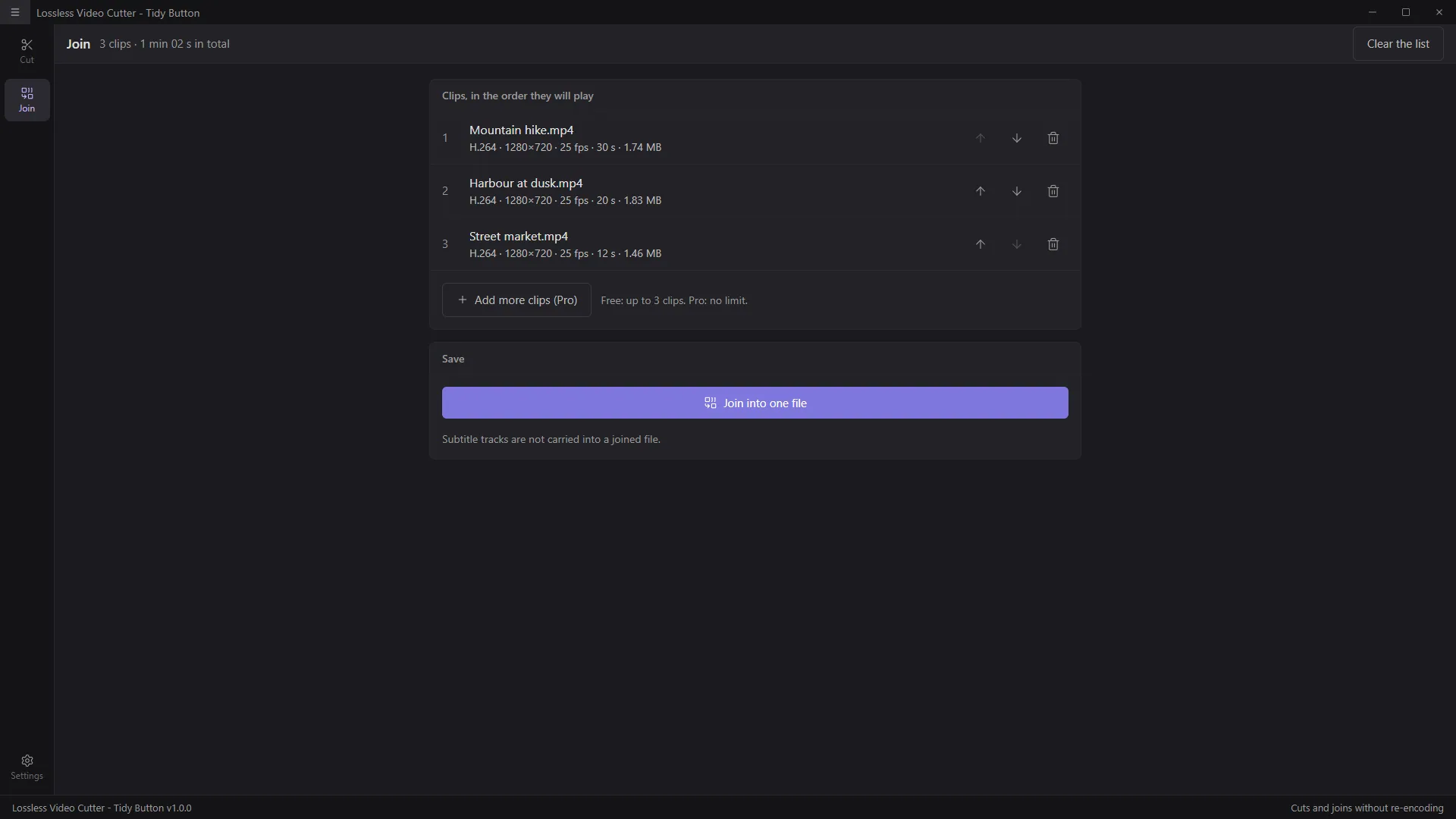
Put clips into one file, in the order you choose
Parts and tracks
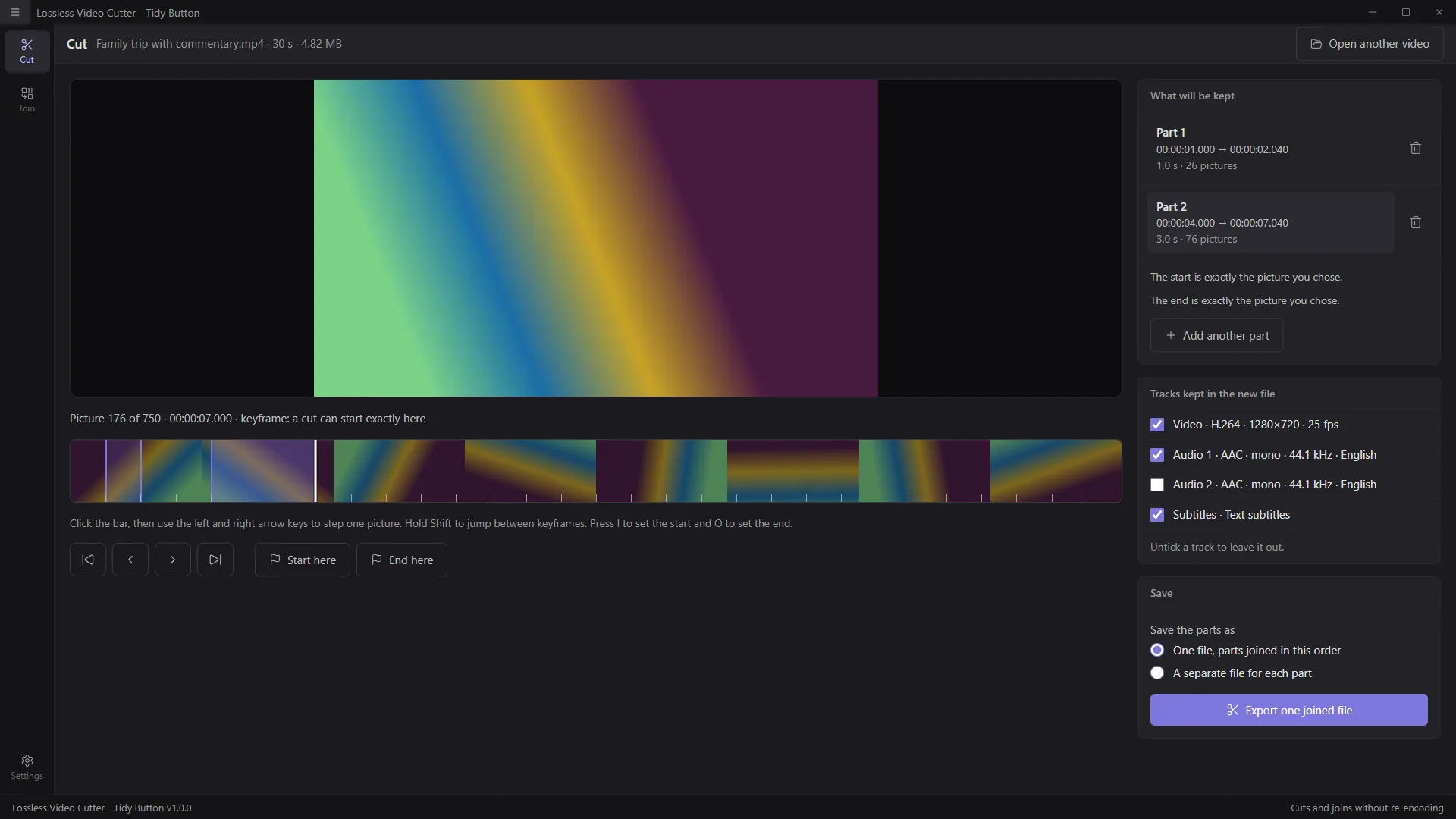
With Pro: several parts from one video, and the tracks you want
Settings
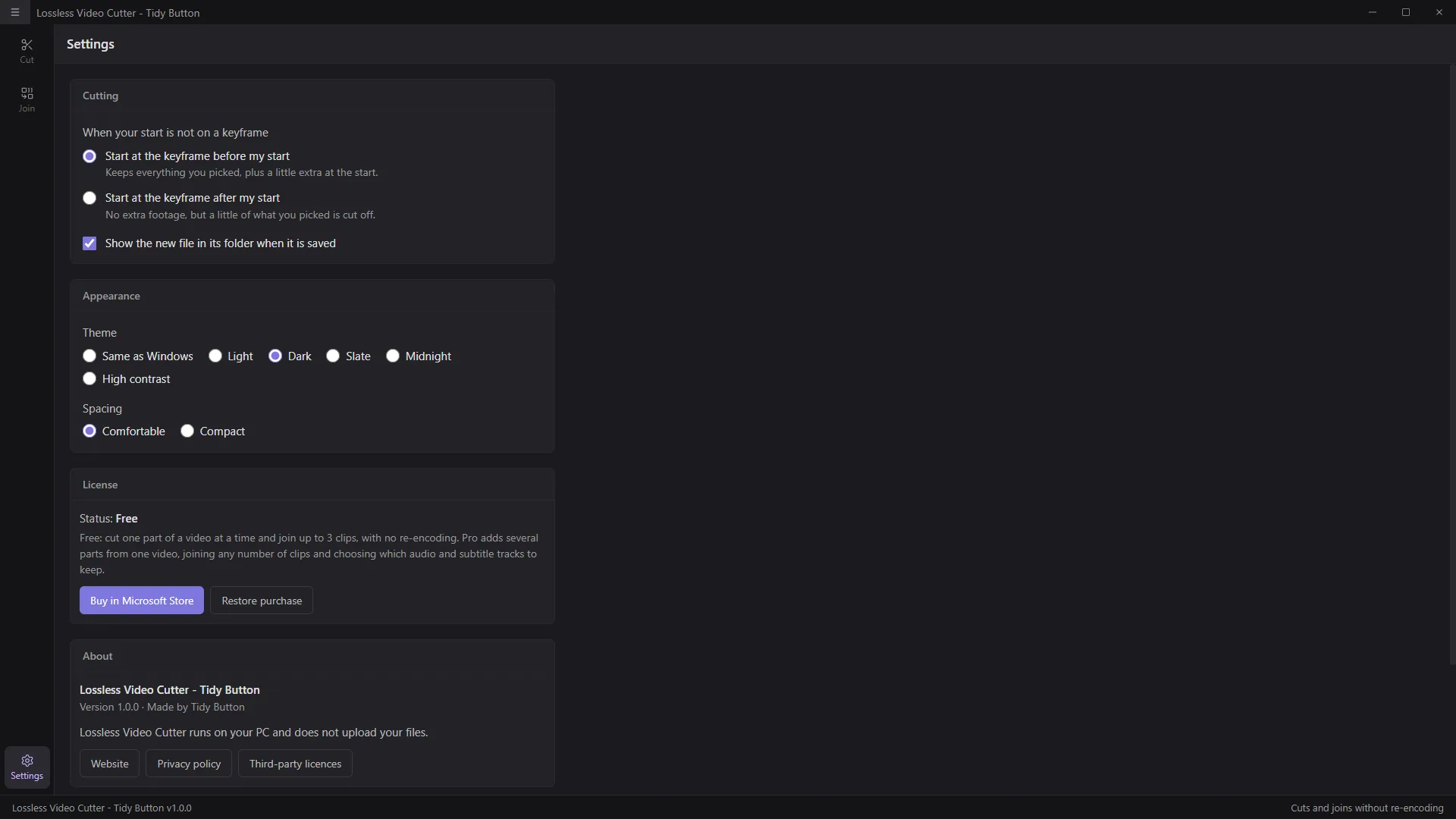
Choose how a start between keyframes is handled, and your theme
Screens show made-up sample videos drawn with colour gradients. The app has light, dark and other themes.
What it does
What it does.
Lossless Video Cutter copies the picture and sound of your video into a new, shorter file instead of re-encoding it. That keeps the quality exactly as it was, and your original file is never changed. Open a video, step through it picture by picture, mark where to start and end, and read in plain words where the cut will land. A cut without re-encoding can only begin on a keyframe, so the app tells you how far the start moves. The end is exactly the picture you chose.
No re-encoding
Picture and sound are copied as they are, so nothing loses quality and a cut is quick.
A timeline with pictures
Preview pictures and keyframe marks show where you are in the video.
Step by picture or by keyframe
Use the buttons or the arrow keys. Hold Shift to jump between keyframes.
A plan in plain words
See where the cut starts and ends, and how many pictures it keeps, before you save.
Join clips
Put clips that were saved the same way into one file. The app says why when clips do not match.
Your original stays as it is
The new file is saved under a name you choose. The app never writes over the original.
Start before or after
Choose whether a start that is not on a keyframe moves to the keyframe before it or after it.
Light and dark themes
Choose light, dark and other themes, and comfortable or compact spacing.
The small print, in plain English
Safe by design.
- Your videos stay on your PC. The app does not upload them.
- The free app works offline. The only network use is the optional Pro licence check.
- Your original file is never changed. A half-written file is never left behind.
- No account. No ads. No tracking.
Good for
Handy when you only need a piece.
- Trimming the start and end off a recording
- Pulling one clip out of a long video
- Joining clips from the same camera or phone
Questions
Plain answers.
Does cutting lower the quality?
No. The picture and sound are copied as they are, so nothing is re-encoded and nothing loses quality.
Why does my start move?
A cut without re-encoding can only begin on a keyframe. The app shows how far your start moves, and Settings lets you choose the keyframe before or the one after. The end is exactly the picture you chose.
Is my original video changed?
No. The new file is saved under a name you choose, and the app never writes over the original.
Why can I not join some clips?
Clips must have been saved the same way, with the same picture format and size. The app shows the reason next to a clip that does not match.
Does it need an internet connection?
No. Everything in the free app works offline. The only network use is the optional Pro licence check.
What does the free version include?
Cutting one part of a video at a time, with no limit on length, and joining up to 3 clips.
What does Pro add?
A one-time Pro add-on lets you save several parts from one video, choose which audio and subtitle tracks to keep, and join any number of clips.
Which versions of Windows does it run on?
Windows 10 and Windows 11.