Coming to the Microsoft Store
Beam Sender Preview it, then run it.
Connect over USB, open a G-code file, look at the toolpath and run the job. Jog, set zero, pause and stop, with plain-English errors and a practice machine to try it first. No account, no ads, works offline.
Not on sale yet. The app is still being built.
We will link the Store listing here the day it is live. Until then there is nothing to download.
- Works offline
- No account, no ads, no tracking
- Files stay on your PC
- Free
See it
Eight views. From first jog to macros.
Start
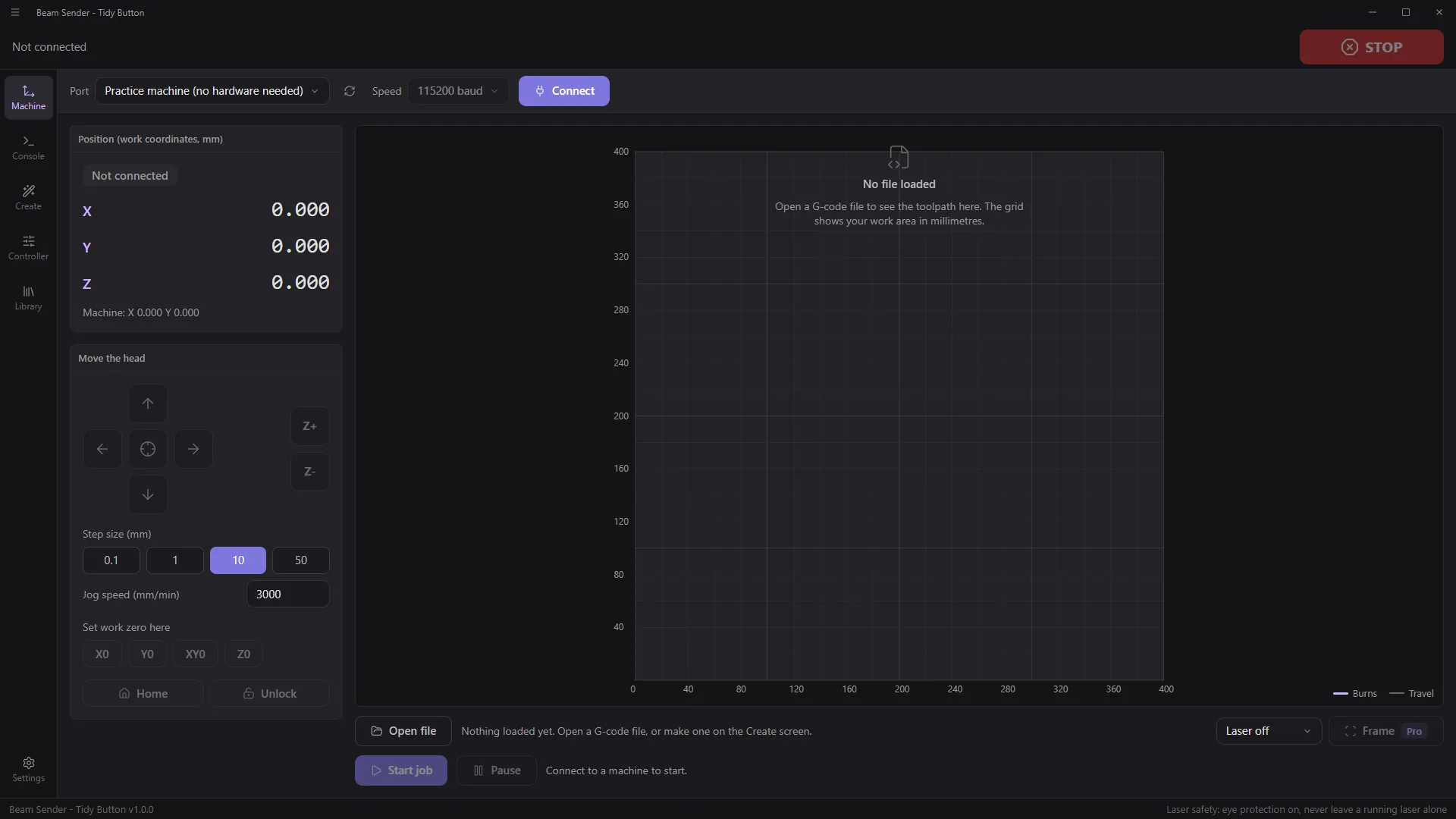
Connect, and see the position, the jog controls and a big STOP
Preview
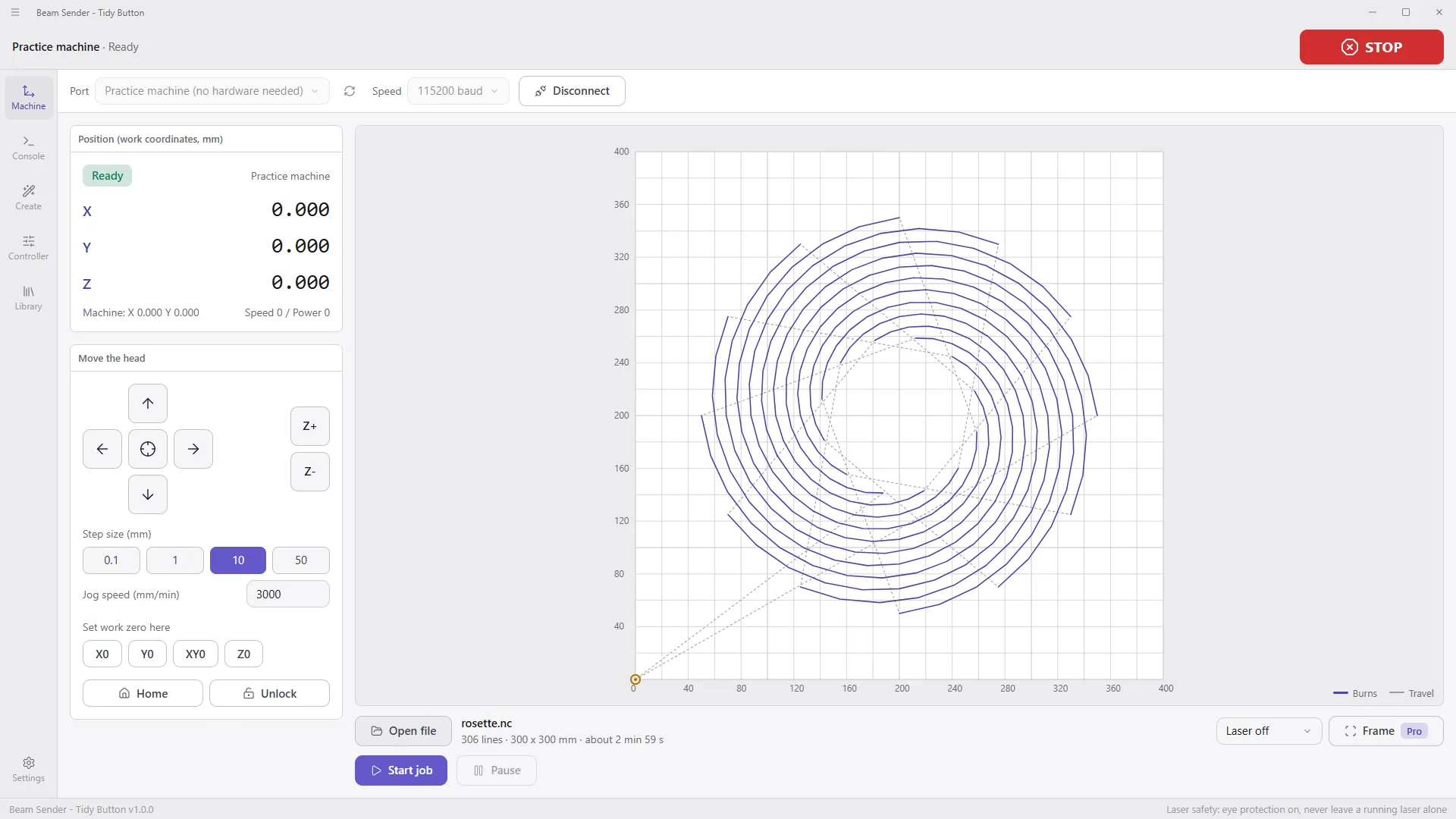
A toolpath preview with size and time before anything moves
Running
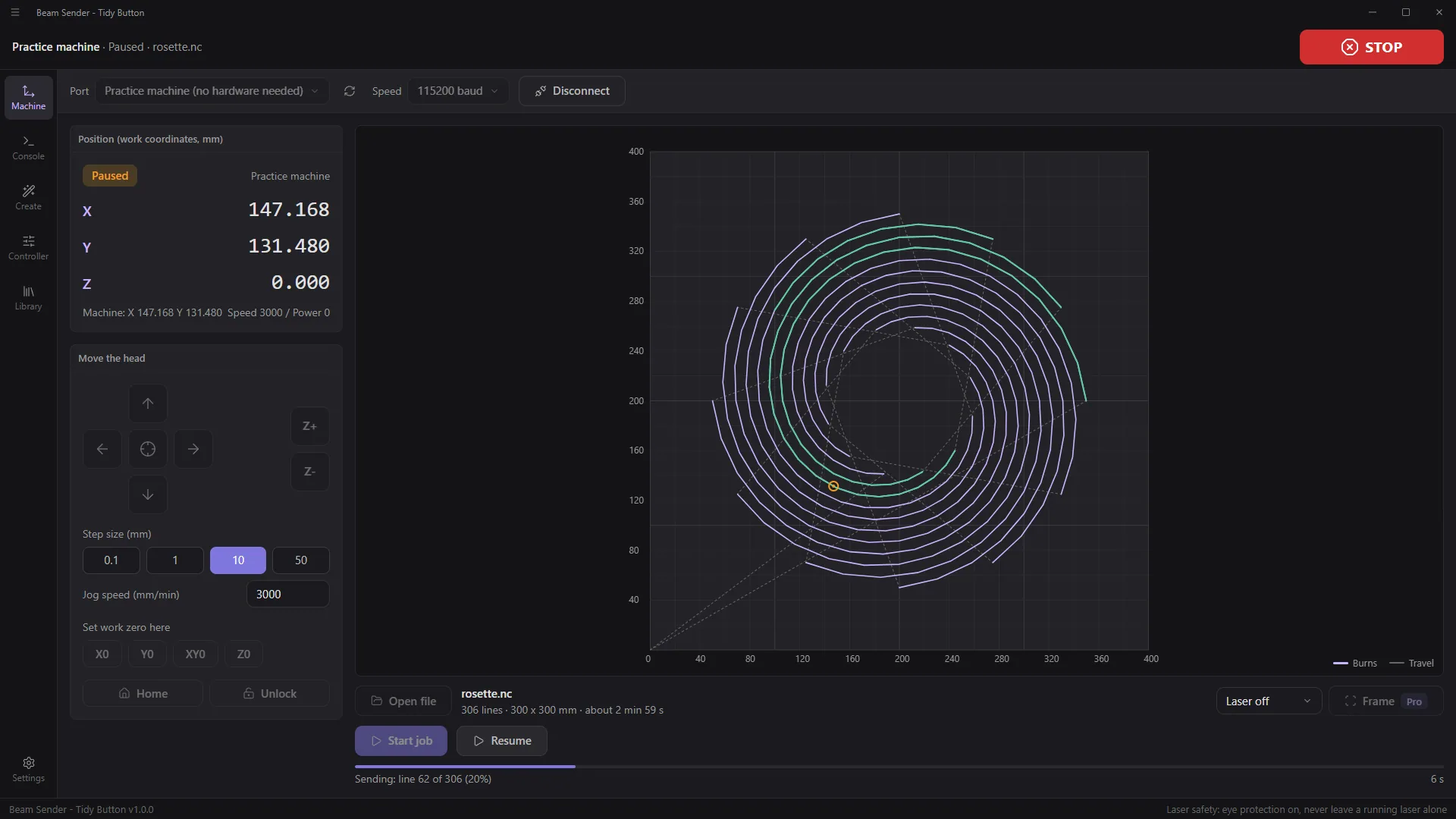
A running job with progress, Pause, Resume and STOP
Pro prompt
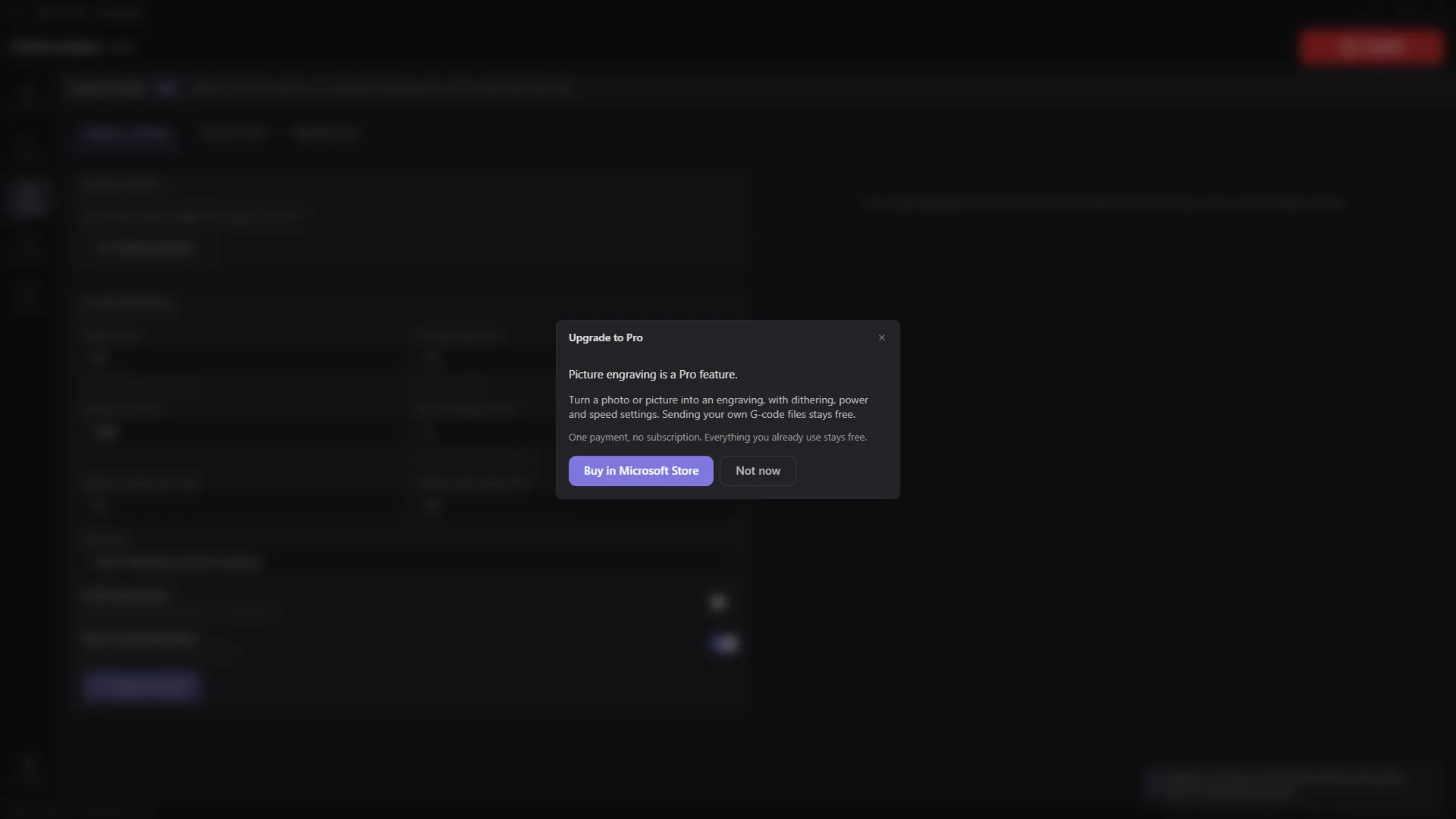
Pro tools show a prompt only when you touch them
SVG trace
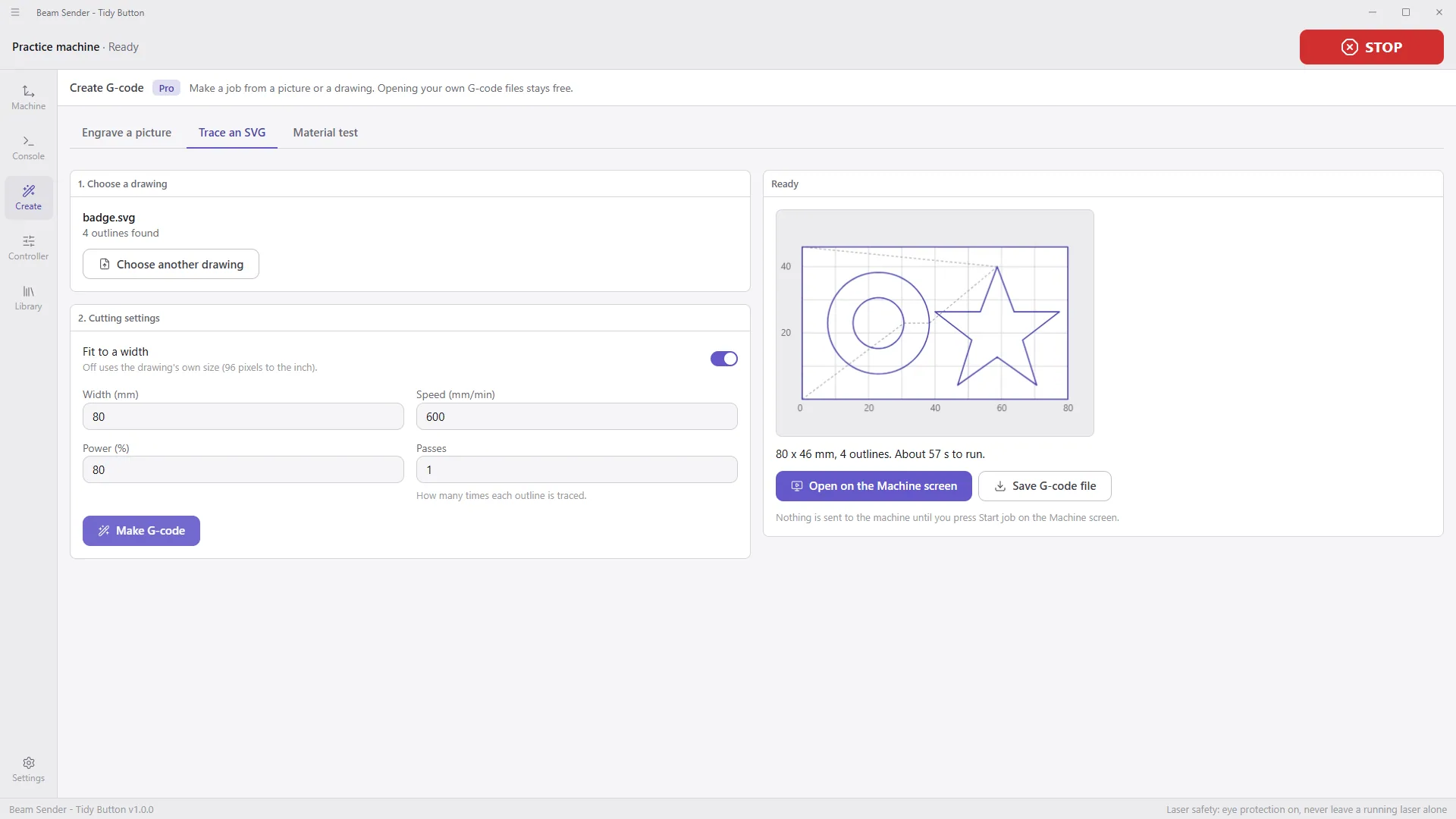
Trace an SVG drawing into outlines (Pro)
Test grid
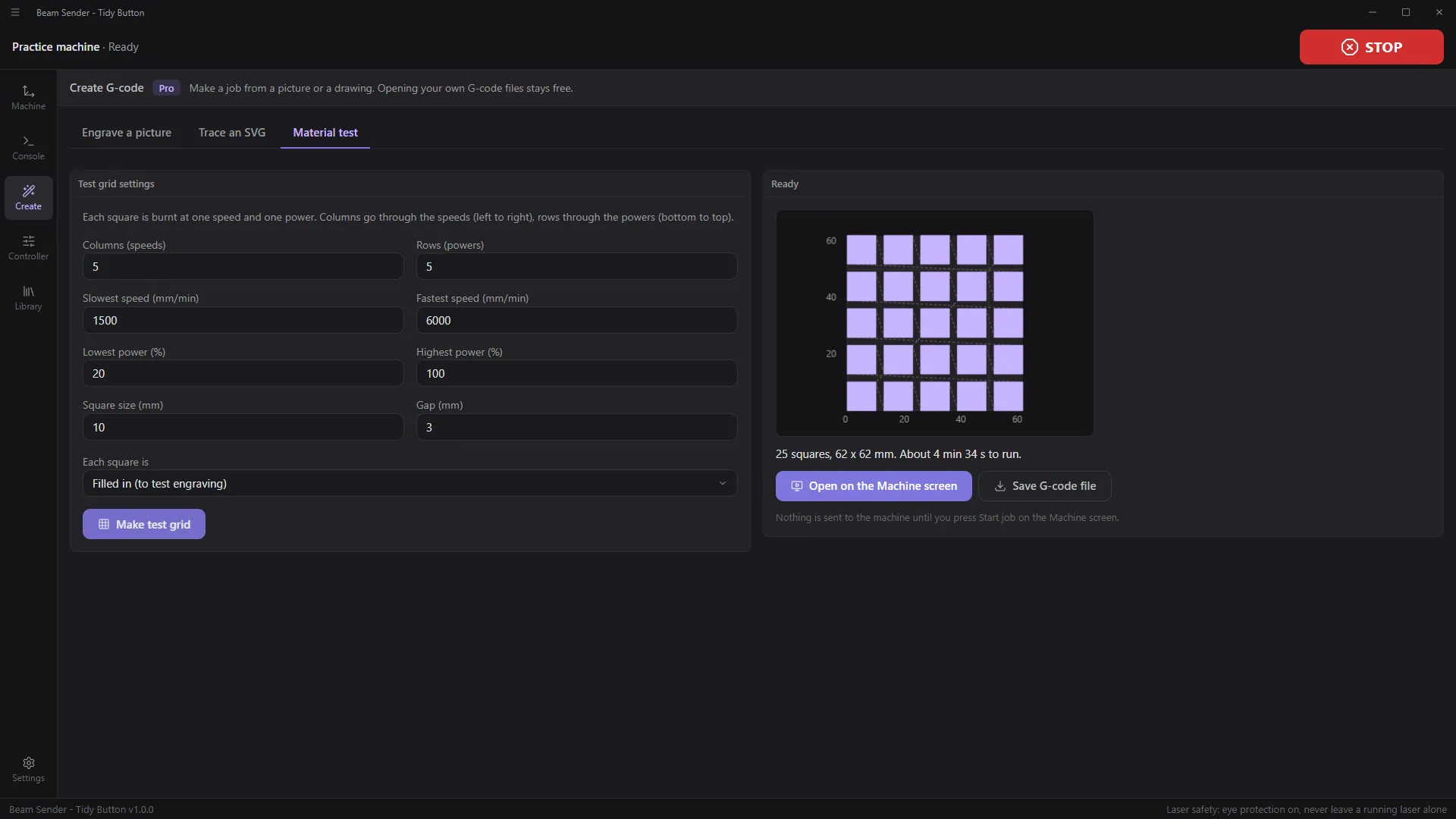
A material test grid of squares at different speeds and powers (Pro)
Settings
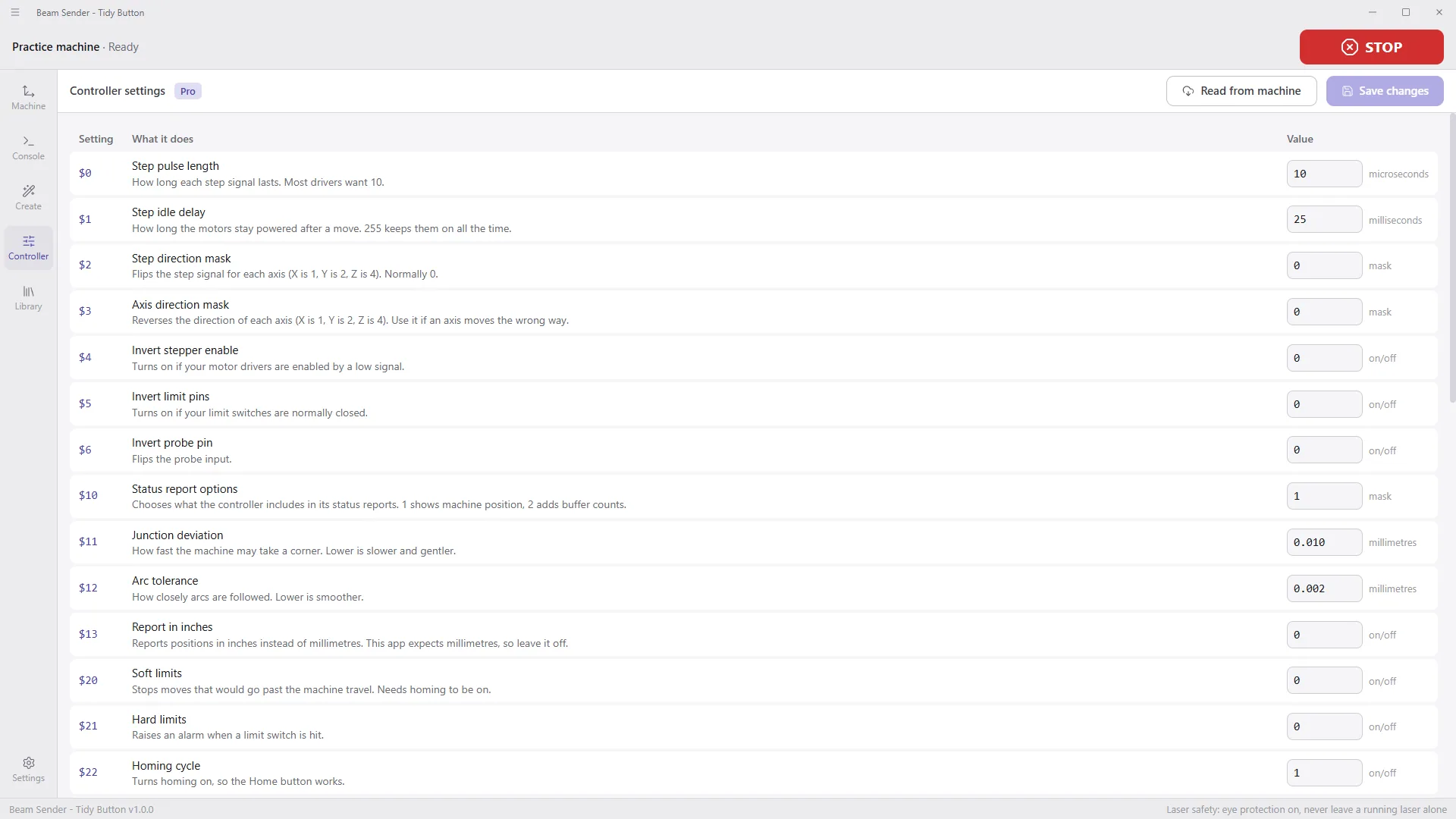
Read the controller settings with a plain description for each (Pro)
Macros
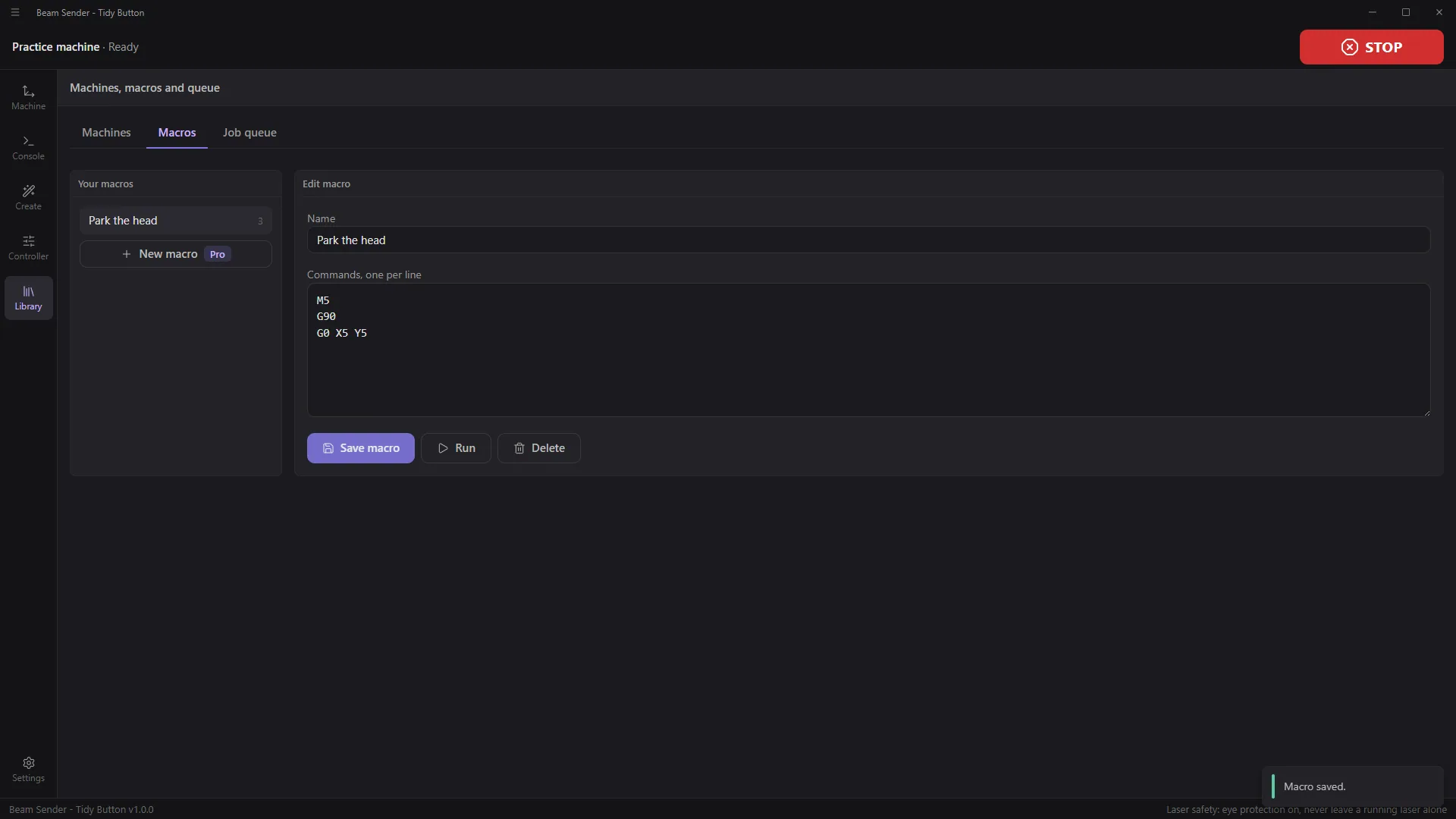
Save short command lists as macros (Pro)
Screens use the built-in practice machine and an invented sample job. It has several themes, including light and dark.
What it does
What it does.
A plain Windows app for running jobs on a hobby laser engraver or a small CNC router. Open a G-code file, look at the toolpath and press Start. No machine yet? A built-in practice machine lets you try every control first.
USB connection
Choose the port and speed, connect, and see the machine position and state.
Practice machine
Try every control with no hardware before you connect a real laser or router.
Toolpath preview
See burns and travel moves, the size and an estimated time before anything moves.
Jog, zero and home
Move the head by step, set X, Y or Z zero, go to zero, home and unlock.
STOP always in view
A big STOP button is on every screen, next to Pause and Resume.
Plain-English errors
Alarms and errors are explained in words, and a console keeps your command history.
Safe by design
Every job asks first and never starts by itself. The laser is switched off on disconnect and on close.
Pro tools
Engrave a picture, trace an SVG, material test grid, framing, job queue, macros, settings editor and machine profiles.
The small print, in plain English
Safe by design.
- Every job asks for a confirmation and never starts by itself.
- The laser is switched off when you disconnect or close the app.
- Your files stay on your PC. Nothing is uploaded.
- The free version connects, jogs and sends files. Pro is an optional one-time add-on.
- No account. No ads. No tracking.
Good for
Handy when you run a laser or router.
- A diode laser engraver with a USB cable
- A small CNC router running a G-code file
- A first test on a scrap of material
Questions
Plain answers.
Do I need a machine to try it?
No. A built-in practice machine appears in the port list, so you can try every control first.
Does a job start by itself?
No. Every job asks for a confirmation, and STOP is always on screen.
Which machines work?
Machines with a USB serial connection and GRBL 1.1 compatible firmware.
Is there a limit in the free version?
The free version connects, jogs and sends files with a preview, with one machine profile. Pro adds the extra tools.