Free on the Microsoft Store
Flowchart Maker Draw it, connect it, export it.
Draw flowcharts offline. Drag shapes, connect them, then export a clean PNG or SVG with no watermark. Charts are saved as files on your PC, with no account and nothing uploaded.
PDF export and three starter templates.
Pro keys go on sale when this app's Pro update reaches the Microsoft Store.
One key for this app. Free to use without it. See all pricing
Prefer the command line? winget install 9NTPT4RTBTJH --source msstore
- Works offline
- No account, no ads, no tracking
- No watermark
- Free
See it
Six views. One page, clear steps.
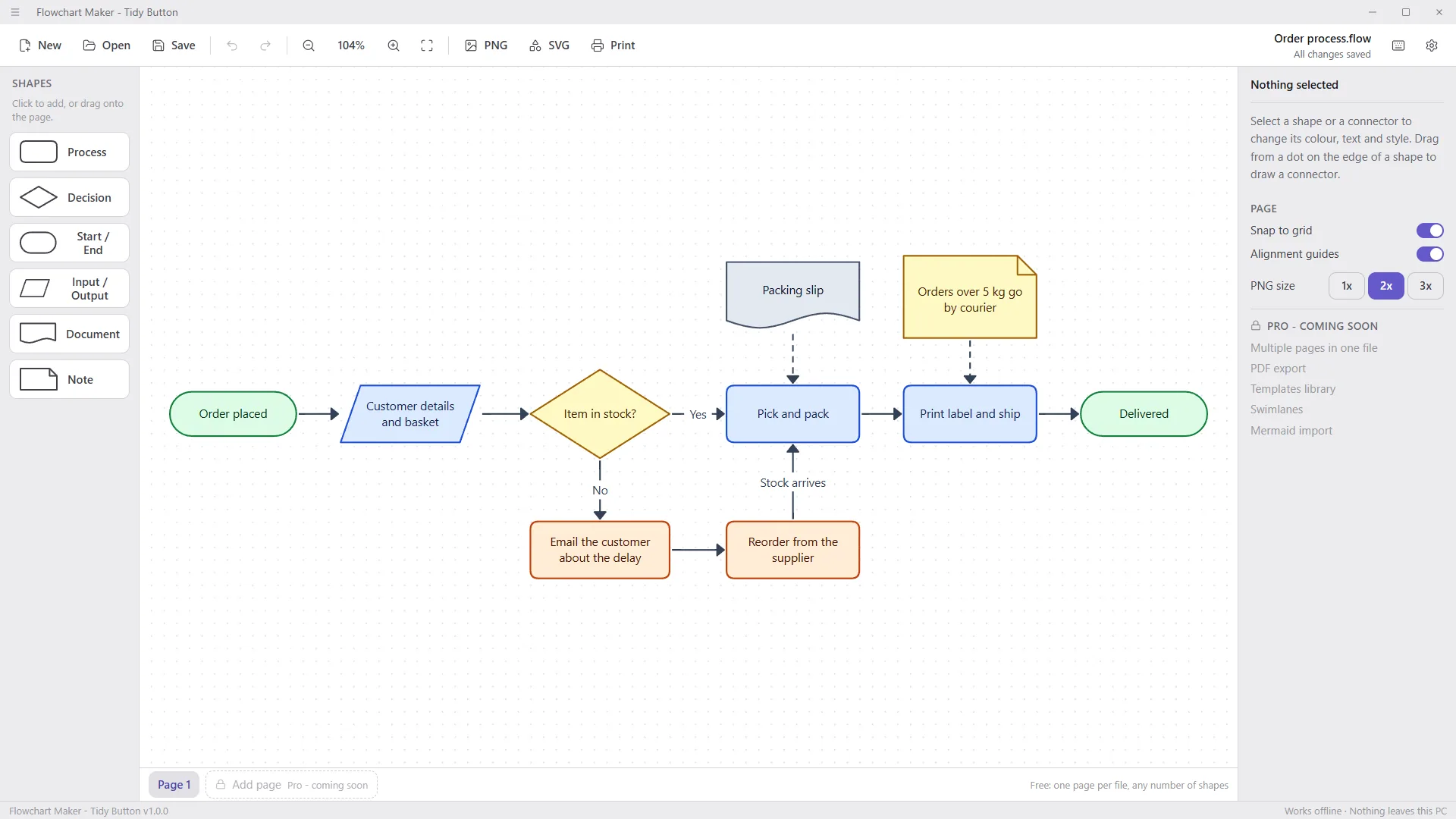
A flowchart
Shapes, labelled connectors and soft colours, all on one clean page
Decisions
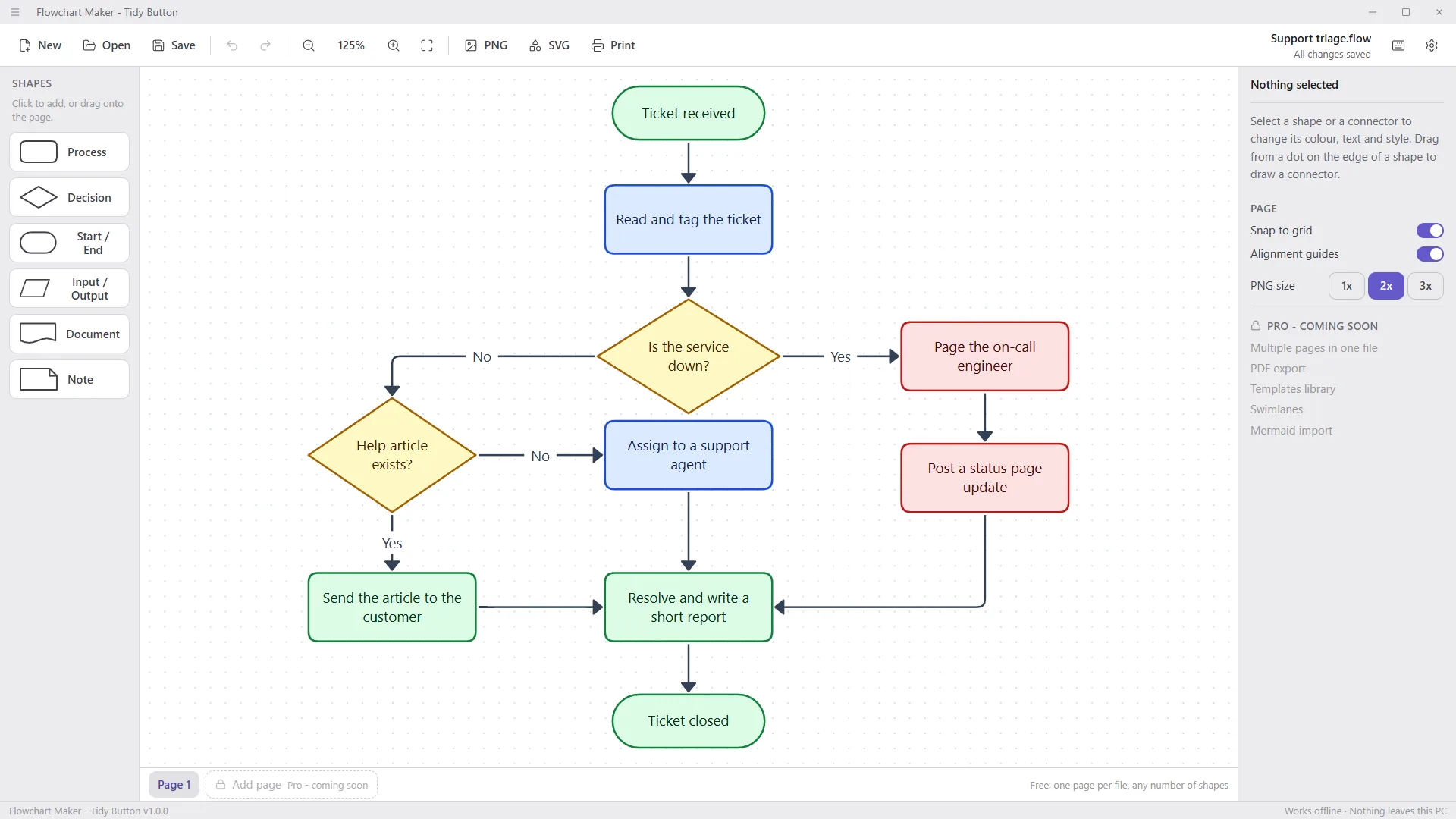
Decisions branch with Yes and No connectors that bend at right angles and stay attached when you move a shape
Colour and text
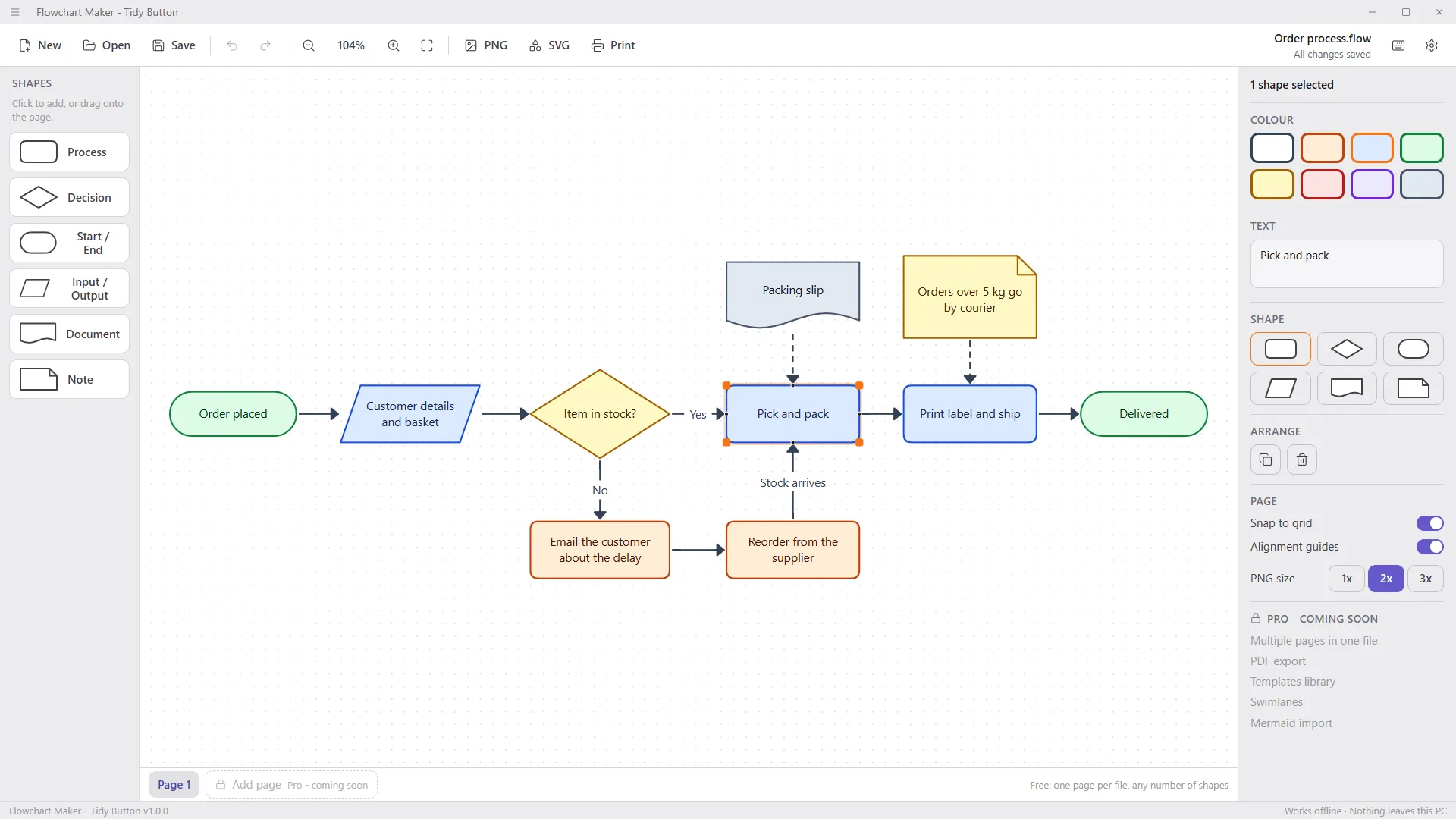
Pick a shape, then change its colour, text or type from the panel on the right
Alignment
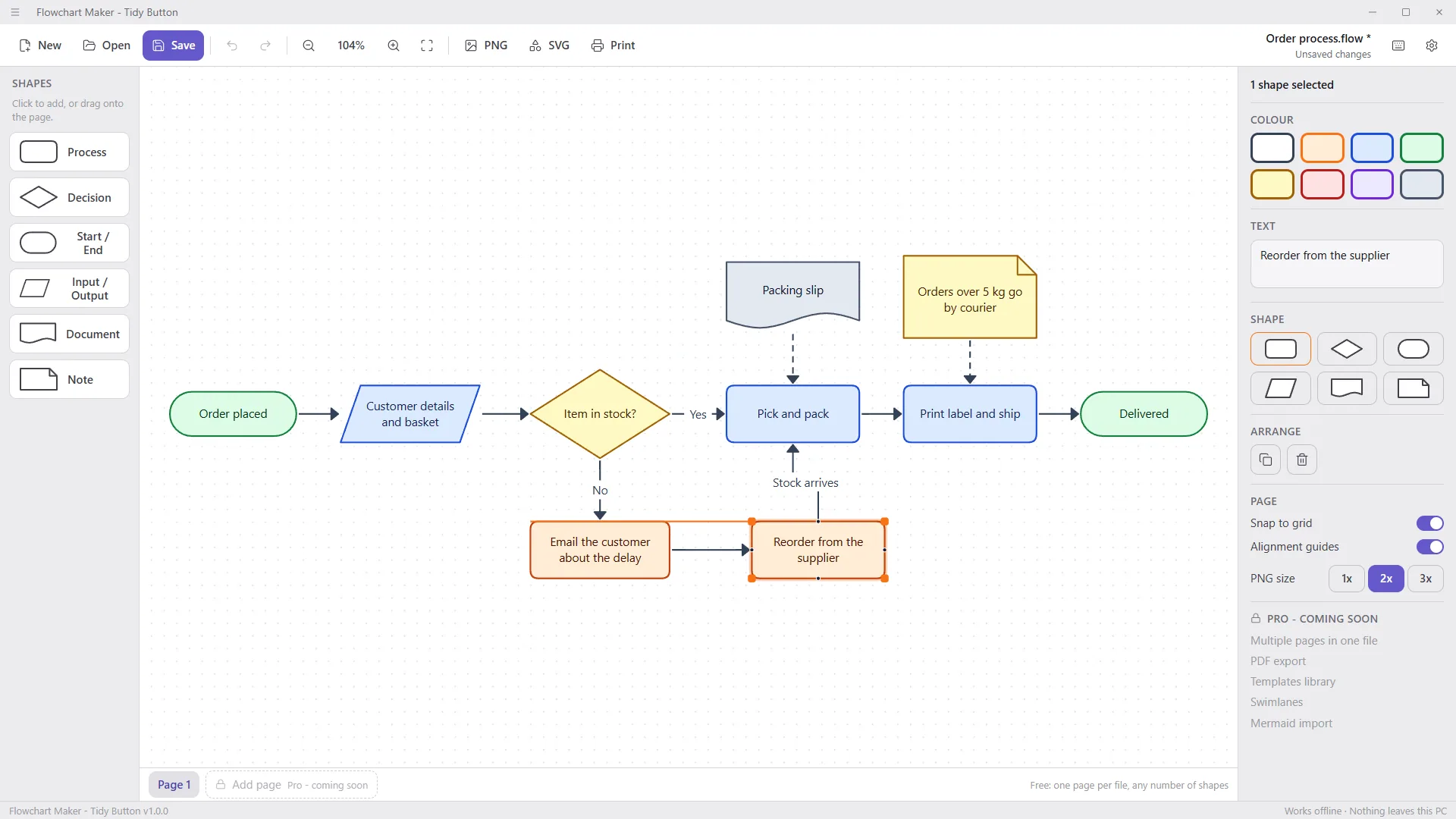
Orange guides show when a shape lines up with another, and shapes snap to a grid
Shortcuts
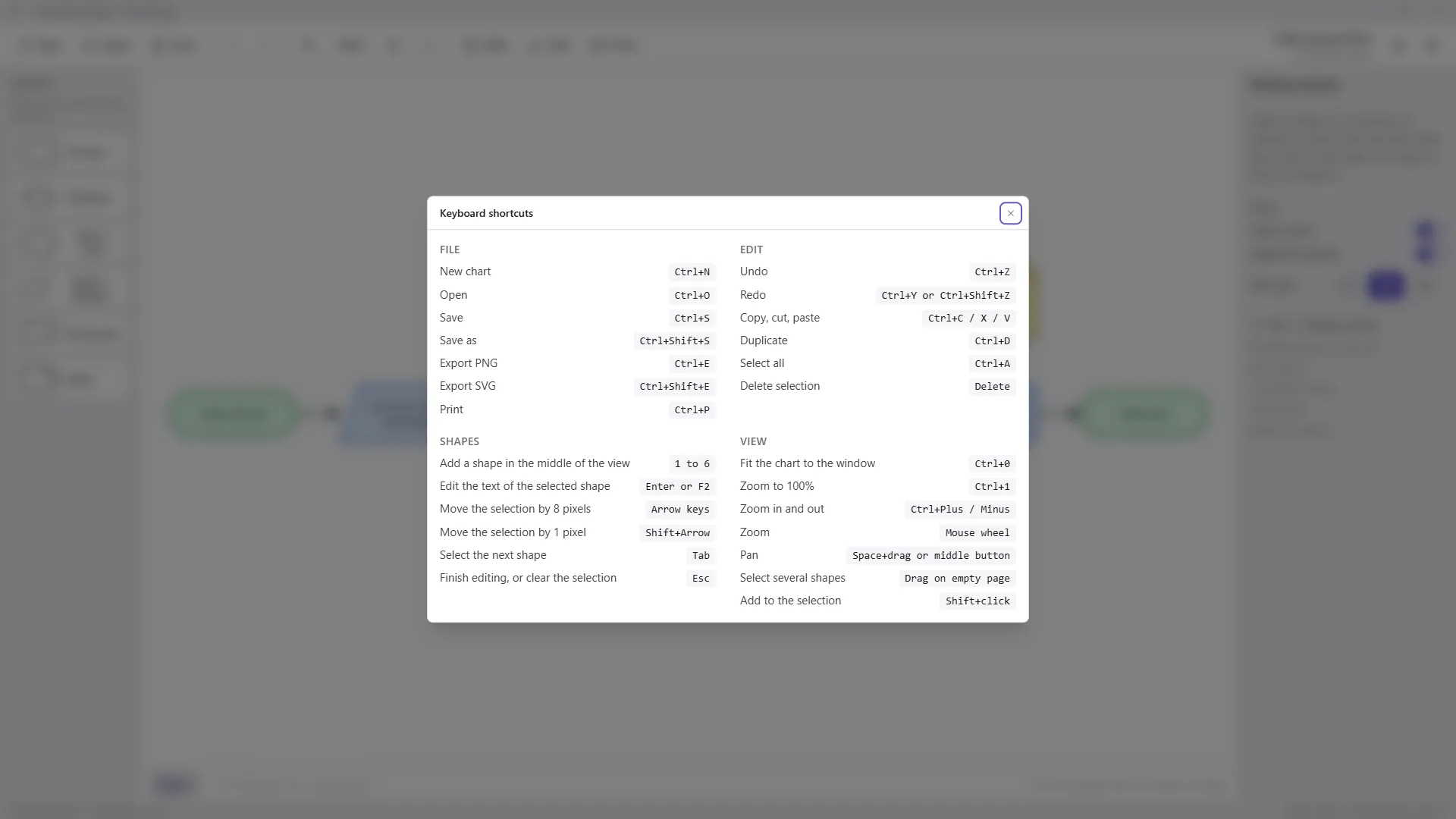
Everything has a shortcut. Press F1 any time to see them all
Dark theme
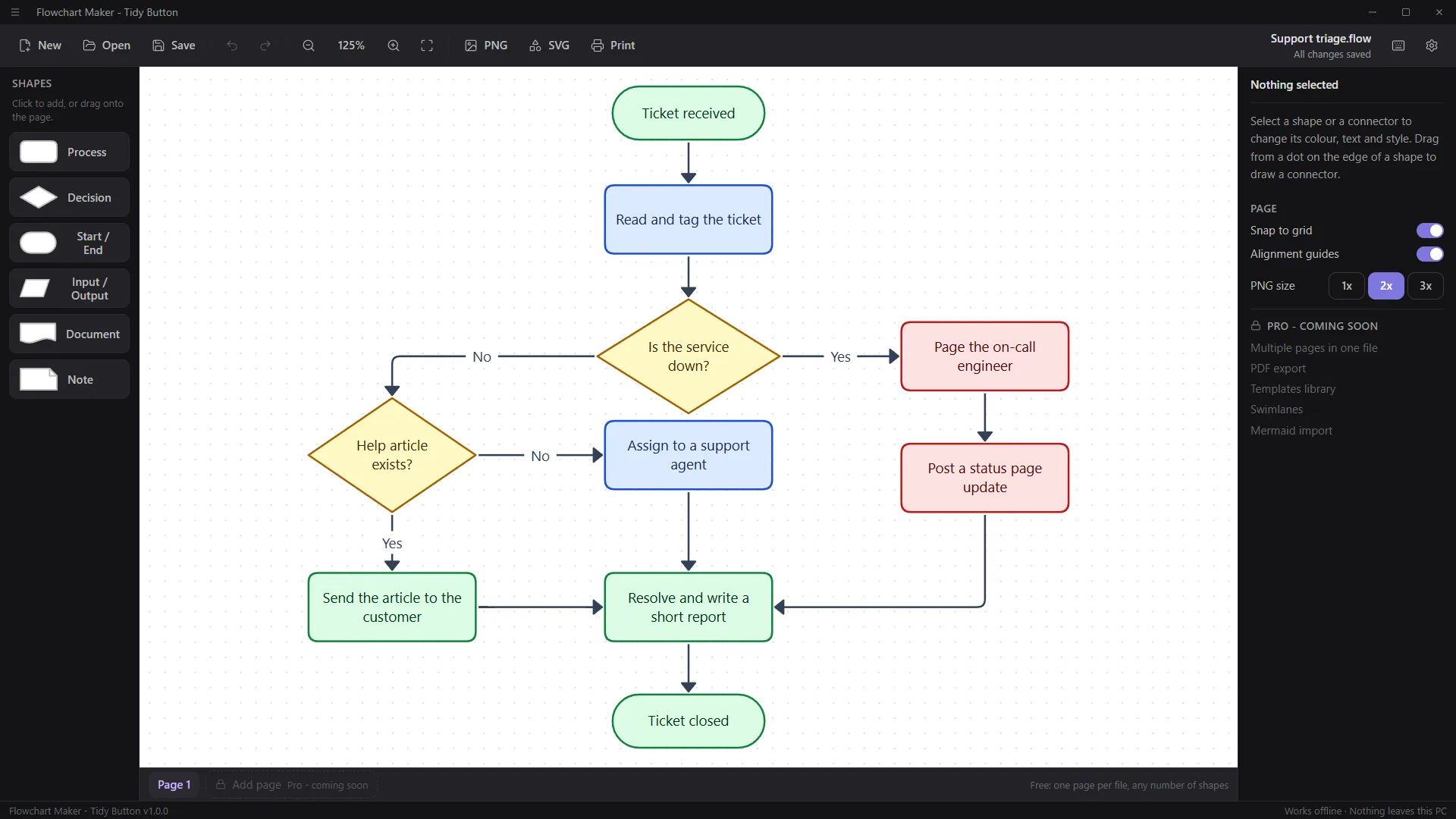
A light or dark window. The chart page stays white, so what you see is what you export
Screens show invented sample charts. The app has light and dark themes.
What it does
What it does.
Click a shape, or drag it onto the page. Type to name it. Drag from a dot on its edge to connect it to the next step. The connector bends at right angles and stays attached when you move the shapes. Everything happens on your PC: no account, no sign-in and nothing uploaded.
Six flowchart shapes
Process, Decision, Start / End, Input / Output, Document and Note. Resize any shape; it grows by itself when the text gets longer.
Connectors that stay attached
They bend at right angles, move with the shapes and can carry a label such as Yes or No.
Tidy by default
Shapes snap to a grid and orange alignment guides show when one shape lines up with another. Align edges or centres and space several shapes evenly.
Eight readable colours
Light fills with dark text that is easy to read.
Made for mistakes
Undo and redo as far back as you need. Copy, paste and duplicate. Delete a shape and its connectors go with it, and Undo brings them back.
Saved as files
Charts are saved as .flow files that you can open again by double-clicking them in Explorer. A recovery copy is kept while you work.
Export with no watermark
PNG at normal, double or triple size, or SVG that stays sharp at any size. You can also print the chart.
Keyboard friendly
Press F1 to see every shortcut, from Ctrl+S to adding a shape with the number keys.
The small print, in plain English
Safe by design.
- Charts and pictures stay on your PC. The app makes no network requests.
- A save is written next to the target name, checked and then swapped in, so a failed save never damages an existing chart.
- It reads only the chart files you open. It refuses every permission request from the page, such as camera, microphone or location.
- No account, no ads, no tracking, no watermark.
Good for
Handy when a process needs a picture.
- Process maps and decision trees
- Study plans and checklists
- Diagrams for a report or a slide
Questions
Plain answers.
Is there a watermark?
No. Export a PNG or SVG with no watermark, or print the chart.
Are my charts uploaded?
No. The app makes no network requests and charts stay on your PC.
What if the app or the PC stops suddenly?
A recovery copy of the chart you are editing is kept on your PC, so you can restore it the next time you start the app.
Can I open a chart again later?
Yes. Charts are saved as .flow files that open when you double-click them in Explorer.
Is there a limit in the free version?
The free version has no limit on shapes and exports PNG and SVG with no watermark. It keeps one page per file. A Pro add-on is planned (coming soon).
Which versions of Windows does it run on?
Windows 10 and Windows 11.