We will link the Store listing here the day it is live. Until then there is nothing to download.
Real app, with a sample house plan on a dark sheet.
Works offline
No account, no ads, no tracking
No watermark
Free to view
See it
Eight views. One drawing, measured.
Start
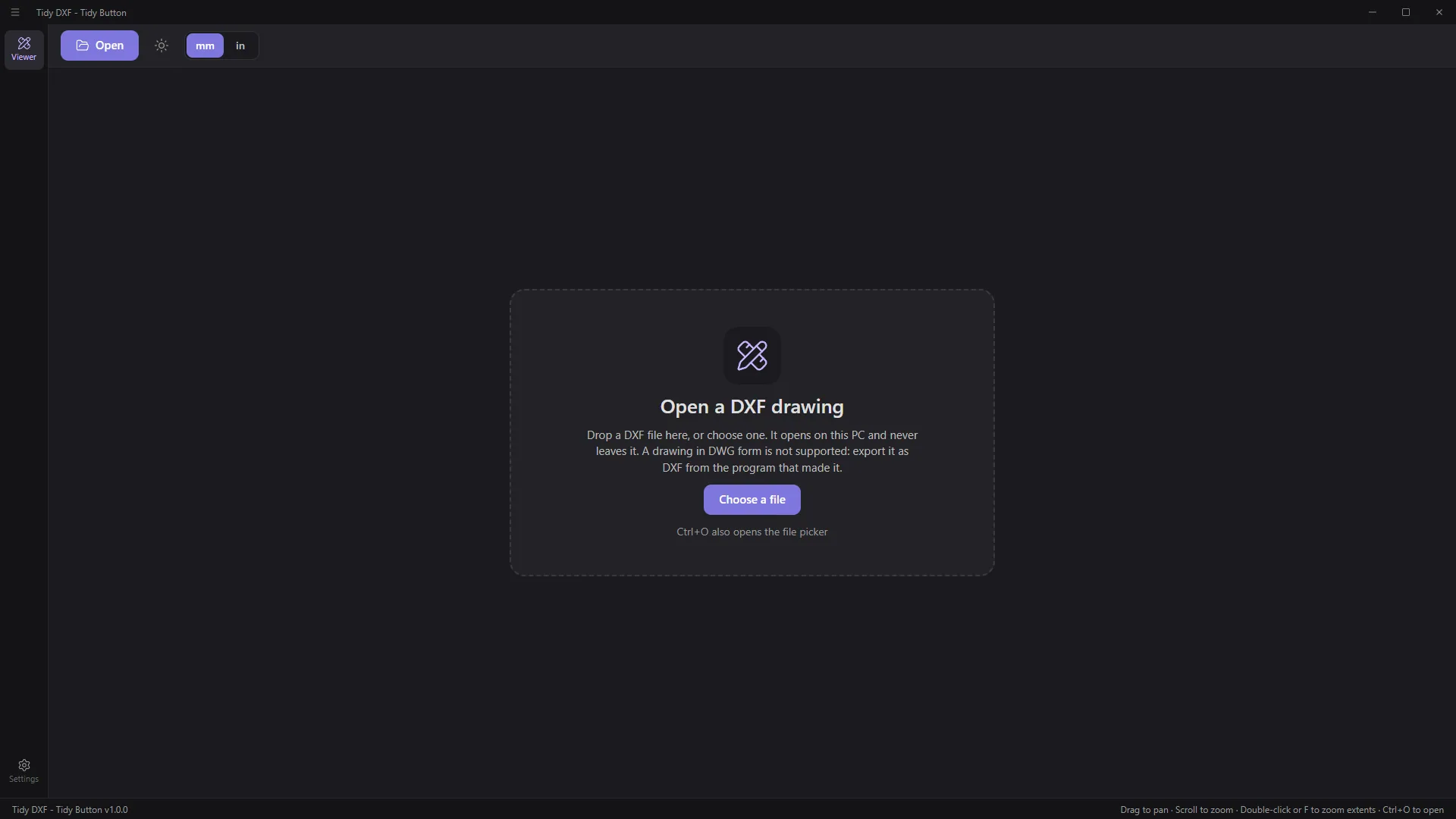
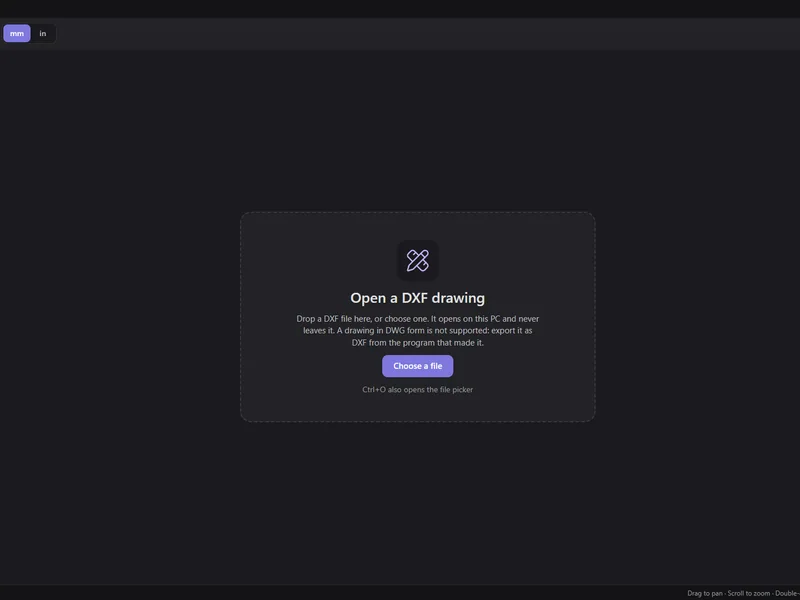
Drop a DXF drawing on the window or press Open
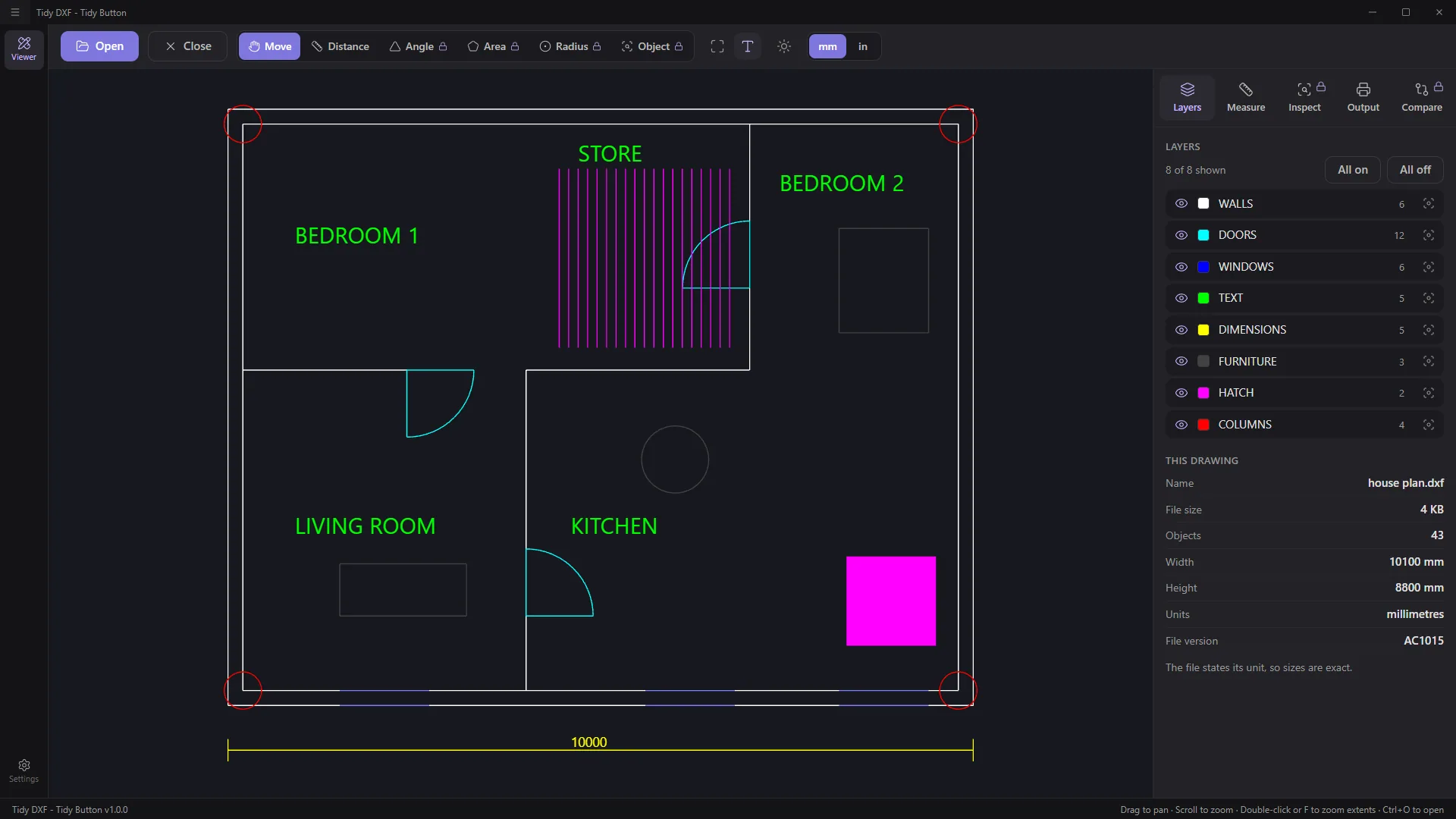
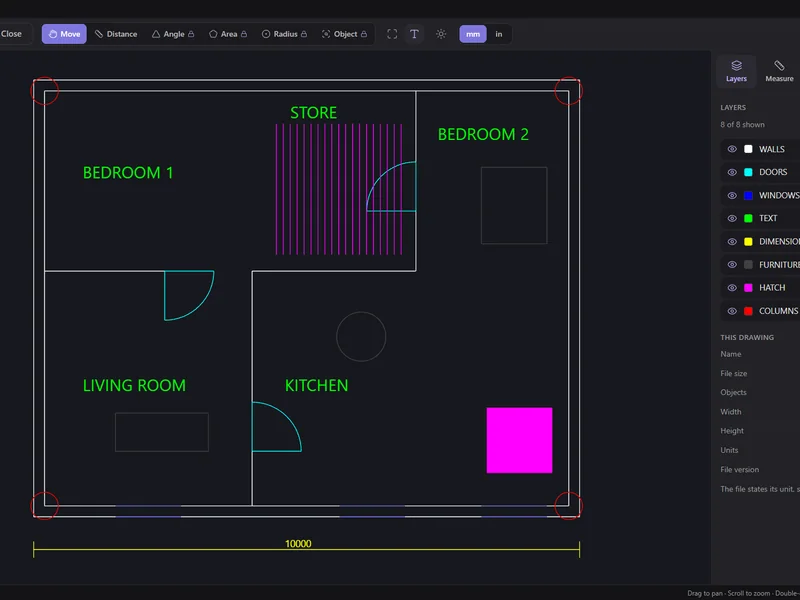
Layers
See every layer with its colour and object count, and switch each on or off
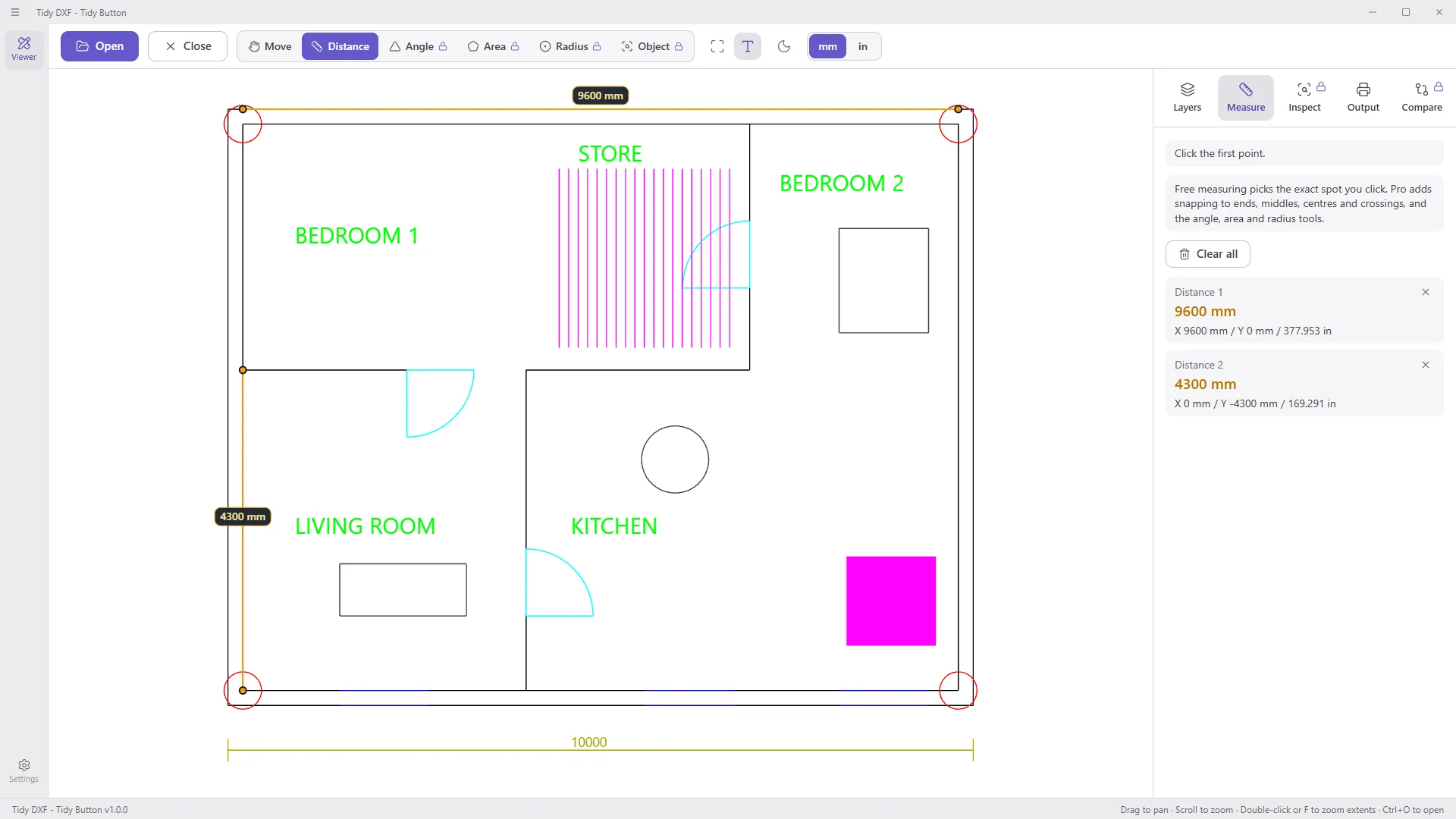
Distance
Measure the distance between two points for free
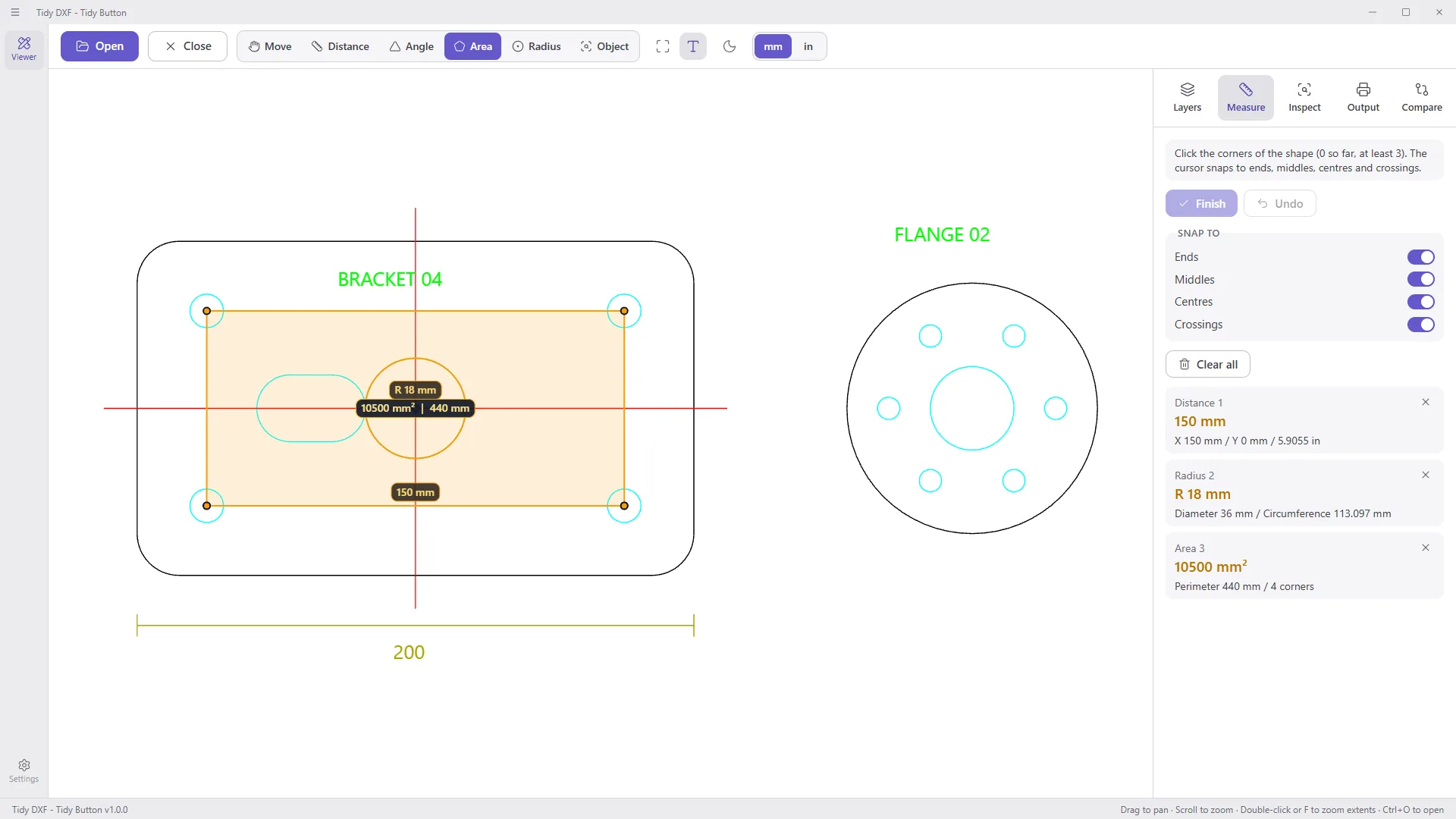
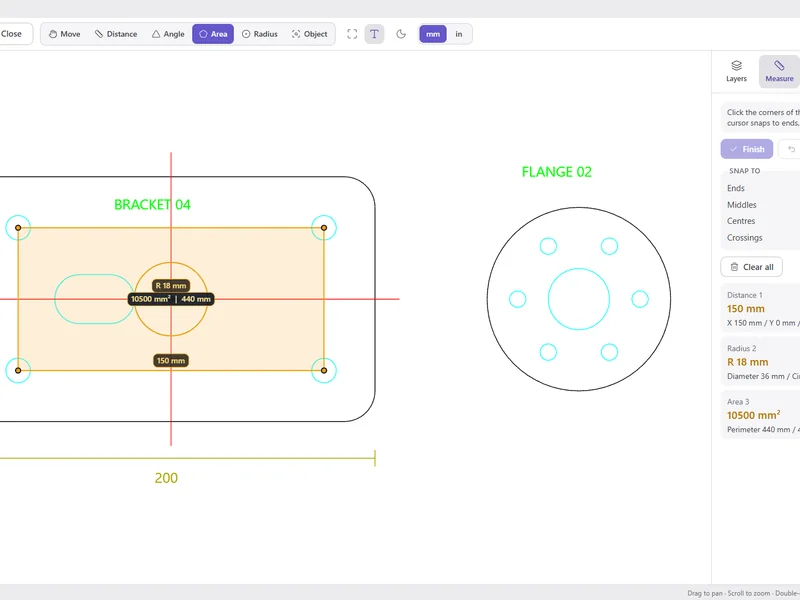
Pro measuring
Pro: exact distance, radius, area and perimeter with snapping
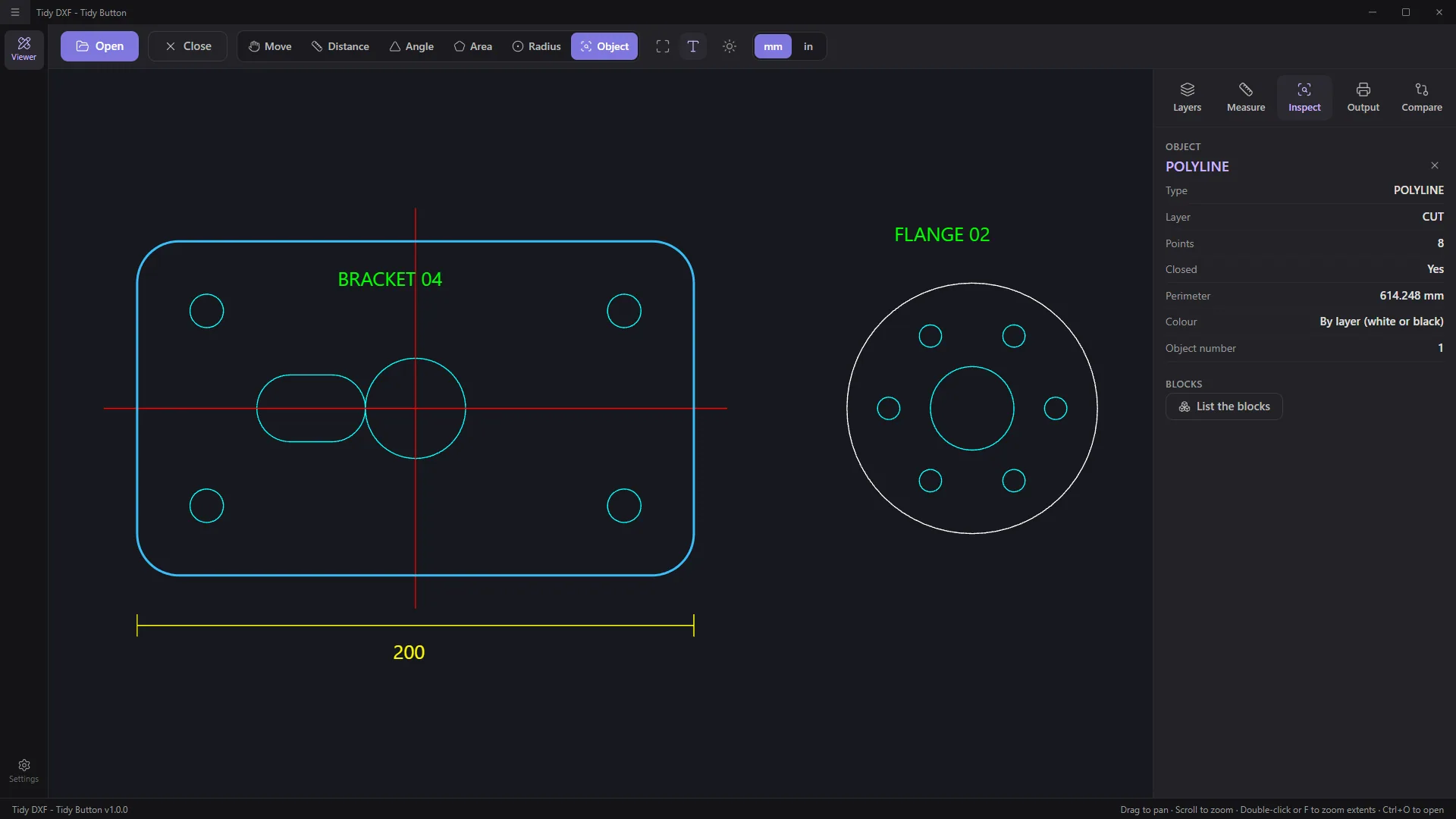
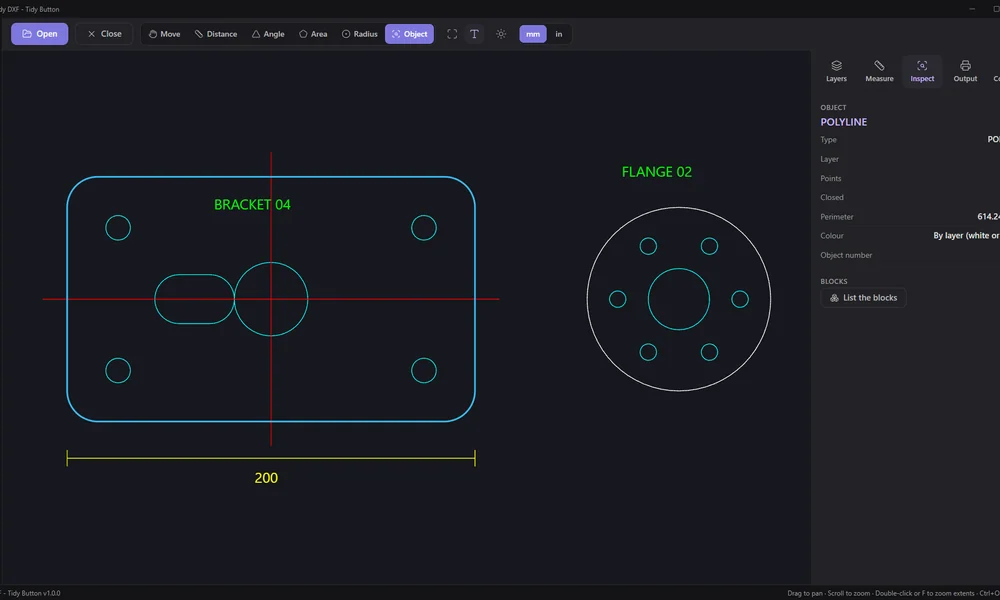
Object info
Pro: click an object to see its type, layer and size
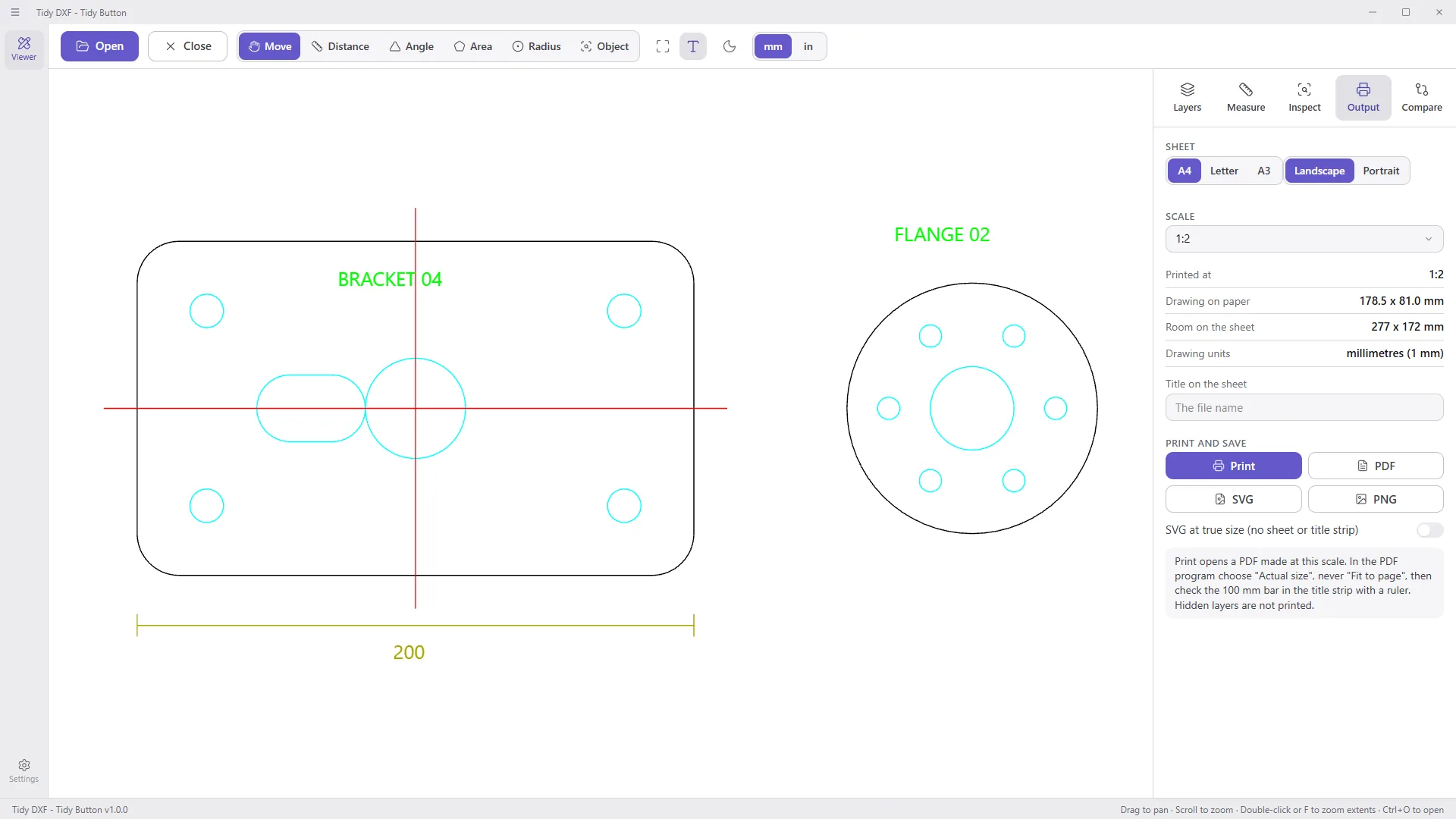
Print to scale
Pro: print at a scale you choose, or save a PDF, SVG or PNG
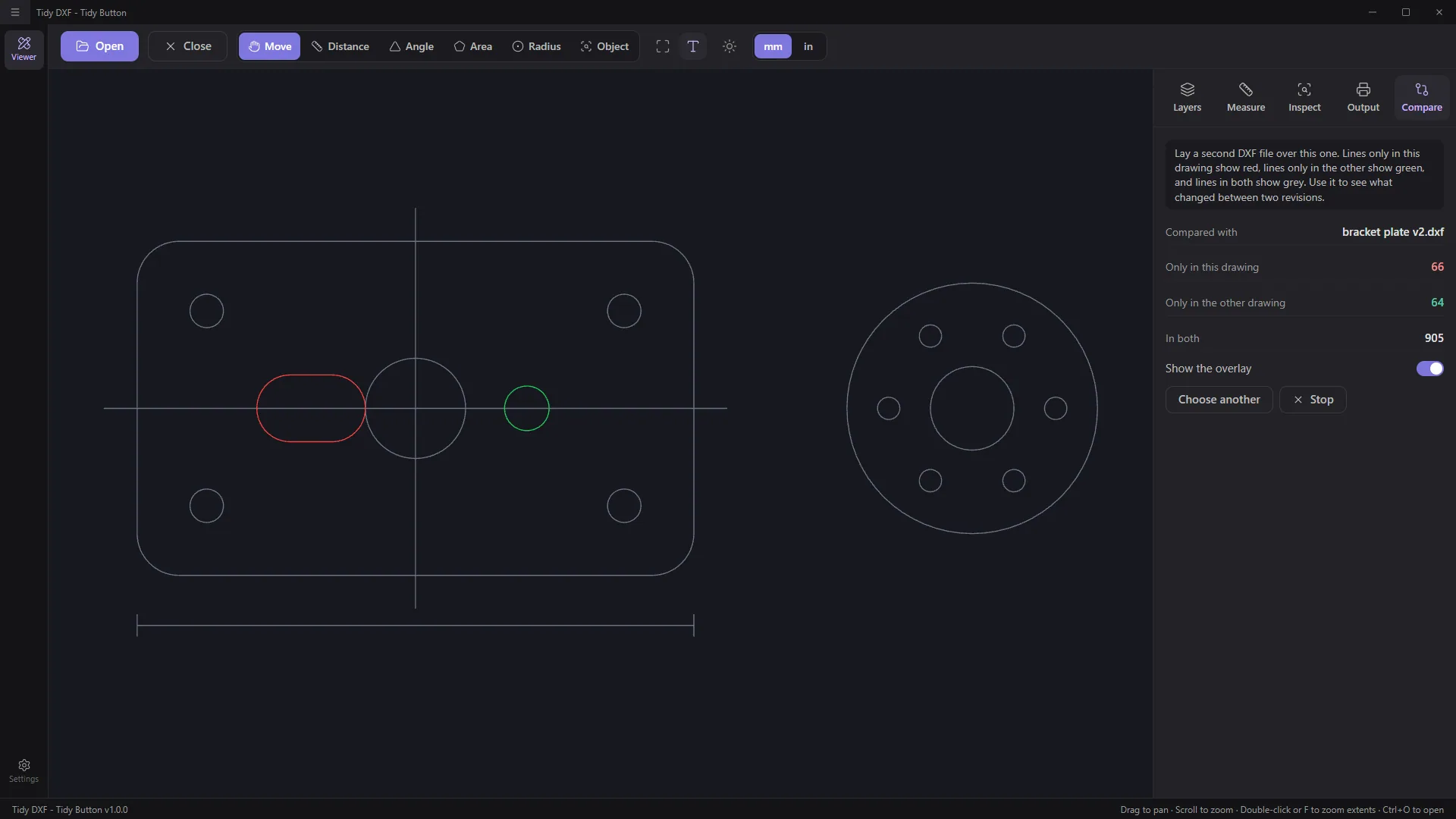
Compare
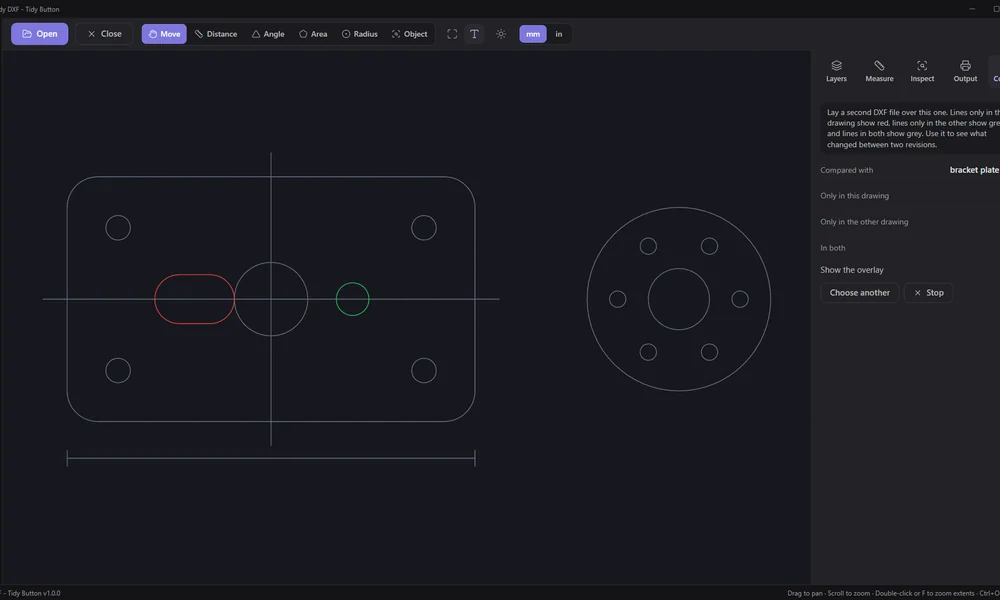
Pro: lay two versions over each other to see what changed
Free and Pro
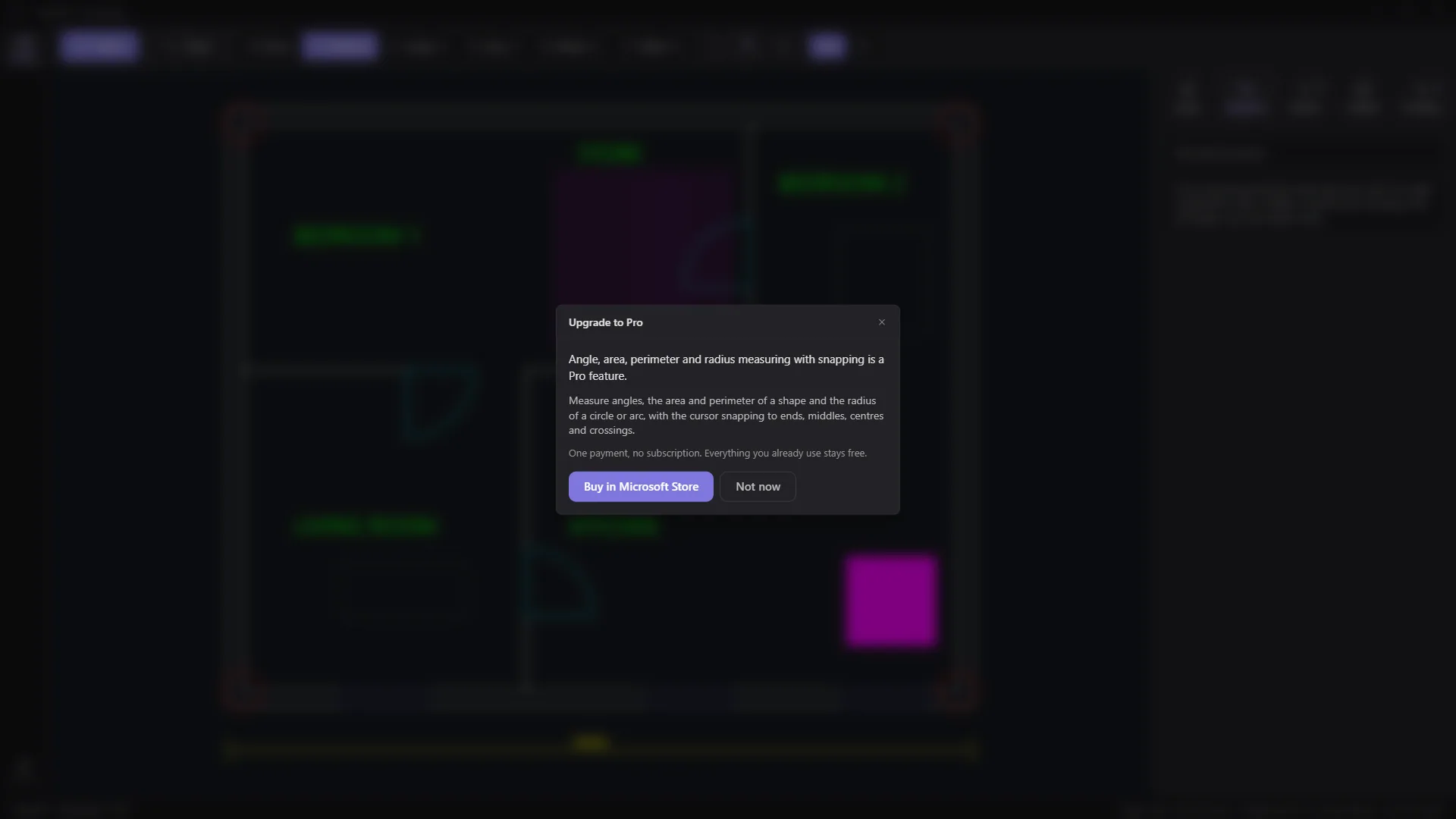
Angle, area and radius measuring is part of the optional Pro add-on
Screens show sample drawings, not real projects. The app has light and dark themes.
How it works
Three steps. No manual.
01
Open a drawing
Drop a DXF file on the window, or press Open and choose one.
02
Look around
Pan and zoom, switch layers on and off, and check the units the file states.
03
Measure
Click two points to read a distance. Pro adds angle, area, radius and snapping.
What it does
What it does.
Someone sent you a DXF drawing and you do not have CAD software. Drop the file on the window or press Open, and the drawing appears, even when it holds hundreds of thousands of objects. Everything happens on your PC. The free app works with the internet turned off. It opens DXF only: a drawing saved as DWG is not supported, and the app tells you to export it as DXF.
Both kinds of DXF
Opens text and binary DXF files from R12 to the current release, from the Open button, by drag and drop, or with Open with.
Draws what is in the file
Lines, polylines with curved segments, circles, arcs, ellipses, splines, text, nested blocks, hatching, dimensions as stored, points and solids.
Layers you can switch
See each layer with its colour and object count. Show or hide one, show all, hide all, or show only one layer.
Units that are right
Units are read from the file. If a drawing does not say, you choose. Measurements show in millimetres or inches.
Light or dark sheet
Choose a dark or light background. White lines on a dark sheet turn black on a light one. Text can be turned off.
Free distance measure
Click two points and read the distance, with its X and Y parts.
Pro: exact measuring
Angle, area, perimeter and radius, with snapping to ends, middles, centres and crossings.
Pro: print and export
Print to scale on A4, Letter or A3 with a title strip and a 100 mm check bar. Save a vector PDF, an SVG in millimetres or a PNG.
Pro: compare two drawings
Lay two versions over each other. Lines only in the old drawing show red, lines only in the new one show green.
The small print, in plain English
Safe by design.
Click an object to see its type, layer and size before you cut.
Compare two versions: red is only in the old drawing, green only in the new.
Nothing is uploaded. Your drawings are read on your PC and never leave it.
Your drawing is never changed. The app only reads it.
Damaged or very large files give a plain message, not a crash.
The free version opens and views every drawing, with layers, units and a distance measure.
Works offline. No account. No ads. No tracking.
What it opens
Your drawing, left as it is.
The app reads a DXF and shows it. It never edits or saves over your file.
Every layer with its colour and number of objects.
Files
Both kinds
Text and binary DXF, from R12 to the current release.
Read from the file. If it does not say, you choose.
Sheet
Your choice
Dark or light background. White lines on a dark sheet turn black on a light one.
Big files
Stays quick
Smooth pan and zoom on drawings with hundreds of thousands of objects.
DWG
Said plainly
A drawing saved as DWG is not supported. The app says so and suggests exporting it as DXF.
The free app opens, views and measures distances. An optional one-time Pro add-on unlocks the rest.
Good for
Handy when you only need to look.
Checking a file before you cut it on a laser or a router
Looking at a plan a contractor or client sent you
Measuring a distance on a drawing without CAD software
Printing a drawing at a true scale
Questions
Plain answers.
Is anything uploaded?
No. Your drawings are read on your PC and never leave it. The free app works with the internet turned off.
Does it change my drawing?
No. The app only reads the file. It writes only when you press a save button in the Pro Output tab, in the place you choose.
Can it open DWG files?
No. It opens DXF only. If you have a DWG, export it as DXF from the program that made it.
Which DXF versions does it open?
Text and binary DXF, from R12 to the current release.
Are the units right?
The units are read from the file. If a drawing does not say, the app asks you. Measurements show in millimetres or inches.
What is free and what is Pro?
Free: open, pan and zoom, layers, units, background, recent files and a distance measure. Pro is a one-time payment and adds angle, area and radius measuring with snapping, print to scale, PDF, SVG and PNG export, object info and compare.
Does it need an account?
No. There is no account, no ads, no tracking and no watermark.